
















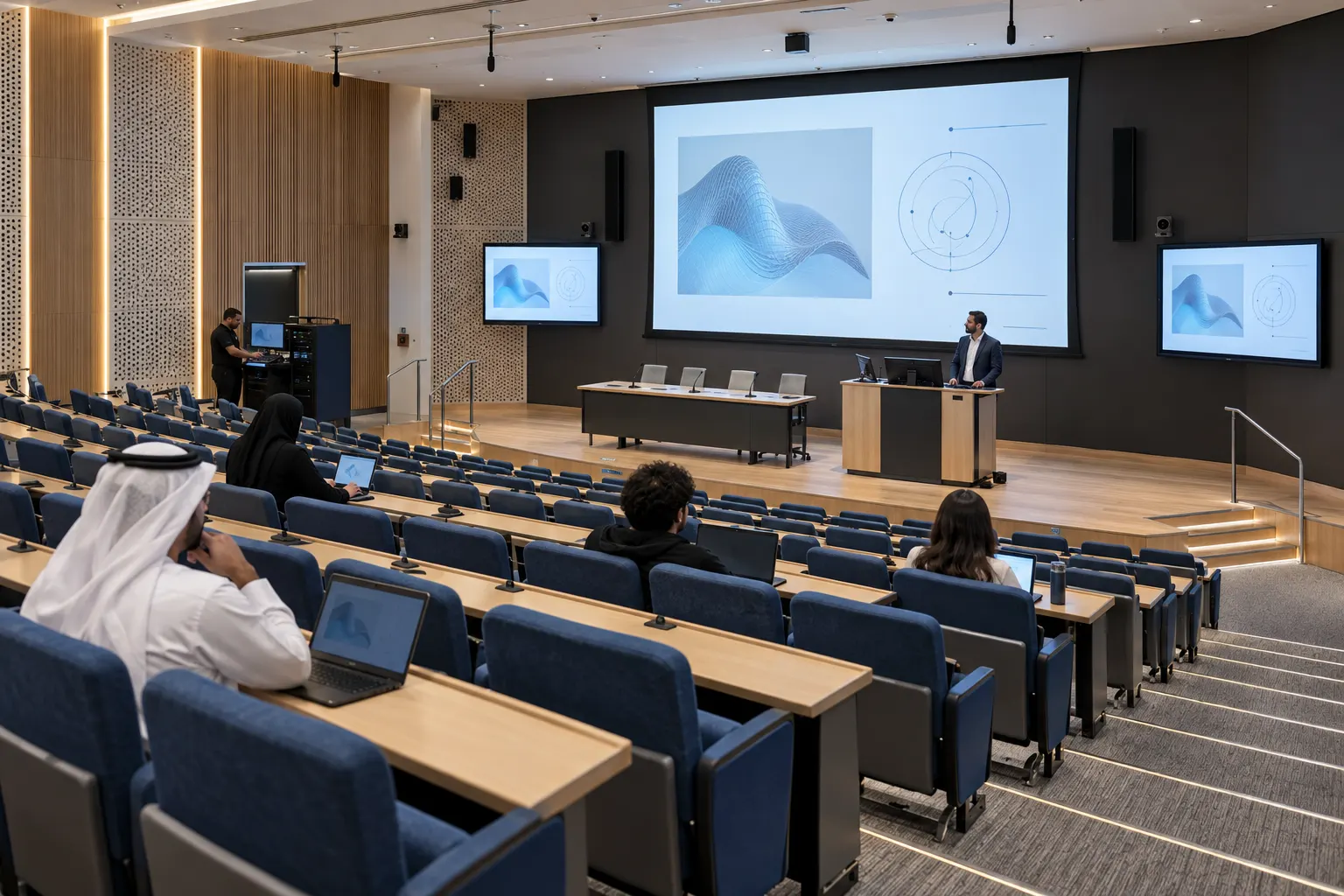
Bring the lesson into focus.
- Presentation sources and displays.
- Speech microphones, audio processing and room sound.
- Lecture capture and access to recordings for EDU-02 and EDU-03.
Fig. C01 · 10 types
LED displays
389 products
Fig. C02 · 2 types
LCD displays
41 products
Fig. C06 · 1 type
Digital signage
37 products
Fig. C04 · 7 types
Video switching
210 products
Fig. C05 · 2 types
AV over IP
192 products
Fig. C07 · 5 types
Video conferencing
193 products
Fig. C08 · 1 type
Conference systems
54 products
Fig. C09 · 9 types
Installed sound
386 products
Fig. C10 · 2 types
Live sound
10 products
Fig. C11 · 7 types
Microphones and RF
2,420 products
Fig. C12 · 10 types
Lighting
648 products
Fig. C13 · 1 type
Lighting control
183 products
Fig. C14 · 3 types
Cameras and streaming
147 products
Fig. C15 · 2 types
AV control
11 products
Fig. C16 · 1 type
AV networking
2 products
Fig. C17 · 4 types
Racks, power and cables
884 products
Fig. C18 · 5 types
Mounts and rigging
1,146 products
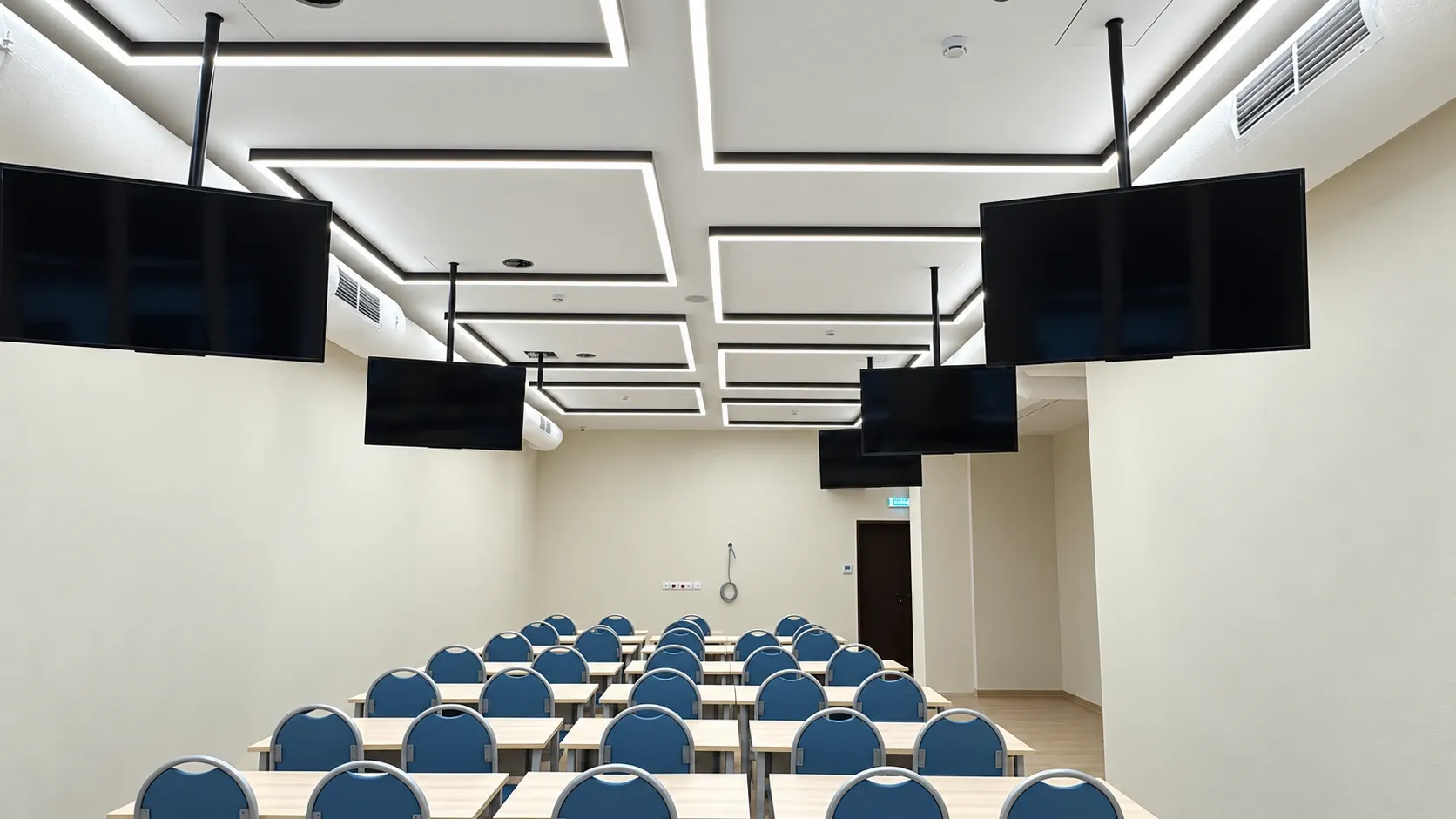
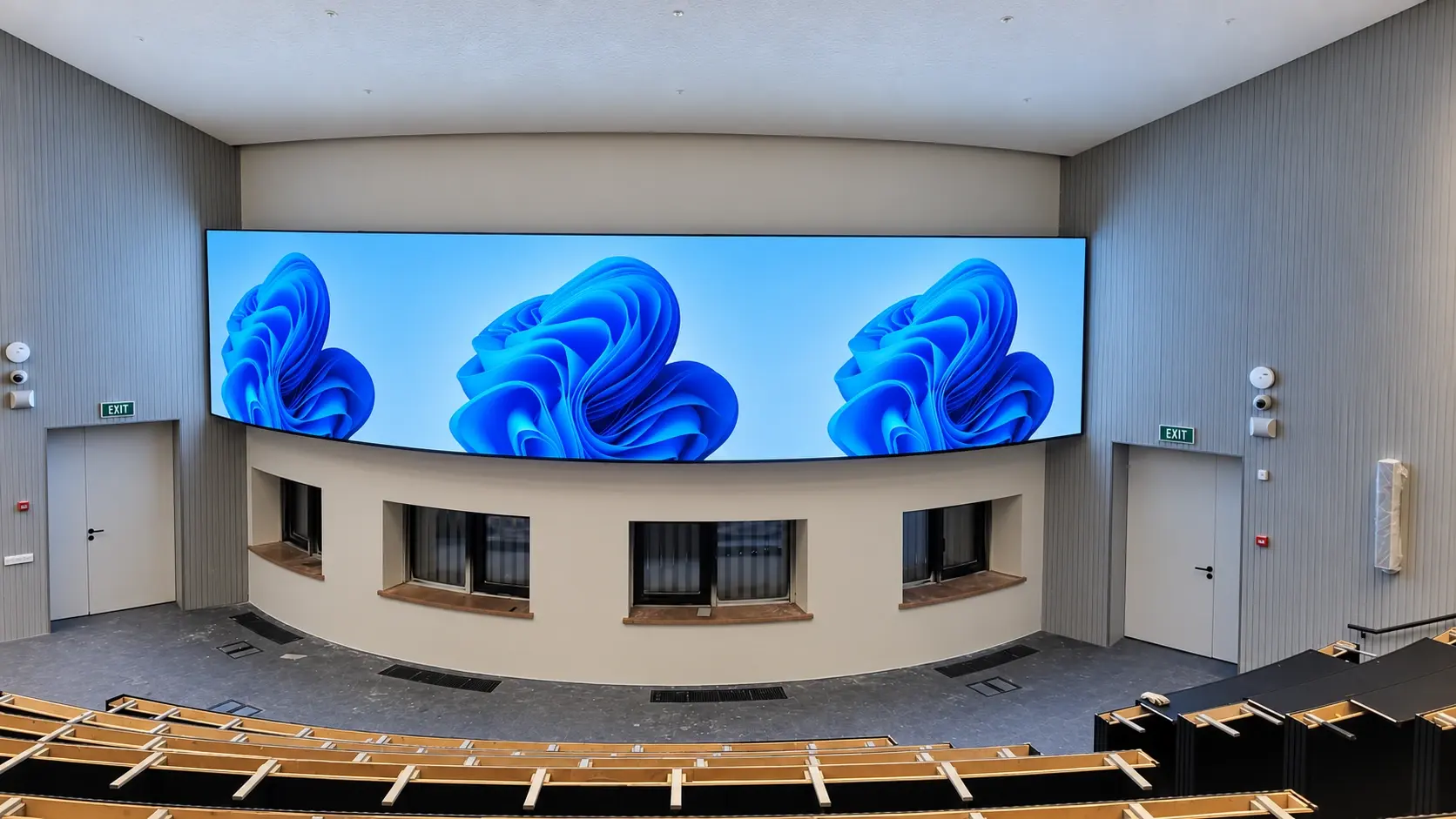
A front LED display and suspended screens bring visual content into the classroom.
The classroom combines a large front-wall LED display with screens suspended above the desk rows. Blue chairs, light walls and rectangular ceiling lighting define the teaching space.
The desk arrangement supports shared instruction and presentations. The front display establishes the main visual focus, while the suspended screens introduce additional viewing points through the room.
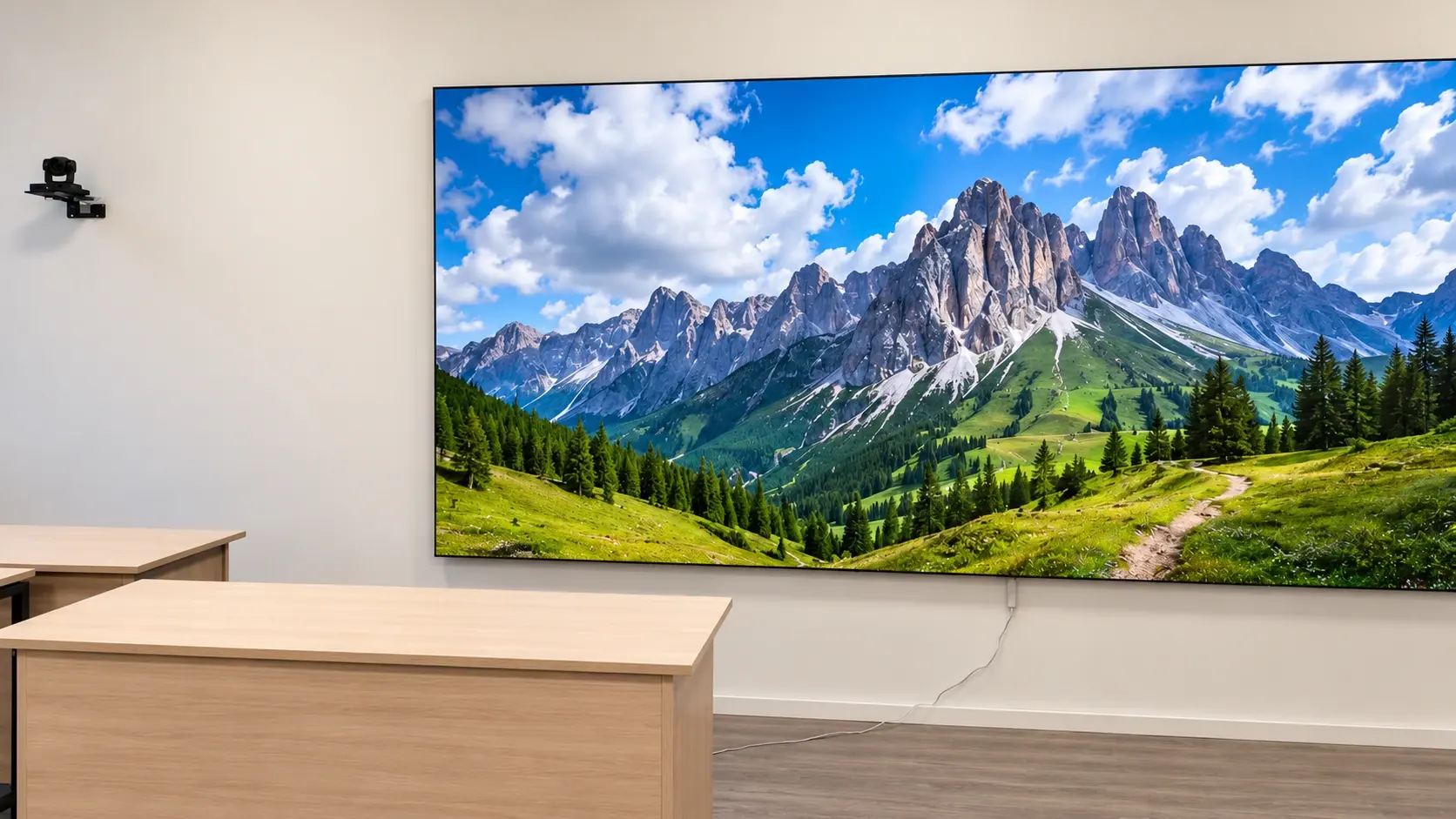
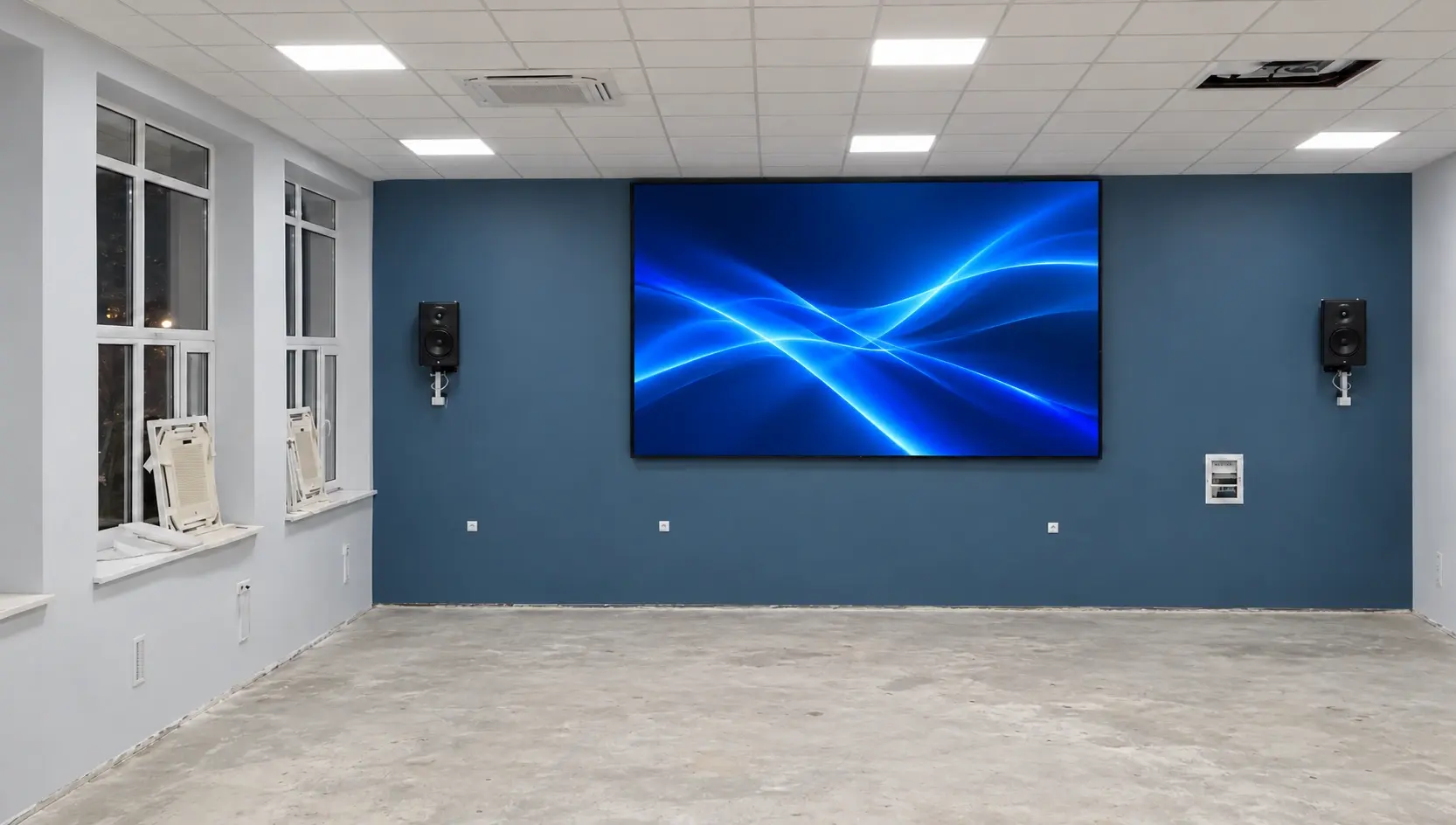
A large LED display sits beside the classroom lectern. An equipment rack is mounted on the wall nearby.
Suspended flat-panel screens are positioned along the room. Their ceiling poles and mounting brackets are visible above the desk and seating rows.
LED module assemblies form the front-wall display, while ceiling poles and brackets carry the suspended screens above the desks. The mounting arrangements connect both display types with the teaching room layout.
Described from what the photographs show; makes and models are not named. Equipment for a new room is selected for its own brief.
Large image surface beside the teaching position.
Distributed displays above the desk rows.
Hardware supporting the suspended screens.
Internal front-display components during installation.
Compact rack beside the front display.
Teaching position at the front of the room.
Visible ceiling audio fixtures and a compact wall camera.
Select a view to see it in full. Photographs are retouched project photographs; a reconstructed view is marked as such.
The classroom brings a prominent front image together with additional screens along the desk rows. The display positions follow the room's teaching layout and existing interior finishes.
Bring the lesson into focus.
Share your room, how it will be used and what has to be on screen. We will come back with the engineering questions that matter for your space.