Sheet 08 — CraftWall
CraftWall · Video wall softwareMany sources.
Many sources.
One clear view.
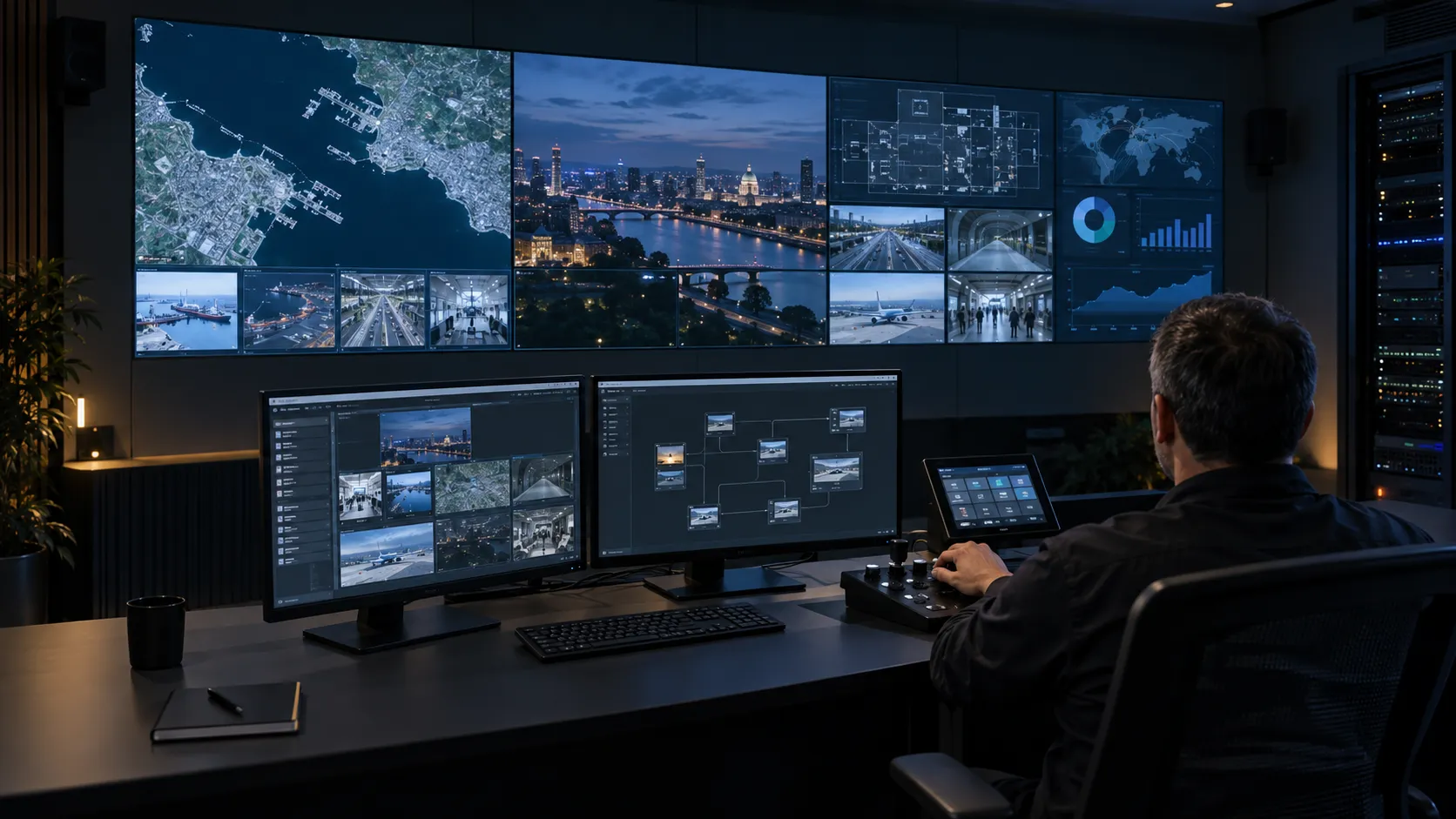
CraftWall is our video wall software. It turns a standard Linux server with a GPU into a video wall controller: cameras, dashboards, remote desktops and presentations share one canvas, and operators manage sources and scenes from a browser.
01The control room workflow
From source to shared picture.
CraftWall puts what the operating team needs to see on one canvas and lets operators manage it from the browser.
- 01 / Sources
IP camera streams, NDI, HDMI or SDI capture, web dashboards, remote desktops, documents and video.
- 02 / CraftWall server
A standard Linux server with a GPU decodes the sources and composes the canvas.
- 03 / Video wall
LCD or LED walls on the server’s video outputs; one server can drive several walls.
- 04 / Browser console
Operators arrange windows and switch scenes from a laptop or tablet.
02Capabilities
Built for the people at the desk.
01
Many source types.
Camera streams (RTSP, RTMP, HLS, SRT), NDI, HDMI or SDI capture, web pages, RDP and VNC desktops, documents and video. Operators work inside web pages and remote desktops with their own keyboard and mouse.
02
Scenes for every situation.
Arrange windows on the canvas, save them as scenes and drive several LCD or LED walls from one server. An alarm can switch the wall to the right scene, and schedules handle routine changes.
03
Built for round-the-clock rooms.
Every source runs in its own process and recovers by itself, the wall returns after a restart, and a hot standby server can be added. Access uses SSO, MFA, RBAC and LDAP, and the system can run on premises without internet access.
03Prepare a demo
Show us what
your operators need.
- Wall dimensions and display type
- Dashboards, video feeds and other source types
- Operator roles and viewing positions
- Network and deployment requirements
04Talk to us
See your workflow in the bigger picture.
Request a live CraftWall demonstration for your team.