
















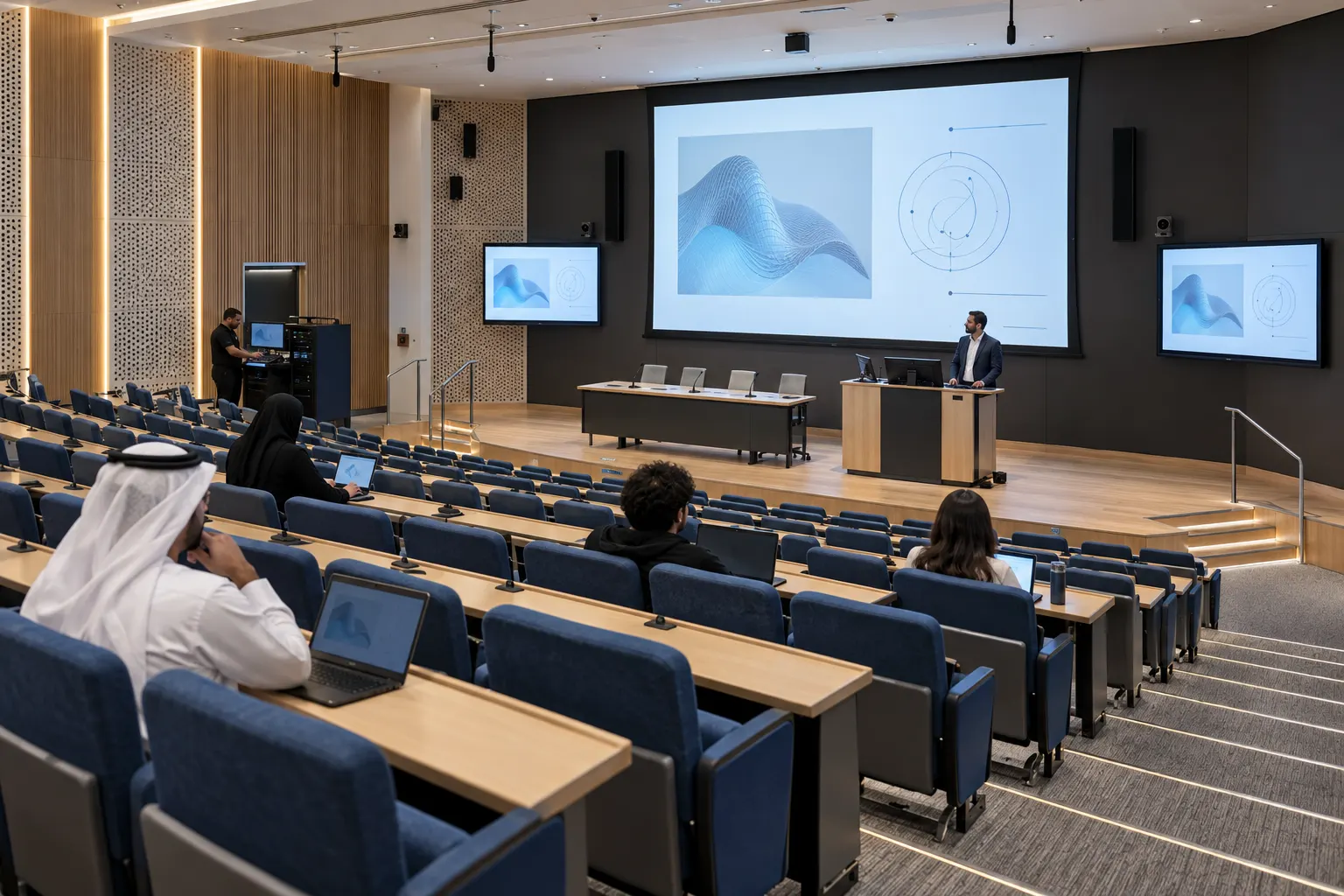
Bring the lesson into focus.
- Presentation sources and displays.
- Speech microphones, audio processing and room sound.
- Lecture capture and access to recordings for EDU-02 and EDU-03.
Fig. C01 · 10 types
LED displays
389 products
Fig. C02 · 2 types
LCD displays
41 products
Fig. C06 · 1 type
Digital signage
37 products
Fig. C04 · 7 types
Video switching
210 products
Fig. C05 · 2 types
AV over IP
192 products
Fig. C07 · 5 types
Video conferencing
193 products
Fig. C08 · 1 type
Conference systems
54 products
Fig. C09 · 9 types
Installed sound
386 products
Fig. C10 · 2 types
Live sound
10 products
Fig. C11 · 7 types
Microphones and RF
2,420 products
Fig. C12 · 10 types
Lighting
648 products
Fig. C13 · 1 type
Lighting control
183 products
Fig. C14 · 3 types
Cameras and streaming
147 products
Fig. C15 · 2 types
AV control
11 products
Fig. C16 · 1 type
AV networking
2 products
Fig. C17 · 4 types
Racks, power and cables
884 products
Fig. C18 · 5 types
Mounts and rigging
1,146 products
Audiovisual systems for teaching, presentations and campus events.
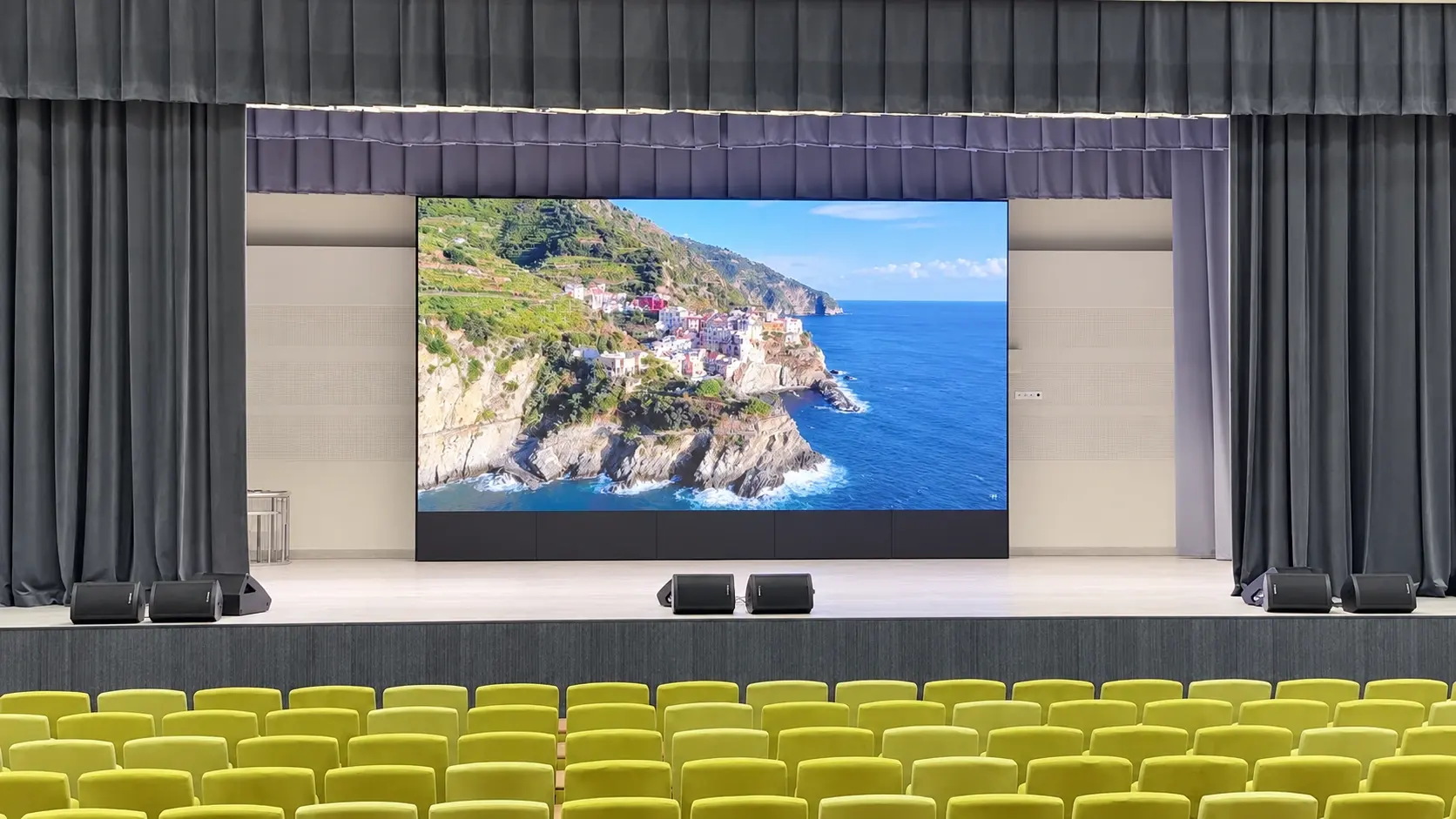
A large LED wall, supporting displays, distributed sound and PTZ cameras equip this college auditorium for presentations and stage-led activities. A dedicated operator workstation brings camera and content control within reach of the room.
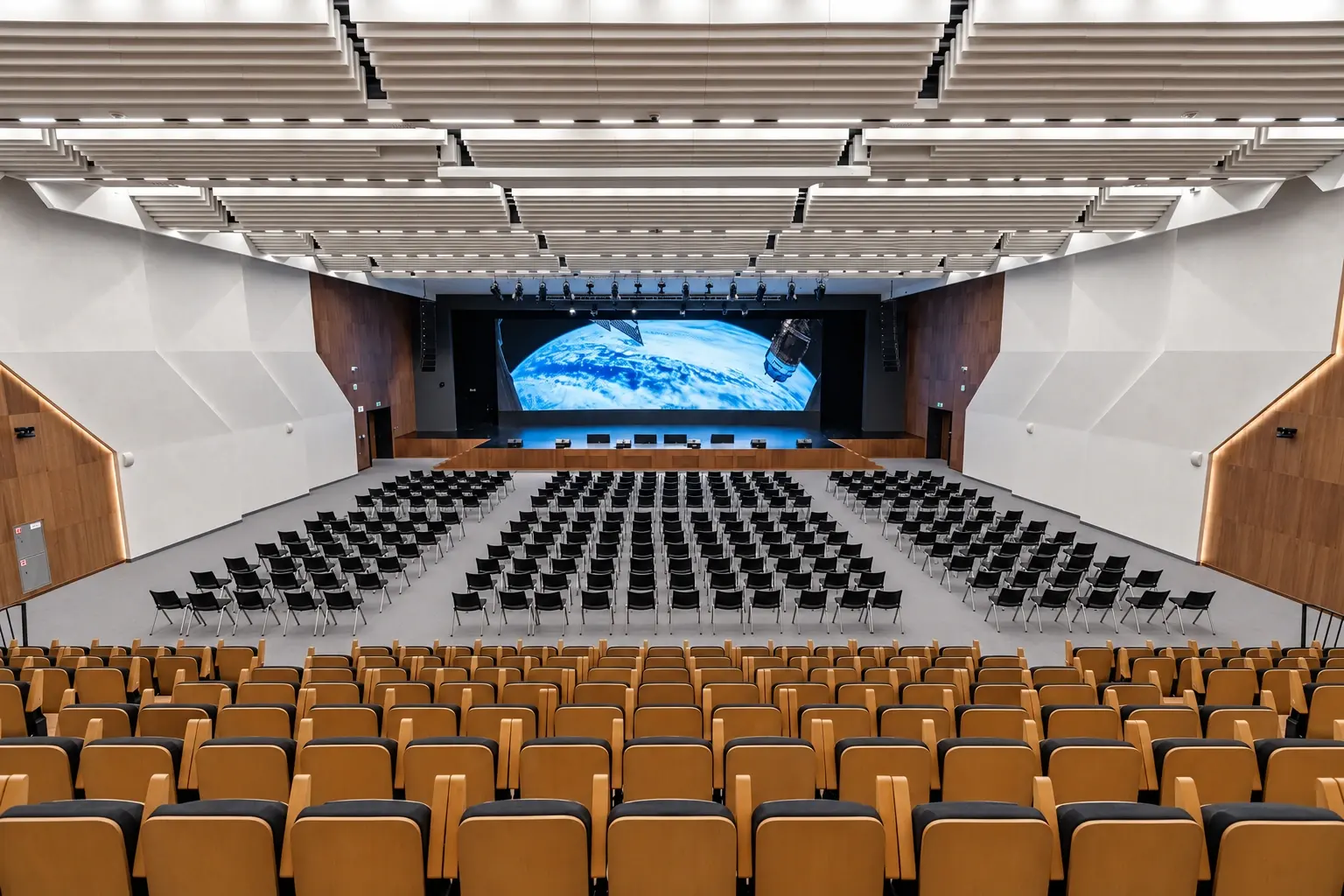
A raised stage and two blocks of movable seating define the room. The arrangement lends itself to lectures, assemblies, talks and campus events. Displays along the side walls extend visual content into the audience area, while microphone and camera equipment support speaker-led programmes.
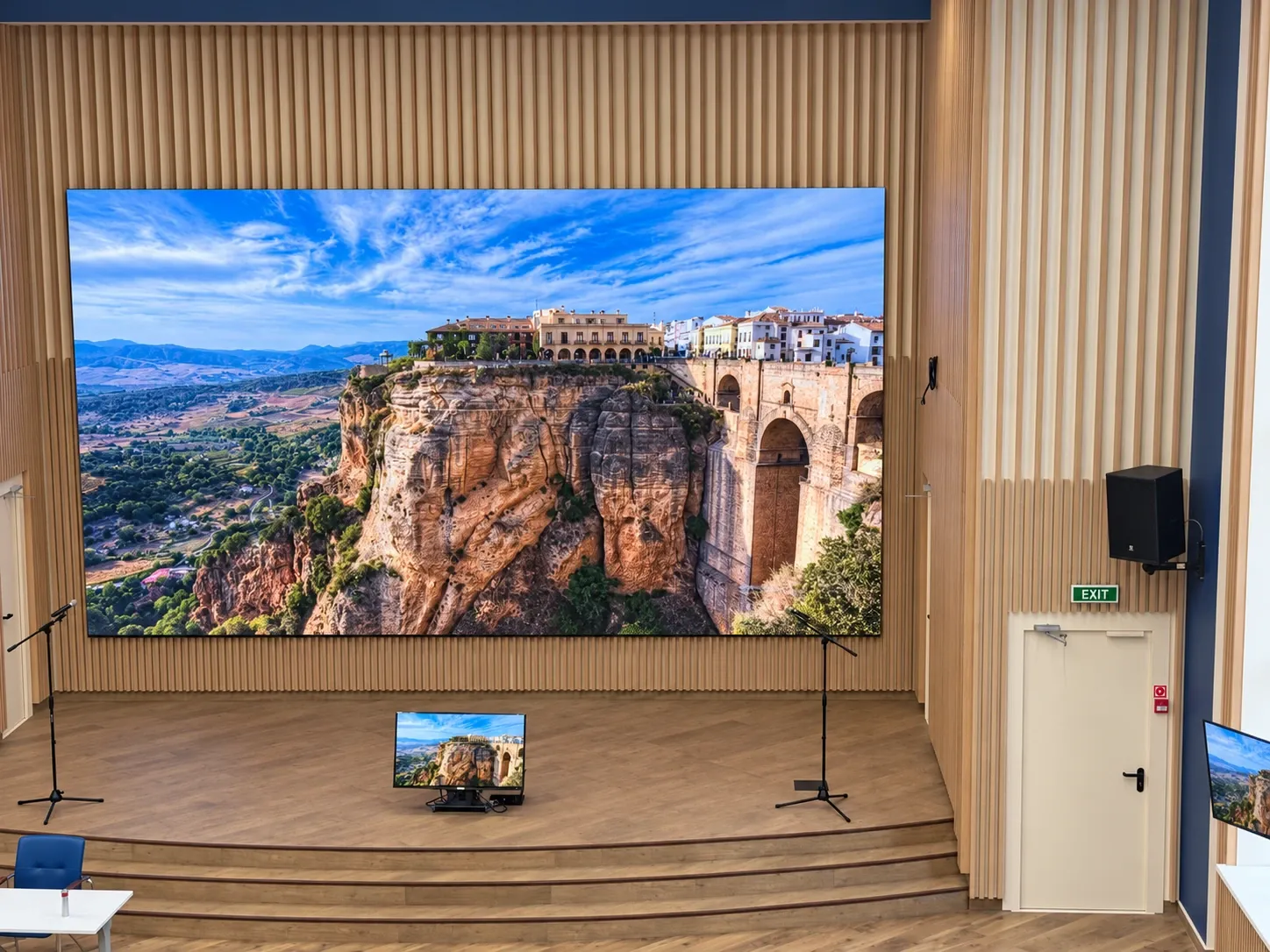
The modular LED wall forms the centre of the stage presentation. Side-wall screens carry the same content across the hall, supported by an auxiliary display at stage level. Together, they create several points from which the audience can follow the presentation.
Wall-mounted loudspeakers serve the audience area. Stage microphone positions and wireless microphone receivers support spoken presentation, with an audio unit housed in the equipment rack.
PTZ cameras and a joystick controller provide a dedicated camera-control interface at a dual-monitor workstation overlooking the auditorium. The equipment rack houses signal-control hardware, wireless reception and network infrastructure.
Described from what the photographs show; makes and models are not named. Equipment for a new room is selected for its own brief.
Large-format display at the front of the auditorium.
Side-wall screens and a floor-positioned auxiliary display.
Loudspeakers on wall brackets within the hall.
Stage microphones and wireless microphone receivers.
Wall-mounted cameras with a joystick control interface.
Dual-monitor desk overlooking the auditorium.
Rack-mounted signal switching and audio equipment.
Equipment cabinet, patching, switch and connected cabling.
Select a view to see it in full. Photographs are retouched project photographs; a reconstructed view is marked as such.
The auditorium brings stage display, supporting screens, sound and camera operation into one setting. Movable seating and a dedicated control position provide a flexible audiovisual base for college presentations and events.
Bring the lesson into focus.
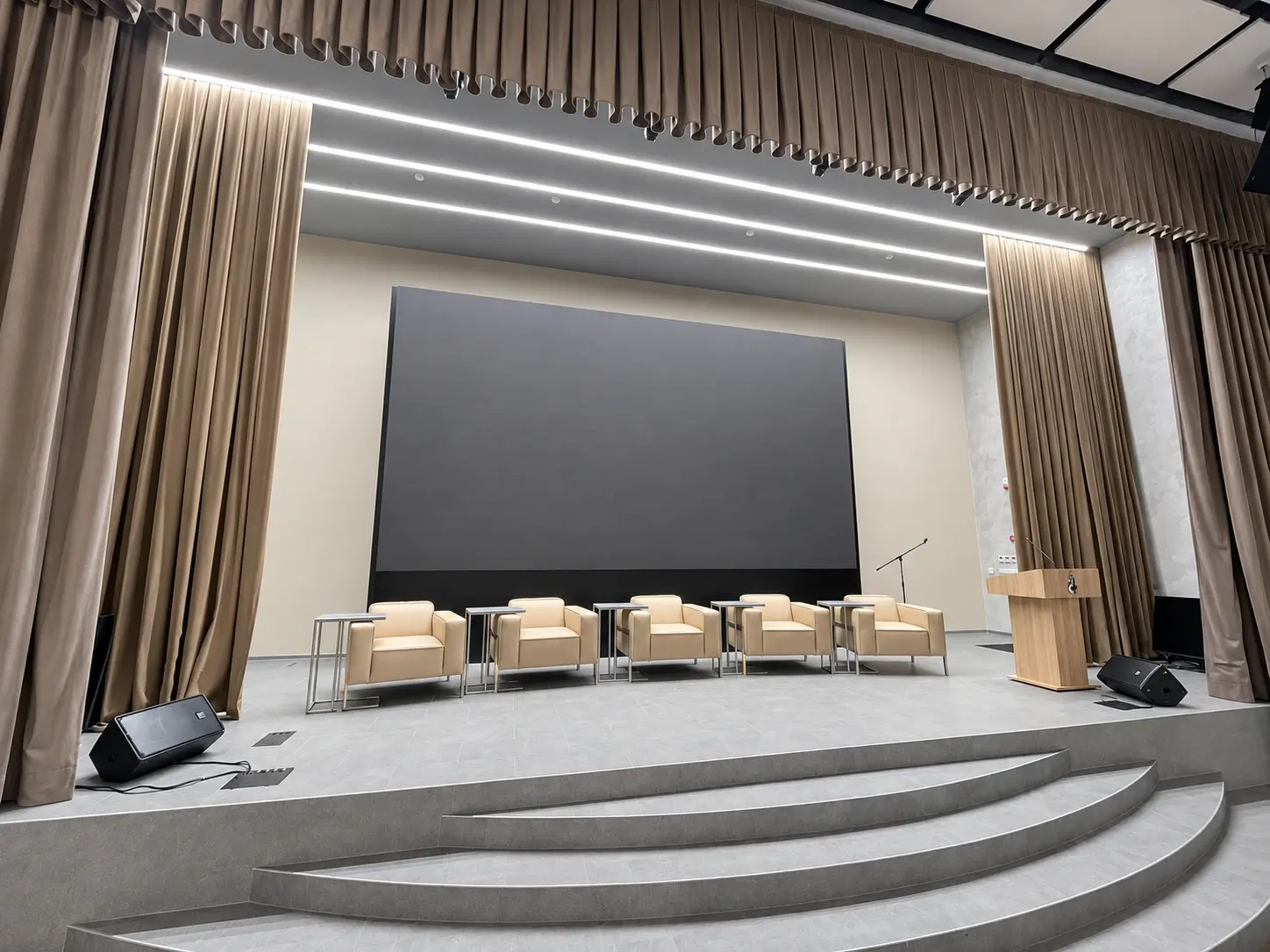
Share your room, how it will be used and what has to be on screen. We will come back with the engineering questions that matter for your space.