
















Sheet 05.783

AV Access · Extenders
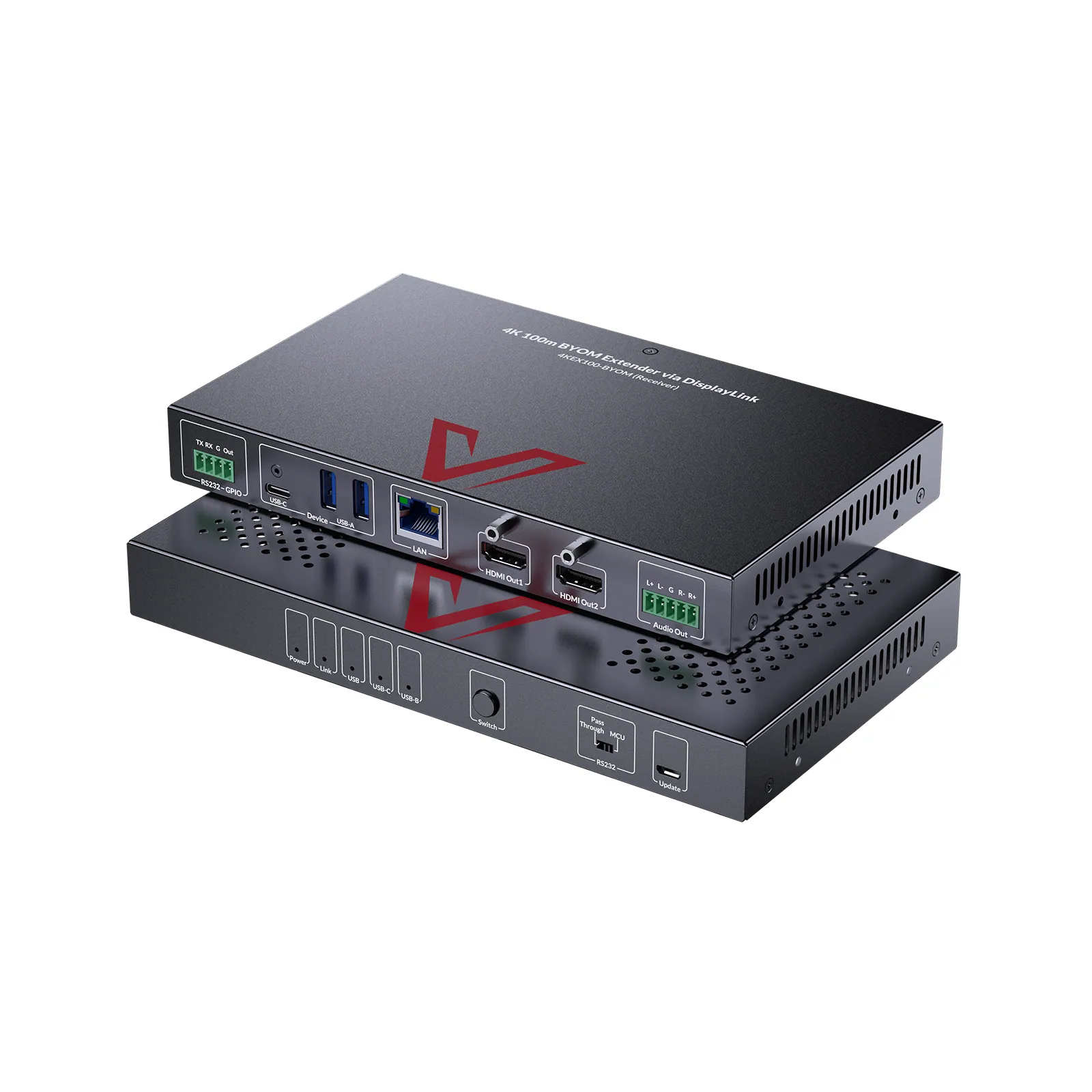
BYOM meeting room extender, dual 4K60 over HDBaseT, 100 m
Model4KEX100-BYOM
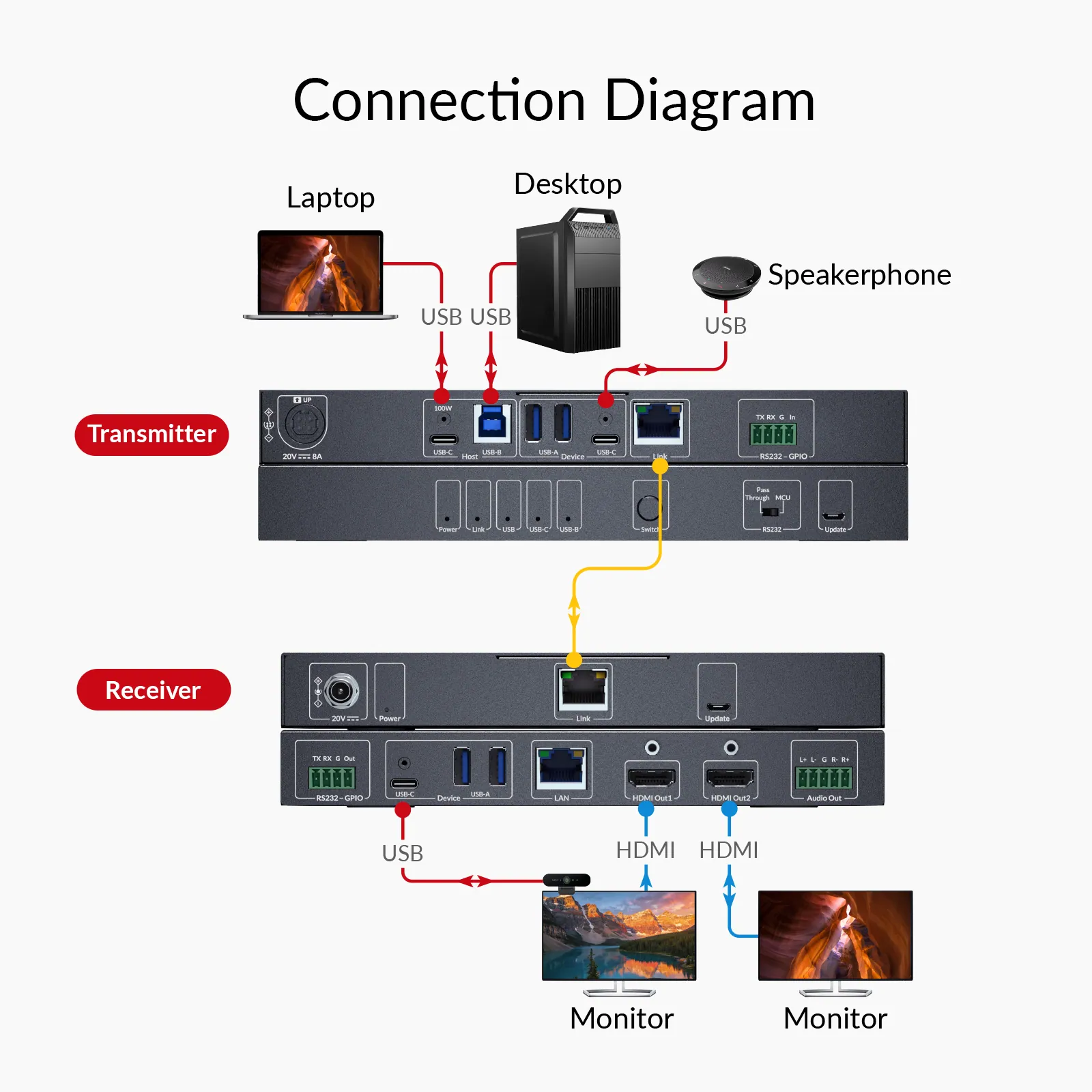
● Dual-Host KVM with Dual Displays: Connect two hosts (USB-C & USB-A) and switch between them. Extend the active host’s video to dual 4K@60Hz displays up to 100m/330ft over a single Cat cable.
BYOM meeting room extender, dual 4K60 over HDBaseT, 100 mPrice on request Request a quotation
01SpecificationManufacturer's data · 6 groups · 15 values
What this product is, in numbers.
PDFUser Manual11 pages · 893 KB
The manufacturer's published values. We confirm the configuration and the values that matter for your project before an order.
01Video4
- Video output resolution
- HDMI 2.0, up to 4K@60 Hz 4:4:4 8 bit.
- Data rate
- Up to 5Gbit/s
- Cable type
- Range
- Cat 6A (U/FTP / F/FTP)
- 100 m / 330 ft
02Audio1
- Audio output
- PCM 2.0
03Control and interfaces2
- USB standard
- USB 3.2 Gen1, and backward compatible with USB 3.0, USB 2.0, and USB 1.1 standards
- Ethernet
- 1G
04Power2
- Power supply
- 20 V, 8 A (One-way PoH+, receiver receive power from the transmitter)
- Power consumption
- 160 W (one-way PoH+ from the transmitter to the receiver, with 100 W charging for the laptop connected with USB C port of the transmitter)
05Physical2
- Device dimensions (W × H × D)
- Transmitter: 215mmx25mmx120 mm / 8.46 × 0.98 × 4.72 in / Receiver: 215mmx25mmx120.2 mm / 8.46 in × 0.98 in × 4.73.”
- Product weight
- Transmitter: 0.68 kg / 1.5lbs; / Receiver: 0.66 kg / 1.46lbs
06Environment4
- Operating temperature
- 0 °C to 45 °C (32 °F to 113 °F)
- Storage temperature
- -20 °C to 70 °C (-4 °F to 158 °F)
- Humidity
- 10% to 90%, non-condensing
- ESD protection
- Human-body Model: / ±8 kV (Air-gap discharge) / ±4 kV (Contact discharge)
Show the full specificationHide the rest of the specification0 more groups · 0 values
02Models5 models in the family
Models compared.
| Model | 4KEX100-BYOM | 4KEX100D-DM | 8KEX100-KVM | 4KEX150-KVM | 4KIP100-KVM |
|---|---|---|---|---|---|
| Video interface | 1x USB C in, 1x USB-B in, 2x HDMI out | 1x USB C in, 2x HDMI out | 1x HDMI in, 1x HDMI out | 1x HDMI in, 2x HDMI out | 1x HDMI in, 1x HDMI out |
| Monitors | 2 | 2 | 1 | 1 | 1 |
| Max resolution | 4K@60 Hz | 4K@60 Hz | 8K@60 Hz | 4K@60 Hz | 4K@30 Hz |
| HDMI version | 2.0 | 2.0 | 2.1 | 2.0 | 1.4 |
| HDCP version | / | / | 2.3 | 2.3 | 1.4 |
| Max transmission range | 330 ft (100 m) | 330 ft (100 m) | 330 ft (100 m) | 492 ft (150 m) | 395 ft (120 m) |
| HDMI audio channel | PCM 2.0 | 7.1 Channel | 7.1 Channel | 7.1 Channel | 7.1 Channel |
| USB ports | 6 × USB 3.2 ports | 3 × USB 3.2 ports | 4 × USB 2.0 ports | 4 × USB 2.0 ports | 3 × USB 2.0 ports |
| PoE / PoH / PoC | Uni-Direction (TX to RX) | Uni-Direction (RX to TX) | Uni-Direction (RX to TX) | Uni-Direction (RX to TX) | No |
| RS232 | Yes | Yes | Yes | Yes | No |
| IR | No | No | No | Yes | No |
03DescriptionManufacturer's description
What it is.
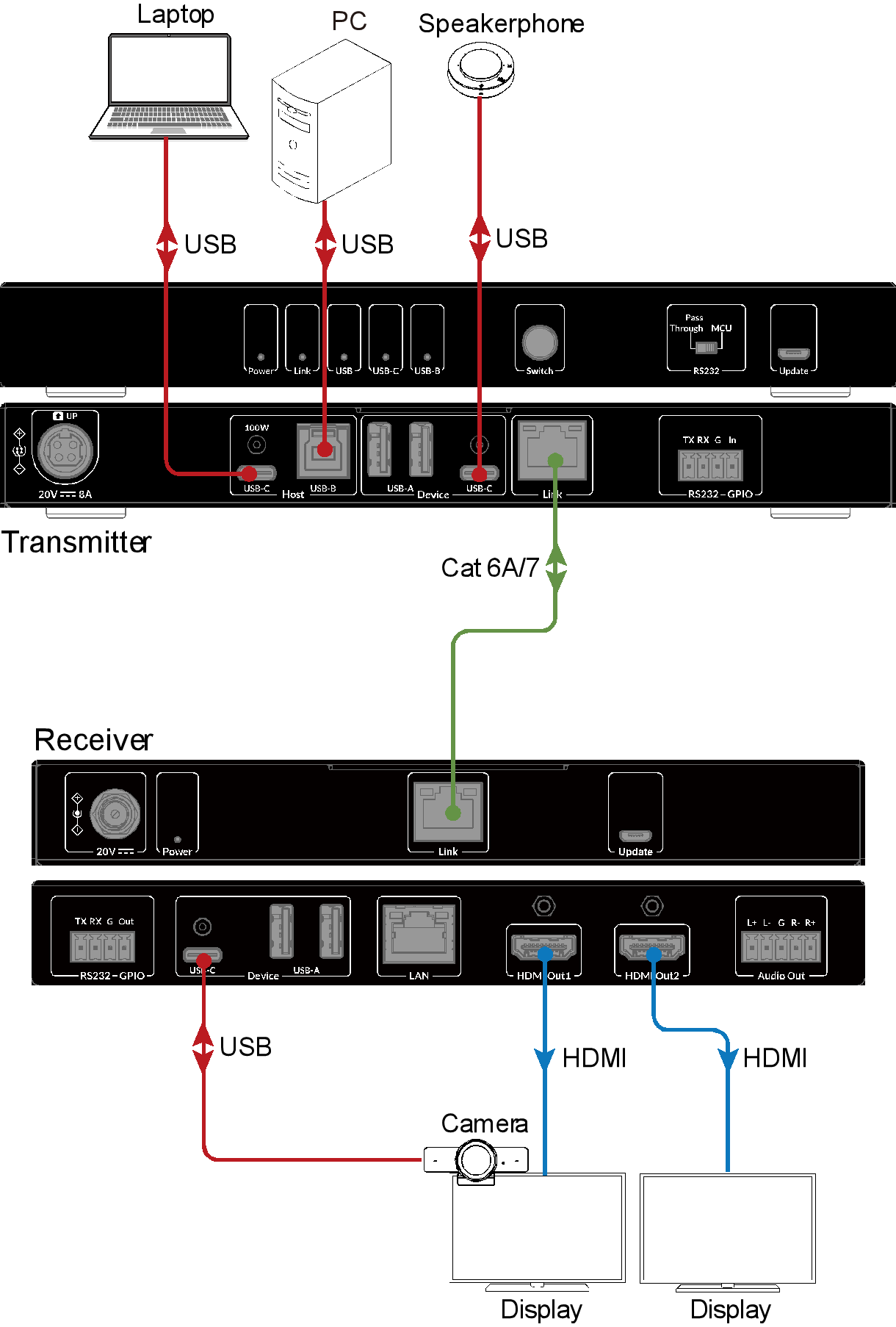
● Dual-Host KVM with Dual Displays: Connect two hosts (USB-C & USB-A) and switch between them. Extend the active host’s video to dual 4K@60Hz displays up to 100m/330ft over a single Cat cable. ● BYOM (Bring Your Own Meeting): Instantly connects your laptop to the room’s meeting devices such as cameras and speakerphones. ● Powered by DisplayLink: Enables dual extended displays over USB on both USB-A and USB-C computers, including macOS systems without native MST display support. ● High-Speed USB 3.2: Supports up to 5Gbps data transfer for fast file access and sharing — keeping meetings smooth and uninterrupted. ● 100W Power Delivery: Supplies up to 100W to maintain laptop power during extended meetings. ● 1G Network: Delivers stable, high-speed network access to your laptop for seamless video calls and file sharing. ● One-Way PoH: Powers both units from a single transmitter adapter for a clean, simple meeting room setup. ● Auto/Manual Switching: Manually switch hosts via the front button, or automatically switch to a new host for seamless device control.
Important Note before Purchasing
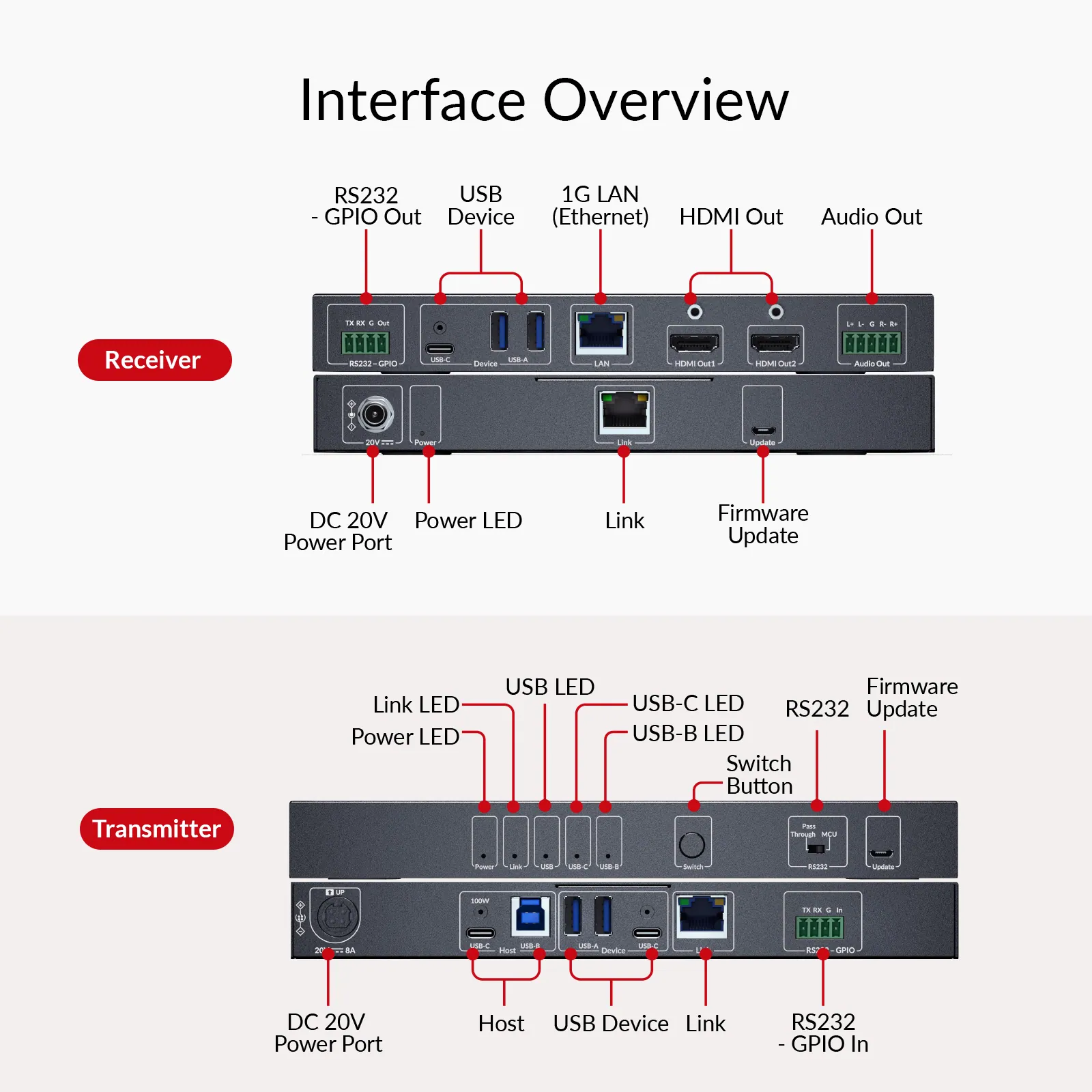
Audio cannot be output via the built-in speakers of monitors connected to HDMI OUT. Use external speakers via USB or Phoenix port.
⭐If it’s not everything you hoped for, we’ll make it right with a refund—your satisfaction comes first. Free Shipping* Fast Delivery from Local Warehouse (US/CA)* 30-Day Money-Back Guarantee* 3-Year Warranty for Partners*
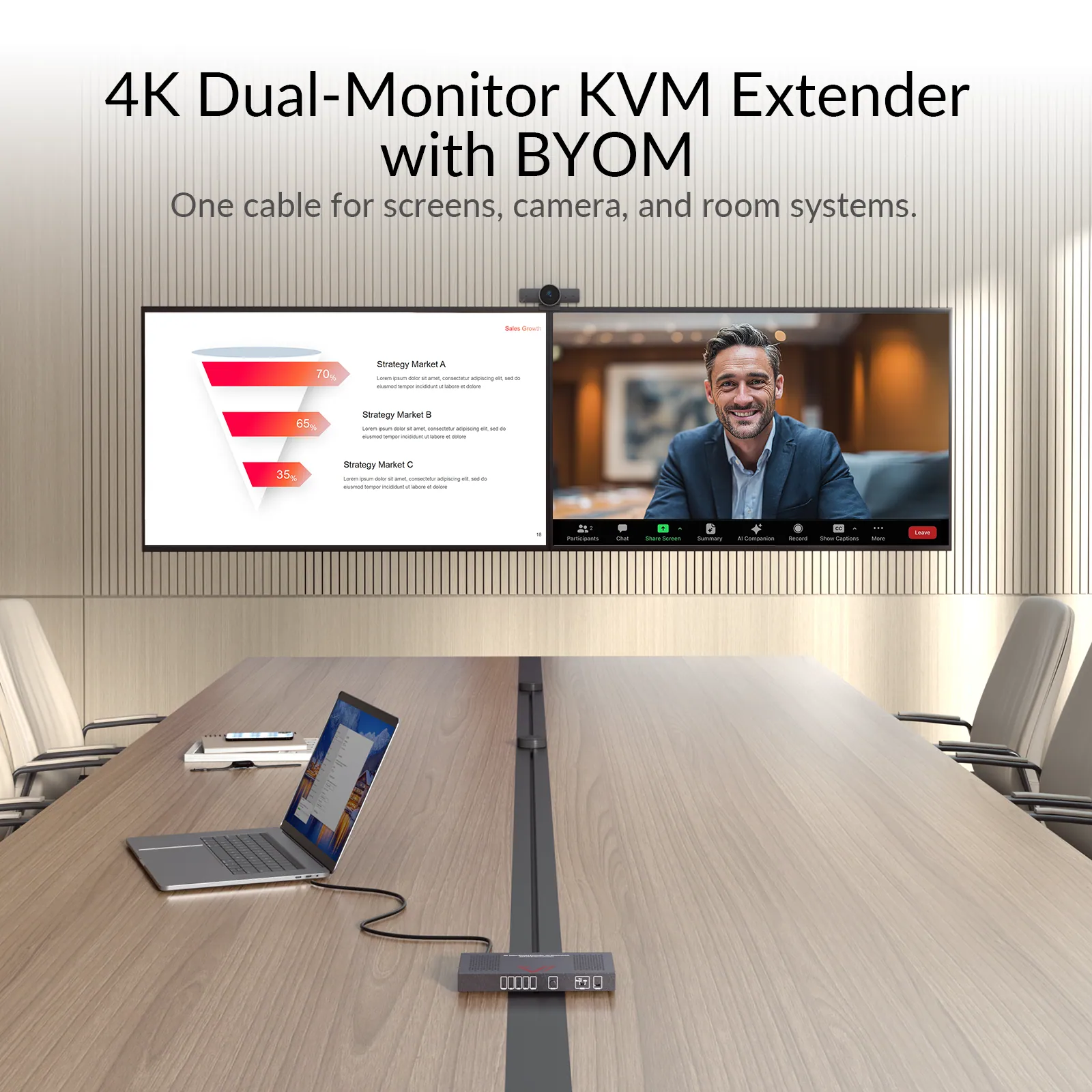
BYOM Simplified, Meetings Elevated
Connect any computer — USB C or USB-A laptops and desktops, including macOS devices — to dual 4K displays, with HDMI & USB extension and automatic access to webcams and speakerphones. Streamlined setup and effortless presenter switching make every meeting productive, professional, and seamless.
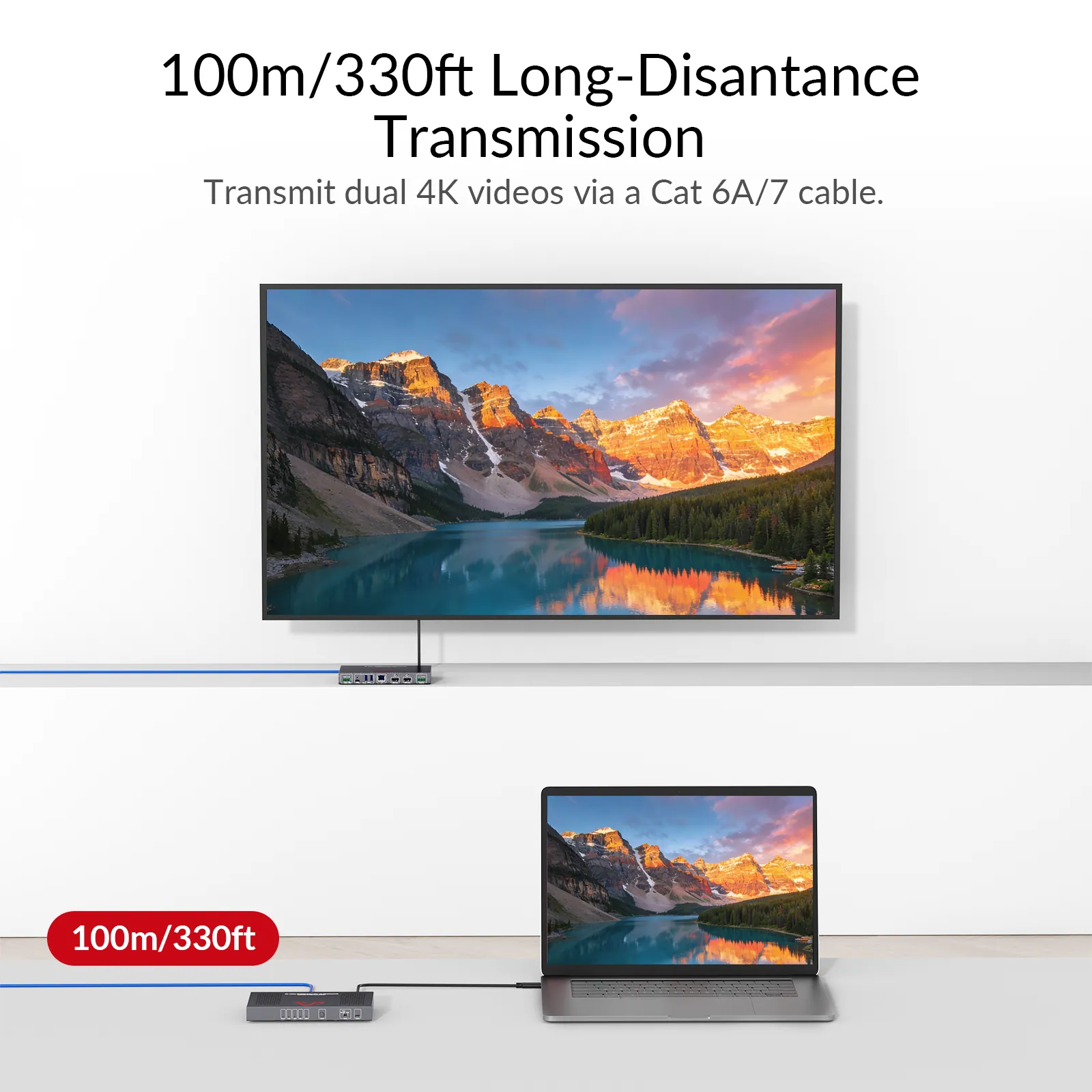
Dual 4K KVM Extension up to 100m
Easily connect two computers (USB C & USB-A) and switch between presenters. Extend the active host’s video to dual 4K@60Hz displays up to 100m/330ft over a single Cat 6A/7 cable — keeping tables clutter-free and enabling flexible, professional meeting setups.
4K@60Hz
Dual 4K Clarity, Double Productivity
Enjoy lifelike clarity in meetings — see every chart, document, and video feed in stunning detail for more productive collaboration.
DisplayLink
Dual Screens for Any Computer
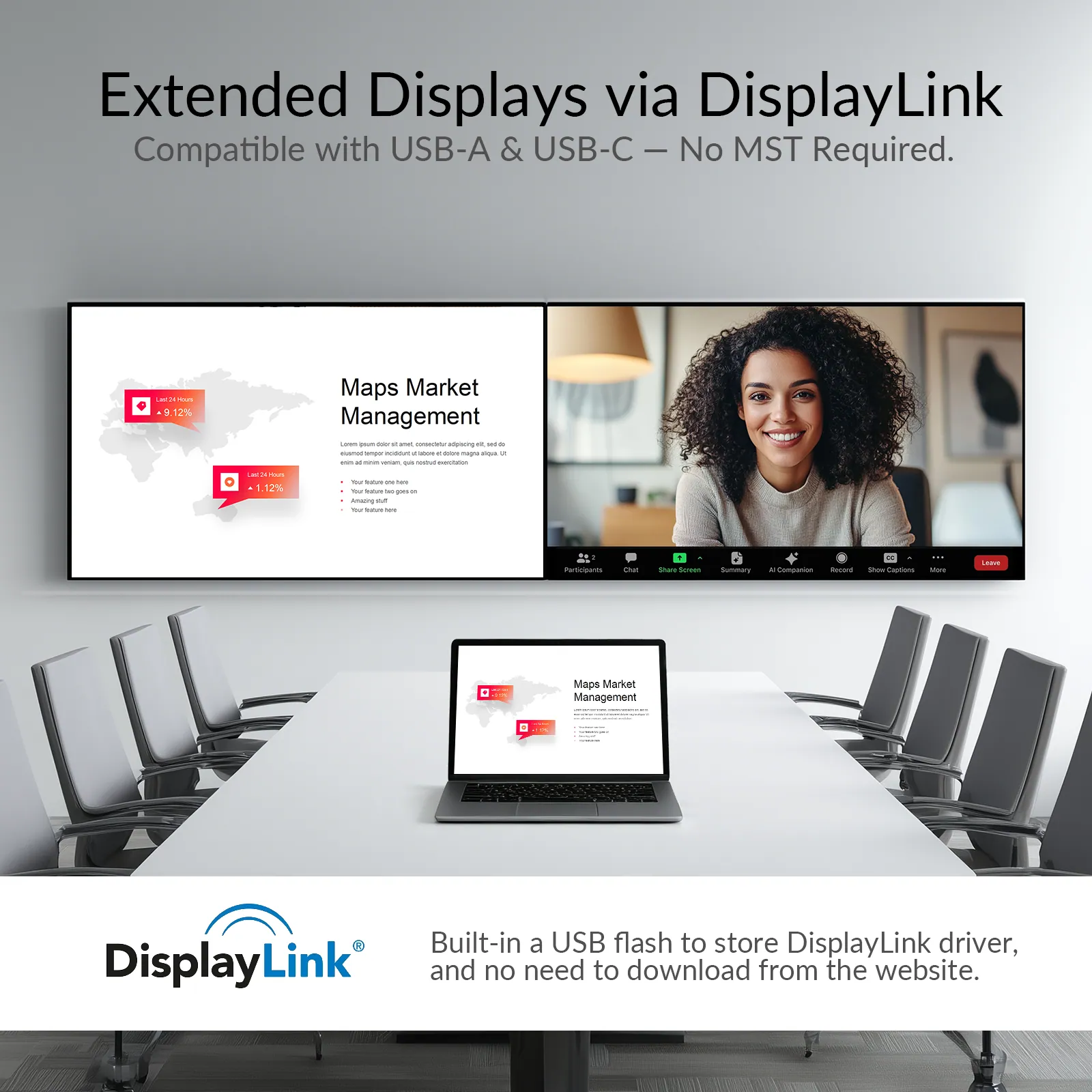
No MST? No problem. With DisplayLink, USB-A and USB C computers — including macOS systems — can drive dual extended displays. Ideal for meeting rooms where multiple applications like PPT, Excel, CAD, PDFs, or browsers need to be viewed side by side.
COMPATIBILITY
Universal Compatibility for Diverse OS & Port
Extends dual displays across operating systems and devices without compromise. Seamlessly compatible with both USB C and USB-A ports, DisplayLink technology ensures a stable and streamlined experience in every conferencing setup.
*Note: A built-in storage provides the DisplayLink driver for quick installation.*
USB 3.2
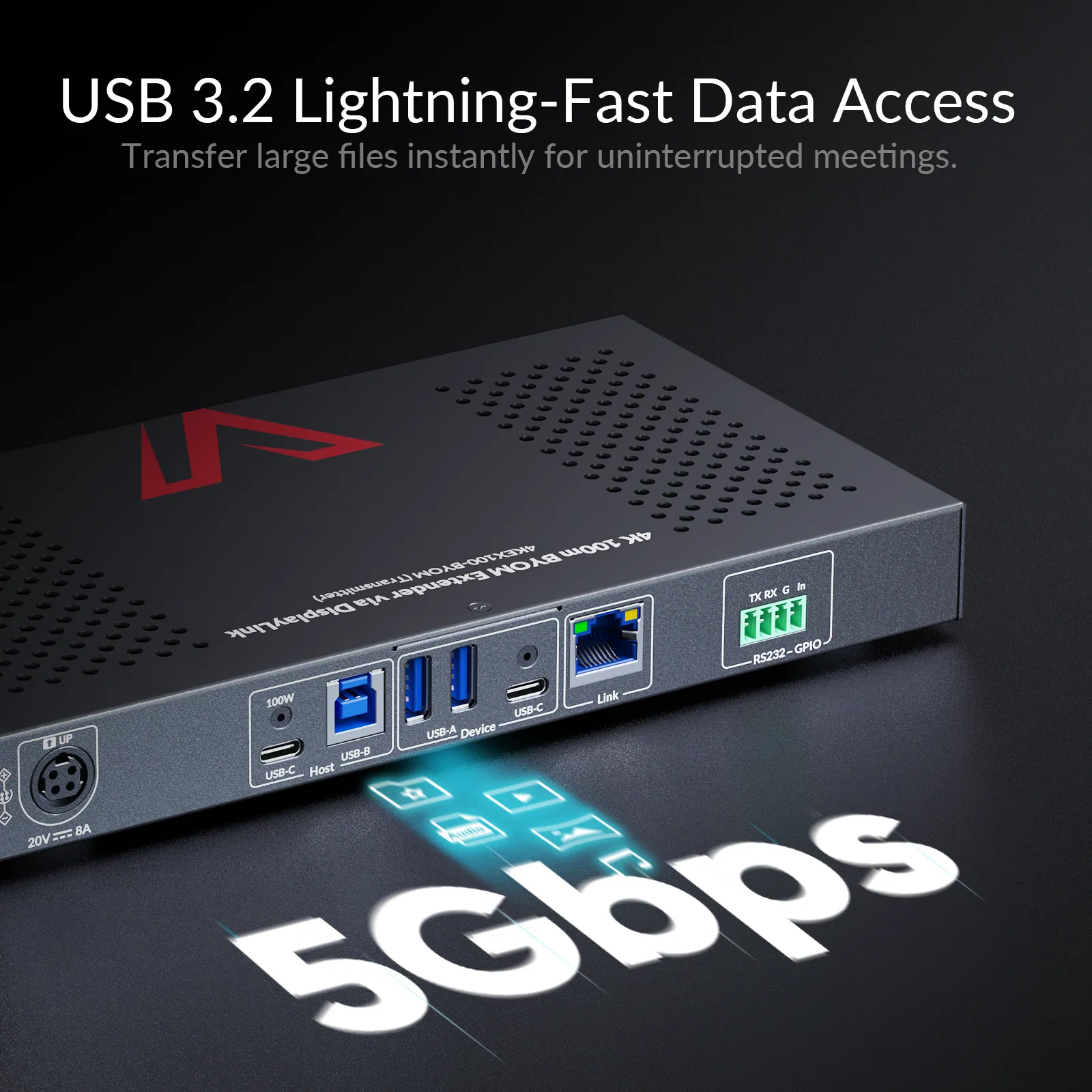
Transfer Large Files in Seconds
High-speed 5Gbps USB 3.2 ports enable rapid file transfers, data backups and instant peripheral connectivity—keeping your meeting workflow efficient and uninterrupted.
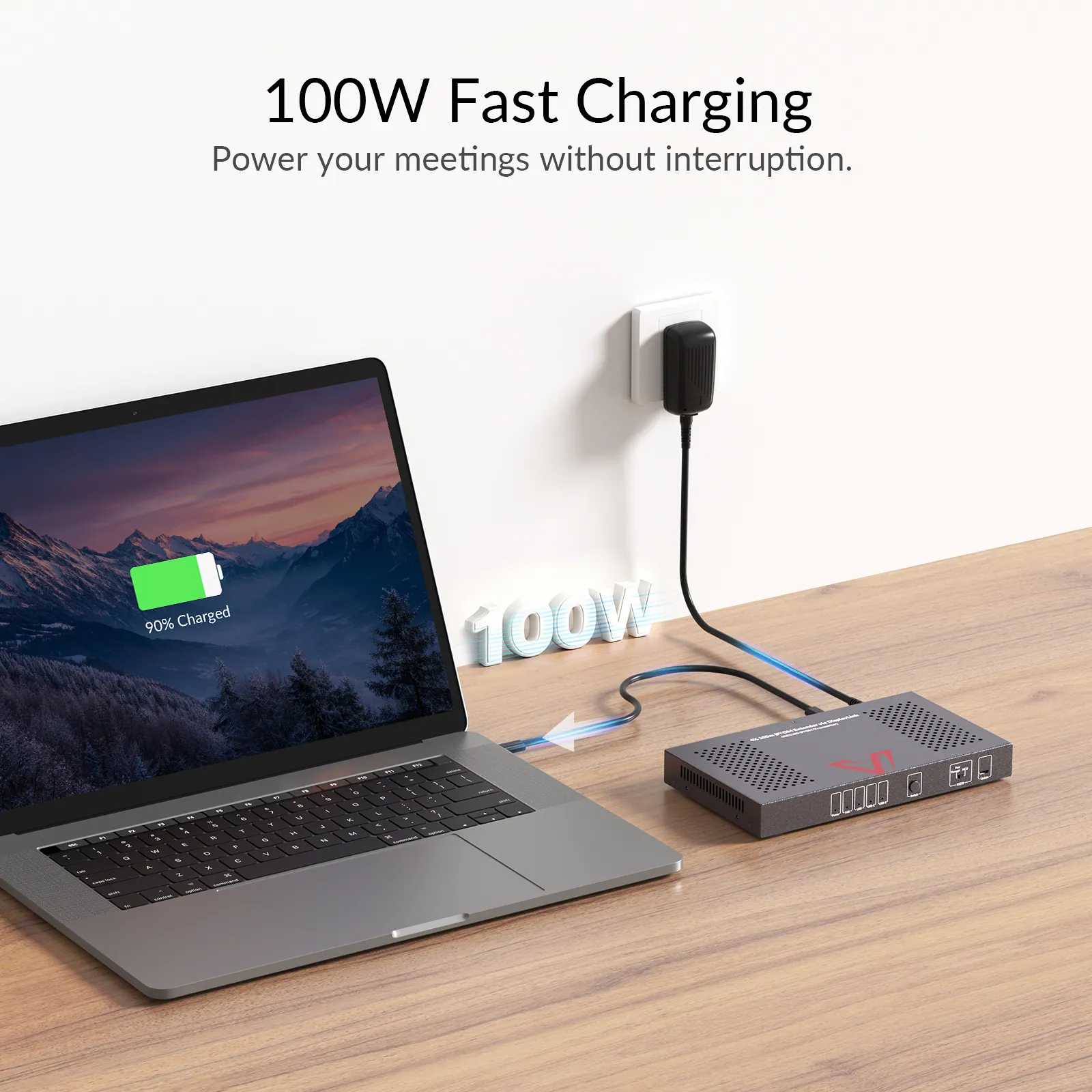
100W PD
Meetings Without Battery Anxiety
Keep your laptop fully charged with 100W power delivery so that you can stay focused on your work instead of your battery, no matter how long the meeting lasts.
1G Ethernet
Meetings That Never Drop Offline
The 4KEX100-BYOM features a reliable 1G Ethernet port, ensuring your laptop stays connected to the high-speed network for reliable remote meetings—free from lag, drops, and interruptions.
ONE-WAY POH
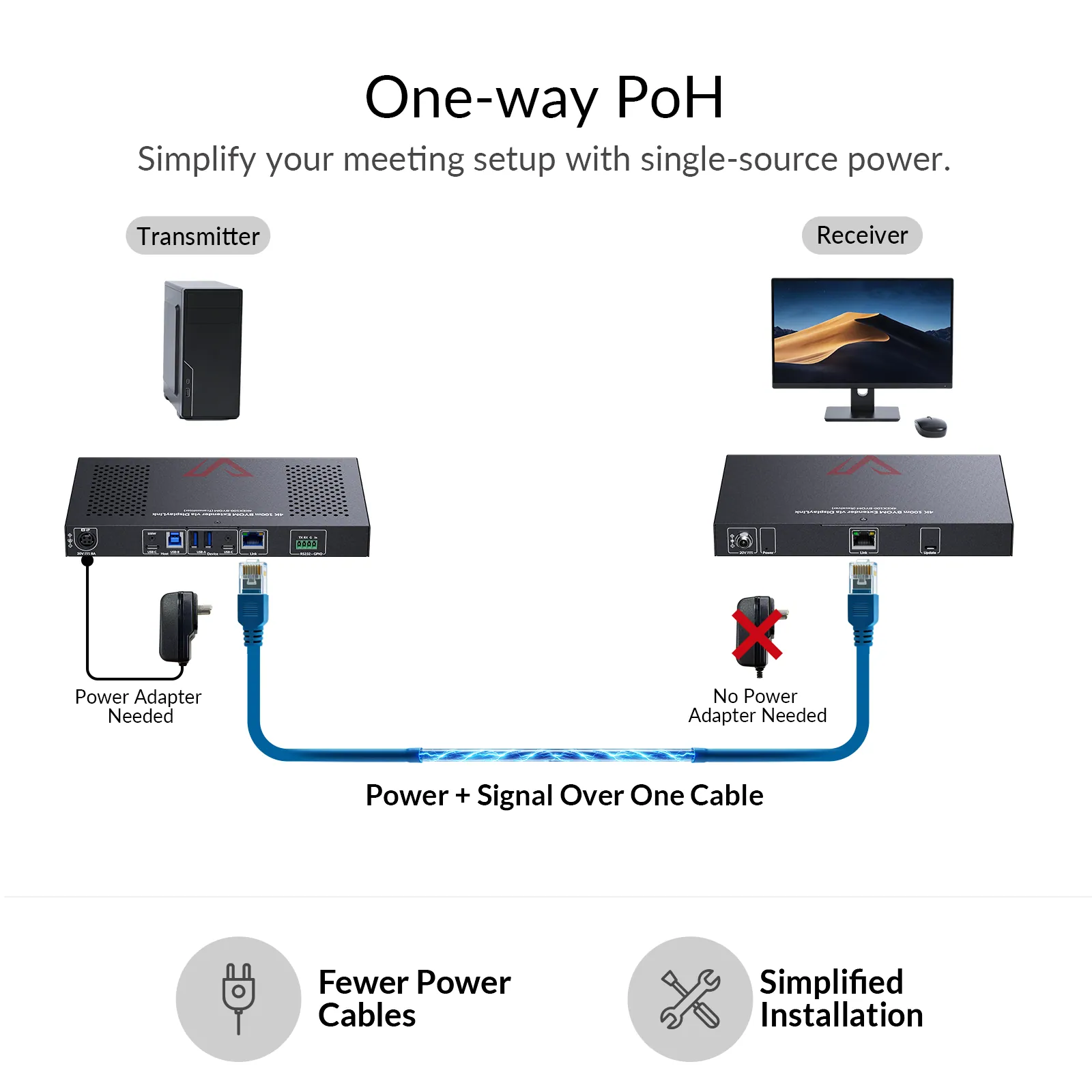
One Adapter, Clean Setup
With PoH integrated inside, this KVM extender requires only a single power adapter at the transmitter to power both units, reducing clutter and simplifying installation in your meeting room.
Dual-Mode Switching
Switch Effortlessly, Present Flawlessly
Switch between presenters effortlessly. Automatically detect and switch to new input sources, or manually toggle via the front-panel button — perfect for seamless BYOM meetings and uninterrupted collaboration.
Comparison
Find the Right Extender for Your Setup
Compare 4KEX100-BYOM with our top KVM extenders below to choose the perfect fit – or compare all KVM extenders >
04Documents2 files · 951 KB
Documents and files.
Datasheets, manuals, drawings and certificates as the manufacturer publishes them.
Drawings01
05Related products
In the same range.
 EQ-784AV AccessDisplayPort KVM extender over HDBaseT, 4K, 100 m4KEX100-DP-KVM · Extenders
 EQ-785AV Access4K60 DisplayPort KVM extender over HDBaseT 3.0, 100 m4KEX100-DP-Pro · Extenders
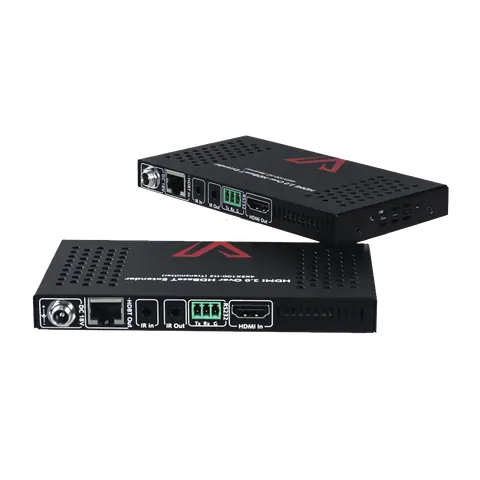 EQ-786AV Access4K HDMI HDBaseT extender, 100 m4KEX100-H2 · Extenders
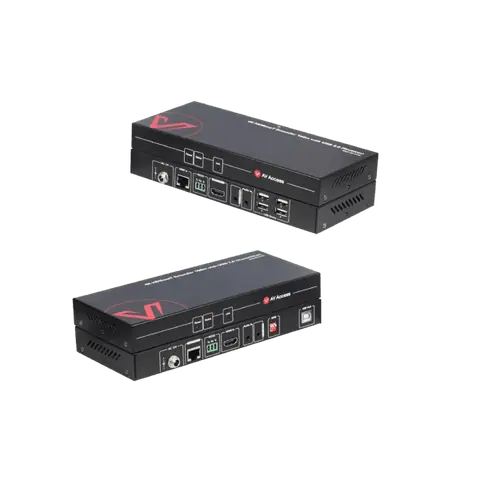 EQ-787AV Access4K HDMI KVM extender over HDBaseT, 100 m, 4-port USB 2.04KEX100-KVM · Extenders
06Talk to us
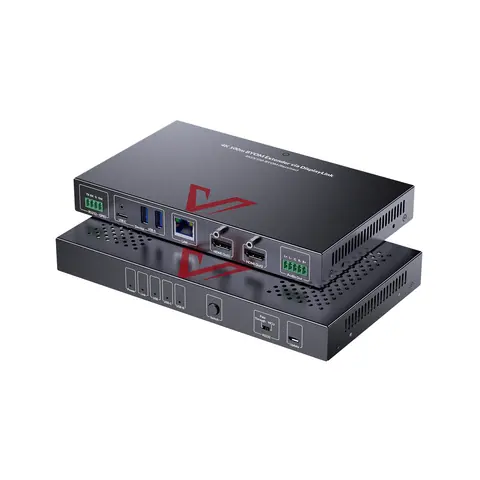 BYOM meeting room extender, dual 4K60 over HDBaseT, 100 mAV Access · EQ-783
Need this priced for your project?
- Quantity and site
- Configuration and interfaces
- Quotation