
















Sheet 05.792




AV Access · Extenders
4K60 HDMI fiber extender, 10 km
Model4KEX10F
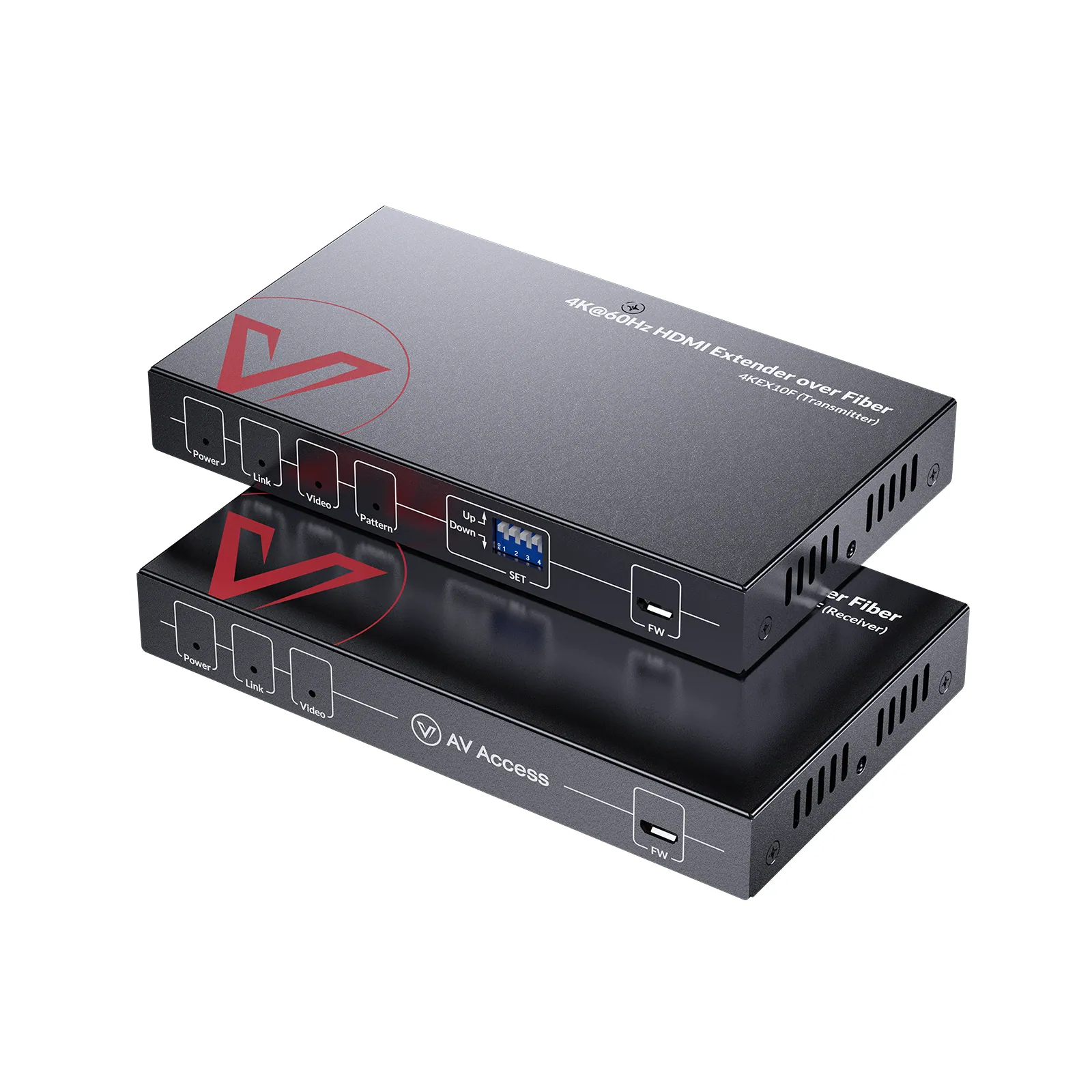
The 4KEX10F extends 4K@60Hz HDMI signals up to 10km over single-mode fiber, with bidirectional IR and RS-232 for large-scale AV deployments.
4K60 HDMI fiber extender, 10 kmPrice on request Request a quotation
01SpecificationManufacturer's data · 3 groups · 5 values
What this product is, in numbers.
PDFUser Manual11 pages · 711 KB
The manufacturer's published values. We confirm the configuration and the values that matter for your project before an order.
01General1
- RX I/O
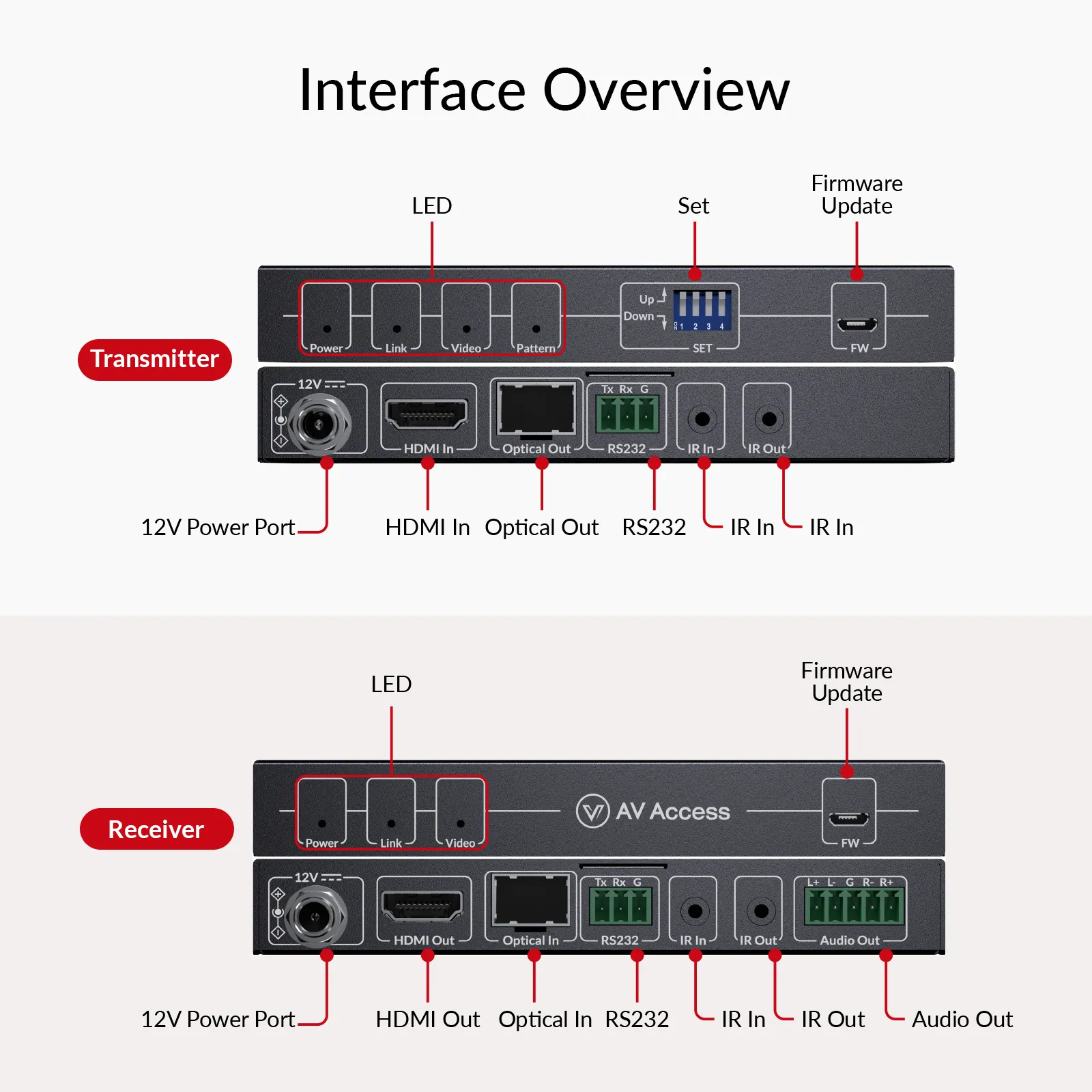
- 1 x HDMI Out, 1 x Optical In, 1 x RS232, 1 x IR In, 1 x IR Out, 1 x Audio Out, 1 x DC 12 V
02Video2
- Video
- HDMI 2.0; up to 4K@60 Hz and 5120 × 1440@60 Hz
- HDCP
- HDCP 2.3
03Control and interfaces2
- DIP switch control
- A four-pin DIP switch (“SET”) for test pattern mode, HDCP and EDID
- IR & RS232
- Bi-directional RS232 & IR pass-through
Show the full specificationHide the rest of the specification0 more groups · 0 values
02DescriptionManufacturer's description
What it is.
Estimated Shipping Time: Late October
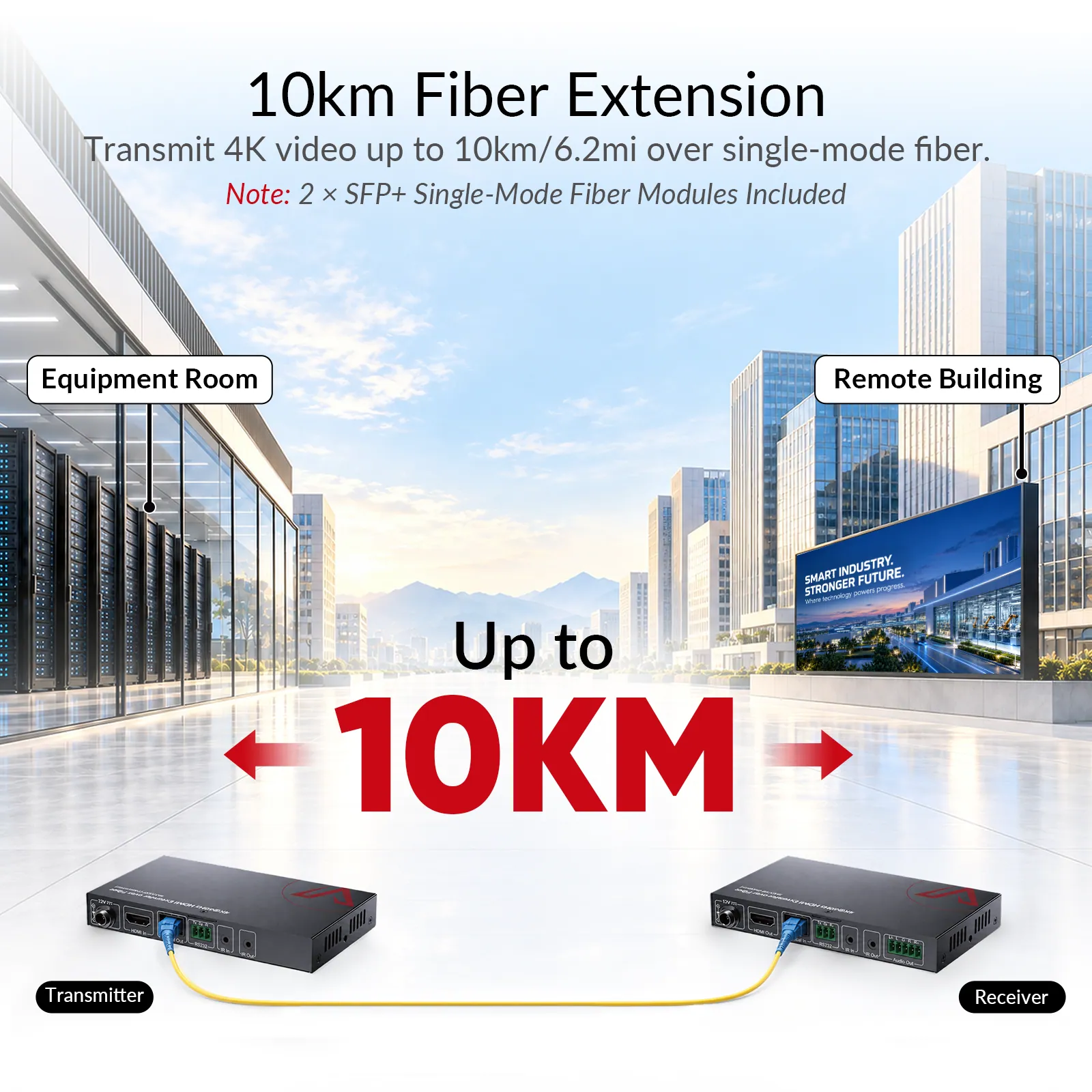
Ultra-Long 10km Transmission for 4K HDMI signals over single-mode fiber. *Note: 2 x SFP+ single-mode fiber modules are included in the package.*
- 4K@60Hz 4:4:4 Video for detailed, accurate images with HDCP 2.3 support.
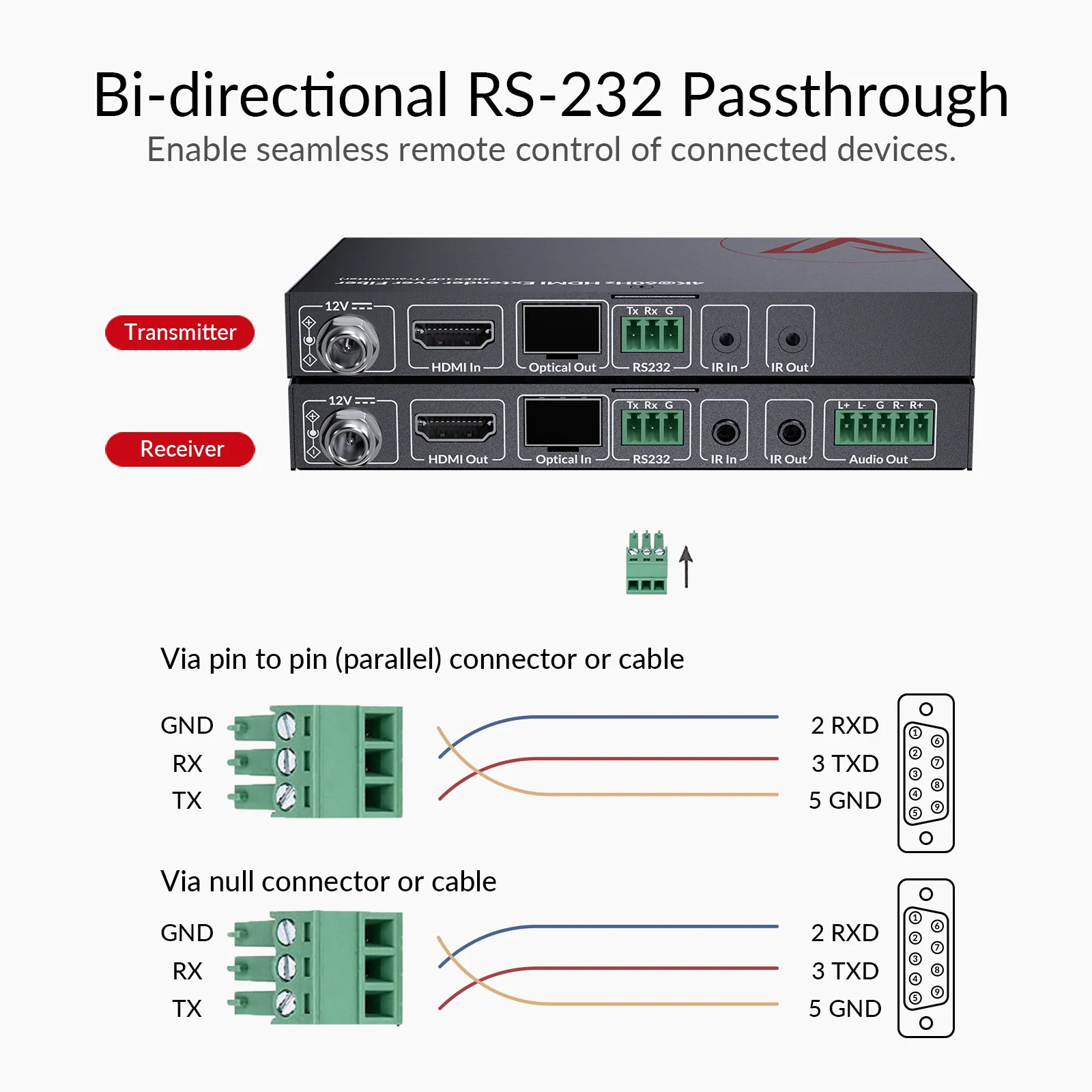
- Bi-directional RS232 Passthrough enables two-way serial control between connected devices.
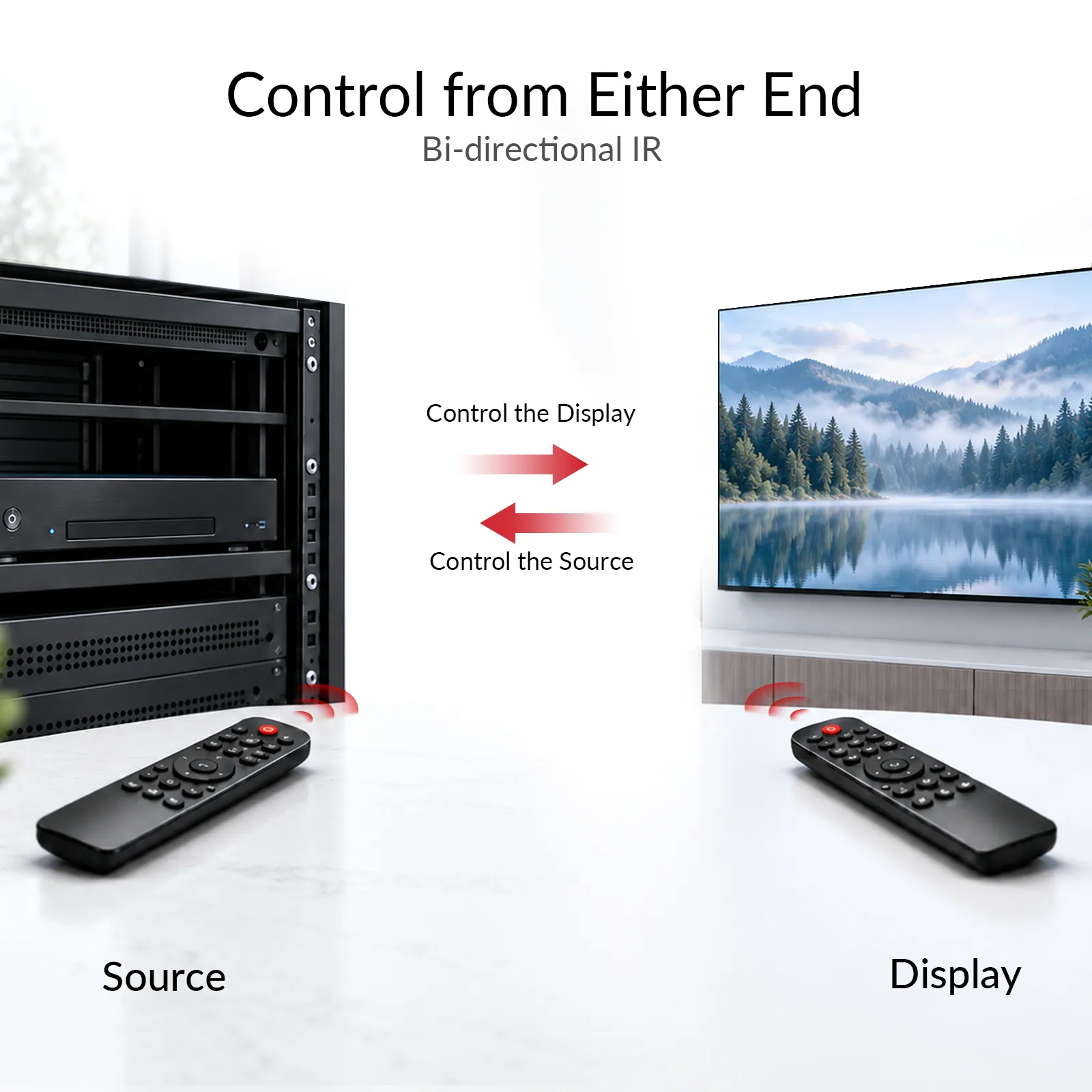
- Bi-directional IR Passthrough supports remote control of source and display devices from either end.
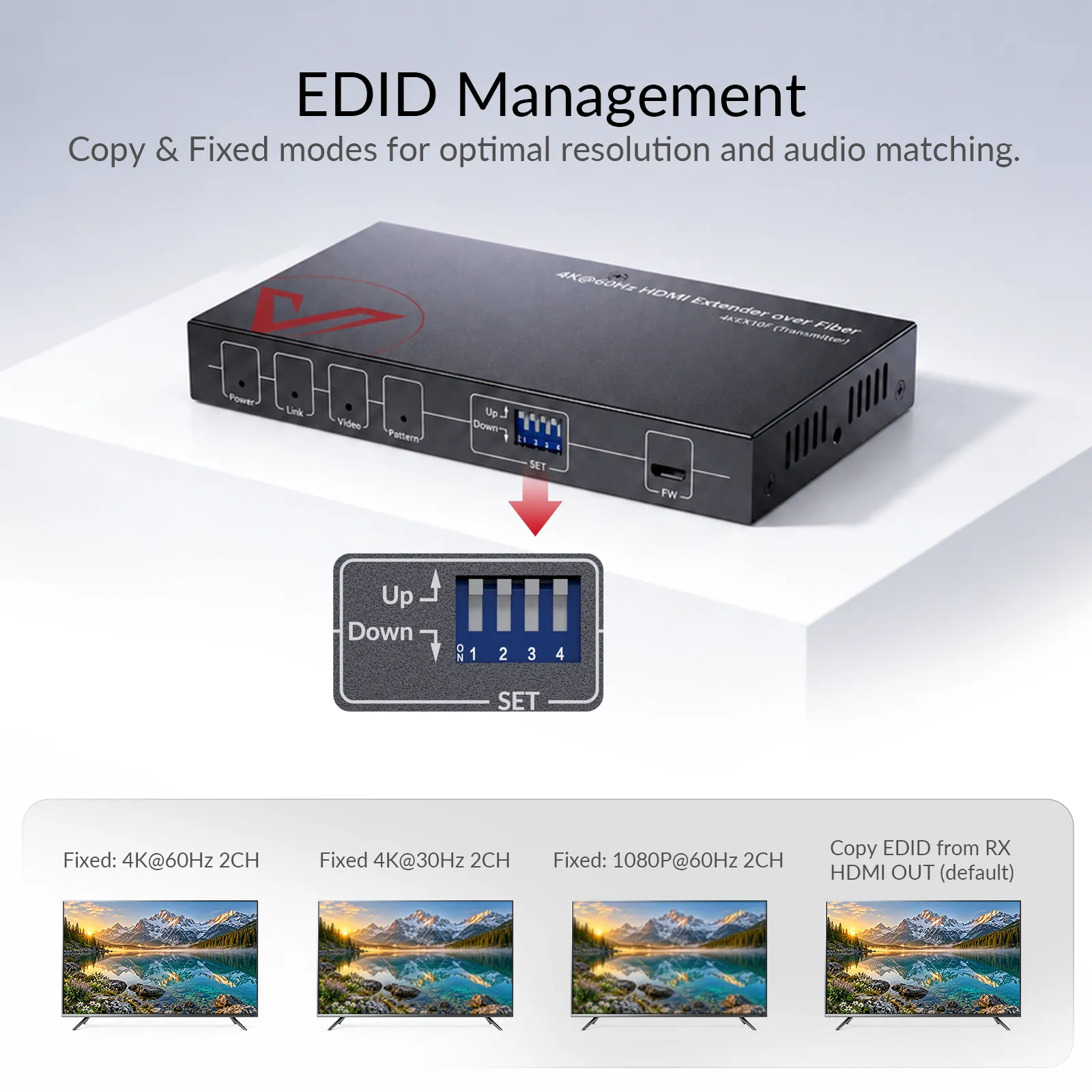
- EDID Management with Copy and Fixed modes to optimize video and audio compatibility.
- Receiver-Side Audio De-Embedding extracts HDMI audio for external sound systems or amplifiers.
- Image Test for quick display connection testing and signal troubleshooting.
4KEX10FFiber ExtenderGo Further with Fiber. Stay Sharp in 4K. Extend 4K@60Hz video up to 10km/6.2mi over single-mode fiber with stable, zero-latency performance—built for reliable, long-distance AV transmission across large-scale installations.
4KEX10F
Extend 4K@60Hz video up to 10km/6.2mi over single-mode fiber with stable, zero-latency performance—built for reliable, long-distance AV transmission across large-scale installations.
WHY CHOOSE 4KEX10F
Long-Distance AV Made Simple
1
10km Ultra-Long Reach
Extend 4K HDMI signals up to 10km across multi-building campuses and large facilities.
2
4K Visual Clarity
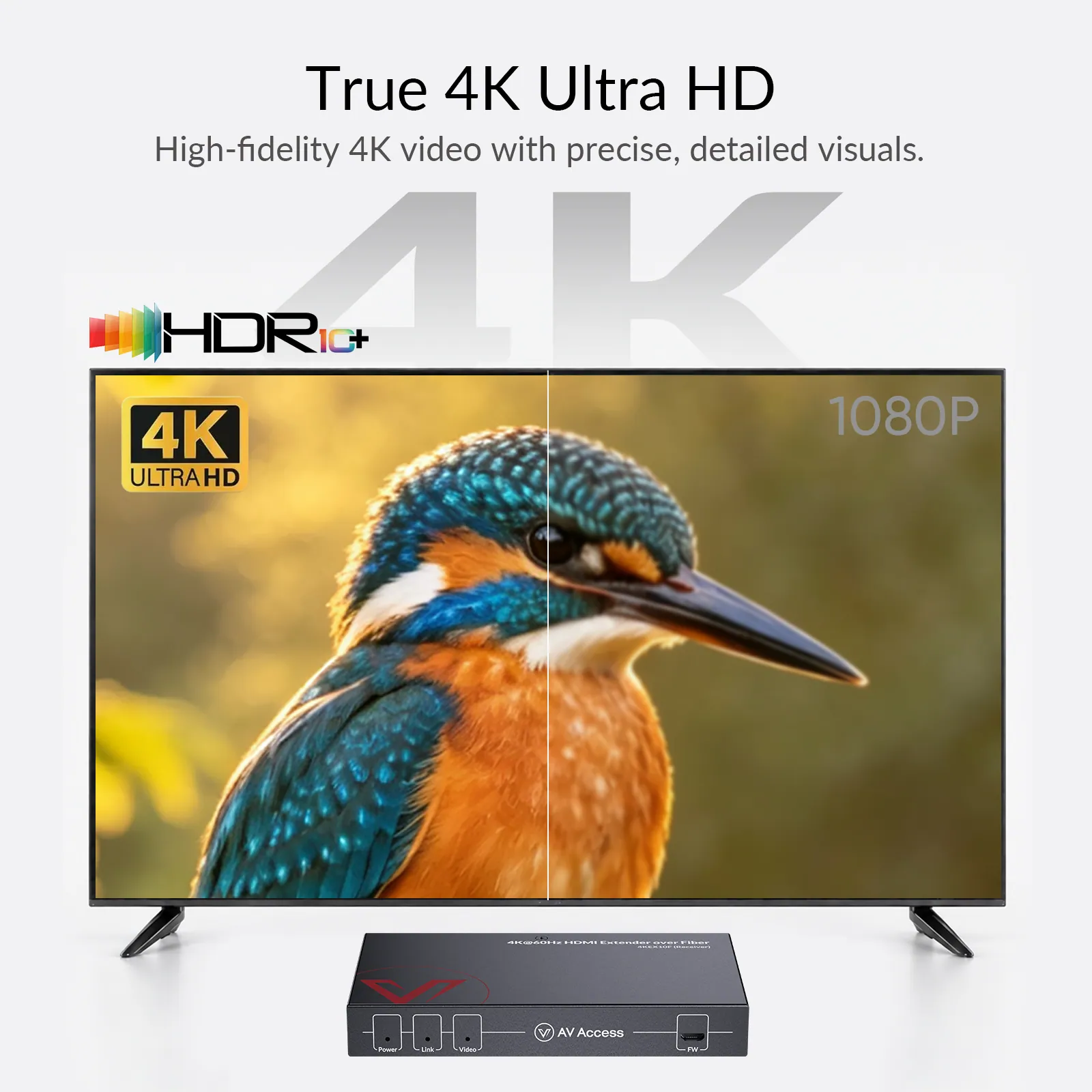
Deliver pristine 4K@60Hz 4:4:4 visuals with sharp details and true-to-life colors.
3
Real-Time Control
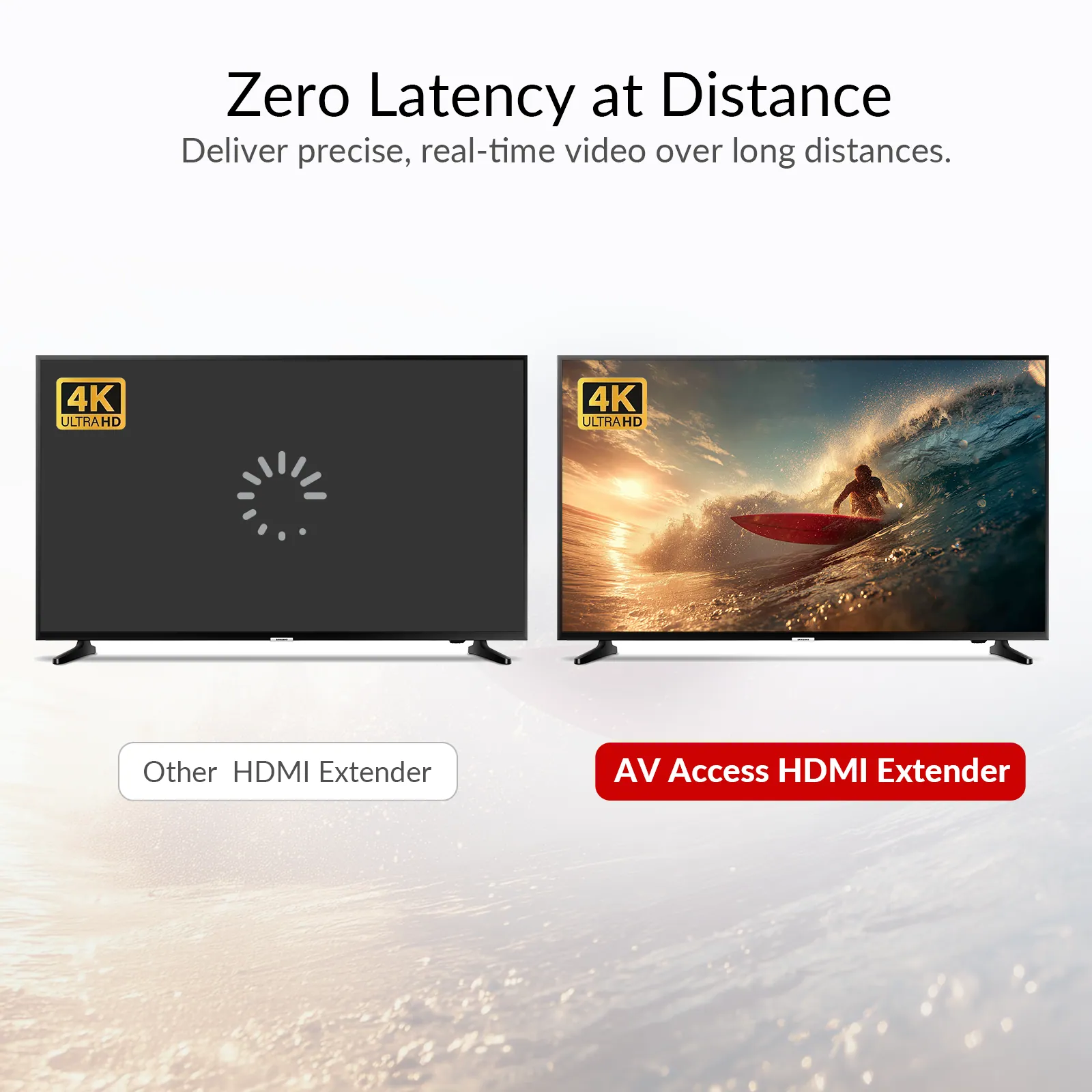
Keep video and control signals perfectly synchronized with zero-latency transmission.
4
Easy Deployment
Streamline setup and on-site troubleshooting with built-in Image Test and EDID management.
Designed for Large-Scale AV
Built for Projects Where Distance Matters
Industrial Park
Control Center
Stadium
Exhibition Center
Industrial Park
Connect Buildings Over Single-Mode Fiber
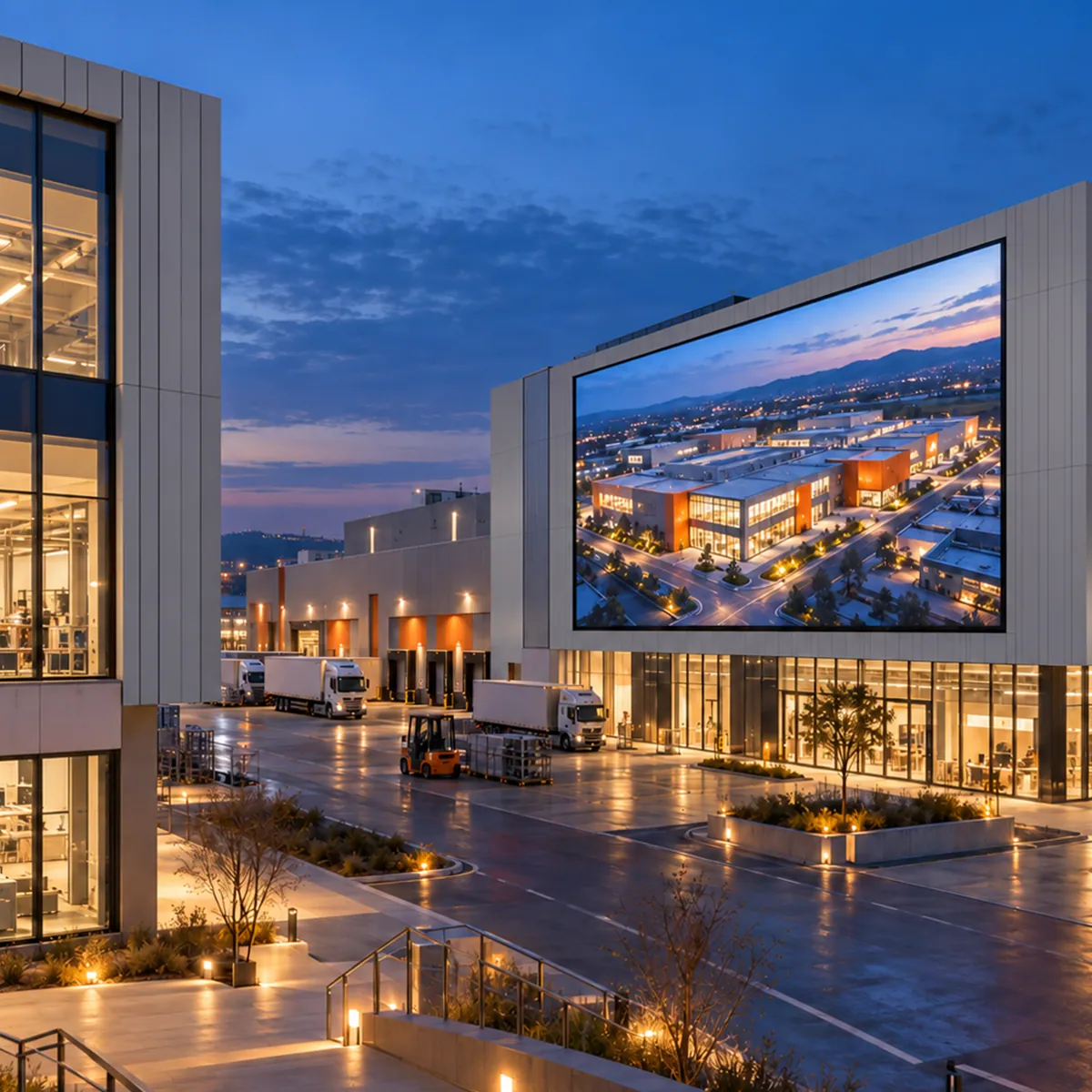
Connect displays and control systems across large buildings and facilities with reliable 4K signal extension up to 10km over single-mode fiber.
Cross-Building AVLarge FacilitiesFiber Transmission
Control Center
Control Without Being On Site
Extend 4K video, bi-directional IR, and RS-232 signals between control rooms and remote equipment for centralized monitoring and responsive device control.
Remote AV SetupCentralized MonitoringFlexible Control
Stadium
Cover Large Venues in Crisp 4K
Deliver high-quality 4K content to scoreboards, LED displays, and video walls across large venues for clear, engaging event visuals.
Large VenuesLive EventsVideo Walls
Exhibition Center
Extend 4K Content Across Exhibition Spaces
Distribute 4K content across large exhibition spaces, keeping displays synchronized and easy to manage from a central location.
Large Exhibitions4K DisplayCentral Control
10km/6.2mi
Go Beyond Standard HDMI Cable Limits
Extends 4K HDMI signals up to 10km over single-mode fiber using 10G SFP+ single-mode fiber modules with dual LC port, simplifying long-distance cabling and deployment for cross-building AV installations. *Note: 2 x SFP+ single-mode fiber modules are included in the package.*
Picture Quality
Clear 4K Video. Responsive Performance.
Keep presentation text readable, detailed images clear, and live video responsive across a long-distance fiber connection.
01/ 4K@60Hz 4:4:4
True 4K Clarity with HDR 10
Deliver 4K@60Hz 4:4:4 video enhanced by HDR10, with sharp details and accurate color reproduction even over ultra-long distances.
02/ ZERO LATENCY
Keep Live Video Responsive
Real-time 4K HDMI transmission with zero perceptible delay, keeping every frame perfectly in sync—no compression artifacts, no flickering, no dropouts.
03/ EDID MANAGEMENT
Match the Source to the Display
Features a 4-pin DIP switch for flexible EDID management—copy the receiver’s EDID or select preset video and audio formats for stable output and reliable compatibility in control center installations.
Connect the Sources You Already Use
Integrate compatible HDMI source devices into your existing AV infrastructure without redesigning the entire signal path.
PS3 / PS4
Apple TV
MEDIA PLAYER
Roku 4
Blu-ray / DVD
DIRECTV
Signal Management
More Control. Less Troubleshooting.
Practical signal-management tools help integrators configure, test and maintain complex AV systems.
01/ BI-DIRECTIONAL IR
Control Devices from Either End
No more running back and forth. Effortlessly control both source and display devices from either end, whether you’re at the control station or on the main video wall.
02/ BI-DIRECTIONAL RS-232
Take Full Control of Your Display
Enables bi-directional RS-232 control for displays, switchers, and serial devices. Integrate with control systems to manage remote equipment directly from your console.
03/ IMAGE TEST
Check the Video Path Without a Source
Troubleshoot and verify your AV installation in seconds. Simply set the DIP switch on the transmitter to output a built-in test pattern directly to your display—no external signal source required.
04/ AUDIO DE-EMBEDDING
Extract Audio. Monitor Centrally.
Extracts and routes HDMI audio independently at the receiver end to an AV receiver or external amplifier. Monitor audio from remote sources directly at the control center for centralized audio management.
Extract Audio.
Monitor Centrally.
How it works
One Fiber Link for Video, Audio, and Control
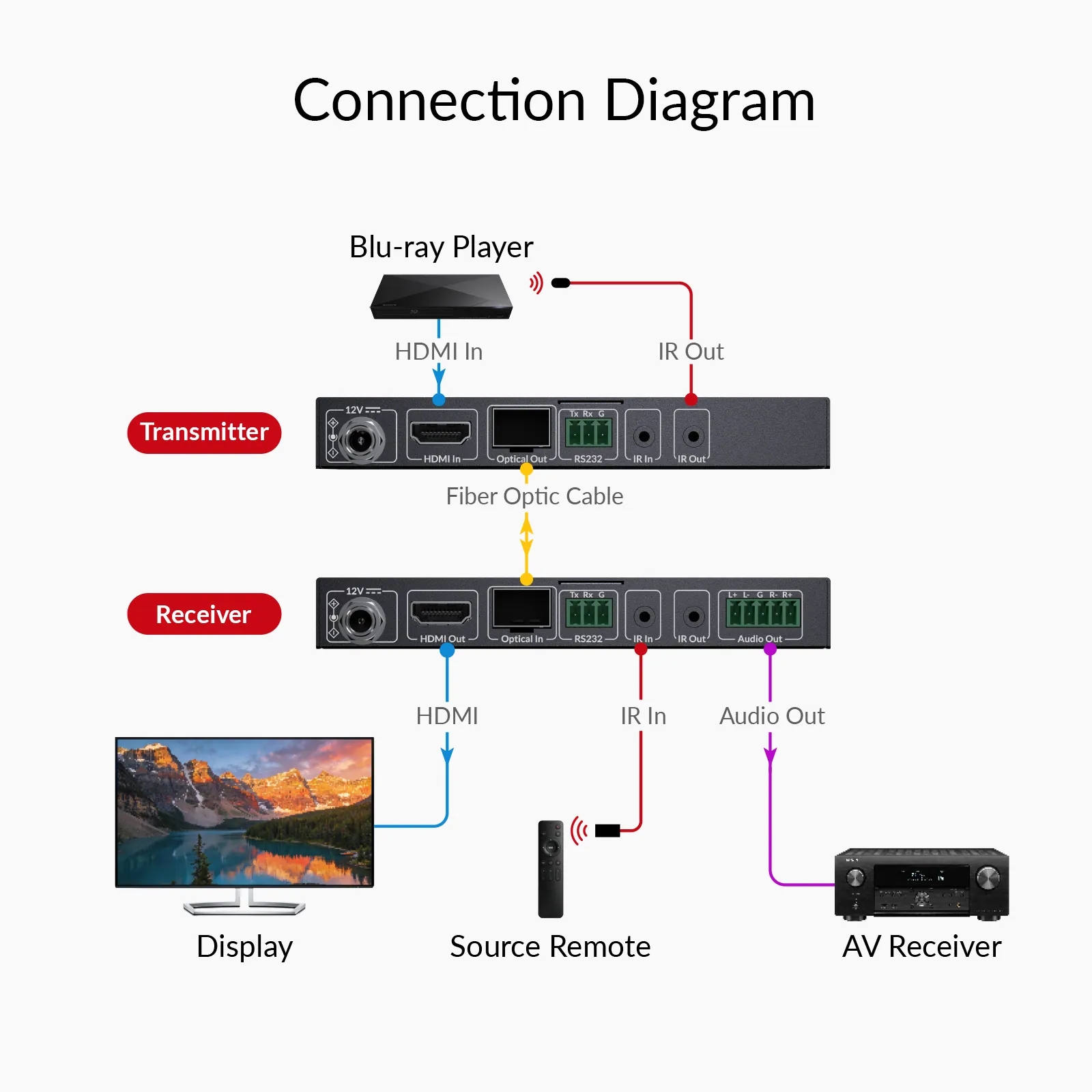
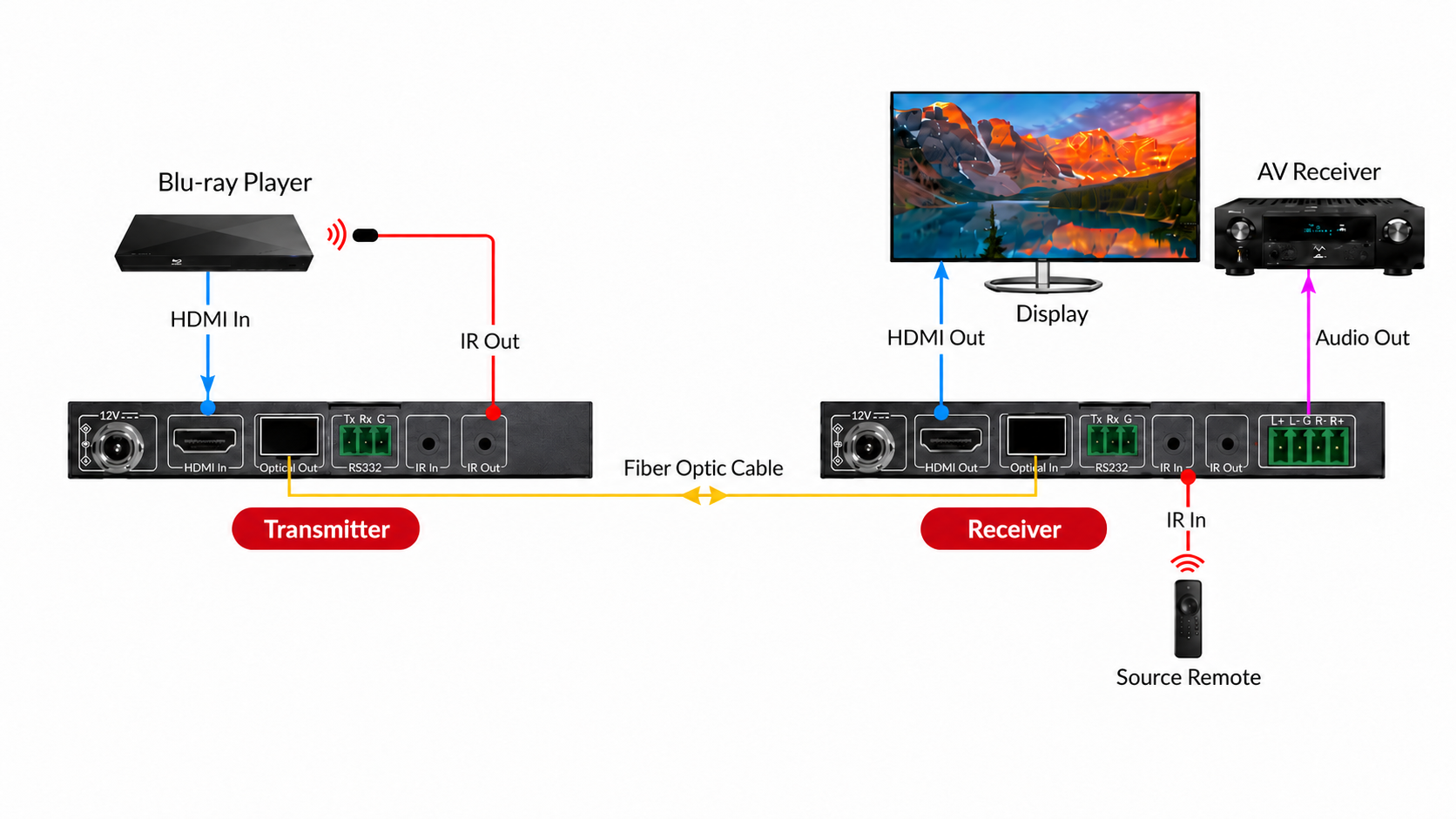
Connect an HDMI source and a remote display through a dedicated fiber link. Add IR, RS-232, and receiver-side audio connections as your installation requires.
Check User Manual →
STEP 1
Check Before Installation
Confirm the transmission distance, fiber type (single-mode), and optical module compatibility before installation.
STEP 2
Connect Your Devices
Connect the source to the TX and the display to the RX via HDMI, then link the TX and RX with single-mode Fiber.
STEP 3
Set Up Control and Audio
Connect RS-232 or IR devices if needed. Route the RX audio output to an AV receiver or external amplifier.
STEP 4
Power On and Test
Connect the power adapters, set the EDID as needed, and use the built-in test pattern to confirm the video signal is working properly.
Comparison
Choose the Right Fiber Extender
Compare 4KEX10F with our Fiber HDMI extenders below to choose the perfect fit.
03Documents2 files · 2.0 MB
Documents and files.
Datasheets, manuals, drawings and certificates as the manufacturer publishes them.
Drawings01
04Related products
In the same range.
 EQ-791AV AccessDual 4K HDMI KVM extender with DisplayLink, 100 m4KEX100D-DM · Extenders
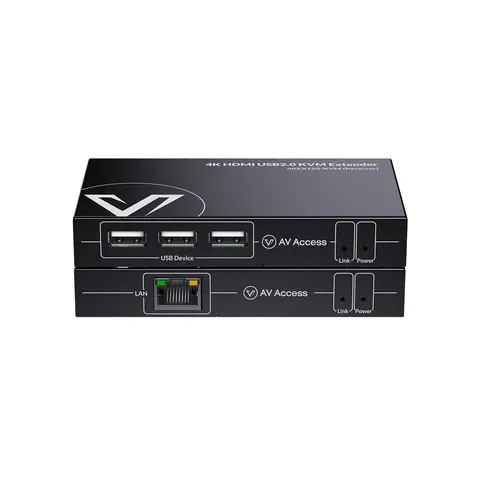 EQ-793AV Access4K HDMI KVM extender over IP, 120 m4KEX120-KVM · Extenders
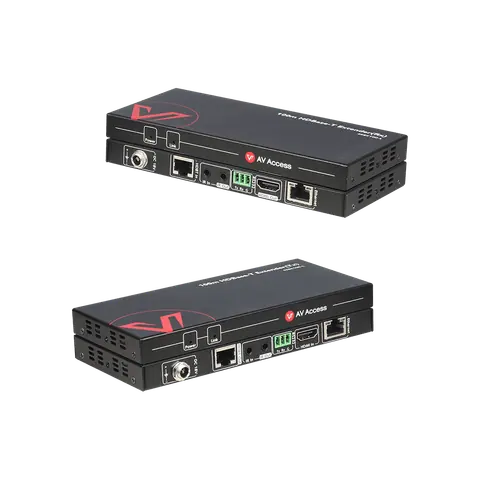 EQ-790AV Access4K HDMI HDBaseT extender over Cat 6/5e, 100 m4KEX100-L · Extenders
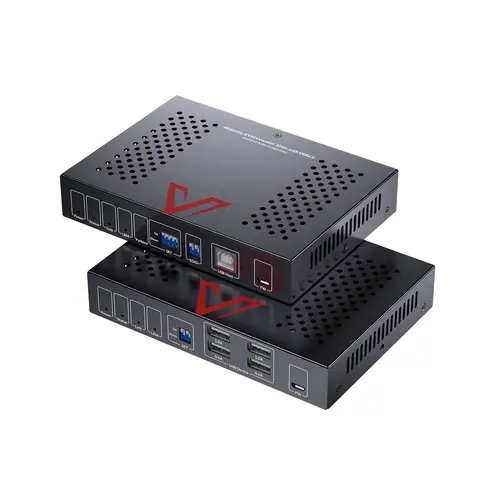 EQ-794AV Access4K HDMI KVM extender with loop-out, 150 m4KEX150-KVM · Extenders
05Talk to us
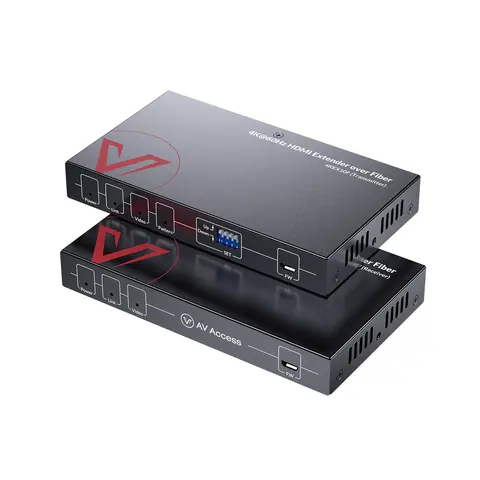 4K60 HDMI fiber extender, 10 kmAV Access · EQ-792
Need this priced for your project?
- Quantity and site
- Configuration and interfaces
- Quotation