
















Sheet 05.808


AV Access · Extenders
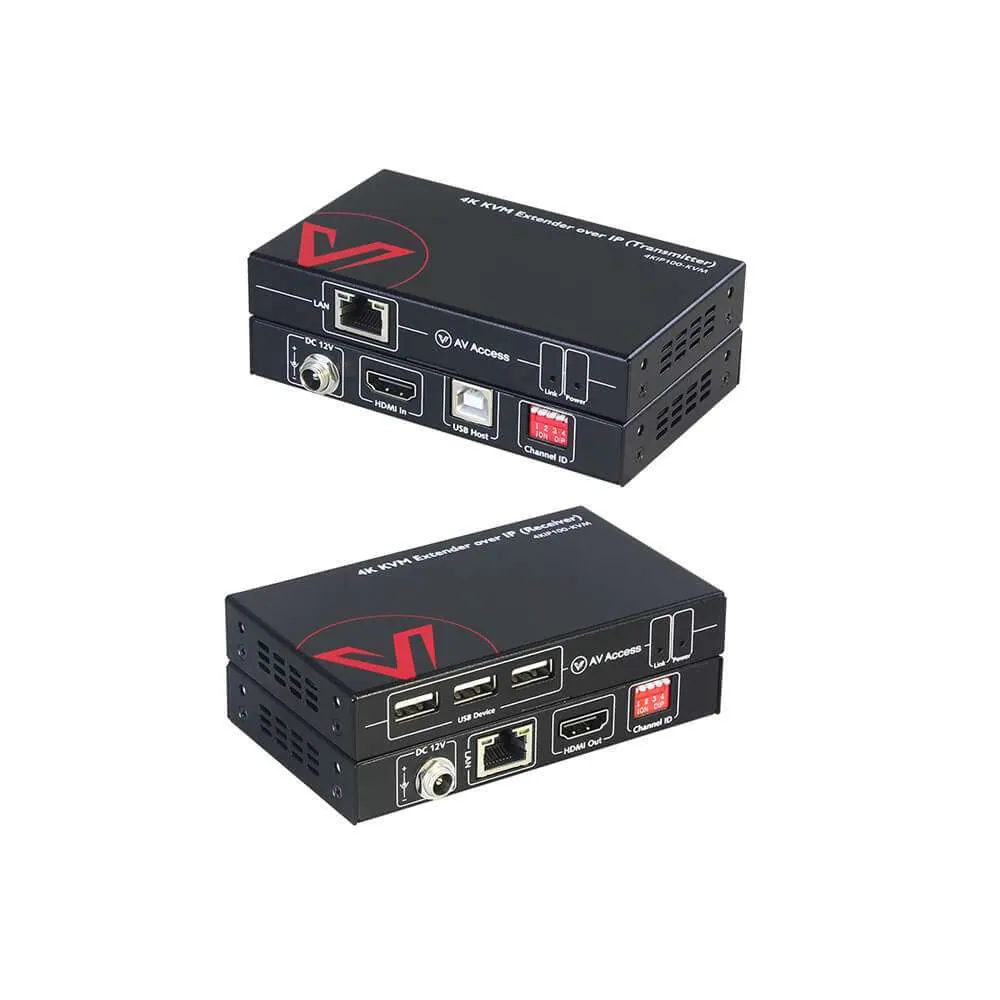
4K HDMI KVM extender over IP
Model4KIP100-KVM
Extend HDMI and USB KVM signals up to 150m through existing compatible Gigabit Ethernet infrastructure. No dedicated long-distance recabling is required, making deployment faster, easier, and more flexible—without sacrificing zero-latency control.
4K HDMI KVM extender over IPPrice on request Request a quotation
01SpecificationManufacturer's data · 4 groups · 6 values
What this product is, in numbers.
PDFUser Manual11 pages · 958 KB
The manufacturer's published values. We confirm the configuration and the values that matter for your project before an order.
01General1
- RX I/O
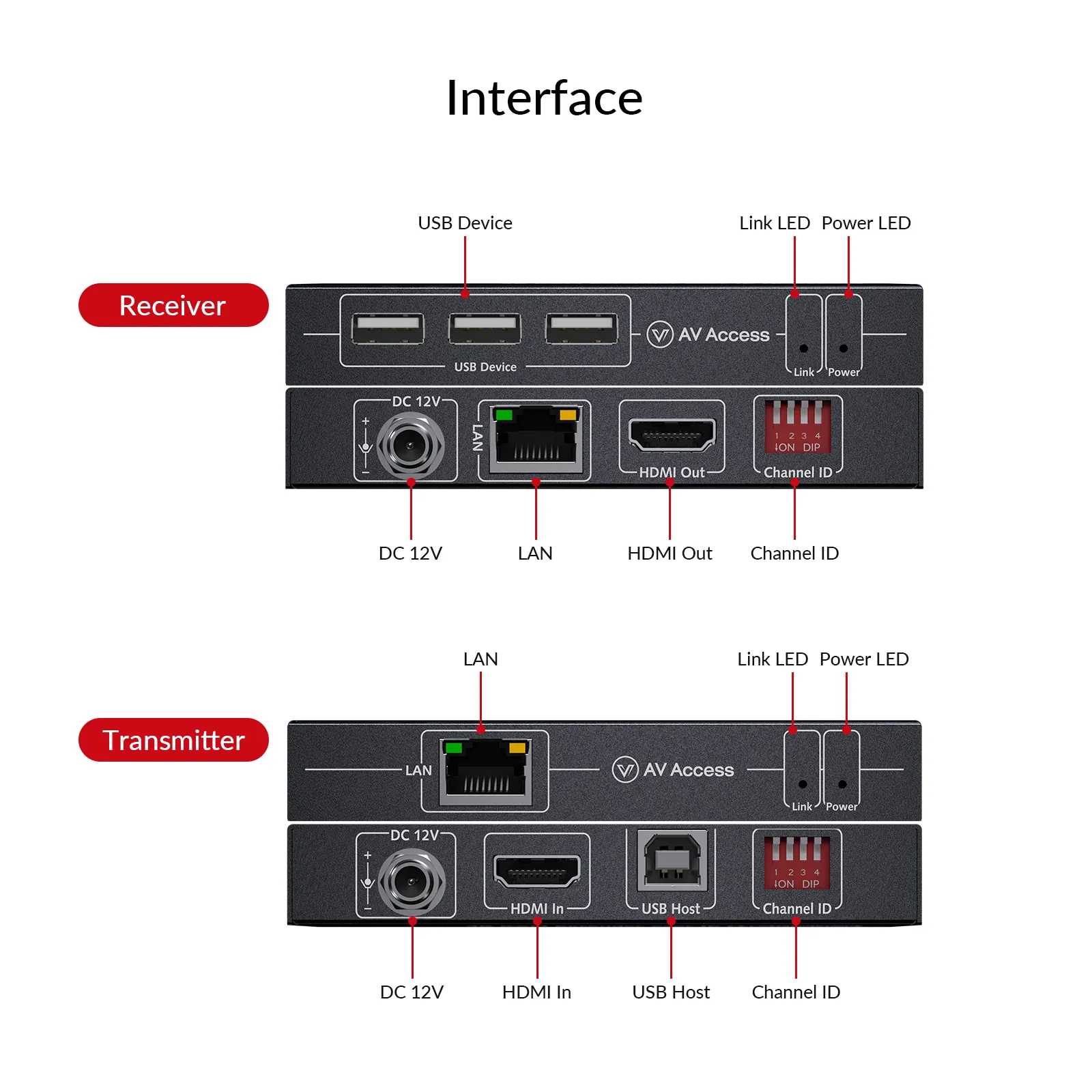
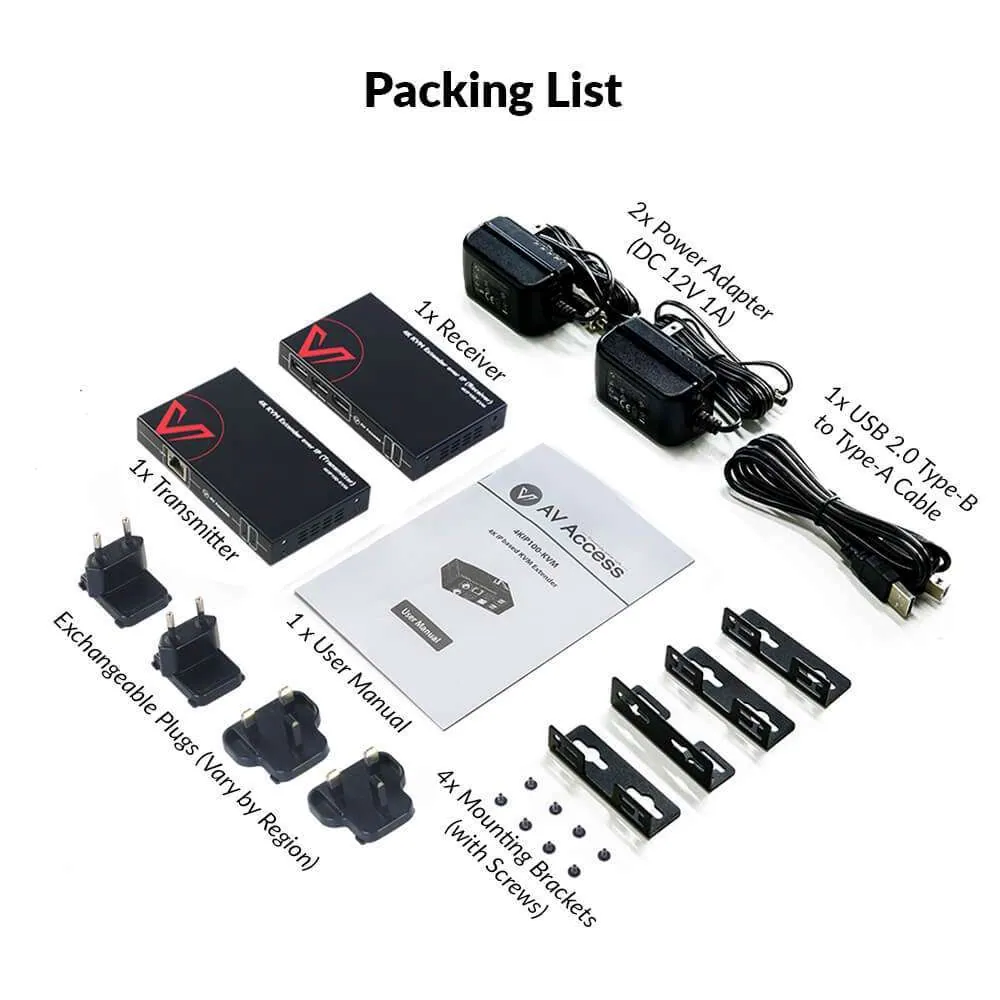
- 1 x HDMI Out, 3 x USB-A Device, 1 x LAN, 1 × 4-pin DIP, 1 x DC 12 V
02Video2
- Video
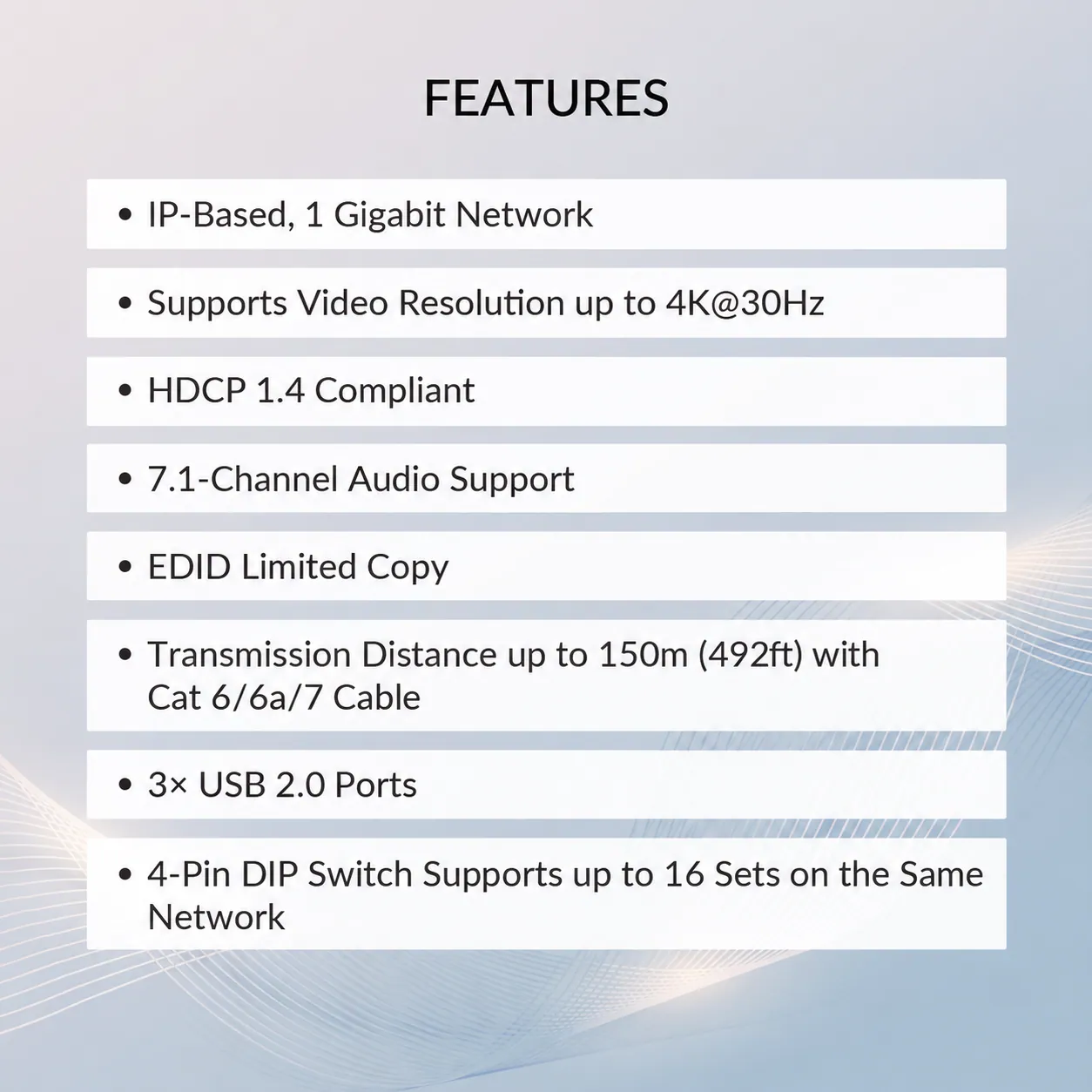
- HDMI 1.4b; up to 4K@30 Hz; 1080p up to 120 Hz
- HDCP
- HDCP 1.4
03Audio1
- Audio
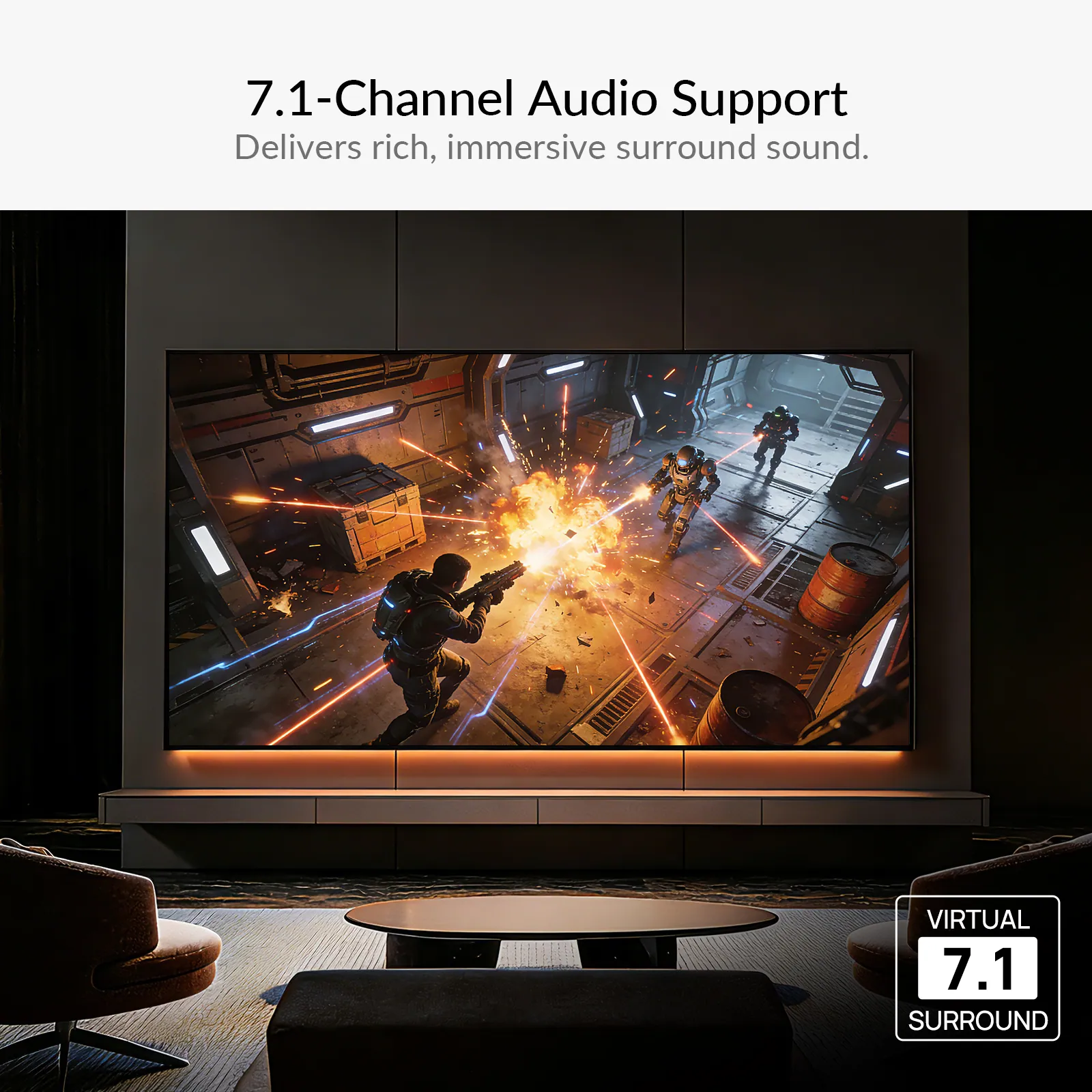
- PCM up to 7.1, Dolby and DTS formats supported through HDMI
04Control and interfaces2
- Network
- 1 Gigabit Ethernet; up to 16 independent sets with DIP pairing
- USB
- USB 2.0; 3 device ports at RX; recommended no more than 0.5 A per USB port
Show the full specificationHide the rest of the specification0 more groups · 0 values
02DescriptionManufacturer's description
What it is.
●IP-based transmission reduces dedicated cabling and simplifies system installation. ●Zero-latency transmission enables real-time video, keyboard, and mouse control. ●Up to 16 independent TX/RX pairs support flexible deployment and future system expansion. ●Up to 150m transmission extends HDMI, USB, and audio signals over a single Cat cable. ●4K video delivers clear, detailed visuals for professional and entertainment applications. ●7.1-channel audio delivers immersive sound for professional AV and entertainment applications. ●CE and FCC certification, surge protection, and ESD protection ensure stable, reliable operation.
!PLEASE NOTE
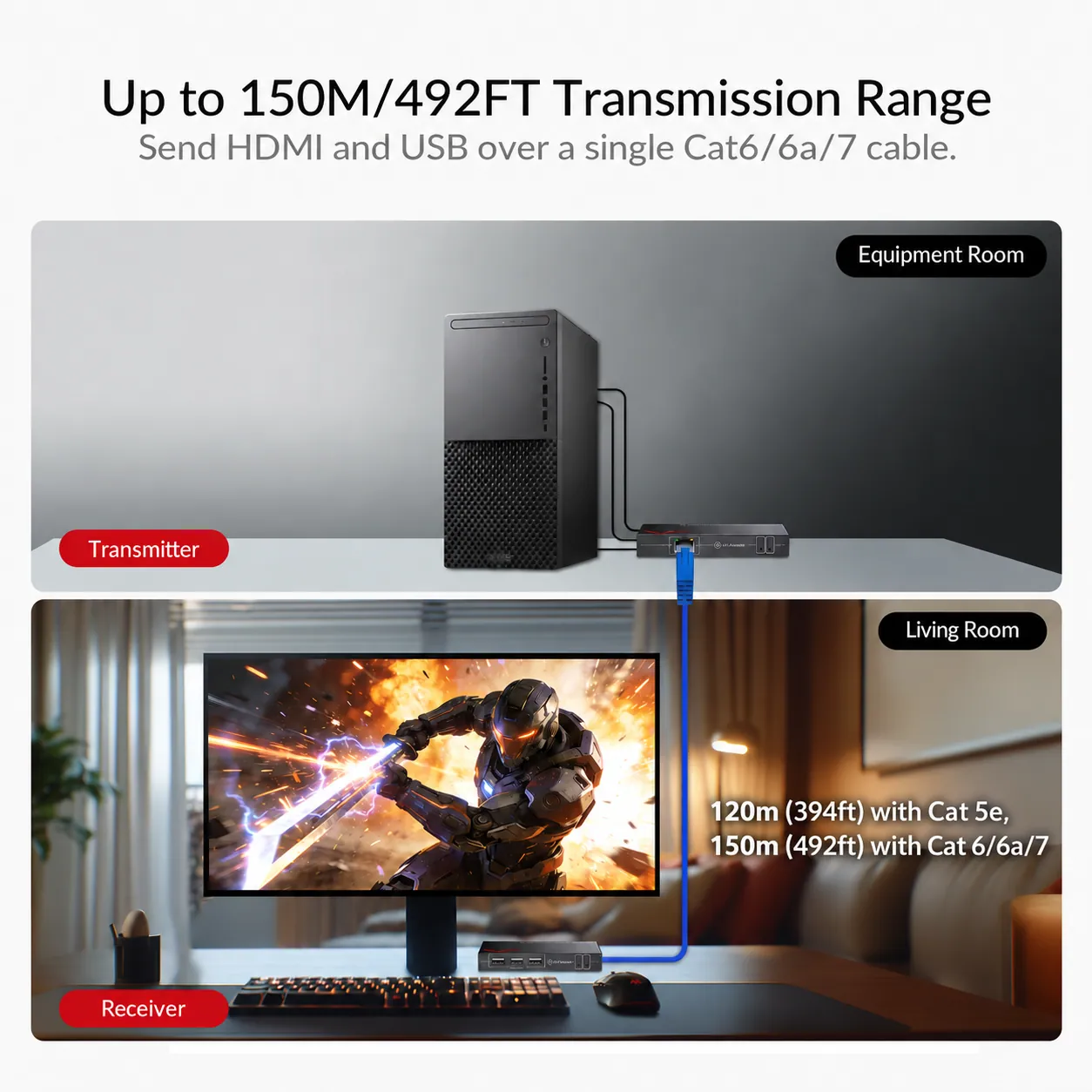
•Transmission distance varies by cable type: up to 120m (394ft) with Cat 5e, or 150m (492ft) with Cat 6/6a/7.
•Point-to-point only: each TX pairs with one RX via DIP switch. A Gigabit switch is required for stable performance when deploying sets on the same network.
•KVM switching isn’t supported with multiple sets on one Gigabit switch. For an IP KVM matrix, see 4KIPJ200.
•
Why Choose 4KIP100-KVM
KVM Extension Made for Flexible IP Deployment
Extend video and USB control over standard Ethernet infrastructure, with zero-latency performance and simple deployment for both direct and switched network connections.
01
Long-Distance KVM Extension · 150m / 492ft
Extend HDMI and USB over Cat 6 or above.
02
Zero-Latency KVM · 4K@30Hz / 1080p@120Hz
Responsive video and USB transmission for real-time control.
03
USB Peripheral Access · 3 USB 2.0 Ports
Connect a keyboard, mouse and other USB devices at the receiver.
04
Flexible IP Deployment · Up to 16 1:1 Pairs
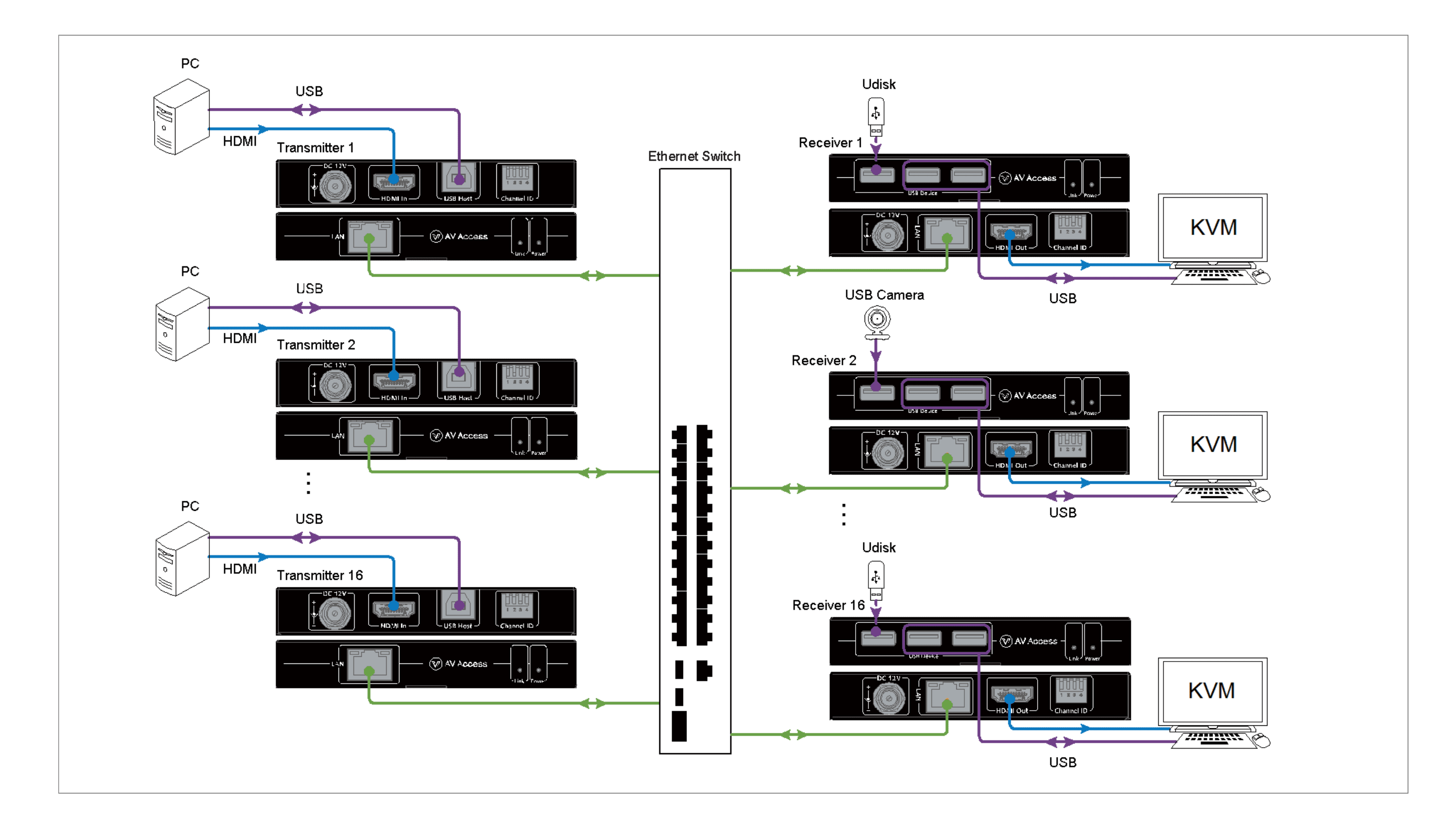
Run independent TX-RX pairs through one Gigabit Ethernet switch.
4K KVM over IP Extender
Control Remote PCs with Ease
AV Access’s best-selling 4K HDMI KVM extender featuring plug-n-play design and zero latency. Deploy up to 16 sets in a server room for multi-user control of remote PCs.
WHERE IT FITS
Built for remote workstations with a fixed one-to-one relationship.:
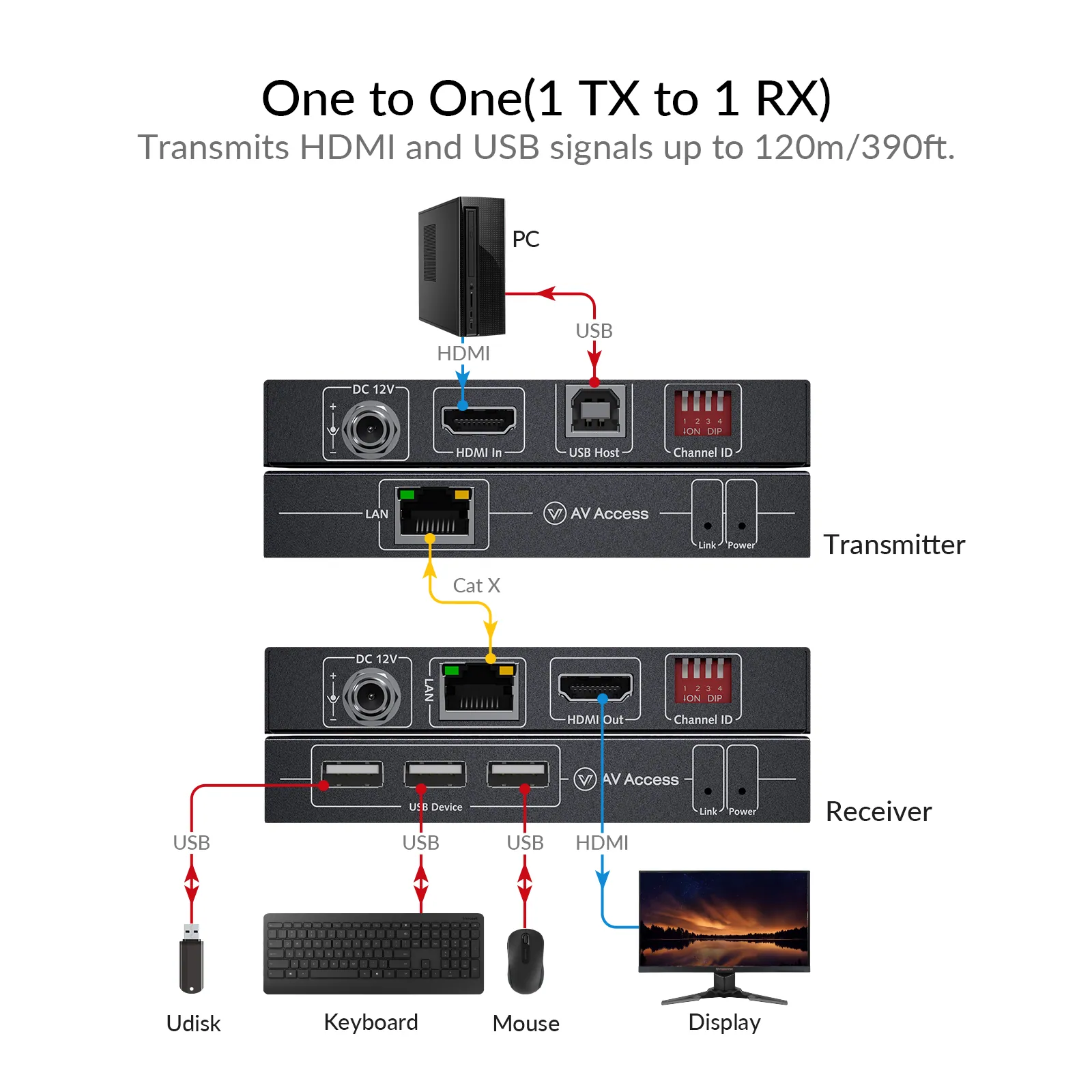
Transmits 4K@30Hz HDMI and USB 2.0 signals over a single Cat6/6a/7 cable up to 150m/492ft, with zero latency — ideal for control rooms, data centers, and remote workstation deployments.
Remote Workspace
- Server / Equipment Room
- Control & Monitoring Desk
- 01 / Remote Workspace
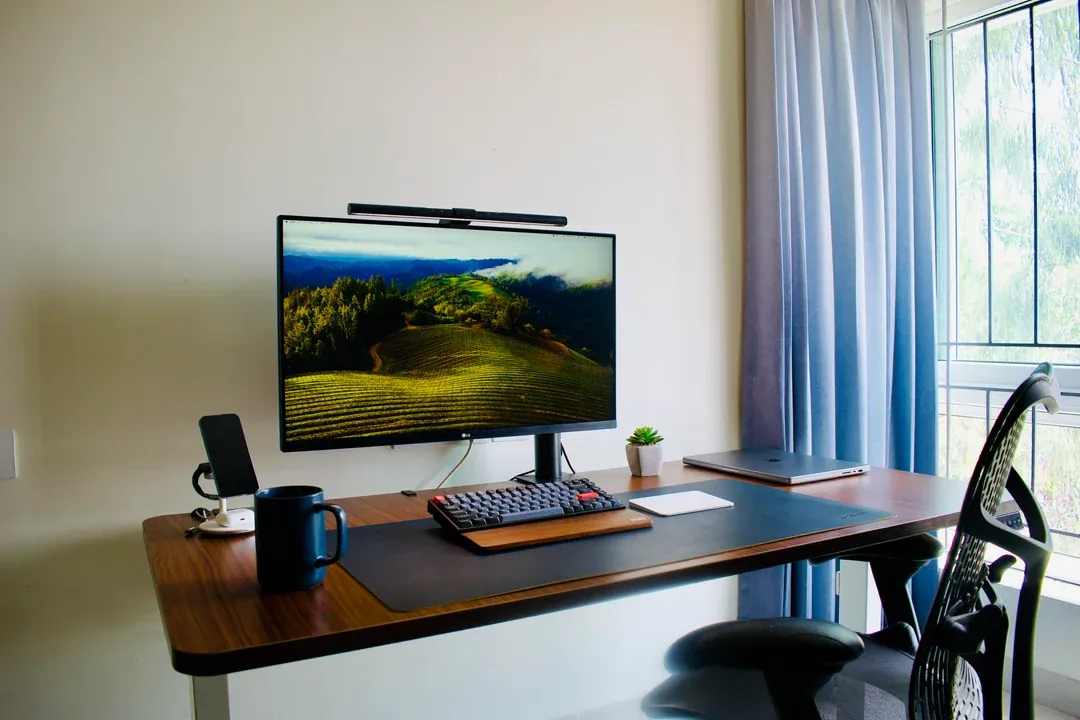
A quieter place to work.
Move the computer away from the desk while keeping its screen and input devices nearby.
02 / Server / Equipment Room
Keep systems together.
Locate computers in an equipment room and give each operator a dedicated remote connection.
03 / Control & Monitoring Desk
Control from the right location.
Place the operator’s screen and mouse where monitoring takes place. Check the recorder or host’s USB compatibility before deployment.
Multiple independent pairs
One switch. Up to 16 dedicated KVM pairs.
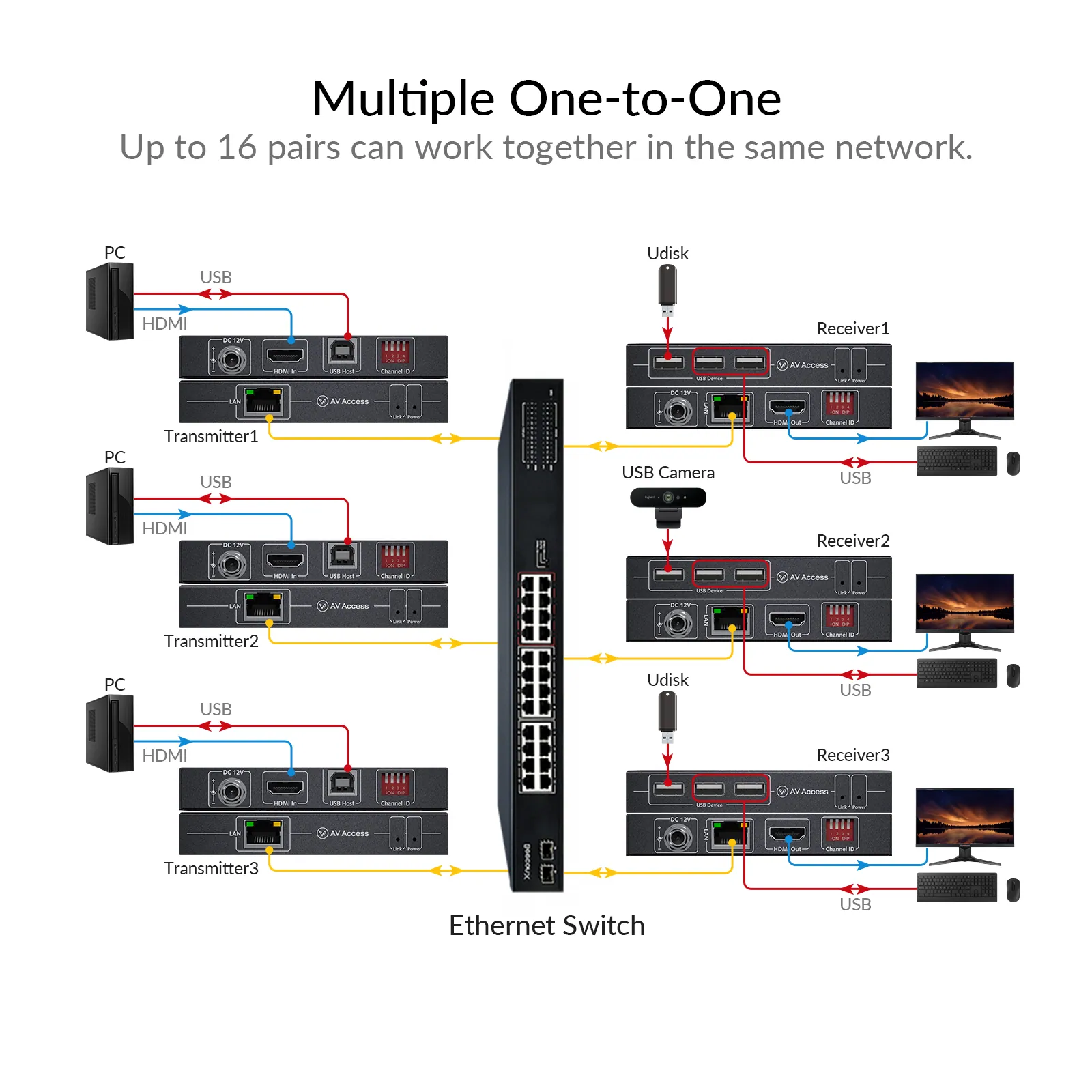
Up to 16 transmitter-receiver pairs work seamlessly via a standard Gigabit Ethernet switch — no VLAN configuration required, providing multiple operators concurrent high-speed access to remote systems from any local station.
16
Up to 16 TX-RX Pairs
Run multiple independent one-to-one KVM links through one Gigabit Ethernet switch.
OK
No Switch Configuration
No VLAN setup or network routing configuration is required.
ID
DIP-Switch Pairing
Set the same Channel ID on each TX and RX to create the corresponding one-to-one link.
Real-time KVM
Up to 150m/492ft Range with Zero Latency
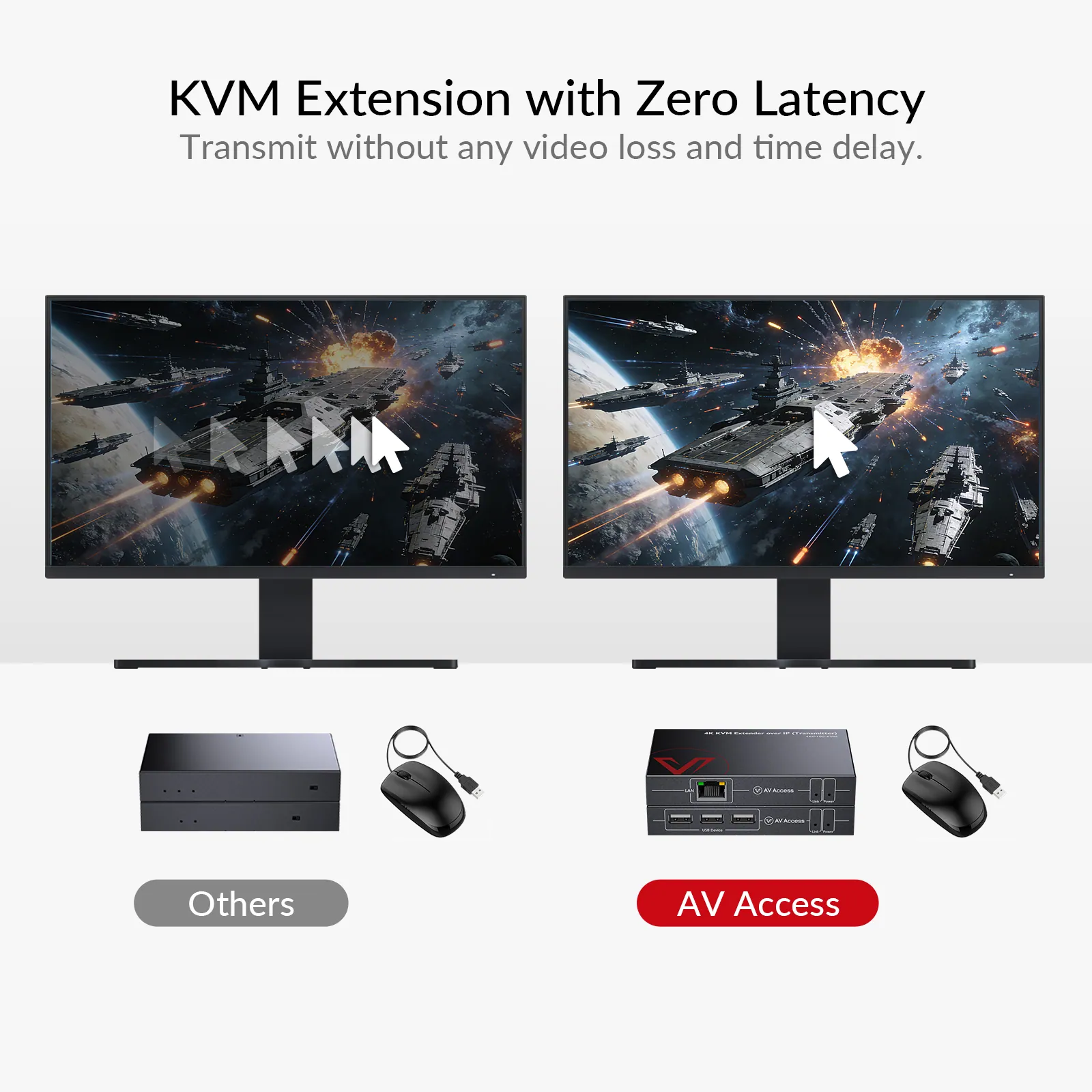
Extends 4K@30Hz HDMI and USB signals up to 150m/492ft over a single Cat6/6a/7 cable with zero latency, delivering high-quality image, with no perceptible latency and visually lossless video quality.
NOTE
Transmission distance varies by cable type: up to 120m (394ft) with Cat 5e, or 150m (492ft) with Cat 6/6a/7.
* Note: The 150m limit applies to direct TX-to-RX connections. When connected through Gigabit network switches, transmission can extend beyond 150m, including across cascaded switches, subject to network infrastructure and configuration.
Visual performance
See the detail. Follow the motion.
Picture quality deserves its own space. From fine on-screen detail to moving content, keep the visual experience at the center of your workflow.
Detail
A clearer view of your work.
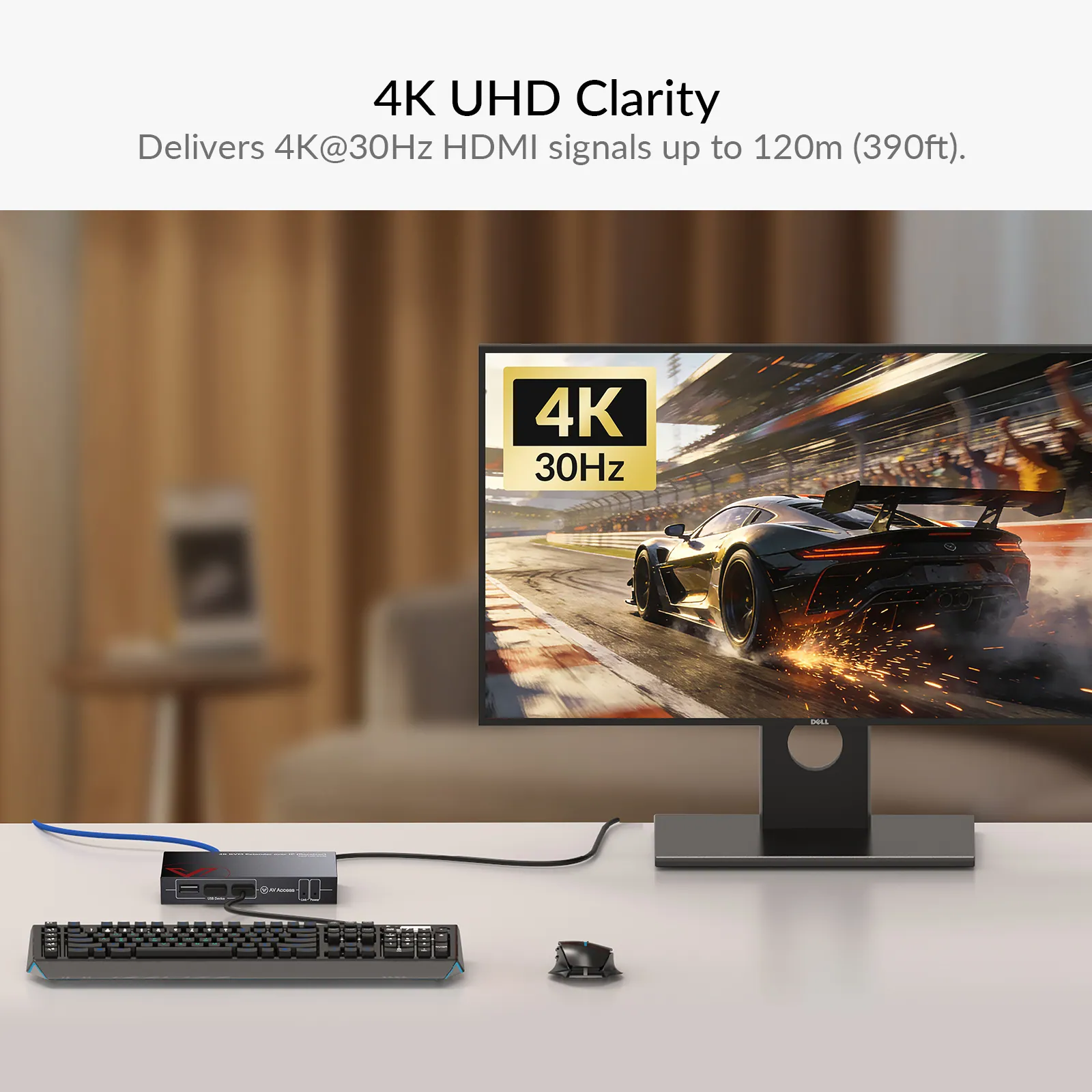
Use 4K resolution when text detail, dashboards, monitoring views and large-screen clarity matter most.
Motion
Keep moving content flowing.
Choose Full HD at up to 120Hz when smoother motion is more important than 4K resolution.
USB & audio connectivity
More than a display connection.
Connect the peripherals and audio that complete your setup, with dedicated USB and audio capabilities.
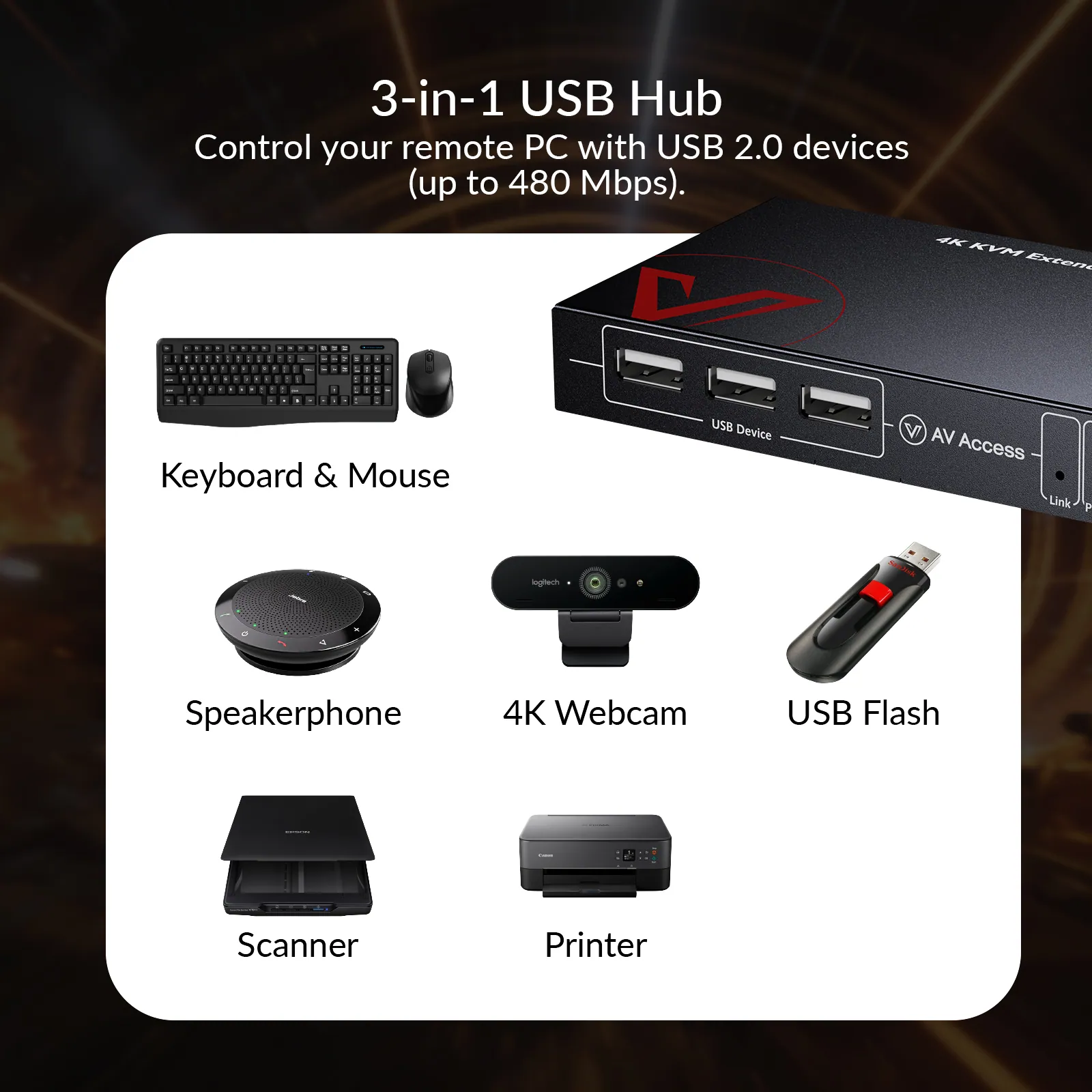
3 USB 2.0
Keep the tools you use within reach.
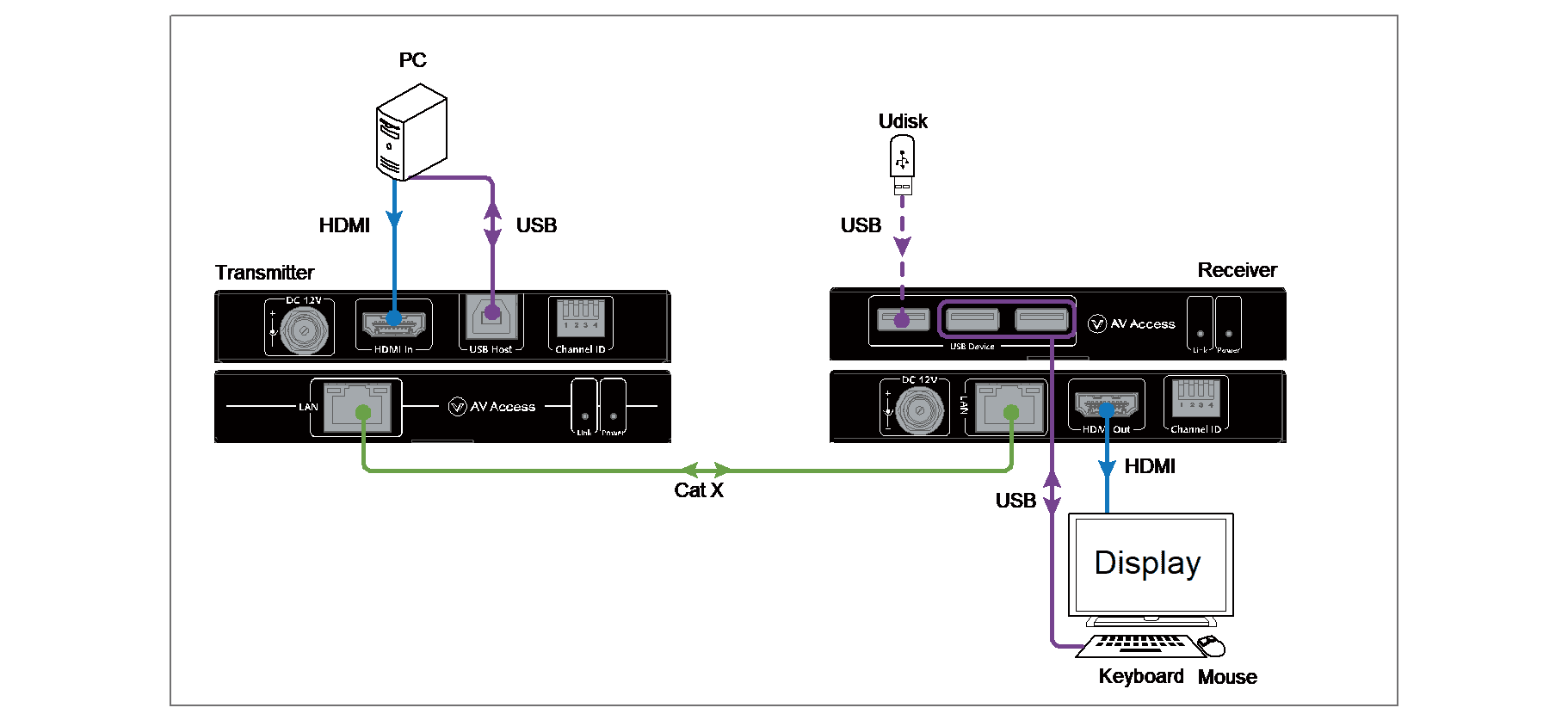
Connect your keyboard, mouse and a compatible USB device to the receiver. The transmitter’s USB host connection carries control back to the computer.
7.1-Channel Audio
Up to 7.1-channel HDMI audio
Carry multi-channel HDMI audio together with the video signal for remote workstations, monitoring and media applications.
QUICK INSTALLATION
Four steps from computer to remote workspace.
STEP 1
Connect the computer
Run HDMI and USB from your computer to the transmitter.
STEP 2
Build the link
Connect TX to RX directly, or use a compatible Gigabit switch.
STEP 3
Set the pair
Match the TX/RX DIP settings. Assign a unique matching ID to each pair.
STEP 4
Power & verify
Connect the display and peripherals to RX. Power both units and test video and USB.
Comparison
Find the Right Extender for Your Setup
Compare 4KIP100-KVM with our top KVM extenders below to choose the perfect fit – or compare all KVM extenders >
03Documents4 files · 5.8 MB
Documents and files.
Datasheets, manuals, drawings and certificates as the manufacturer publishes them.
Datasheets and manuals01
04Related products
In the same range.
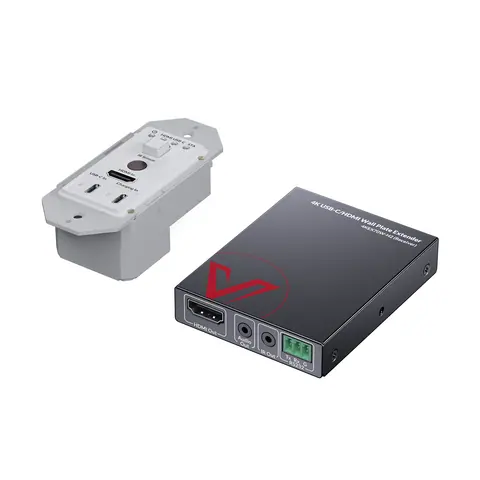 EQ-807AV Access4K USB-C/HDMI wall plate extender, 70 m4KEX70W-H2 · Extenders
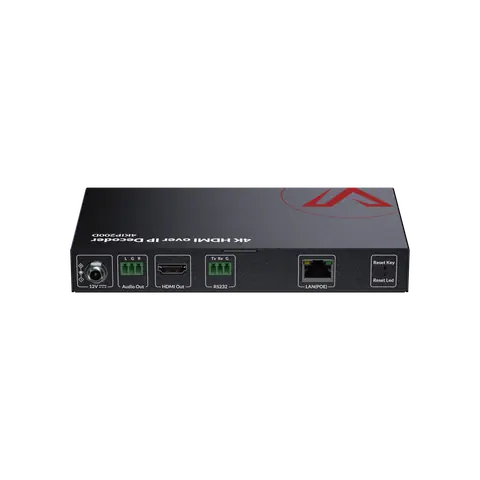 EQ-809AV Access4K AV over IP decoder with video wall4KIP200D · AV over IP
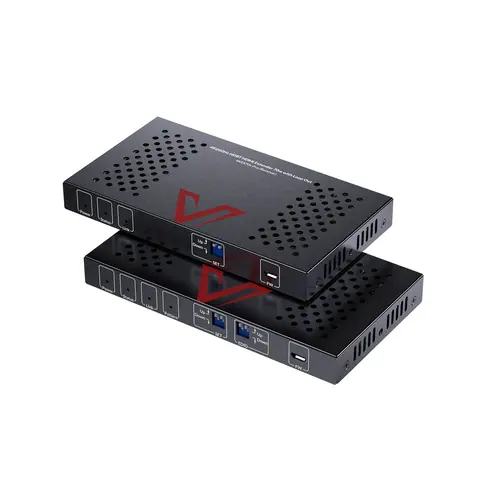 EQ-806AV Access4K60 HDBaseT HDMI extender with loop-out, 70 m4KEX70L-Pro · Extenders
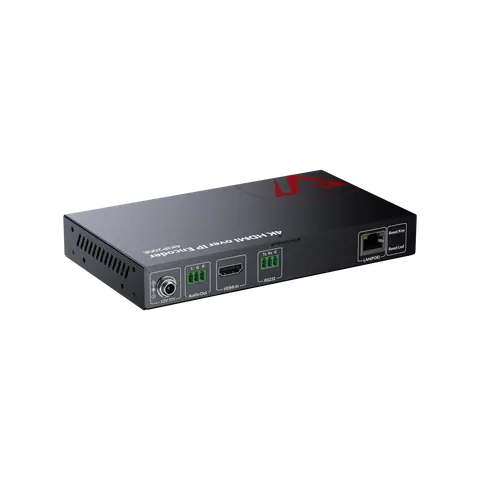 EQ-810AV Access4K AV over IP encoder with video wall4KIP200E · AV over IP
05Talk to us
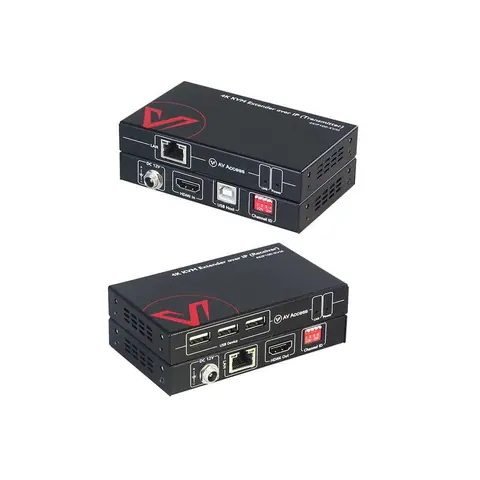 4K HDMI KVM extender over IPAV Access · EQ-808
Need this priced for your project?
- Quantity and site
- Configuration and interfaces
- Quotation