
















Sheet 05.834
AV Access · Switchers and KVM
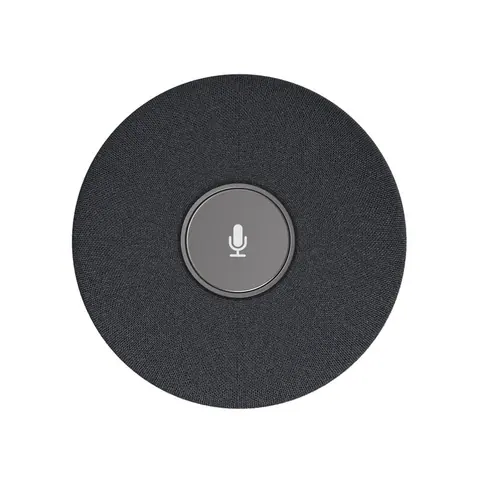
Add-on conference microphone with echo cancellation
ModelAnyCo M1
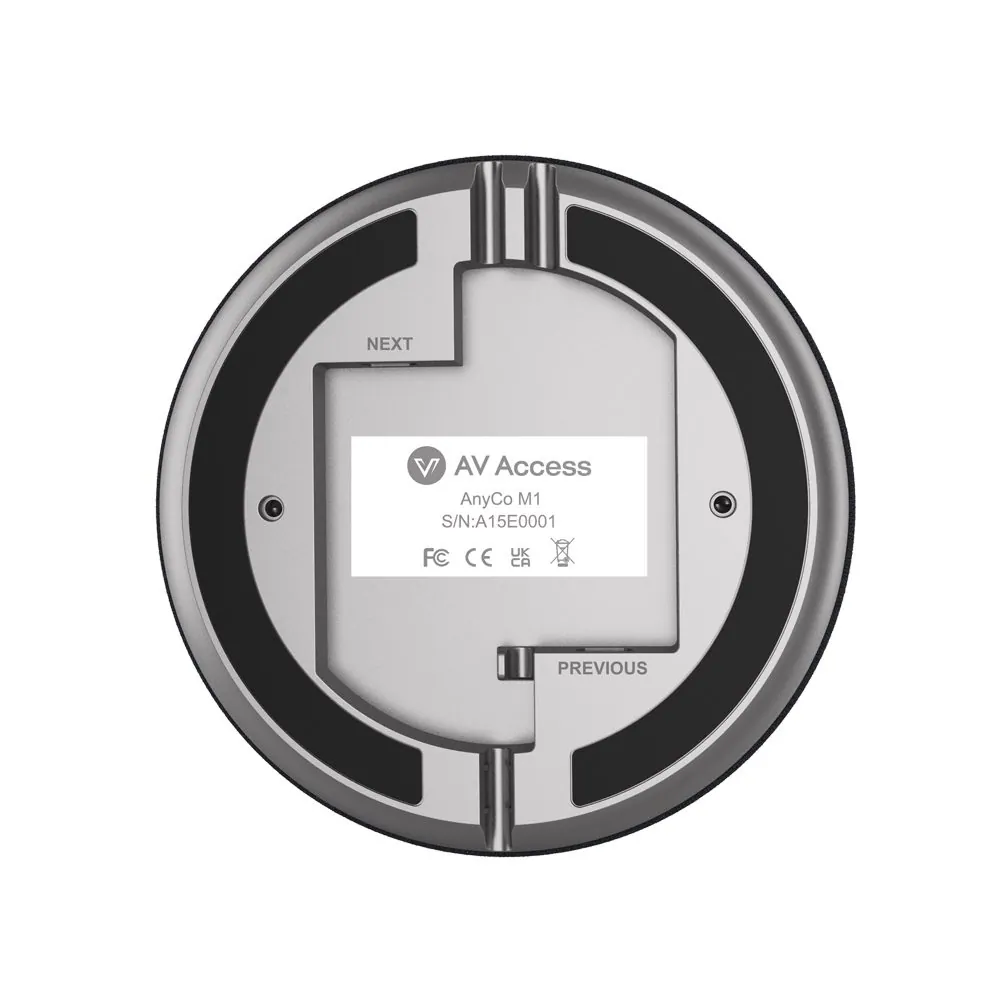
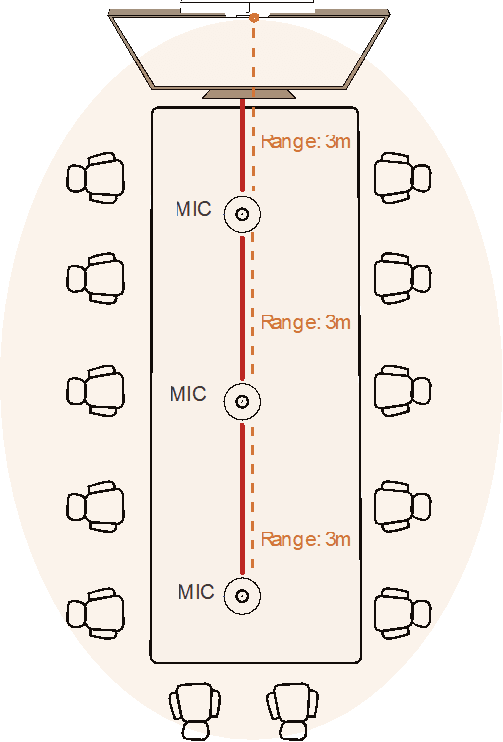
● Innovative Cascaded Function: You can cascade up to 3 units of AnyCo M1 microphones to the AnyCo V8 video bar via mini USB cables. It is easy to expand the video bar’s pickup range to fit your meeting space, especially in a large meeting room.
Add-on conference microphone with echo cancellationPrice on request Request a quotation
01SpecificationManufacturer's data · 3 groups · 9 values
What this product is, in numbers.
PDFUser Manual9 pages · 806 KB
The manufacturer's published values. We confirm the configuration and the values that matter for your project before an order.
01General7
- Main function
- Add-on Microphone with Daisy-chain Support for Conference Room
- Target audience
- Sales, Marketing, IT, and Training teams, SME meeting room administrators, remote workers
- Critical scenarios
- Huddle/small/medium/large conference rooms
- Key features
- 1. 4x omni-directional MEMS mic array with 360° pickup / 2. Daisy-chain support (up to 3 units) for wider coverage / 3. AEC (Echo Cancellation), AGC (Automatic Gain Control), ANS (Noise Reduction) / 4. Touch mute button with status LED / 5. Plug & Play / 6. Compact, portable design
- Connection
- Mini USB
- Daisy chain
- Yes, up to 3 units
- Installation
- Portable tabletop use (No fixed installation required)
02Audio1
- Audio
- 4-microphone array with 360° pickup, supports AEC (acoustic echo cancellation), ANS (automatic noise suppression),automatic gain control (AGC) and voice enhancement
03Packaging1
- Included cables
- 1 × 3 m / 10 ft Mini USB to Mini USB Cable
Show the full specificationHide the rest of the specification0 more groups · 0 values
02DescriptionManufacturer's description
What it is.
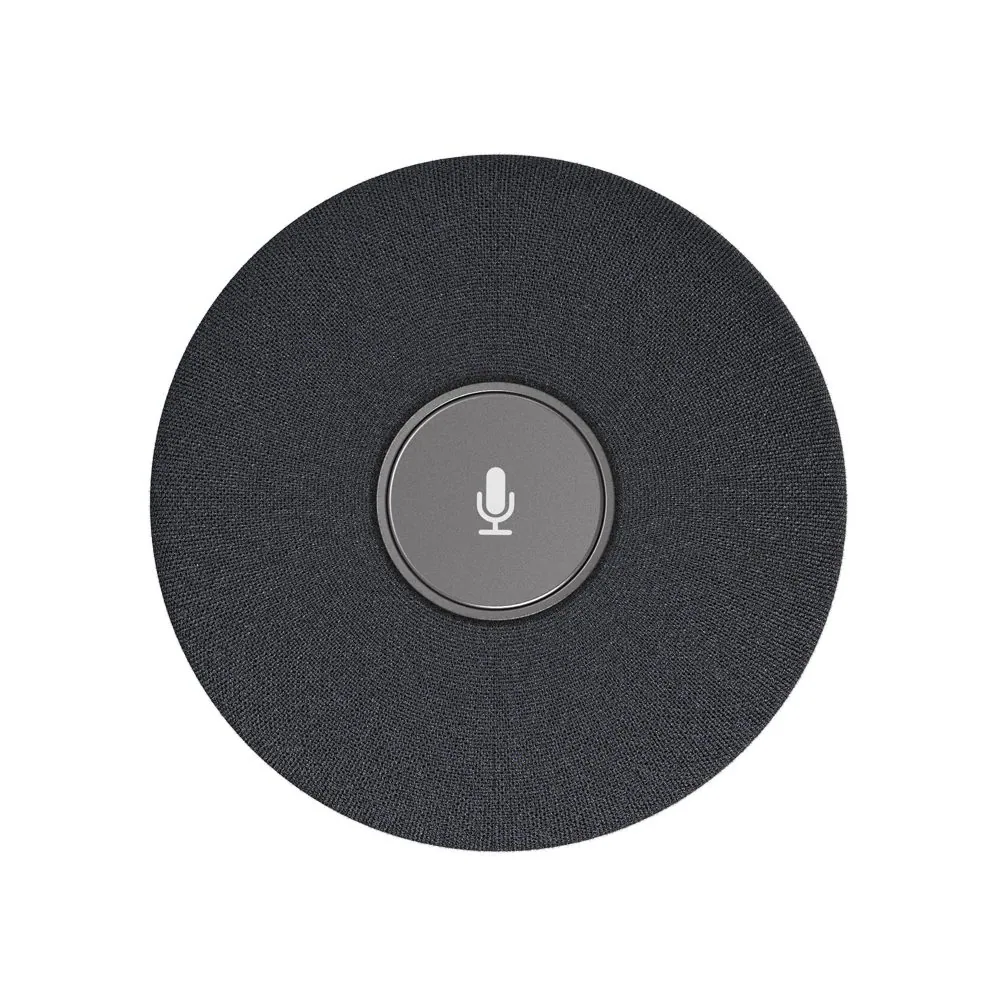
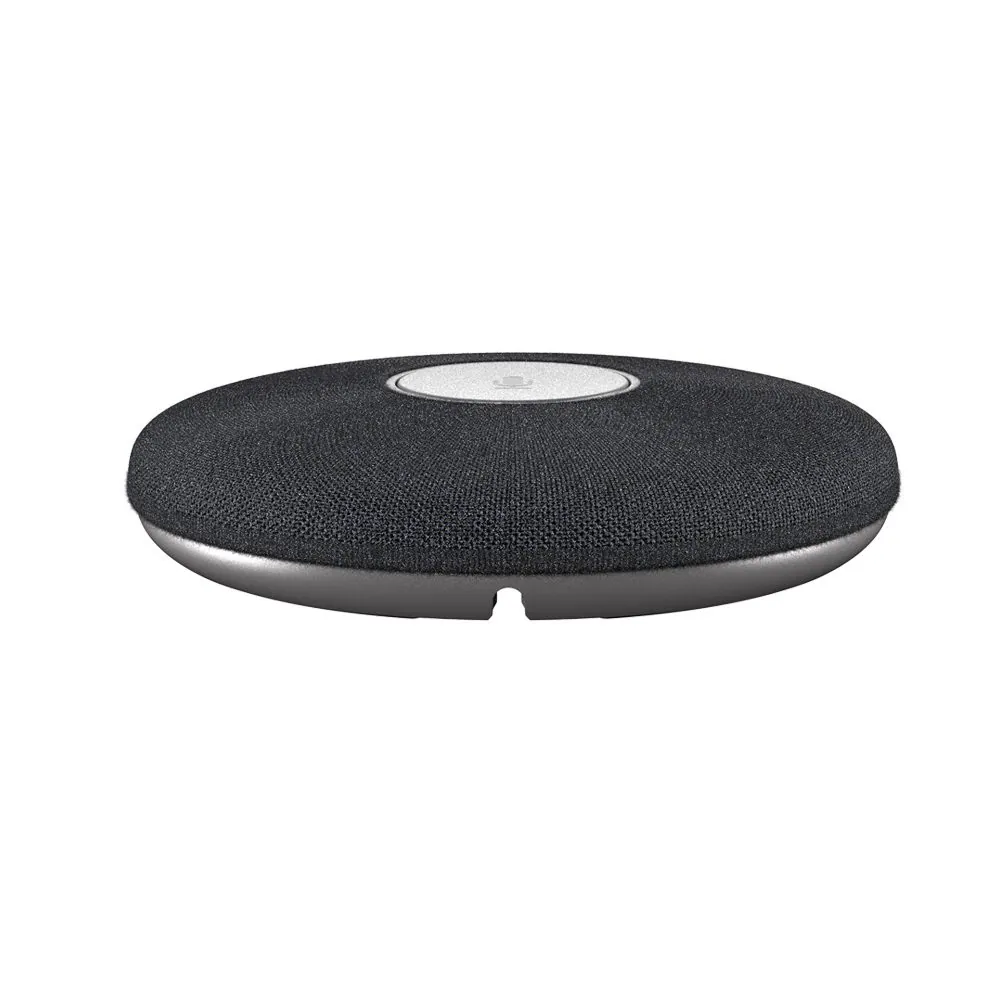
● Innovative Cascaded Function: You can cascade up to 3 units of AnyCo M1 microphones to the AnyCo V8 video bar via mini USB cables. It is easy to expand the video bar’s pickup range to fit your meeting space, especially in a large meeting room. ● Noise Reduction & Voice Enhancement: Supports AEC (acoustic echo cancellation), ANS (automatic noise suppression) and voice enhancement. Even if you work in a noisy environment, it can capture clear voice and ensure effective communication. ● Omni-Directional Voice Pickup: With 4x built-in microphones arranged in a 360° array, a set of AnyCo M1 can pick up clear and natural voice within a distance of 16ft/5m. No shouting is required, even if you stand up and walk around in the room. ● Everyone Sounds Equally Loud: Designed with the advanced AGC (automatic gain control) technology. No matter where you’re sitting in the room, it enhances your voice so everyone sounds equally loud and clear. ● Important Notes: This compact and portable add-on microphone can’t be used alone; it needs to work with the AnyCo V8 video bar. It is built with a touch button to mute/unmute its mics, as well as a status indicator.
⭐If it’s not everything you hoped for, we’ll make it right with a refund—your satisfaction comes first. Free Shipping* 3-Day Delivery from Local Warehouse (US/CA)* 30-Day Money-Back Guarantee* 3-Year Warranty for Partners*
Meeting microphone features a 4-mic omni-directional array with echo cancellation, noise suppression, and voice enhancement for clear audio pickup. Supports cascading to expand coverage and make a flexible solution for medium to large conference rooms.
AnyCo M1 Add-on Microphone for AnyCo V8 Video Bar
AnyCo M1 is a microphone designed to work with the AnyCo V8 video Bar for expanding its pickup range. It is ideal for applications in huddle/small/medium/large conference rooms.
Main Features
4 x MEMS omnidirectional microphones array with a pickup range of 3 to 5 meters.
Supports cascading of up to three units, greatly extending the pickup range.
Supports AEC (Acoustic Echo Cancellation), AGC (Automatic Gain Control) and ANS (Automatic Noise Suppression) that make all participants feel like they are in the same room.
- Equipped with a mute/unmute button and a status indicator.
- Plug and play, no software or driver required.
- Compact and portable design, as small as a palm.
FAQs
Features
Compatibility
Comparison
What is a video bar?
A video bar is a device used for video conferencing and collaboration. It combines a camera, microphone, and speaker into a single compact unit, providing an all-in-one solution for high-quality audio and video communication.
How does a videobar work?
A video bar typically connects to a computer or video conferencing system using USB or other connectivity options. It captures video through its integrated camera, picks up audio through its built-in microphone array, and delivers audio output through its speakers. It is designed to provide a seamless and user-friendly experience for video meetings and presentations.
- Does it support plug-and-play USB connectivity without extra drivers?
- Yes. It is fully plug-and-play, requiring no additional drivers.
- What resolution and frame rate does the video bar support?
The video bar supports the following resolutions and frame rates: 320×240@30fps, 640×360@30fps, 640×480@ 30fps, 1280×720@90fps/60fps/30fps (default), 1920×1080@60fps /30fps, 2560 x1440@30fps, 3840×2160@30fps
What AI tracking modes does it support?
It supports Auto Framing, Presenter Tracking, and Speaker Tracking modes.
Auto Framing: Automatically adjusts the camera angle and zoom to keep all participants properly framed, ensuring clear visibility of faces as people move around.
Presenter Tracking: Automatically detects and follows the main speaker, keeping them centered in the frame throughout the presentation.
Speaker Tracking: Automatically detects who is speaking and keeps that person centered in the frame in real time.
Can I adjust camera settings (zoom, pan, tilt) manually via software or remote?
Yes. The free and intuitive AV Access BizEye software lets you easily control and customize the video bar, including selecting tracking modes, zooming in/out, adjusting pan/tilt, and fine-tuning color settings.
- How many microphones are built in and what’s the pickup range?
- It features a 4× MEMS digital microphone array with a pickup range of 3–5 meters and a 180° pickup angle.
- Does it have noise suppression and echo cancellation?
Yes. It features AEC (Acoustic Echo Cancellation), AGC (Automatic Gain Control), and ANS (Automatic Noise Suppression), ensuring clear and high-quality audio pickup.
Is the audio full-duplex (people can talk and listen at the same time)?
Yes. It supports full-duplex audio, allowing participants to speak and listen simultaneously. This ensures natural, uninterrupted conversations and makes meetings more efficient by eliminating the push-to-talk delays common in half-duplex systems.
Can I connect external speakerphones or microphones if needed?
Yes. It provides a 3.5 mm audio output to connect to an external receiver (e.g., headphones or amplifier) and a Mini USB port that supports cascading up to three additional microphones.
How do I mount the video bar?
It can be mounted on top of a display, on a wall, or on a tripod, providing flexible installation options for different meeting spaces.
Which video conferencing platforms is it compatible with?
The AnyCo V8 video soundbar works with all leading UC platforms, including Zoom, Skype, Teams, Webex, and more. With its plug-and-play design, simply connect via the included USB-A to USB-C cable and start your video conference instantly.
- Does it work with both Windows and macOS?
- It’s compatible with MacOS and Windows 7/8/10/11.
- What's the difference between a video bar and a soundbar?
A video bar is primarily designed for video conferencing and collaboration, combining a camera, microphone, and speaker in a single unit. It focuses on delivering both high-quality audio and video performance for meetings and presentations.
On the other hand, a soundbar is primarily a speaker system designed to enhance audio playback for TVs or multimedia devices. It is not typically equipped with a camera or microphone for video conferencing purposes.
What's the difference between a video bar and a webcam?
A webcam is a standalone camera device that captures video and is commonly used for personal video calls, live streaming, or recording. It is usually connected to a computer via USB and requires separate audio devices such as a microphone or speakers for complete audio-visual communication.
In contrast, a video bar integrates both a camera and audio components (microphone and speakers) into a single unit, providing a comprehensive solution for video conferencing without the need for additional devices.
To learn more, please refer to our blog: Video Bar vs. Webcam: Which One Should You Choose for Video Conference?
Specifications
Key Spec
All Spec
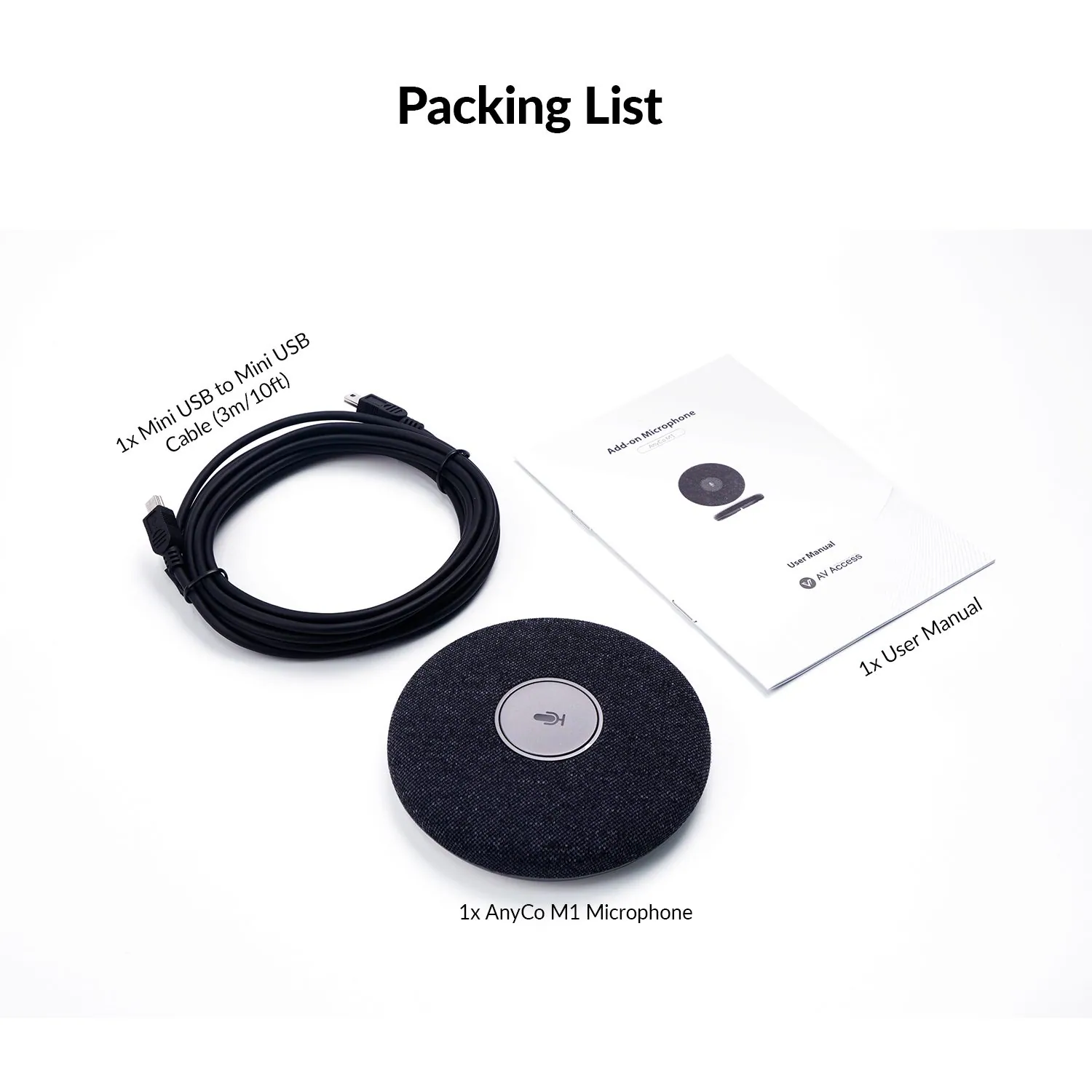
In the Box
1x AnyCo M1 Microphone
1x 3m/10ft Mini USB to Mini USB Cable
1x User Manual
Documents & Softwares
Download User Manual
Download Connection Diagram
03Documents2 files · 815 KB
Documents and files.
Datasheets, manuals, drawings and certificates as the manufacturer publishes them.
Drawings01
04Related products
In the same range.
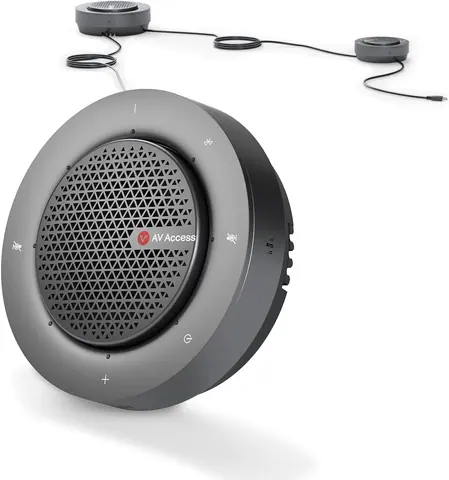 EQ-833AV AccessDaisy-chain conference speakerphone, USB and Bluetooth, up to 9 unitsAnyCo A6 · Switchers and KVM
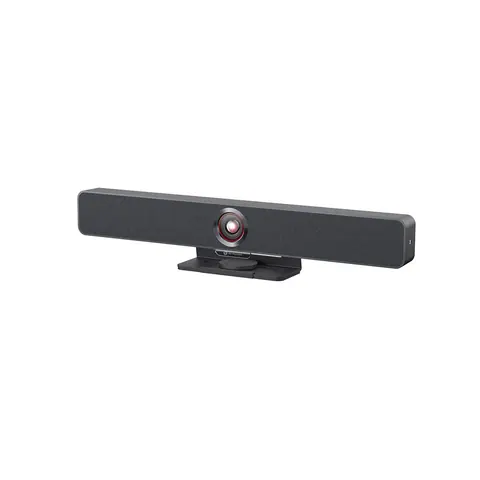 EQ-835AV AccessAll-in-one video bar, 4K AI tracking camera, 4-mic arrayAnyCo V8 · Switchers and KVM
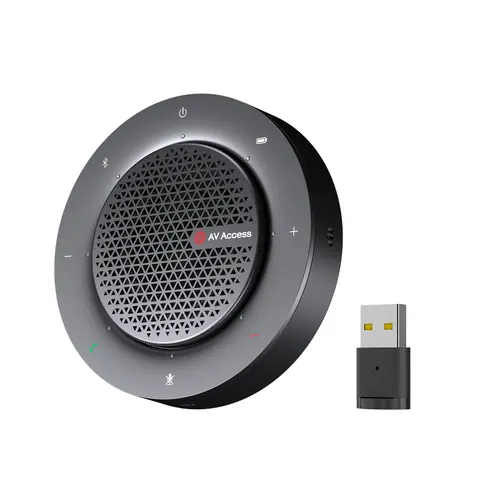 EQ-832AV AccessUSB/Bluetooth conference speakerphone, 4 mics, 360° pickupAnyCo A5 · Switchers and KVM
 EQ-836AV AccessUSB Bluetooth adapter for PC, game console and smart TVB20 · Conferencing accessories
05Talk to us
 Add-on conference microphone with echo cancellationAV Access · EQ-834
Need this priced for your project?
- Quantity and site
- Configuration and interfaces
- Quotation