
















Sheet 05.837

AV Access · Switchers and KVM
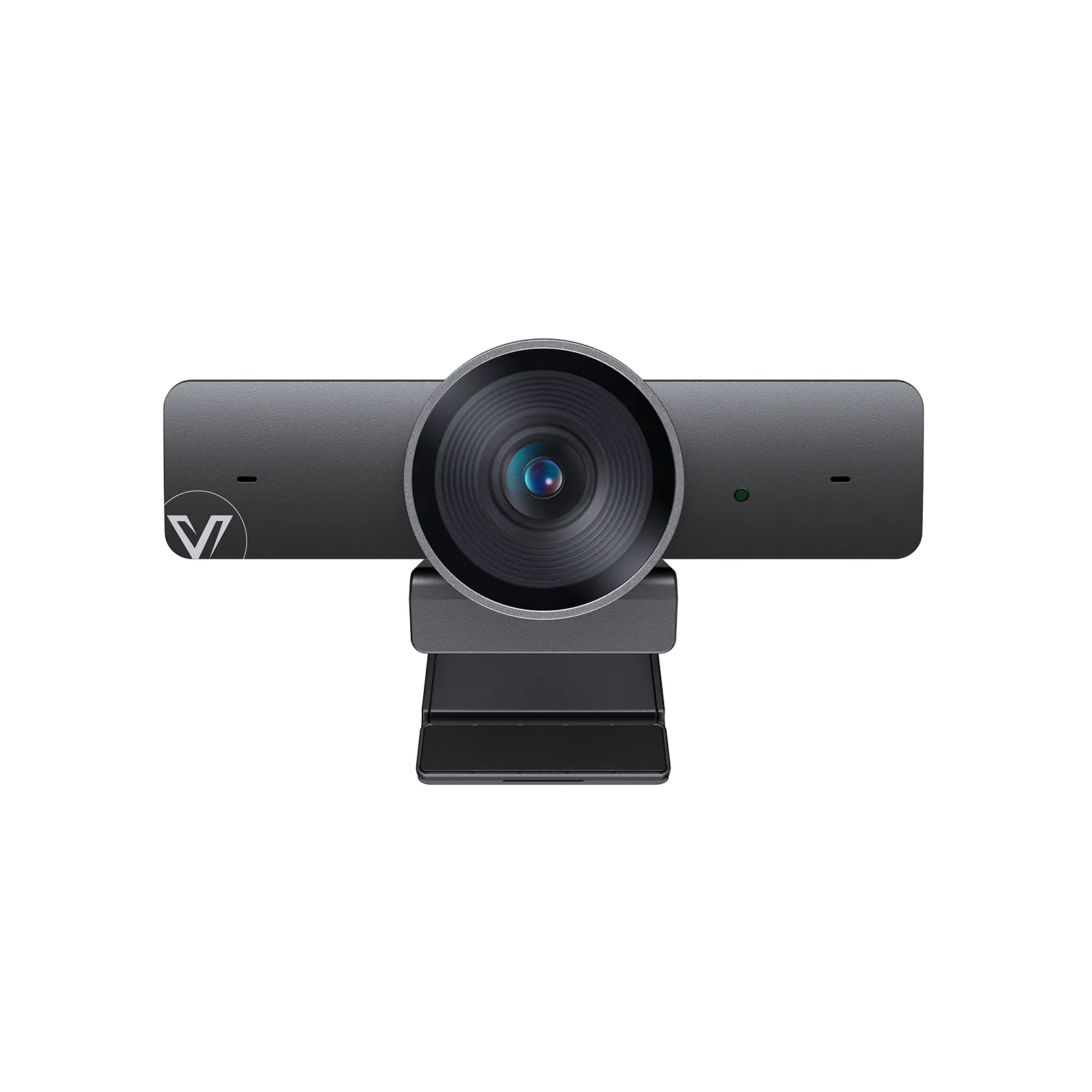
4K video conference camera, 120° wide angle, smart tracking
ModelBizEye 90
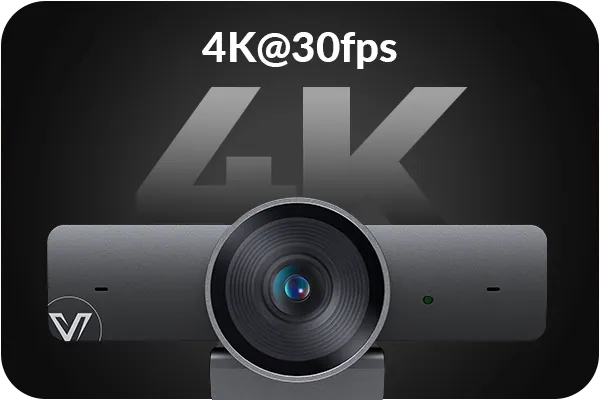
● 4K Ultra HD: Provides high-resolution video with superior clarity for clear and precise communication. ● 120° DFOV: Wide-angle view to cover the entire meeting space. ● 5X Digital Zoom: Get closer to important details with precision.
4K video conference camera, 120° wide angle, smart trackingPrice on request Request a quotation
01SpecificationManufacturer's data · 6 groups · 26 values
What this product is, in numbers.
PDFUser Manual14 pages · 843 KB
The manufacturer's published values. We confirm the configuration and the values that matter for your project before an order.
01General13
- Lens
- Fixed Focus
- Sensor
- CMOS, 1 / 1.8’ ,Effective Pixel: 8.0M
- Scanning mode
- Progressive
- Viewing angle
- 120° (DFOV)
- ePTZ
- Supported | 5 x Digital Zoom
- Shutter
- 1 / 30s ~ 1 / 10000s
- Tracking mode
- Auto Framing (default) / Presenter Tracking / Individuals Gallery /Off / Note: The tracking mode can be switched among the above modes through AV Access BizEye App. To download this App, visit www.avaccess.com.
- White balance
- Auto
- Backlight compensation
- Auto
- Digital noise reduction
- 2D, 3D digital noise reduction
- Operating system
- Windows 10 / 11, Mac OS™ 10.10 or higher
- Mic
- 2 x Mic
- MTBF
- >30000h
02Video3
- Horizontal rotation range
- Leftward: 30°, Rightward: 30°
- Vertical rotation range
- Downward: 90°
- Resolution and frame rate
- · MJPEG: 320 × 240@30fps, 640 × 360@30fps, 640 × 480@ / 30fps, 1280 × 720@30fps (default), 1920 × 1080@ / 30fps, 3840 × 2160@30fps / · NV12: 320 × 240@30fps, 640 × 360@30fps, 640 × 480@30fps, 1280 × 720@30fps (default) × , 1920 × 1080@30fps × / · H.265/H.264: 320 × 240@30fps, 640 × 360@30fps, 640 × 480@30fps, 1280 × 720@30fps (default), 1920 × 1080@30fps, 3840 × 2160@30fps / Note: Resolutions marked with “ × ” are not supported in USB 2.0 mode.
03Control and interfaces2
- USB communication protocol
- UVC 1.1
- USB interface
- 1 x USB Type-C: USB 3.0, up to 5 Gbps (USB 3.0 Type-A to USB Type-C cable is recommended)
04Power2
- Input voltage
- 5 V (USB power supply)
- Power consumption
- 5 W (Max)
05Physical4
- Color / compression
- MJPEG (default) /NV12/H.265/H.264
- USB cable length
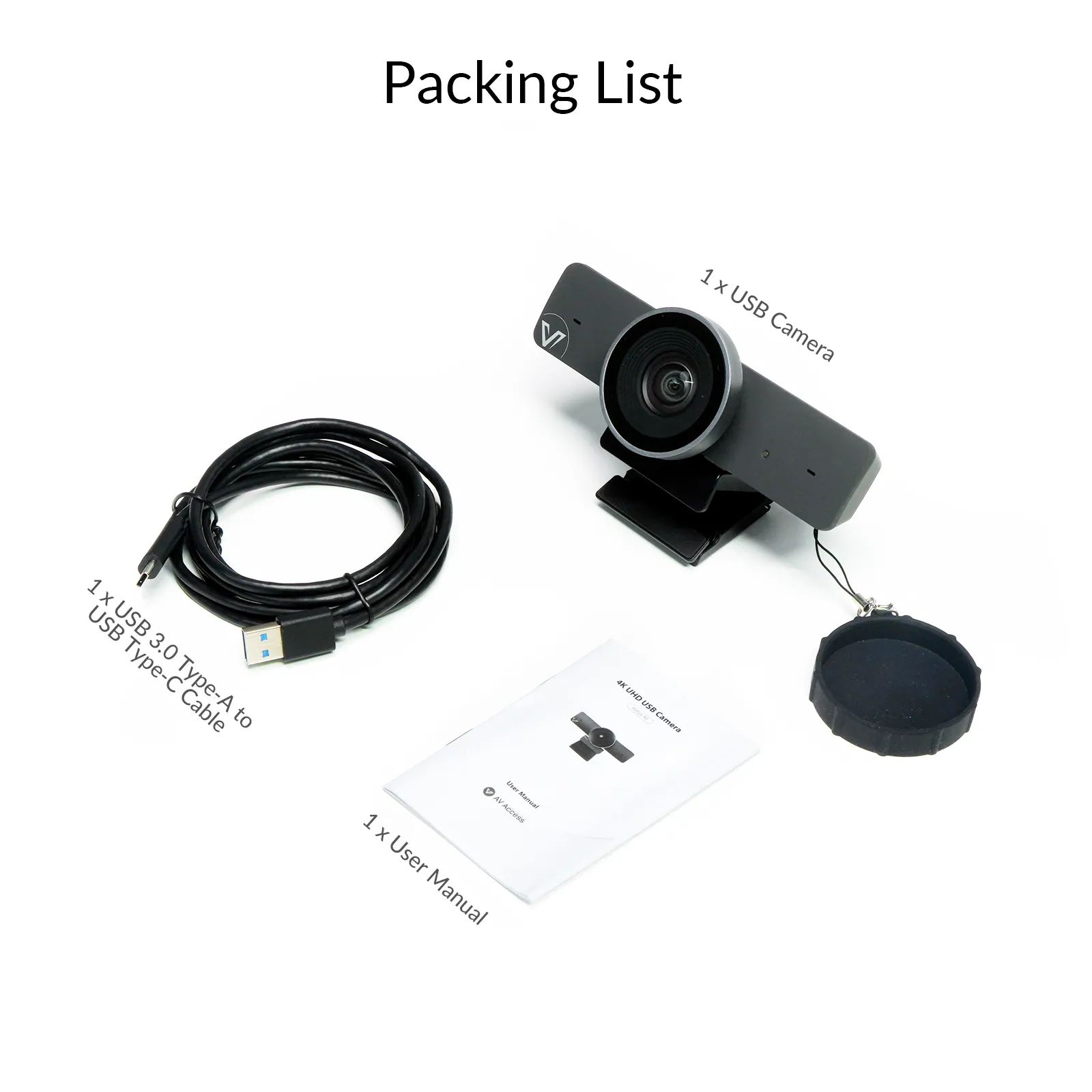
- 1.8 m / 5.91 ft
- Size
- 140.3 × 61.5 × 73.7 mm / 5.52 × 2.42 × 2.9 in (with Bracket)
- Net weight
- 0.21 kg / 0.46 lb (with Bracket)
06Environment2
- Operating temperature
- 0 °C ~ 40 °C (32 °F to 104 °F)
- Storage temperature
- -20 °C ~ 60 °C (-4 °F to 140 °F)
Show the full specificationHide the rest of the specification0 more groups · 0 values
02DescriptionManufacturer's description
What it is.
● 4K Ultra HD: Provides high-resolution video with superior clarity for clear and precise communication. ● 120° DFOV: Wide-angle view to cover the entire meeting space. ● 5X Digital Zoom: Get closer to important details with precision. ● 1/1.8″ CMOS Sensor: Nearly 2× the light-sensing area of 1/2.7″ sensors for improved brightness and clarity. ● Dual Noise-Cancelling Mics: Minimize background noise for clearer speech, with effective pickup range up to 3 meters. ● AI Smart Modes: Includes Auto Framing, Presenter Tracking, and Individuals Gallery. ● Easy & Flexible Installation: Plug and play for quick setup on top of the display, or on a tripod.
⭐If it’s not everything you hoped for, we’ll make it right with a refund—your satisfaction comes first. Free Shipping* 3-Day Delivery from Local Warehouse (US/CA)* 30-Day Money-Back Guarantee* 3-Year Warranty for Partners*
4K AI CONFERENCE CAMERA
Watch Video
4K AI CONFERENCE CAMERA
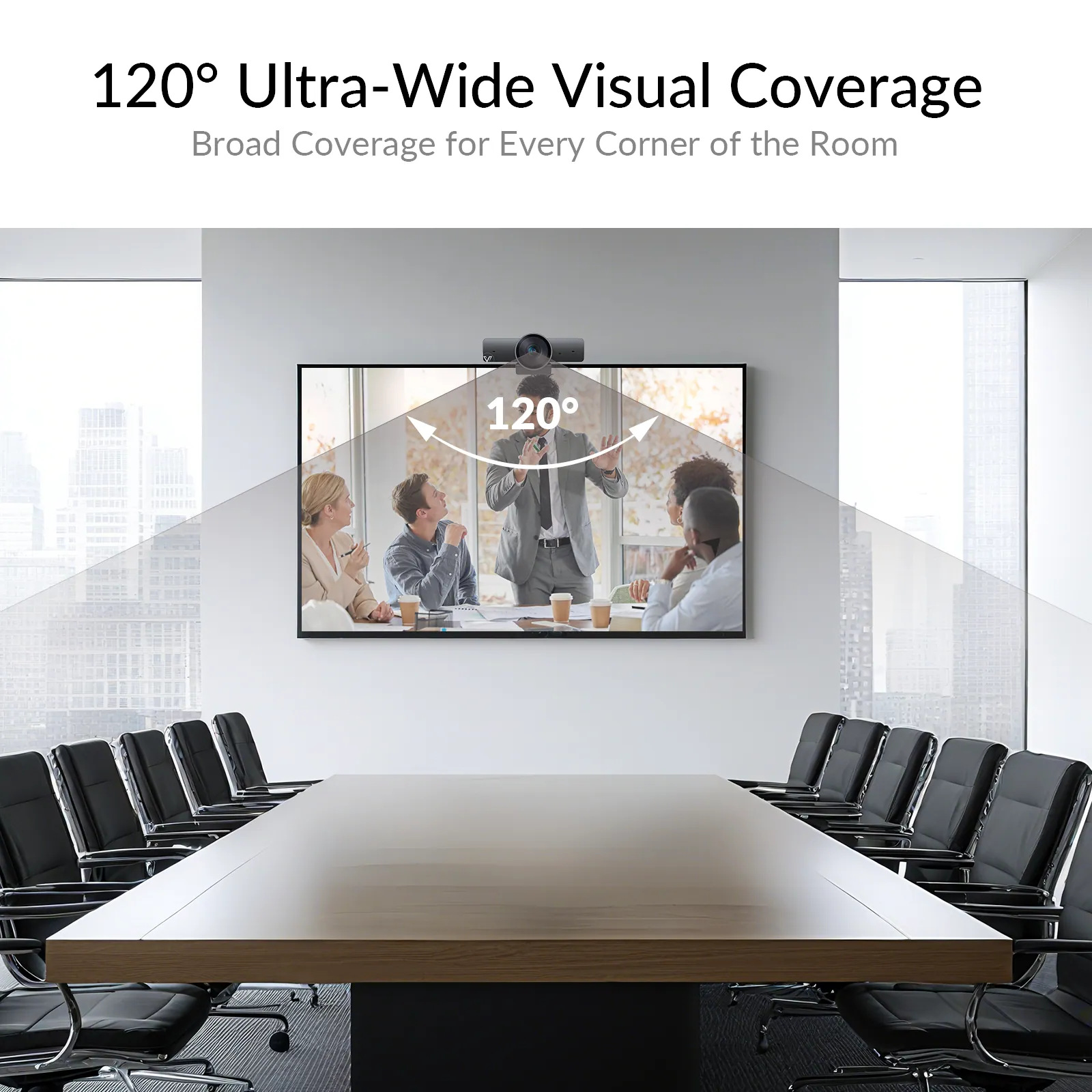
120° DFOV
Everyone’s in View
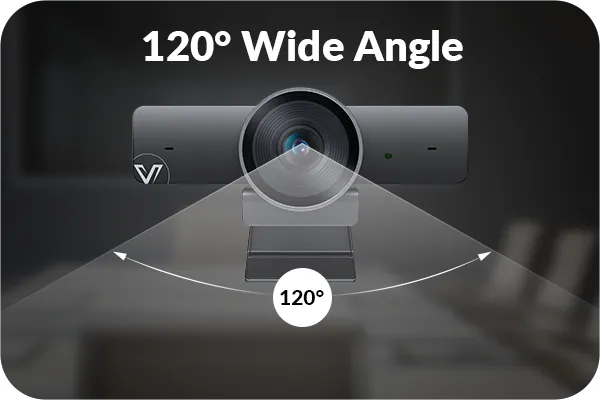
With a 120° wide field of view, the BizEye 90 effortlessly captures the entire room—even in compact spaces, ensuring no participant is left out of the frame.
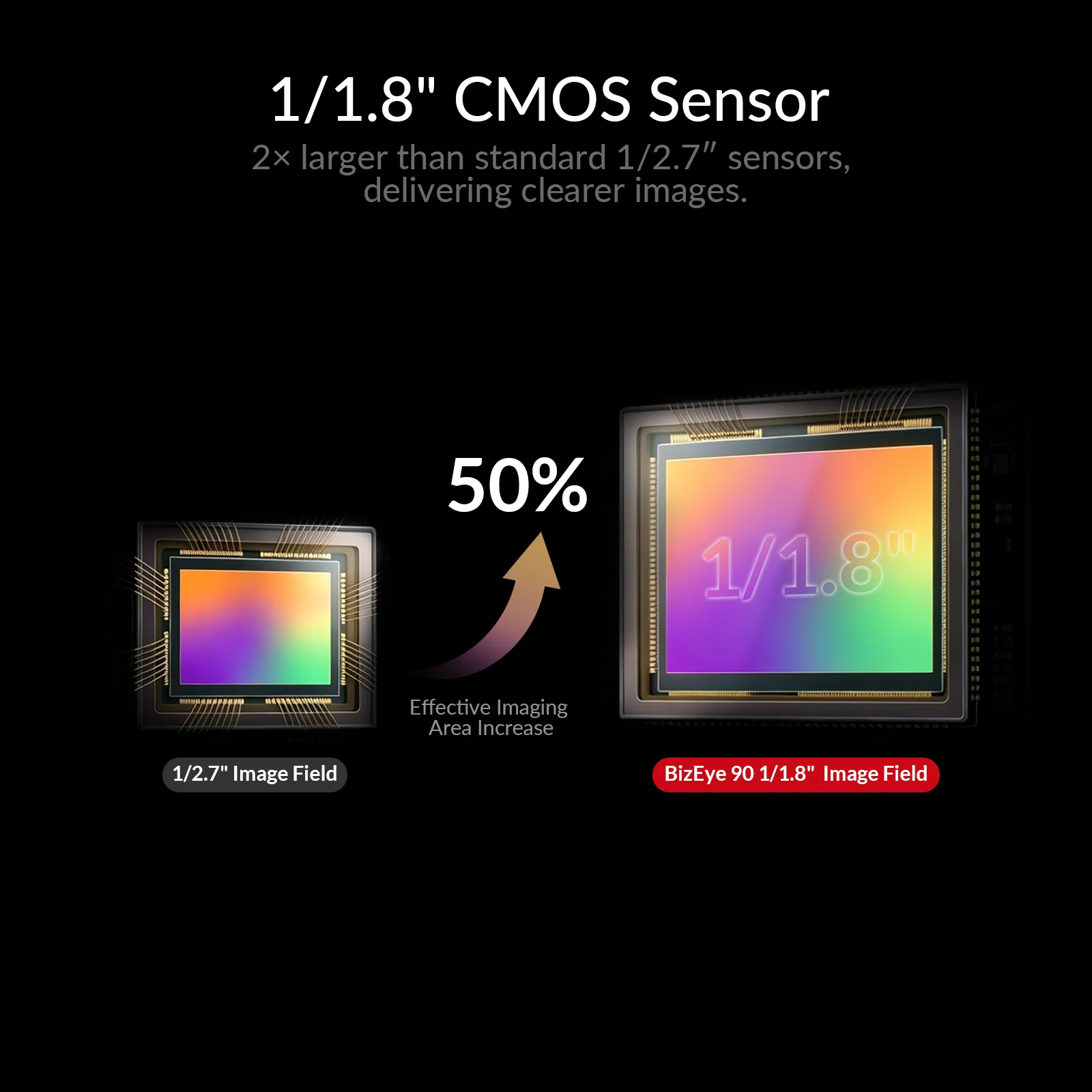
1/1.8″ CMOS SENSOR
Bigger Sensor, Greater Clarity
A 1/1.8″ professional-grade CMOS sensor, offering almost 2× the light-sensing area of standard 1/2.7″ sensors, captures more light and detail for brighter, sharper, and more lifelike images.
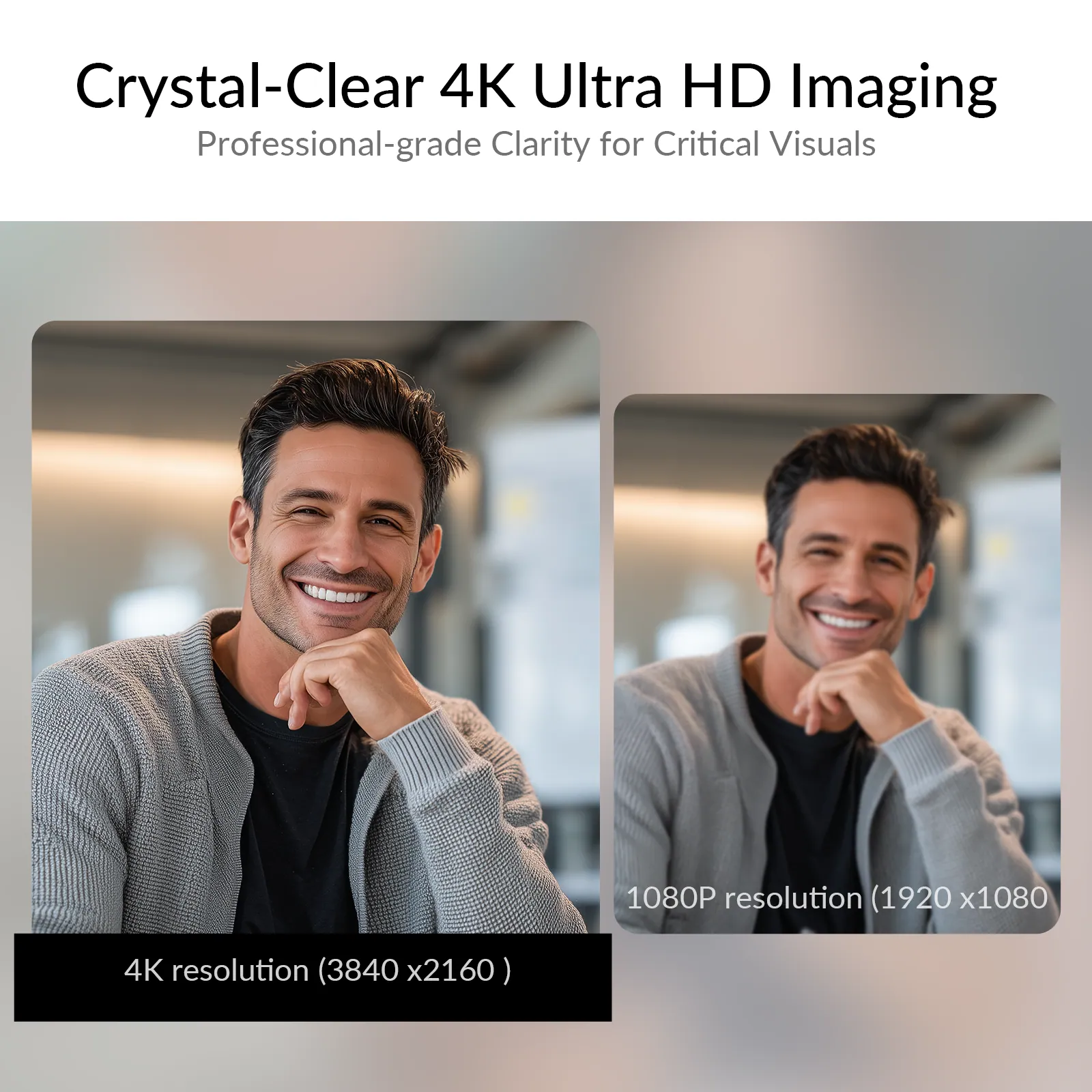
4K UHD
Precision in Every Pixel
With 4K ultra HD resolution, the BizEye 90 delivers crystal-clear image quality, rendering every face, texture, and visual element with sharp definition and accuracy.
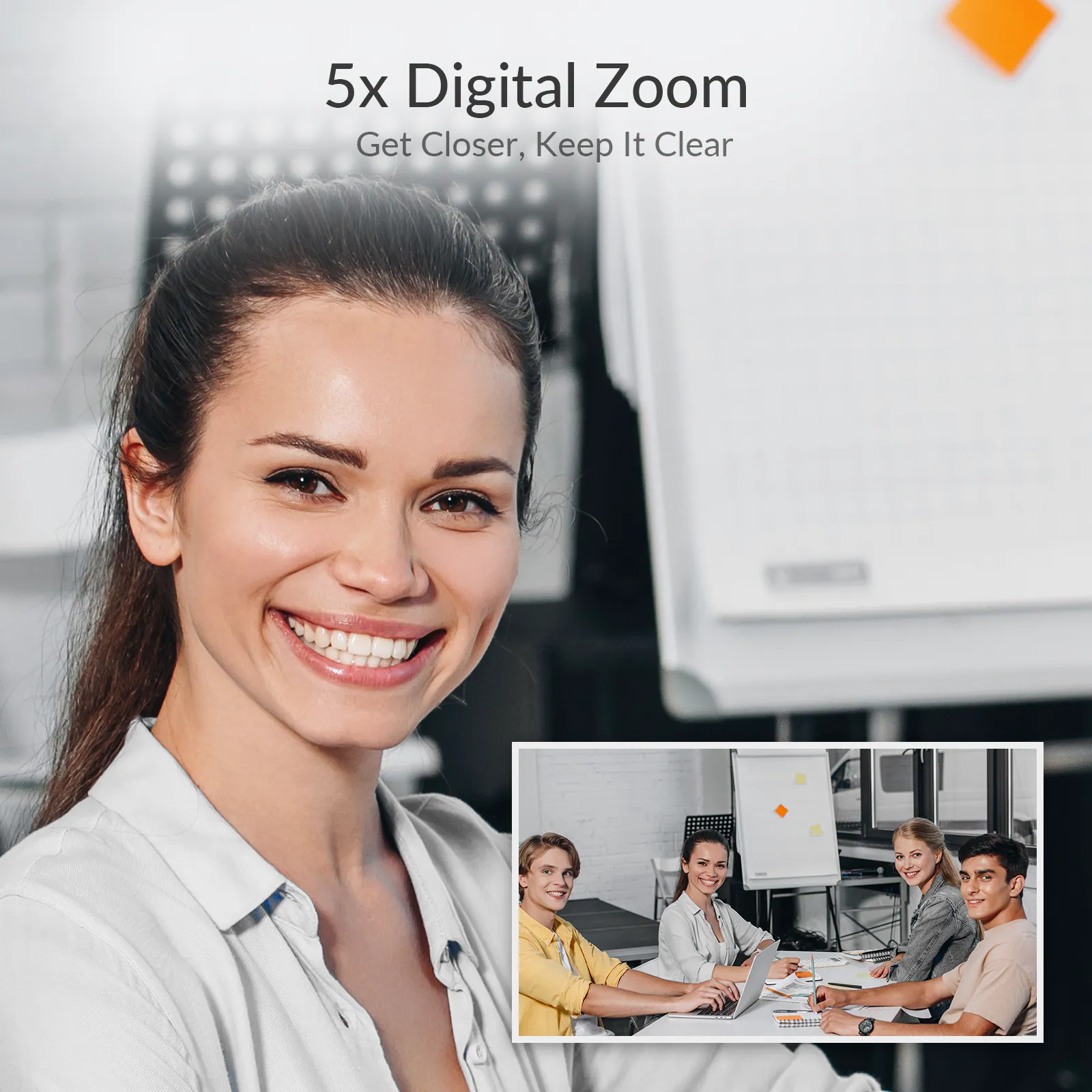
5X DIGITAL ZOOM
Focus on What Counts
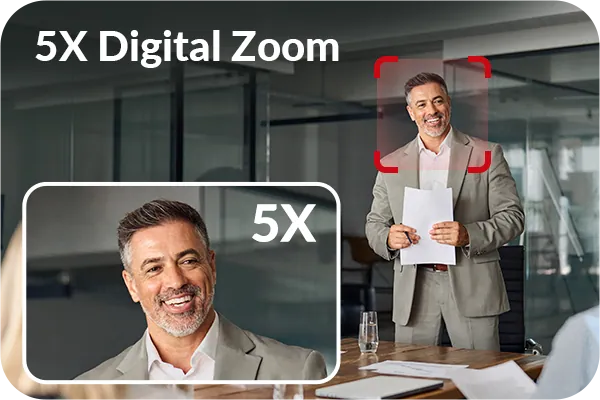
Easily zoom in up to 5x to get a closer look at what matters most. Enjoy flexible framing and clear focus.
*Use gesture control to adjust digital zoom. Zoom cycles: 100% → 150% → 200% → 150% → 100%.See user manual for details.*
WDR
Light or Shadow, Always Clear
Automatically adjusts to highlights and shadows, so every detail stays visible.
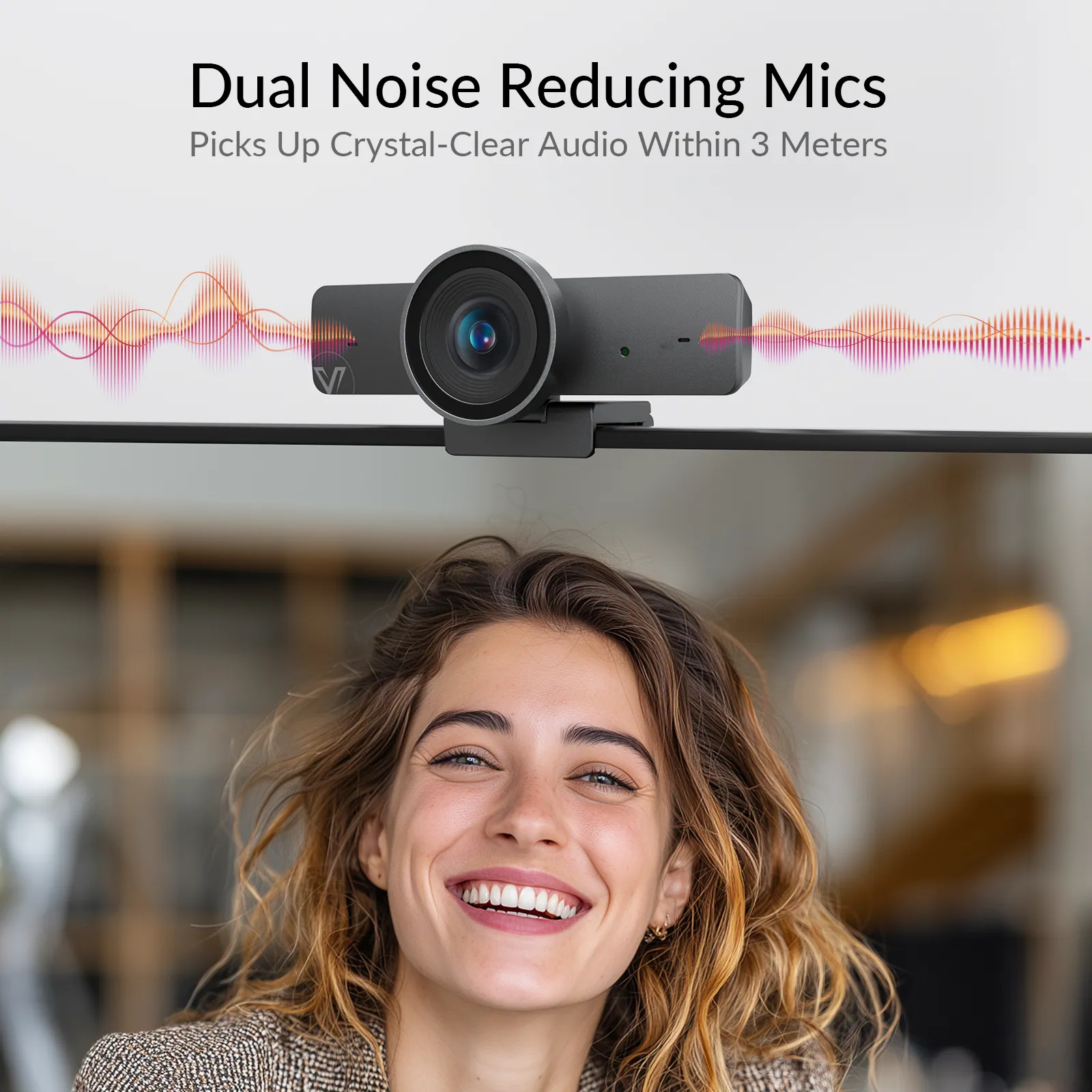
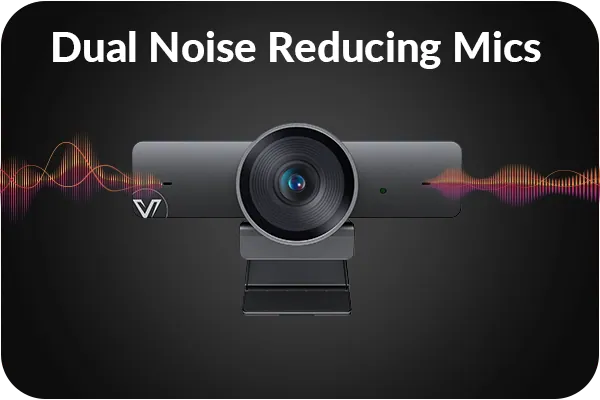
NOISE CANCELLATION
Noise Out, Voice In
With dual noise-cancelling microphones, distractions are minimized, ensuring that every voice is heard with perfect clarity.
VOICE PICKUP
Be Heard, Within 3 Meters
Ensure every participant is captured with clarity—no matter where they are seated.
AI MODE
Always Stay in Frame
Individuals Gallery
PRESENTER TRACKING
AUTO FRAMING
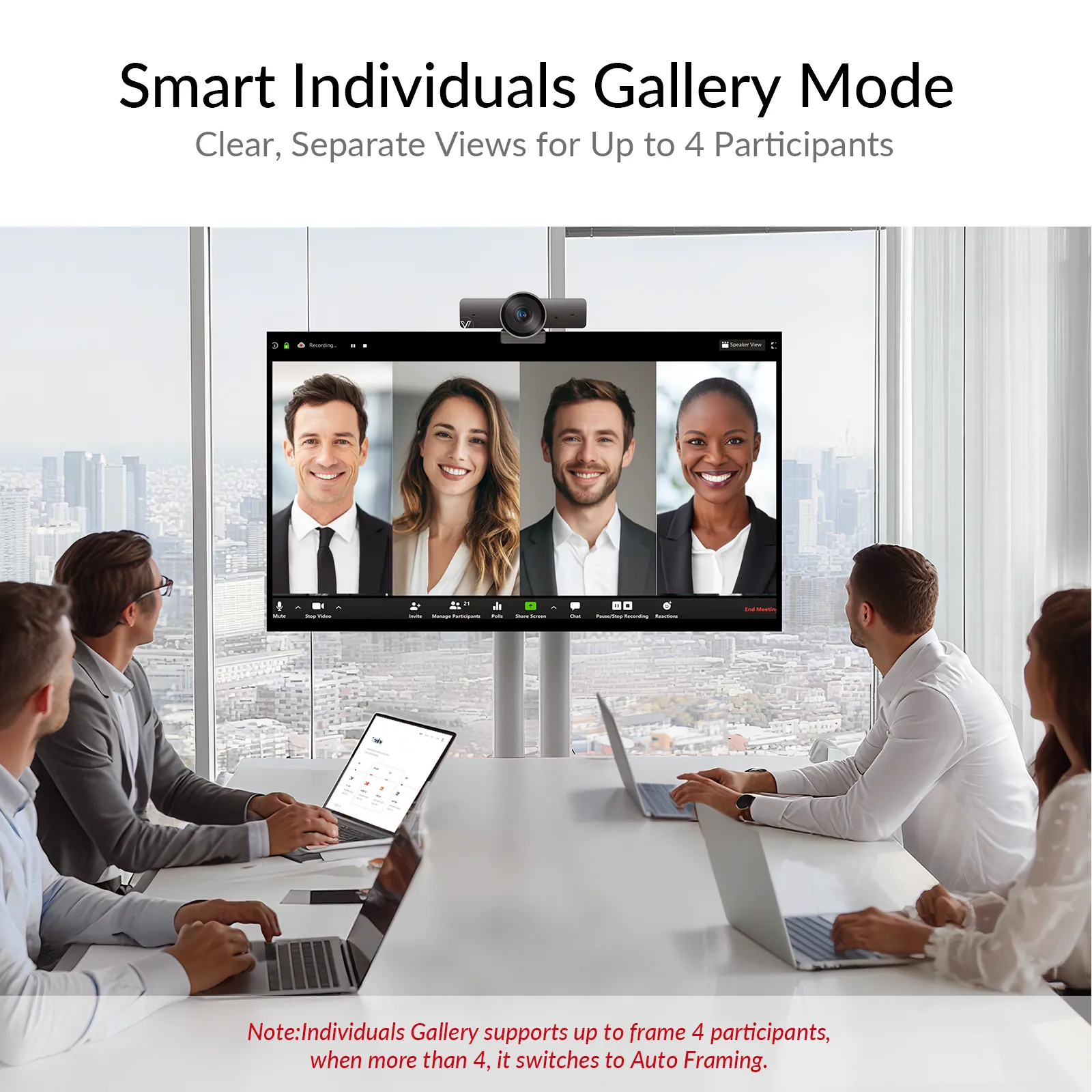
Individuals Gallery
This mode automatically detects and frames up to four participants individually, ensuring everyone is clearly visible, perfect for hybrid and small to mid-sized meetings.
*Note: Individuals Gallery supports up to 4 participants. When more than 4 are detected, it switches to Auto Framing mode.*
Use gesture control to switch AI Tracking modes: Auto Framing → Presenter Tracking → Individuals Gallery → Off → Auto Framing. See user manual for details.
Presenter Tracking
Whether you’re walking, presenting, or engaging with your audience, the camera intelligently tracks and keeps you centered—ensuring a smooth, professional viewing experience at all times.
Auto Framing
Intelligently adjusts the camera zoom and angle in real time to keep all participants perfectly framed, no manual control needed.
Individuals Gallery
PRESENTER TRACKING
AUTO FRAMING
GESTURE CONTROL
Hands-Free Camera Control
Take full control of your camera with intuitive gesture control—no remote, no software, no interruptions. Simply use your hand to switch modes or adjust zoom, keeping your workflow smooth and distraction-free.
FULL COMPATIBILITY
Compatible with all major operating systems and conferencing platforms for a hassle-free, professional meeting experience. No drivers required, just plug and play.
Operating System
Video Platform
Works seamlessly with mainstream computer systems and conferencing platforms to deliver a smooth, professional meeting experience. No drivers needed, just plug and play.
Operation System
Operation System
Video Platform
Video Platform
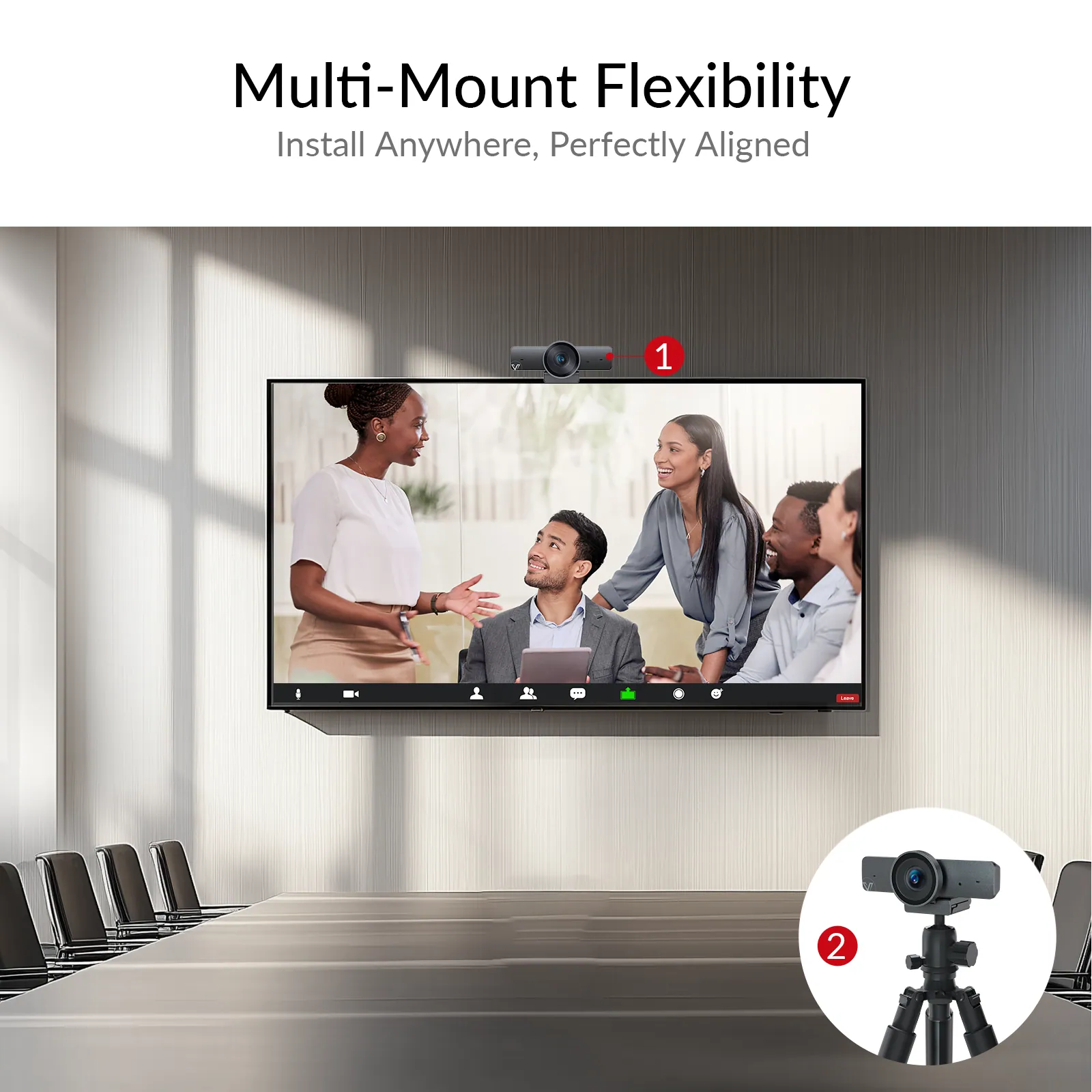
INSTALLATION
Effortlessly mount it on top of a screen, or on a tripod. Designed to adapt to any meeting space.
*Note: Tripod not included in the package.*
Step 1
Connect the BizEye 90 webcam to your laptop using the included USB-A to USB-C cable.
Step 2
Launch your favorite video conferencing app and choose BizEye 90 as the camera source.
Step 3
Start your video call and enjoy clear visuals and efficient collaboration.
03Documents3 files · 16 MB
Documents and files.
Datasheets, manuals, drawings and certificates as the manufacturer publishes them.
Datasheets and manuals01
Software and data files01
04Related products
In the same range.
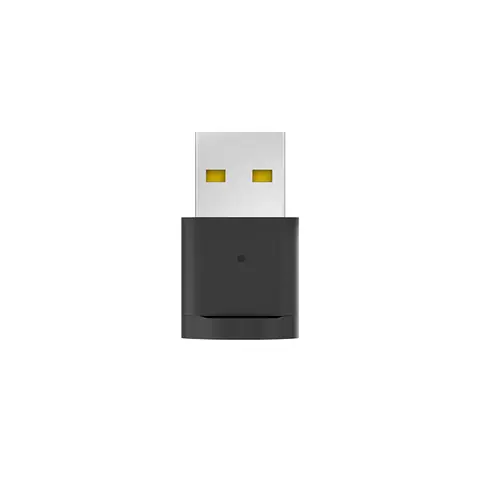 EQ-836AV AccessUSB Bluetooth adapter for PC, game console and smart TVB20 · Conferencing accessories
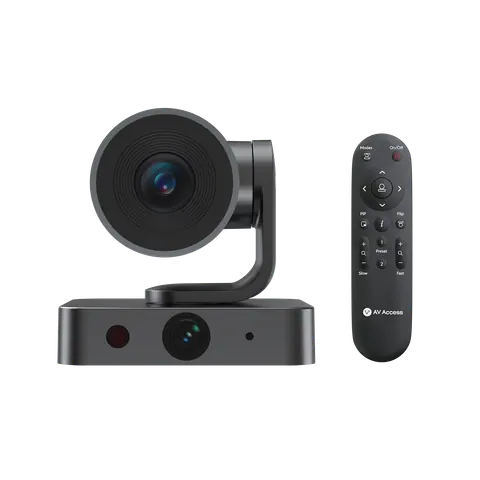 EQ-838AV Access4K PTZ camera, 3x optical zoom, auto trackingBizEye P30 · Switchers and KVM
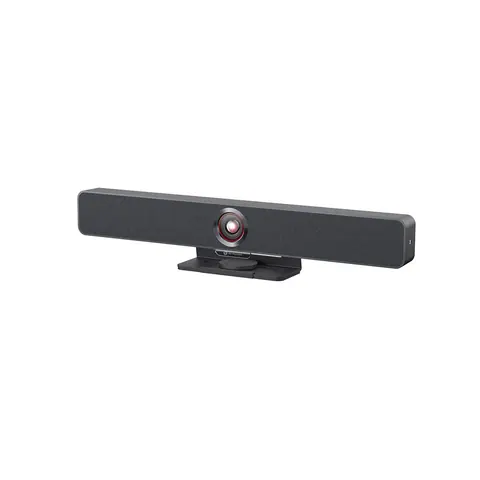 EQ-835AV AccessAll-in-one video bar, 4K AI tracking camera, 4-mic arrayAnyCo V8 · Switchers and KVM
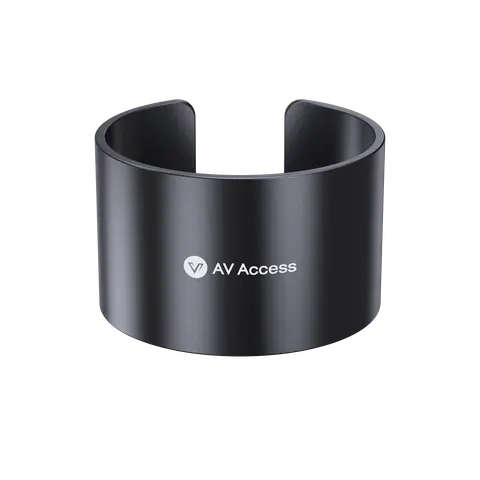 EQ-839AV AccessDongle holder for eShare D10/D20/D30 USB-C donglesDH-10 · Conferencing accessories
05Talk to us
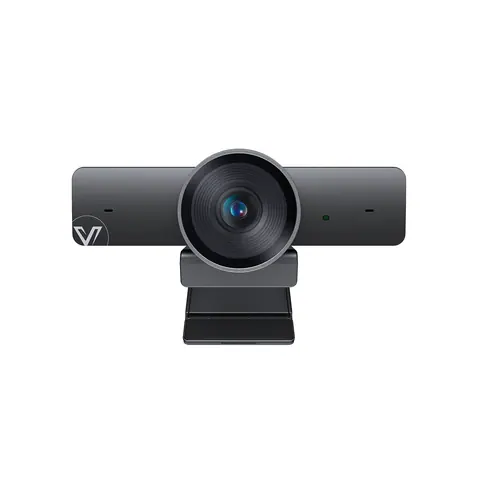 4K video conference camera, 120° wide angle, smart trackingAV Access · EQ-837
Need this priced for your project?
- Quantity and site
- Configuration and interfaces
- Quotation