
















Sheet 05.4740
ChamSys · Control and signal
MediaMaster Software
ModelMediaMaster Software
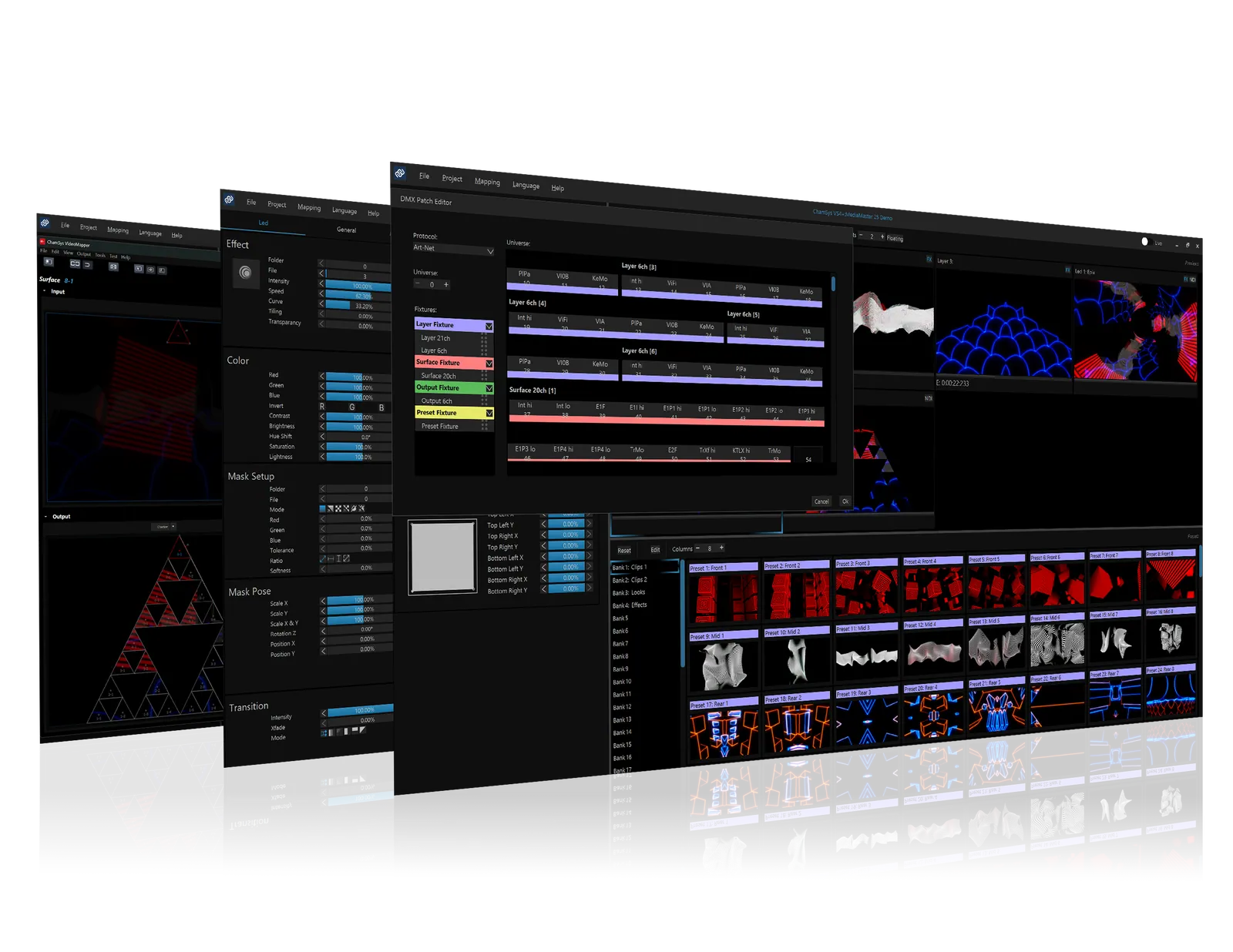
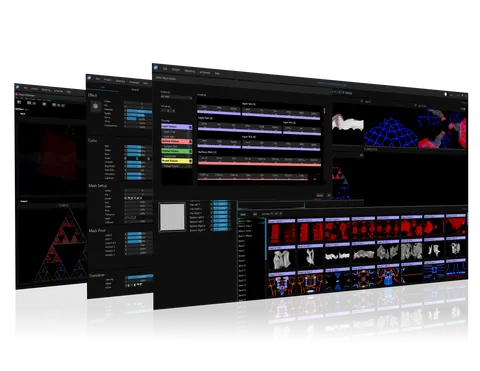
MediaMaster 26 is an intuitive, powerful software solution for video control, designed to make programming and running full visual shows fast, flexible, and effortless.
MediaMaster SoftwarePrice on request Request a quotation
01DescriptionManufacturer's description
What it is.
MediaMaster 26 is an intuitive, powerful software solution for video control, designed to make programming and running full visual shows fast, flexible, and effortless. With its streamlined SAGA codec, delivering 10-bit colour, alpha channel support, and smooth backward playback with minimal disk usage, MediaMaster ensures uncompromising performance and reliability.
The built-in LED Mapper offers seamless integration of LED fixtures, including automatic Kling-Net discovery, while its modern workflow tools—customisable views, multi-screen previews, and powerful workspaces—give users complete control and efficiency. Supporting flexible DMX connectivity, GDTF fixture export, and real-time interactive mapping, MediaMaster is the go-to choice for broadcast, touring, and live production environments that demand creativity without compromise.
Intuitive And Easy To Use
Designed to be fast and easy, MediaMaster is a unique solution for video control on the market. This intuitive software allows you to program and run full visual shows in just a few clicks, without the need for training or practice!
Thumbnail and Live Preview support via CITP/MSEX makes programming from your lighting console quick and easy.
Once you’re ready, go live and take control of your show using only a few channels on your lighting desk, or just your computer keyboard.
SAGA Codec
MediaMaster runs the streamlined proprietary MediaMaster SAGA codec with 10-bit definition per colour and an Alpha Channel.
Other advantages of SAGA include lower disk usage than with a standard HAP codec, also boosting the speed, the ability to play clips backwards and accelerated CPU and GPU rendering.
There is no chroma re-sampling, and the resolution size is unlimited.
MediaMaster LED Mapper
MediaMaster LED Mapper offers intuitive mapping of LED fixtures, including Kling-Net fixtures which feature fully automatic network discovery and configuration. Devices such as pixel battens, LED tape and pixel canvases are supported.
The mapper allows devices to be selected and placed interactively with results shown on the hardware in real time. For hybrid devices that combine pixels with conventional channels, such as a moving pixel head, MediaMaster can map the conventional channels from a lighting desk and insert the pixel data for seamless control.
MediaMaster Pro Video Mapper
The MediaMaster Pro video mapper allows easy mapping of video content onto irregularly shaped surfaces and through multiple outputs. Up to 200 surfaces and 16 outputs are supported.
Designed for fast creation of mapping projects, flowing visuals around complex objects can be achieved with just a few clicks.
NDI®5
MediaMaster Pro supports multiple NDI®5 inputs/outputs with alpha, as well as being fully integrated in the extensive NDI®5 product ecosystem, cementing it as a versatile live performance software.
NDI®5 (or Network Device Interface) is a protocol to send Video over IP. It is designed to allow the distribution of live professional video content over an existing IP infrastructure, freeing users from current hardware constraints. This means that NDI®5 doesn’t just cut back on cost, but also drastically reduces deployment time.
This software uses the NDI™ library. NDI™ is a trademark of NewTek, Inc.
MediaMaster Software Features
Modern and Flexible Workflow
Powerful Workspaces
Flexible Connectivity
FAQ
02Related products
In the same range.
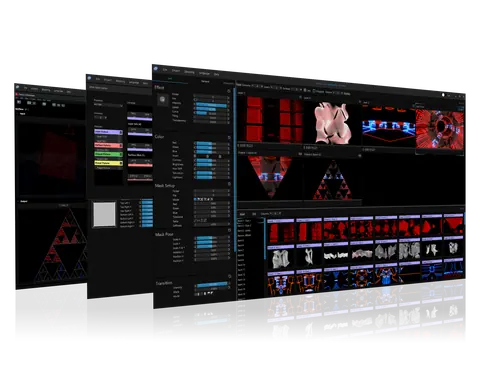 EQ-4739ChamSysMediaMaster ProMediaMaster Pro · Control and signal
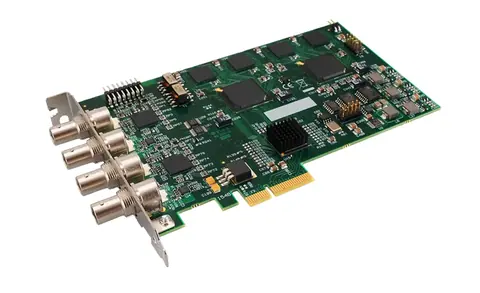 EQ-4741ChamSysMediaMaster Vision-SDI2 Card (2 x SDI)MediaMaster Vision-SDI2 Card (2 x SDI) · Control and signal
 EQ-4738ChamSysMediaMaster Licence Key DongleMediaMaster Licence Key Dongle · Control and signal
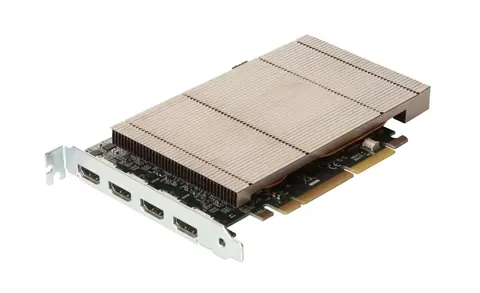 EQ-4742ChamSysMediaMaster VisionSC-HD4+H (4 x HDMI)MediaMaster VisionSC-HD4+H (4 x HDMI) · Control and signal
03Talk to us
 MediaMaster SoftwareChamSys · EQ-4740
Need this priced for your project?
- Quantity and site
- Configuration and interfaces
- Quotation