
















Sheet 05.4759


ChamSys · Control and signal
QuickQ Software
ModelQuickQ Software
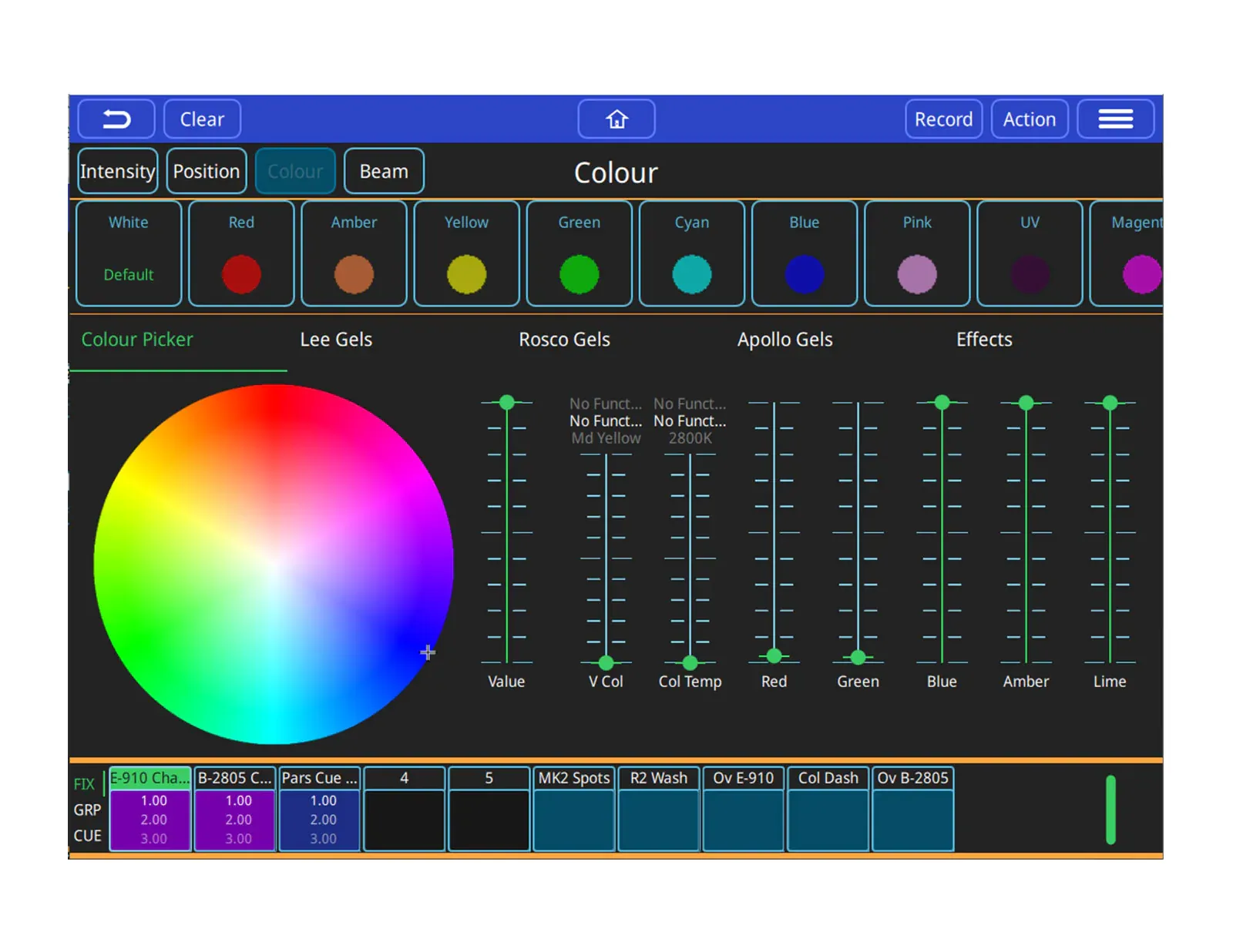
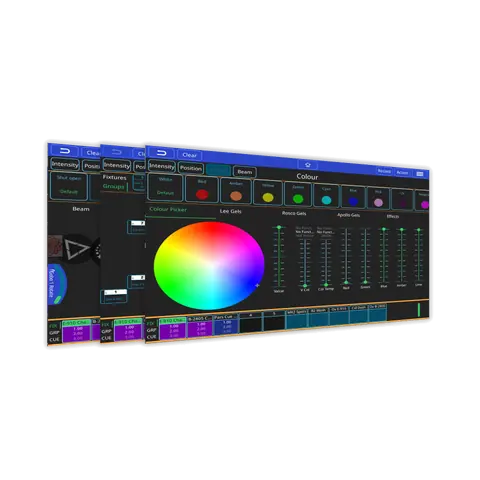
QuickQ software is designed with a quick and easy user interface and a comprehensive feature-set that makes programming easy for students, volunteers, or part-time operators, and is even comfortable to use by professionals on small-scale shows.
QuickQ SoftwarePrice on request Request a quotation
01DescriptionManufacturer's description
What it is.
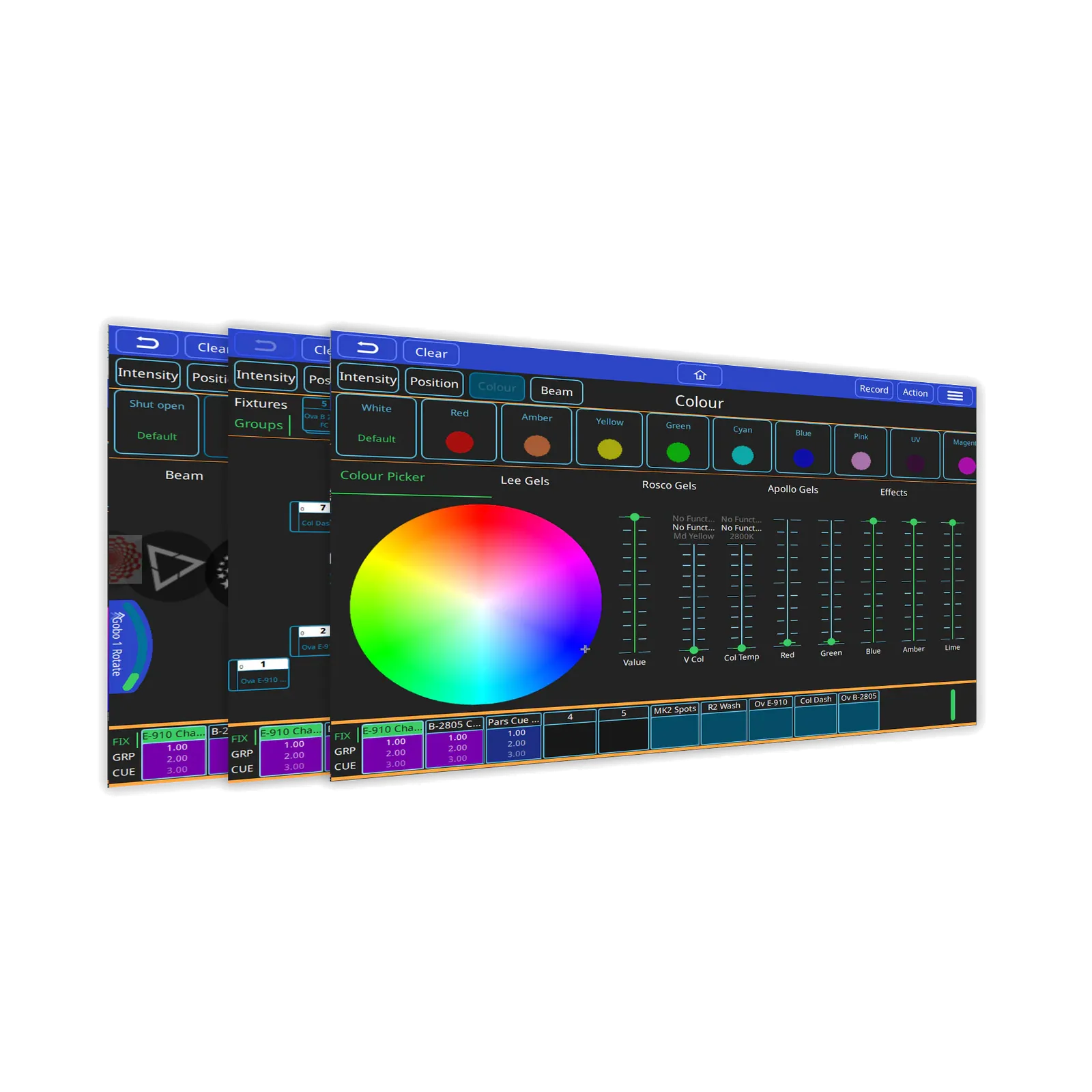
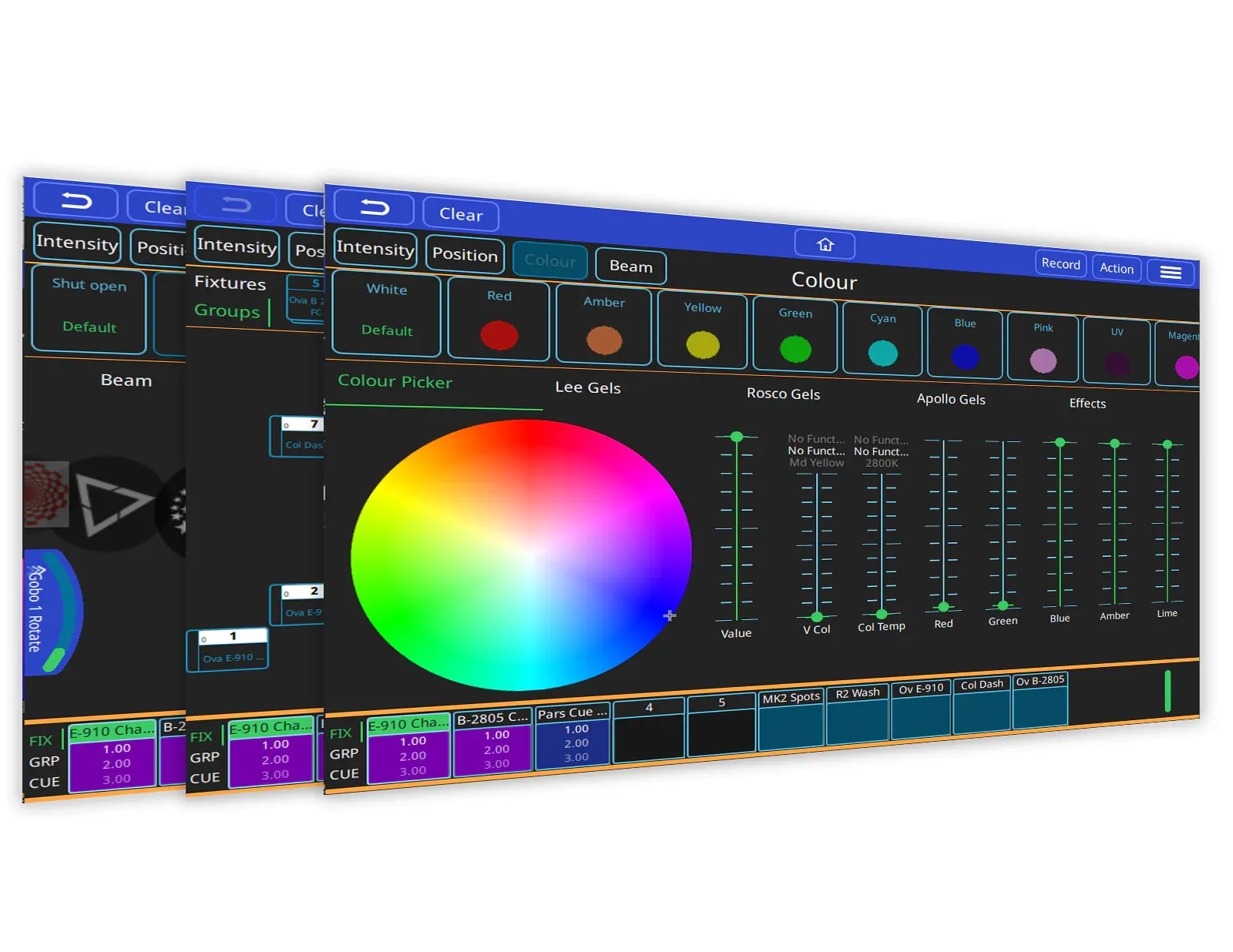
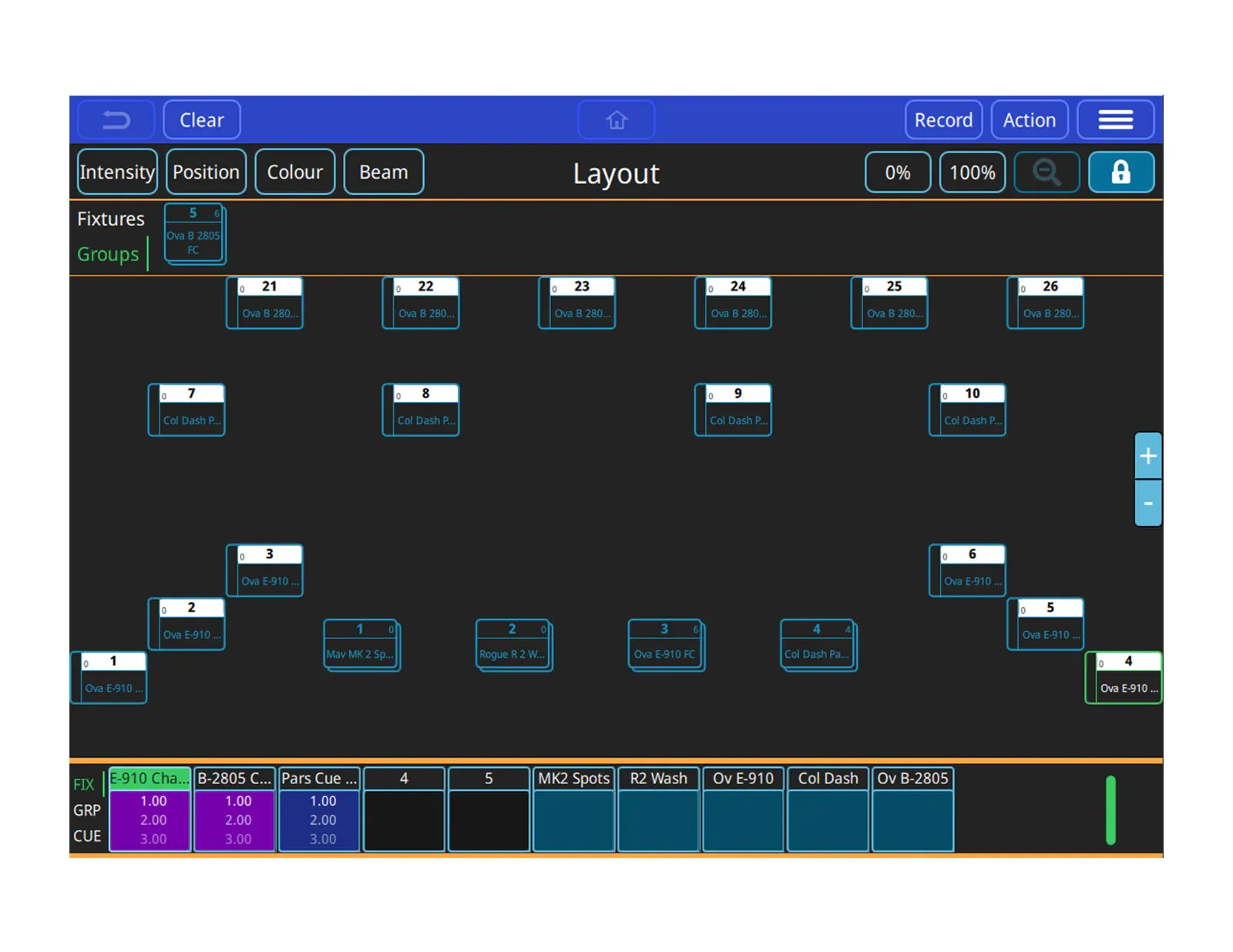
The smartphone-like interface features an intuitive home screen and gesture support that makes it easy to use. Fixtures can be visually laid out within the software’s home screen exactly as they are rigged, where they can be selected and controlled using simple actions, such as pinch to zoom.
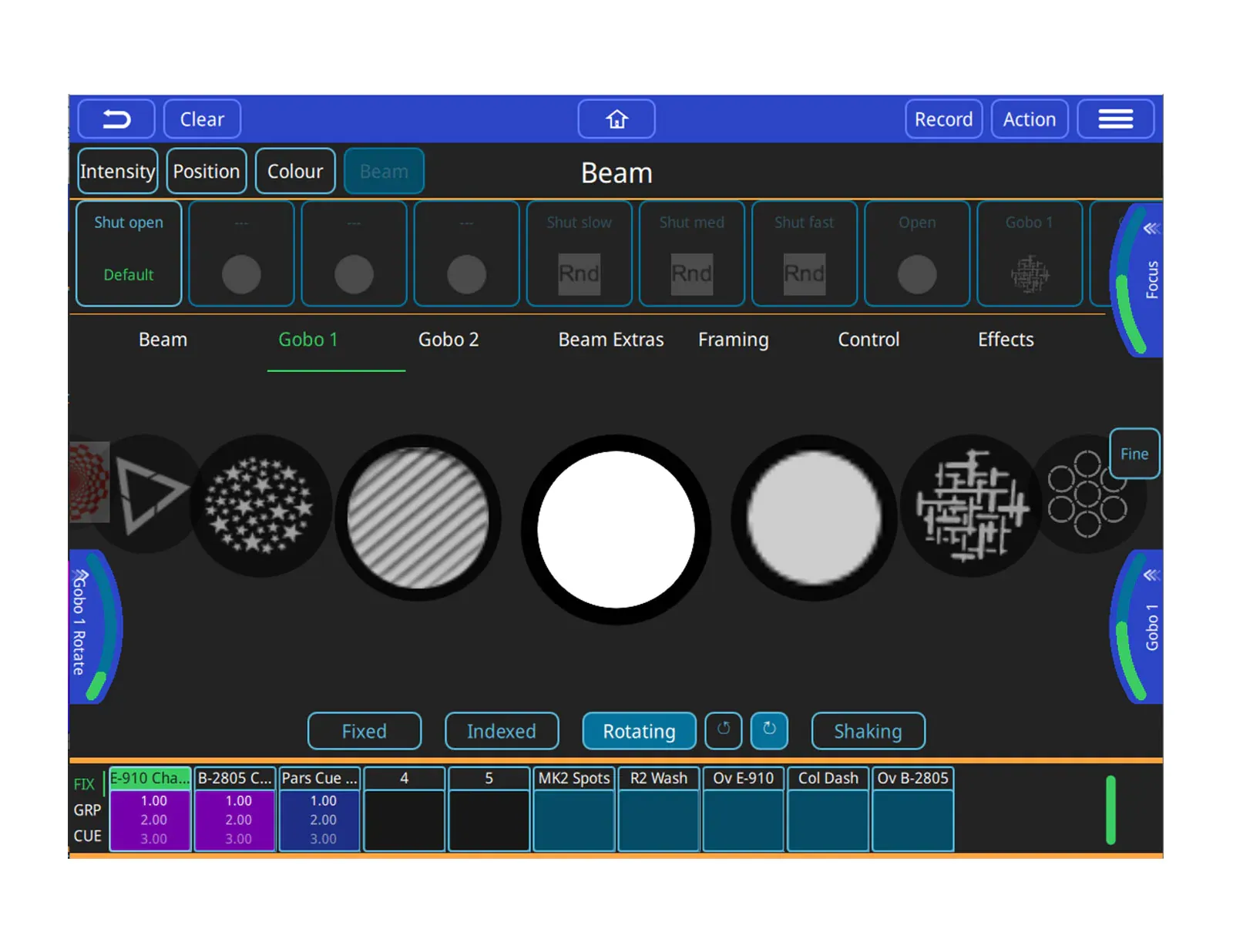
The software incorporates powerful fixture effects, which enable fast and flexible programming. Build cues, cue stacks and chases within the software, re-ordering cues simply by dragging and dropping cues with stacks and syncing chases using sound to light or tap to time them.
QuickQ software runs across the range of QuickQ consoles and is also available as QuickQ Designer for Windows and Mac to enable pre-programming.
QuickQ Designer
Build and Program shows offline using the free QuickQ Designer software, which runs on Windows and Mac computers.
QuickQ Console
The free QuickQ console software download updates your QuickQ console with the latest version of software features and fixture files.
QuickQ Remote Control App
Via the inbuilt WIFI on the consoles, the QuickQ Remote Control App for iOS and Android enables users to connect their tablets and phones directly to QuickQ consoles to use as an identical user interface or additional screen.
QuickQ Software Features
Key Features
Compatibility
Show files can be moved between QuickQ consoles or the QuickQ Designer offline editor and the more advanced MagicQ consoles and software, as well as between versions. When loading a MagicQ show file on a QuickQ console, only the features supported by the QuickQ console will be kept.
Fixture Library
QuickQ uses an extensive personality library of over 30,000 fixture files shared by MagicQ. If a lighting fixture can’t be found in the library, you can import your own head files. Our developers release library updates daily.
02Related products
In the same range.

03Talk to us
 QuickQ SoftwareChamSys · EQ-4759
Need this priced for your project?
- Quantity and site
- Configuration and interfaces
- Quotation