
















No picture of this product is available yet.
Sheet 05.86
Lightware · AV cables
CAB-USBC-AOC800E
ModelCAB-USBC-AOC800E
An 8 m active optical USB-C cable for USB data and DisplayPort Alt Mode extension in professional AV installations.
CAB-USBC-AOC800EPrice on request Request a quotation
01SpecificationManufacturer's data · 5 groups · 23 values
What this product is, in numbers.
PDFCAB-USBC-AOC800E product briefEN
The manufacturer's published values. We confirm the configuration and the values that matter for your project before an order.
01General5
- Product code
- CAB-USBC-AOC800E
- Manufacturer SKU
- 13740035
- Cable construction
- Active optical
- External power
- Not required
- Charging
- 60 W / 3 A
02Video and data7
- USB standard
- USB 3.2 Gen 1x1; USB 2.0 and USB 1.1
- USB 3.2 data speed
- 5 Gbps (5 Gbps/lane)
- USB 2.0 and USB 1.1 data speed
- Up to 480 Mbps
- DisplayPort Alt mode
- 2-lane HBR3 (8.1 Gbps/lane)
- DisplayPort resolutions
- 4K at 30 Hz (HBR2); 4K at 60 Hz (HBR3)
- USB 3.1 topology tiers
- 0
- USB 2.0 topology tiers
- 1
03Control and interfaces3
- Connectors
- 1 × USB Type-C plug; 1 × USB Type-C plug with flange
- Electronically marked
- Yes
- Taurus UCX connection
- Screw-lock USB-C plug
04Physical6
- Length
- 8 m
- Cable diameter
- 6.5 mm
- Bending radius
- 50 mm
- Tensile strength
- 200 N
- Pin coating
- Gold-plated
- Colour
- Black
05Environment2
- Temperature rating
- −10–60 °C
- VW-1 flame test
- Yes
Show the full specificationHide the rest of the specification0 more groups · 0 values
02DescriptionManufacturer's description
What it is.
- USB 3.2 Gen 1x1 data up to 5 Gbps.
- Two-lane DisplayPort 1.4 Alt Mode; up to 4K at 60 Hz (HBR3).
- USB 2.0 and USB 1.1 peripherals up to 480 Mbps.
- 60 W / 3 A USB Power Delivery.
- Screw-lock USB-C plug for a secure connection to Taurus UCX products.
- Self-powered; no external power connection is required.
03Documents1 file
Documents and files.
Datasheets, manuals, drawings and certificates as the manufacturer publishes them.
04Related products
In the same range.
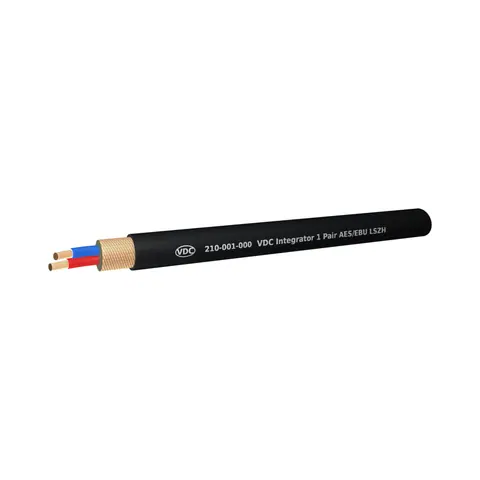 EQ-87VDCVDC Integrator Series 1 Pair Black AES/EBU LSZH 100m Reel210-001-000-100 · AV cablesEQ-88VDCVDC Integrator Series 1 Pair Black AES/EBU LSZH 500m Reel210-001-000-500 · AV cables
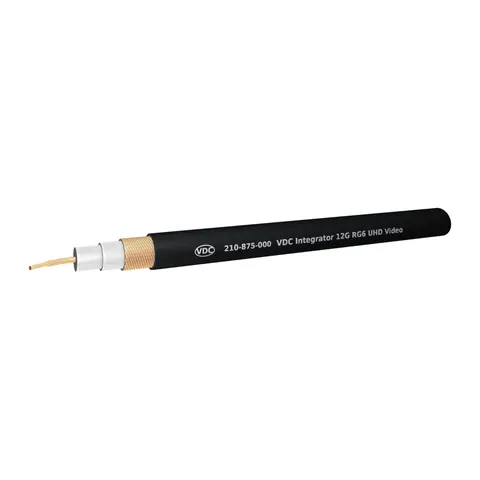 EQ-89VDCVDC Integrator Series 12G RG6 UHD Video Black 100m Reel210-875-000-100 · AV cablesEQ-90VDCVDC Integrator Series 12G RG6 UHD Video Black 500m Reel210-875-000-500 · AV cables
05Talk to us
CAB-USBC-AOC800ELightware · EQ-86
Need this priced for your project?
- Quantity and site
- Configuration and interfaces
- Quotation