
















Sheet 05.628

Magewell · Encoders, decoders and streaming
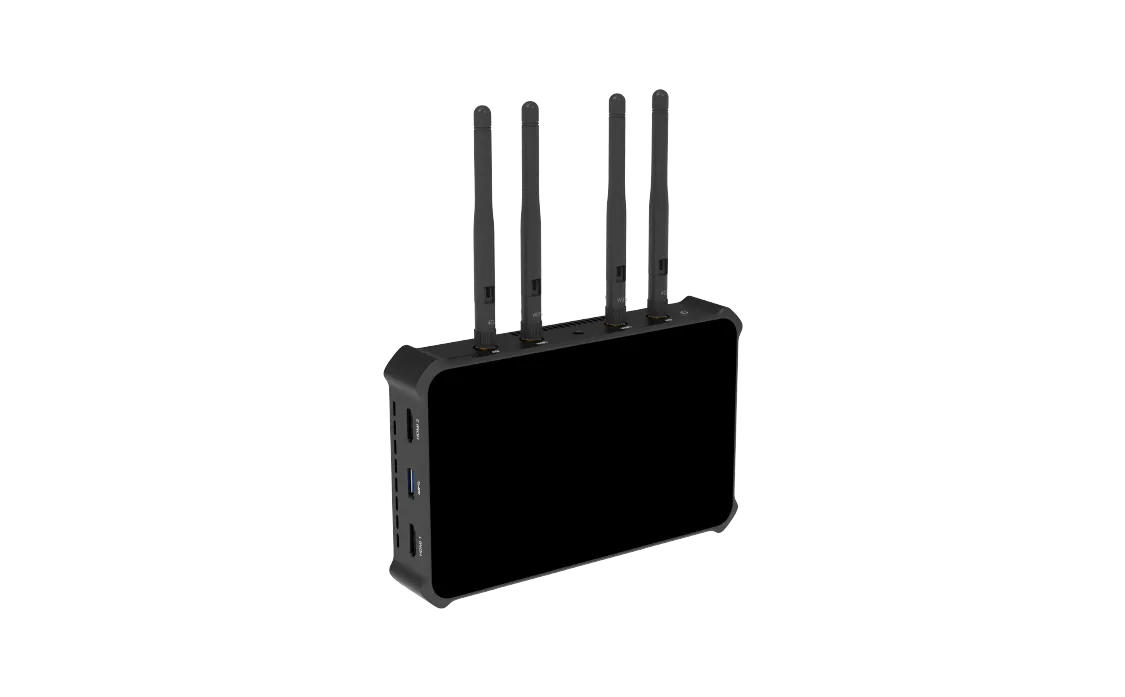
Director One
Model552600000
A powerful device that does multi-input switching, graphics, streaming and more
Director OnePrice on request Request a quotation
01Video11 manufacturer's videos
Magewell Director One: the manufacturer's videos
02SpecificationManufacturer's data · 6 groups · 251 values
What this product is, in numbers.
PDFDirector One Specifications8 pages · 395 KB
The manufacturer's published values. We confirm the configuration and the values that matter for your project before an order.
01General108
- Show
- Supports creating multiple shows in landscape (16:9) or portrait (9:16) mode, and manage them
- Supports creating shows at 60/59.94/50/30/29.97/25/24/23.98 fps
- Scenes
- Supports creating multiple scenes in a show, and managing them
- Supports adding various sources, including HDMI, WEBCAM, video, picture, RTMP/ SRT/RTSP/NDI stream*, phone camera, webpage, text and color * It supports adding up to three simultaneous live IP sources (SRT, RTMP, RTSP, NDI® High Bandwidth, NDI® HX2, NDI® HX3) in one show.
- Supports browsing webpage sources
- Supports multi-view composition in one scene, providing prebuilt layouts for easy creation
- Provides lots of editing tools, including chromakey, crop, transition, etc.
- Supports switch scenes directly or preview at first and then switch
- Supports switching scenes with an instant cut or various effects, such as Fade, DIP, DVE, etc.
- Audio
- Supports displaying level and peak through audio meter
- Supports adjusting the level of each input audio, output and monitor audio
- Supports global or scene-based settings for audio input sources
- Supports AFV (Audio-follow-video)
- Supports solo monitor
- Supports switching monitor device
- GFX
- Supports multiple GFX types, including title, lower third, animated text, digital clock, analog clock, bullet list, social media, logo, scoreboard, timer, stopwatch, etc.
- Supports custom GFX with HDMI source, Webcam source, video, picture, text or PAG (Portable Animated Graphics) file
- Supports webpage source as GFX
- Supports NDI stream as GFX
- Supports displaying multiple GFXs, and managing them
- Supports controlling scoreboard, timer and stopwatch in real time
- BGM
- Supports adding BGM for each scene and controlling in real time
- Supports adding global BGM via Web UI and controlling in real time
- Pen
- Annotates on the screen in real time
- PTZ control
- Supports controlling PTZ camera via the network, supporting Visca UDP, supported sources including HDMI, WEBCAM (UVC camera), SRT stream, RTMP stream, RTSP stream and NDI stream
- Phone Camera control
- Control the phone camera to zoom or focus, and supports more advanced settings
- Replay
- Capture some of the greatest moments, slow down the action and save highlights.
- Live stream
- Natively supports streaming to YouTube, Twitch and Facebook Live
- Supports selecting RTMP or HLS protocol for streaming to YouTube
- Supports starting a stream scheduled later for YouTube
- Supports streaming via SRT, RTMP, RTMPS and RTSP protocols
- Supports NDI HX3 output, supporting NDI Tally lights
- Supports customizing encoding parameters and selecting video source (Program, HDMI, WEBCAM, Multi-view) and audio source for ISO streaming
- Supports streaming to four destinations simultaneously
- Supports sending live comment as an overlay into the video feed when streaming to social media
- Record
- Supports customizing encoding parameters
- Supports ISO recording, to record two of different video sources simultaneously, or record two-channel images with different quality for one source, combining different audio sources, and supported video sources include Program, HDMI, WEBCAM, Multi-view as well as NDI HX2 and NDI HX3 stream
- Supports saving recording files in MP4 or MOV format to local storage or SD card
- Supports saving screenshot files in PNG format to local or SD card
- Supports splitting recording files by time or size, up to 4 hours or 16G
- Supports exporting or downloading files through computer, SD card, USB flash drive, App, or Web UI
- Shortcut
- Supports connecting USB or Bluetooth keyboards and creating shortcuts for easy control
- OS version
- iOS 13 and later, Android 7.0 and later
- Remote assistant
- Control Director device remotely
- View live program image
- Create, switch and manage scenes, set switch mode and effect, implement FTB, freeze scene, and control PTZ camera and phone camera
- Switch and manage GFX, edit GFX text and picture in real time, and control scoreboard, timer and stopwatch
- Control audio, including adjusting audio level, switch monitor device, mute audio and monitor audio exclusively
- Start/stop recording, take screenshots, and manage album files
- Set streaming servers, start/stop streaming, view streaming status, and send live comment as overlay
- Control replay and share event files to other apps
- Control and manage BGM
- Create, manage and execute shortcuts functions
- View input information
- View real-time device status
- Power off the device remotely
- Phone camera
- Use a mobile device (phone or tablet) as a camera
- Stream images taken by the mobile device to Director device
- Record images taken by the mobile device to its local storage
- Stream images taken by the mobile device to a destination via SRT
- Supports Pro Mode to customize white balance, ISO, exposure, focus, etc.
- Supports selecting the USB camera connected to the iPad with a USB-C port (iPadOS 17 and above).
- External screen
- Suitable for tablets equipped with a USB-C interface (USB 3.0 and above). For iPads, iPadOS17 and above are required.
- Display different images including program, preview, multi-view, duplicate screen, loop HDMI 1, and loop HDMI 2.
- Record or take screenshots of the displayed content and save them to the tablet
- Control the device via the tablet using the “Duplicate Screen” function
- Set and manage device, view input information, configure networks, update firmware, etc.
- Preview and monitor the show, switch and manage shows, scenes and GFXs, control audio, set shortcuts, send live comment as overlay, control replay, etc.
- Set encoding parameters
- Set streaming servers, start/stop streaming, view streaming status
- Start/stop recording, take screenshots and manage album files
- Control and manage global BGM and scene’s private BGM
- Manage media files
- Supports registering Magewell Control Hub (V2.1.81 and later) for centralized management
- System requirement
- Windows 10 19H1 and above, macOS 10.12 and above, Linux
- API
- Provides basic APIs for 3rd party control system
- OSC
- Supports OSC for 3rd party Apps to control the device
- Size
- 7"
- Type
- AMOLED
- Aspect ratio
- 16:9
- Resolution (dot)
- 1920(W) × 1080(H)
- Brightness
- 800nit
- Contrast ratio
- 100000:1
- Color gamut
- 100% NTSC
- sRGB
- 145%
- DCI-P3
- 105%
- Color depth
- 10-bit
- PPI
- 315
- Refresh rate
- 60 Hz, 50 Hz
- Touchscreen
- Capacitive
- Viewing direction
- All
- Screen coating
- Anti-fingerprint coating
- Local storage
- 64 GB
- SD card (not supplied)
- FAT32 (Under 128G), NTFS, exFAT
- Form factor
- 185.2 mm × 117.2 mm × 35.5 mm
- Weight
- ≈709 g (without antennas)
02Video77
- HDMI
- Port
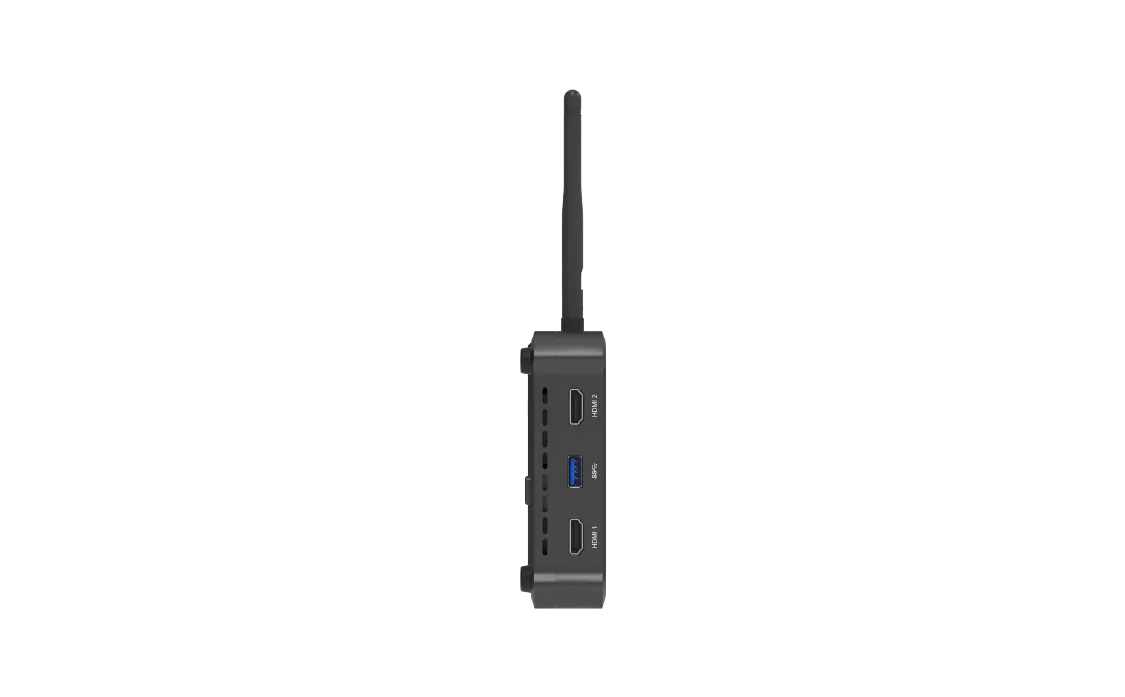
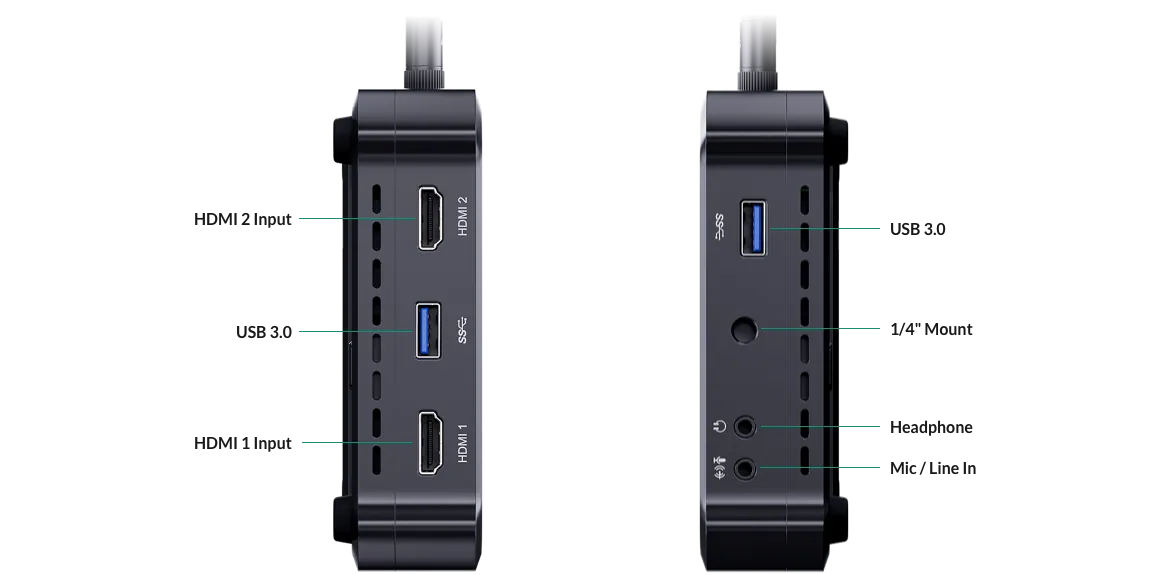
- 2x HDMI 2.0 Type-A port
- Typical resolution/frame rate
- 4096 × 2160p/3840 × 2160p 23.98/24/25/29.97/30/50/59.94/60
- 1920 × 1080p 23.98/24/25/29.97/30/50/59.94/60
- 1920 × 1080i 25/29.97/30
- 1280 × 720p 23.98/24/25/29.97/30/50/59.94/60
- 720 × 576p 50/100
- 720 × 576i 25/50
- 720 × 480p 59.94/60
- 720 × 480i 29.97/30
- Color depth
- 8/10/12-bit
- Color sampling
- RGB 4:4:4, YCbCr 4:4:4, YCbCr 4:2:2
- USB
- Port
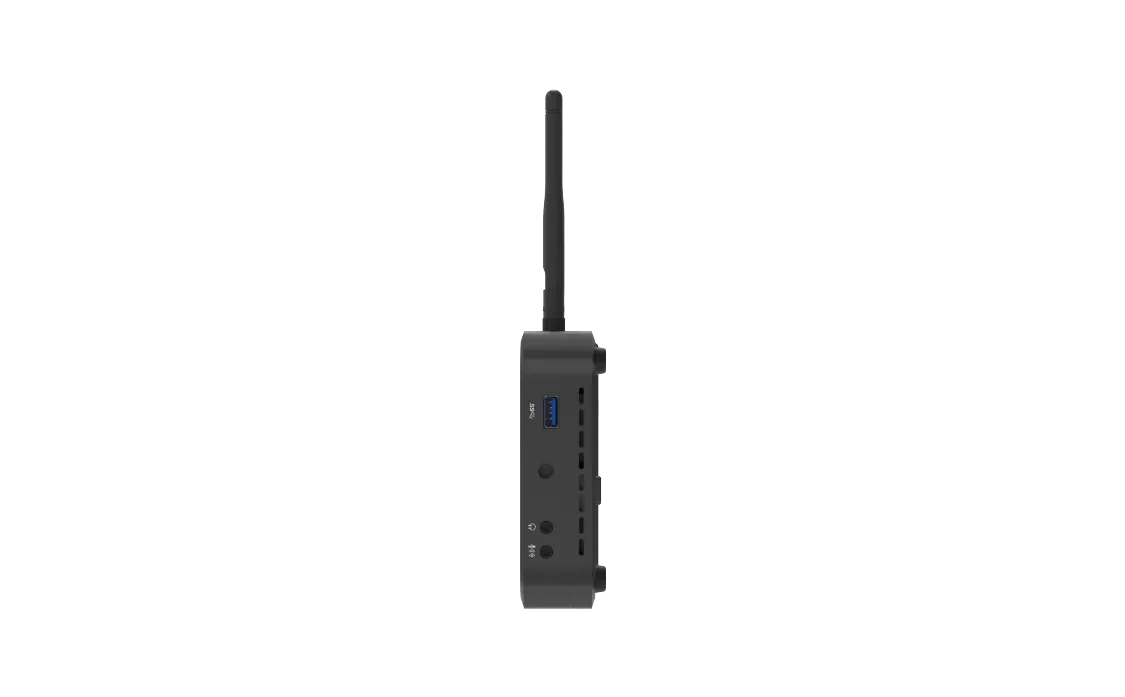
- 2x USB 3.0 Type-A port, 1x USB 3.0 Type-C port
- Format
- YUYV, MJPG, NV12, UYUV
- Resolution/frame rate
- Single usb-a input
- Up to 1920 × 1080p, 60 fps
- Single usb-c input
- Up to 1920 × 1080p, 60 fps
- Dual usb-a input
- Up to 1920 × 1080p, 50 fps + 1920 × 1080p, 30 fps
- One usb-a input + one usb-c input
- Up to 1920 × 1080p, 60 fps + 1920 × 1080p, 60 fps
- Phone Camera
- Connection mode
- LAN, Wi-Fi
- Codec
- H.264, H.265
- Resolution/frame rate
- Up to 1080p, 60 fps
- SRT Caller/Listener
- Codec
- H.264, H.265
- Resolution/frame rate
- Up to 1080p, 60 fps
- RTMP Pull/Push
- Codec
- H.264
- Resolution/frame rate
- Up to 1080p, 60 fps
- RTSP stream
- Codec
- H.264, H.265
- Resolution/frame rate
- Up to 1080p, 60 fps
- NDI® stream
- NDI HX2, NDI HX3, NDI High Bandwidth
- Codec
- H.264, H.265, SpeedHQ
- Resolution/frame rate
- Up to 1080p, 60 fps
- Video
- Resolution
- Up to 4K
- Codec
- H.264, H.265
- Format
- MOV/MP4/WebM
- Picture
- Format
- JPEG/PNG/BMP
- Webpage
- Supports adding up to 3 webpages as scenes and 7 webpages as GFXs
- Streaming and recording
- Codec
- H.264, H.265
- Resolution
- 1080p, 720p, 540p, 360p* * 360p is only available for NDI
- Frame rate
- 60/59.94/50/30/29.97/25/24/23.98/15 fps (Encoding options change along with the frame rate of the show.)
- Bitrate
- NDI HX3
- up to 62.0 Mbps, down to 1.5 Mbps
- Others
- up to 30.0 Mbps, down to 256kbps
- Key frame interval
- customizable
- Profile
- H.264
- High profile, Main profile, Baseline profile
- H.265
- Main profile
- Level
- H.264
- 5.2, 5.1, 5.0, 4.2, 4.1, 4.0, 3.2, 3.1, 3.0
- H.265
- 6.1, 6.0, 5.2, 5.1, 5.0, 4.1, 4.0, 3.1, 3.0
- Bitrate mode
- VBR, CBR
- USB-C
- Port
- 1* USB 3.0 Type-C port
- Output mode
- UVC 1.1/UAC 1.0, DP-OUT
- Resolution
- 1920 × 1080, 1280 × 720, 1080 × 1920, 720 × 1280
- Frame rate
- 60/59.94/50/30/29.97/25/24/23.98 fps
- Sampling format
- RGB24, YUYV, NV12
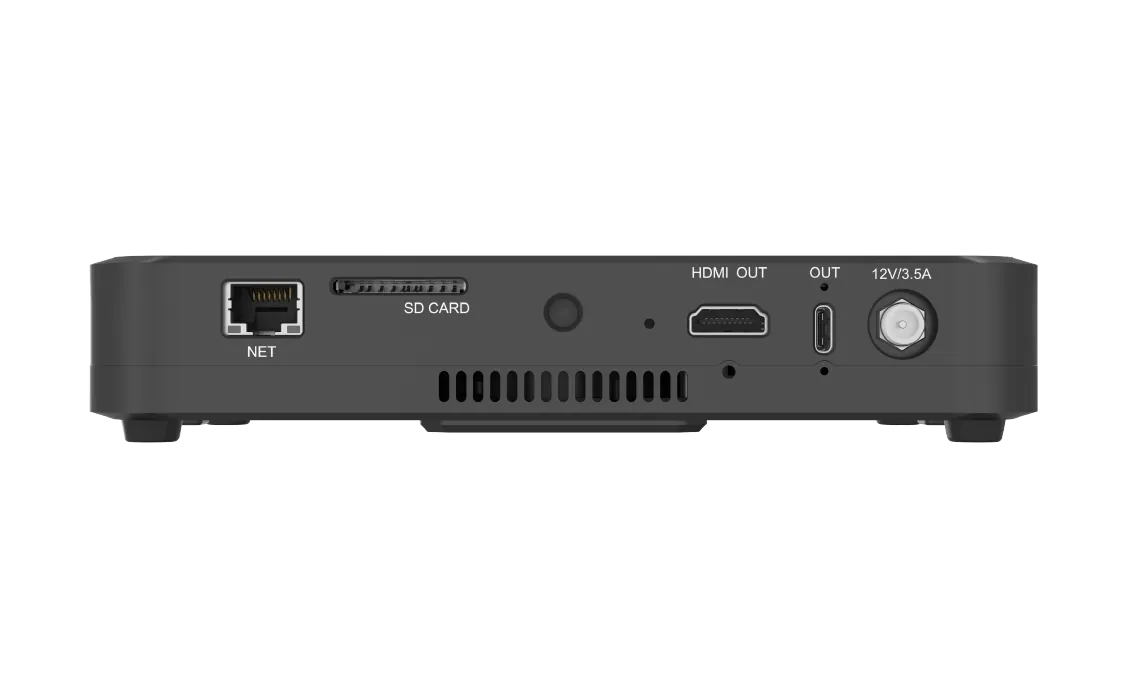
- HDMI OUT
- Port
- 1* HDMI 2.0 Type-A port
- Resolution
- 1920 × 1080
- Frame rate
- 60 fps, 50 fps
- Sampling format
- RGB 4:4:4
- Connect to an external screen
- A/V display mode options
- Program, Preview, Multi-view, Duplicate Screen, Loop HDMI 1, Loop HDMI 2
- Image rotation
- Rotate 90° to left, or rotate 90° to right
- Controlling the device via an external touchscreen
- Connect the device with an external touchscreen via the HDMI OUT port and USB port and select the Duplicate Screen mode
- Magewell director plugin for stream deck
- Control Director device effortlessly at fingertips to enable efficient creative production.
03Audio19
- Mic/line in
- 1 × 3.5 mm jack, 2-channel, 48 KHz, 16-bit
- Audio input from HDMI port
- 2-channel, 48 KHz, 16-bit
- Audio input from USB port
- 2-channel, 48 KHz, 16-bit
- Audio input from bluetooth device
- 2-channel, 48 KHz, 16-bit
- Audio input from phone
- Audio from SRT stream
- Audio from RTMP stream
- Audio from RTSP stream
- Audio from NDI stream
- Audio embedded in video files
- Audio from a webpage
- Background music (bgm)
- MP3, M4 A, WAV files
- Audio from GFX
- webpage, NDI, video
- Streaming and recording
- 2-channel, 16-bit, 48 KHz, aac, 64kbps/96kbps/128kbps
- Headphone output
- 1 × 3.5 mm jack, 2-channel, 48 KHz, 16-bit
- Audio output via bluetooth device
- 2-channel, 48 KHz, 16-bit
- Audio output via usb-c port
- 2-channel, 48 KHz, 16-bit
- Audio output via usb-a port
- 2-channel, 48 KHz, 16-bit/24-bit/32-bit
- Audio output via HDMI OUT port
- 2-channel, 48 KHz, 16-bit
04Control and interfaces34
- Connect to a USB A/V device, such as webcam, USB microphone, USB speaker, etc.
- Connect to a USB modem
- Connect to a USB flash drive
- To transfer video, picture, audio and other media files, firmware update files, log files, etc.
- Supported system format
- FAT32, exFAT and NTFS
- Connect to a USB keyboard for shortcuts
- Connect to a computer
- Uvc/uac mode*
- Output audio and video to streaming software * To transfer video at full frame rate, please use a USB 3.0 cable to connect the USB 3.0 port of your computer.
- MTP mode
- Transfer video, picture, audio and other media files, firmware update files, log files, etc.
- Connect to other USB devices, such as USB A/V devices, USB keyboard
- Connect to an external screen (settings required)
- Connection mode
- Connect the device to a monitor with a USB-C to HDMI/VGA/DP adapter
- A/V display mode options
- Program, Preview, Multi-view, Duplicate Screen, Loop HDMI 1, Loop HDMI 2
- Image rotation
- Rotate 90° to left, or rotate 90° to right
- Supports using an external touchscreen to control the device in the Duplicate Screen mode
- Supports network bonding (not available in China’s Mainland)
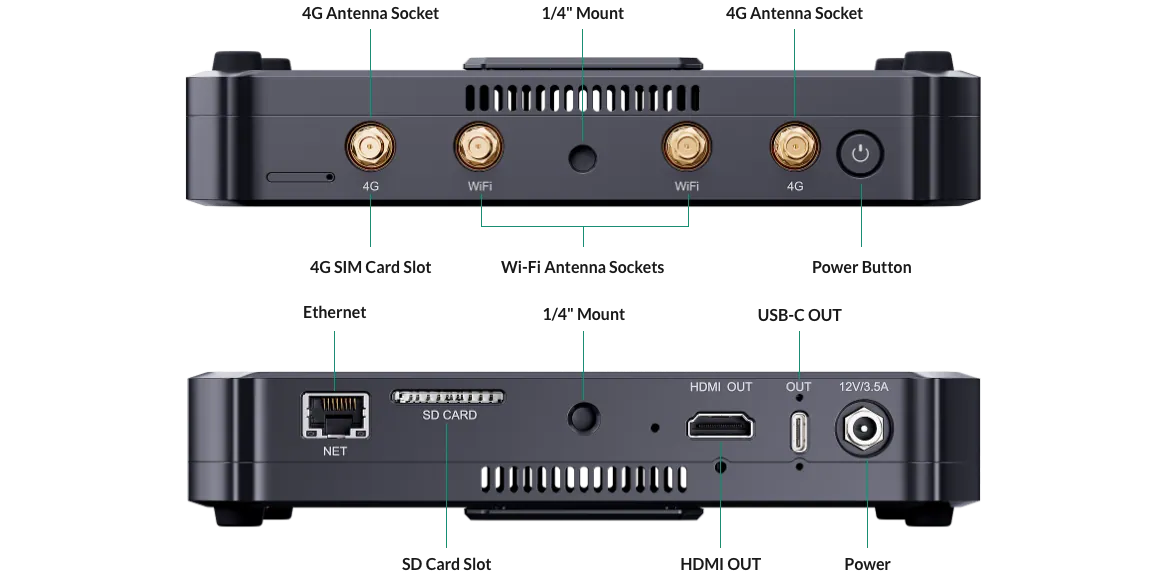
- Supports Ethernet, Wi-Fi and Cellular
- Ethernet
- 1x RJ45 port, 10/100/1000 Mbps Base-T
- Wi-Fi
- 2.4G/5G, Station and Hotspot modes supported
- Cellular
- 1 × 4G SIM card slot, Nano SIM card (12.3 mm×8.8 mm) supported (not included)
- USB modem supported (not supplied)
- Supports Bluetooth for audio input or output with Bluetooth devices, and also supports Bluetooth keyboard, etc.
- Bluetooth
- BT 5.0
- Supports USB tethering to share the Internet data connection of a mobile phone by connecting the phone with the device through a USB cable.
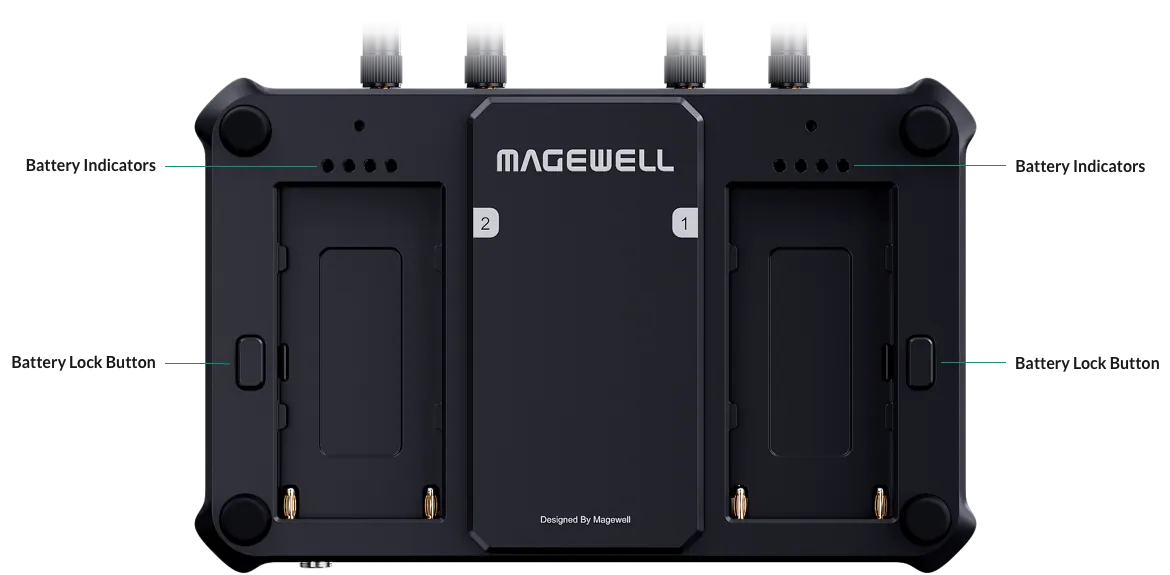
- Battery indicators (default)
- 4* green
- 75% - 100%
- 3* green
- 50% - 75%
- 2* green
- 25% - 50%
- 1* red
- <25%
- Off
- depleted
- NDI tally lights
- Red
- the NDI streaming signal is in PGM view.
- Green
- the NDI streaming signal is in PVW view.
05Power10
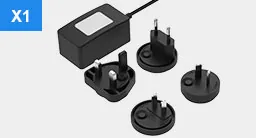
- AC adapter
- Power input
- 12 V/3.5 A
- DC power jack
- Size
- 5.5 mm × 2.1 mm
- Power consumption
- No-load
- ≈6 W
- Full-load
- ≈27 W
- Battery pack
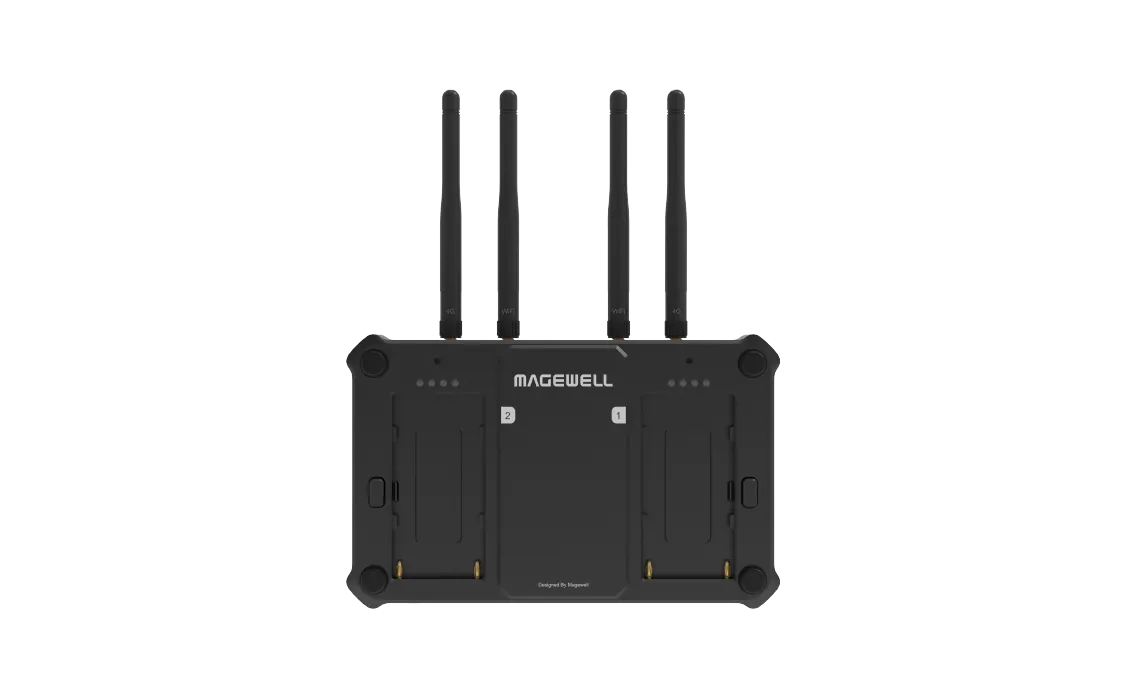
- 2x DC 7.4 V (NP-F battery packs, not supplied)
- Hot swappable
06Environment3
- Operating temperature
- –10 to 50 deg C (AC power)
- Storage temperature
- –20 to 70 deg C
- Relative humidity
- 5% to 90% non-condensing
Show the full specificationHide the rest of the specification0 more groups · 0 values
03DescriptionManufacturer's description
What it is.
- 7" AMOLED touchscreen with 800 nits brightness and 100000:1 contrast ratio
- Supports flexible input sources ranging from AV and IP streams to media files
- Intuitive user interface and companion App for scene editing and creating shows
- Rich output possibilities including RTMP, RTSP, SRT streams, NDI® HX and local displays
04Documents5 files · 28 MB
Documents and files.
Datasheets, manuals, drawings and certificates as the manufacturer publishes them.
05Related products
In the same range.
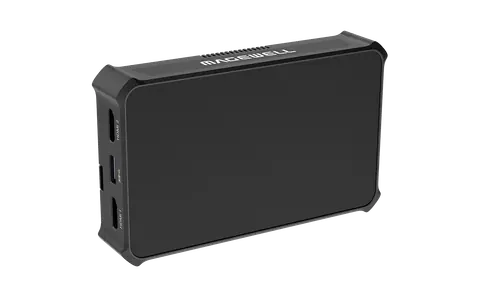 EQ-627MagewellDirector Mini551100000 · Encoders, decoders and streaming
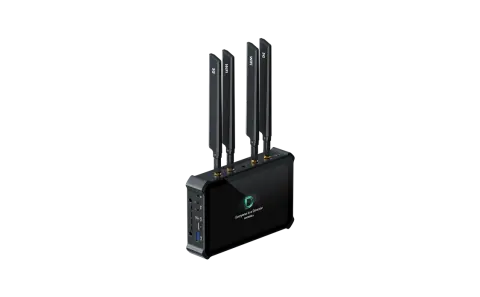 EQ-629MagewellDirector Plus552900000 · Encoders, decoders and streaming
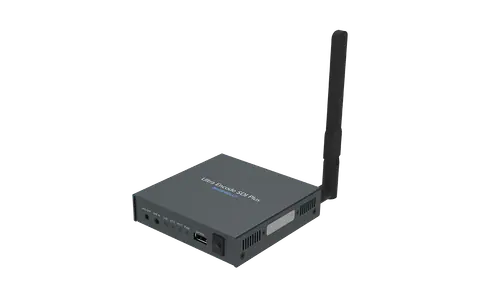 EQ-626MagewellUltra Encode SDI Plus531600000 · Encoders, decoders and streaming
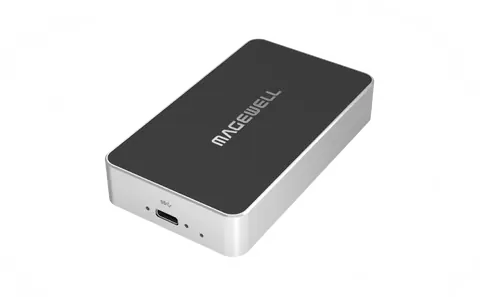 EQ-630MagewellPro Convert IP to USB623000000 · Encoders, decoders and streaming
06Talk to us
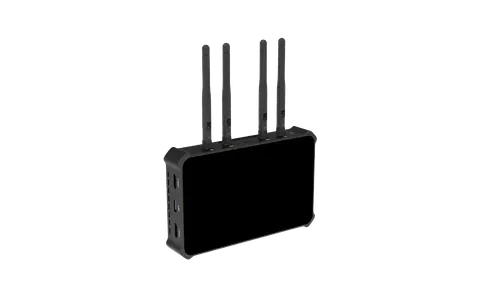 Director OneMagewell · EQ-628
Need this priced for your project?
- Quantity and site
- Configuration and interfaces
- Quotation