
















Sheet 05.668
MAXHUB · Switchers and KVM
Wireless Box WB05
ModelWireless Box WB05
One-click easy for 4K Ultra HD output. Convenient screen sharing for maximized meeting experiences.
Wireless Box WB05Price on request Request a quotation
01DescriptionManufacturer's description
What it is.
Effortless Sharing, Efficient Conferencing
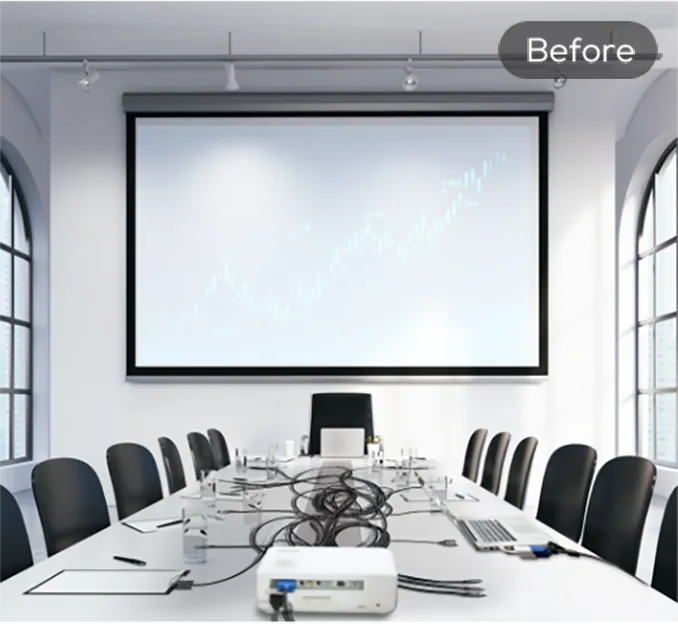
Messy cables, complex external devices, incompatible interfaces and unnecessary preparation time.
The MAXHUB BYOM Box (WB05) offers a stellar BYOM alternative, serving as a core BYOM processor to which external A/V peripherals can connect. Use any video conferencing software from your own laptop and dynamically control the existing in-room BYOM-enabled conferencing infrastructure wirelessly, all seamlessly operating as one broader ecosystem.
Rapid Screen Sharing, Small to Large Screening in a Single Step:
With no need for complex wiring, you can now transform any traditional screen you currently own into a professional meeting screen. Step up from small screens to large displays, with plug and play ease.
0.15s Rapid Connection
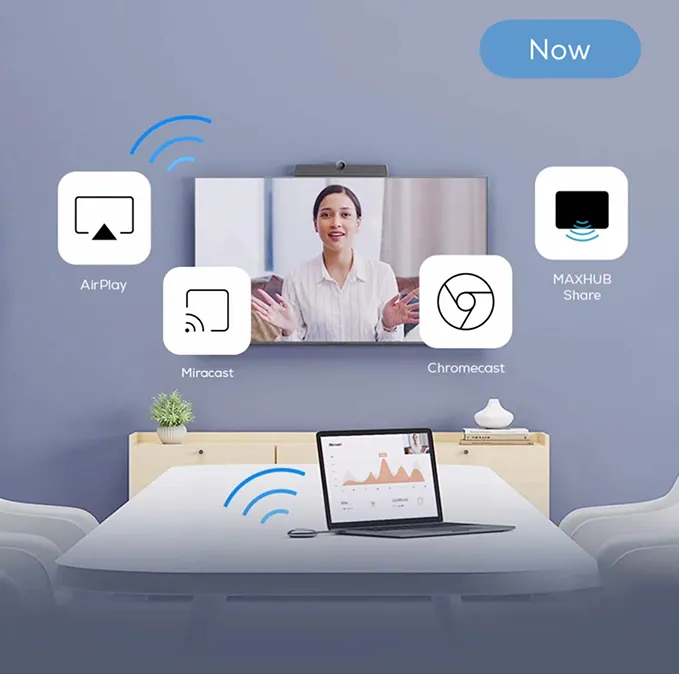
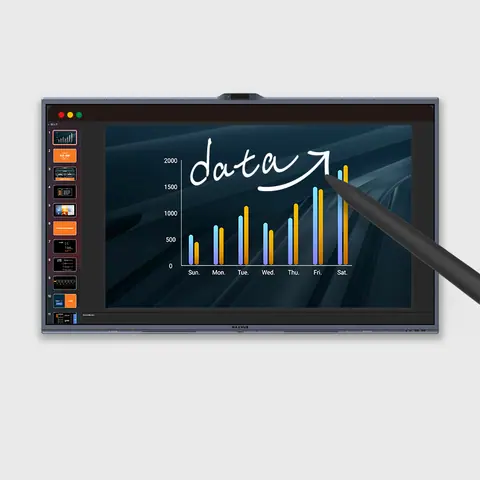
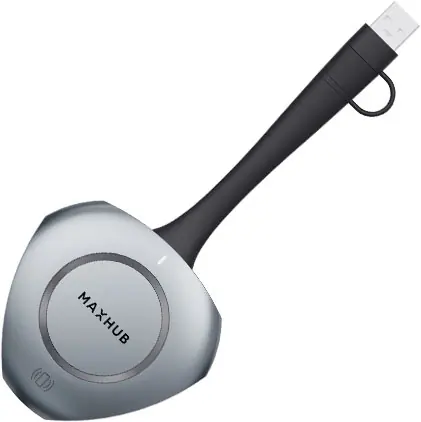
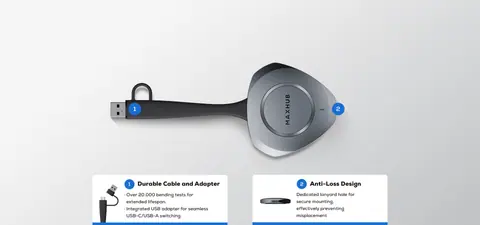
Wireless Screen Sharing device* One-click Screen Sharing
Multi-protocol Support No Installation or Driver Required
4K Ultra HD Output, Authentic Details, Smooth Visuals
With a 4K output resolution and 60Hz high frame rate display, you can enjoy videos in hyper-realistic and vibrant color. H.264 decod- ing technology offers smooth visuals from one scene to the next, without impacting network speed.
4K Ultra HD Resolution
60Hz High Frame Rate Display
H.264 Video Decoding
9-way Split-screen Display, See More at a Glance
Supports up to 9 split-screen displays, making optimal use of screen space when visually showcasing both individual and selected content.
9-way Split-screen
Split your screen 9 ways to better utilize large LED or tiled screen spaces. Enable clearer streaming of visuals or content for multi-party conferences and meetings.:
Dual Screen Display, Enjoy Endless Possibilities with Twice the Screen Space:
Double your utility with dual HDMI interfaces, for the ability to use dual-screen outputs when screening your content. Enjoy flexible content display at your fingertips, with both main and secondary screen pairing.
Professional-grade Screen Sharing Channel, High Bandwidth with Ultra-low Latency:
A dual-frequency Wi-Fi module integrated with a 2T2R high-gain antenna configuration provides twice the data output compared to singular antenna designs. Enjoy ultra-low latency, improved clarity, and simultaneous internet access when screen mirroring via the device.
- 2T2R Data Output 1T1R Data Output
- 2.4GHz/5GHz Dual-frequency Wi-Fi
- Dual Reception, Dual Transmission High-gain Antenna Design
- High-Bandwidth Capability Simultaneous Accessibility
Enhanced Security Privacy, Protection under Control
Supports Extended Screen Mode*, where the large screen displays files simultaneously as the small screen views private information such as emails, keeping your personal information private.
- Extended Screen Mode Privacy Protection
- Application Windows Sharing Focused Content and Experience
- Deviced Management System*, Centralized Control for Multiple Rooms & Devices:
Have total control over multiple meeting rooms and Display Devices* with one centralized back-end system, making managing content distribution, corporate communications, and welcoming displays easier than ever. The system also allows for pre-scheduled power on/off, for truly cost and energy-effective maintenance.
- Scheduled Power On/Off Cost-effective and Energy-saving
- Content Broadcasting Efficient Presentation
- POE Power Supply Clean Wiring
- All-in-one Compatibility, Professional Meetings at Your Fingertips:
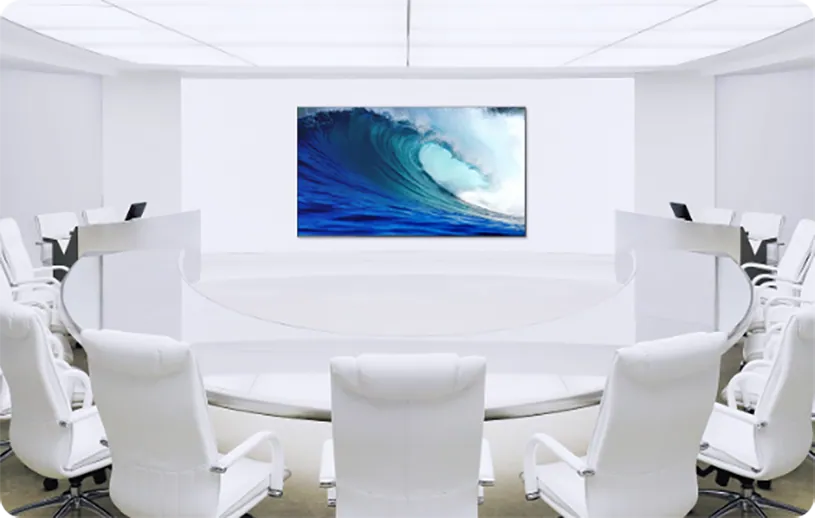
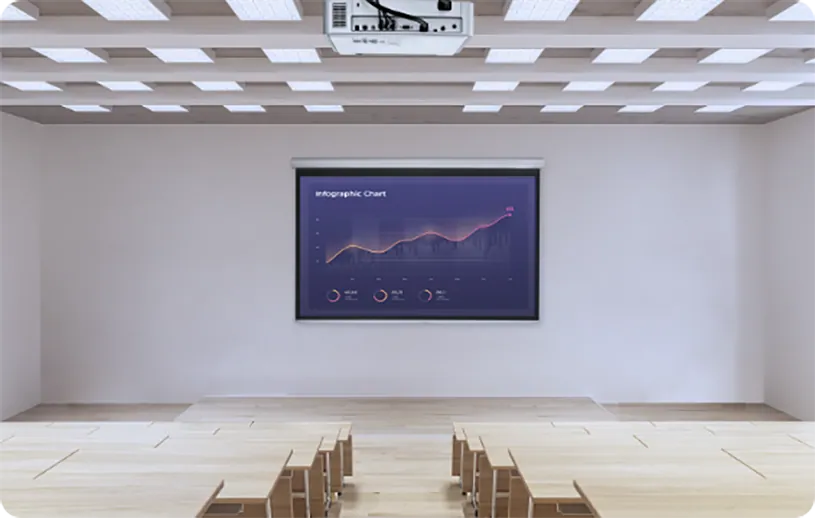
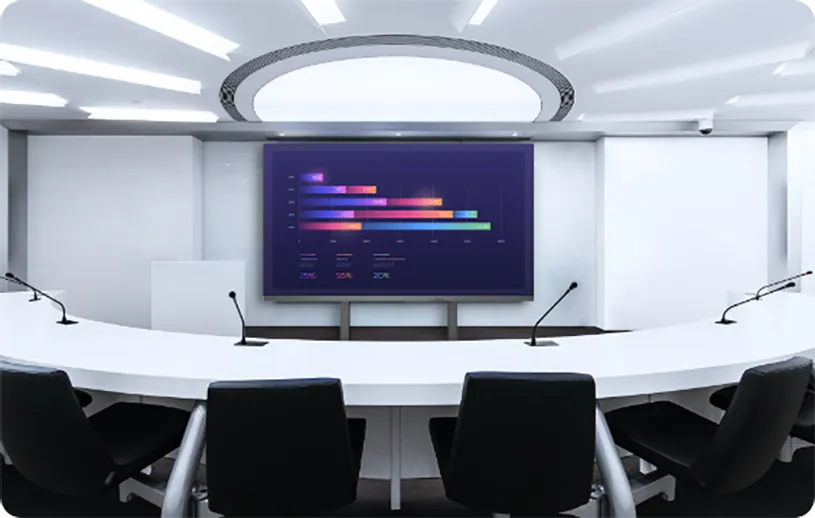
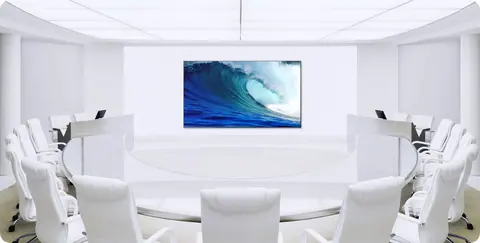
Compatibility with various Mainstream Conference Display Devices* such as TVs, projectors, LED screens and videos walls makes it ideal for a variety of office meeting scenarios.
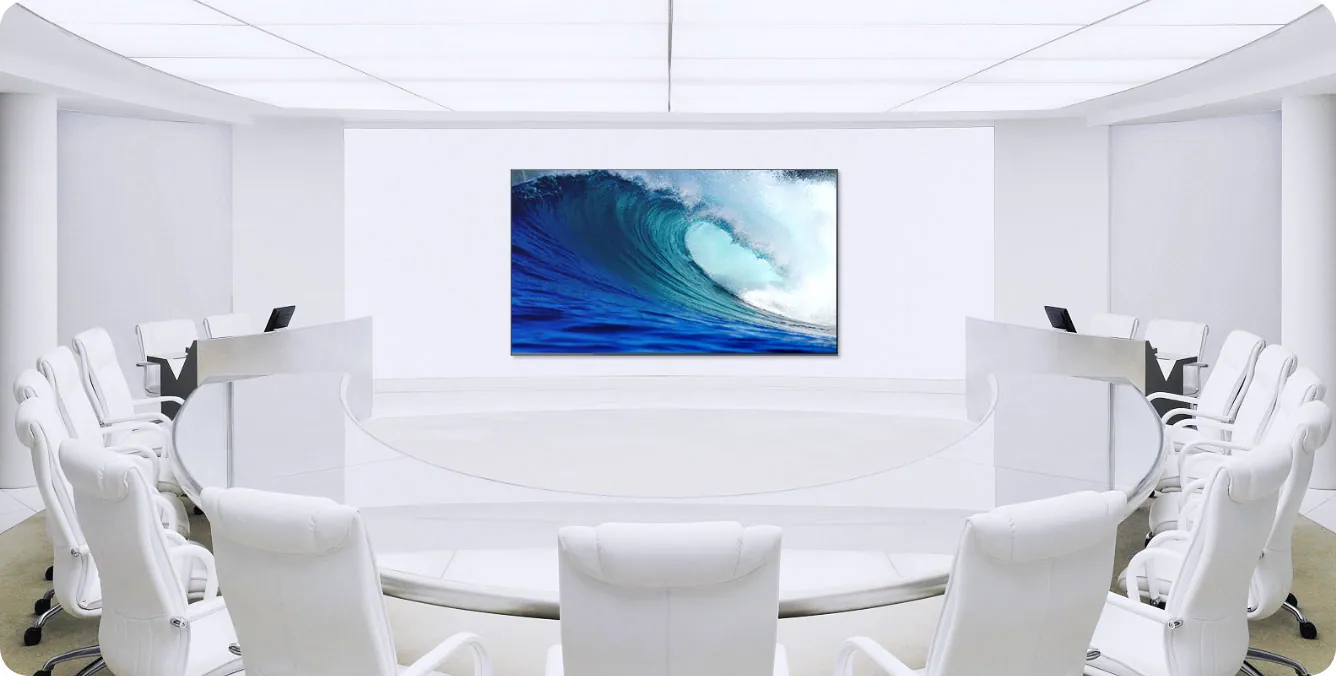
Medium/Large Conference Rooms
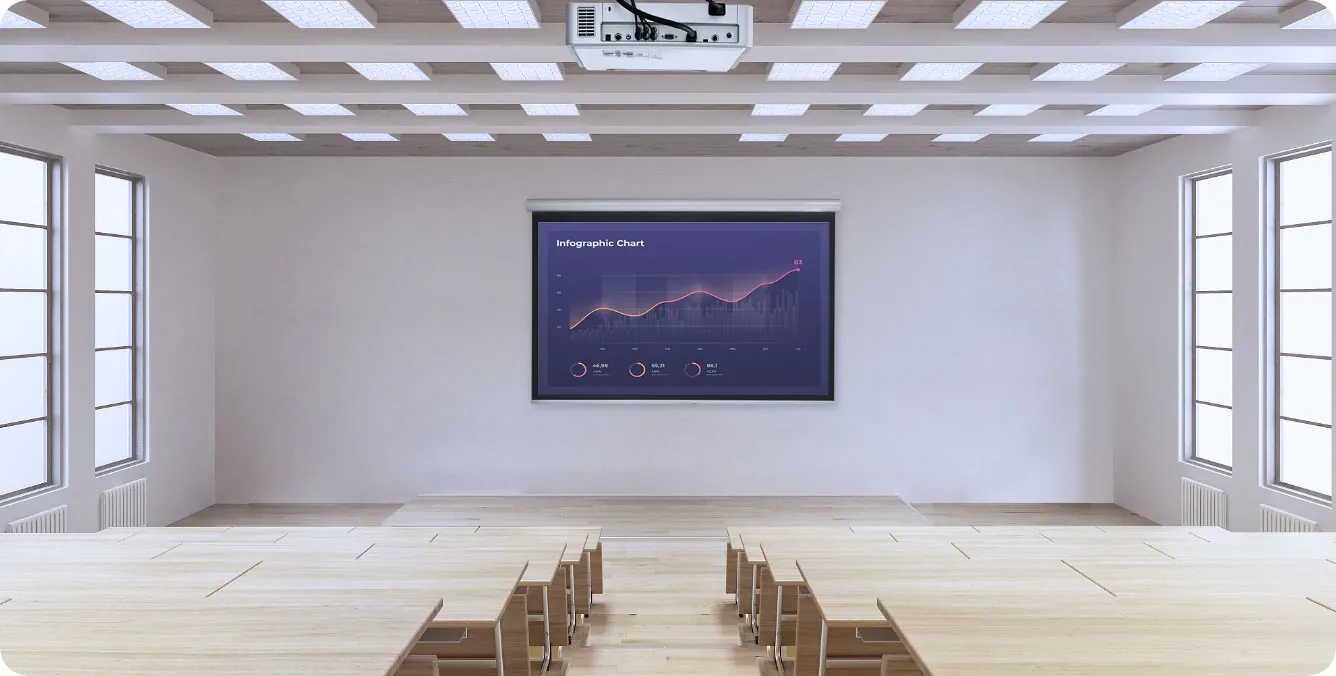
Lecture Halls
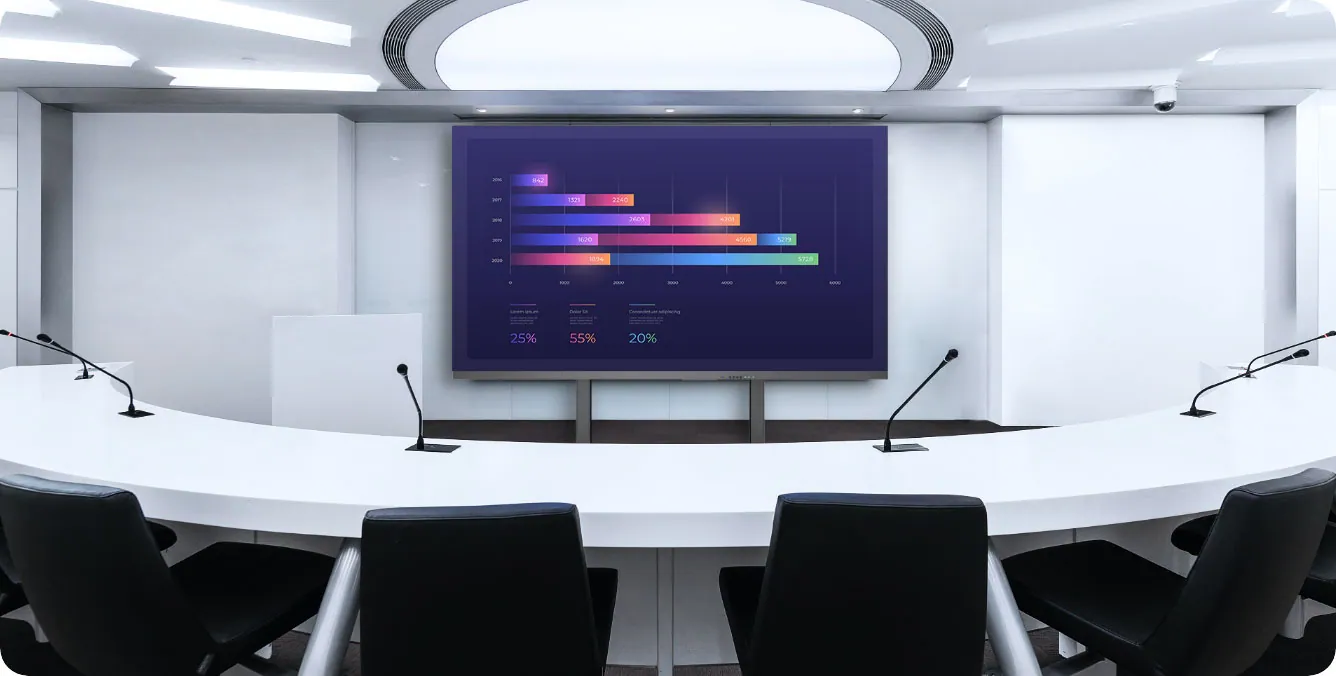
Briefing Rooms
Say goodbye to back-end control. Mirror files and content straight from your mobile phone or tablet, without the need for copying to a dedicated computer device.
Enjoy intuitive learning experiences empowered by wireless screen sharing that supports multi-screen display.
A projection/large-size TV and the Screen Mirroring Box are all you need for a professional meeting experience, while having total control over multiple meeting rooms with centralized management.
*PC Compatibility: Supports Windows 7 and above, macOS 10.10 and above. Mobile and Tablet Screen sharing Compatibility: Supports Android 5.0 and above, iOS 9.0 and above. Wireless Screen sharing requires MAXHUB Wireless Screen sharing Device or installation of MAXHUB Share App. MAXHUB Share supports Android 5.veMAXHUB interactive flat panel upon first use. For computers, mobile devices, and tablets, screen sharing can be achieved by downloading the MAXHUB Share. *Multi-screen Display: Supports simultaneous screen shaing of up to 9 screens/devices. *One-click Easy Screen Sharing: For MAXHUB Wireless Screen sharing, the wireless screen sharing device needs to be paired with theMAXHUB interactive flat panel upon first use. For computers, mobile devices, and tablets, screen sharing can be achieved by downloading the MAXHUB Share. *0.15s Fast Screen Sharing: Results obtained from testing wireless screen sharing from an 11-inch MacBook Air to MAXHUB Screen Mirror Box in a MAXHUB lab environment, with no other interference. *Traditional TV Connectivity: Requires HDMI interface for connecting TVs or projectors to the MAXHUB Screen Sharing Box. Simply connect via a cable. *Wireless Screen Sharing Device: While not included, this can be purchased separately. Needs to be paired for first-time use. *Extended Screen Mode: After installing the driver on the sender's device, select Extended Mode for wireless screen sharing to use the large screen as a secondary display. *Mainstream Conference Display Devices: Devices need to be equipped with an HDMI interface.
MAXHUB Screen Sharing Box WB05
Messy cables, complex external devices, incompatible interfaces and unnecessary preparation time
0.15s Rapid Connection
Multi-protocol Support No Installation or Driver Required
Wireless Screen Sharing Device* One-click Screen Sharing
With a 4K output resolution and 60Hz high frame rate display, you can enjoy videos in hy- per-realistic and vibrant color. H.264 decod- ing technology offers smooth visuals from one scene to the next, without impacting network speed.
2T2R Data Output
1T1R Data Output
Enhanced Security, Privacy Protection under Control
All-in-one Compatibility Professional Meetings at Your Fingertips:
*PC Compatibility: Supports Windows 7 and above, macOS 10.10 and above. Mobile and Tablet Screen sharing Compatibility: Supports Android 5.0 and above, iOS 9.0 and above. Wireless Screen sharing requires MAXHUB Wireless Screen sharing Device or installation of MAXHUB Share App. MAXHUB Share supports Android 5.0 and above, iOS 11.0 and above. The screen sharing device needs to be on the same network as the screen sharing box. *Multi-screen Display: Supports simultaneous screen shaing of up to 9 screens/devices. *One-click Easy Screen Sharing: For MAXHUB Wireless Screen sharing, the wireless screen sharing device needs to be paired with theMAXHUB interactive flat panel upon first use. For computers, mobile devices, and tablets, screen sharing can be achieved by downloading the MAXHUB Share. *0.15s Fast Screen Sharing: Results obtained from testing wireless screen sharing from an 11-inch MacBook Air to MAXHUB Screen Mirror Box in a MAXHUB lab environment, with no other interference. *Traditional TV Connectivity: Requires HDMI interface for connecting TVs or projectors to the MAXHUB Screen Sharing Box. Simply connect via a cable. *Wireless Screen Sharing Device: While not included, this can be purchased separately. Needs to be paired for first-time use. *Extended Screen Mode: After installing the driver on the sender's device, select Extended Mode for wireless screen sharing to use the large screen as a secondary display. *Mainstream Conference Display Devices: Devices need to be equipped with an HDMI interface.
03Talk to us
 Wireless Box WB05MAXHUB · EQ-668
Need this priced for your project?
- Quantity and site
- Configuration and interfaces
- Quotation