
















Sheet 05.675
MAXHUB · Interactive flat panels
XBoard for Microsoft Teams Rooms
ModelXBoard for Microsoft Teams Rooms
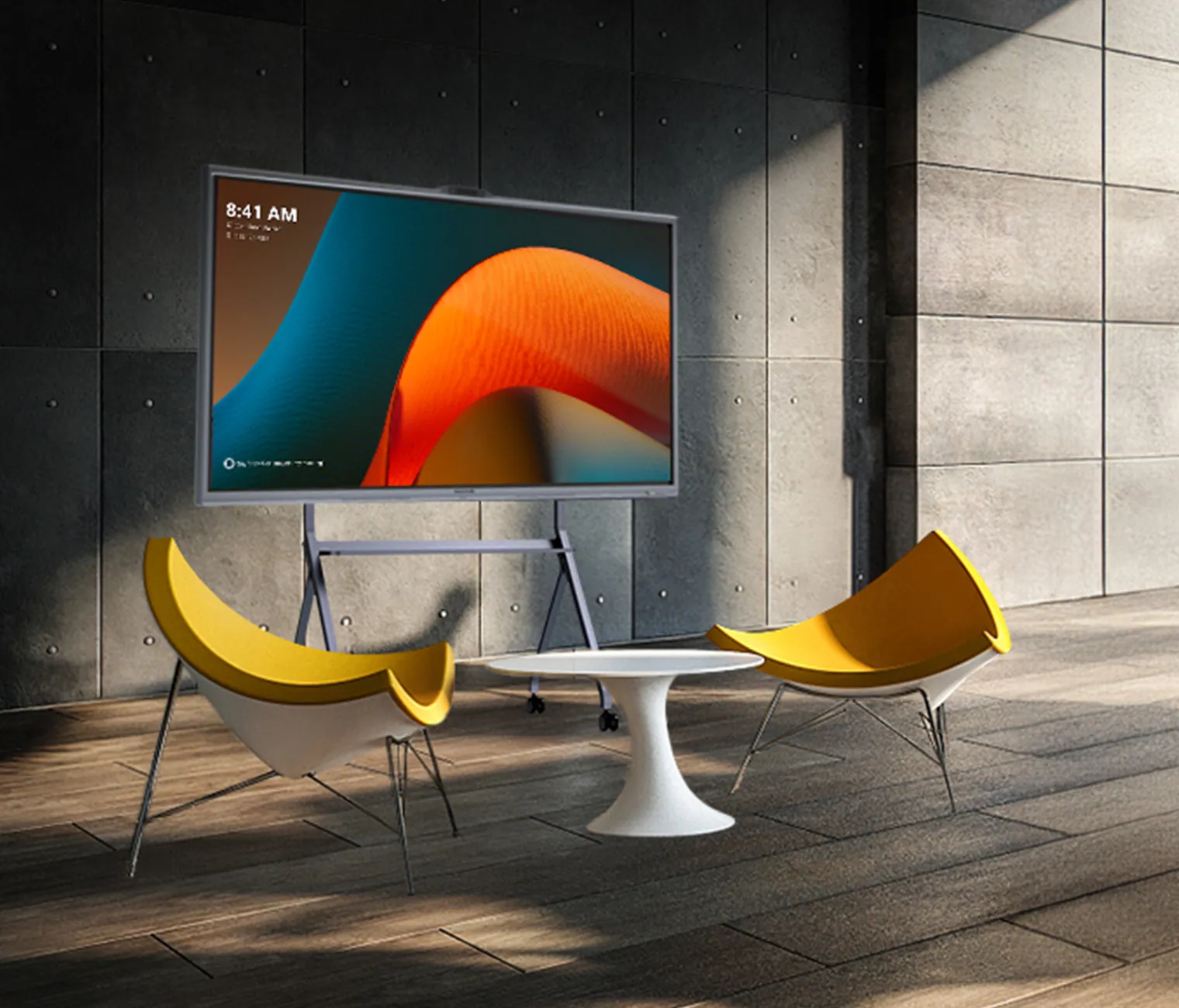
The first Teams-certified interactive display with Trident Lens system and Windows 11 IoT, providing an all-in-one solution for diverse spaces.
XBoard for Microsoft Teams RoomsPrice on request Request a quotation
02DescriptionManufacturer's description
What it is.
MAXHUB XBOARD
FOR MICROSOFT TEAMS ROOMS
All-in-One
Video & Audio
Collaboration
Deploy & Manage
FEATURE HIGHLIGHTS
ALL-IN-ONE SIMPLICITY
- Optimize Your Meeting Room Devices
- Effortless Installation and Management
- Enjoy Enhanced Connectivity
- FROM OPEN SPACES TO MEETING ROOMS, YOUR FLEXIBLE MEETING SOLUTION:
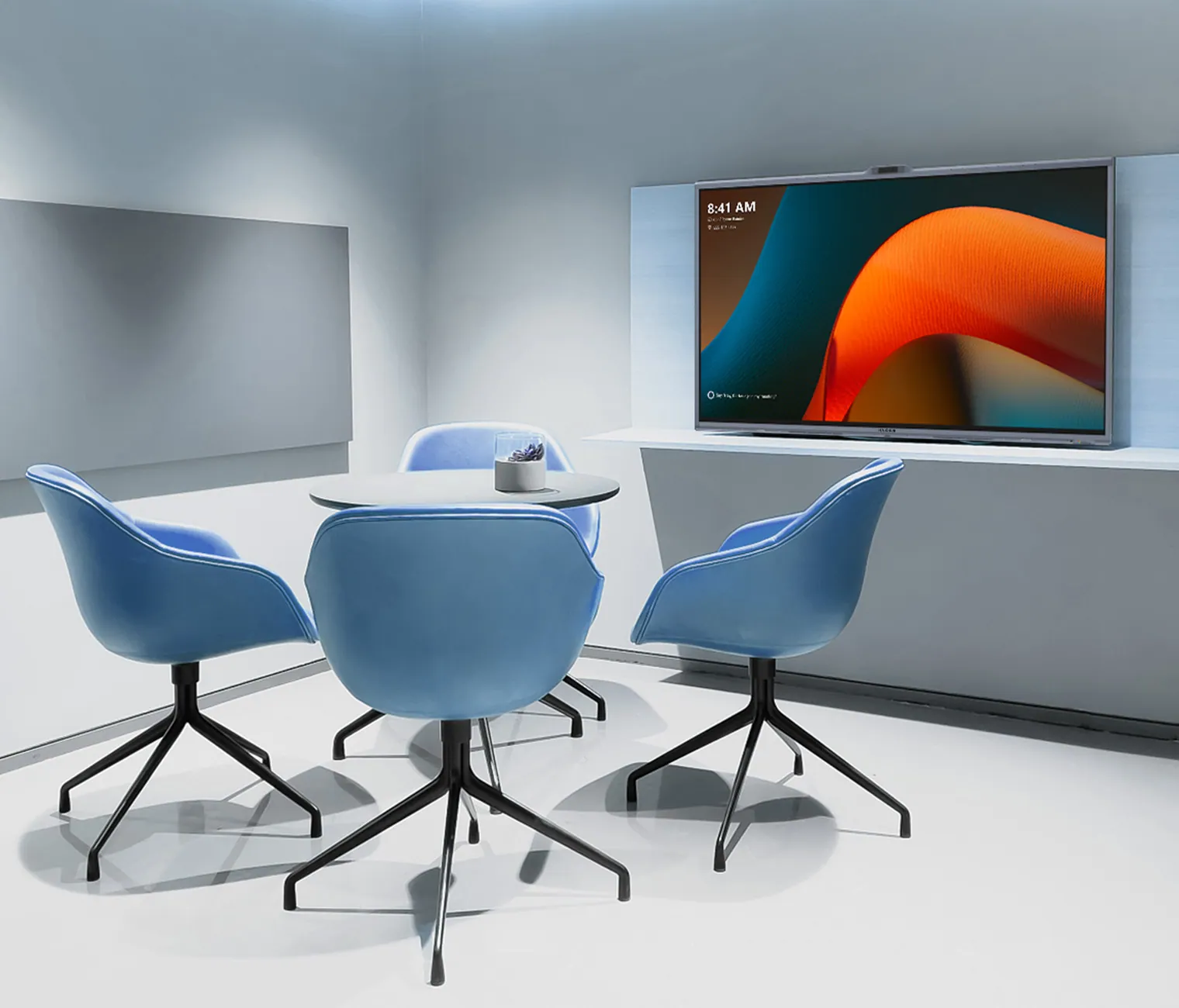
Huddle/Small Rooms
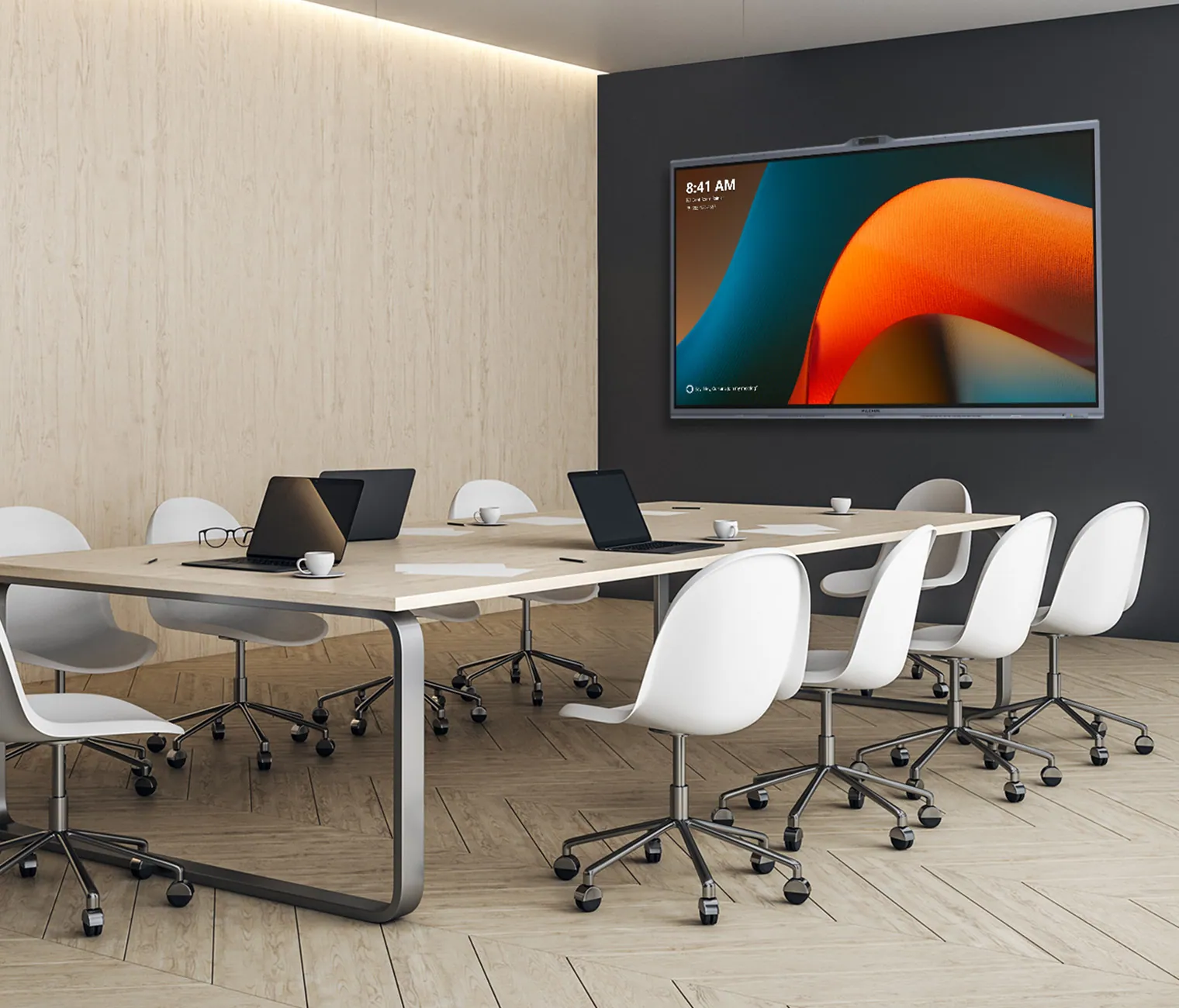
Medium Rooms
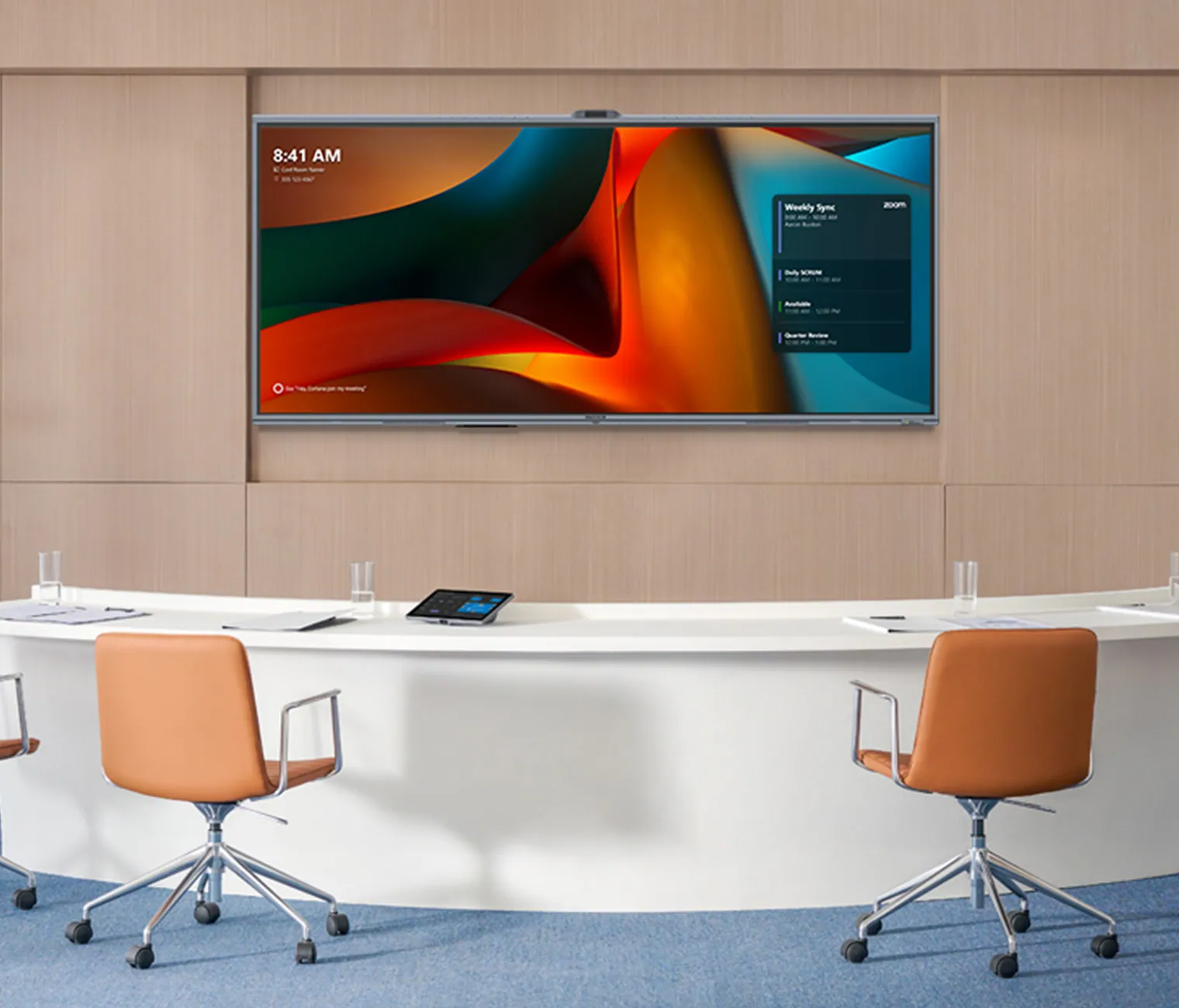
Microsoft Signature Rooms
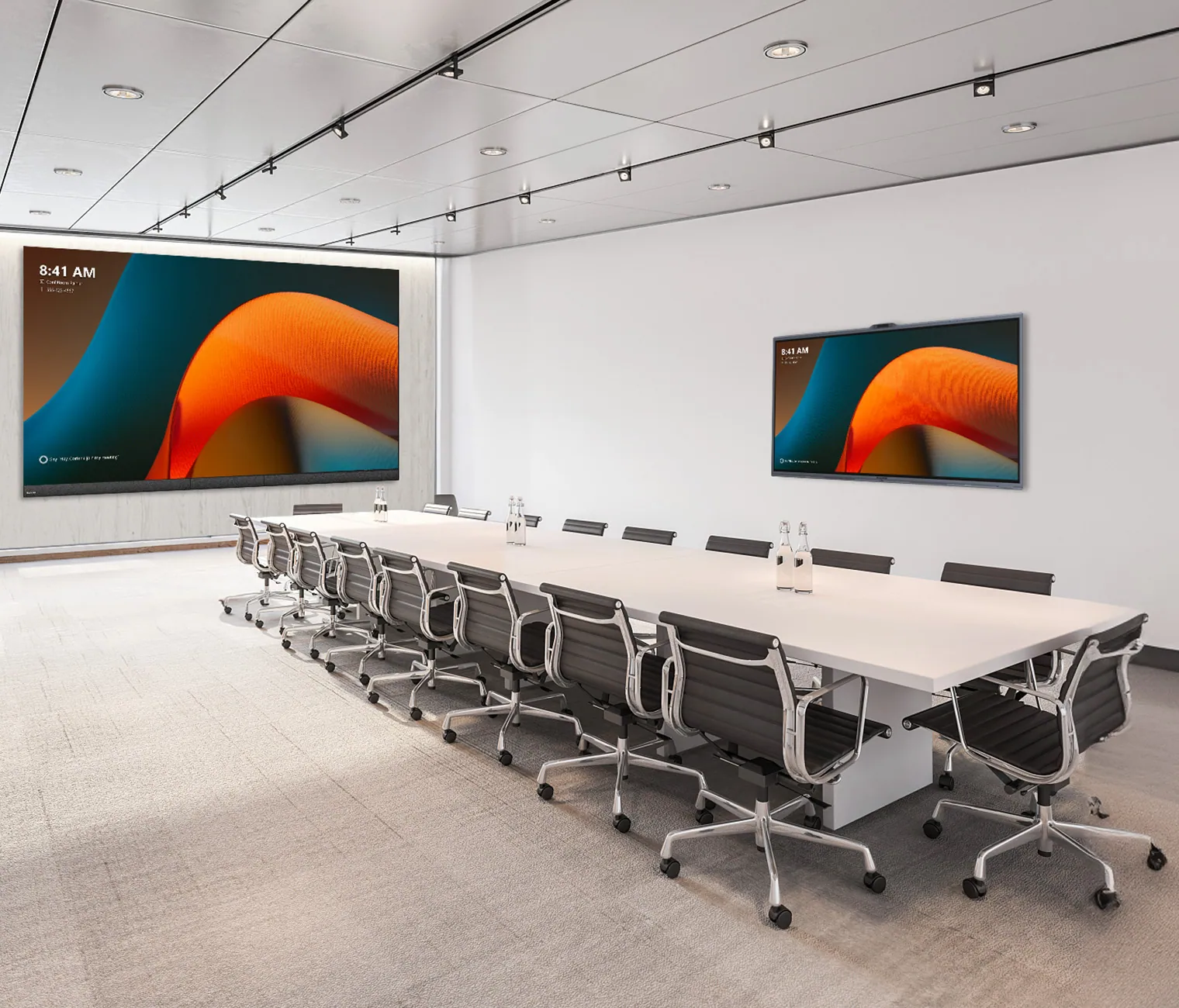
Extra-large Rooms
Open Space
3-7 People
3m x 4m
Conference room size
8-12 People
6-10 People
Up to 20 people
2-4 People
WINDOWS 11 IOT-BASED INTERACTIVE DISPLAY FOR TEAMS ROOMS
MAXHUB XBoard for Microsoft Teams Rooms provides exclusive features like SIP/H.323 calls, easy integration, enhanced security, and cross-cloud meeting capabilities, all tailored for IT managers.
MAKE VIDEO CONFERENCING FEEL LIKE NATURAL FACE-TO-FACE CONVERSATIONS:
See everything, miss nothing. 50MP cameras with 2x optical and 5x hybrid zoom, combined with AI-powered viewing options, ensure every participant is seen and heard, promoting dynamic and inclusive collaboration. Transform your meeting experience with unparalleled visual clarity.
MULTIPLE SPEAKER
AUTO FRAMING
SPEAKER TRACKING
INTELLIGENT FOCUS
VIDEO FENCE
When multiple people are discussing, the screen splits to highlight each speaker.
With auto-framing, the MAXHUB XBoard display automatically adjusts to achieve the best angle based on the number of participants and their location, so it feels like a face-to-face interaction.
Speaker-tracking technology locates the sound source in real-time, ensuring the speaker is always the center of attention. It supports two active speakers with a dual focus.
Intelligent focus technology enables individual close-ups for multiple participants simultaneously, delivering an immersive in-person experience.
Take command of your meeting view with our innovative Video Fence feature. Precisely control the camera's field of view, ensuring AI tracking and focus are only applied within the designated area. Customize presets, auto-framing, speaker tracking, and other AI functions for a truly tailored meeting experience.
HEAR AND BE HEARD
AI NOISE REDUCTION
AUDIO FENCE
AI SPATIAL SOUND
OPTIONAL EXPANSION SPEAKERPHONES
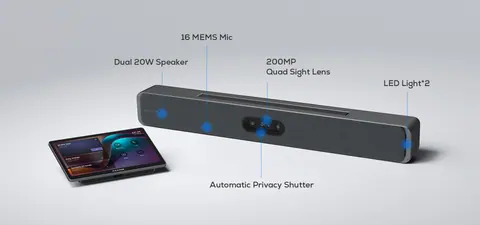
With 16 array microphones spanning a 180° wide angle and boasting a 15-meter voice pickup range, coupled with its AI Noise Cancellation technology, the MAXHUB XBoard ensures crystal-clear voice transmission for all participants.
Where clarity meets intelligence. Adaptive EQ modes and AI noise cancellation create a virtual sound barrier, filtering out external distractions. Experience meetings where every word matters, free from the disruptions of the outside world.
Our system dynamically adapts to your space, providing optimal EQ modes to customize sound isolation angles, ensuring unparalleled audio quality. Guarantee clear communication for remote participants, free from external distractions.
OPTIONAL EXPANSION SPEAKERPHONES
UC BM45 (up to a maximum of 3) can be daisy-chained with XBoard to accommodate meeting spaces of any size, offering the flexibility to capture every sound precisely during meetings.
Note: Please refer to the Quick Start Guide for room cabling details.
FLEXIBLE SIZES
Enhanced by Signature Microsoft Teams Rooms and the innovative Front Row feature, the MAXHUB XBoard for Microsoft Teams Rooms offers a 21:9 aspect ratio with a 92" version that delivers a more immersive hybrid meeting experience. In addition to the 92" model, it also supports 16:9 ratios with 55", 65", 75", and 86" options, accommodating a variety of scenarios.
65” model
86” model
92” model
TEAM COLLABORATION, IGNITE FRESH IDEAS
Start your whiteboard with a single click and immerse yourself in creative and efficient team collaboration. Enjoy features like pick-and-write whiteboarding, seamless one-click content sharing, and an optional on-seat touch console for enhanced meeting coordination.
WHITEBOARDING
CONTENT SHARE
ON-SEAT TOUCH CONSOLE
COORDINATING MEETINGS
* Optional
To learn more about coordinating meetings - go to https://learn.microsoft.com/en-us/microsoftteams/rooms/coordinated-meetings
BYOM
With BYOM (Bring-Your-Own-Meeting), you can host meetings directly from your own device while leveraging MAXHUB XBoard's state-of-the-art audiovisual equipment for an exceptional attendee experience.
EASY DEPLOYMENT
Plug in and play effortlessly with just one cable deployment.
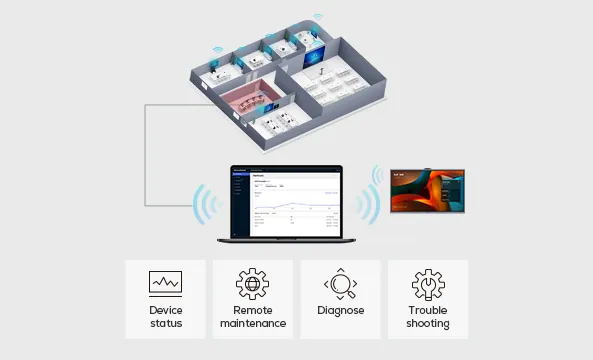
SIMPLE REMOTE DEVICE MANAGEMENT
MAXHUB's Pivot tool allows easy remote management and updates of room devices, boosting operational efficiency.
3-YEAR WARRANTY AND LOCAL SUPPORT FOR SEAMLESS WORKFLOW
The MAXHUB product portfolio comes with a 3-year warranty and local support. This ensures a seamless user experience and uninterrupted workflow while accommodating cost-balancing needs.
SUSTAINABILITY IN DESIGN
ENERGY STAR-certified, the MAXHUB XBoard V7 for Microsoft Teams Rooms helps you protect the environment and save costs.
03Documents2 files · 7.2 MB
Documents and files.
Datasheets, manuals, drawings and certificates as the manufacturer publishes them.
Datasheets and manuals02
04Related products
In the same range.
 EQ-674MAXHUBXBar W70 Kit - WindowsXBar W70 Kit - Windows · Video bars and room systems
 EQ-676MAXHUBXCore Kit ProXCore Kit Pro · Video bars and room systems
 EQ-673MAXHUBXBar V70 Kit - AndroidXBar V70 Kit - Android · Video bars and room systems
 EQ-677MAXHUBXT SeriesXT Series · Video bars and room systems
05Talk to us
 XBoard for Microsoft Teams RoomsMAXHUB · EQ-675
Need this priced for your project?
- Quantity and site
- Configuration and interfaces
- Quotation