
















Sheet 05.841
AV Access · Switchers and KVM
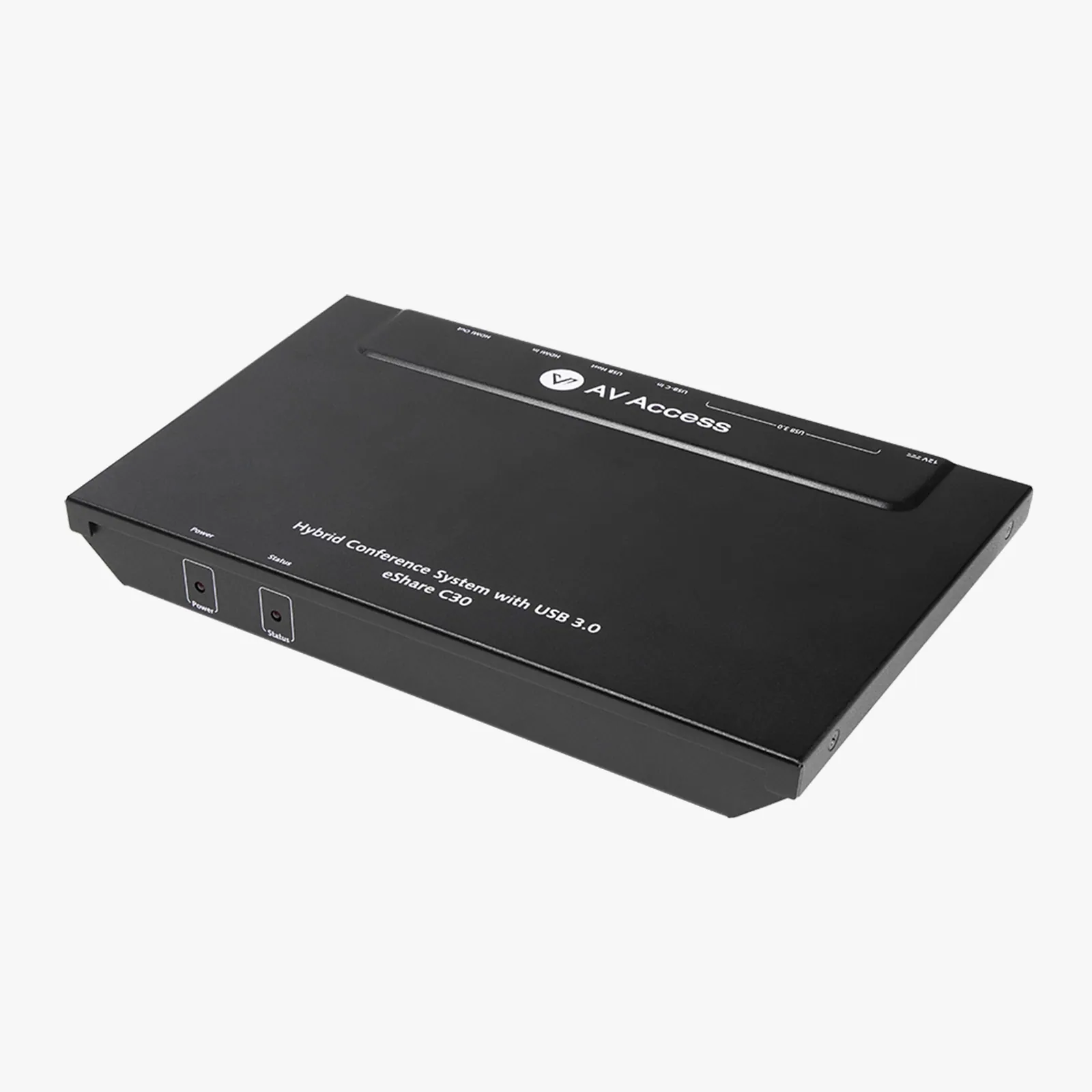
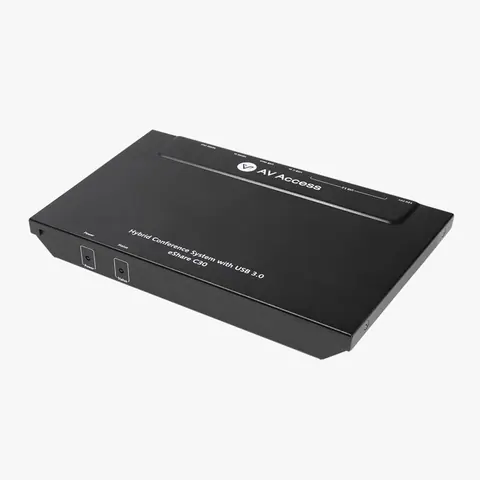
4K60 conference room docking station, USB-C and HDMI input
ModeleShare C30
● 4K Ultra HD: Delivers stunning clarity with up to 4K@60Hz 4:4:4 video input/output via HDMI or USB C. ● 3x High-Speed USB 3.0 Ports: Connects a 4K webcam, speakerphone, or other USB peripherals for video conferencing.
4K60 conference room docking station, USB-C and HDMI inputPrice on request Request a quotation
01SpecificationManufacturer's data · 4 groups · 10 values
What this product is, in numbers.
PDFUser ManualEN · 7 pages · 933 KB
The manufacturer's published values. We confirm the configuration and the values that matter for your project before an order.
01General7
- Main function
- A conference room docking station with 4K Ultra HD input/output. Simplify screen sharing and video conferencing with a single cable.
- Target audience
- SME meeting room administrators, IT teams, hybrid working teams, educators and lecturers.
- Critical scenarios
- Huddle rooms, small rooms and medium rooms. Ideal for businesses, classrooms, or others.
- Key features
- 1. 4K@60 Hz input/output via HDMI or USB C / 2. 3x High-Speed USB 3.0 Ports / 3. Plug & Play / 4. Auto Switching / 5. CEC: Auto Power On/Off / 6. Lockable Cables
- Inputs
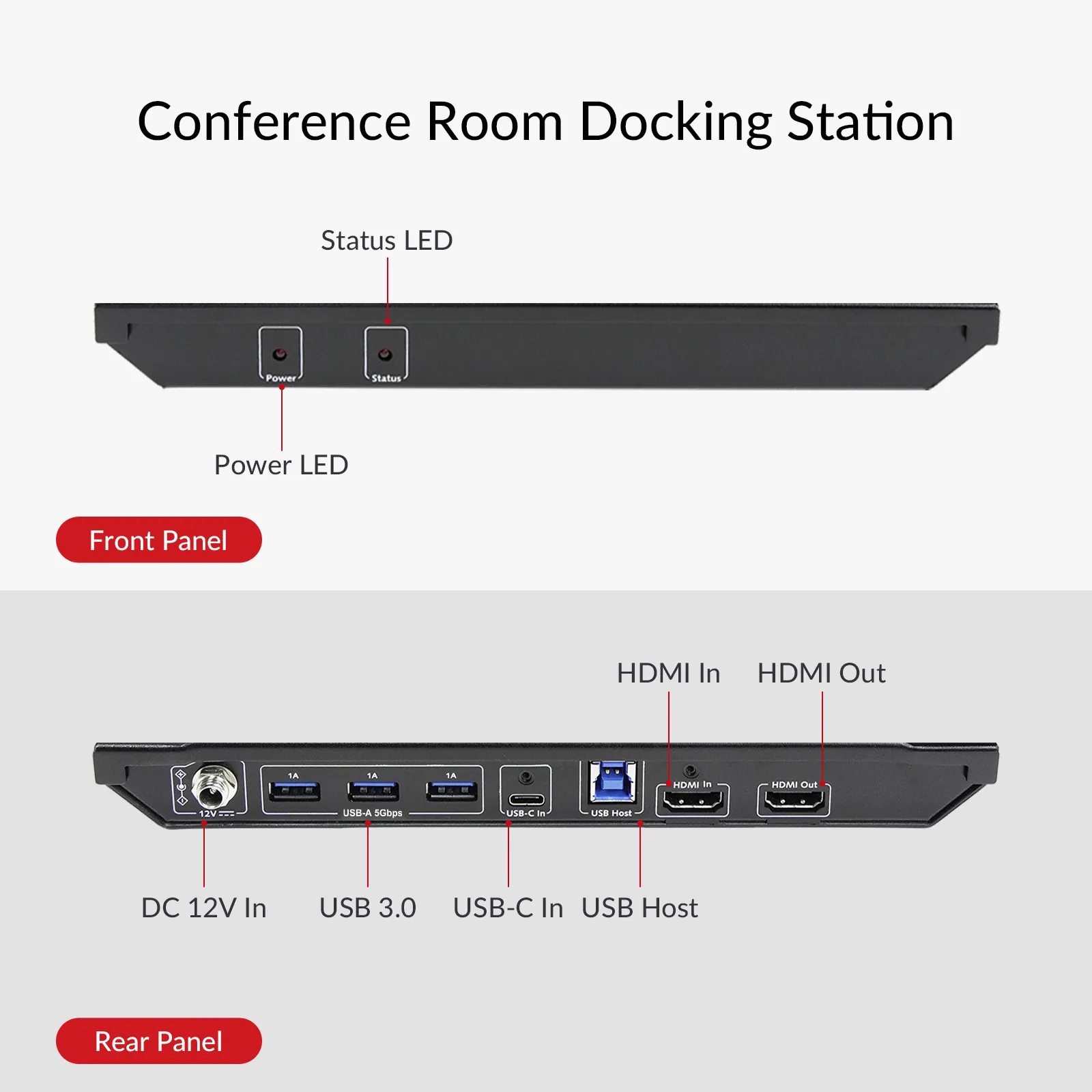
- 1x HDMI 2.0, 1x USB C (DP Alt Mode)
- Outputs
- 1x HDMI 2.0
- Installation
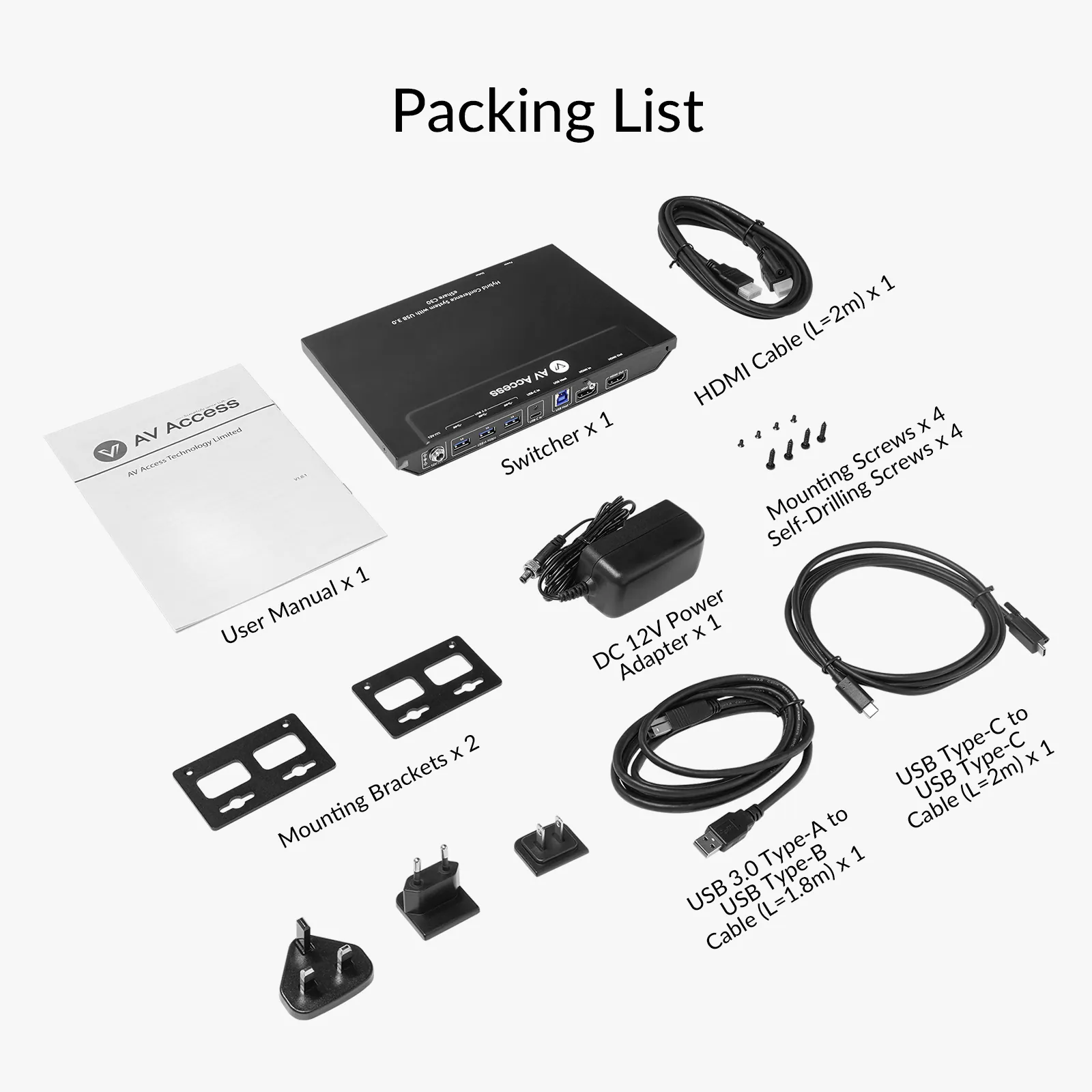
- 2x Mounting Brackets / 4x Mounting Screws / 4x Self-Drilling Screws
02Control and interfaces1
- USB ports
- 3x USB 3.0
03Power1
- Power
- 1x DC 12 V Power Adapter with US, EU and UK Pins
04Packaging1
- Included cables
- 1x USB Type-C to USB Type-C Cable (L=2 m) / 1x USB 3.0 Type-A to USB Type-B Cable (L=1.8 m) / 1x HDMI Cable (L=2 m)
Show the full specificationHide the rest of the specification0 more groups · 0 values
02DescriptionManufacturer's description
What it is.
● 4K Ultra HD: Delivers stunning clarity with up to 4K@60Hz 4:4:4 video input/output via HDMI or USB C. ● 3x High-Speed USB 3.0 Ports: Connects a 4K webcam, speakerphone, or other USB peripherals for video conferencing. ● Plug & Play: Connects instantly via USB C or HDMI—no software or driver required. ● Auto Switching: Detects and switches to any new source automatically—no buttons needed. ● Auto Power On/Off:Supports CEC to automatically turn your display on and off. ● Under-Table Installation: Brackets, screws, and one-sided cabling for a clean setup. ● Lockable Cables: Includes lockable USB C and HDMI cables for secure, stable meetings.
⭐If it’s not everything you hoped for, we’ll make it right with a refund—your satisfaction comes first. Free Shipping* 3-Day Delivery from Local Warehouse (US/CA)* 30-Day Money-Back Guarantee* 3-Year Warranty for Partners*
eShare C30, 4K@60Hz Conference Room Docking Station. Enables screen sharing and video conferencing (BYOM) with a single cable connection. Supports HDMI/USB-C input to HDMI output, with built-in USB 3.0 hub for webcams and speakerphones. Auto-switching, Plug & Play, no drivers needed.
Conference Room Docking Station
Simplify screen sharing and video conferencing with a single cable.
One Cable. All Set.
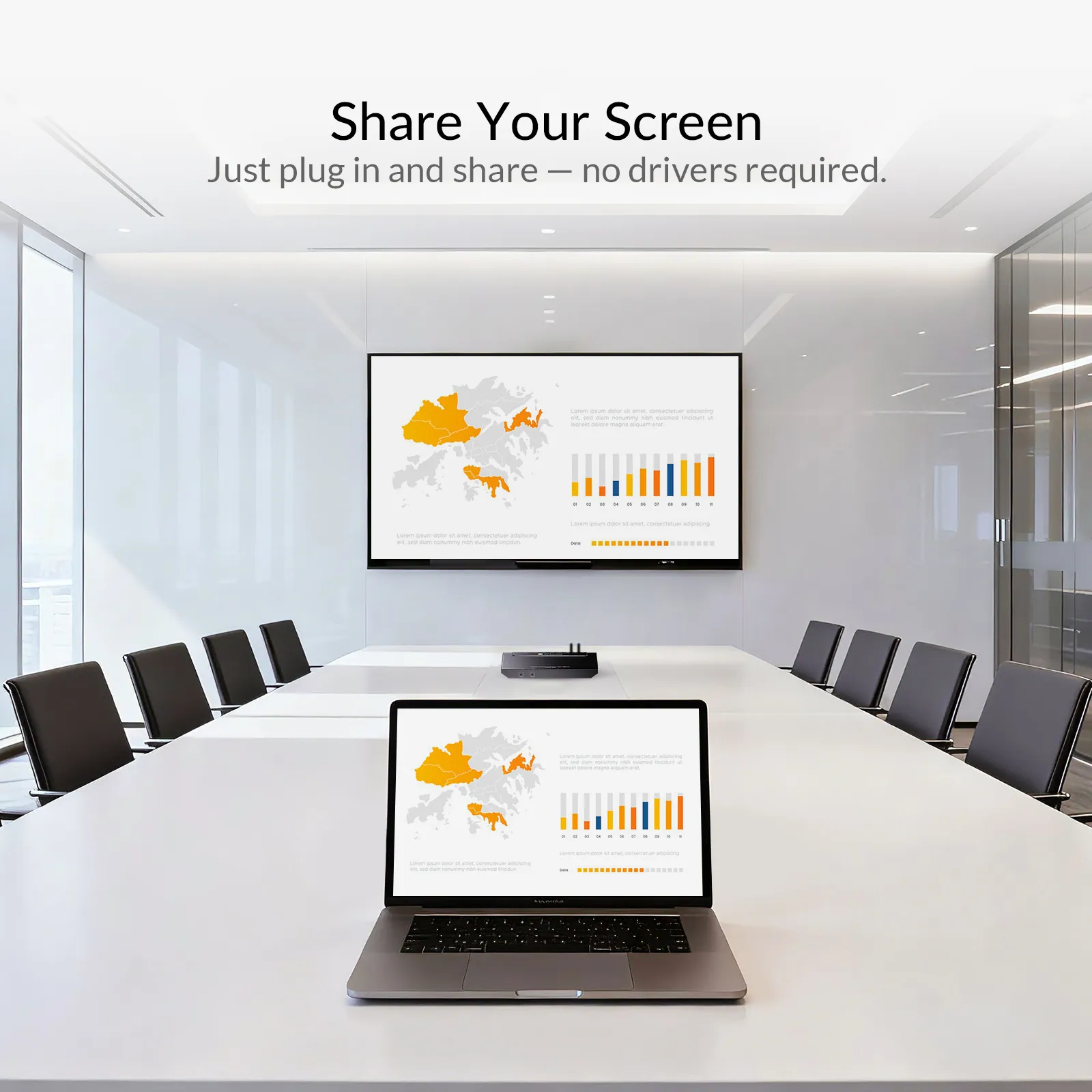
Designed for small meeting rooms, the eShare C30 merges a USB hub and HDMI output in one sleek unit. Share 4K content and connect all your conferencing gear with a single USB C or HDMI cable — plug and play, no software needed.
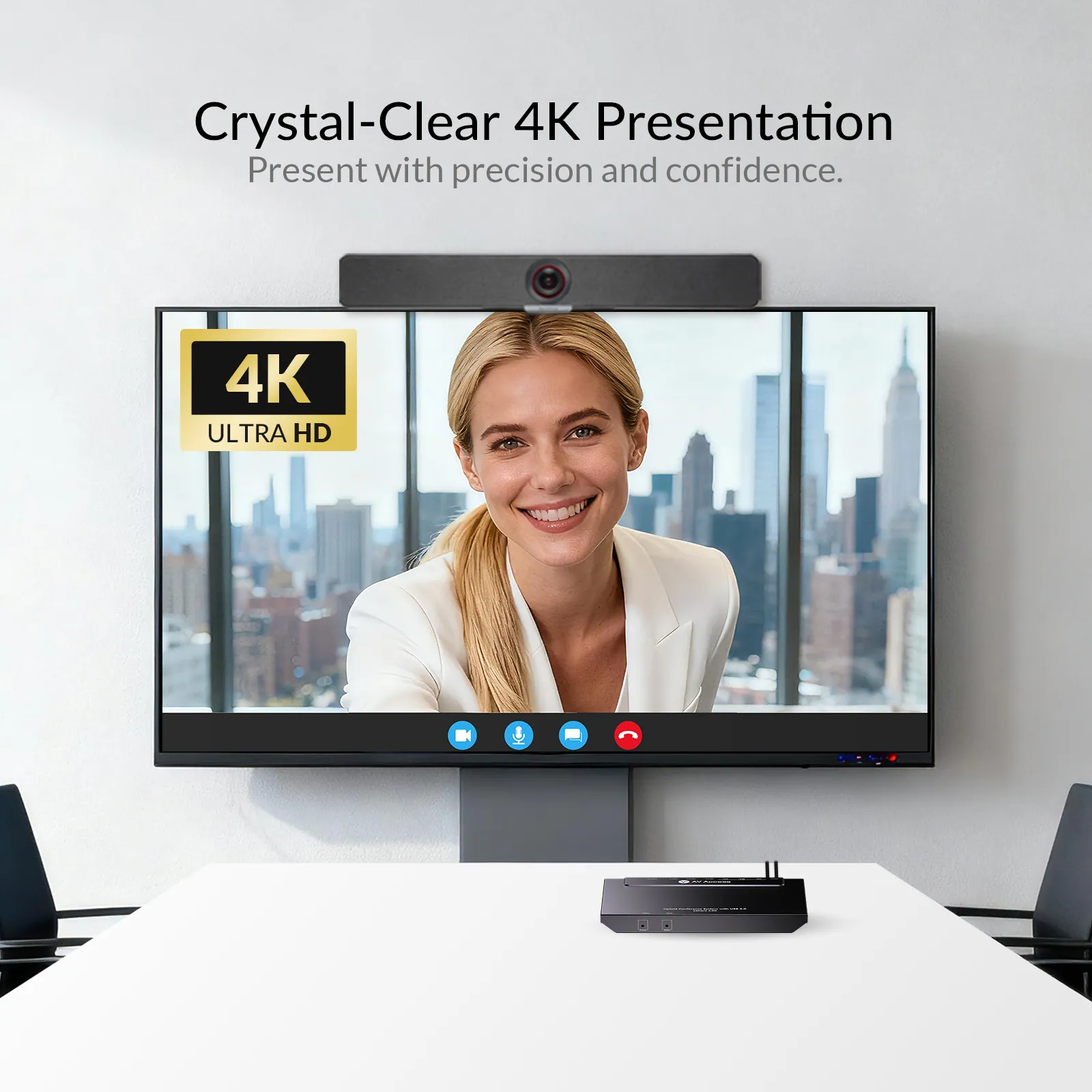
4K@60Hz 4:4:4
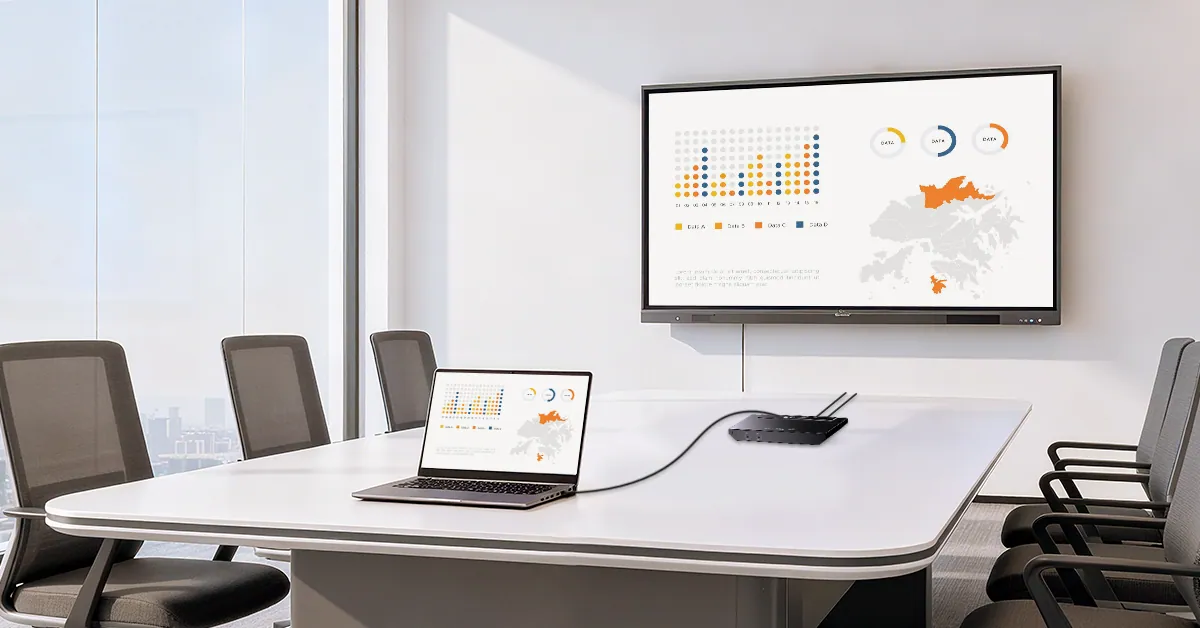
Share with One Cable
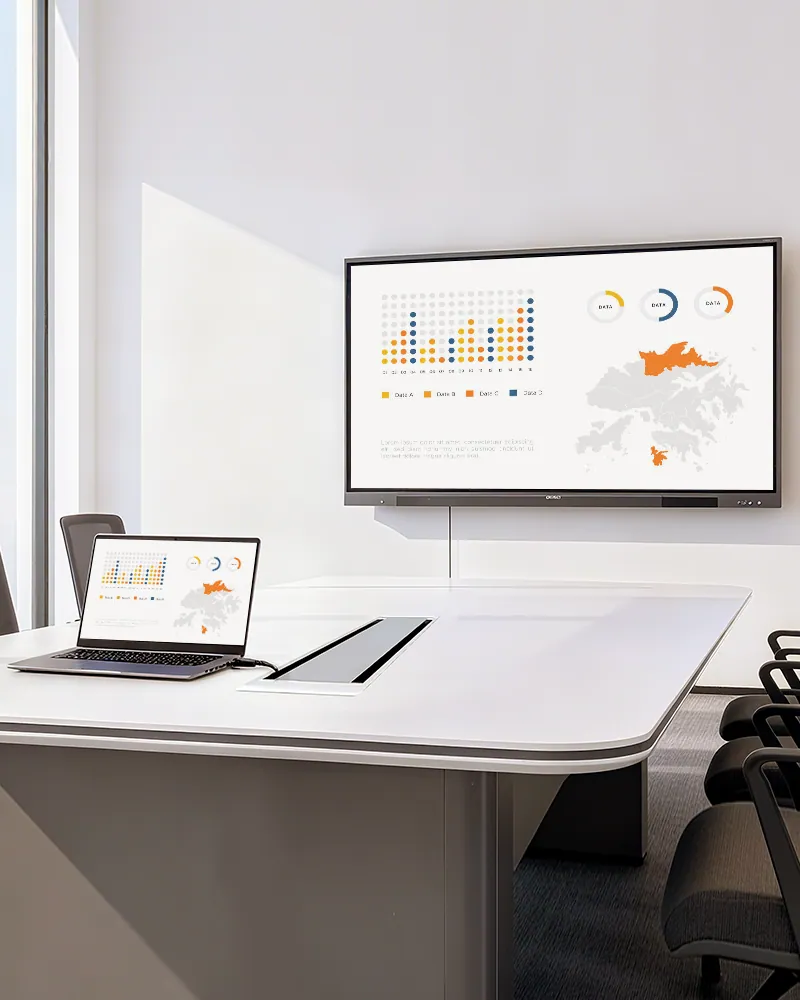
Connect your room PC or laptop, and your screen instantly appears on the display in stunning 4K@60Hz 4:4:4. Present every detail with exceptional clarity and true-to-life visuals.
Share with A Single Cable
USB 3.0 Port
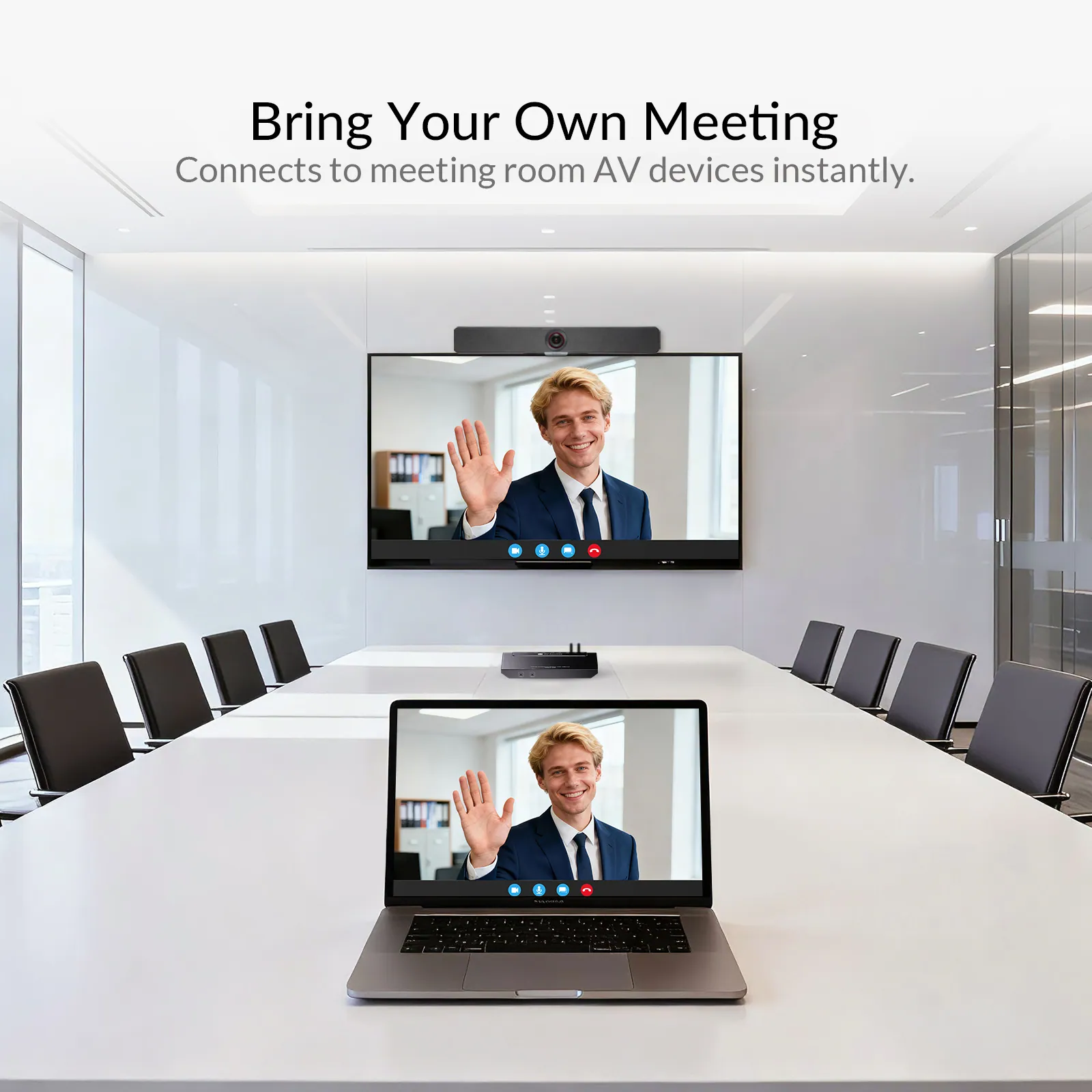
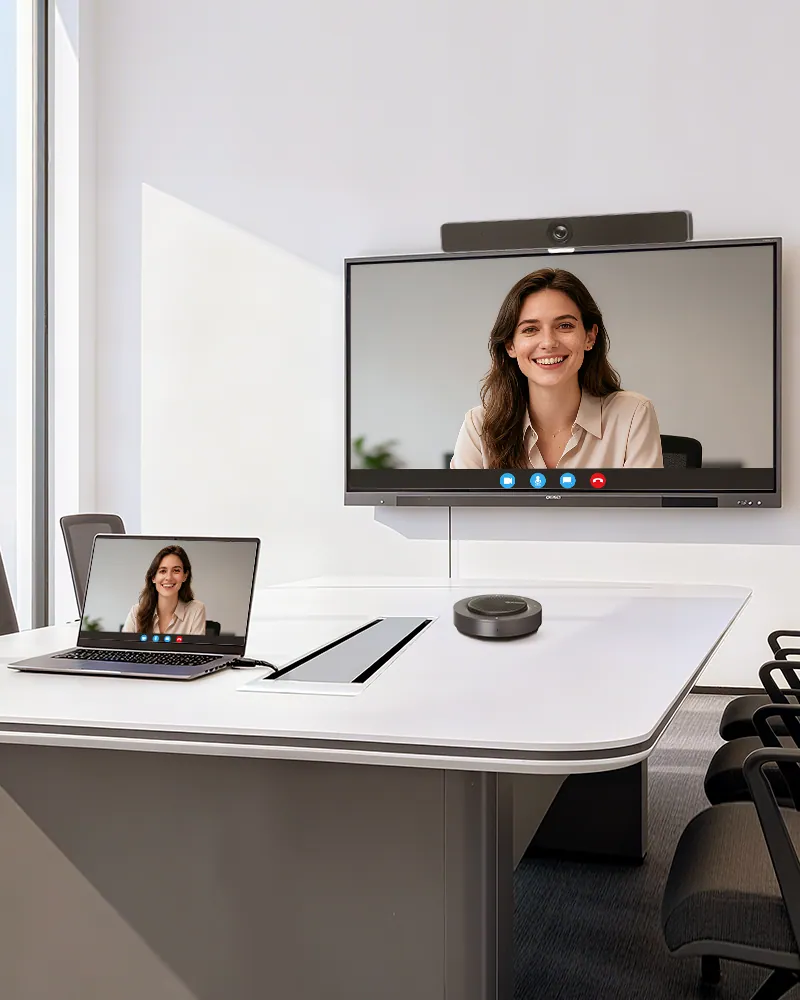
Video Conference with the Same Cable
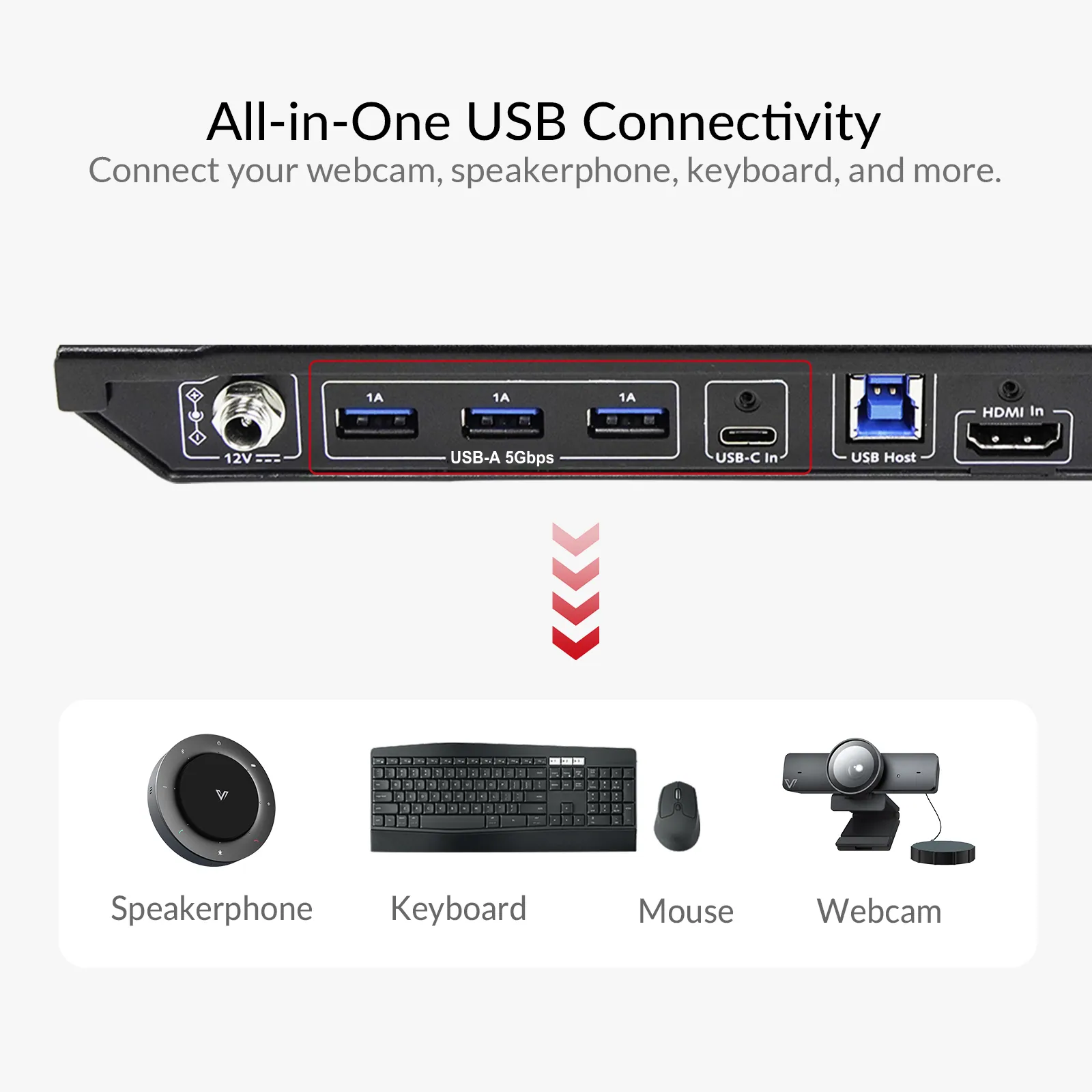
Equipped with three USB 3.0 ports, it lets you connect a 4K webcam, speakerphone, or other conference devices for seamless, professional video meetings. Enjoy smooth, efficient collaboration right at your desk.
Conference with the Same Cable
Equipped with three USB 3.0 ports, connect a 4K webcam, speakerphone, or other conference devices for seamless, professional video meetings. Enjoy smooth, efficient collaboration right at your desk.
Boost Connectivity with a Docking Station.
With iDock C10, you can easily share a 12-in-1 docking station between a laptop and a desktop PC. A variety of ports bring your connectivity to a next level.
Dual Screens. Double Productivity.
More screen real estate to get work done easier. Compare your files in different screens, or just assign different tasks to each dedicated screen. You can have your work done more productively.
Clean Desk. Clear Meeting.
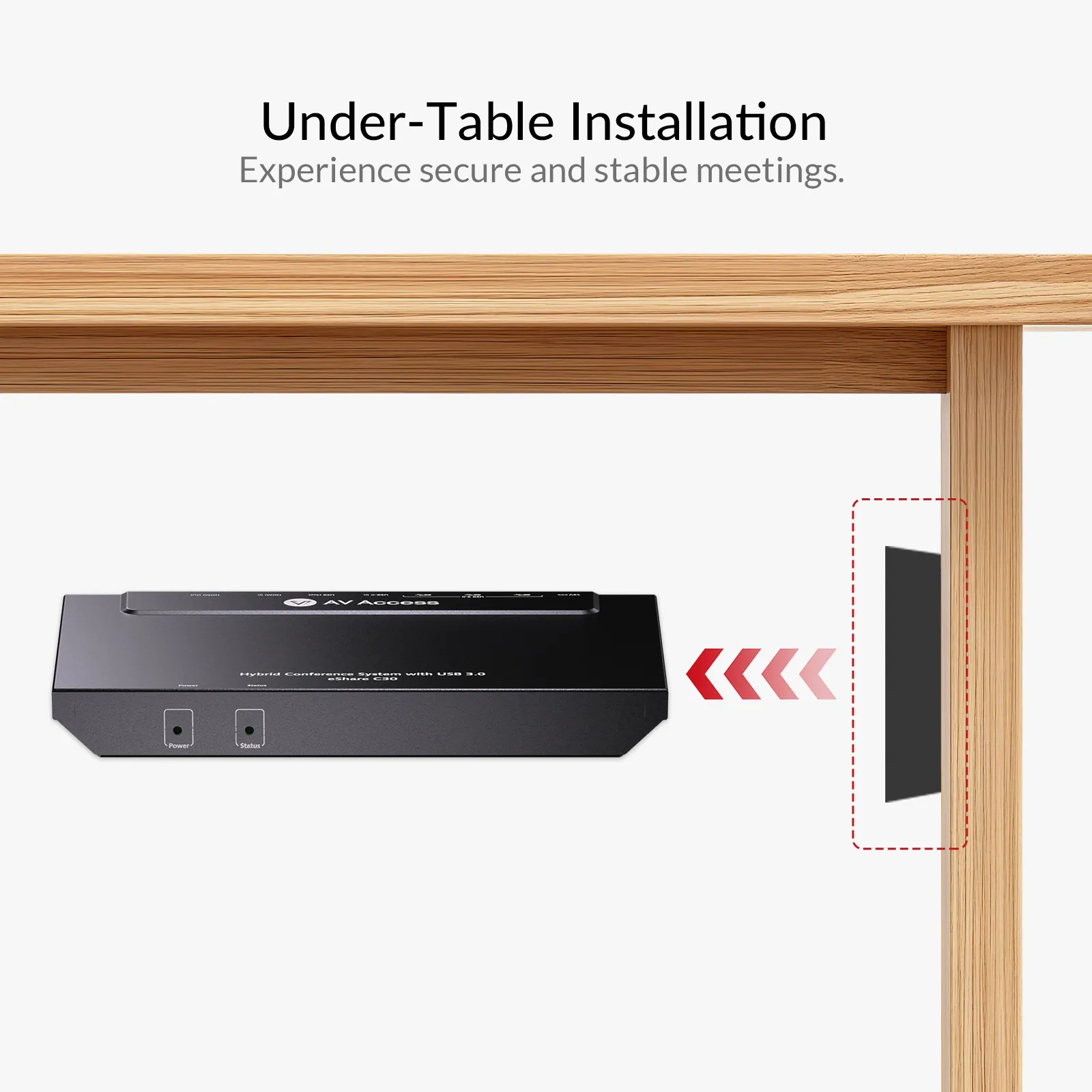
The eShare C30 supports under-table installation with included mounting brackets, self-drilling screws, and optimized single-sided cable routing—keeping your desk neat, organized, and clutter-free.
Under-Table Installation
The eShare C30’s single-sided cable design allows effortless under-table setup. All necessary accessories are included—cables, mounting brackets, and self-drilling screws.
Lockable Cables
Includes lockable USB C and HDMI cables for a more secure and stable meeting experience.
Connect and Go
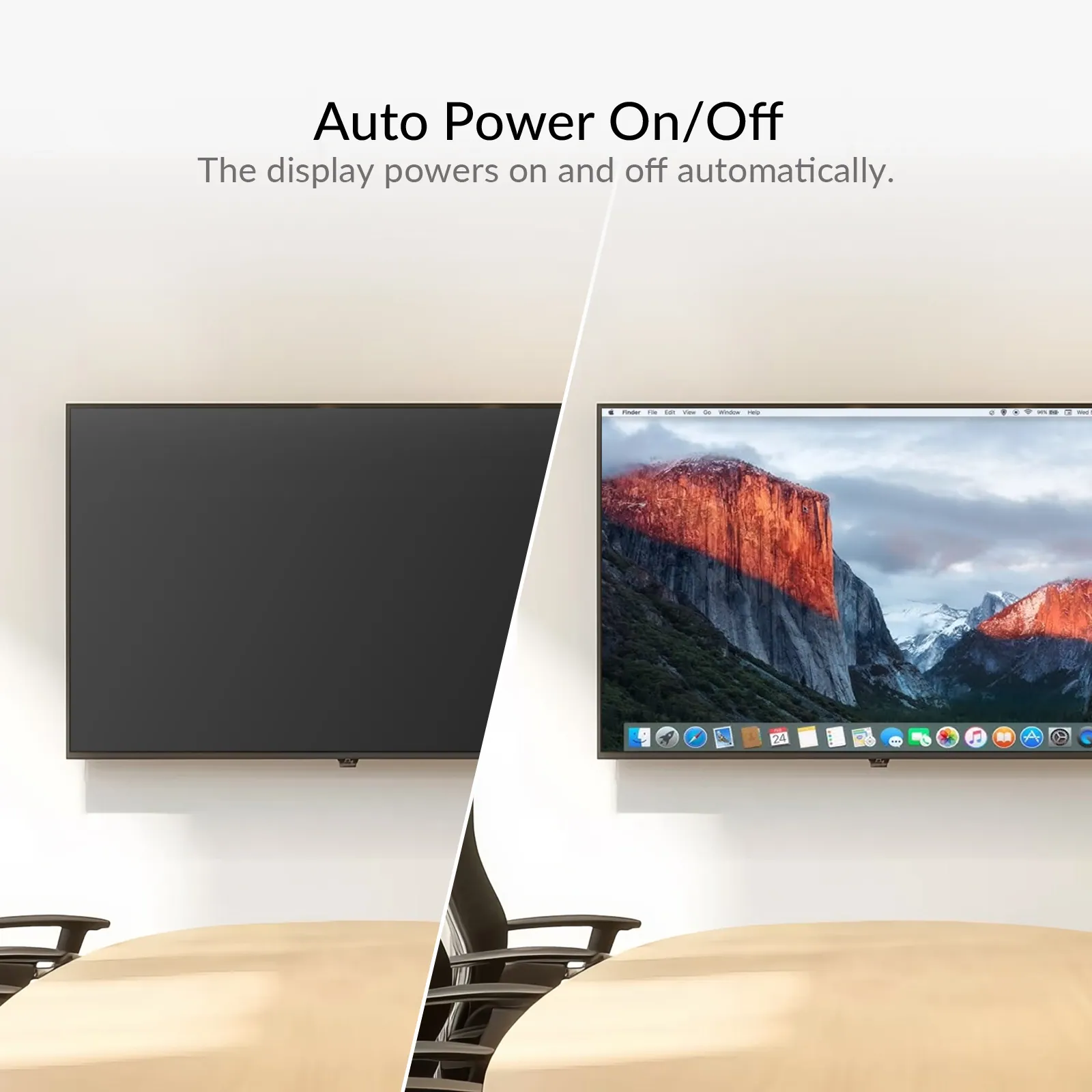
Supports CEC for automatic power on/off and auto-switching between sources, making your meetings faster and smoother.
Auto Power On/Off Display
Walk in, plug in, and present. The eShare C30 powers on the display instantly — no remotes, no setup. Unplug when you’re done and the display shuts down automatically. Smart, effortless, energy-saving.
Auto Switching
Enjoy effortless switching as the system instantly detects and displays new source content—completely hands-free.
Conncet and Go
Auto Power On/Off
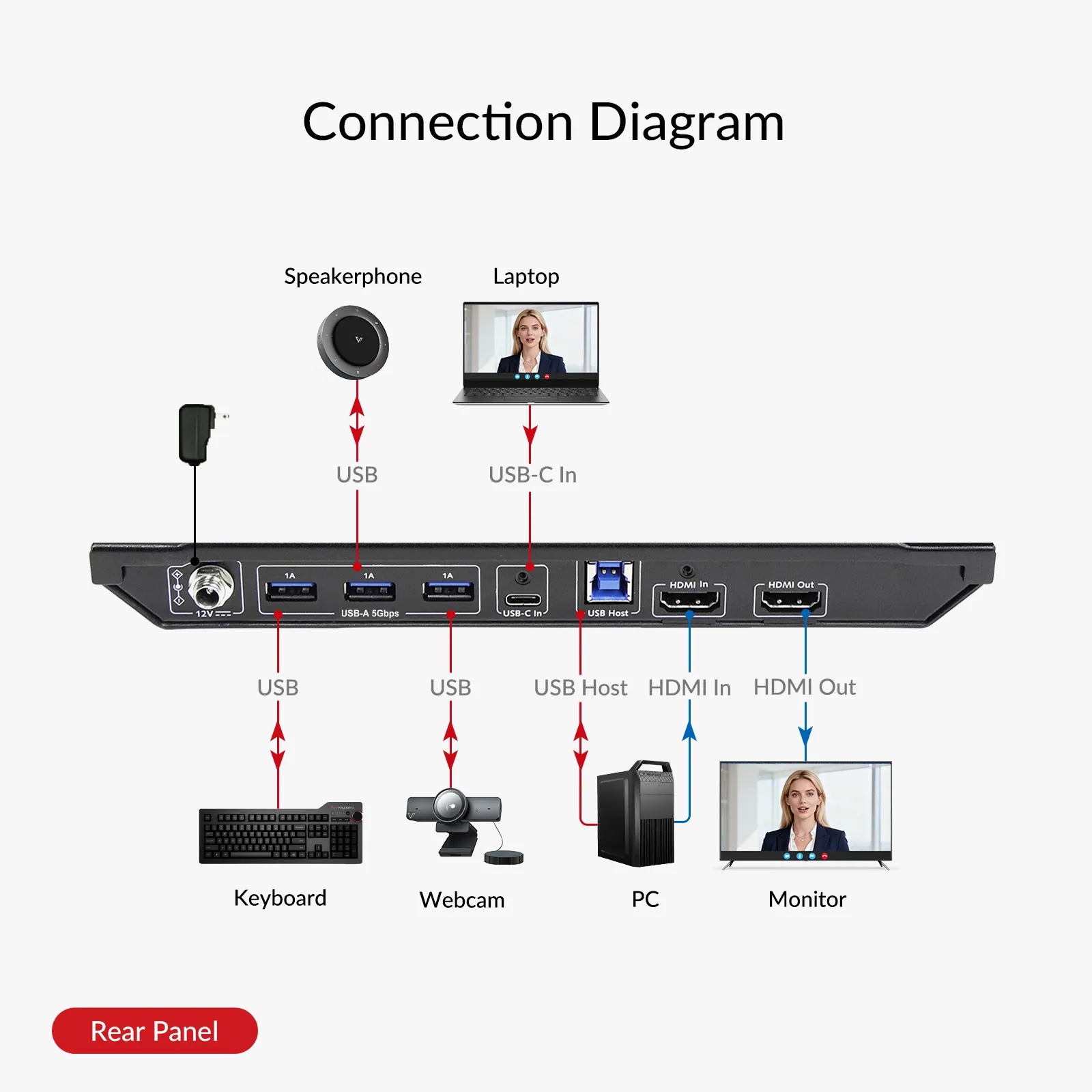
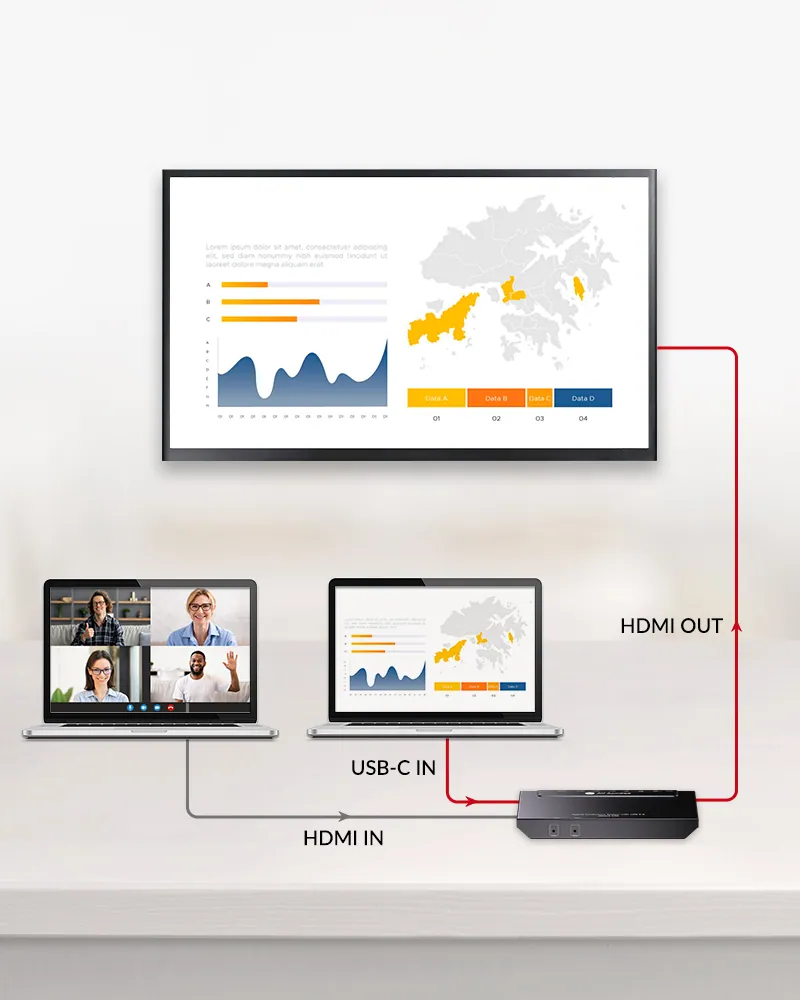
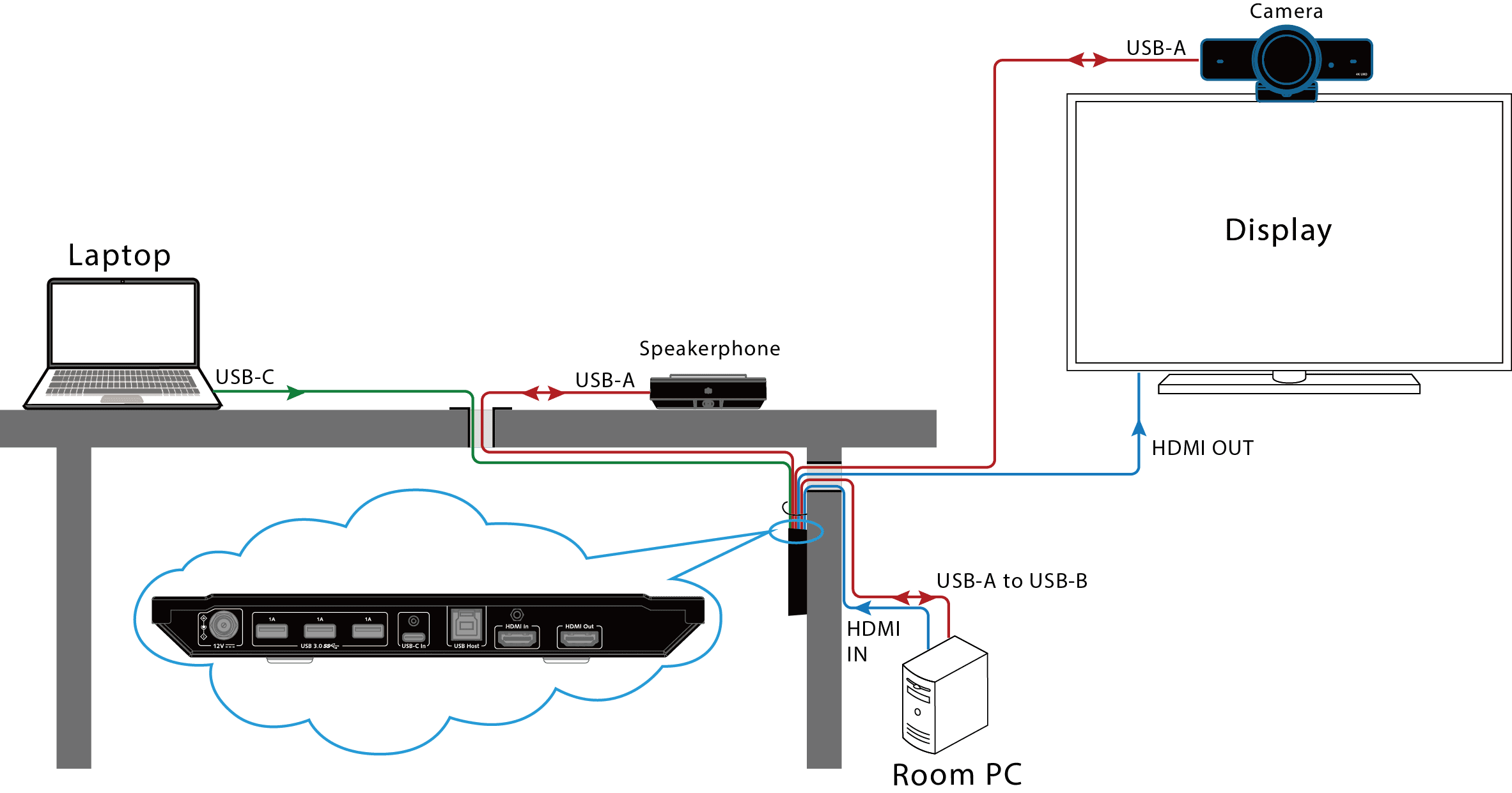
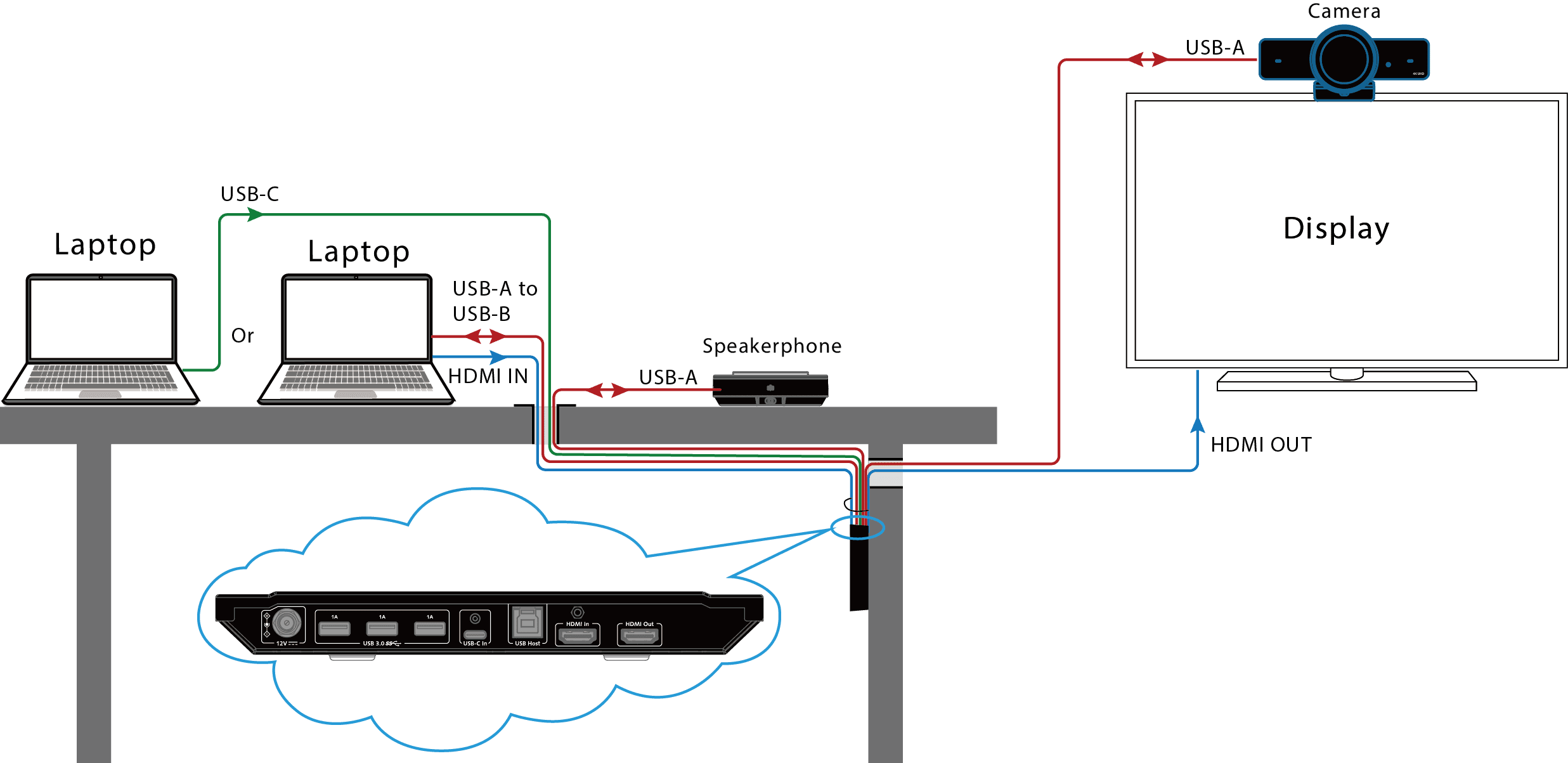
Connection Diagram
With Room PC
Without Room PC
In this scenario, a room PC is connected to eShare C30 via its HDMI in and USB-B ports for video conferencing. When other attendees need to share contents, they can connect their laptop to eShare C30 via USB C port. Then all USB peripherals and the display device will be switched to this laptop automatically.
In this scenario, all attendees can share contents by connecting their laptops to eShare C30 via USB C port or HDMI In + USB-B ports. All USB peripherals and the display device will be automatically switched to the latest connected laptop source.
With Room PC
Without Room PC
Comparison Table
03Documents3 files · 1.0 MB
Documents and files.
Datasheets, manuals, drawings and certificates as the manufacturer publishes them.
04Related products
In the same range.
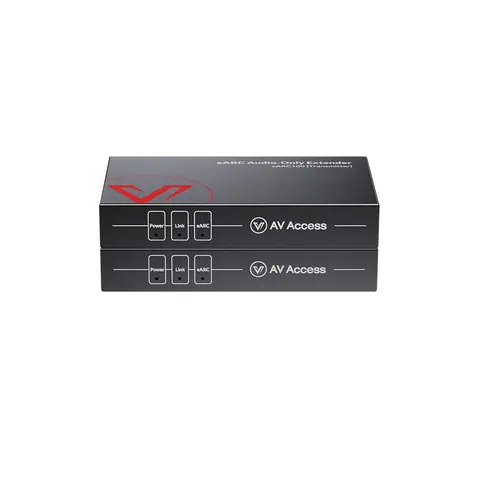 EQ-840AV AccesseARC and ARC audio extender, 100 m, IR, RS-232 and CECeARC100 · Extenders
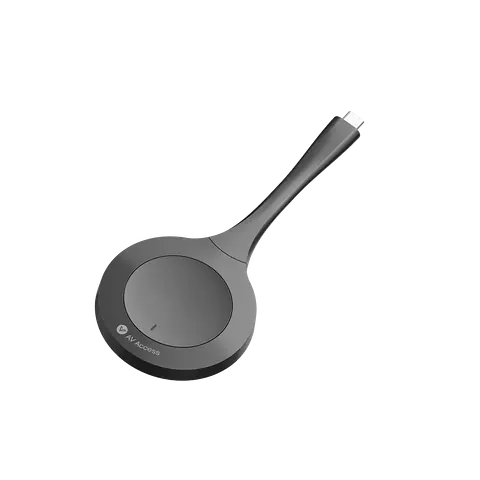 EQ-842AV AccessUSB-C wireless casting dongleeShare D10 · Conferencing accessories
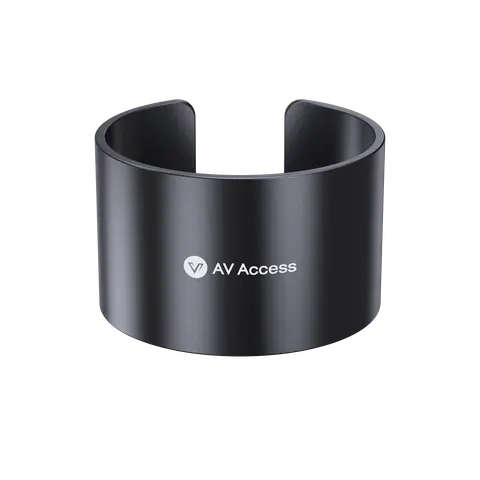 EQ-839AV AccessDongle holder for eShare D10/D20/D30 USB-C donglesDH-10 · Conferencing accessories
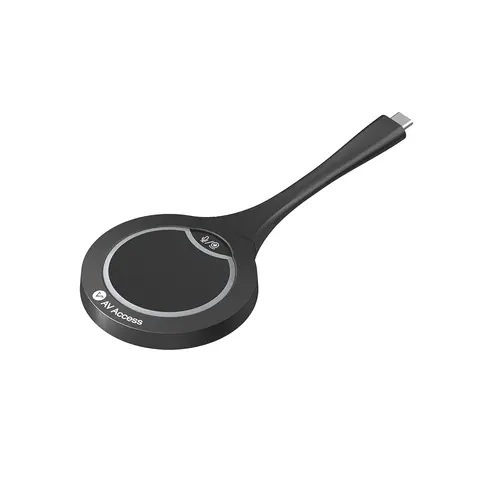 EQ-843AV AccessUSB-C casting dongle, 4KeShare D20 · Conferencing accessories
05Talk to us
 4K60 conference room docking station, USB-C and HDMI inputAV Access · EQ-841
Need this priced for your project?
- Quantity and site
- Configuration and interfaces
- Quotation