
















Sheet 05.842
AV Access · Conferencing accessories
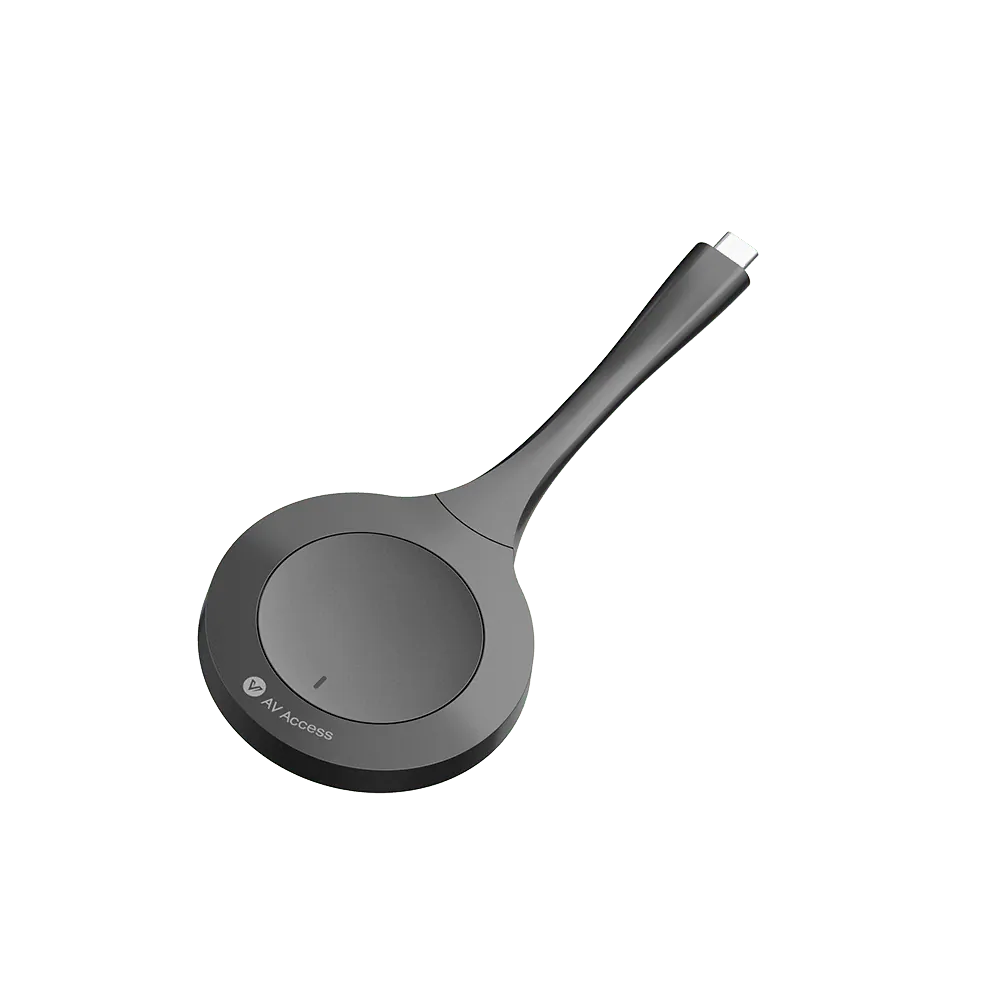
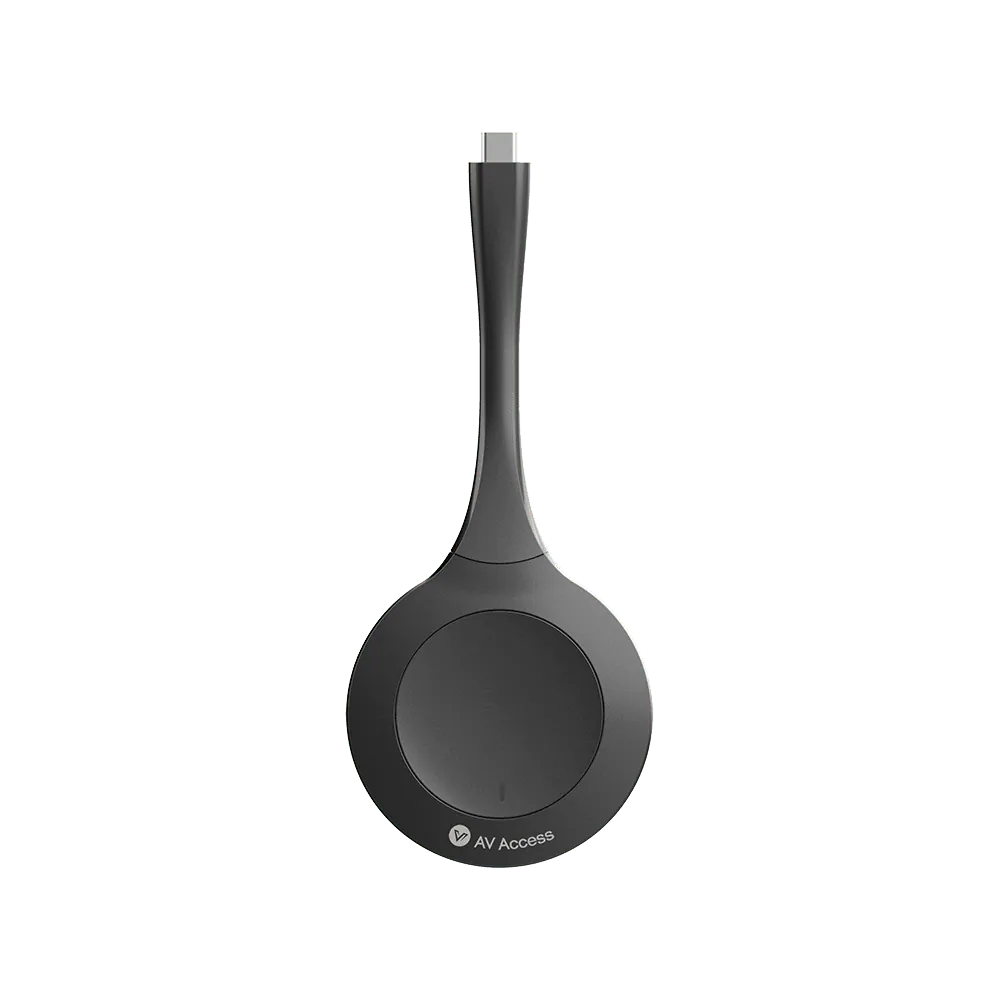
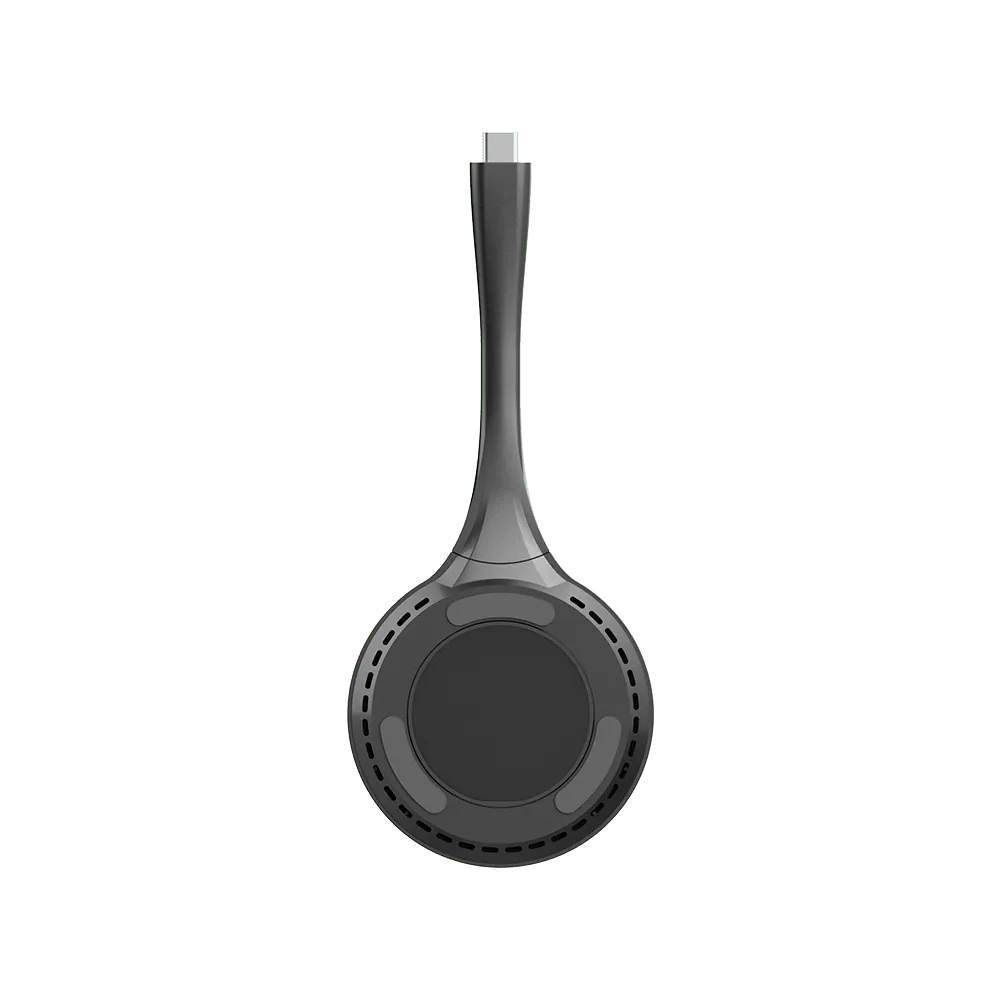
USB-C wireless casting dongle
ModeleShare D10
Truly Plug and Play Extremely easy to set up; no software driver or extra configuration required. No security issues, quite friendly to IT staff.
USB-C wireless casting donglePrice on request Request a quotation
01SpecificationManufacturer's data · 6 groups · 15 values
What this product is, in numbers.
The manufacturer's published values. We confirm the configuration and the values that matter for your project before an order.
01General4
- Terminal type
- 1 x Type-C
- Frequency
- 5.2G, 5.8G and 2.4G
- Authentication protocol
- WPA2-PSK or IEEE 802.1X
- Operate system
- Windows 7 / 10 / 11, Mac OS, Android
02Video2
- Max resolution
- 1080P@30fps
- Wireless transmission protocol
- IEEE 802.11 a/b/g/n, IEEE 802.11ac
03Control and interfaces1
- USB port
- USB Type-C Port
04Power2
- Input voltage
- 5 V (Power over USB)
- Power consumption (max)
- 2.2 W
05Physical2
- Product size (φ × h × l)
- 69 × 15.34 × 165.2 mm / 2.72 × 0.60 × 6.50 in
- Product weight
- 60 g/0.13 lb (net weight)
06Environment4
- Operating temperature
- 0 °C to 40 °C (32 °F to 104 °F)
- Storage temperature
- -20 °C to 70 °C (-4 °F to 158 °F)
- Humidity
- 10% to 90%, non-condensing
- ESD protection
- Human-body Model: / ±8 kV (Air-gap discharge) / ±4 kV (Contact discharge)
Show the full specificationHide the rest of the specification0 more groups · 0 values
02DescriptionManufacturer's description
What it is.
Work with Laptop/Smartphone/Tablet Compatible with Windows 7/10/11, Mac OS, iOS, Android OS and Chrome OS. Connect it your laptop, smartphone or tablet, and cast your screen instantly.
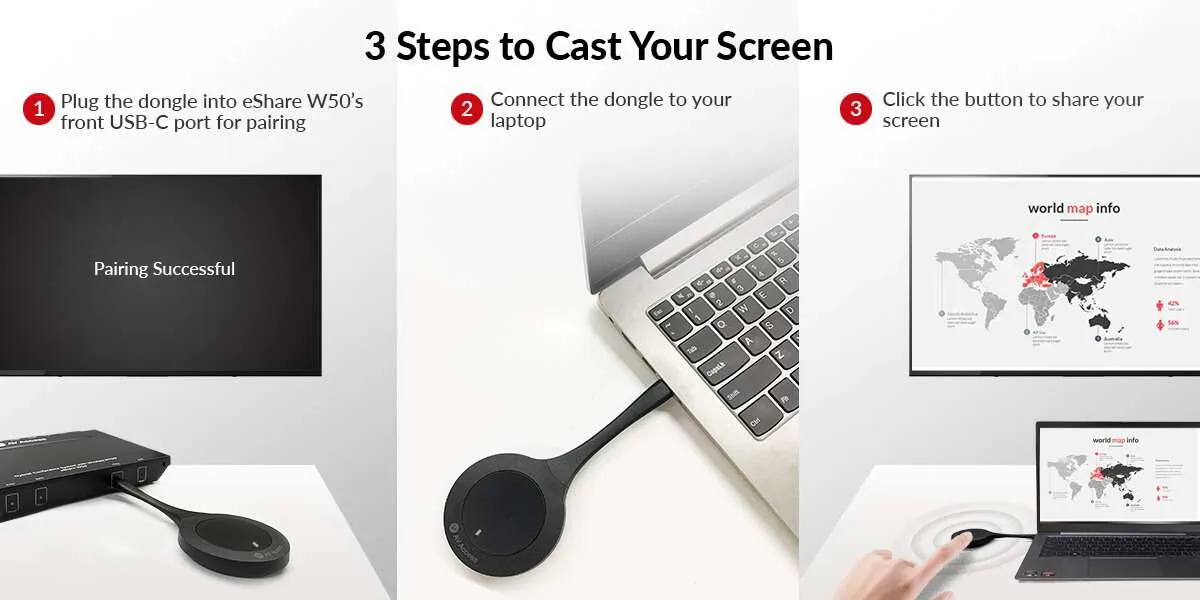
Auto and Quick Pairing Plug it into the eShare W50 hybrid conference system via USB-C port, then they can get paired automatically. It just takes you a few seconds!
Easy Button Control Connect it to your laptop/smartphone/tablet via USB-C port and click on the casting button, then you can share your screen instantly. Start, stop or pause screen mirroring at any time.
eShare D10 USB-C dongle is a kind of screen-mirroring device with a control button, which can wirelessly transmit the A/V source of a laptop/smartphone/tablet to the TV connected to eShare W50 wireless presentation system. One or more dongles can be automatically paired to the presentation system via its front USB-C port. After pairing, you can plug it into a laptop/smartphone/tablet and tap its button, then the contents will be readily mirrored on the TV. Working with eShare W50, the USB-C dongle allows you to cast your screen effortlessly.
*Notes:* *1. This USB-C dongle can’t be used alone; it needs to work with eShare W50 wireless presentation system.* *2. Plug the dongle into eShare W50 hybrid conference system via the front USB-C port, then they can get paired automatically. Once the pairing is completed, “Pairing Successful” will appear on the TV connected to eShare W50.* *3. Please ensure your laptop’s USB-C port supports video output before using the dongle for wireless casting.* *4. After inserting the dongle into your laptop’s USB-C port, please wait a few seconds until its LED indicator stops blinking and becomes solid on. Then, you can cast your screen instantly.* *5. Short press the button once to start or stop casting. When you need to pause casting, please short press the button for two times.*
Main Features
- Cast screen wirelessly with a laptop/smartphone/tablet, no cable hassle
- Start/Stop mirroring with just one-button press
- No configuration needed, real plug and play
- Automatically pair with eShare W50 wireless presentation system via its front USB-C port
- Compatible with Windows 7/10/11, MacOS, iOS, Android OS and Chrome OS
- Supports up to 1080P@30hz video
- Supports extended desktop mode
- As small as a palm, easy to carry
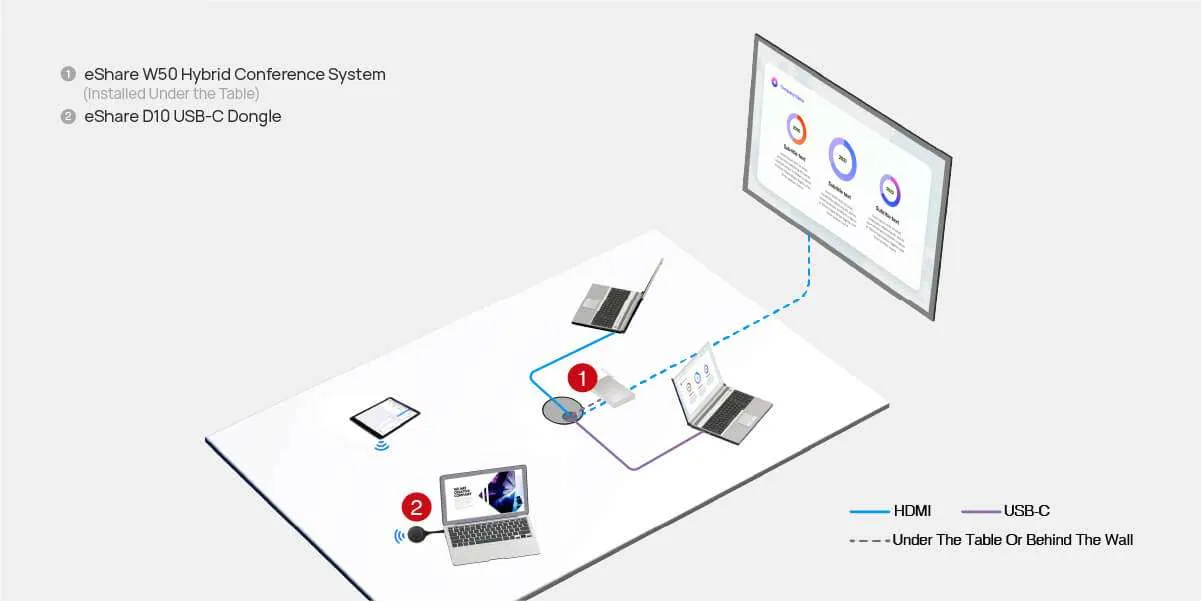
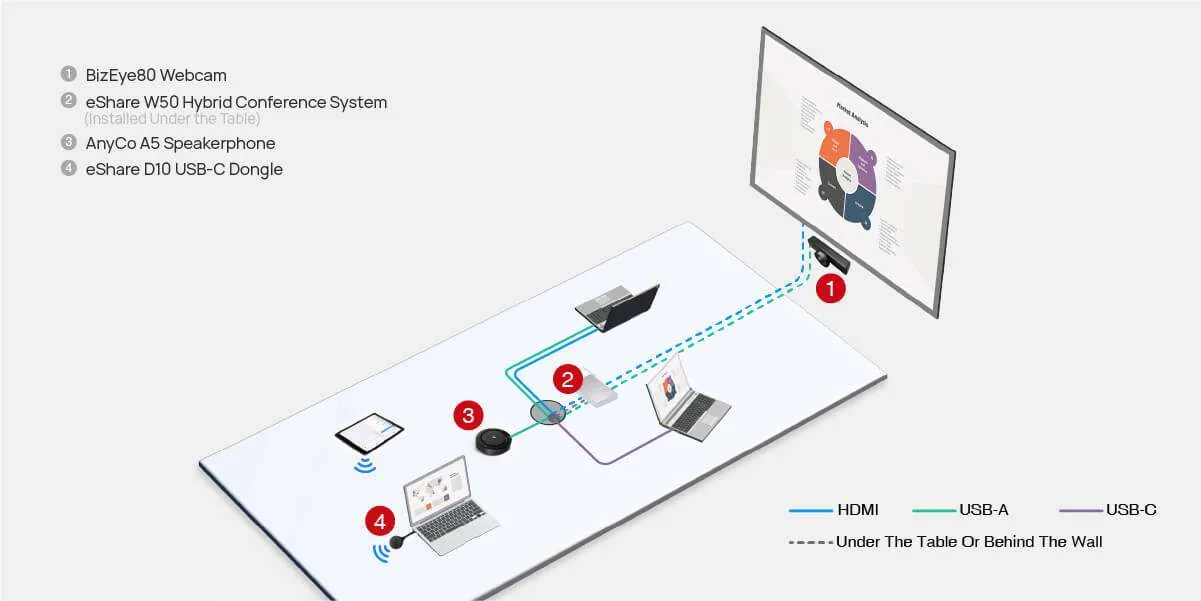
Connection Diagram
In-Person Meeting
Hybrid Meeting
03Documents1 file · 301 KB
Documents and files.
Datasheets, manuals, drawings and certificates as the manufacturer publishes them.
Datasheets and manuals01
04Related products
In the same range.
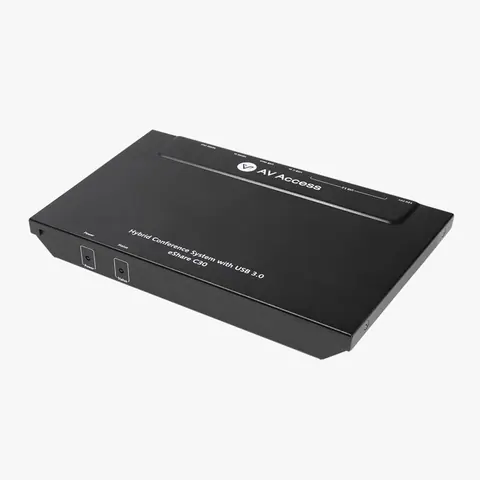 EQ-841AV Access4K60 conference room docking station, USB-C and HDMI inputeShare C30 · Switchers and KVM
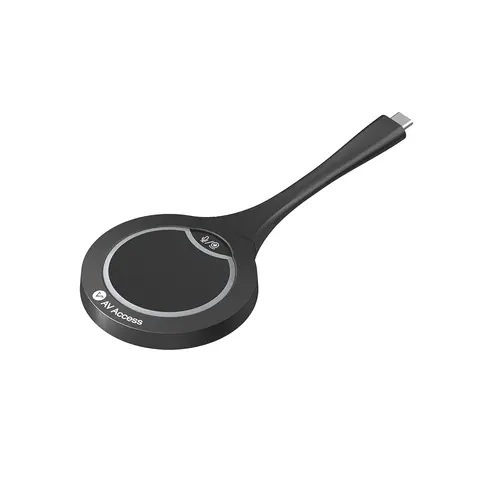 EQ-843AV AccessUSB-C casting dongle, 4KeShare D20 · Conferencing accessories
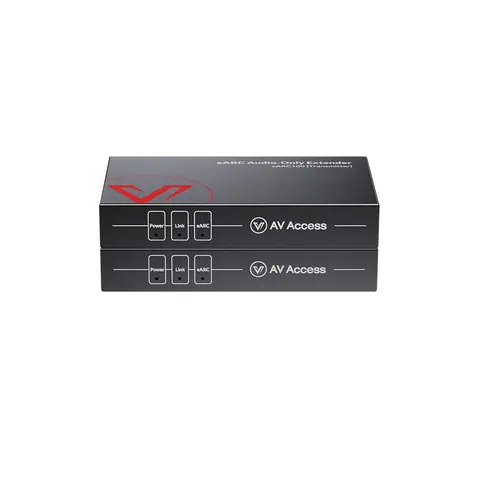 EQ-840AV AccesseARC and ARC audio extender, 100 m, IR, RS-232 and CECeARC100 · Extenders
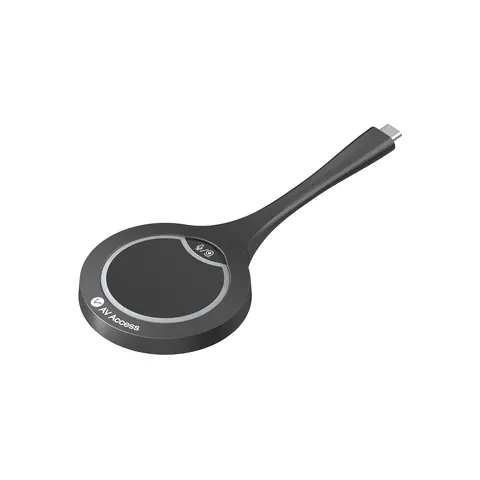 EQ-844AV AccessUSB-C casting dongle for wireless conferencing, 4KeShare D30 · Conferencing accessories
05Talk to us
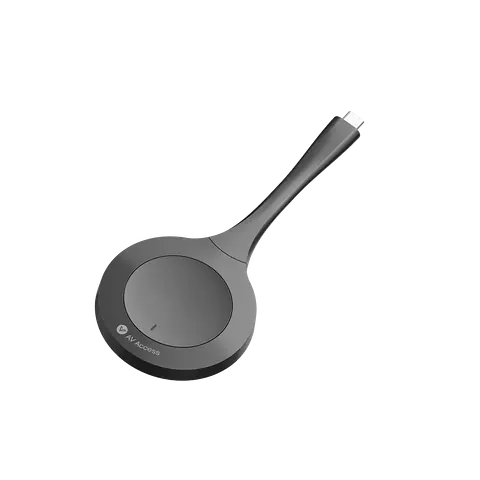 USB-C wireless casting dongleAV Access · EQ-842
Need this priced for your project?
- Quantity and site
- Configuration and interfaces
- Quotation