
















Sheet 05.871

AV Access · Switchers and KVM
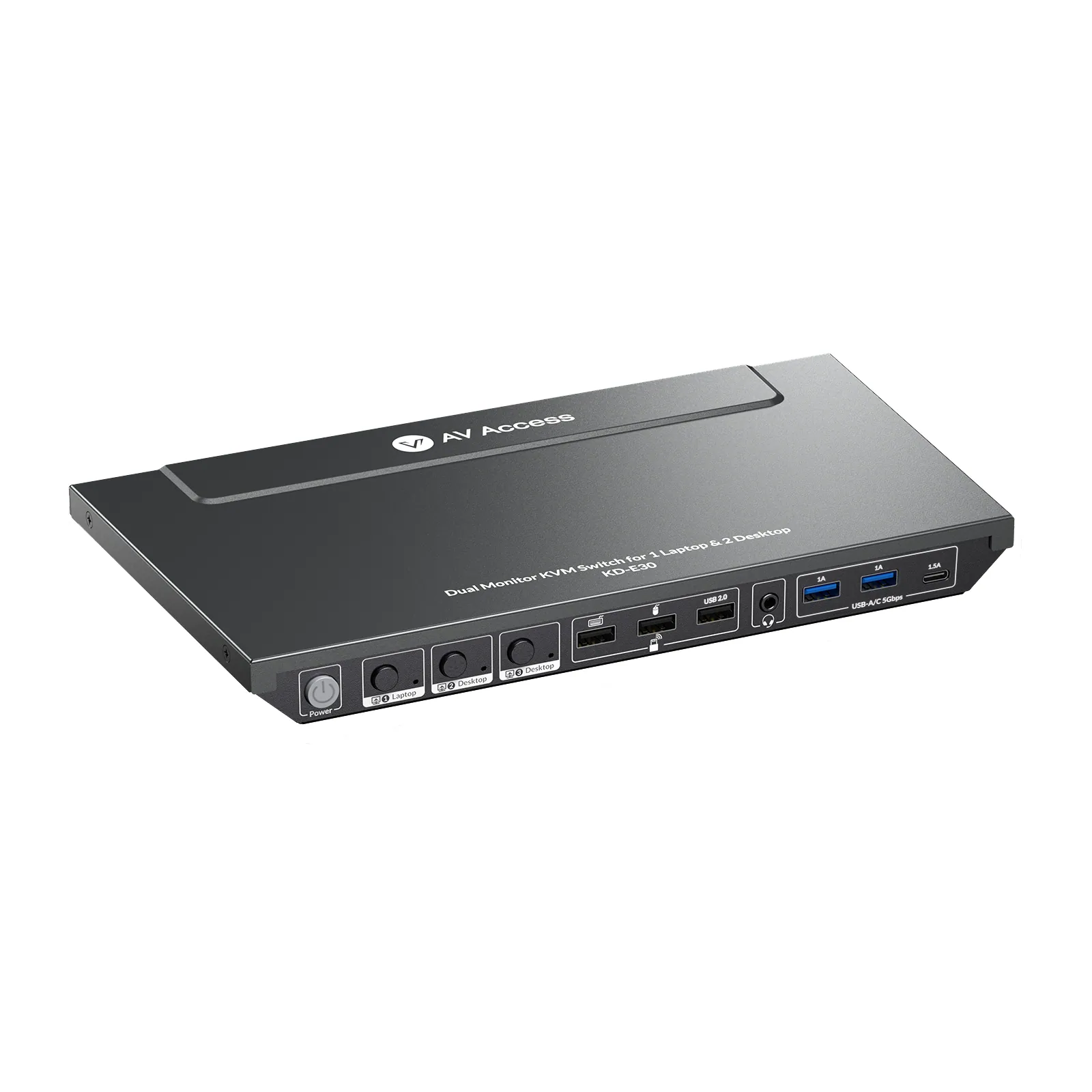
KVM docking station, 2 desktops and 1 laptop, dual 4K HDMI, 100 W USB-C
ModelKD-E30
● Switch Between 2 Desktops & 1 Laptop: Connect 1 laptop and 2 desktops and switch fast on dual screens. ● Dual 4K@60Hz Displays: Supports dual 4K@60Hz outputs for sharp and detailed visuals.
KVM docking station, 2 desktops and 1 laptop, dual 4K HDMI, 100 W USB-CPrice on request Request a quotation
01DescriptionManufacturer's description
What it is.
● Switch Between 2 Desktops & 1 Laptop: Connect 1 laptop and 2 desktops and switch fast on dual screens. ● Dual 4K@60Hz Displays: Supports dual 4K@60Hz outputs for sharp and detailed visuals. ● 100W Laptop Charging: Power your laptop through the full-featured USB C port with up to 100W charging. (Requires your laptop’s original power adapter, not included.) ● EDID Emulation: Maintains consistent monitor connections with your PC. No more desktop reshuffling after switching. ● 10-in-1 Docking: USB C, USB 3.0, USB 2.0, audio jack, and more in one hub. ● 1G Ethernet: Enjoy fast, stable wired network access on your laptop through the USB C port. ● Smart Wake-Up & Power Saving: Automatically wake PCs from sleep when switching, and save energy with the one-touch power button.
⭐If it’s not everything you hoped for, we’ll make it right with a refund—your satisfaction comes first. Free Shipping* 3-Day Delivery from Local Warehouse (US/CA)* 30-Day Money-Back Guarantee* 3-Year Warranty for Partners*
INTRO
Ultimate 3-PC Dual Monitor KVM Docking Station
Switch Instantly, Stay Productive
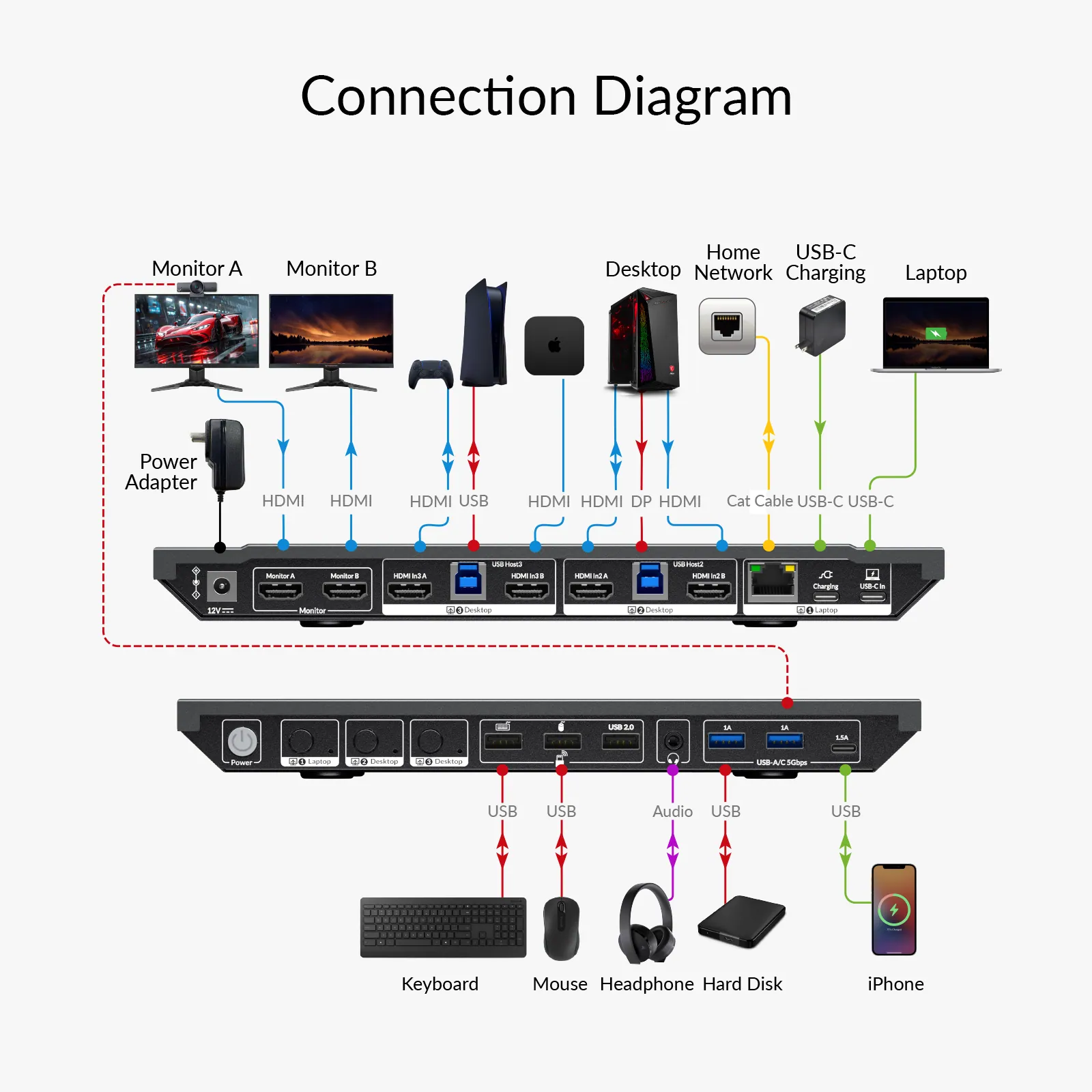
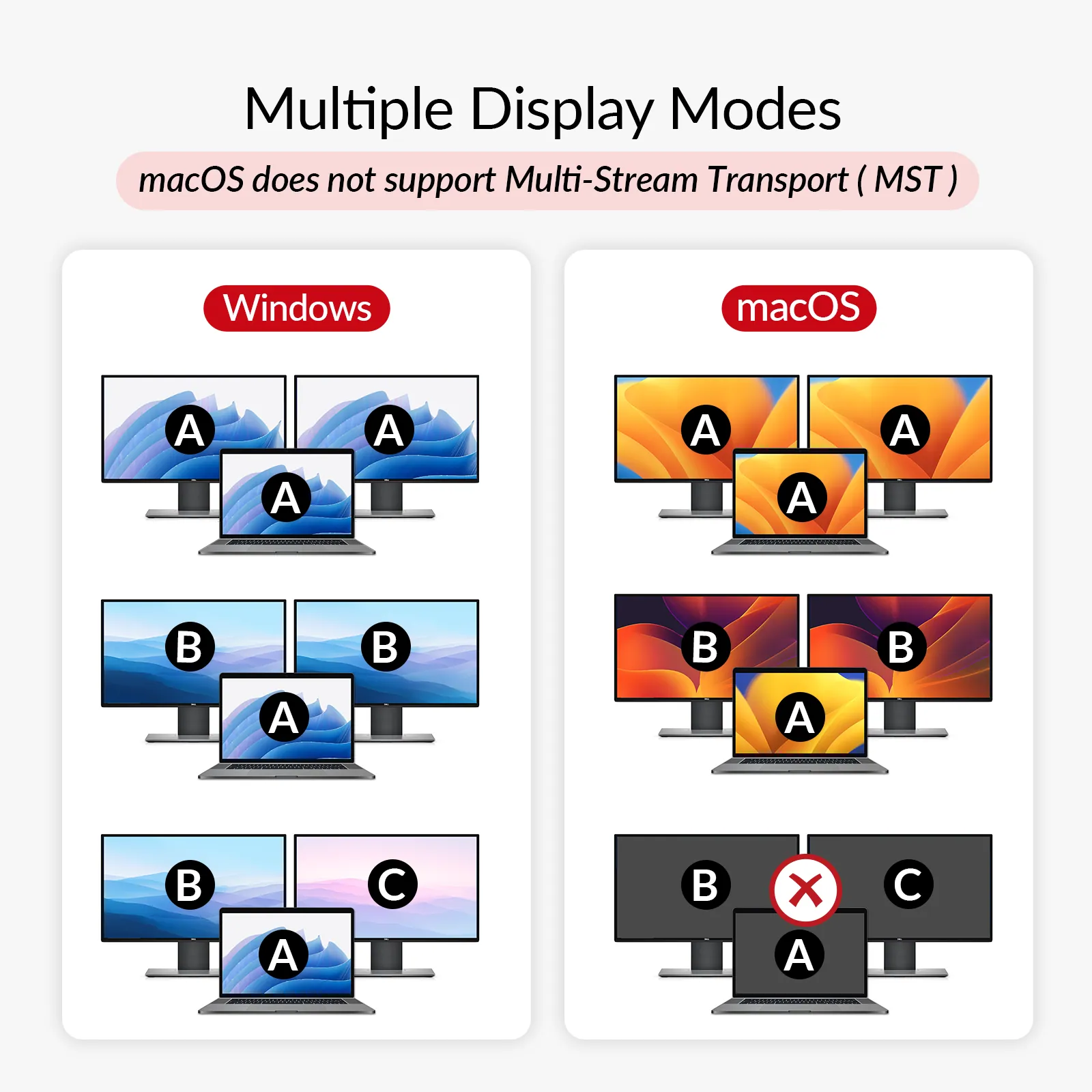
Connect 1 laptop and 2 desktops to dual 4K@60Hz displays. Switch with ease and enjoy crystal-clear visuals on both screens for gaming, work, or creative projects.
DUAL 4K@60
Dual 4K Monitors, Triple Device Control
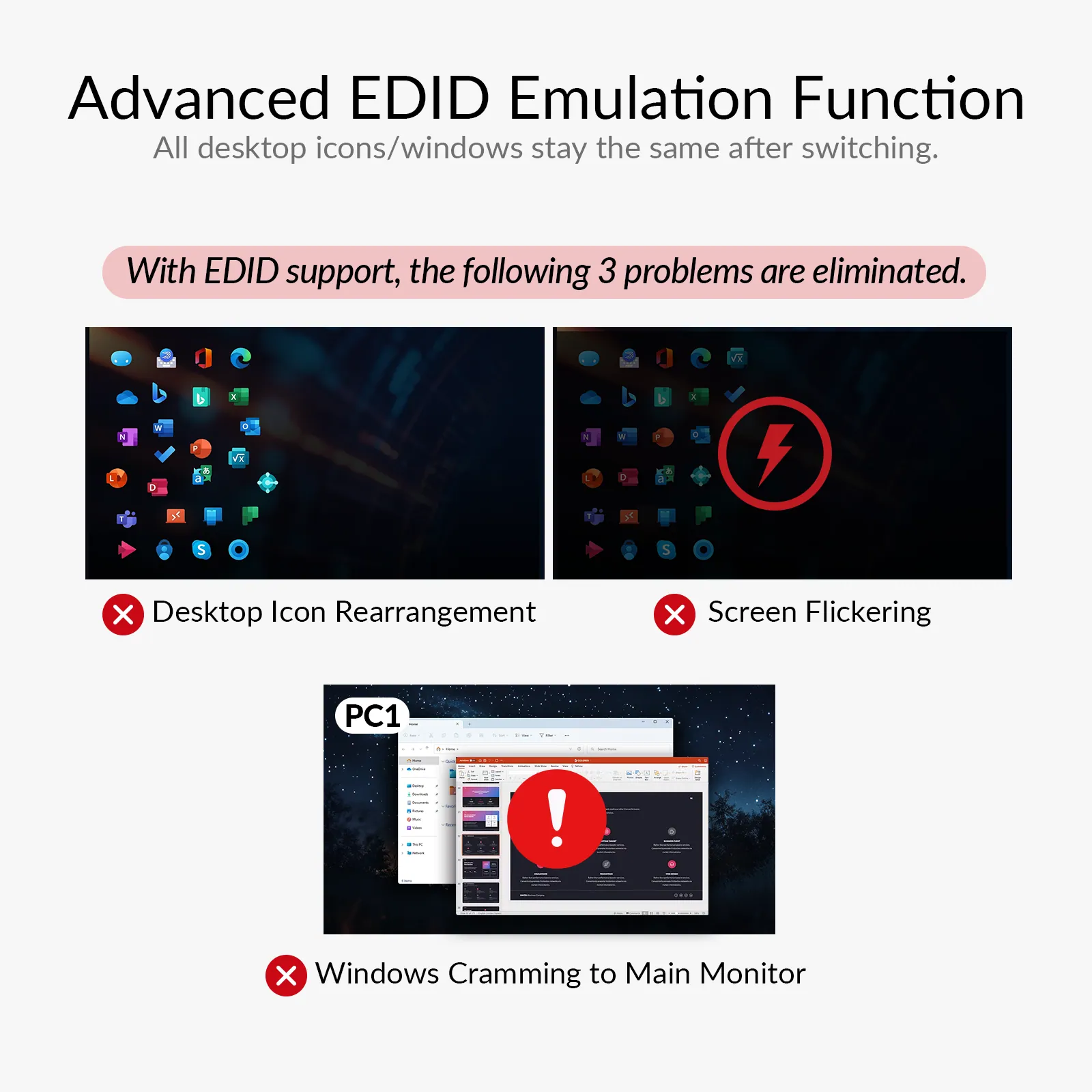
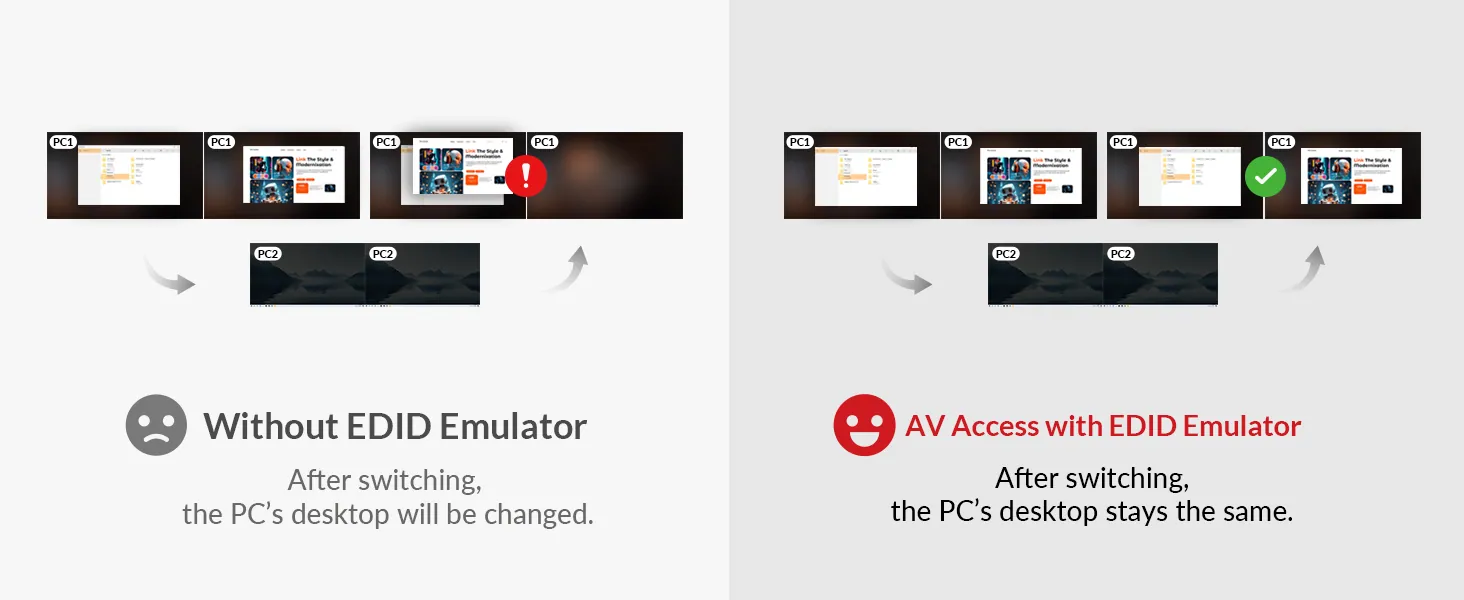
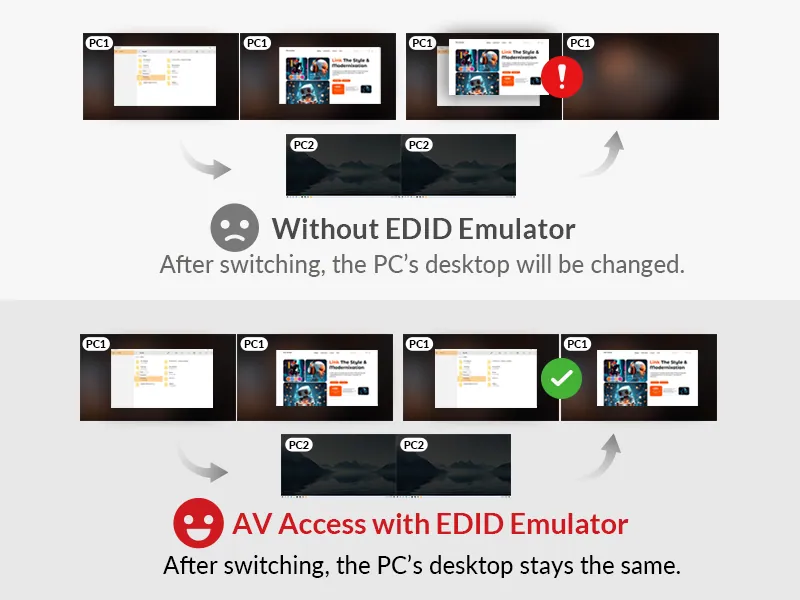
EDID EMULATION
Stay Connected, Switch Smoothly
With EDID emulation, your monitors stay consistently connected when switching between laptop and PC. No icon mess, just a smoother transition that keeps your desktop layout intact.
HIGH REFRESH RATE
See Every Move More Clearly
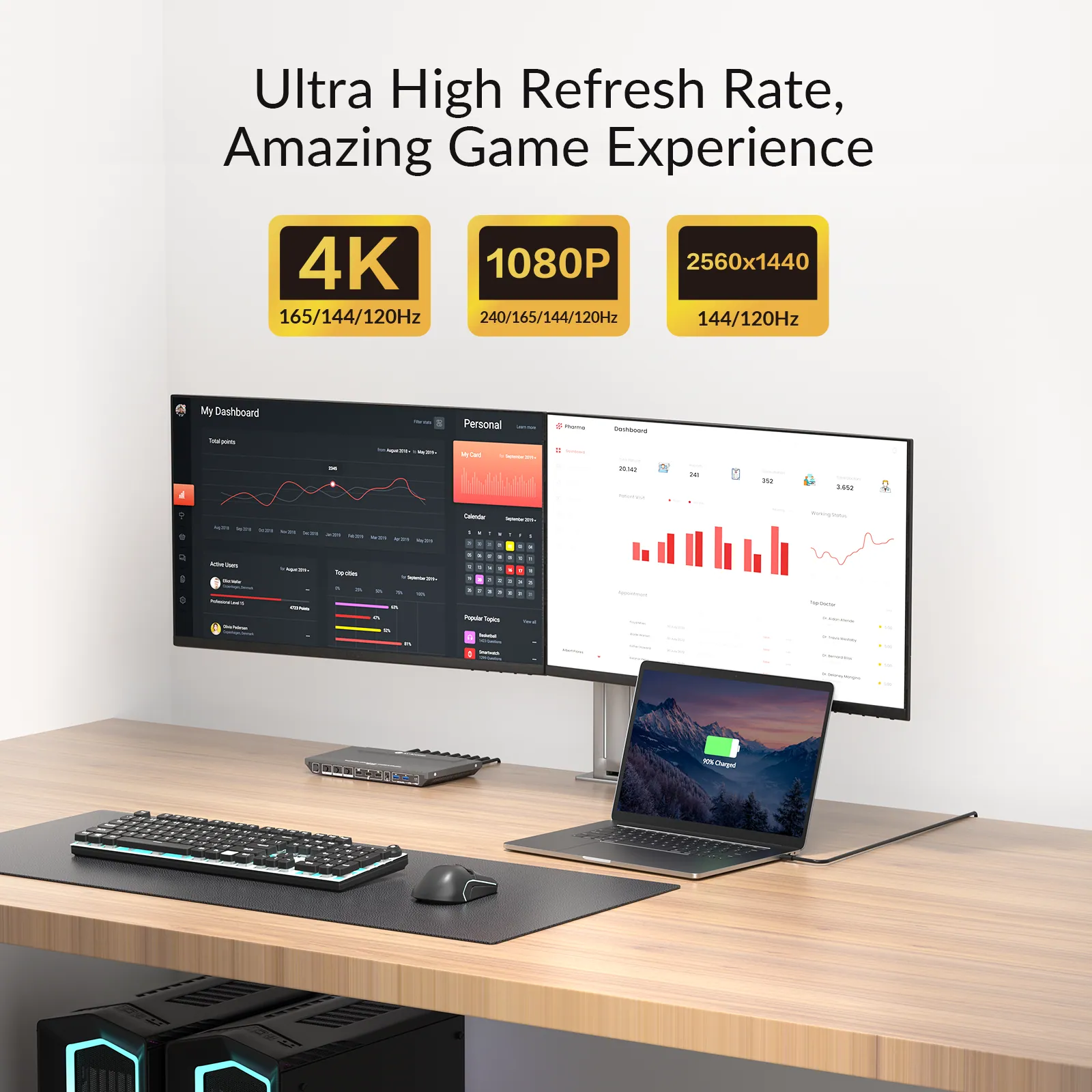
Both USB C and HDMI inputs support up to 1440p@144Hz and 1080p@240Hz, delivering smoother motion for a more natural and comfortable viewing experience.
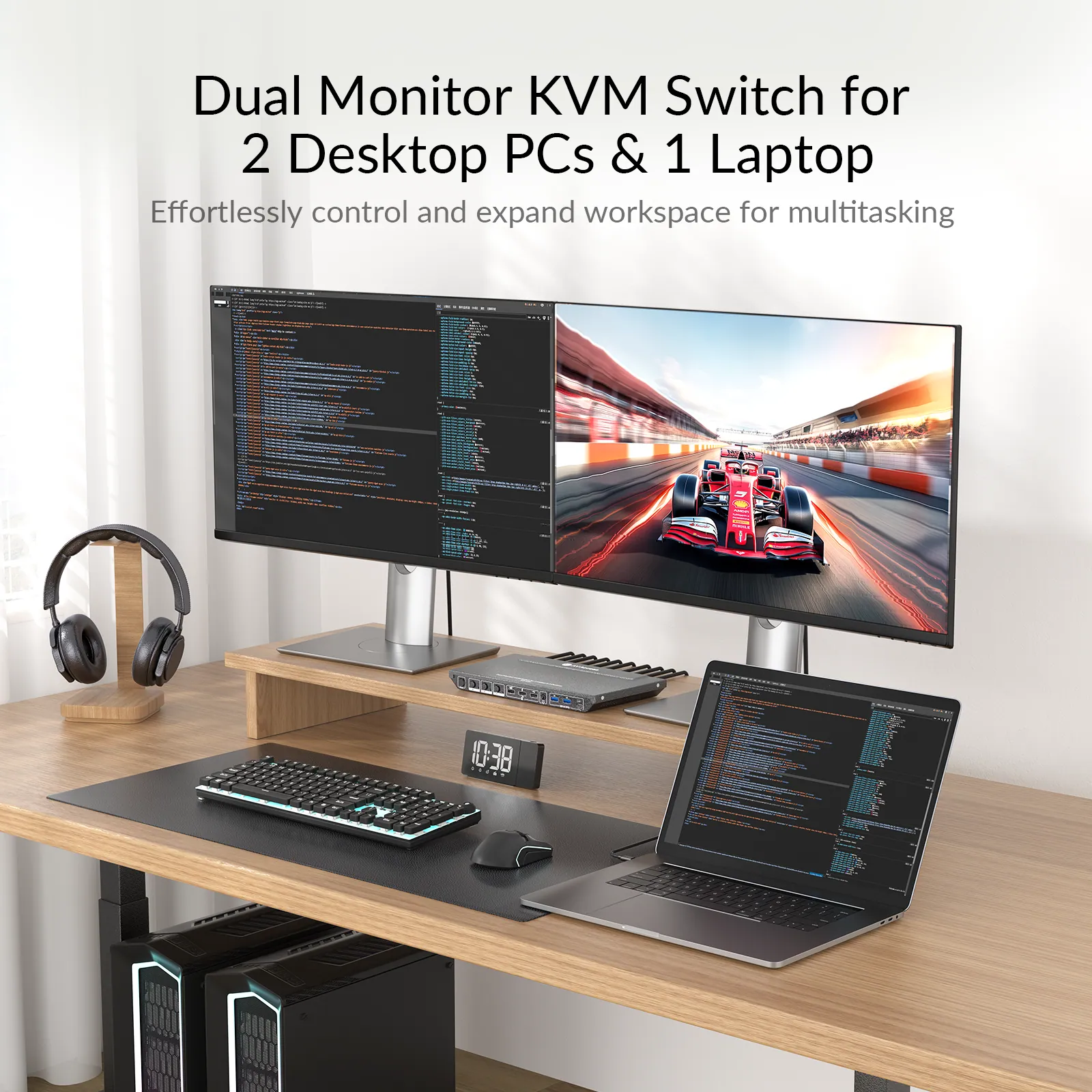
Dual Screens. Double Productivity.
More screen real estate to get work done easier. Compare your files in different screens, or just assign different tasks to each dedicated screen. You can have your work done more productively.
PLUG & PLAY
Plug and Play, No Software Needed
Start using your Mac setup instantly. Unlike other docking stations that require third-party drivers, this dock works right out of the box. No software installation, no system permissions. Ideal for work environments where installing additional programs is not allowed.
DUAL SCREEN
Build a Dual-Screen Mac Setup that Works Your Way
With dual USB C, iDock M10 extends your MacBook to two displays, connects all your peripherals, and shares your workspace with both Mac and PC. One tap to switch. Always ready.
10-IN-1 DOCK
More Ports, Better Productivity
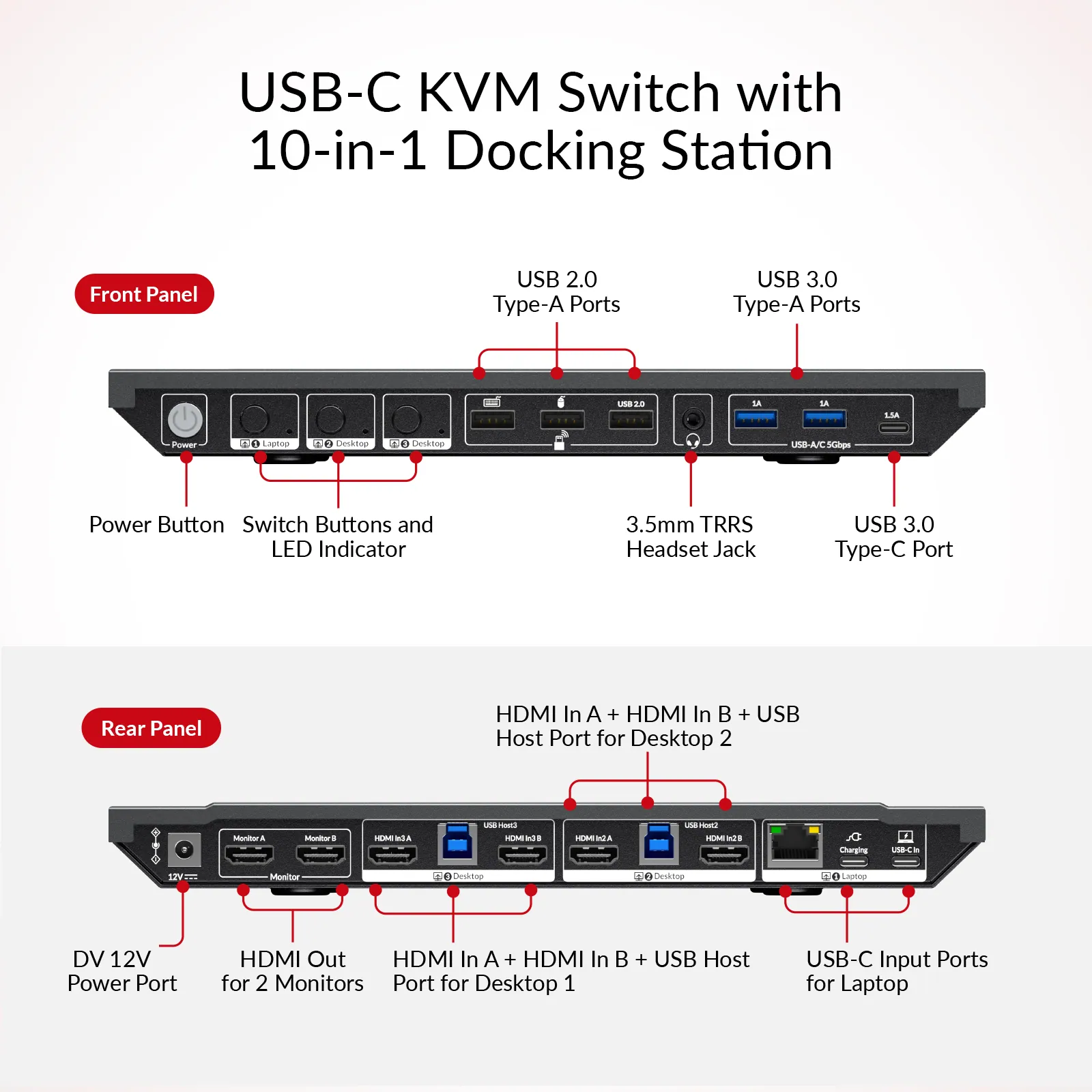
Expand with HDMI, USB C, USB-A, audio, and Ethernet. Connect everything you need in one hub and keep your workspace clean.
POWER DELIVERY
100W Charging, Always Ready
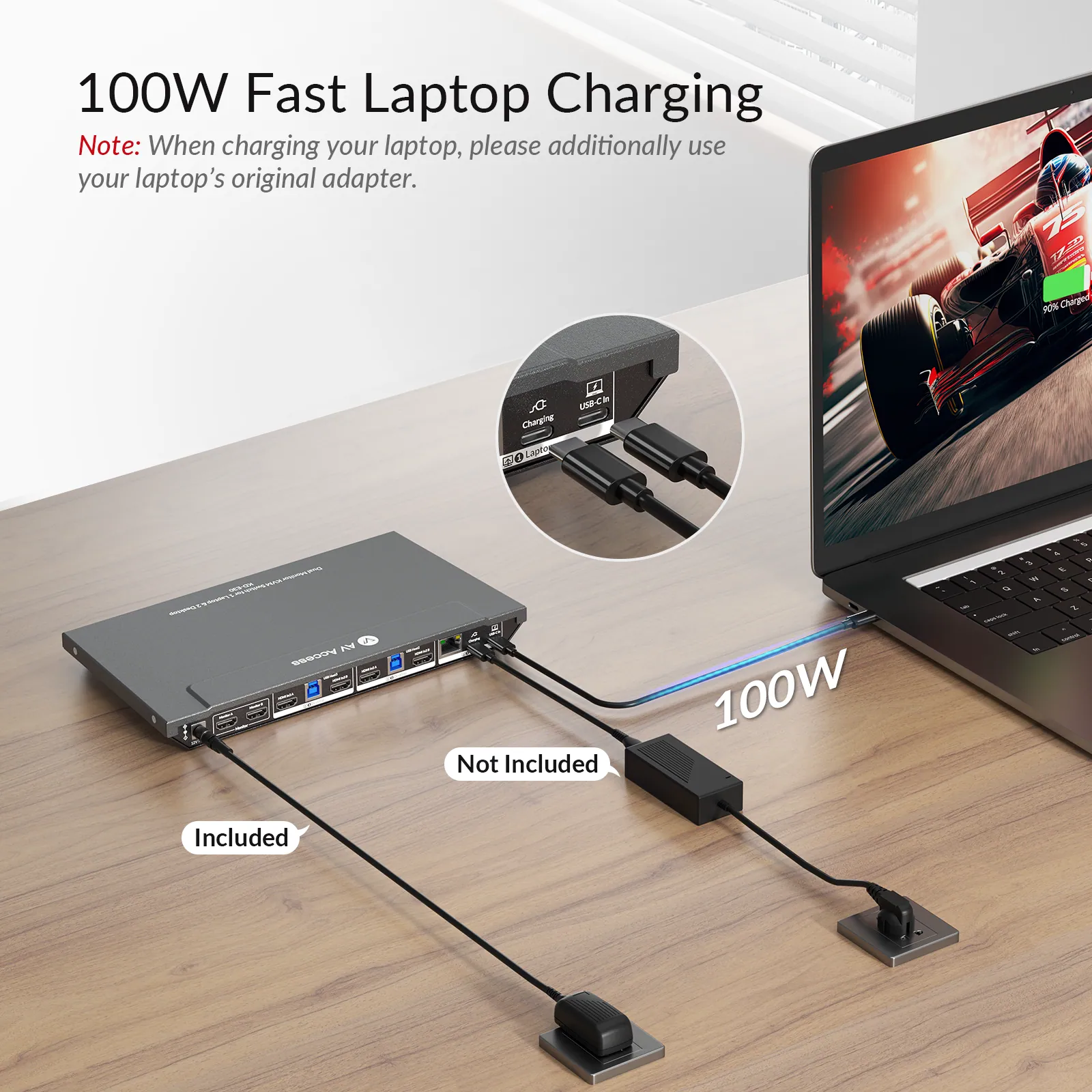
Keep your laptop powered with up to 100W USB C power delivery. Stay productive without worrying about battery life.
*Note: When charging your laptop, please additionally use your laptop’s original adapter.*
1G LAN
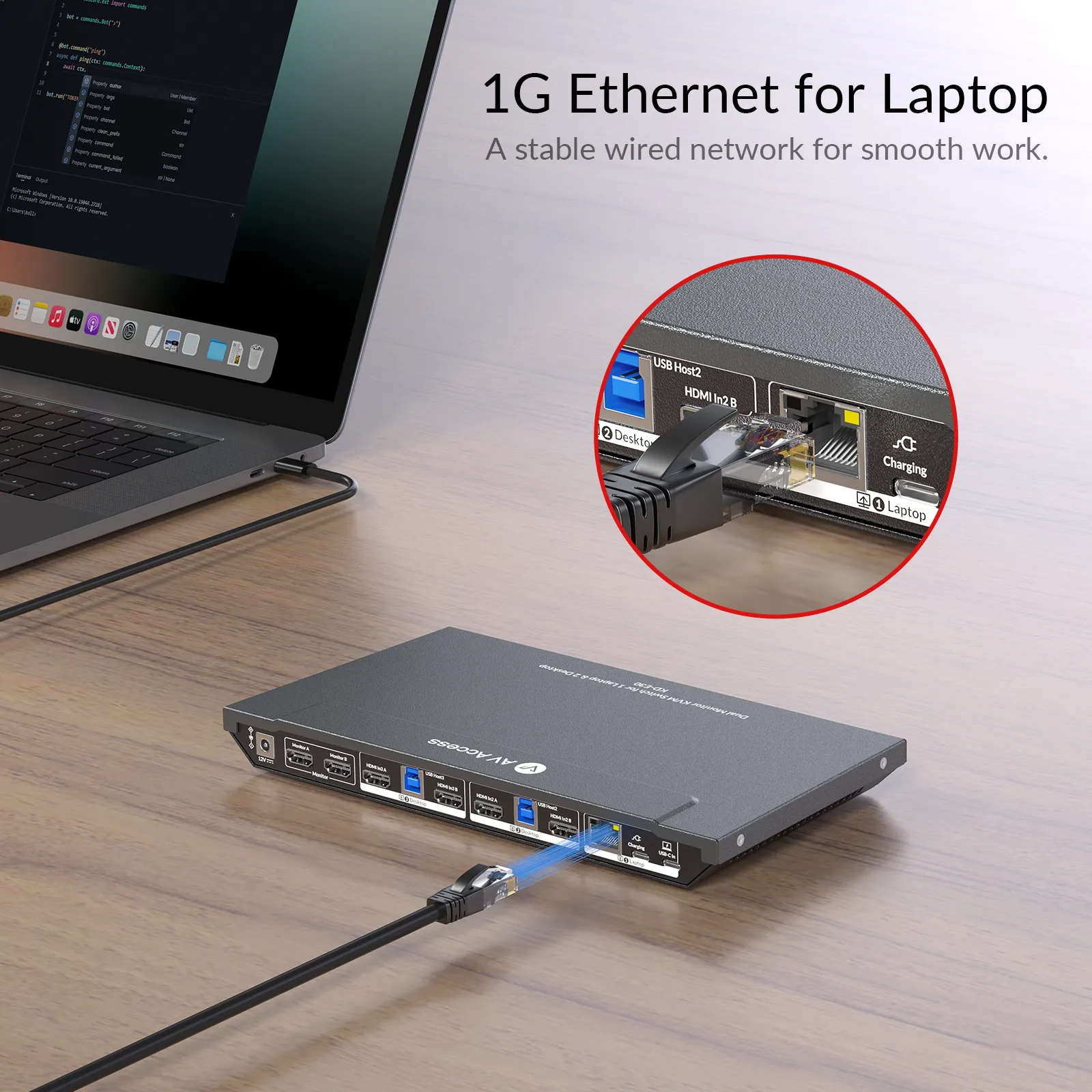
Stable Wired Internet for Your Laptop
With a built-in 1G Ethernet port, your laptop gets a fast and reliable wired connection via USB C. Perfect for video calls, large file transfers, and uninterrupted workflow.
AUTO WAKE UP
One Tap to Wake Up Your PC
Easily wake your desktop or laptop from sleep mode using the front switch button. No need to reach for the keyboard — just tap and continue working.
*Note: When charging your laptop, please additionally use your laptop’s original adapter.*
Connect video, USB, audio, LAN, and more with 10 essential ports. Keep your workspace clean and your productivity flowing.
10Gbps USB
Faster USB, Faster Transfers
Transfer large files and connect high-speed drives with 3 USB ports up to 10Gbps. Get more done in less time.
POWER SWITCH
Save Energy, Stay Ready
Power off the KD-E30 with a single press when idle to cut energy use and prevent excess heat. Turn it back on instantly whenever needed, keeping your device efficient, cool, and long-lasting.
APPLICATIONS
Empower Professionals from All Walks of Life
Whether you’re coding, designing, teaching, or managing office tasks, KD-E30 streamlines your workflow — offering dual 4K display support, effortless device switching, and essential connectivity for Laptop and PC users alike.
PROGRAM
DESIGn
EDUCATION
OFFICE
PROGRAMMER
DESIGNER
Editor’s Picks on iDock Series
What Are the Benefits of Using an EDID Emulator?
What’s EDID and Why Is It Important?
How to Connect Two Computers to Three Monitors?
Choose the Model That’s Right for You
Check this chart and see if there is another model that fits your needs better. If you don’t find your model, take this quiz to find out which product we recommend for you.
02Documents2 files · 822 KB
Documents and files.
Datasheets, manuals, drawings and certificates as the manufacturer publishes them.
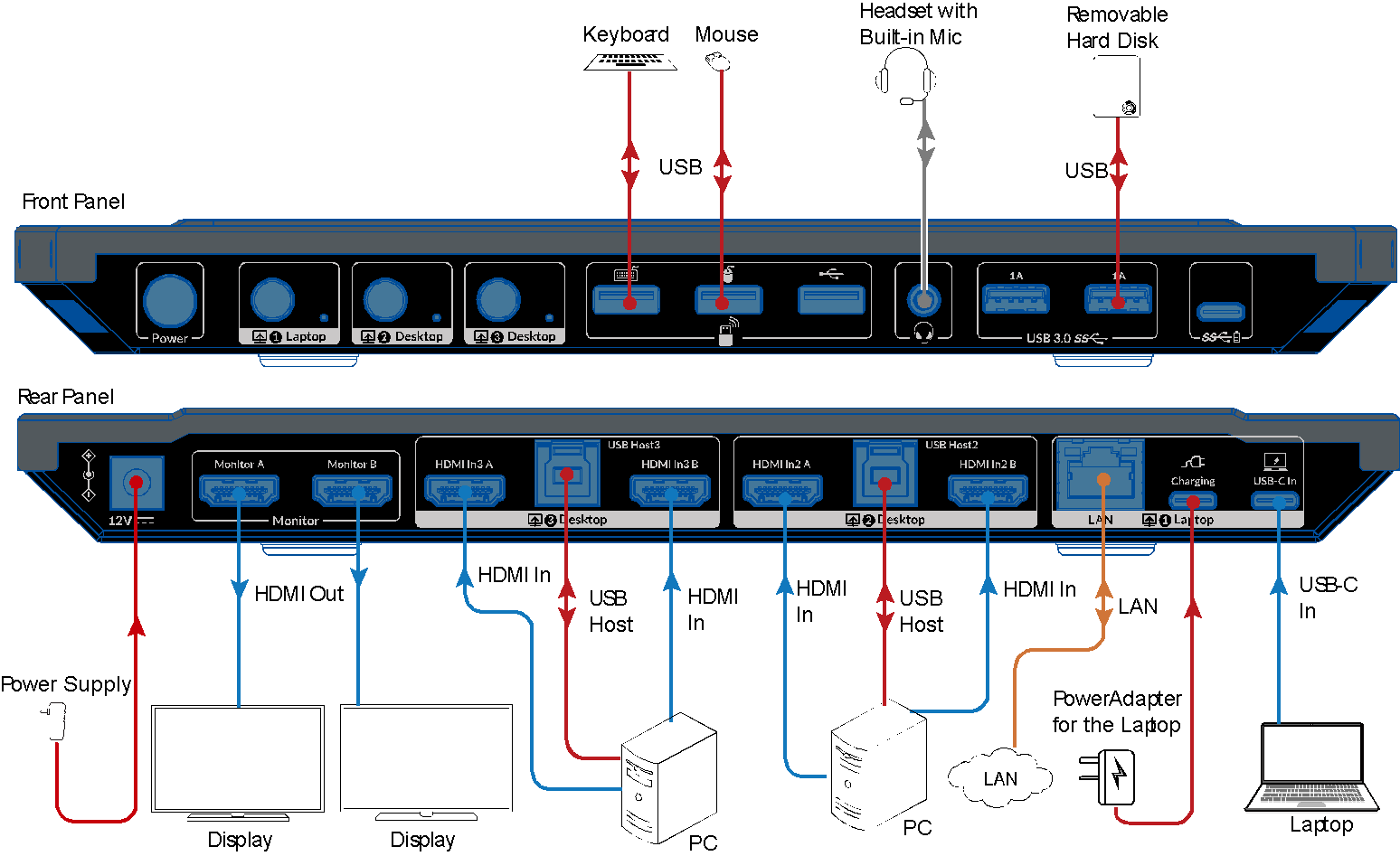
Drawings01
03Related products
In the same range.
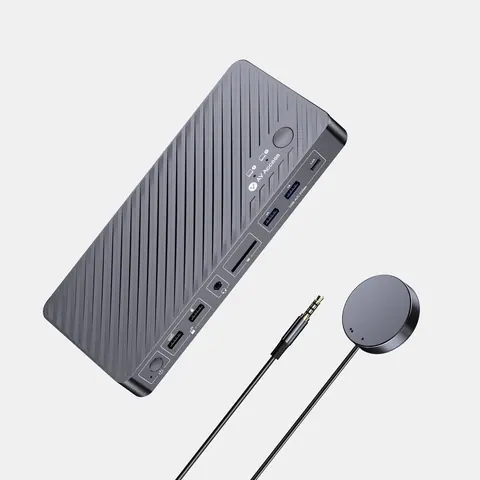 EQ-870AV AccessUSB-C KVM docking station, 2 laptops, 4K dual monitor, 100 W PDKD-E20 · Switchers and KVM
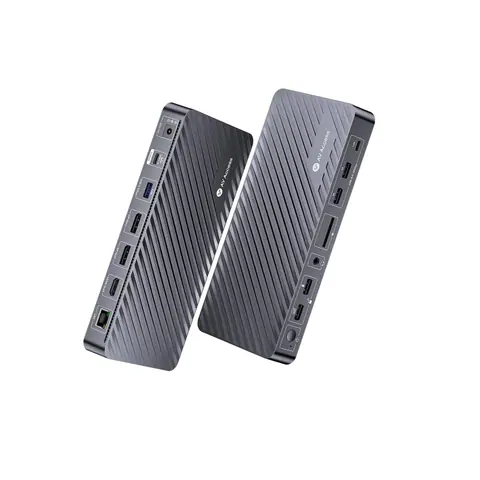 EQ-872AV AccessDocking station, 3 monitors, triple 4K, 100 W USB-C chargingKD-S03 · Switchers and KVM
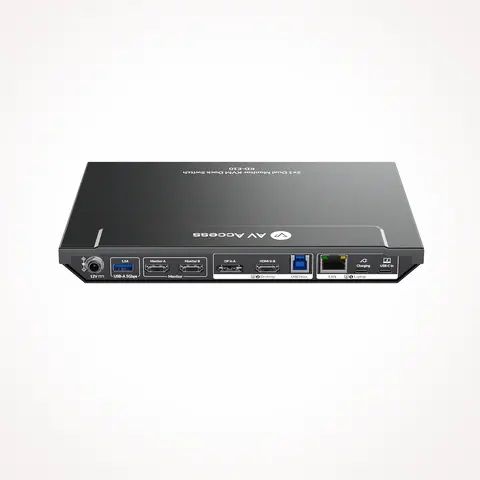 EQ-869AV AccessUSB-C KVM docking station, 2 PCs, 2 monitors, 100 W PDKD-E10 · Switchers and KVM
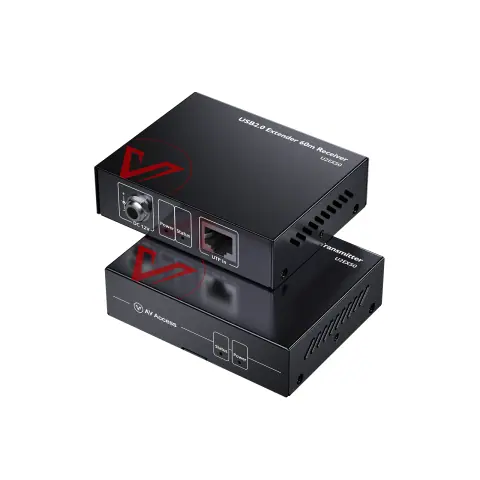 EQ-873AV AccessUSB 2.0 extender, 60 mU2EX50 · Extenders
04Talk to us
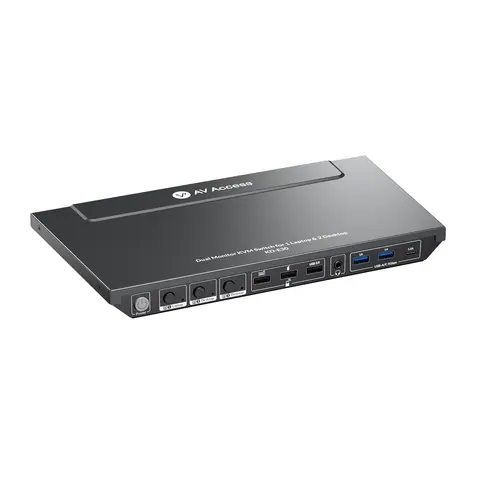 KVM docking station, 2 desktops and 1 laptop, dual 4K HDMI, 100 W USB-CAV Access · EQ-871
Need this priced for your project?
- Quantity and site
- Configuration and interfaces
- Quotation