
















Sheet 05.870
AV Access · Switchers and KVM
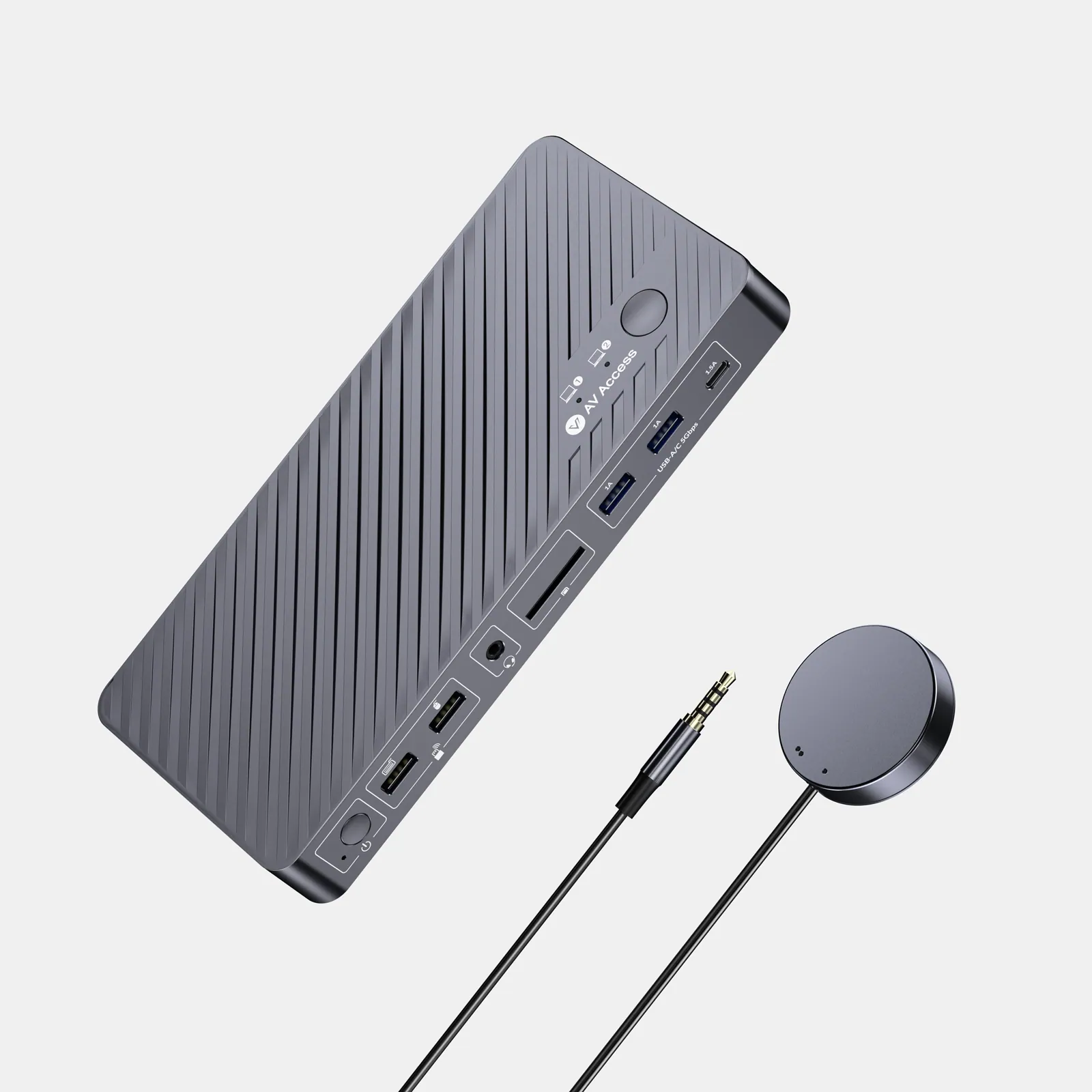
USB-C KVM docking station, 2 laptops, 4K dual monitor, 100 W PD
ModelKD-E20
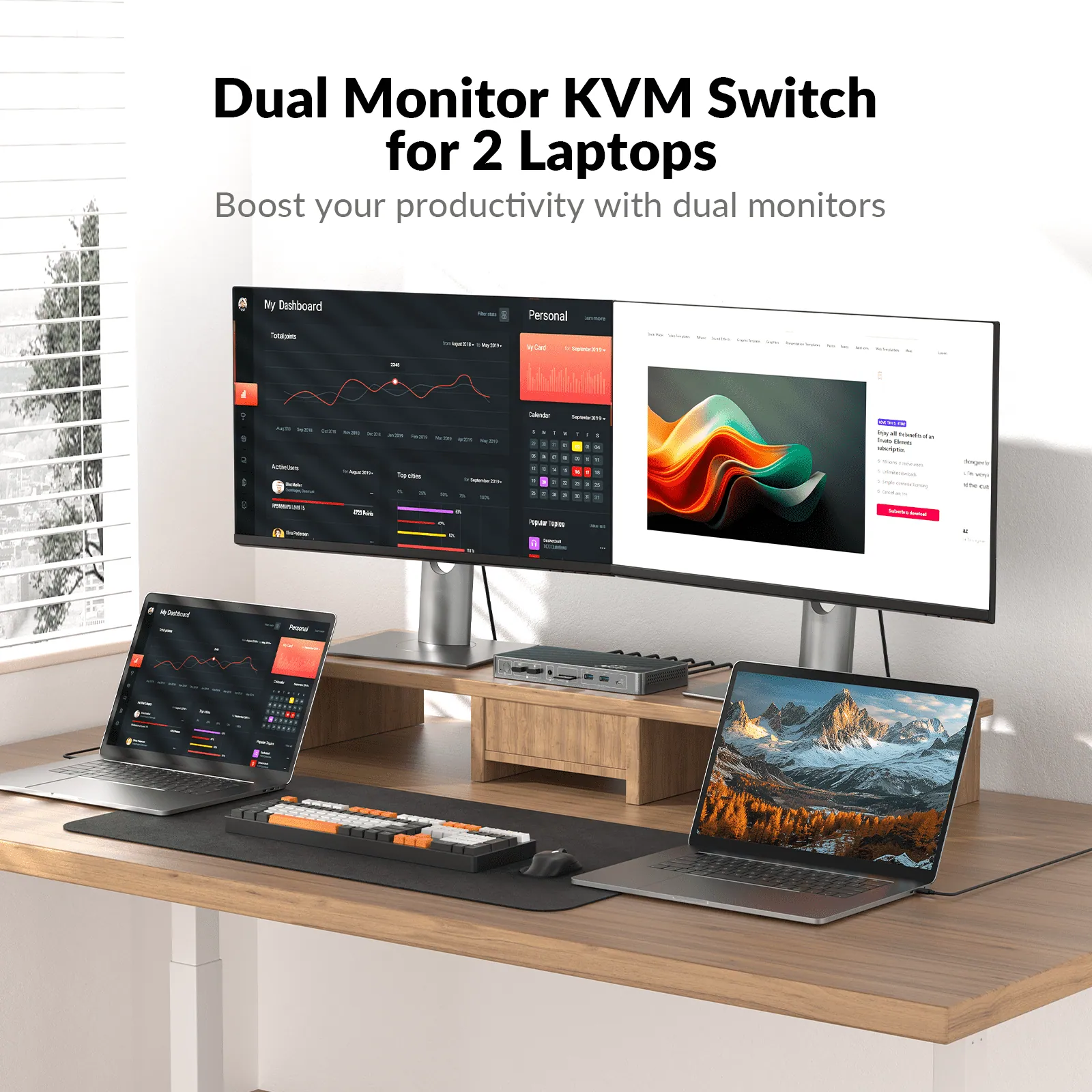
● Dual-Laptop Docking & Dual Monitors: Connect two laptops and enjoy dual 4K@60Hz displays for efficient multitasking.
USB-C KVM docking station, 2 laptops, 4K dual monitor, 100 W PDPrice on request Request a quotation
01DescriptionManufacturer's description
What it is.
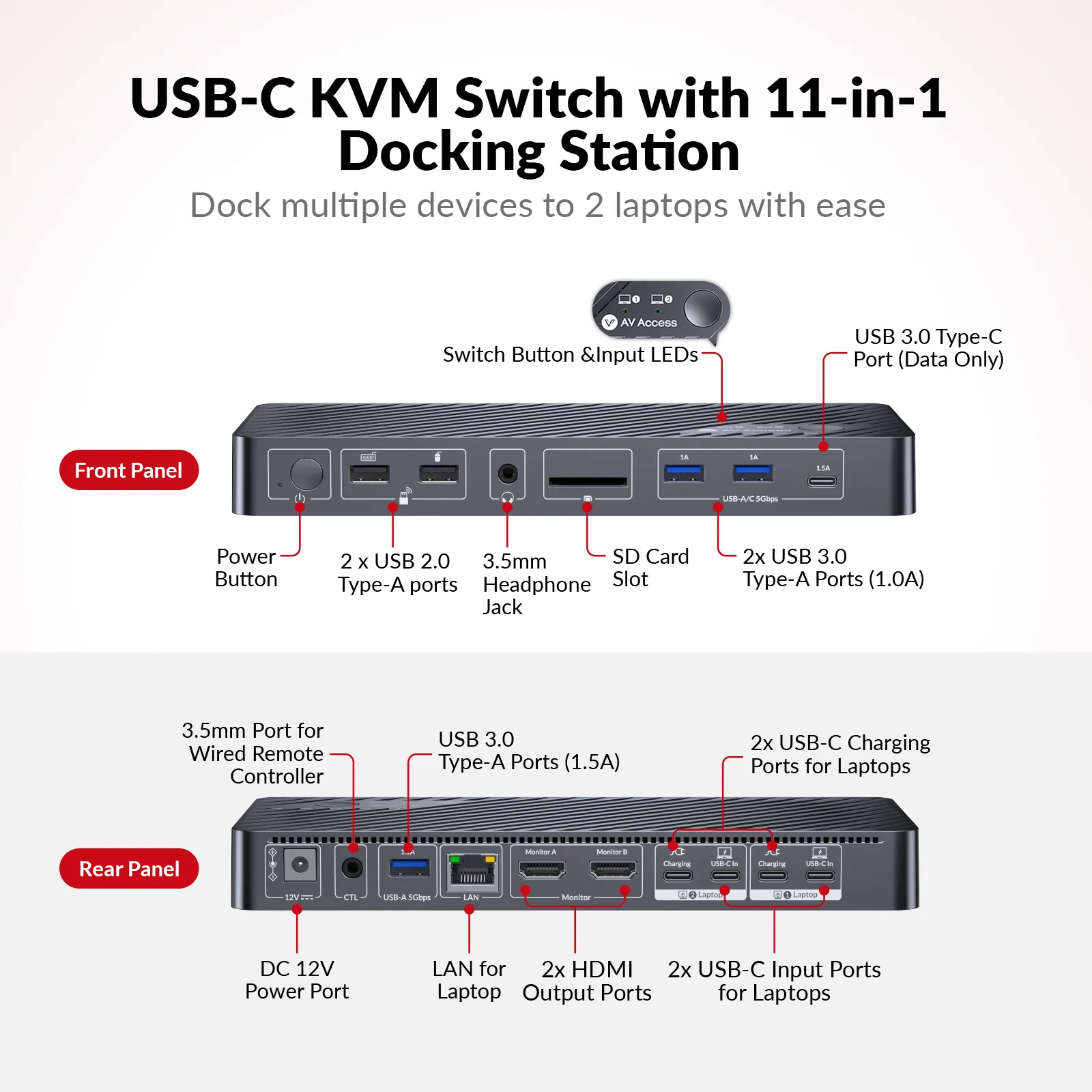
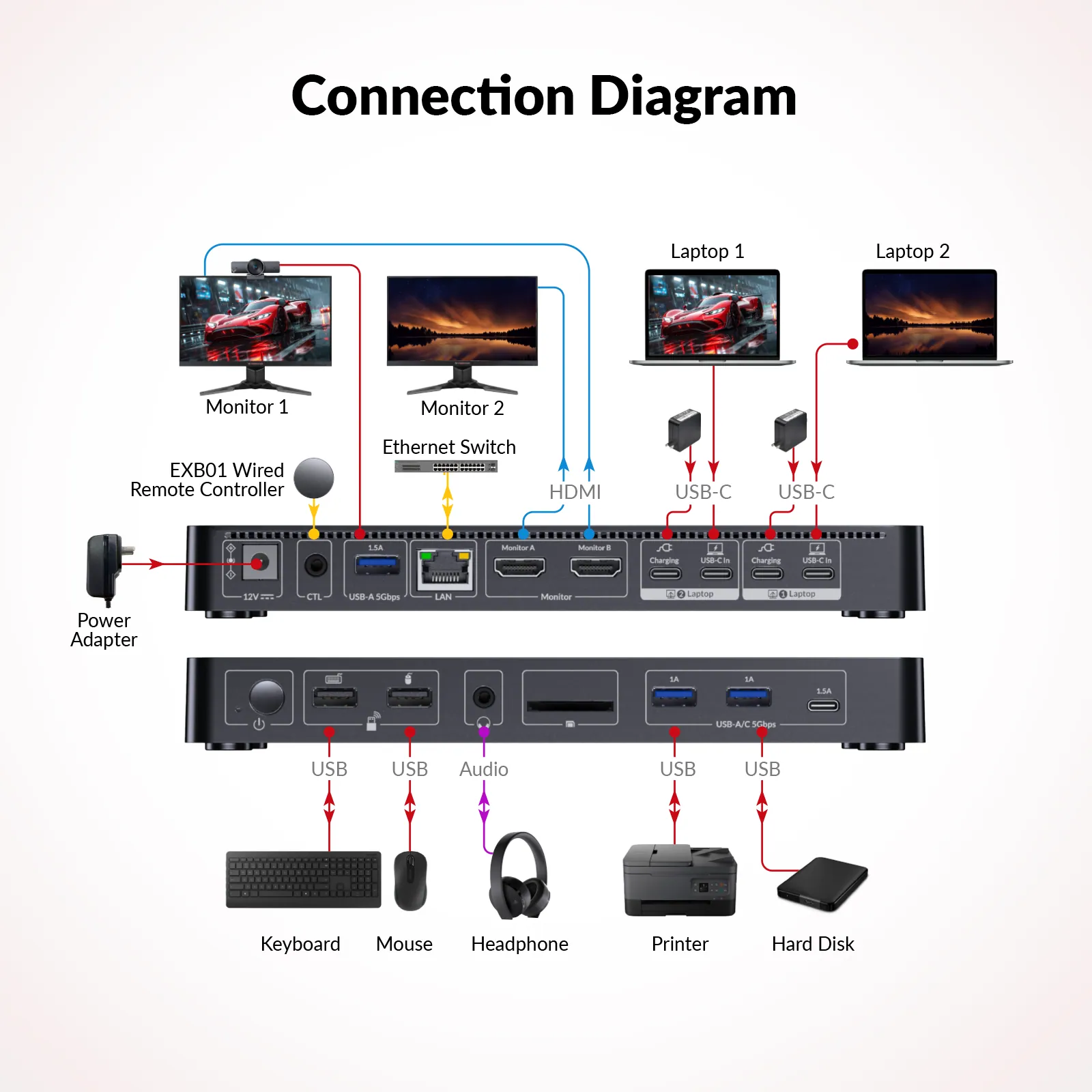
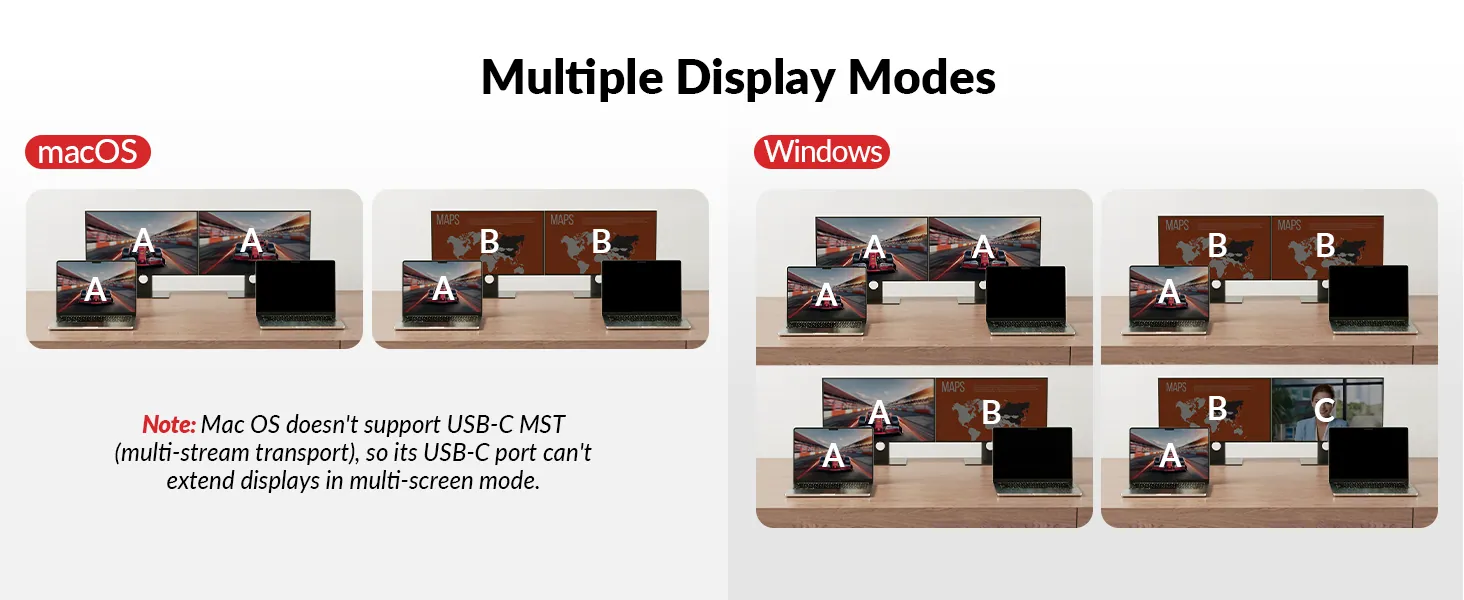
● Dual-Laptop Docking & Dual Monitors: Connect two laptops and enjoy dual 4K@60Hz displays for efficient multitasking. *Note: MacOS doesn’t support USB C MST, so external monitors will show duplicate content.* ● 11-in-1 Docking Station: Expand your workspace with multiple ports, including HDMI, USB, Ethernet, and more. ● 1G LAN Port:Ensure stable and fast wired network for both laptops, no matter which laptop you switch to. ● EDID Emulation:Prevents screen flickering and icon rearrangement when switching devices. ● Full-Featured USB C:One USB C connection supports dual 4K@60Hz videos, up to 5Gbp/s data transfer, Gigabit Ethernet, and up to 100W charging (additional power adapter required for laptop’s charging). ● Fast Switching: Seamless transitions between devices in just 2-3 seconds.
⭐If it’s not everything you hoped for, we’ll make it right with a refund—your satisfaction comes first. Free Shipping* 3-Day Delivery from Local Warehouse (US/CA)* 30-Day Money-Back Guarantee* 3-Year Warranty for Partners*
* Important Notes
1. MacOS doesn’t support USB-C MST (multi-stream transport), so two duplicate contents will be displayed. The power adapter for the KVM switch is included in the package. When charging your laptop, please additionally use your laptop’s original adapter. 2. Supports ultrawide resolution of 3440 × 1440 @ 60 Hz. When connected to a 5120 × 1440 display, the output is limited to 3840 × 1080.
Two Laptops, Two Screens, One Solution
Work Smarter, Switch Faster
Maximize Productivity, Minimize Hassle
Switch, Share, Simplify
Effortlessly connect two laptops, enjoy dual 4K displays, and power up your workflow with KD-E20 — your ultimate dual-laptop docking solution.
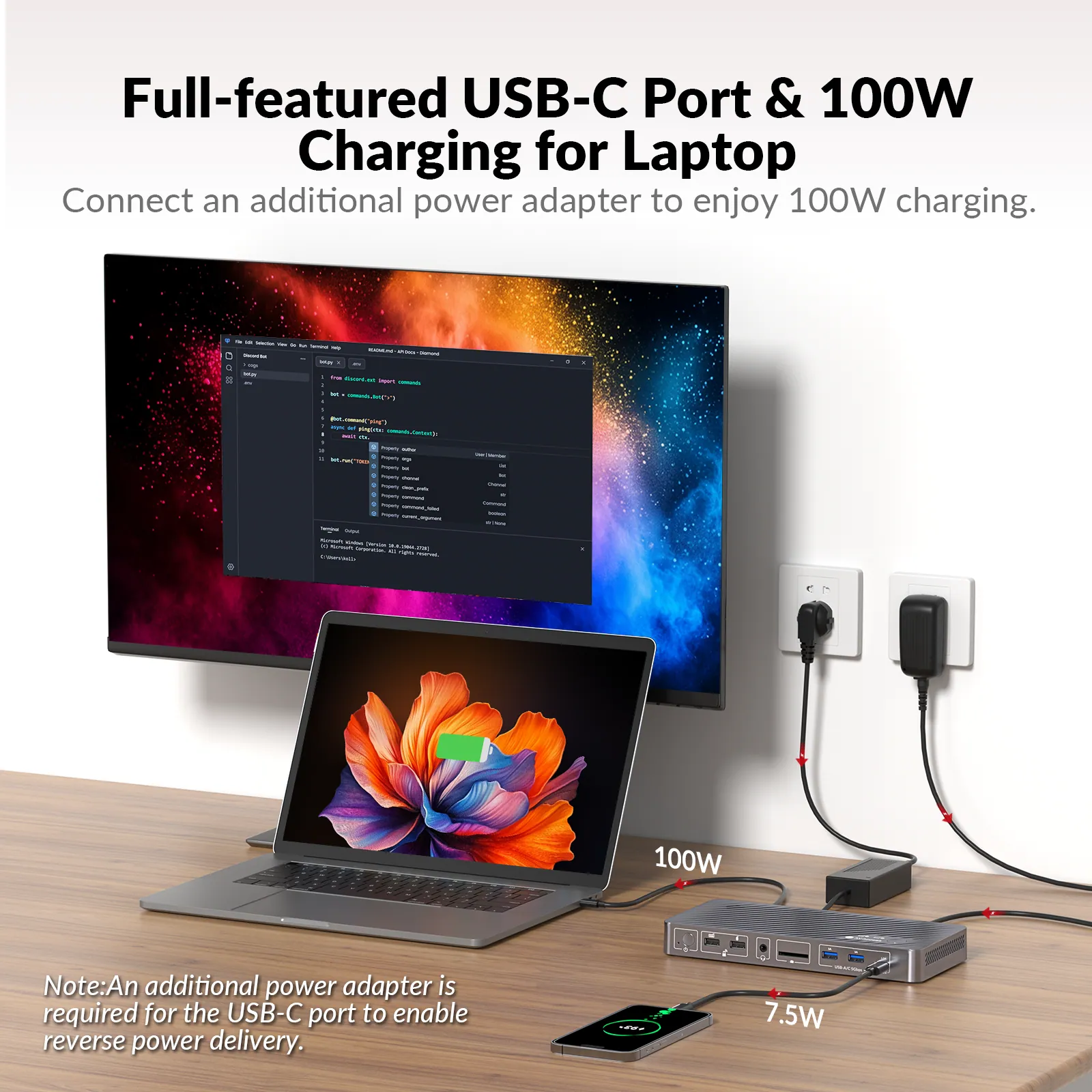
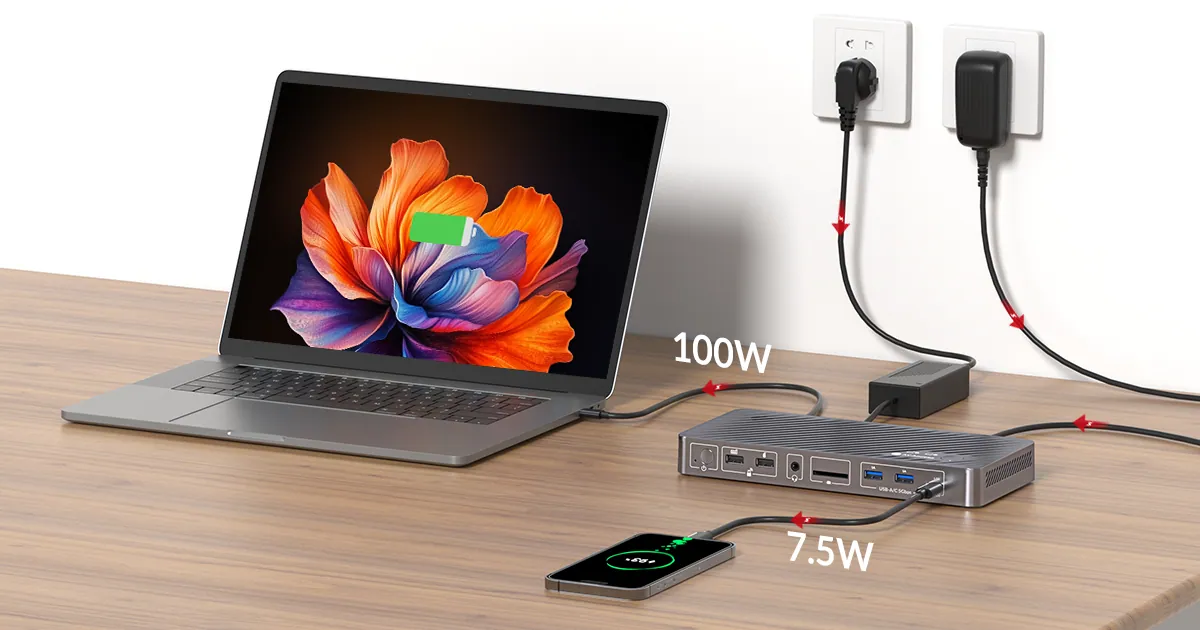
Power, Video, and Data in One Port
The 20Gbps USB C port delivers 4K video, 5Gbps data transfer, and up to 100W charging simultaneously — your all-in-one solution for productivity and connectivity.
*Note: When charging your laptop, please additionally use your laptop’s original adapter.*
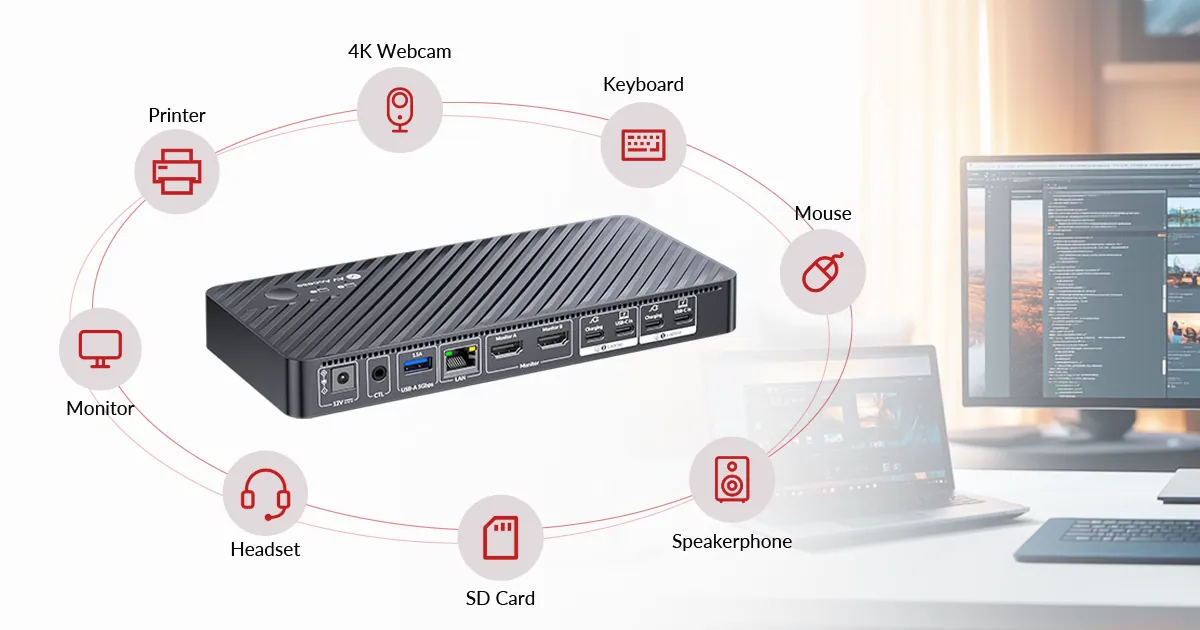
Boost Connectivity with a Docking Station
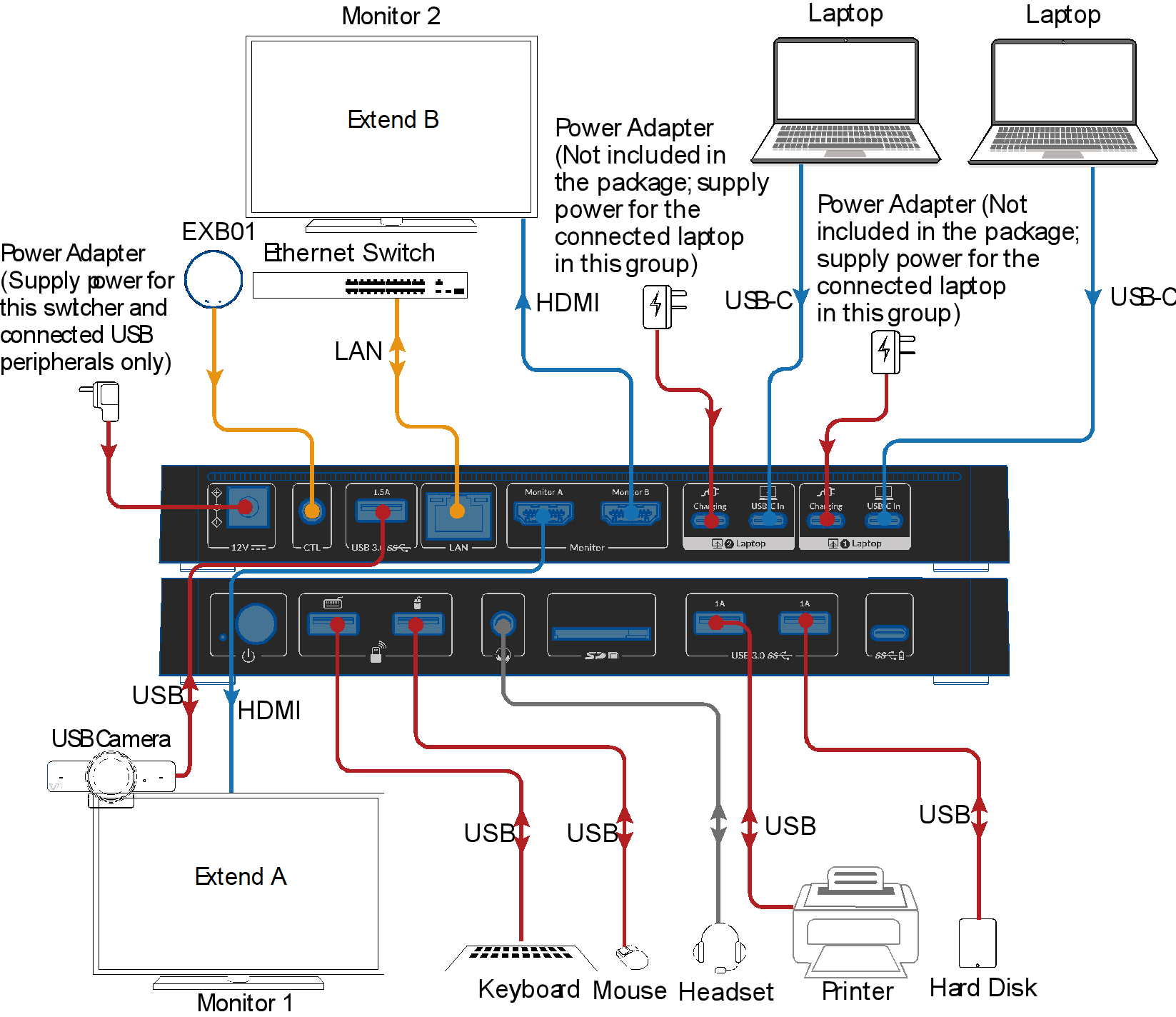
With KD-E20, you can easily share an 11-in-1 docking station between two laptops. Perfect for creating a streamlined and efficient workstation, whether at home or in the office.
Boost Connectivity with a Docking Station.
With KD-E20, you can easily share a 11-in-1 docking station between a laptop and a desktop PC. Perfect for creating a streamlined and efficient workstation, whether at home or in the office.
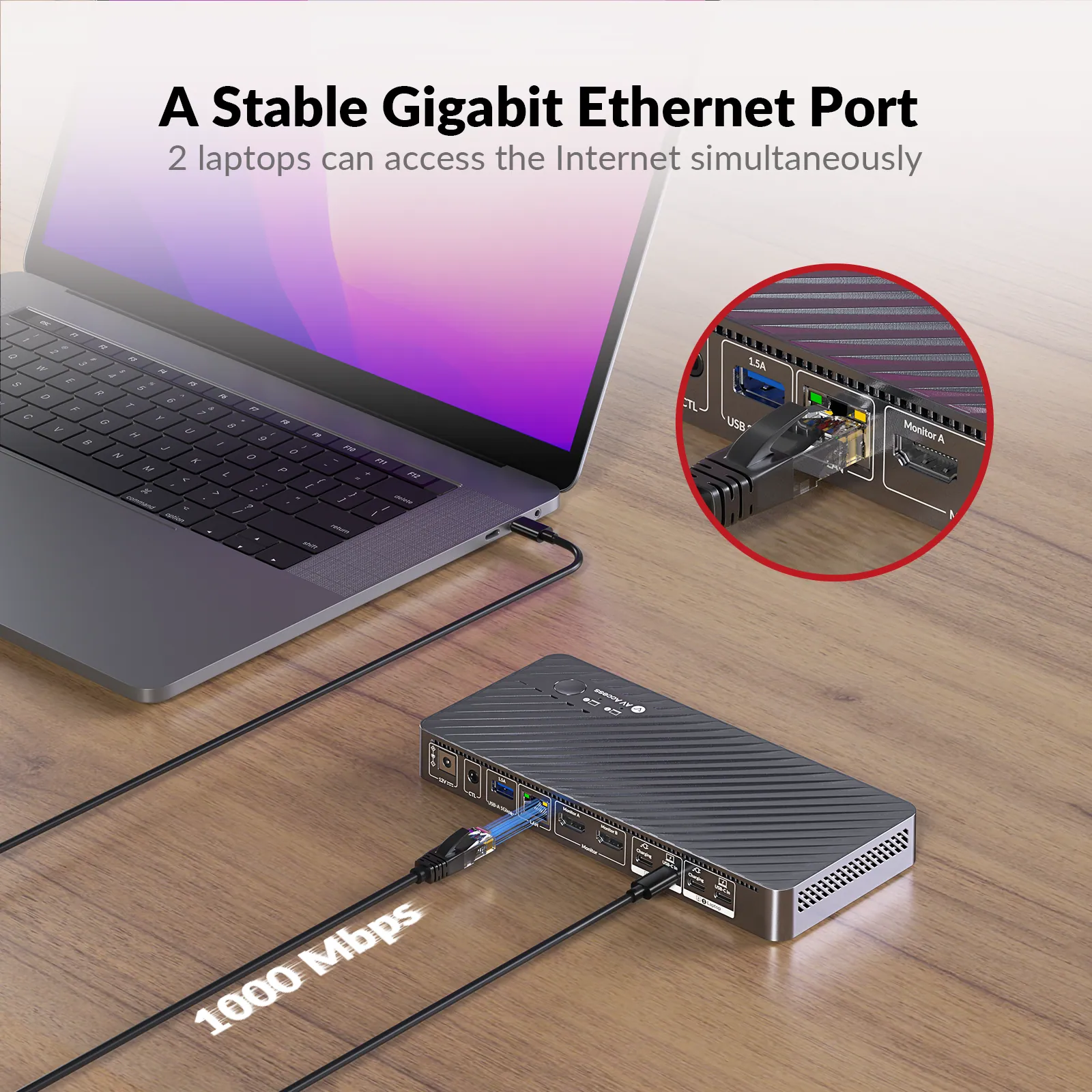
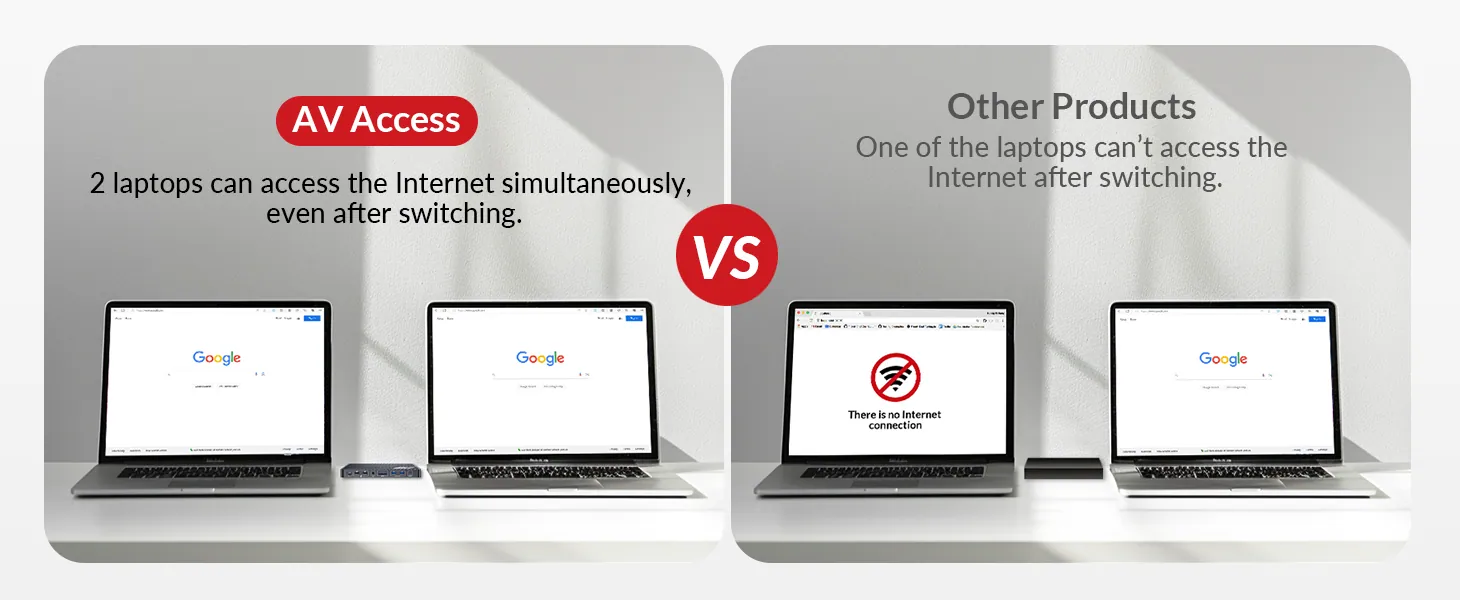
1G Ethernet Port, Stay Connected
Your PC may fall into sleep mode because it stands by for a long time or you just close it lid. Don’t worry, with iDock C10 you can just wake it up in one tap or one click.
The KD-E20 features a single Gigabit LAN port that seamlessly provides stable, high-speed internet to two laptops. Enjoy reliable connections for both devices without hassle!
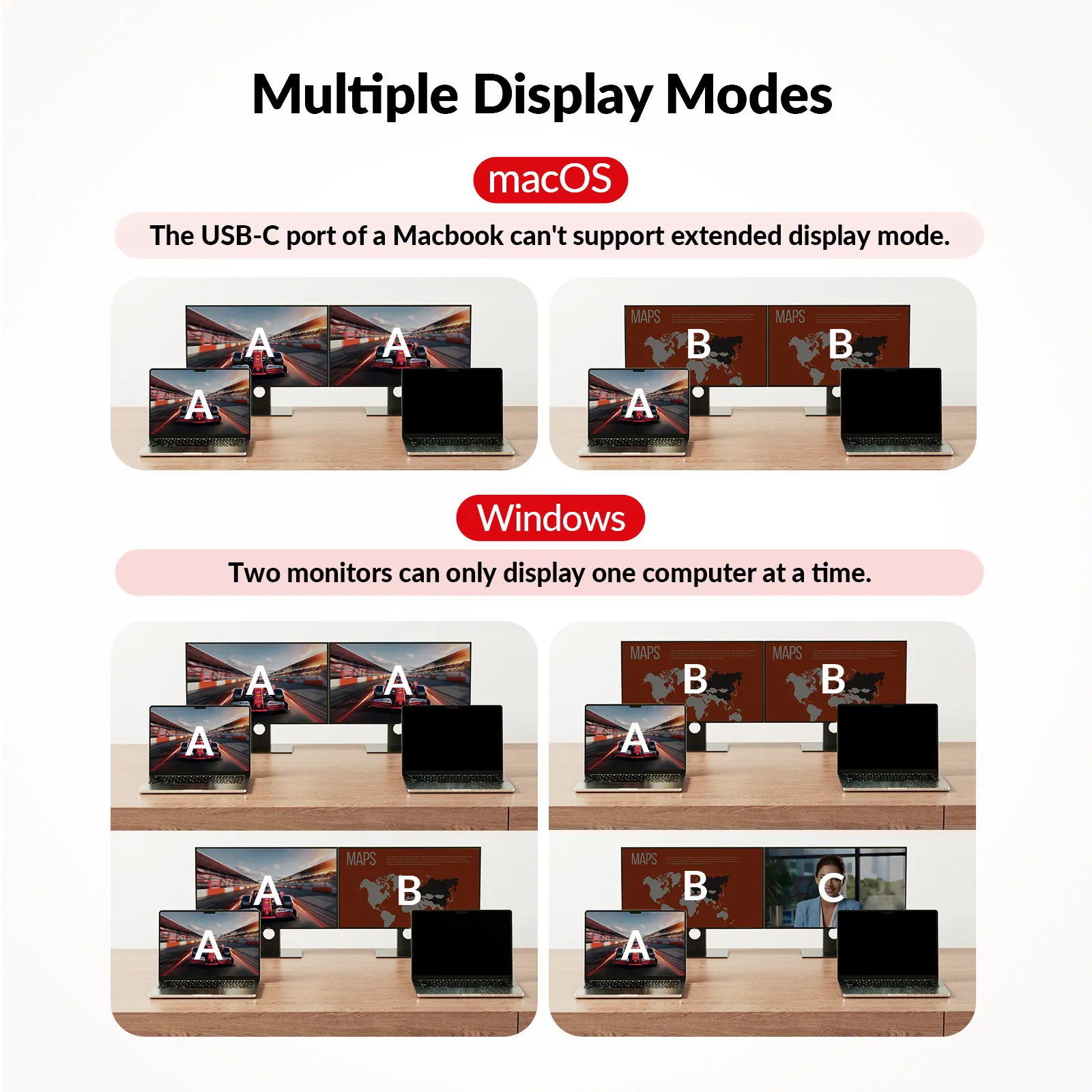
Multiple Display Modes for Multitasking
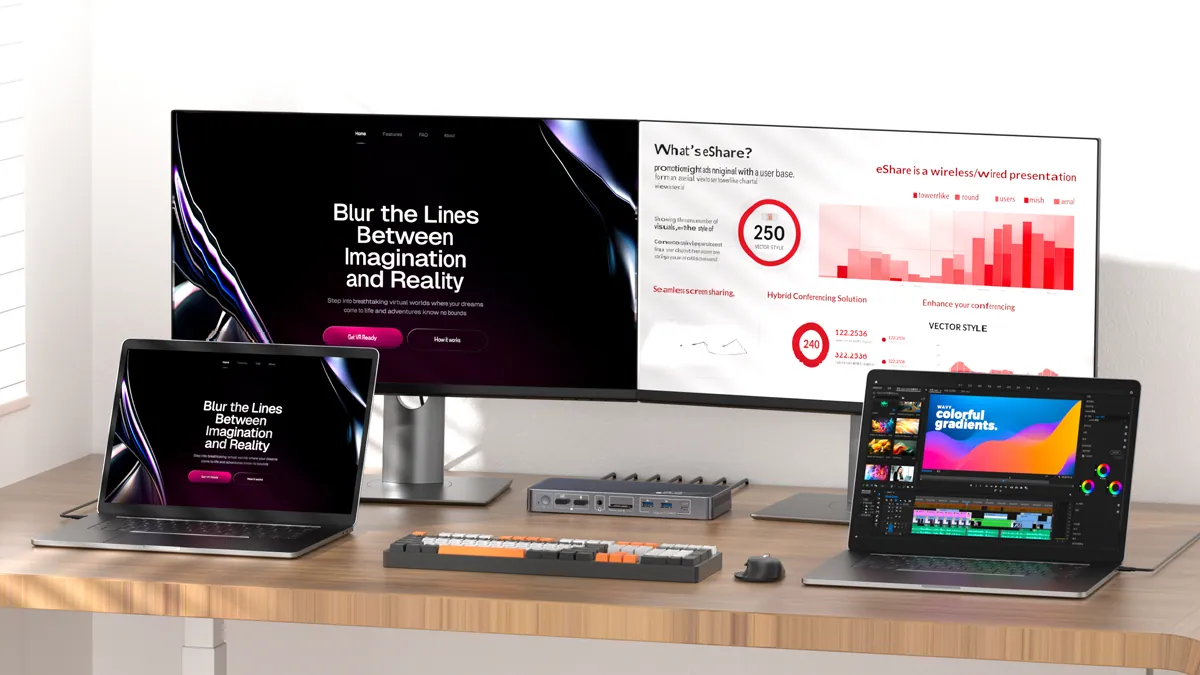
Whether using a Windows laptop or Macbook, you can make full use of your laptop and monitor screens for multitasking.
Make Your Workflow as Seamless as Possible
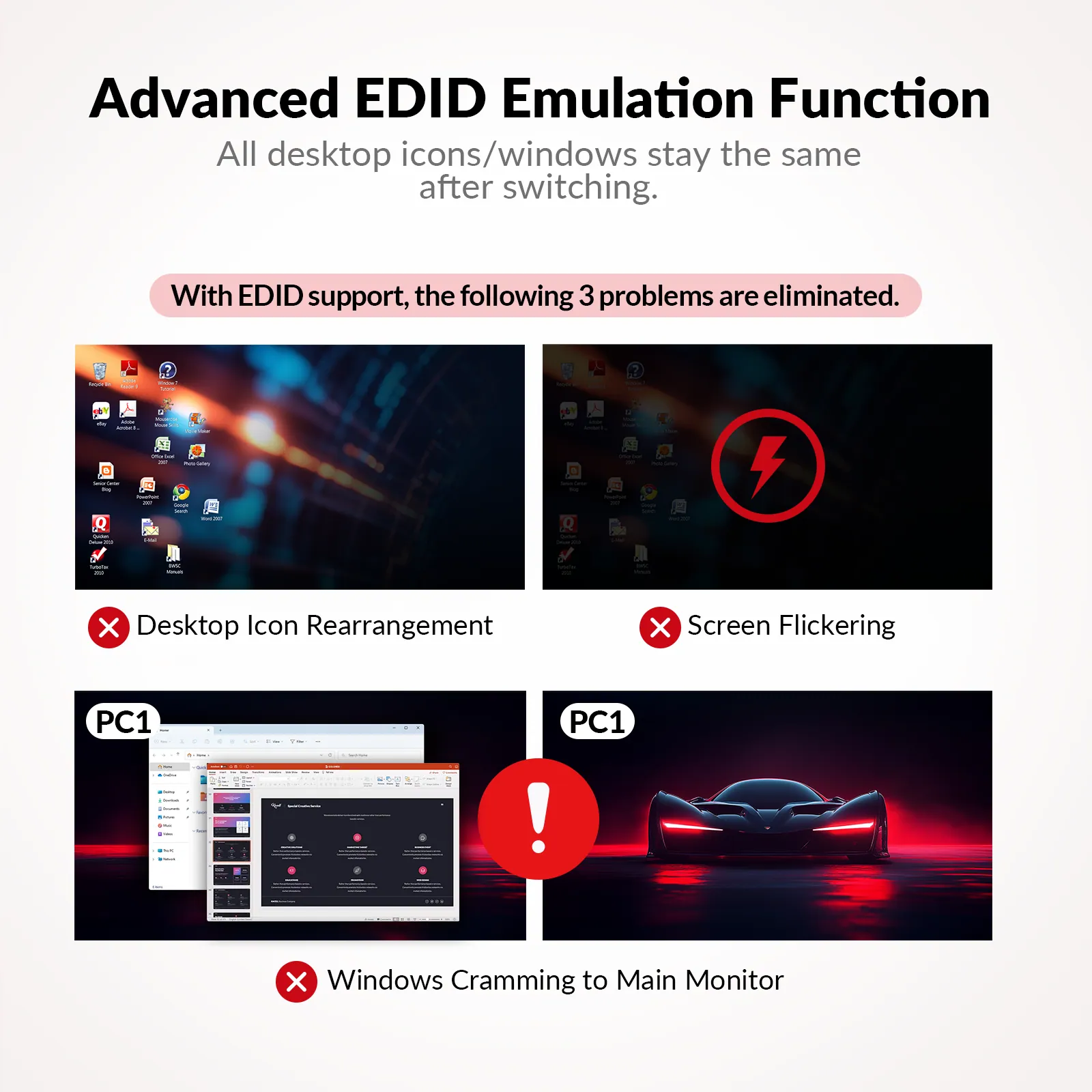
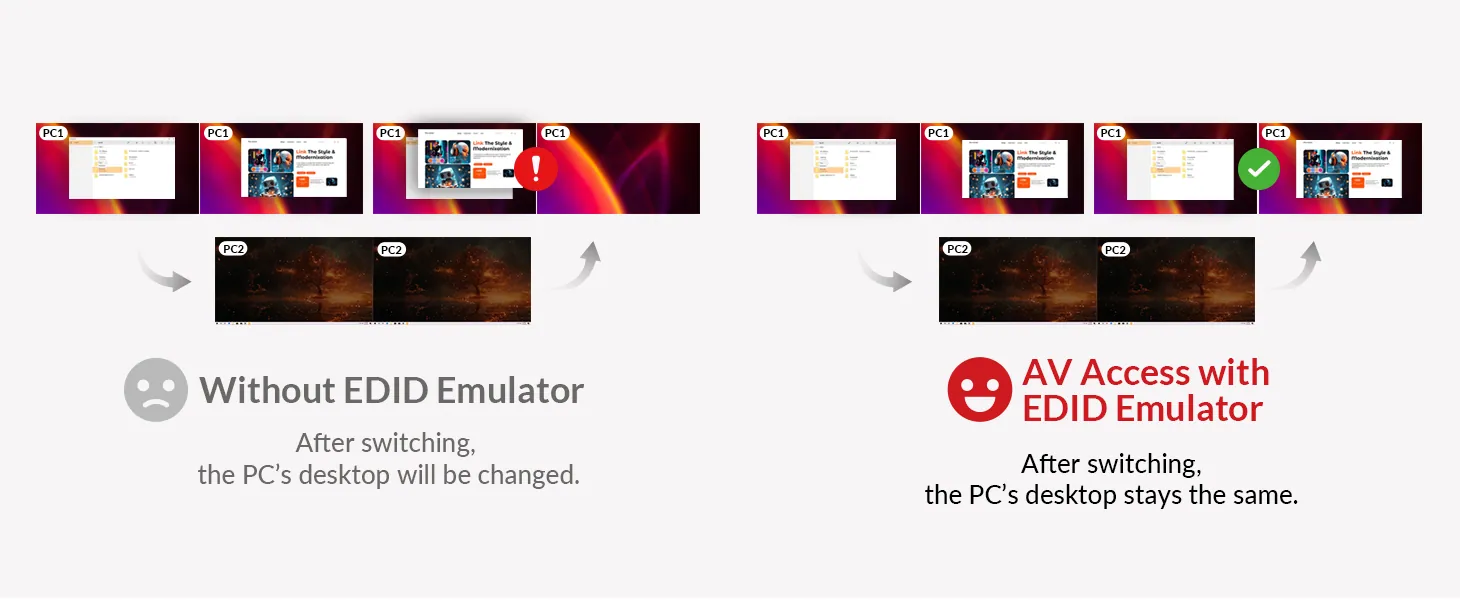
KD-E20 supports EDID emulation, ensuring your monitor is always recognized as connected to your laptops. When switching between two devices, your desktop remains consistent without any disconnections.
Quick Device Switching for Efficiency
Easily switch between your two laptops with just one tap or click—seamless transitions in 2–3 seconds for a smoother workflow.
Ultra-smooth Gaming, Zero Lag
Experience crisp 4K@60Hz and ultra high-refresh rates like 1080P@240Hz for seamless, high-speed gaming action. Enjoy every detail without the lag!
Wake up Your Sleeping PC
Your PC may enter sleep mode after inactivity or closing the lid. With KD-E20, wake it up with just one tap or click.
Empower Professionals from All Walks of Life
From hybrid workers to IT pros, game streamers, graphic designers, and video editors, the KD-E20 simplifies your workspace and elevates your productivity.
Editor’s Picks on iDock Series
10 Frequently Asked Questions about iDock C10
The Best USB-C Docking Station: Caldigit TS3 vs iDock C10
How Do I Connect a PC and a Laptop to 2 Monitors?
Choose the Model That’s Right for You
Check this chart and see if there is another model that fits your needs better. If you don’t find your model, take this quiz to find out which product we recommend for you.
02Documents2 files · 874 KB
Documents and files.
Datasheets, manuals, drawings and certificates as the manufacturer publishes them.
Drawings01
03Related products
In the same range.
 EQ-869AV AccessUSB-C KVM docking station, 2 PCs, 2 monitors, 100 W PDKD-E10 · Switchers and KVM
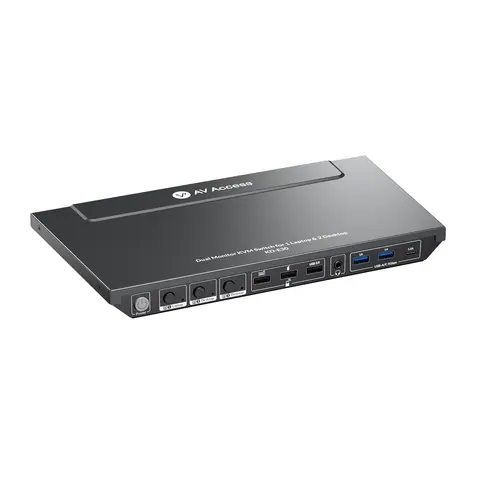 EQ-871AV AccessKVM docking station, 2 desktops and 1 laptop, dual 4K HDMI, 100 W USB-CKD-E30 · Switchers and KVM
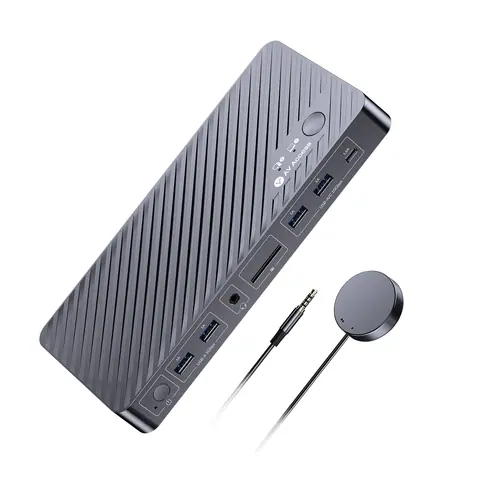 EQ-868AV AccessDual-monitor KVM docking station for MacBook and desktop PCiDock M10 · Switchers and KVM
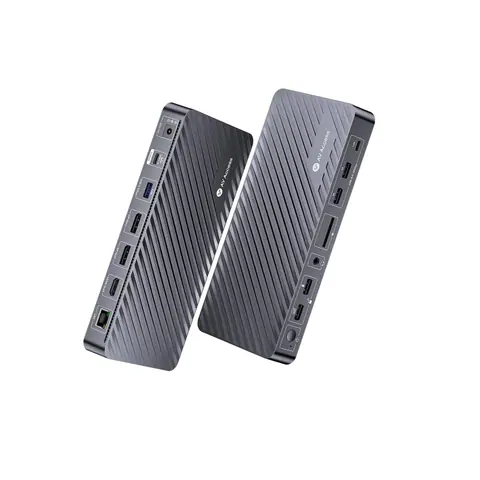 EQ-872AV AccessDocking station, 3 monitors, triple 4K, 100 W USB-C chargingKD-S03 · Switchers and KVM
04Talk to us
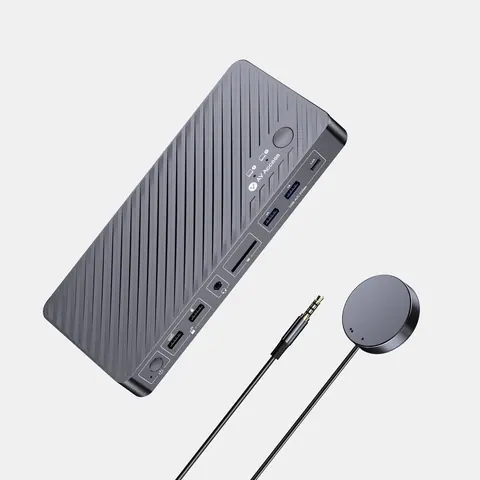 USB-C KVM docking station, 2 laptops, 4K dual monitor, 100 W PDAV Access · EQ-870
Need this priced for your project?
- Quantity and site
- Configuration and interfaces
- Quotation