
















Sheet 05.849
AV Access · Switchers and KVM
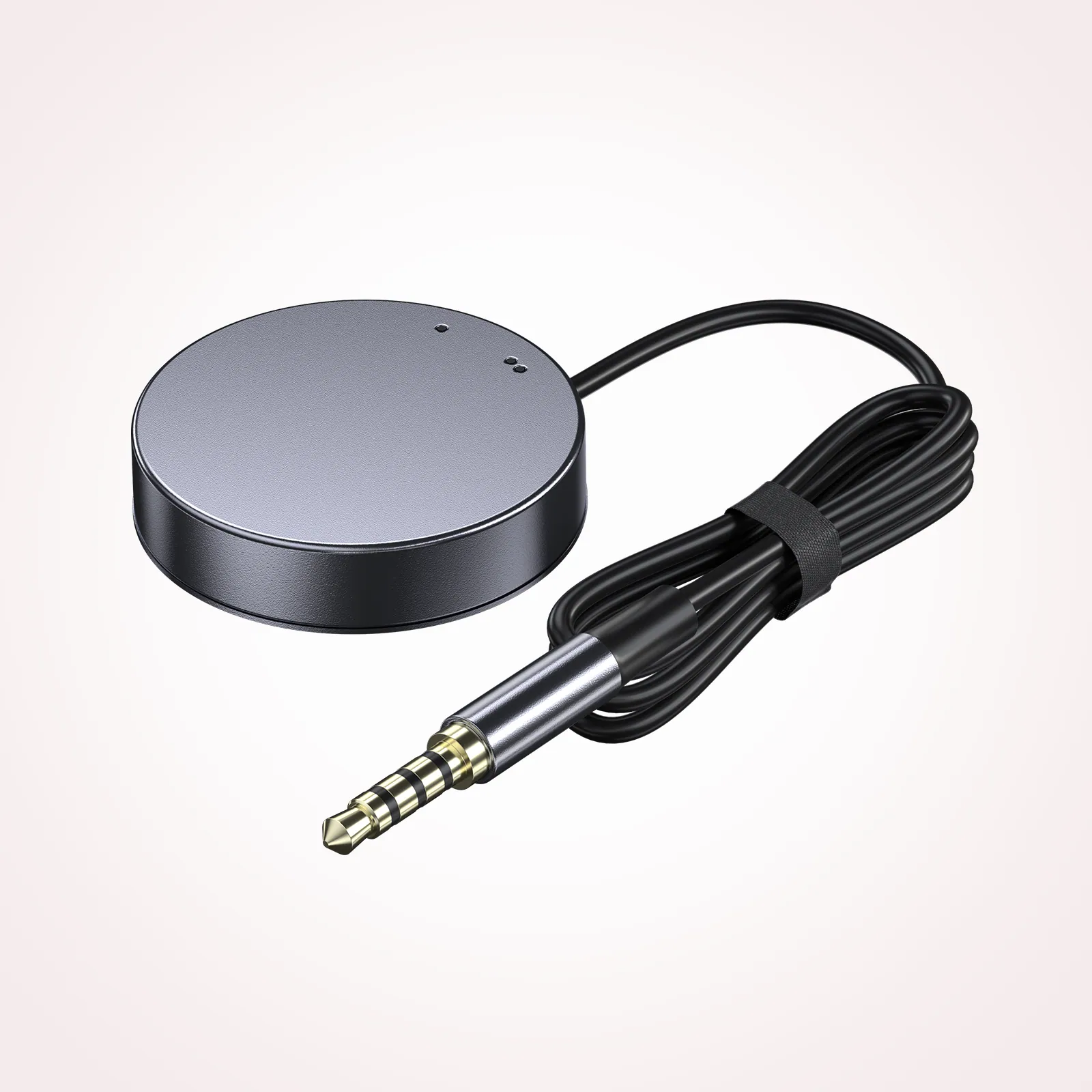
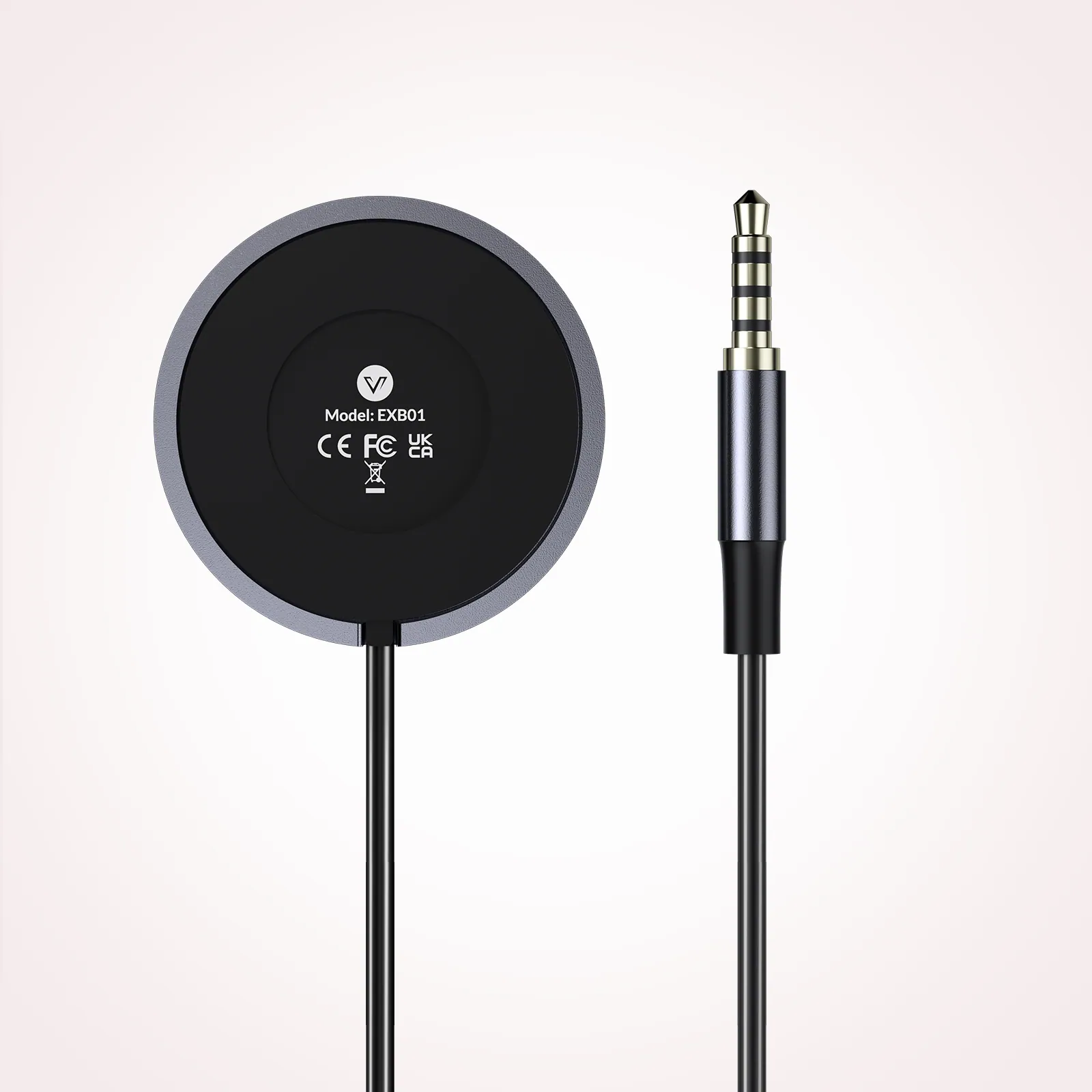
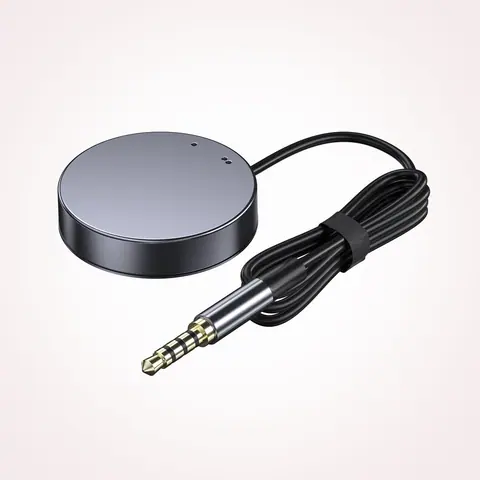
Remote switch button for KVM docking stations, LED indicator, 1.2 m cable
ModelEXB01
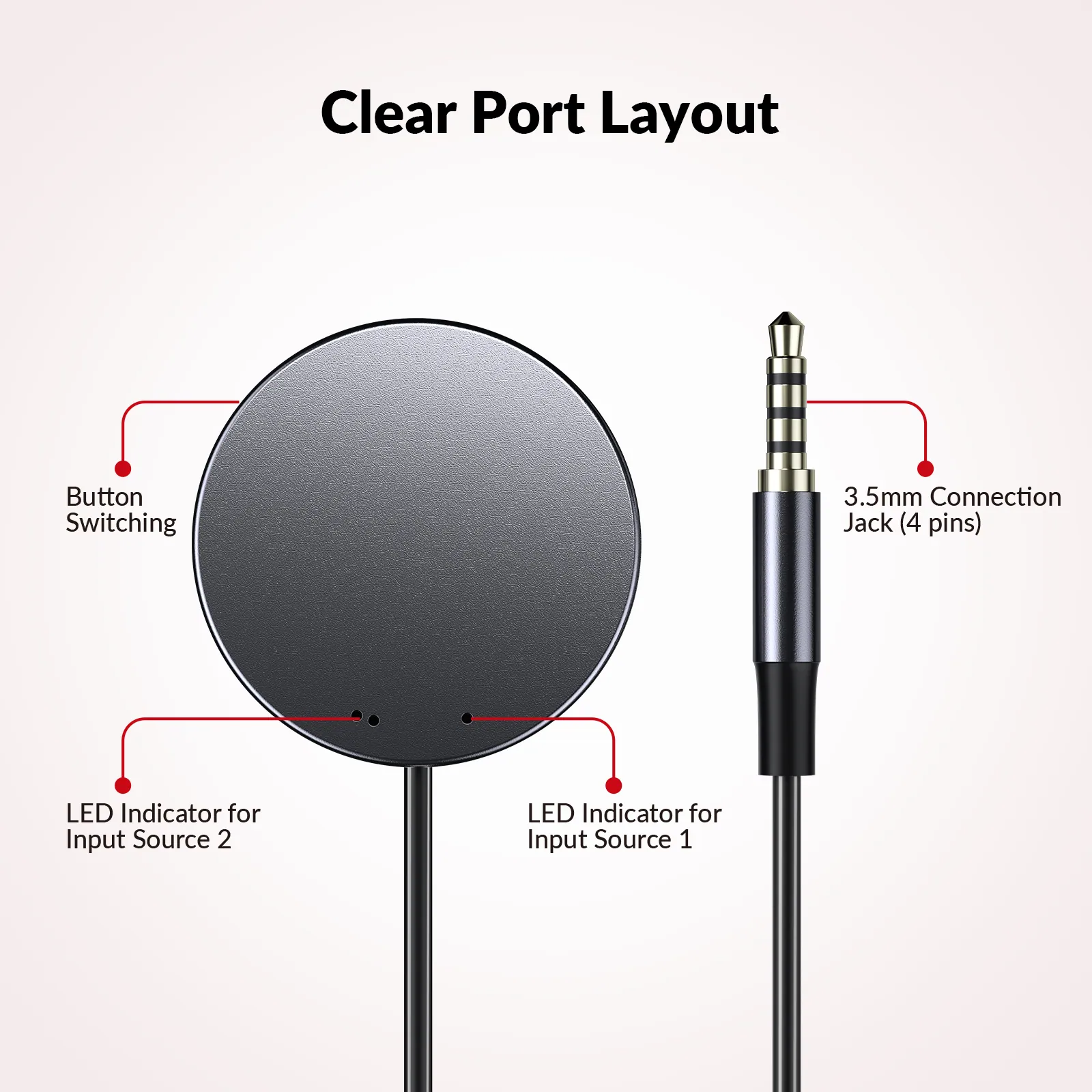
● Instant Device Switching at Your Fingertips: Switch between Input 1 and 2 with one button press. Smooth transitions keep your workflow seamless and stress-free.
Remote switch button for KVM docking stations, LED indicator, 1.2 m cablePrice on request Request a quotation
01DescriptionManufacturer's description
What it is.
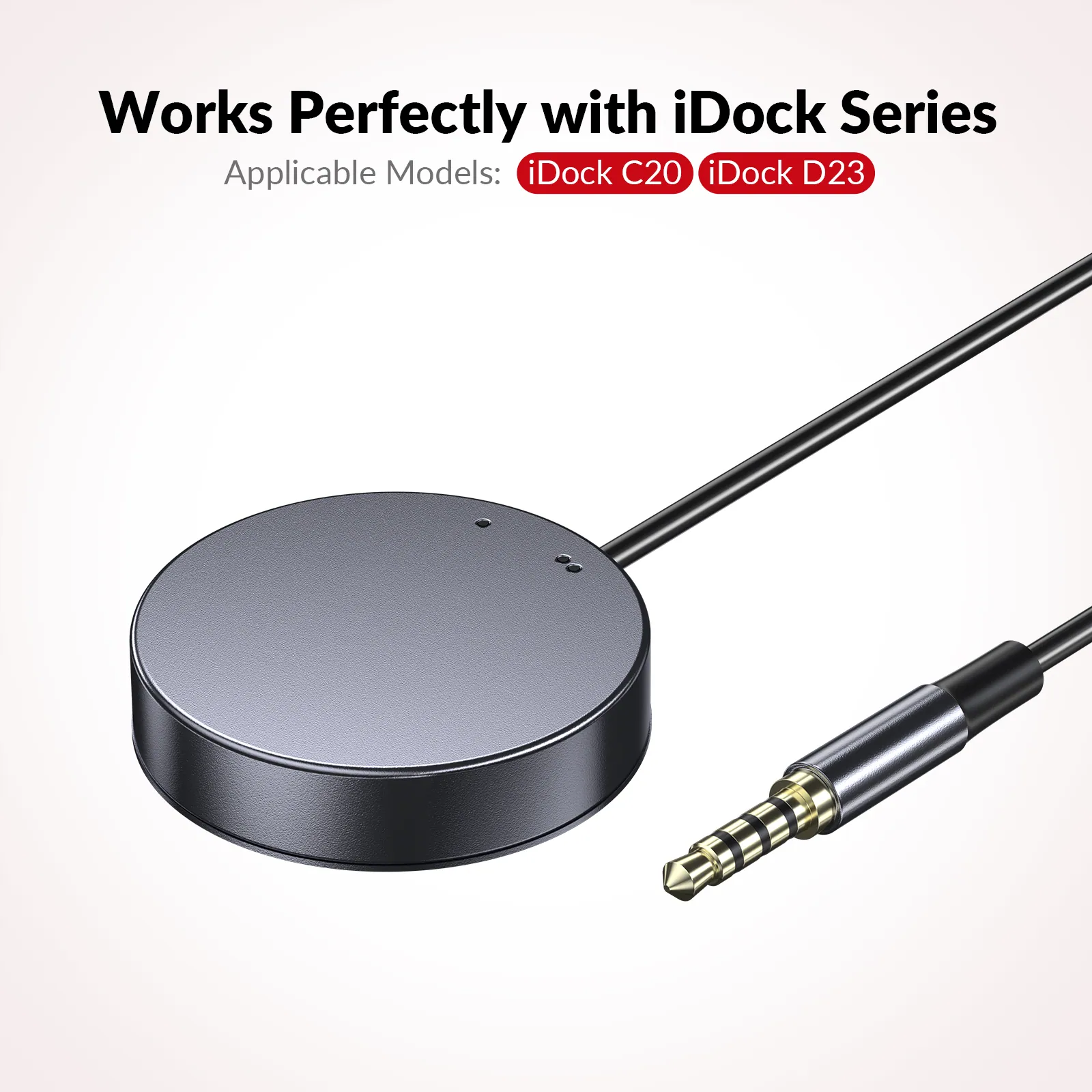
● Instant Device Switching at Your Fingertips: Switch between Input 1 and 2 with one button press. Smooth transitions keep your workflow seamless and stress-free. ● LED Indicators for Total Control: Know your active device instantly with clear LED status lights, ensuring easy, confident control. ● Compact Design, Big Convenience: This 40mm diameter button, just 9.5mm thick, fits any setup. Its 1.2m/3.94ft cable provides flexible, space-saving convenience. ● Seamless Compatibility with iDock Series: Designed to work flawlessly with iDock C20/D23/D23i/B23/B10/M10 & KD-E20 models, it enhances your docking experience by providing effortless control across your devices. ● Premium Design with a Metallic Touch: Crafted from high-quality aluminum, its sleek silver-gray finish adds a touch of elegance to your workspace.
If you would like to purchase this product, please contact our online support in the bottom-right corner, or email to [email protected].
EXB01 Wired Extension Button Controller
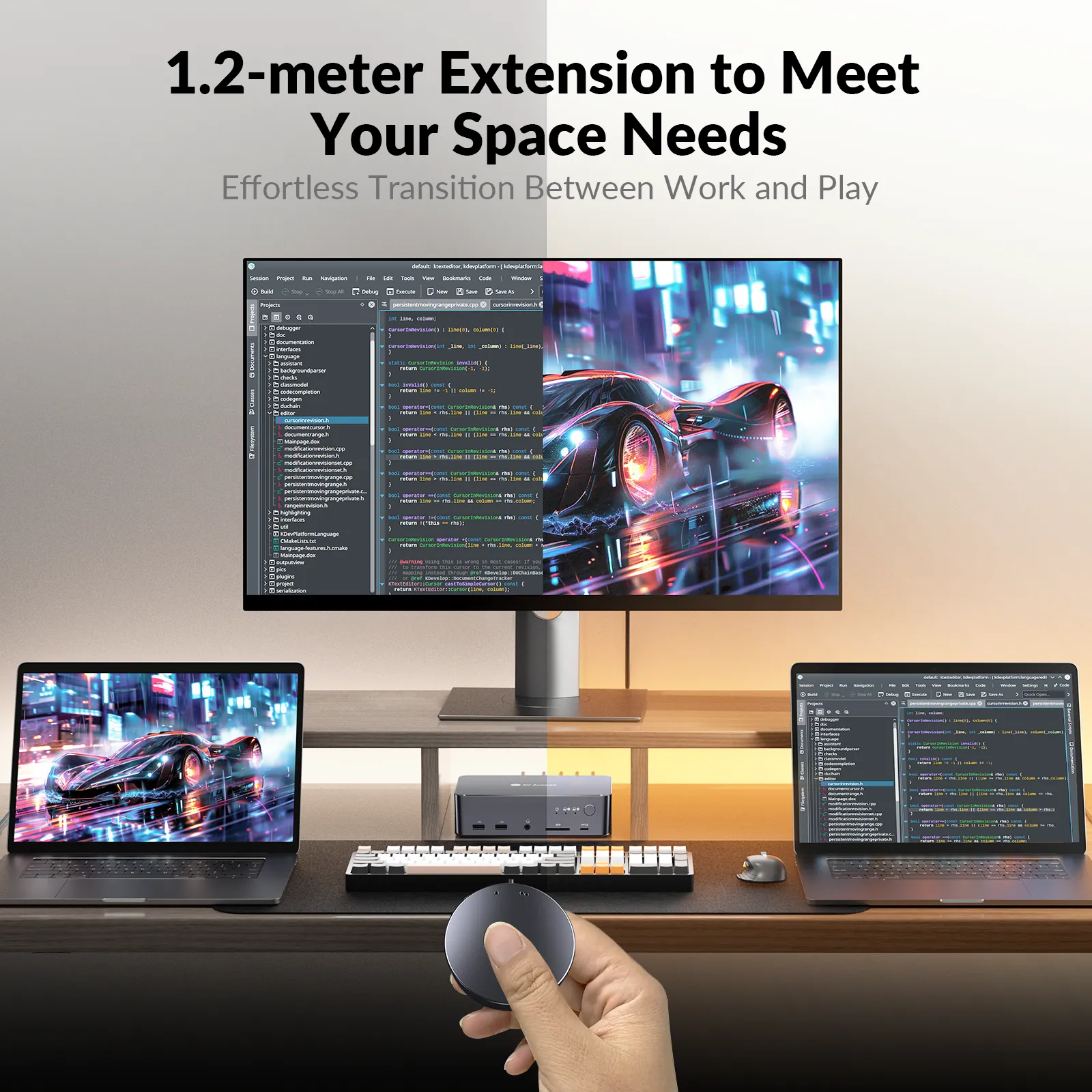
Designed for convenience in spacious home offices or gaming setups, the EXB10 offers effortless device switching from a distance. Perfectly compatible with iDock C20/D23/D23i/B23/B10/M10 & KD-E20, this compact accessory makes it easy to transition between your work and play devices with just a simple press.
Main Features
Instant Device Switching: Quickly switch between two inputs with just one press, streamlining your work or gaming experience.
LED Status Indicators: Keep track of your active device at a glance, thanks to clear LED indicators that show which input is in use.
Stylish & Practical Design: With its premium aluminum construction and sleek silver-gray finish. The compact size (40mm diameter, 9.5mm thickness) and 1.2m/3.94ft cable provide flexibility for convenient placement.
*Notes: This remote switch button is specifically designed for use with iDock C20/D23/D23i/B23/B10/M10 & KD-E20 models, ensuring seamless integration into your existing setup.*
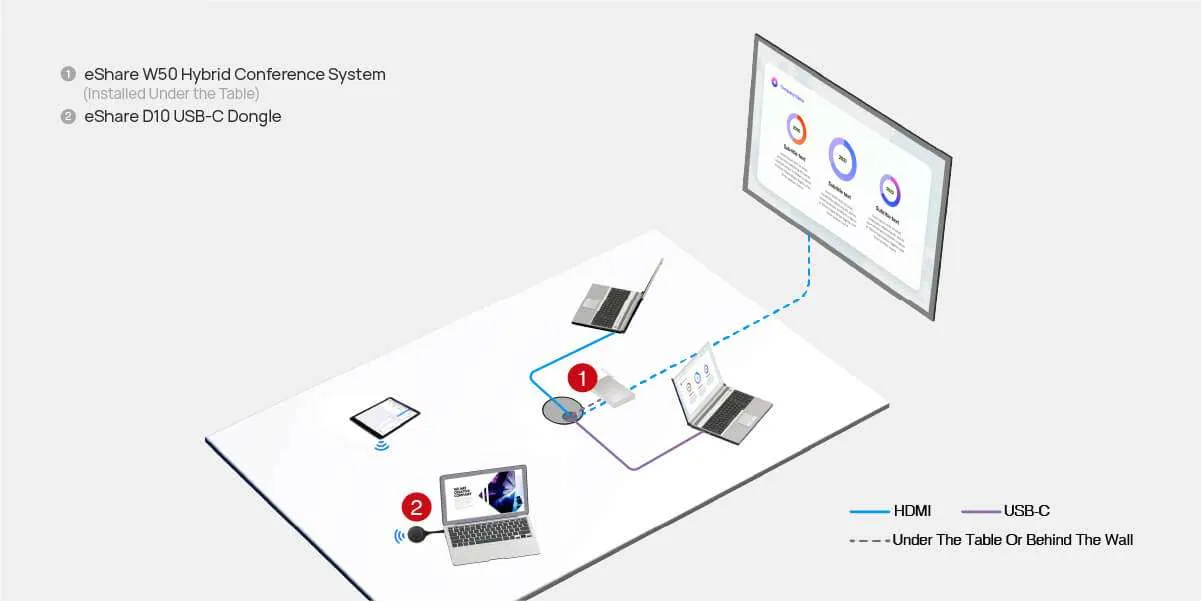
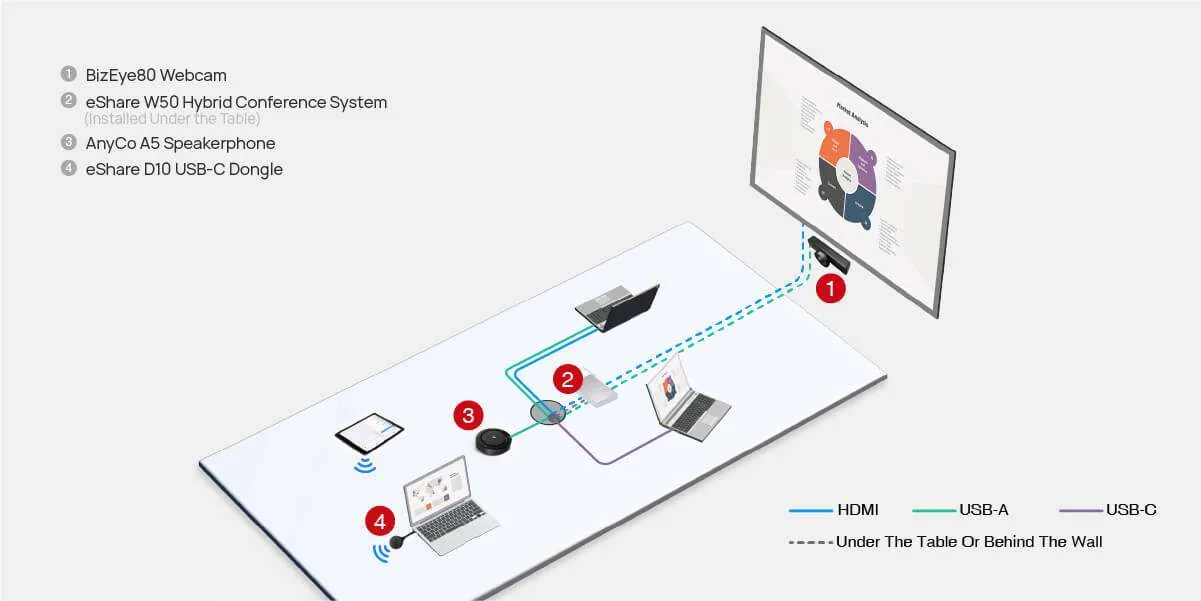
Connection Diagram
In-Person Meeting
Hybrid Meeting
02Related products
In the same range.
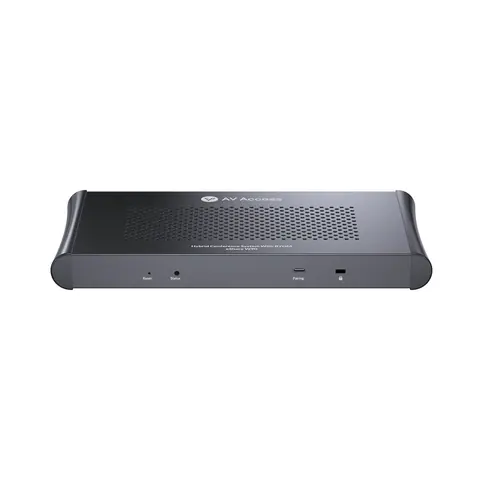 EQ-848AV AccessWireless presentation and conferencing system, dual 4K HDMI out, quad vieweShare W90 · Switchers and KVM
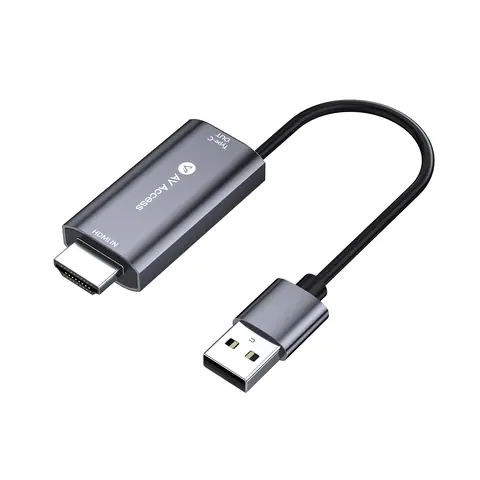 EQ-850AV Access4K HDMI and USB-A to USB-C adapter for eShare donglesH2C01 · Conferencing accessories
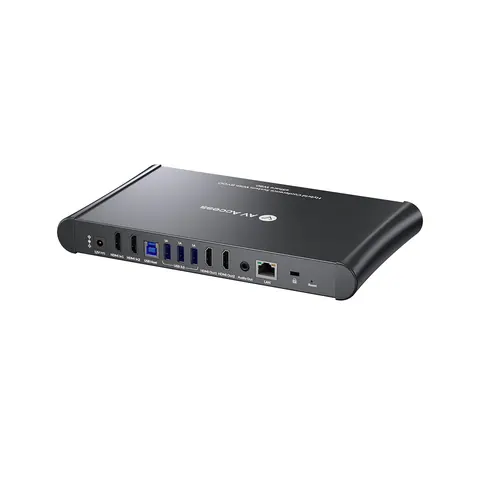 EQ-847AV Access4K wireless conferencing system, dual HDMI out, multivieweShare W80 · Switchers and KVM
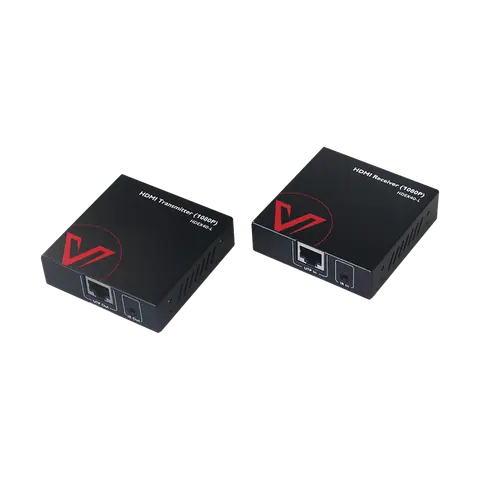 EQ-851AV Access1080P HDMI extender kit over Cat 5e/6a/7, 50 mHDEX40-L · Extenders
03Talk to us
 Remote switch button for KVM docking stations, LED indicator, 1.2 m cableAV Access · EQ-849
Need this priced for your project?
- Quantity and site
- Configuration and interfaces
- Quotation