
















Sheet 05.865
AV Access · Switchers and KVM
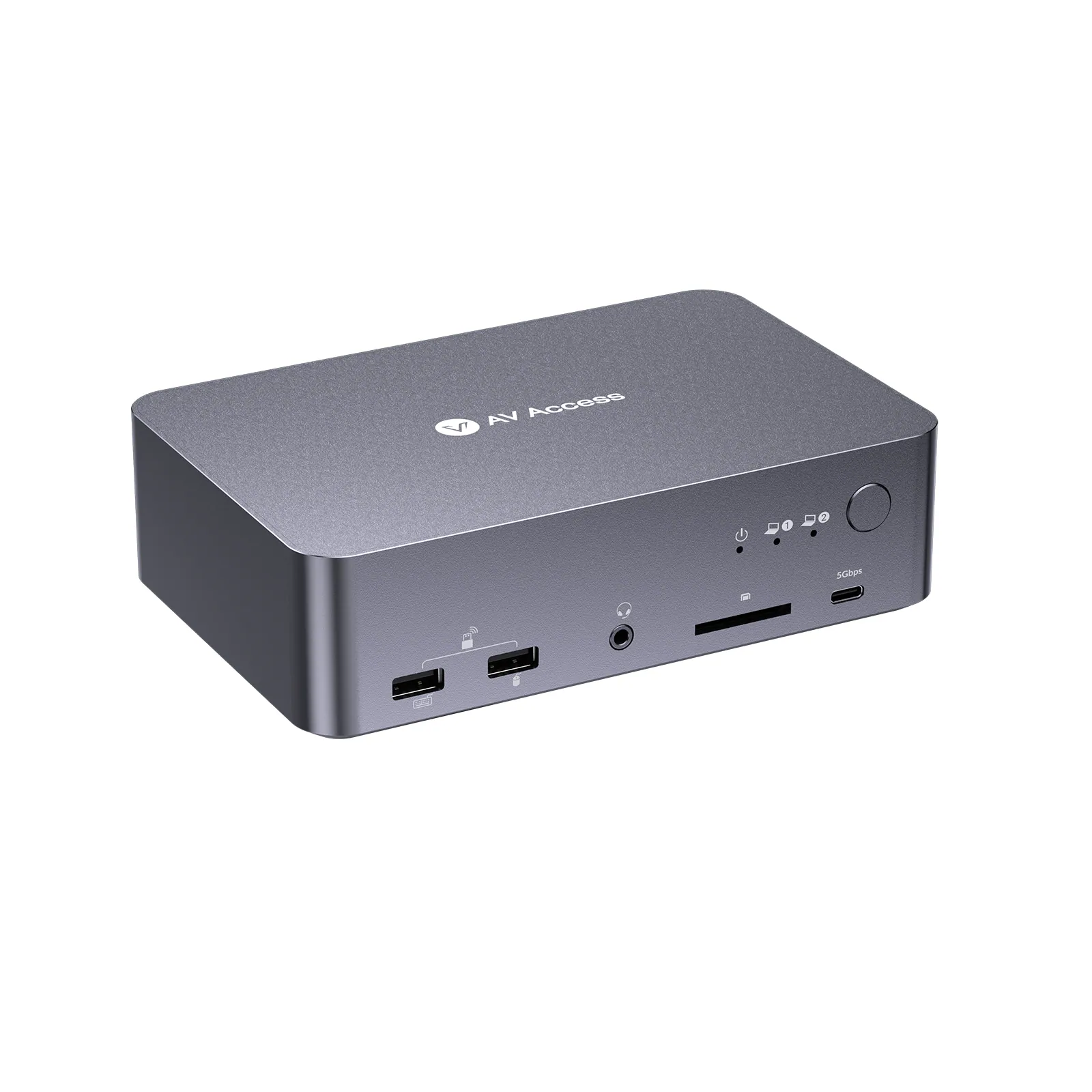
USB-C KVM docking station, 2 laptops, 4K dual monitor, 60 W charging
ModeliDock C20
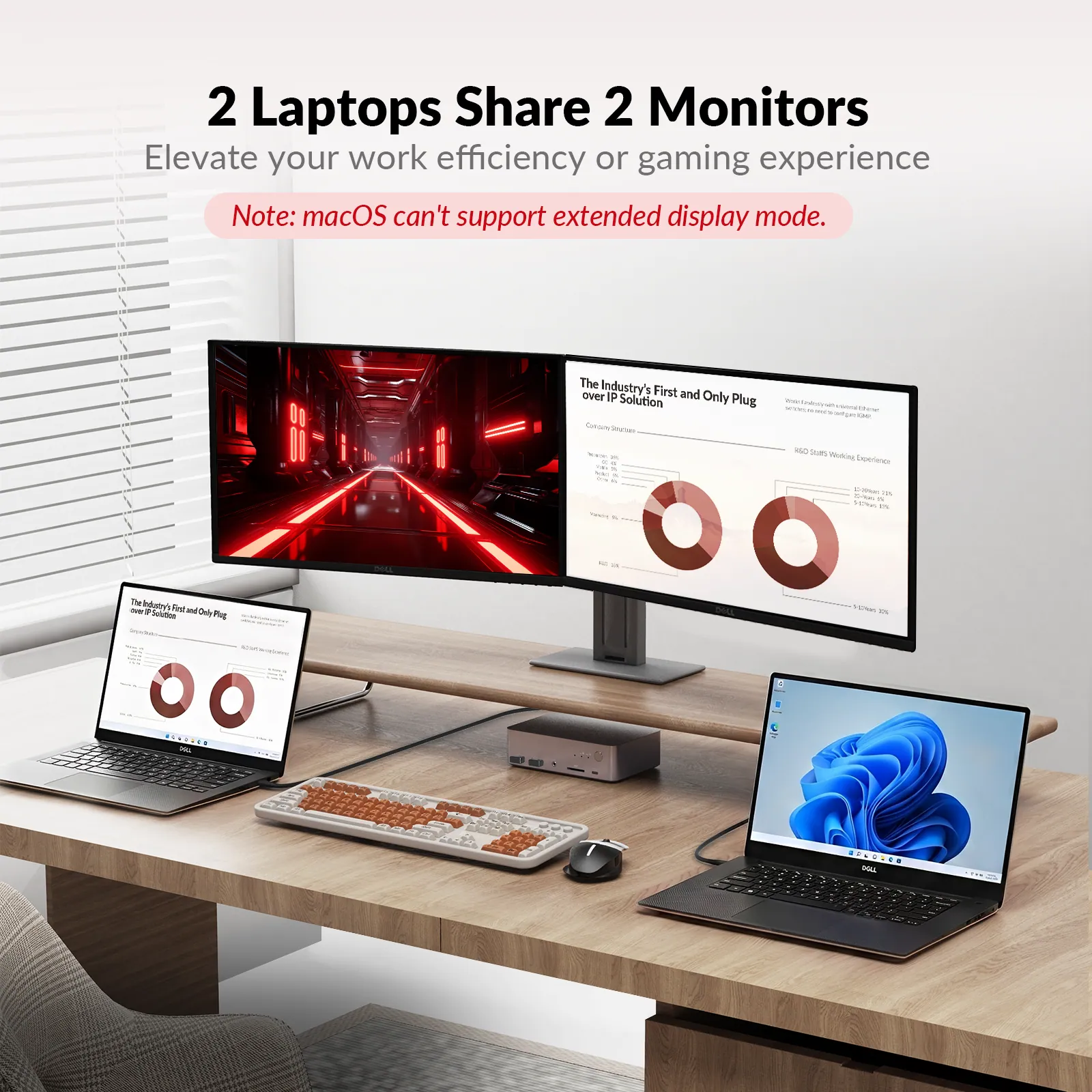
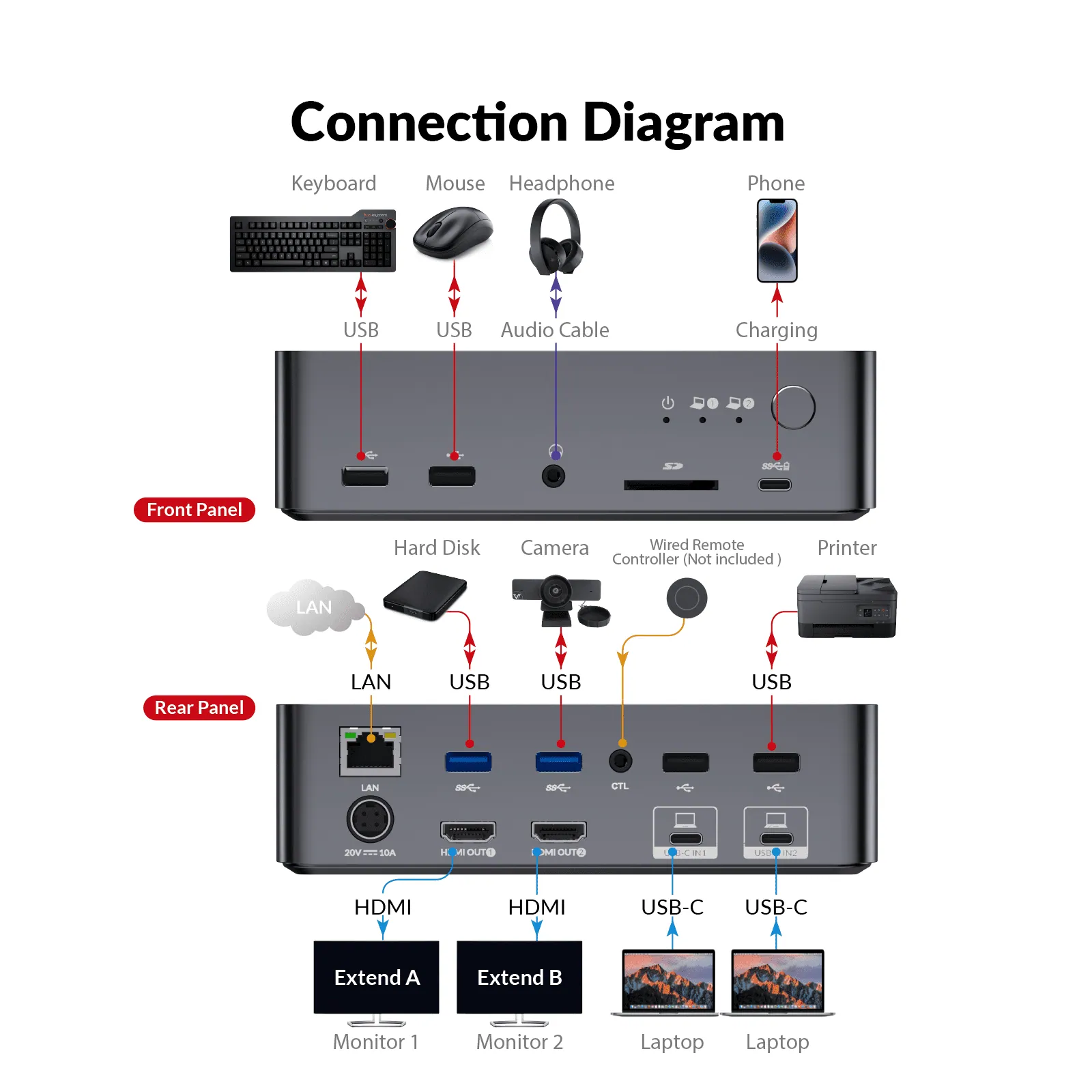
● Dual-Laptop Docking & Dual Monitors: Connect 2 laptops and enjoy dual 4K@60Hz displays for efficient multitasking.
USB-C KVM docking station, 2 laptops, 4K dual monitor, 60 W chargingPrice on request Request a quotation
01Video4 manufacturer's videos
AV Access USB-C KVM docking station, 2 laptops, 4K dual monitor, 60 W charging: the manufacturer's videos
02SpecificationManufacturer's data · 7 groups · 14 values
What this product is, in numbers.
PDFUser Manual7 pages · 923 KB
The manufacturer's published values. We confirm the configuration and the values that matter for your project before an order.
01General3
- Input
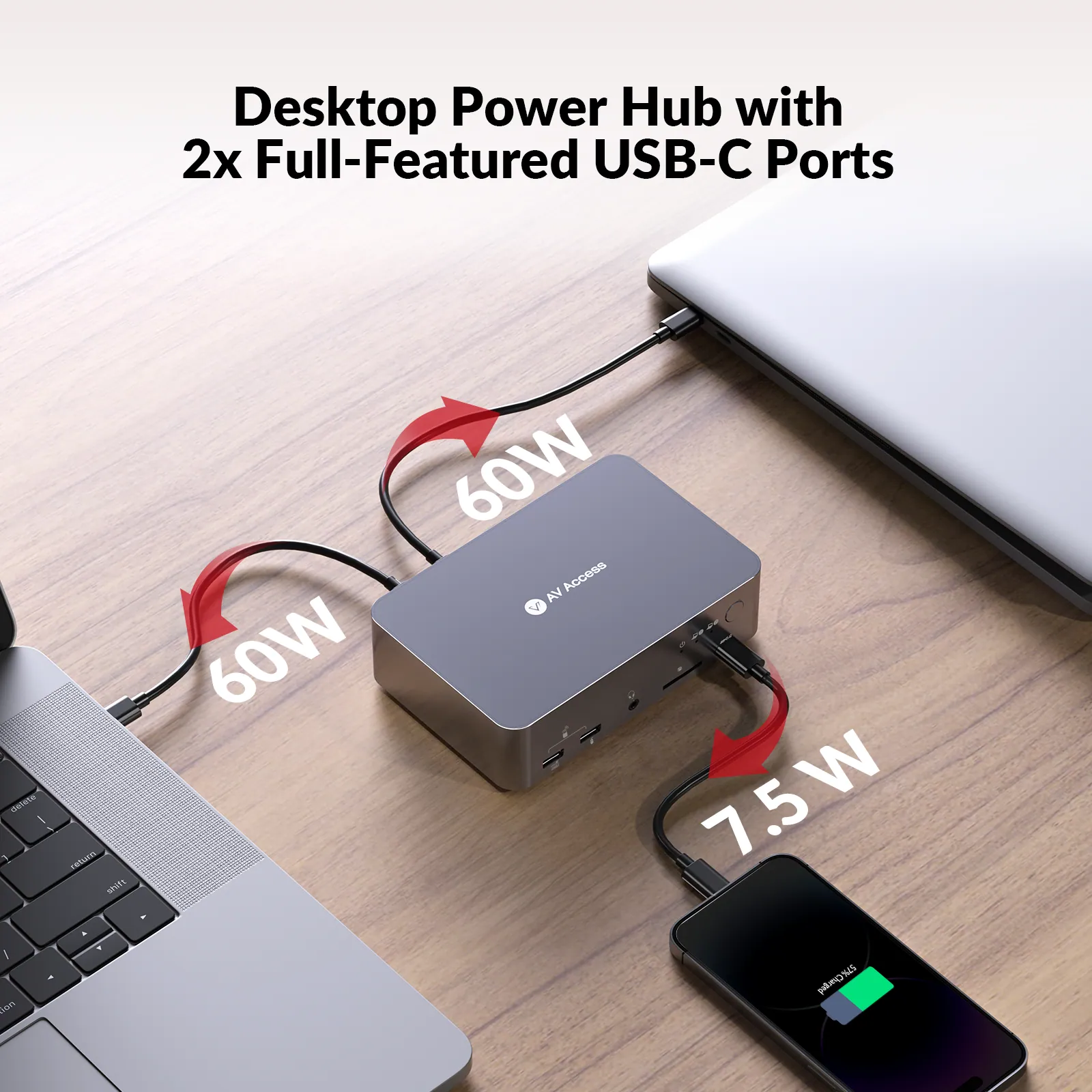
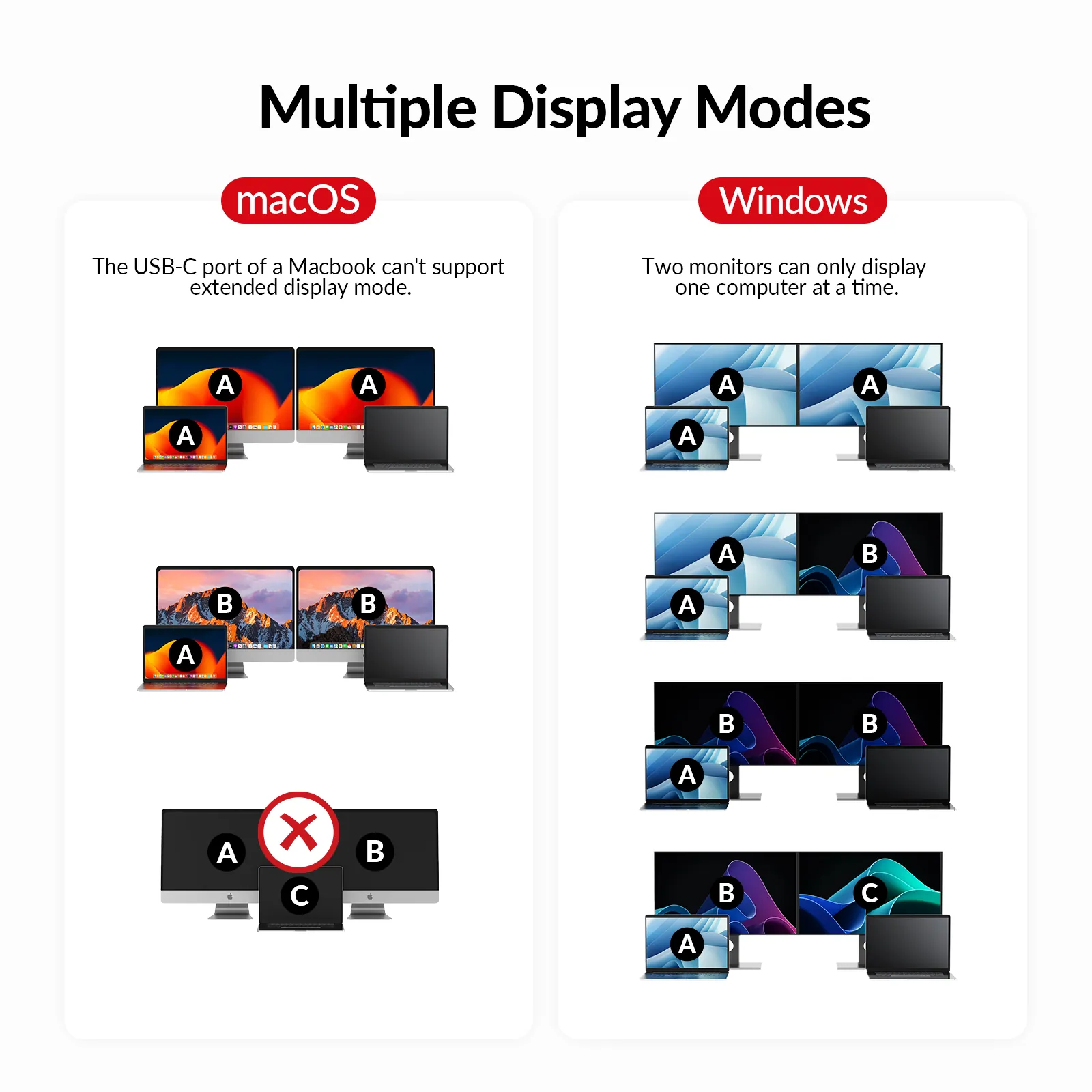
- USB C supports USB 3.2 Gen 2 × 1 standard, up to 20Gb/s, with support for: 60 W Charging, USB 3.0 (up to 5Gb/s), and Dual 4K@60 Hz video (MST)
- Output
- Two HDMI 2.0 outputs with HDCP 2.2
- Peripheral and expansion
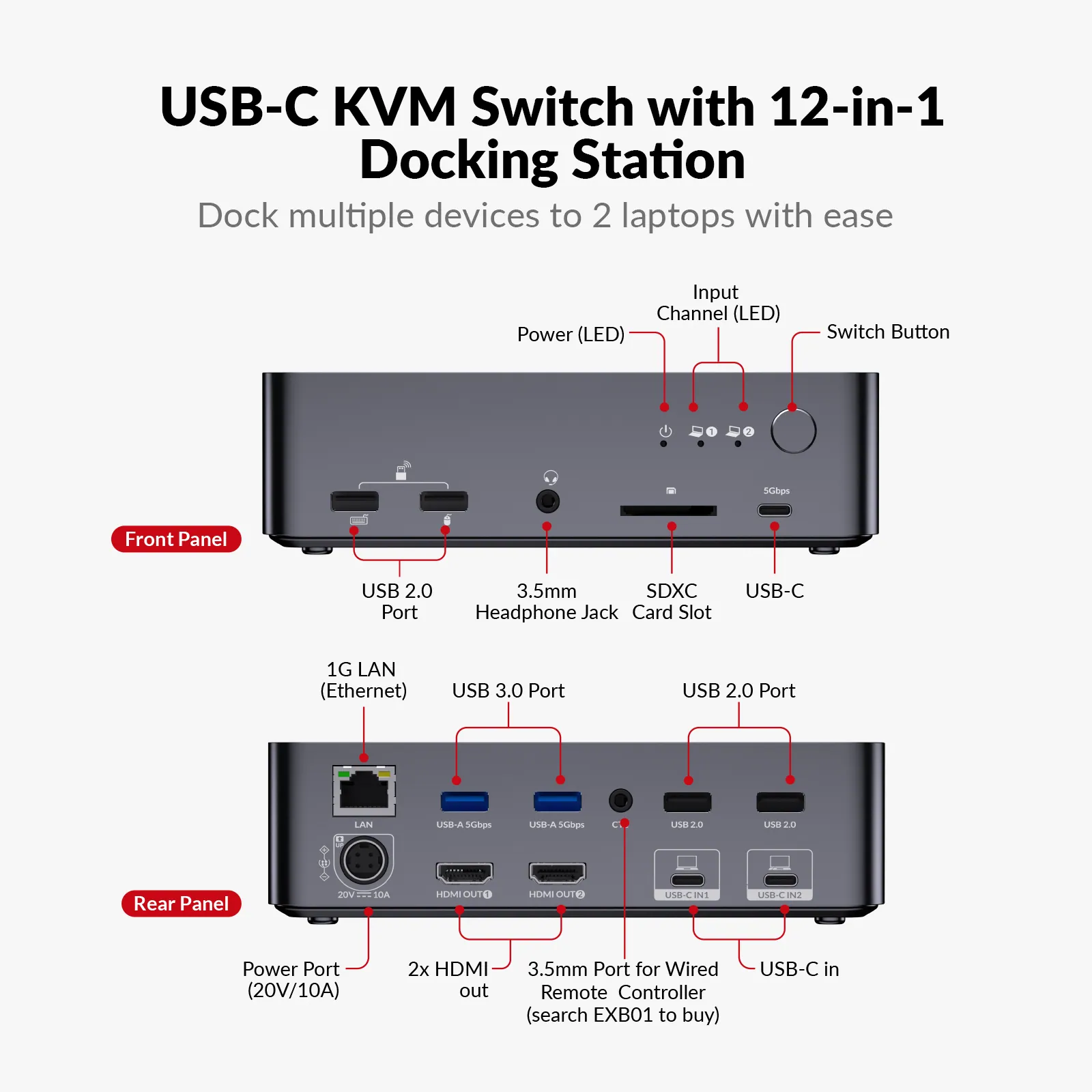
- USB C x1: Up to 5Gb/s, 1.5 A power output. / USB-A x6: / · Two USB 3.0 ports, up to 5Gb/s, and 1 A power output / · Four USB 2.0 ports, up to 480Mb/s / SDXC card slot: Up to 104MB/s, maximum support 2TB. / LAN: RJ-45 connector, support for 1Gb Ethernet performance
02Video1
- Resolution support
- USB C: Up to two 4K@60 Hz outputs
03Audio1
- Audio support
- HDMI: Fully supports audio formats in HDMI 2.0 specification, including PCM 2.0 / 5.1 / 7.1, Dolby TrueHD, Dolby Atmos, DTS-HD Master Audio, and DTS:X / Headset: Stereo
04Control and interfaces1
- Control
- Button switch, extended button control
05Power2
- Power supply
- DC 20 V / 10 A
- Power consumption
- TBD
06Physical2
- Dimensions (W × H × D)
- 168 × 47.4 × 110 mm / 6.61 × 1.87 × 4.33 in
- Product weight
- 0.67 kg / 1.48lbs
07Environment4
- Operating temperature
- 0 °C ~ 45 °C (32 °F to 113 °F)
- Storage temperature
- -20 °C ~ 70 °C (-4 °F to 158 °F)
- Humidity
- 10% to 90%, non-condensing
- ESD protection
- Human-body Model: / ±8 kV (Air-gap discharge)/±4 kV (Contact discharge)
Show the full specificationHide the rest of the specification0 more groups · 0 values
03DescriptionManufacturer's description
What it is.
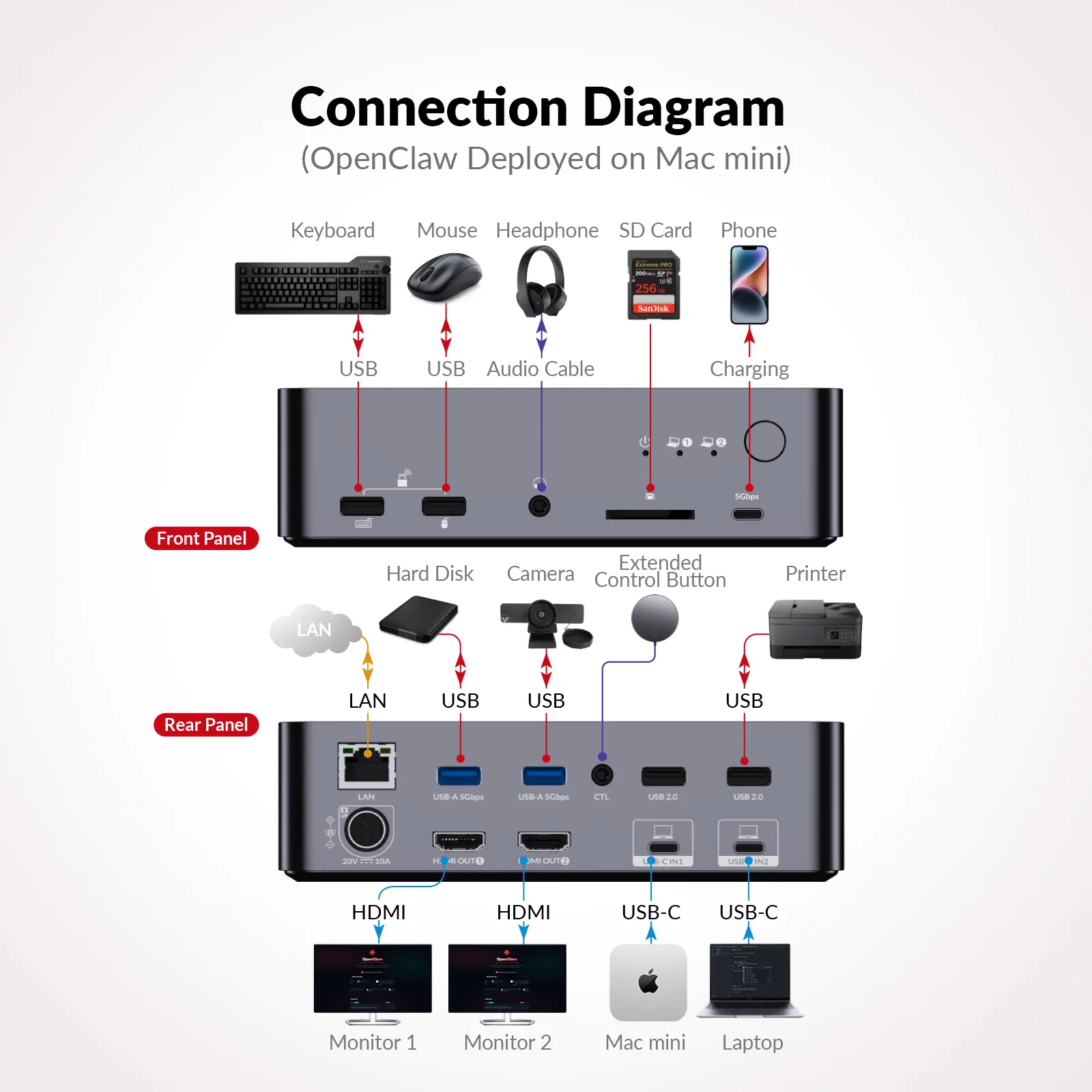
● Dual-Laptop Docking & Dual Monitors: Connect 2 laptops and enjoy dual 4K@60Hz displays for efficient multitasking. *Note: MacOS doesn’t support USB C MST, so external monitors will show duplicate content.* ● Flexible KVM & USB Modes: Switch both displays between two laptops in KVM Mode, or keep each laptop on its own screen while sharing USB peripherals in USB Mode. ● 12-in-1 Docking Station: Expand your workspace with multiple ports, including HDMI, USB, Ethernet, SD card slot and more. ● 1G LAN Port: Ensure stable and fast wired network for both laptops, no matter which laptop you switch to. ● Dual Full-Featured USB C: Each laptop connects with one cable for dual 4K@60Hz videos, 5Gbps data transfer, 60W charging, and shared LAN access-simplifying your setup. ● EDID Emulation:Prevents screen flickering and icon rearrangement when switching devices. ● Gaming-Ready Performance: Supports 2560×1440@144Hz and 1080P@240Hz/165Hz for ultra-smooth, high-performance gaming. ● Super Fast Switching: Avg. 2-3 seconds to switch everything between your PC sources via panel button or wired remote controller (not included). ● Built for AI Workflows: Seamlessly switch between your work laptop and a dedicated AI system (such as a Mac mini). Share all peripherals instantly and monitor AI tasks without disrupting your workflow.
* Important Notes
1. Most MacOS devices only support DP SST mode, so two duplicate contents will be displayed. For the extended display mode on two screens, please make sure that your USB C port supports DP alt and DP MST. 2. Supports ultrawide resolution of 3440 × 1440 @ 60 Hz. When connected to a 5120 × 1440 display, the output is limited to 3840 × 1080.
Two Laptops, Two Screens,One Solution
Work Smarter, Switch Faster
Seamless Multitasking, Instant Switching
Switch, Charge, Empower
Unlock the full potential of your workspace with iDock C20 — the ultimate 12-in-1 docking solution for effortless laptop management and dual-display efficiency.
For Windows
For Mac
MacOS doesn’t support USB C MST, so external monitors will show duplicate content.
Get Your AI Workflow Running in 3 Steps
Step 1
Connect your Mac mini to the iDock C20 with a single USB C cable.
Step 2
Press the front panel button to switch to the Mac mini.
Step 3
Monitor your OpenClaw workflow in real time.
Two Modes. One Smarter Workspace.
Whether you want to focus on one computer across dual monitors or work with two computers side by side, iDock C20 adapts to your workflow.
KVM Mode
USB Mode · New
Switch Your Entire Workspace in One Click
Seamlessly switch two monitors, a keyboard, mouse, and USB peripherals between two computers. With iDock C20, both screens display content from your selected computer, letting you switch your entire workspace with a single click for effortless multitasking.
Keep Both Computers in View
Run two computers side by side, each on its own monitor. With iDock C20, share a single keyboard, mouse, and USB peripherals between both systems, and switch USB control whenever you need it—without changing what’s displayed on either screen.
Note:USB Mode requires the latest firmware, please download to upgrade.
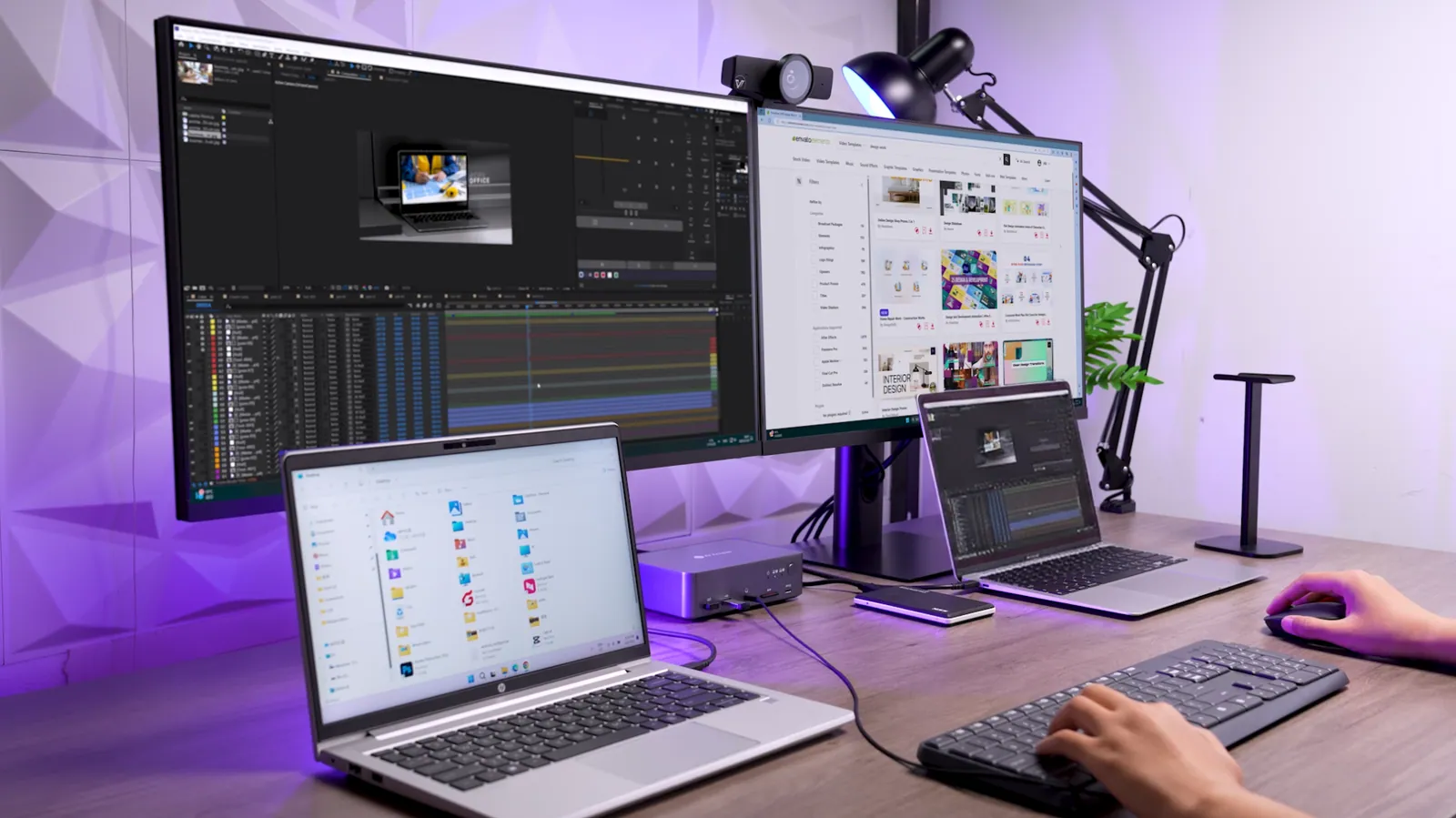
Dual Screens, Double Productivity
Enjoy more screen space to tackle tasks with ease. Compare files side by side or dedicate each screen to a specific task. Get more done, faster, and more efficiently.
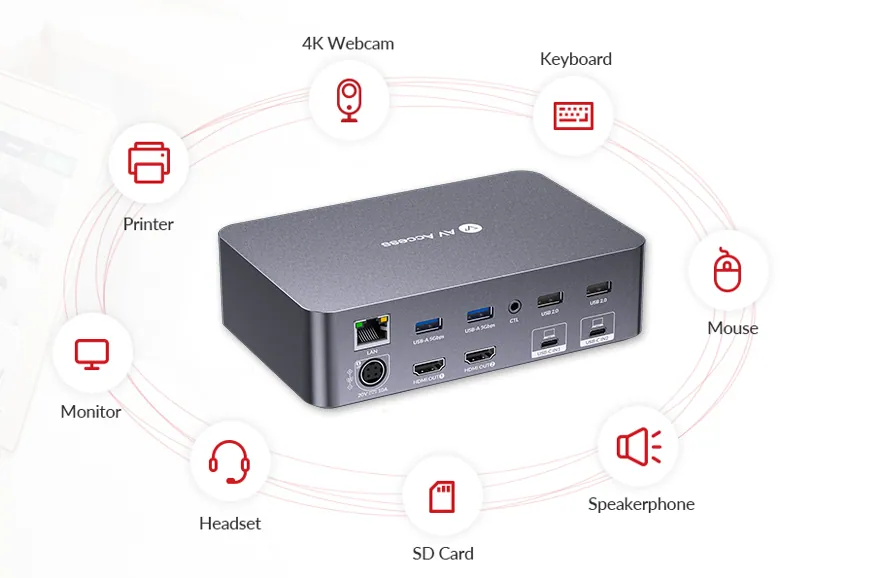
Unlock Seamless Multi-Device Connectivity
Effortlessly connect two laptops with a 12-in-1 docking station. Enjoy dual screens, multiple ports, and quick switching for a smoother, more productive workflow.
Streamline Your Workflow, No Interruptions
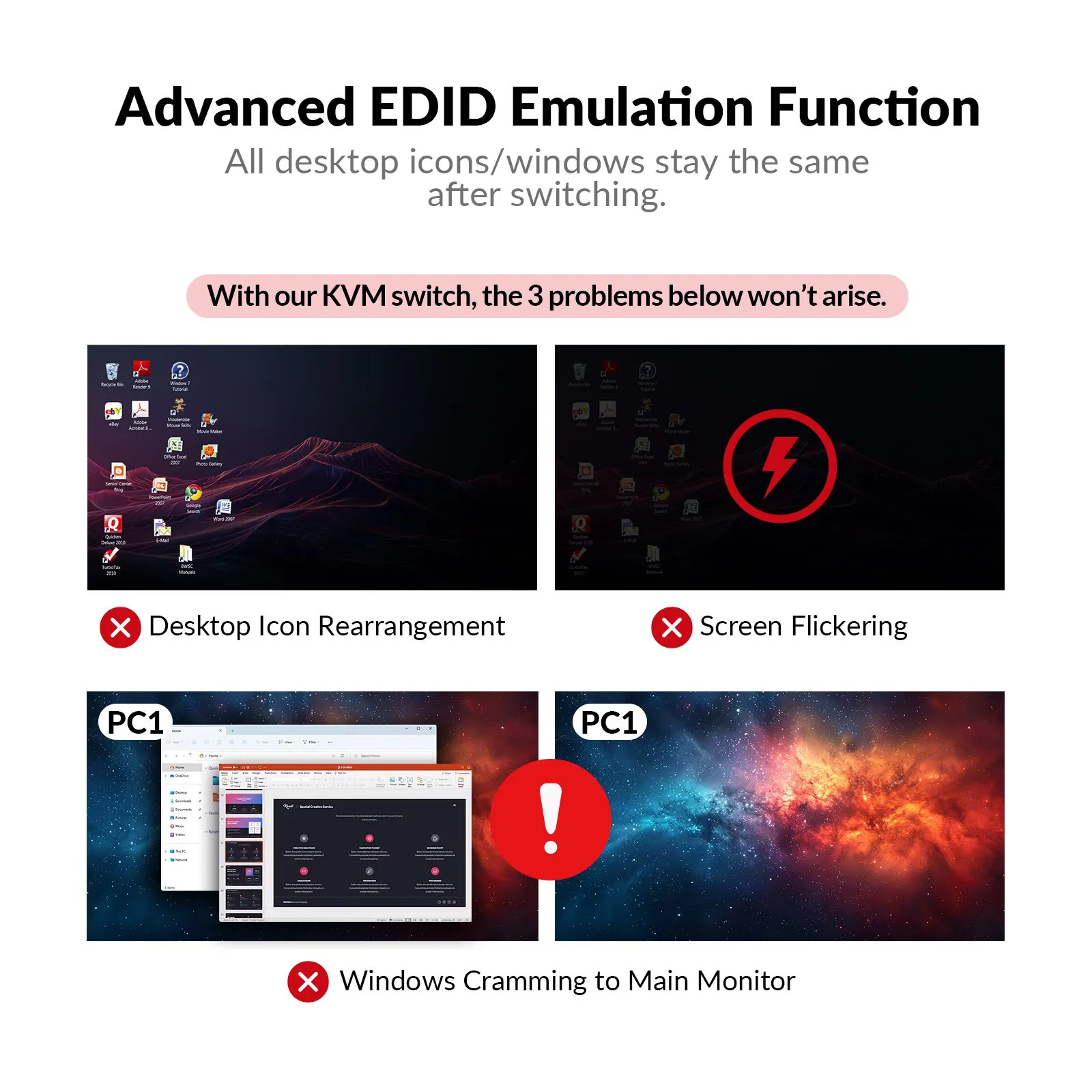
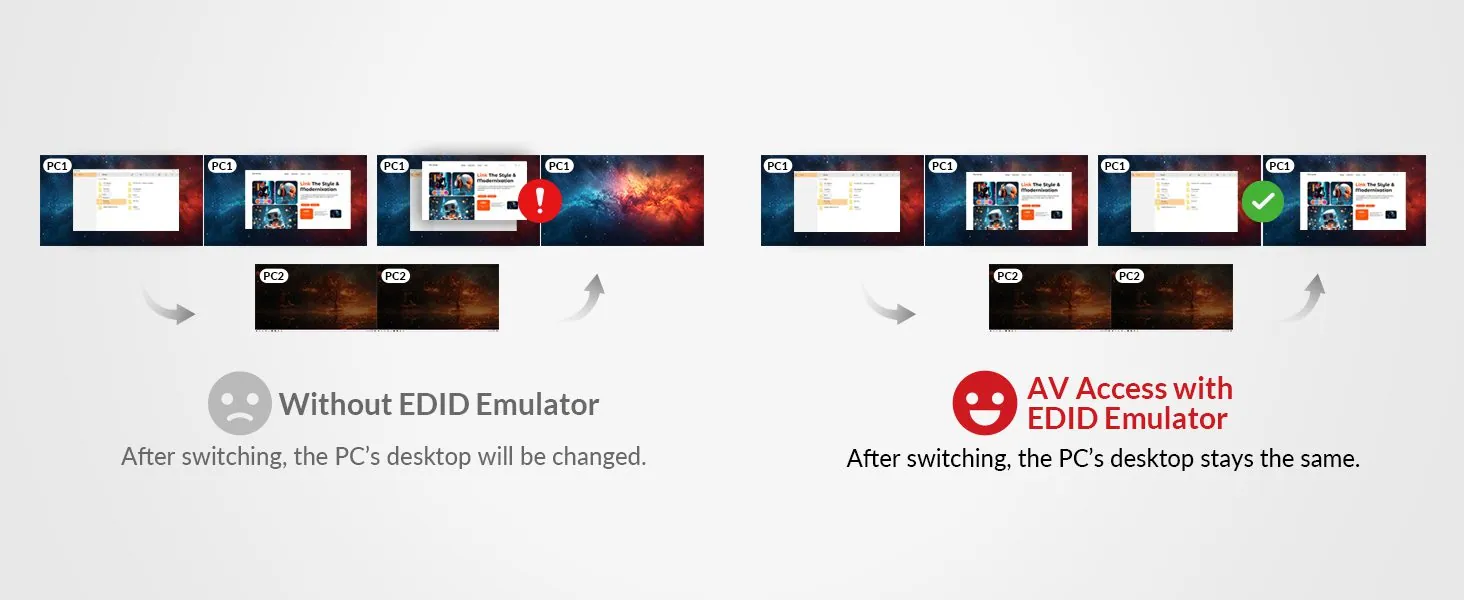
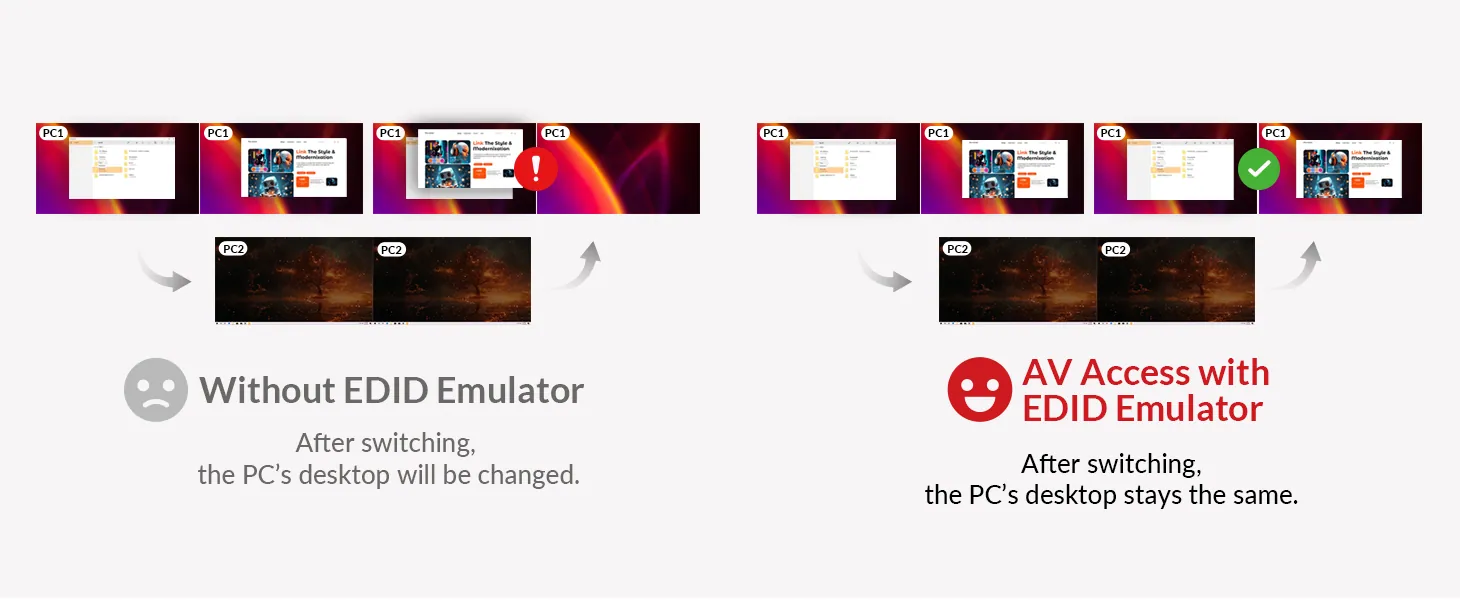
Say goodbye to screen flickering and desktop rearrangement
With EDID emulation, your monitor stays continuously connected to both PCs, ensuring a smooth switch between devices with your desktop exactly as you left it.
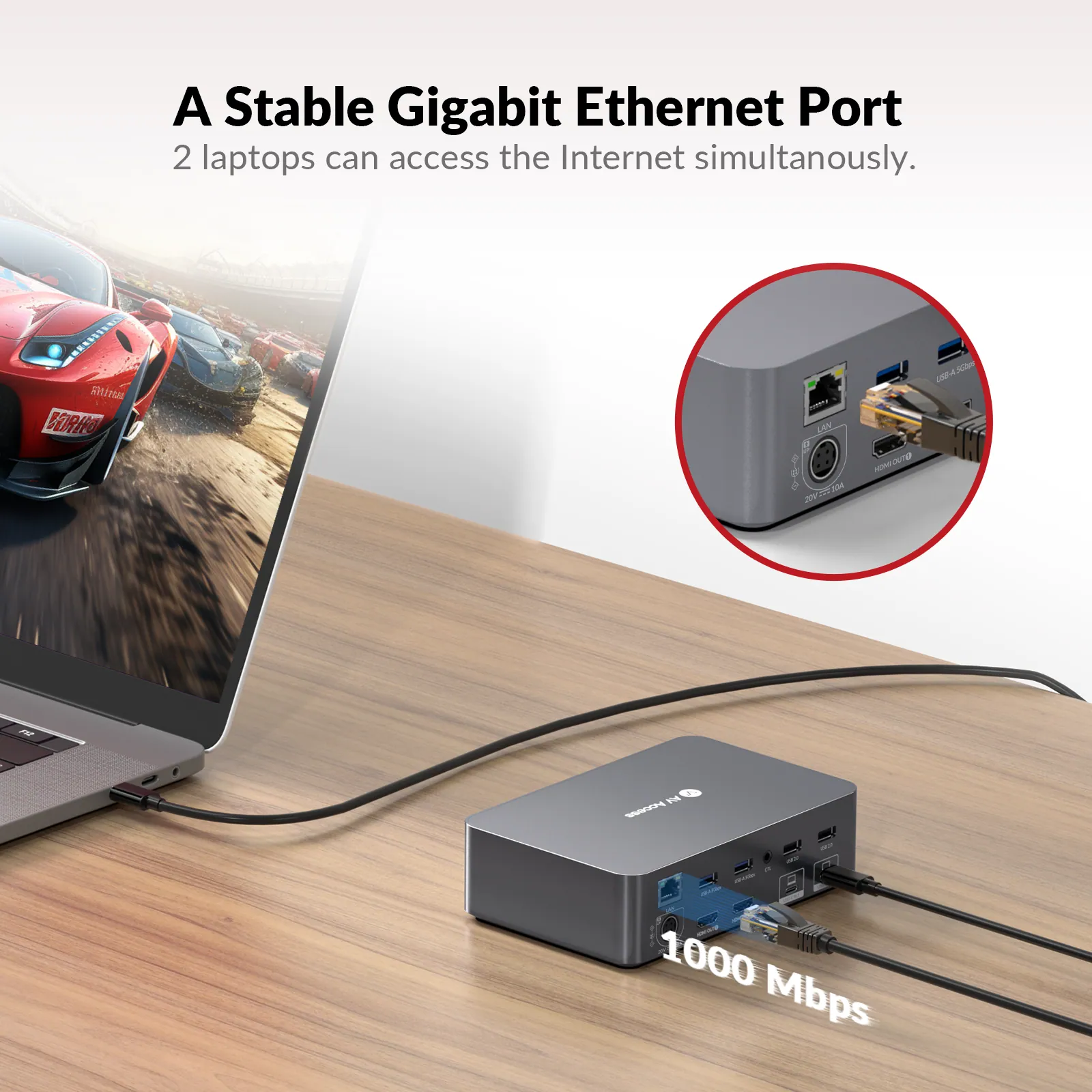
Gigabit LAN, Uninterrupted Connectivity
iDock C20 features a Gigabit LAN port, providing your laptops with fast, stable internet. Switch seamlessly between devices without any connection drop!
Dual USB C Ports for Ultimate Performance
With dual 20Gbps USB C ports, iDock C20 delivers dual 4K UHD videos, data transfer up to 5Gbps, and simultaneous charging (up to 60W per laptop).
Wake up Your Sleeping PC Effortlessly
Your PC may fall into sleep mode because it stands by for a long time or you just close it lid. Don’t worry, with iDock C20 you can just wake it up in one tap or one click.
Empower Professionals from All Walks of Life
Whether you are a hybrid worker, an IT professional, a game streamer, a graphic designer, video editor, or any other professional creator, iDock C20 makes a minimal but powerful desk setup possible for you.
Creator’s Picks
@UltimateTechHub
@Carlos___Correia
@AppleX4
Editor’s Picks on iDock C20
iDock C20 FAQs: KVM Docking Station For 2 Laptops
iDock C20 Review: Honest Opinions and Real Experiences
Why You Need a KVM Switch and How to Use It?
Choose the Model That’s Right for You
Check this chart and see if there is another model that fits your needs better. If you don’t find your model, take this quiz to find out which product we recommend for you.
04Documents3 files · 34 MB
Documents and files.
Datasheets, manuals, drawings and certificates as the manufacturer publishes them.
Drawings01
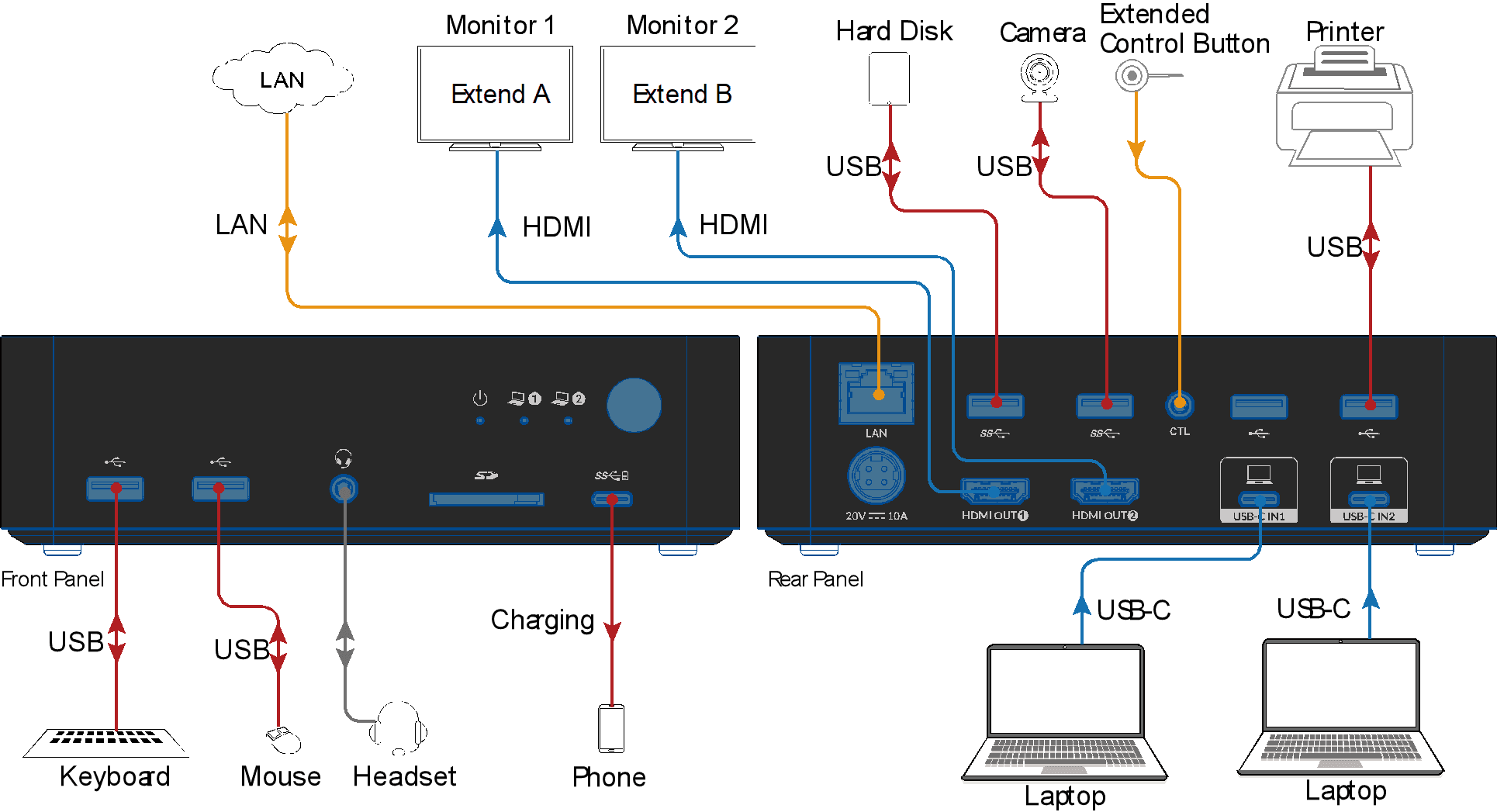
Software and data files01
05Related products
In the same range.
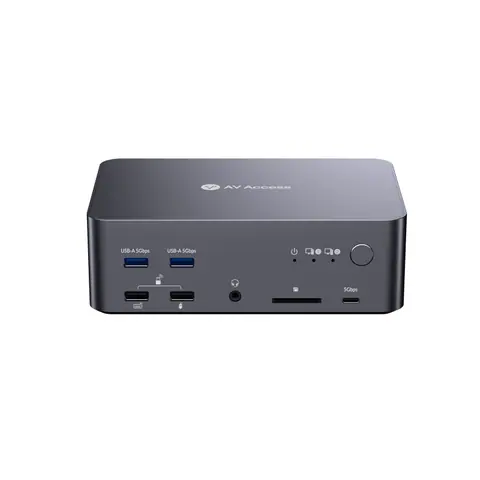
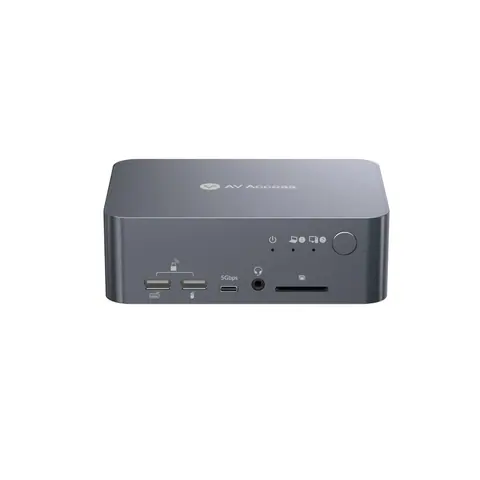 EQ-864AV AccessUSB-C KVM docking station, 4K dual monitor, 60 W PDiDock C10 · Switchers and KVM
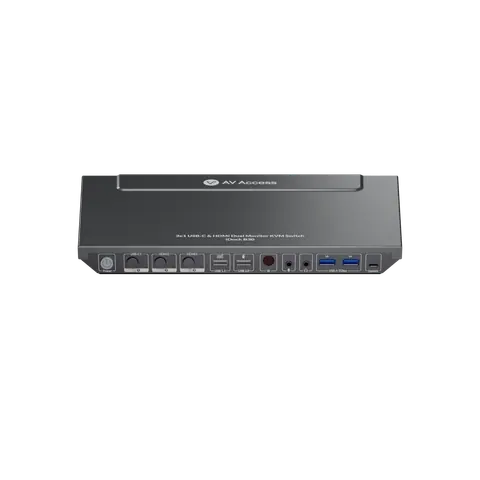
 EQ-866AV Access8K DisplayPort KVM docking station, triple monitor, 2 PCsiDock D23 · Switchers and KVM
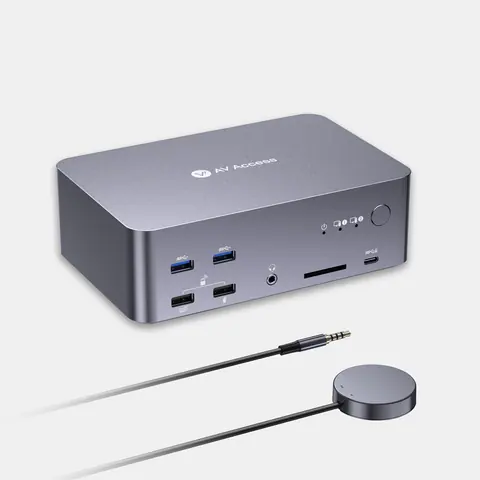
 EQ-863AV AccessUSB-C KVM docking station, 3-port, dual monitor, 65 W PDiDock B30 · Switchers and KVM
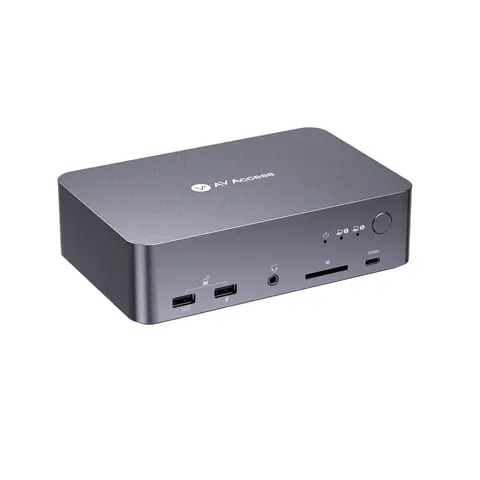
 EQ-867AV Access8K DisplayPort/HDMI KVM docking station, triple monitor, 2 PCsiDock D23i · Switchers and KVM
06Talk to us
 USB-C KVM docking station, 2 laptops, 4K dual monitor, 60 W chargingAV Access · EQ-865
Need this priced for your project?
- Quantity and site
- Configuration and interfaces
- Quotation