
















Sheet 05.866

AV Access · Switchers and KVM
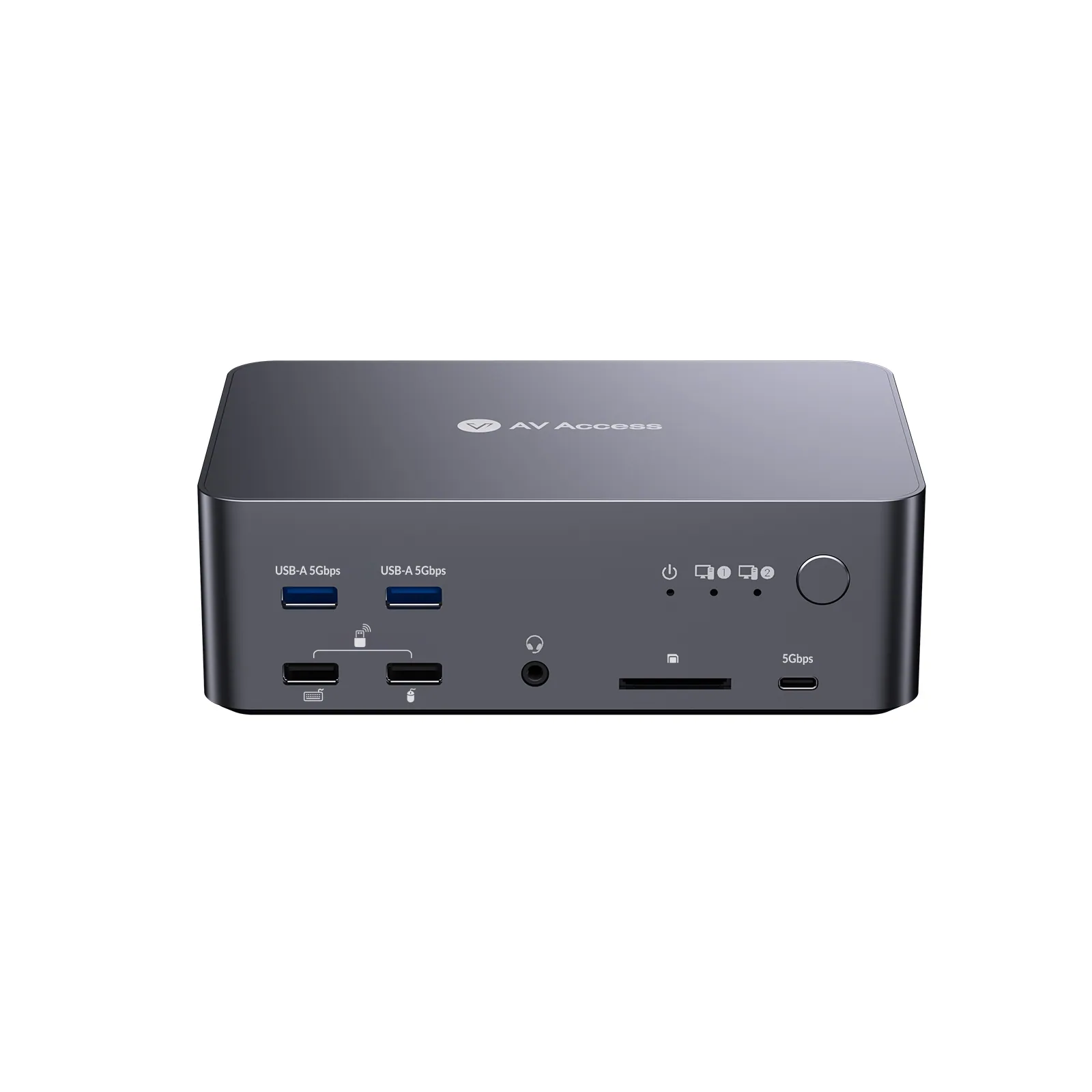
8K DisplayPort KVM docking station, triple monitor, 2 PCs
ModeliDock D23
● Triple Monitor Design:6x DP inputs and 3x DP outputs support seamless switching between work and gaming, ensuring a true triple-screen display.
8K DisplayPort KVM docking station, triple monitor, 2 PCsPrice on request Request a quotation
01Video3 manufacturer's videos
AV Access 8K DisplayPort KVM docking station, triple monitor, 2 PCs: the manufacturer's videos
02SpecificationManufacturer's data · 4 groups · 12 values
What this product is, in numbers.
PDFUser Manual7 pages · 1.0 MB
The manufacturer's published values. We confirm the configuration and the values that matter for your project before an order.
01General7
- Main function
- A triple-monitor 8K DP KVM Docking Station for 2 Desktop PCs
- Target audience
- Gamer, streamer, designer, video editor, developers, traders or any other professional creator.
- Critical scenarios
- Gaming, Streaming, Work for Home, Multi-Device Workstation
- Key features
- 1. KVM Switch for two DisplayPort desktops / 2. Support Triple Montiors / 3. 8K@60 Hz / 4K@165 Hz / 1080P@480 Hz / 360 Hz / 4. Easy Switching in 3 ways / 5. Auto Wake-up / 6. Plug and Play
- Inputs
- 6x DisplayPort
- Outputs
- 3x DisplayPort
- Key features
- 1. KVM Switch for two DisplayPort desktops / 2. Support Triple Montiors / 3. 8K@60 Hz / 4K@165 Hz / 1080P@240 Hz / 4. Easy Switching in 3 ways / 5. Auto Wake-up / 6. Plug and Play
02Control and interfaces2
- USB ports
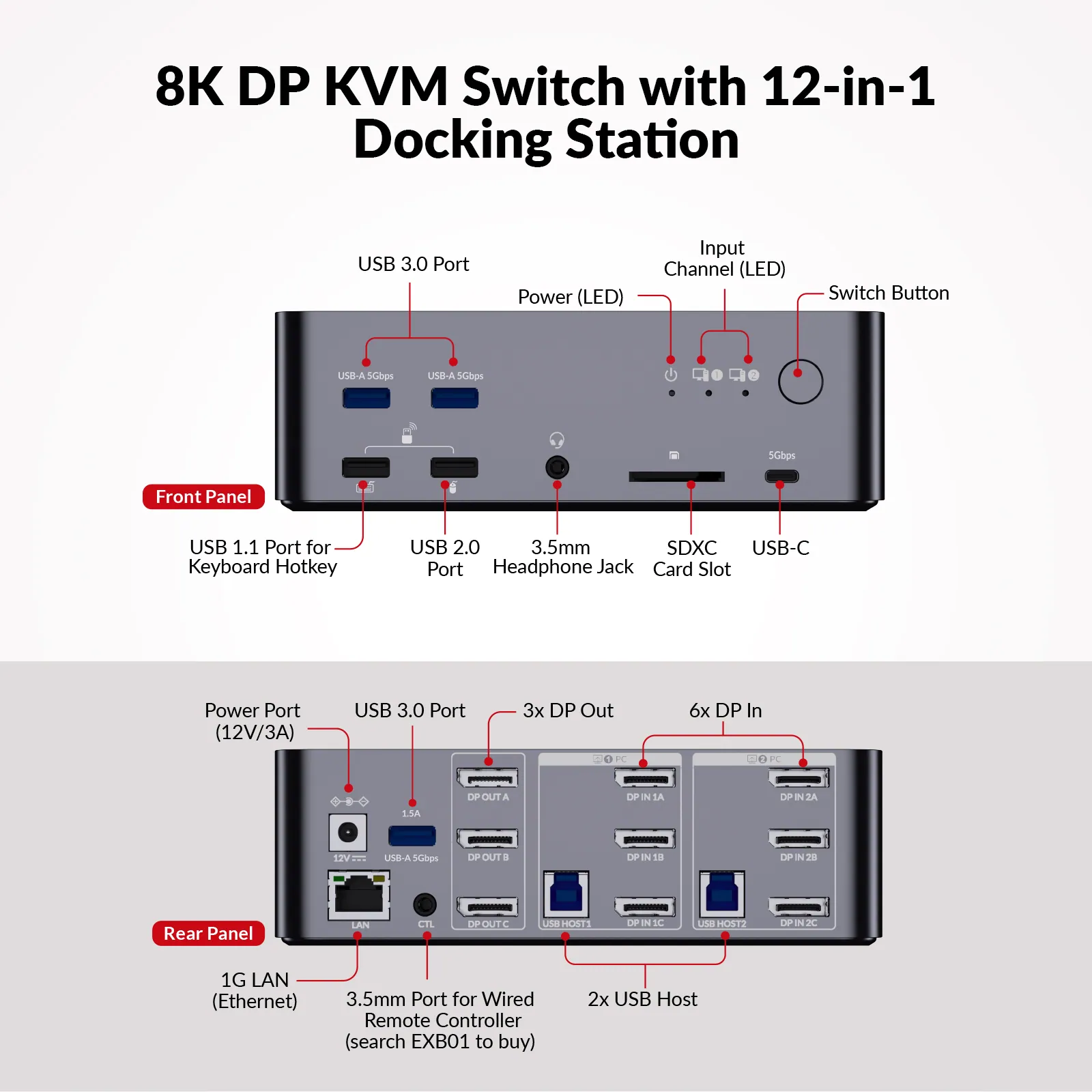
- 3x USB 3.0, 1x USB 2.0, 1x USB C 1.1, 1x USB C
- Controls
- Panel Button, Keyboard Hotkey, Wired Remote Button (not included)
03Power1
- Power
- 1x Power Adapter (DC 12 V / 3 A) (included)
04Packaging2
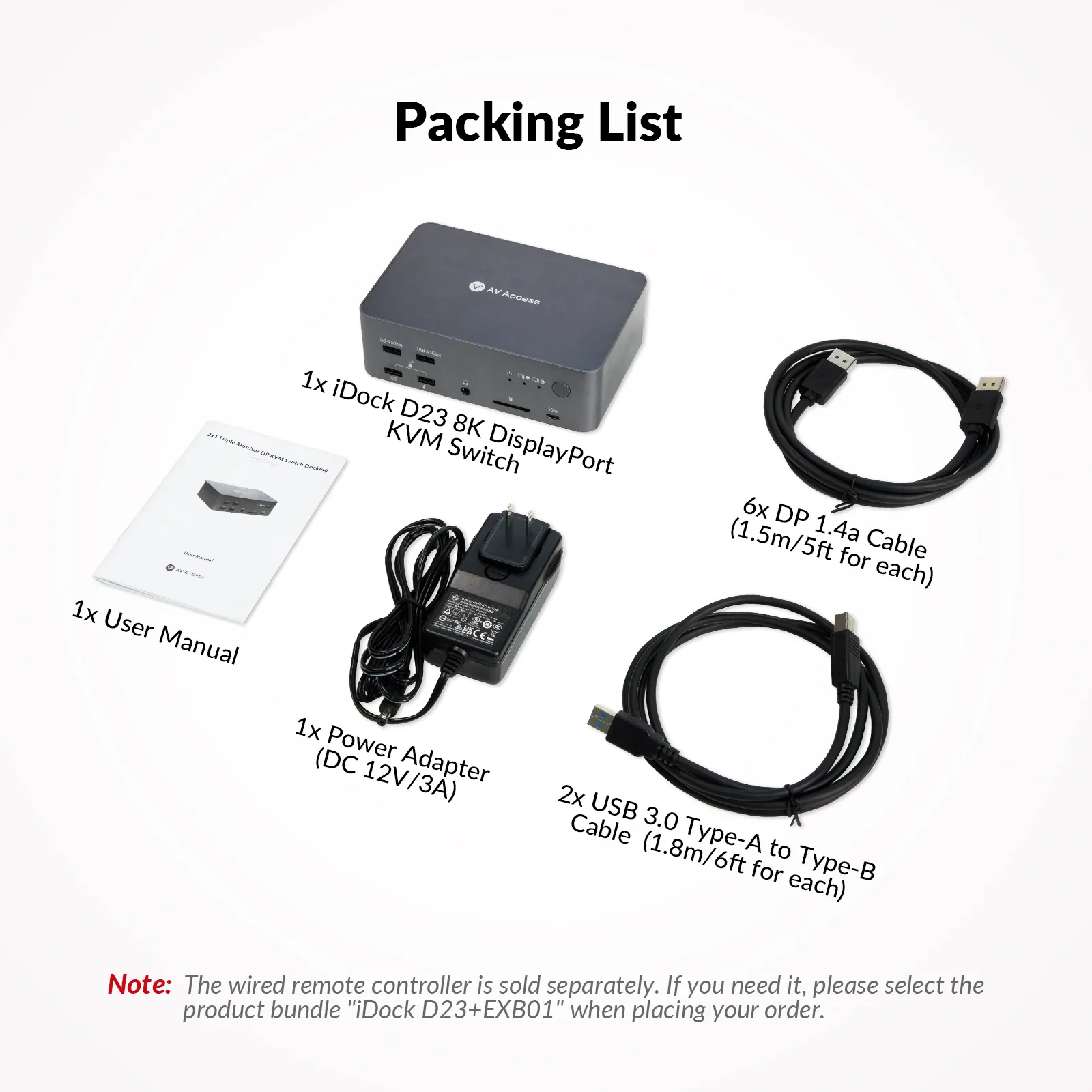
- Included cables
- 2x USB 3.0 Type-A to Type-B Cables (1.8 m / 6 ft for each) / 6x DP 1.4a Cable (1.5 m / 5 ft for each)
- Included cables
- 2x USB 3.0 Type-A to Type-B Cables (1.8 m / 6 ft for each) / 6x DP 1.4a Cable (1.5 m / 5 ft for each) / 1x IR Remote
Show the full specificationHide the rest of the specification0 more groups · 0 values
03DescriptionManufacturer's description
What it is.
● Triple Monitor Design:6x DP inputs and 3x DP outputs support seamless switching between work and gaming, ensuring a true triple-screen display. ● Ultra-High Refresh Rate: Supports up to 4K@165Hz and 1080P@480Hz/360Hz, ensuring ultra-smooth visuals for fast action and gaming. ● Immersive 8K Ultra HD:DP 2.0 & HDCP 2.3 compliant, supporting 8K@60Hz and HDR formats (HDR10, HLG, HDR10+, Dolby Vision) for exceptional clarity. ● 12-in-1 Docking Station: Share peripherals between two PCs with USB-C, USB 3.0, Ethernet, audio, SD card slot, and 3x DP outputs. ● 2 PCs & 1 Ethernet Port: Both PCs share a stable 1G Ethernet connection for uninterrupted internet access during switching. ● Three Ways to Switch: Switch seamlessly in 2-3 seconds via panel button, wired remote controller (sold separately), or keyboard hotkeys.
⭐If it’s not everything you hoped for, we’ll make it right with a refund—your satisfaction comes first. Free Shipping* 3-Day Delivery from Local Warehouse (US/CA)* 30-Day Money-Back Guarantee* 3-Year Warranty for Partners*
* Important Notes
For stable video input/output, use the included 6x DP 1.4a cables. For flickering issues with 8K@60Hz or 4K@165/144Hz video output, try certified DP 2.0 cables.
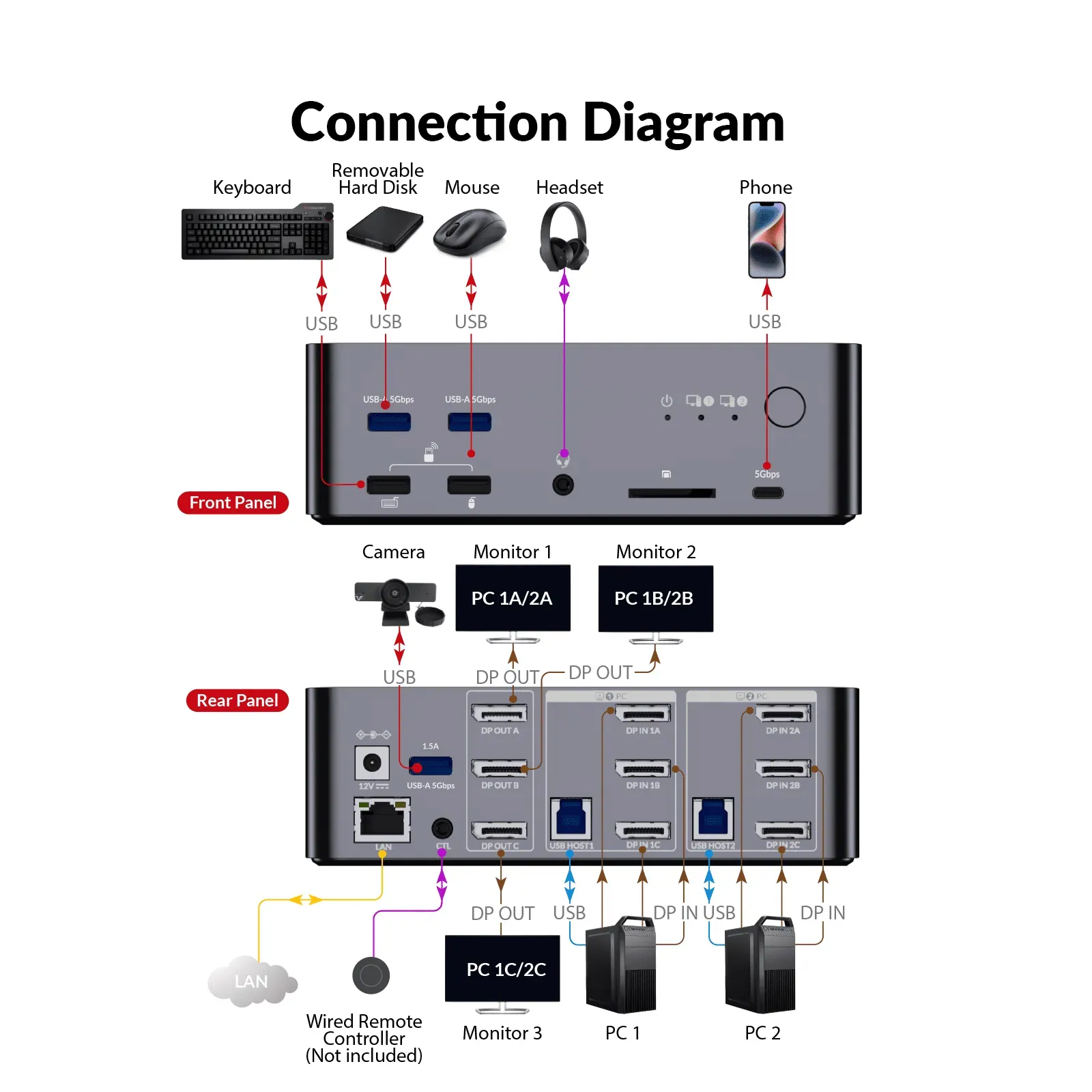
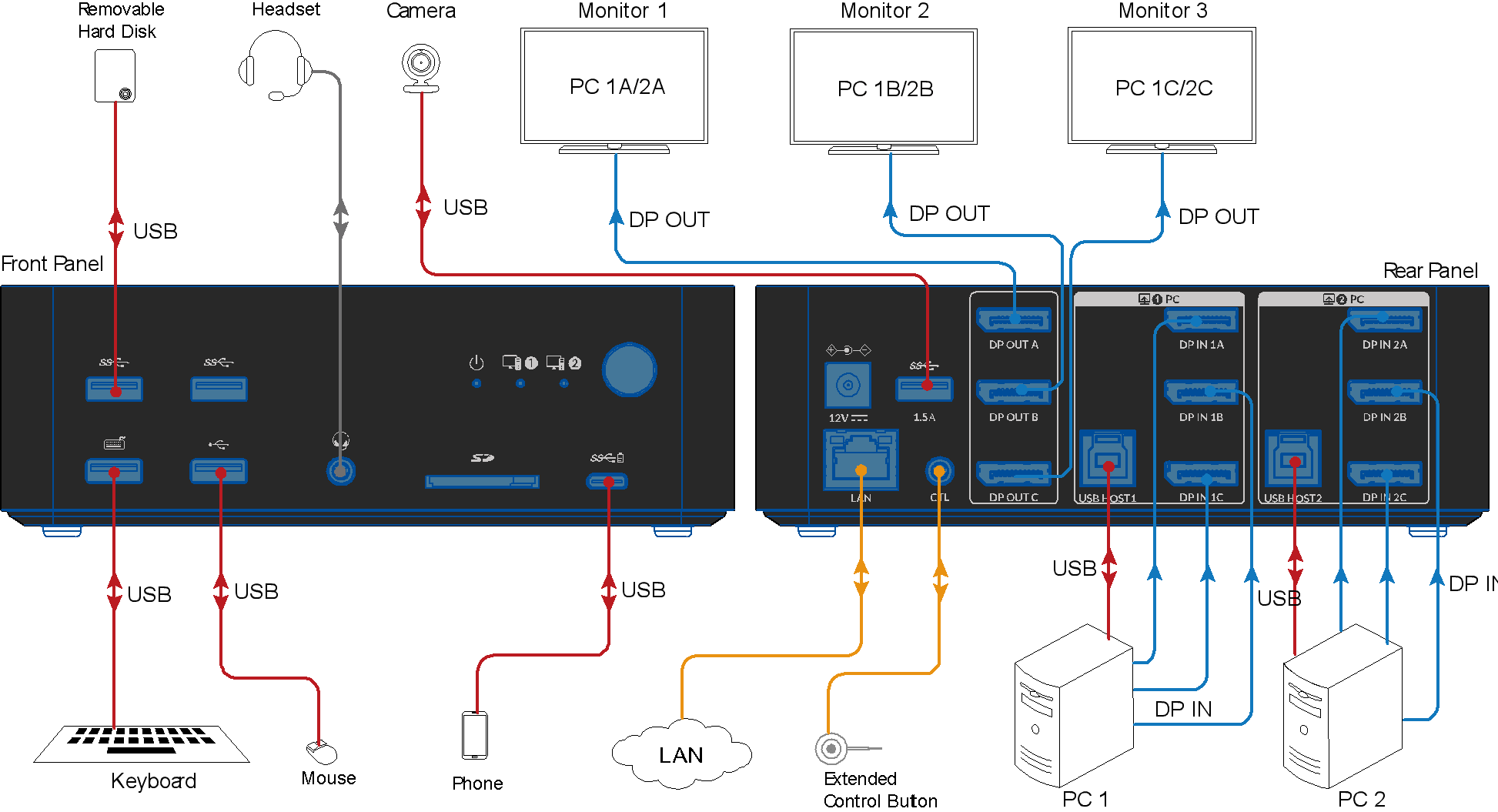
For triple-screen output, connect all “DP in” ports of group 1 or 2 and the USB host to your PC; then connect all “DP out” ports to the monitors.
The product doesn’t support EDID emulation at present.
8K DP KVM Docking Station for Dual Desktops
iDock D23solves dual‑desktop switching and shares 3 monitors, keyboard, mouse, and USB 3.0 between two PCs. Supports 8K@60Hz, 4K@165Hz and 1080P@480Hz/360Hz with G‑Sync/FreeSync passthrough. Switch via button, remote, or hotkey — 2‑3 seconds, driver‑free. Best for PC gaming, video editing, and local AI dev.
iDock D23solves dual‑desktop switching and shares 3 monitors, keyboard, mouse, and USB 3.0 between two PCs. Supports 8K@60Hz, 4K@165Hz and1080P@240Hz with G‑Sync/FreeSync passthrough. Switch via button, remote, or hotkey — 2‑3 seconds, driver‑free. Best for PC gaming, video editing, and local AI dev.
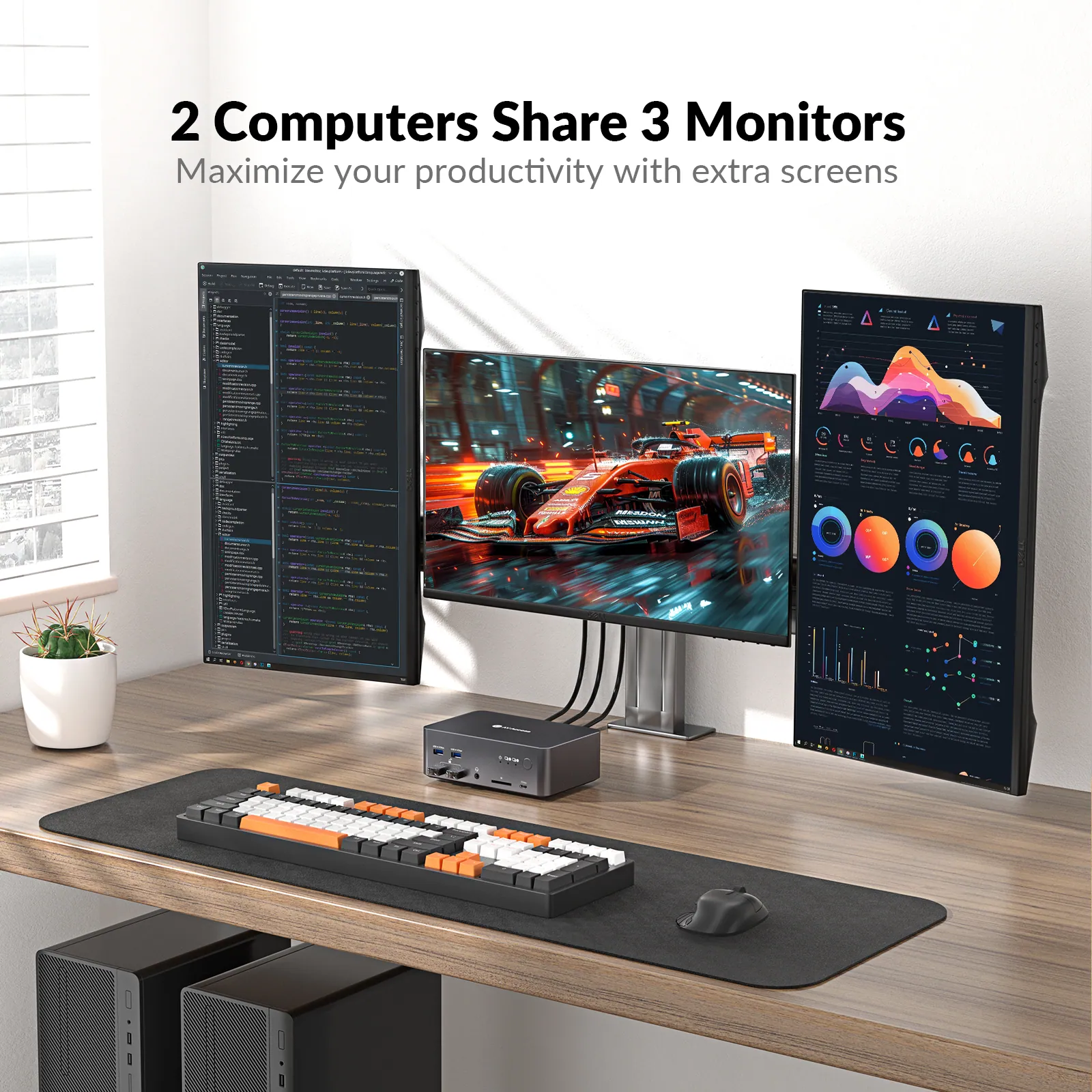
Triple Monitors, Two Desktops, Ultimate Efficiency
Bring ultimate efficiency to your desk
Dual Screens. Double Productivity.
More screen real estate to get work done easier. Compare your files in different screens, or just assign different tasks to each dedicated screen. You can have your work done more productively.
Immersive 8K Images for Splendid View
This DisplayPort KVM switch, compliant with DP 2.0 and HDCP 2.3, delivers breathtaking 8K@60Hz resolution. Experience ultra-crisp visuals with MST, VRR, HDR10, HLG, and Dolby Vision for a truly immersive display.
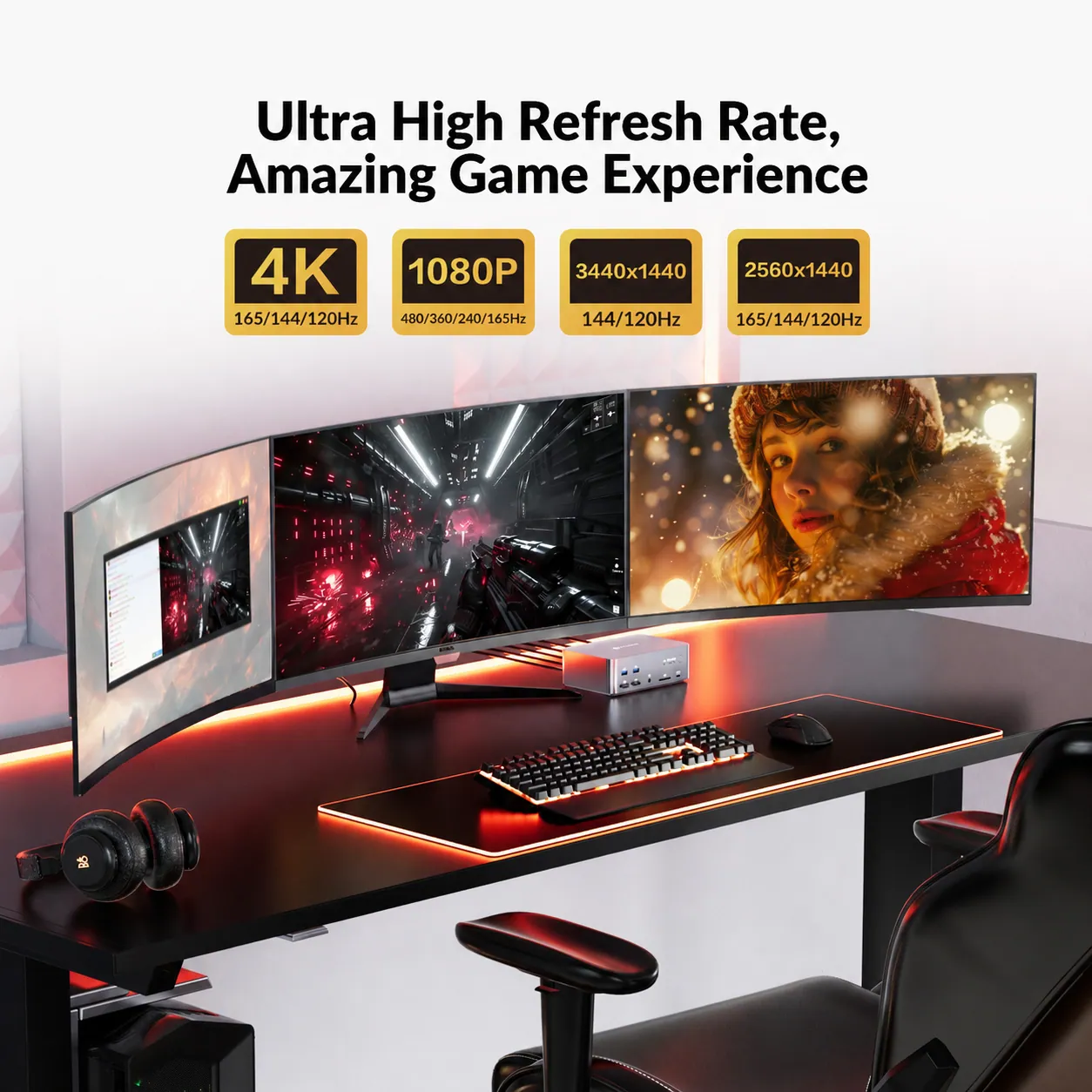
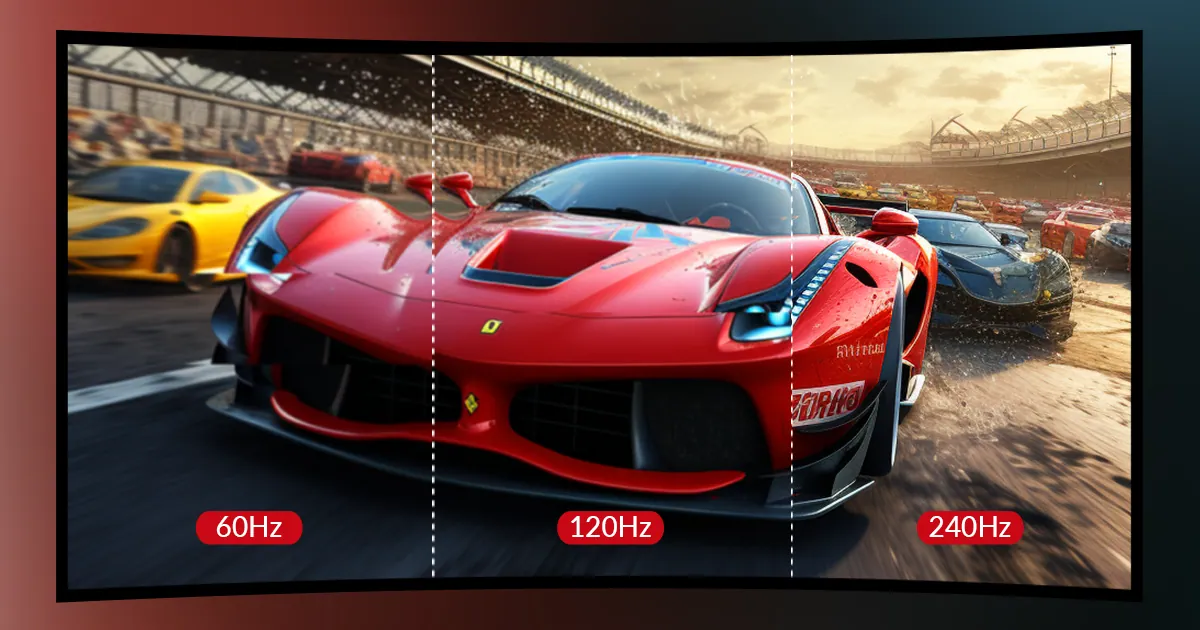
Smooth Gaming with High Refresh Rates
Enjoy high refresh rates like 4K@165Hz, 3440×1440@144Hz, 2560×1440@165Hz, and 1080P@480Hz/360Hz for smooth, lag-free gaming with effortless source switching.
Boost Connectivity with a Docking Station.
With iDock C10, you can easily share a 12-in-1 docking station between a laptop and a desktop PC. A variety of ports bring your connectivity to a next level.
Enjoy high refresh rates like 4K@165Hz, 3440×1440@144Hz, 2560×1440@165Hz, and 1080P@240Hz for smooth, lag-free gaming with effortless source switching.
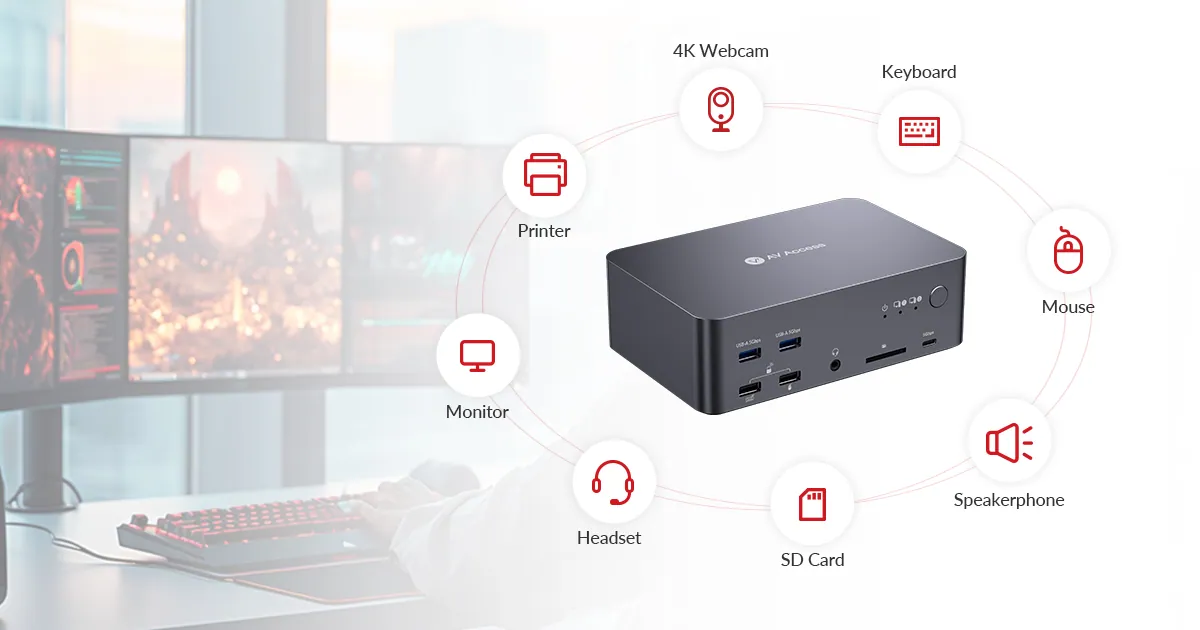
12 in-1 Powerful Docking Station
The iDock D23 effortlessly combines a KVM switch and docking station, allowing you to build a powerful home workstation. With support for up to three monitors, it enables seamless sharing of peripherals—such as a mouse, keyboard, printer, scanner, SD card, and headphones—between two computers, enhancing productivity and simplifying your setup.
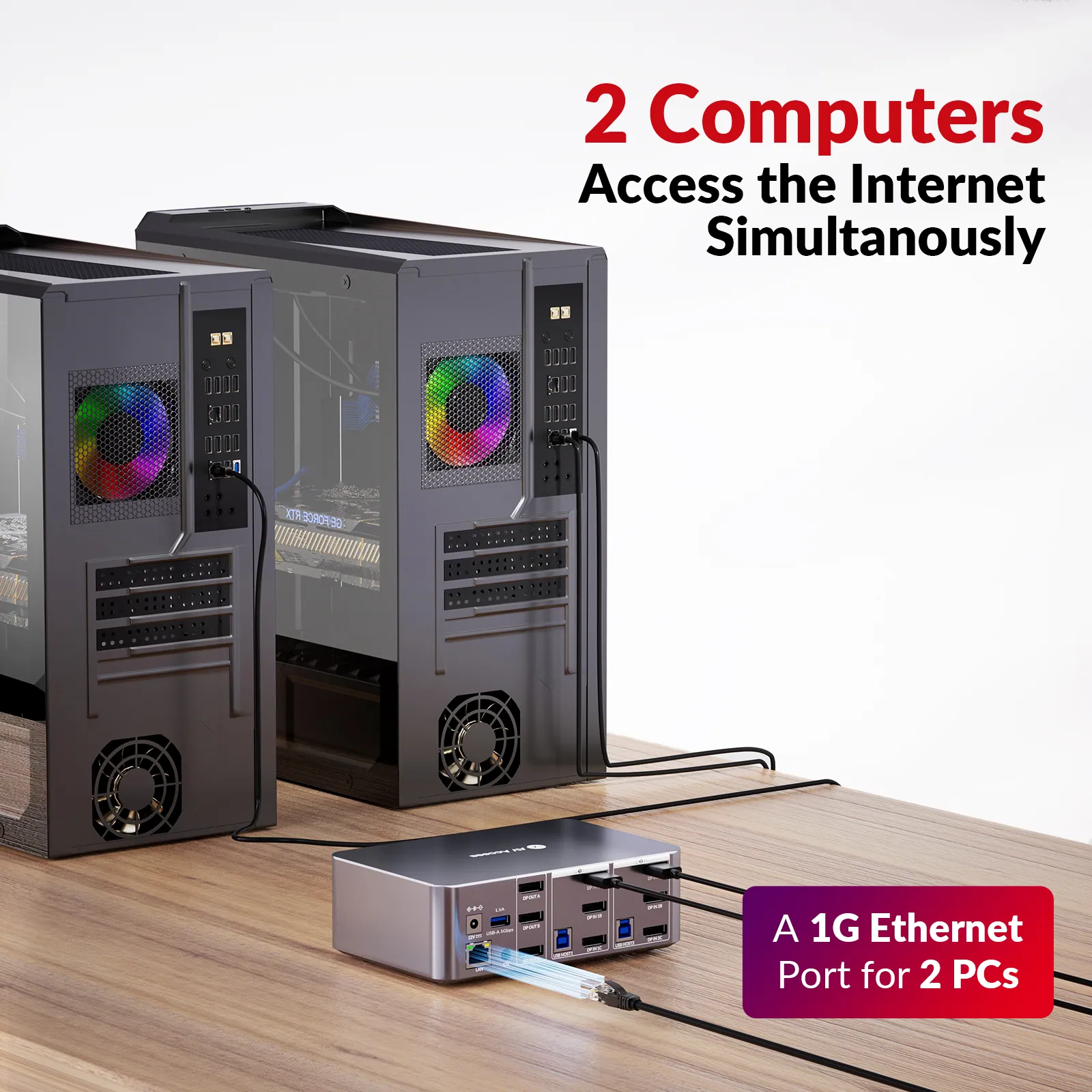
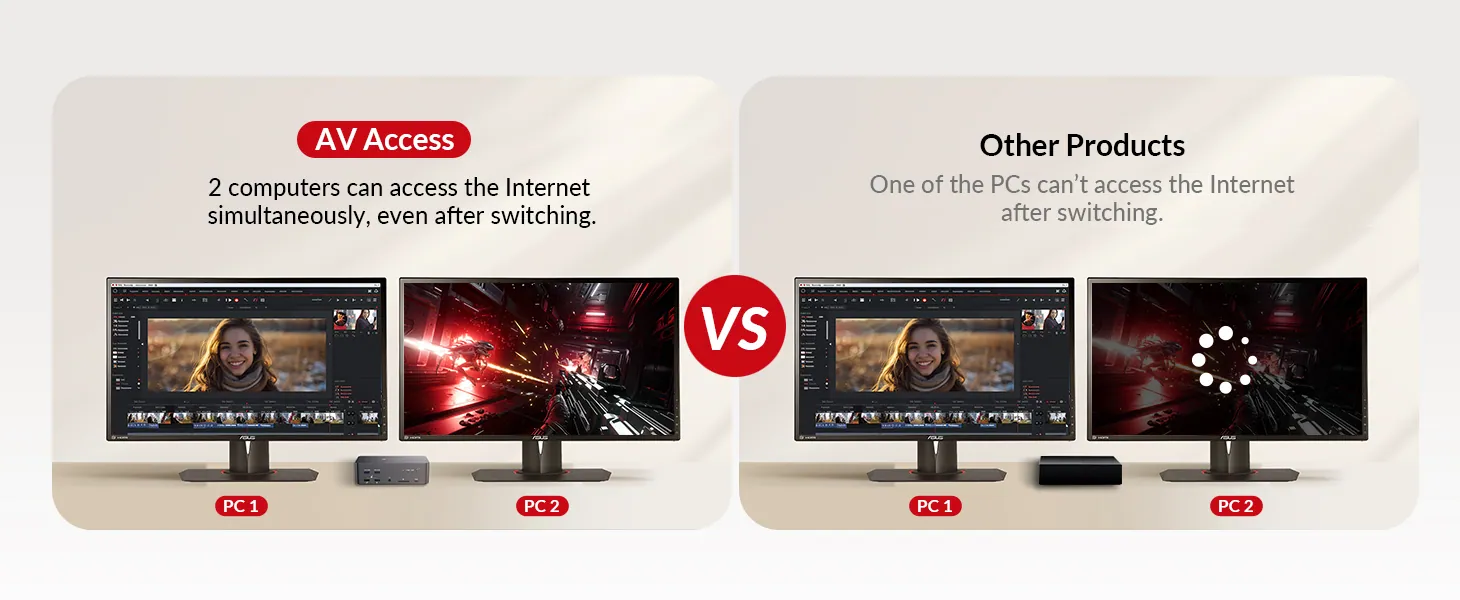
2 Computers Share 1 Ethernet Port
No More Connectivity Interruptions
The iDock D23 offers a reliable 1G Ethernet port, ensuring both PCs stay connected to the network simultaneously. Experience uninterrupted internet access, even while switching between computers, for a seamless and efficient workflow.
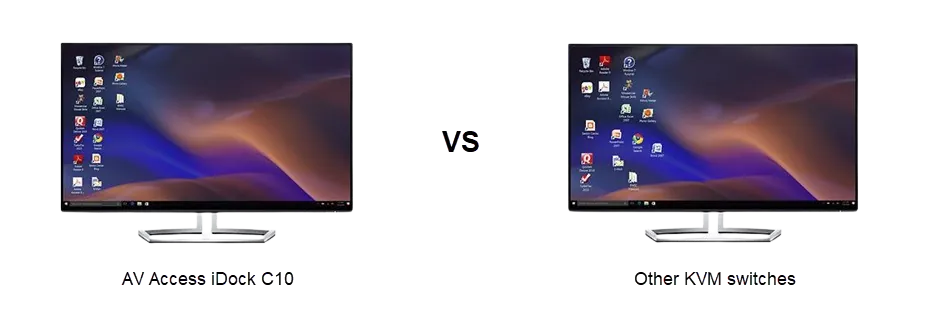
iDock C10 supports EDID emulation, which means your monitor will be mocked and think that they have been connected to your PCs all the time. Therefore, when you switch between two computers, no reconnection is needed and your desktop will stay consistent as it never disconnects.
Wake up Your Sleeping PC Effortlessly
The advanced wake-up engine wakes your PC automatically when switching, removing the need to move the mouse or press a key even from sleep mode for a seamless experience.
Flawless Keyboard Compatibility
Enhanced for seamless control, this triple monitor KVM switch ensures superior performance, with a pass-through mode and upgraded algorithm for seamless use with wireless, gaming, and mechanical keyboards.
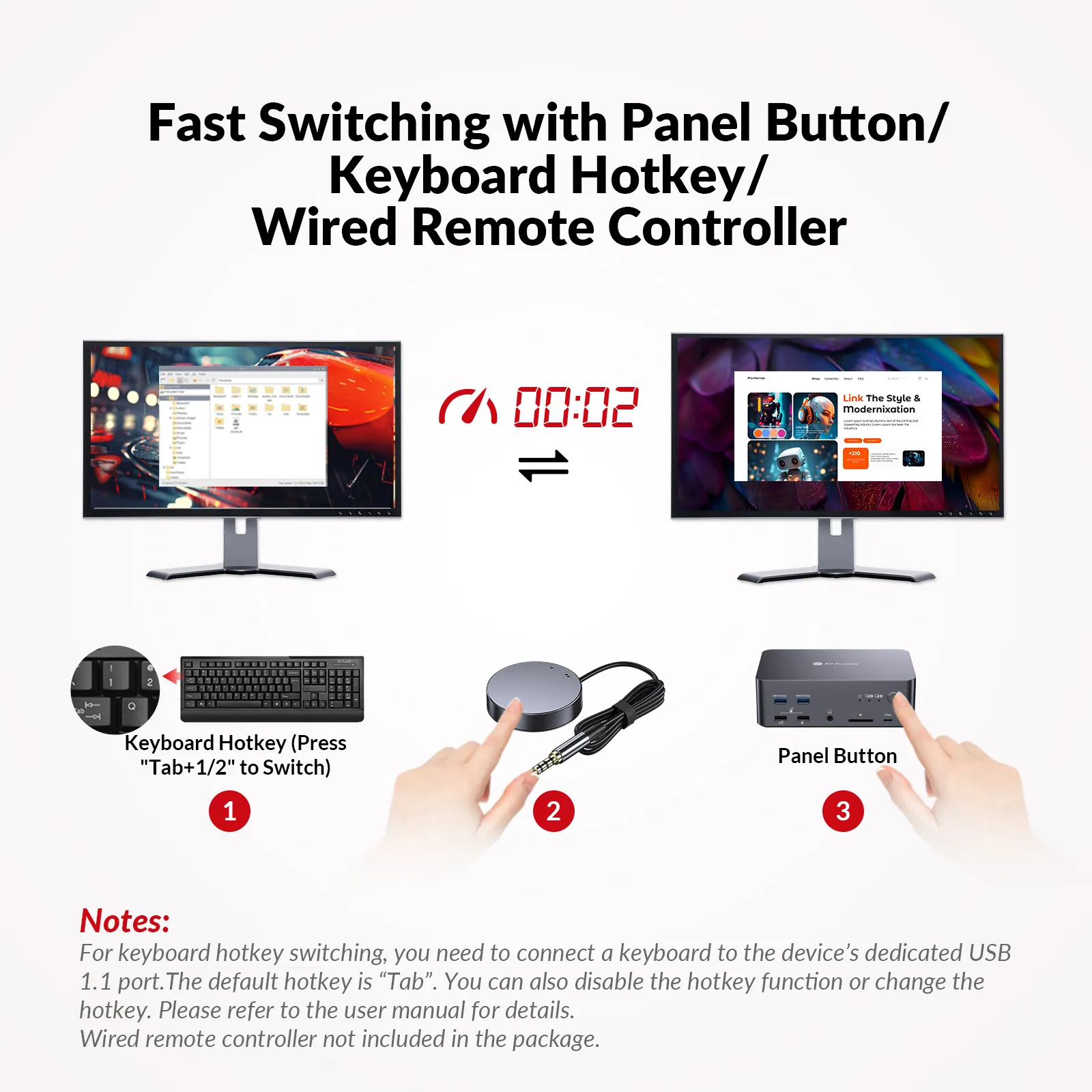
3 Ways to Switch, As You Like
In addition to the front panel button and keyboard hotkeys, you can switch effortlessly with a wired remote controller (sold separately). Even if the device is placed under a desk or in a hard-to-reach spot, seamless switching is just a click away.
*Note: To switch sources via hotkey, connect a keyboard to the device’s USB 1.1 port and press “hotkey + 1/2” (default: Tab). You can change or disable the hotkey; please refer to the user manual.*
Your PC may fall into sleep mode because it stands by for a long time or you just close it lid. Don’t worry, with iDock C10 you can just wake it up in one tap or one click.
Empower Professionals from All Walks of Life.
From hybrid workers to IT pros, game streamers, graphic designers, and video editors, the iDock D23 simplifies your workspace and elevates your productivity.
Creator’s Picks
@RealityCheckVR
@Ivo_IT
Editor’s Picks on iDock Series
iDock D23 Review: User Feedback on Triple Monitor Setup and Performance:
KVM Switch for Gamers: FPS Players Should Read This
How to Share Monitors Between Your Gaming Console and Computer?:
iDock connects all your monitors, game PC, laptop, and peripherals.
iDock Series
iDock for Gaming
iDock for Gaming
Enjoy Every Frame of Your Game
- • 1 Laptop, 1 Desktop & 3 Monitors
- • 12-in-1 Docking Station
- • Triple 4K@165Hz Output
• 100W Charging
iDock B23
- • 1 Laptop, 1 Desktop & 2 Monitors
- • 11-in-1 Docking Station
- • Dual 4K@165Hz Output
iDock B10
Choose the Model That’s Right for You
Check this chart and see if there is another model that fits your needs better. If you don’t find your model, take this quiz to find out which product we recommend for you.
04Documents2 files · 1.0 MB
Documents and files.
Datasheets, manuals, drawings and certificates as the manufacturer publishes them.
Drawings01
05Related products
In the same range.
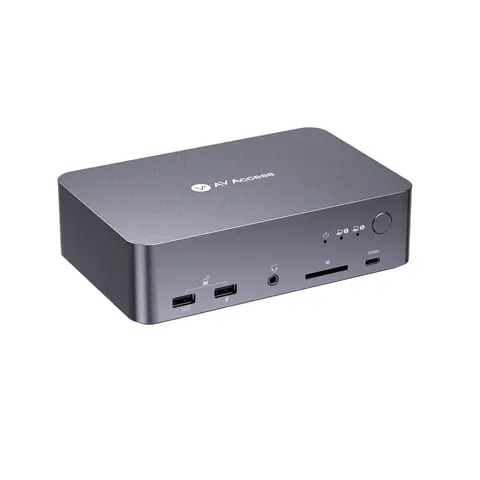 EQ-865AV AccessUSB-C KVM docking station, 2 laptops, 4K dual monitor, 60 W chargingiDock C20 · Switchers and KVM
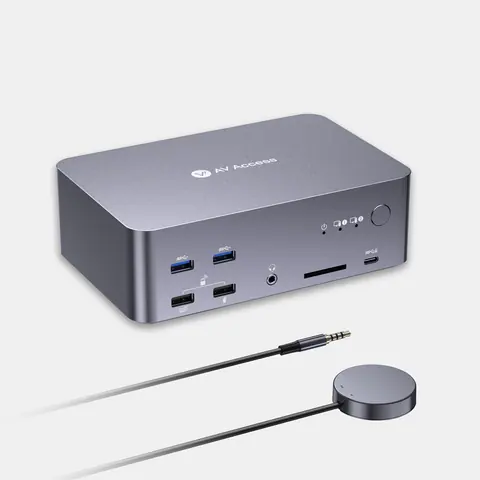 EQ-867AV Access8K DisplayPort/HDMI KVM docking station, triple monitor, 2 PCsiDock D23i · Switchers and KVM
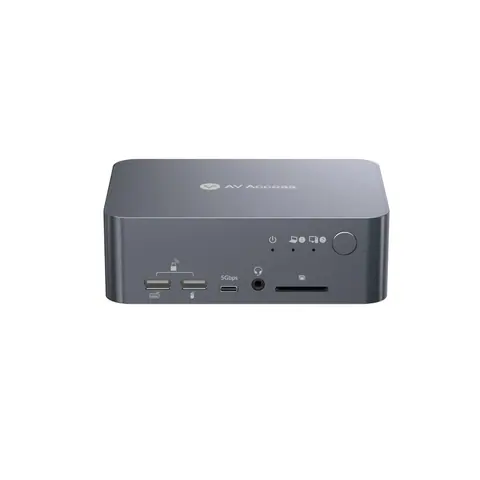 EQ-864AV AccessUSB-C KVM docking station, 4K dual monitor, 60 W PDiDock C10 · Switchers and KVM
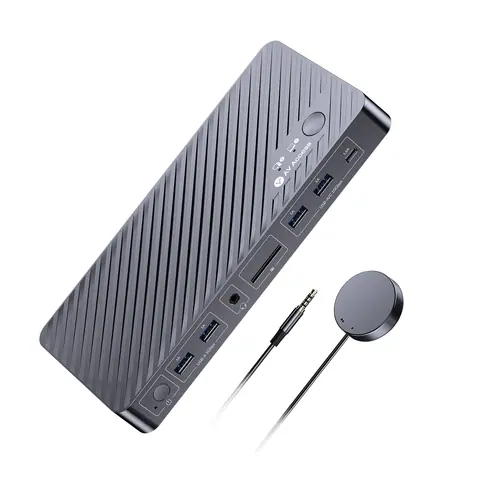 EQ-868AV AccessDual-monitor KVM docking station for MacBook and desktop PCiDock M10 · Switchers and KVM
06Talk to us
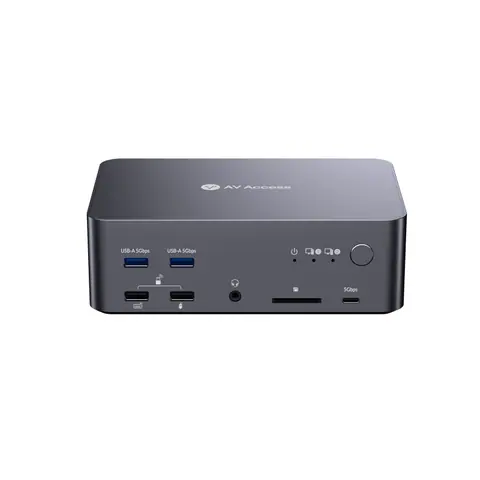 8K DisplayPort KVM docking station, triple monitor, 2 PCsAV Access · EQ-866
Need this priced for your project?
- Quantity and site
- Configuration and interfaces
- Quotation