
















Sheet 05.864

AV Access · Switchers and KVM
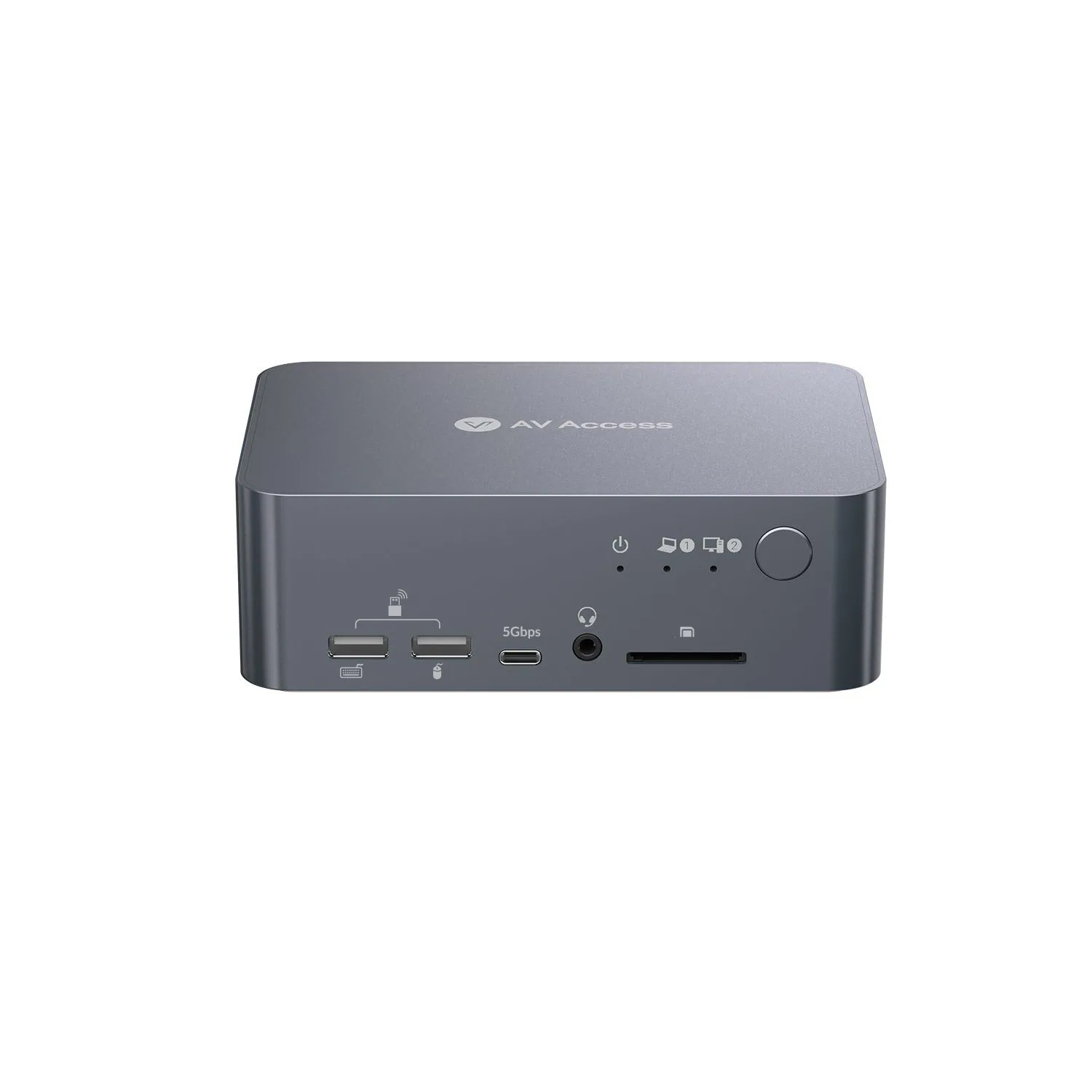
USB-C KVM docking station, 4K dual monitor, 60 W PD
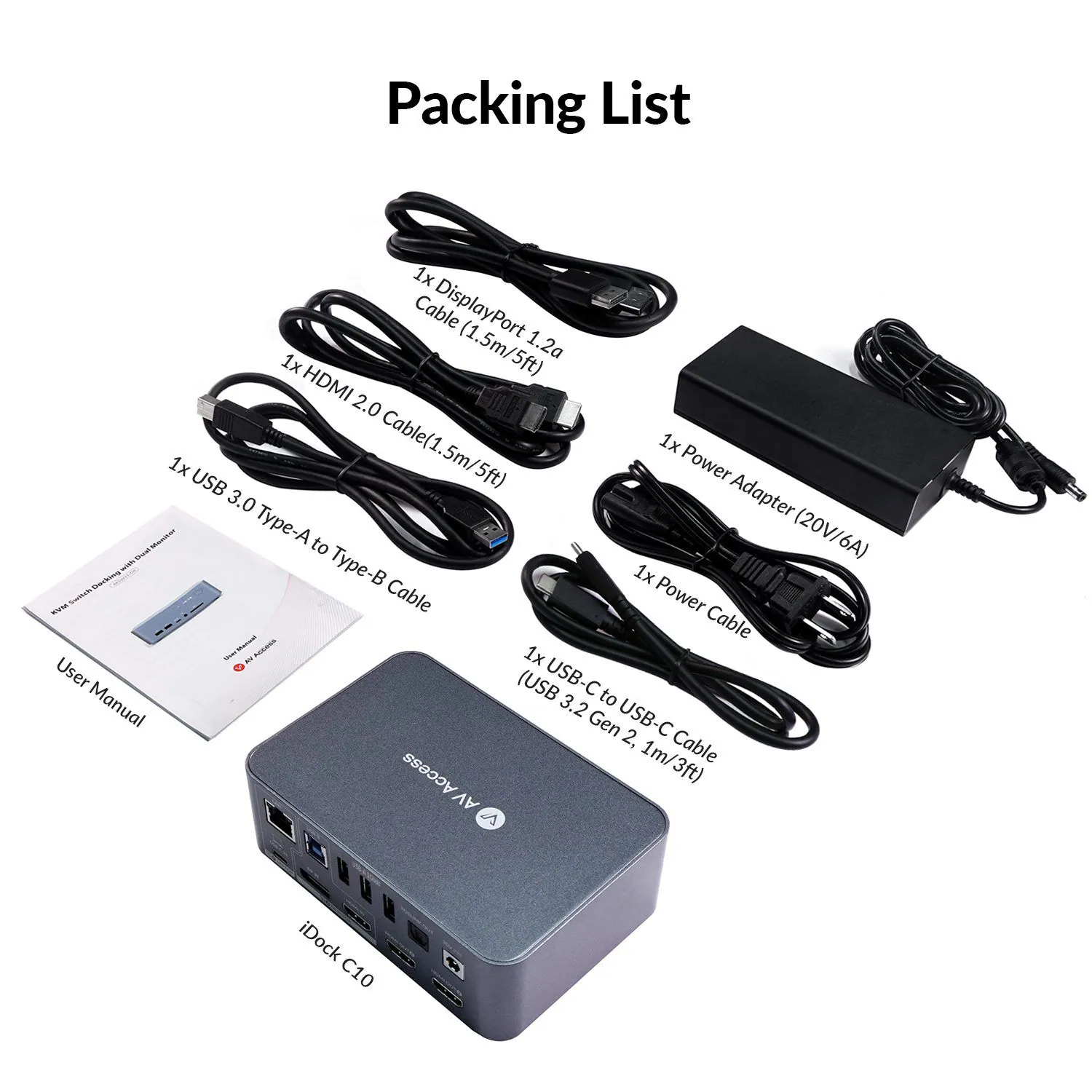
ModeliDock C10
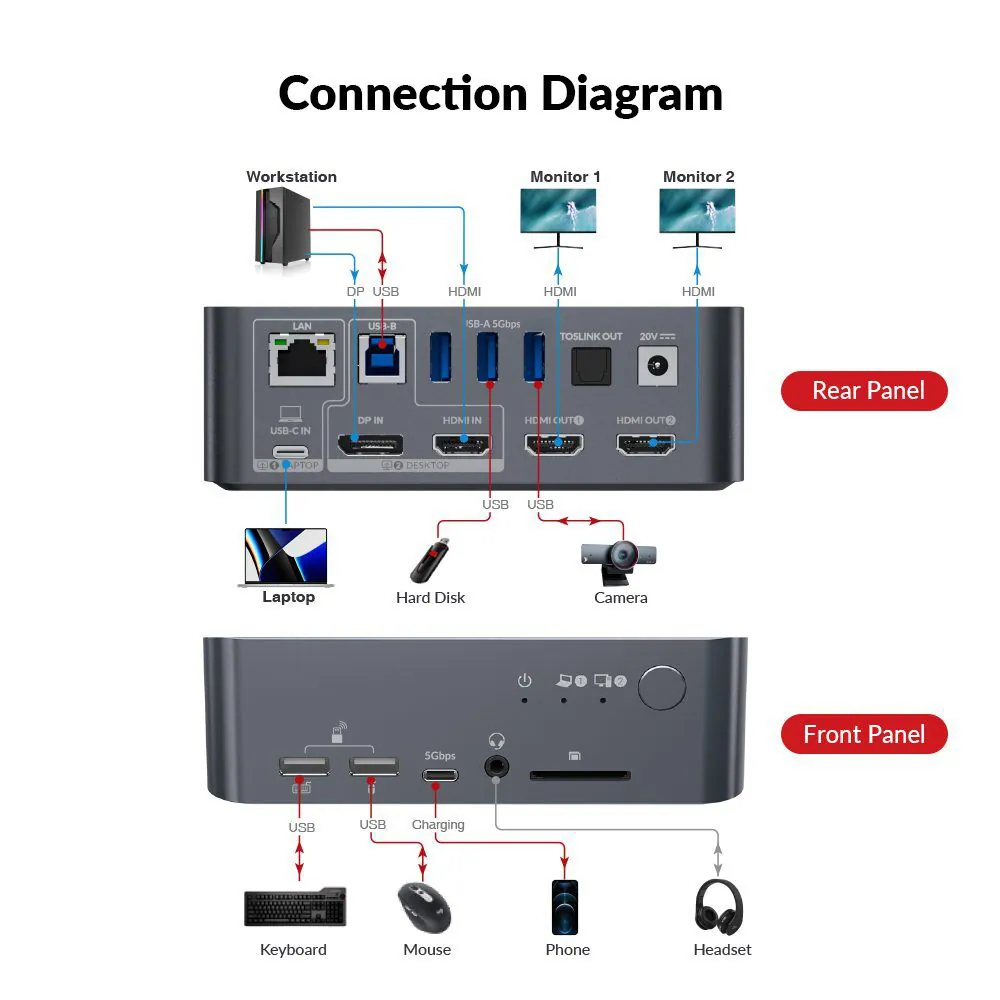
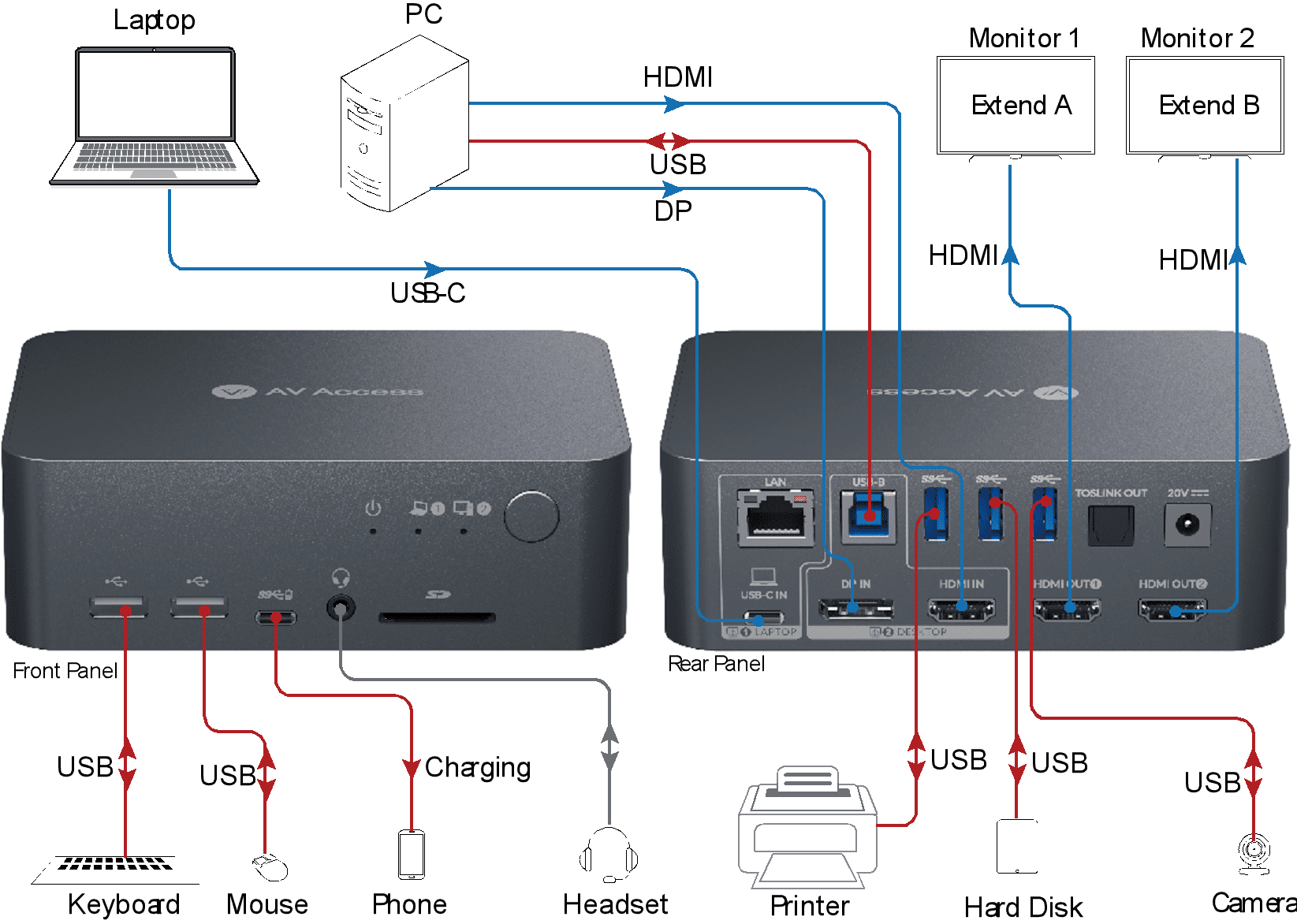
● KVM Switch for a Laptop & a Desktop: Connect to one laptop (USB C) and one desktop PC (HDMI & DP). ● New Dual Monitor Design: Support dual monitor output up to 4K@60Hz.
USB-C KVM docking station, 4K dual monitor, 60 W PDPrice on request Request a quotation
01Video6 manufacturer's videos
AV Access USB-C KVM docking station, 4K dual monitor, 60 W PD: the manufacturer's videos
02DescriptionManufacturer's description
What it is.
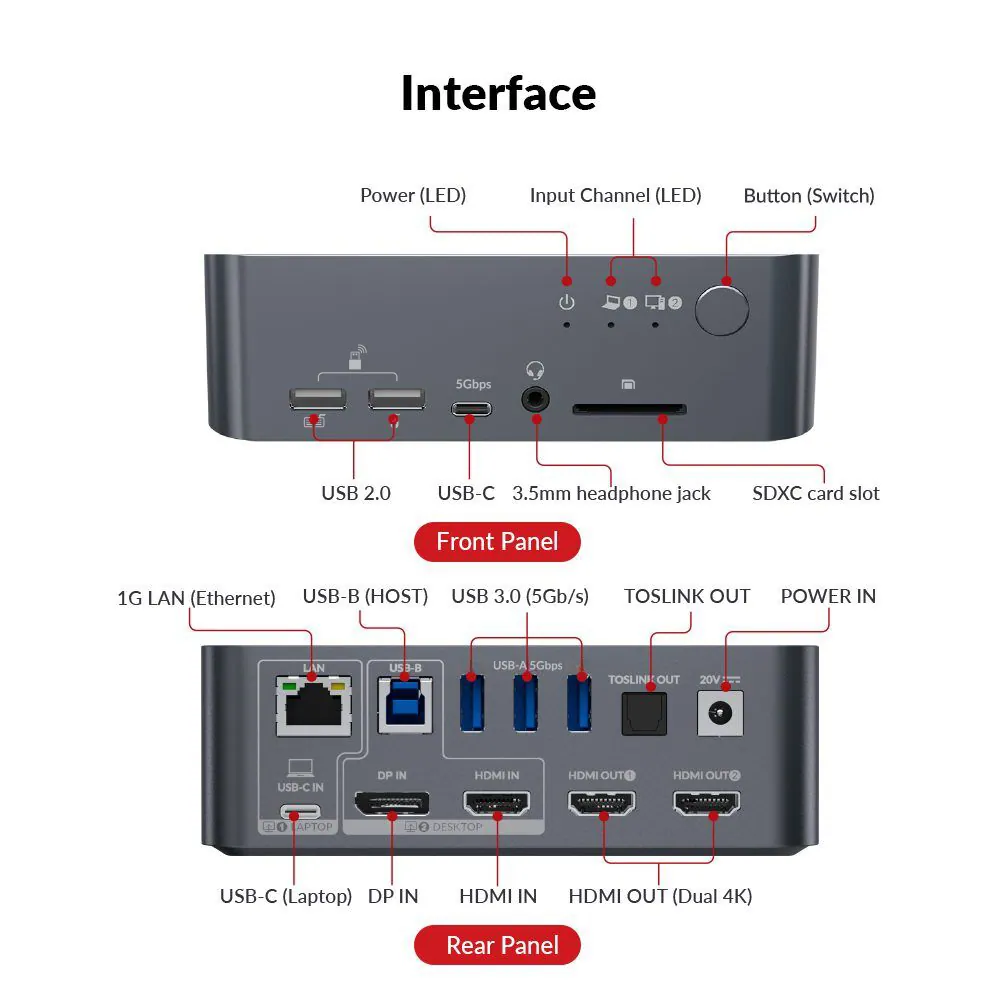
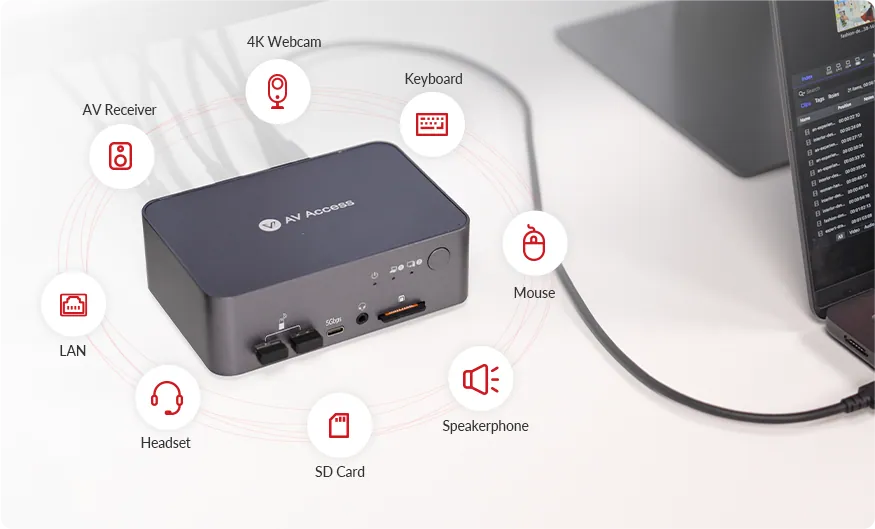
● KVM Switch for a Laptop & a Desktop: Connect to one laptop (USB C) and one desktop PC (HDMI & DP). ● New Dual Monitor Design: Support dual monitor output up to 4K@60Hz. (See all supported resolutions in Specs) *Note: MacOS doesn’t support USB C MST, so external monitors will show duplicate content.(For macOS dual extended display support, see iDock M10)* ● 12-in-1 Docking:12 more ports to empower your workstation. ● LAN for Laptop: a LAN port allows your laptop to connect to more stable wired network. ● Constant Connection:EDID emulation keeps monitors connected to the PCs. No more flickering and icon reshuffling after switching. ● 60W Power Delivery for Laptop: As long as the USB C is plugged in, it always keep your laptop charged. ● Super Fast Switching: Avg. 2-3 seconds to switch everything between your PC sources.
* Important Notes
1. Most macOS devices only support DP SST mode, so two duplicate contents will be displayed. For the extended display mode on two screens, please make sure that your USB C port supports DP Alt Mode and DP MST. 2. Supports ultrawide resolution of 3440 × 1440 @ 60 Hz. When connected to a 5120 × 1440 display, the output is limited to 3840 × 1080. For 5120 × 1440 resolution support, please refer to iDock B10 or iDock B23.
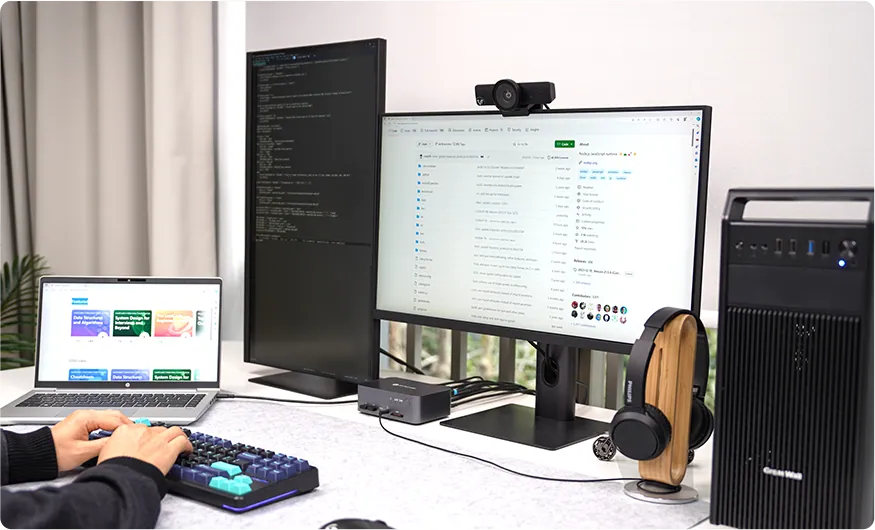
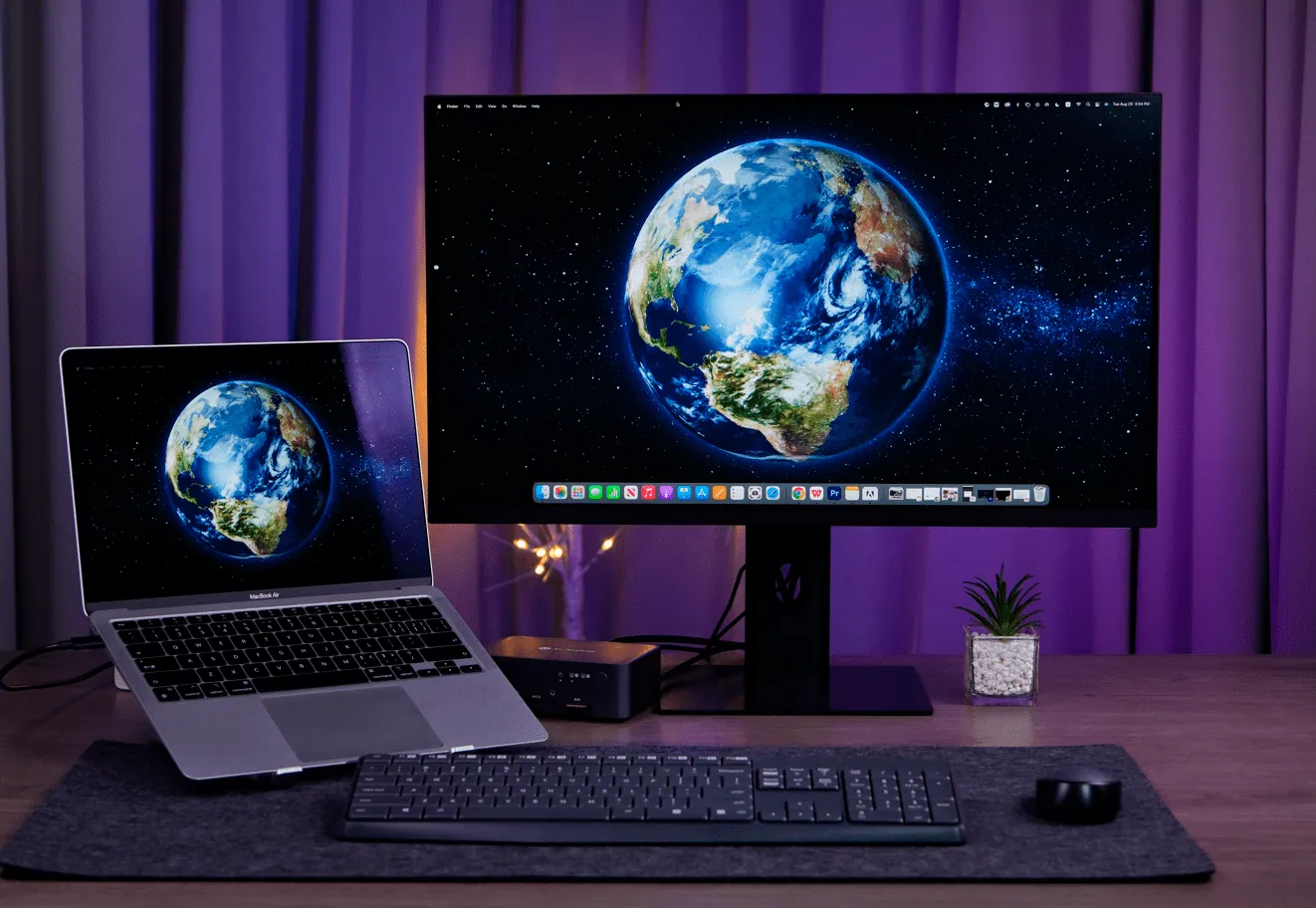
A Laptop, A Desktop, Two Screens.
Switch Like a Pro.
Build A Workstation that is Powerful, and Flexible.
Plug to Share, Unplug to Go.
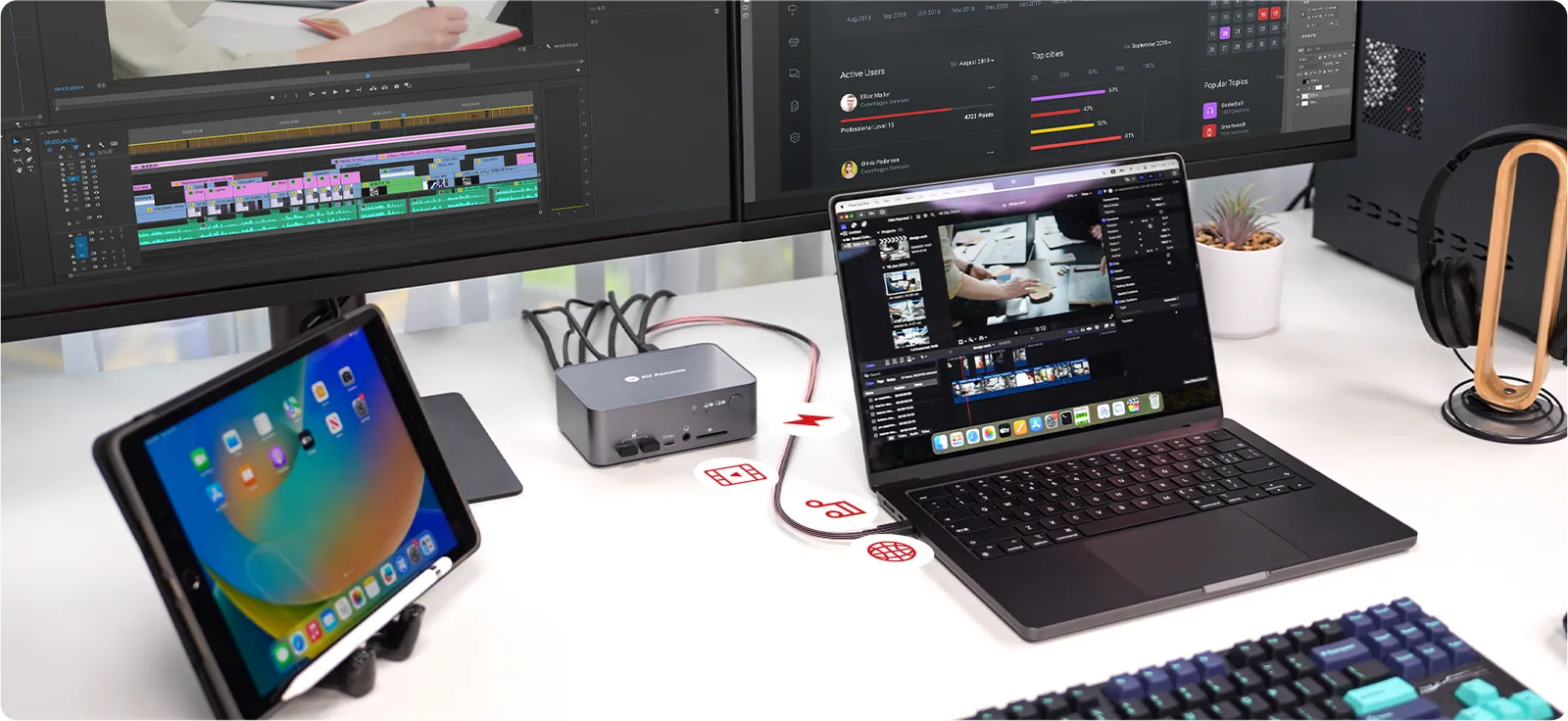
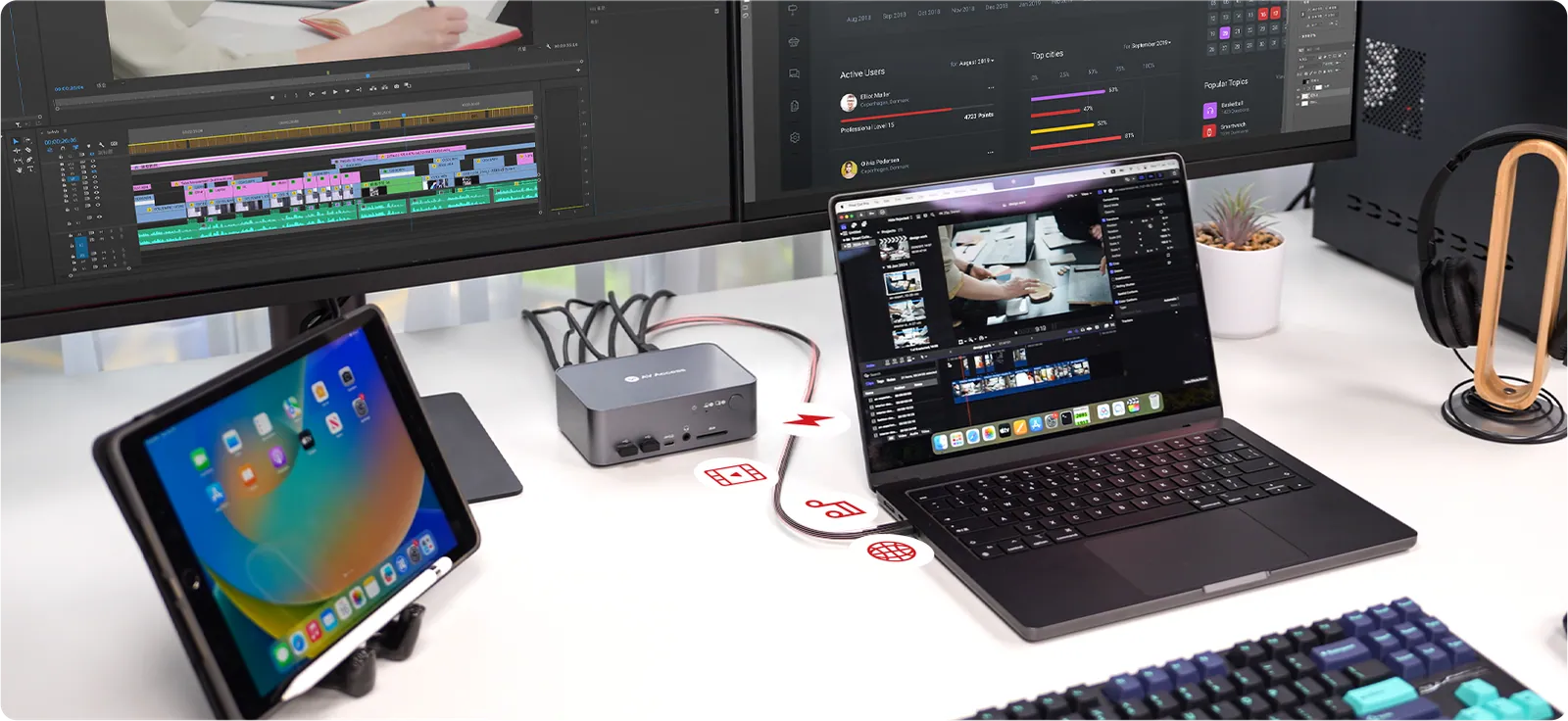
You can share the whole setup with a laptop and a desktop, switch between them in one tap. iDock C10 keeps your laptop charged, so you and your laptop will always be ready to move.
Plug to Share. Unplug to Go.
Dual Screens. Double Productivity.
More screen real estate to get work done easier. Compare your files in different screens, or just assign different tasks to each dedicated screen. You can have your work done more productively.
Boost Connectivity with a Docking Station.
With iDock C10, you can easily share a 12-in-1 docking station between a laptop and a desktop PC. A variety of ports bring your connectivity to a next level.
Make Your Workflow as Seamless as Possible.
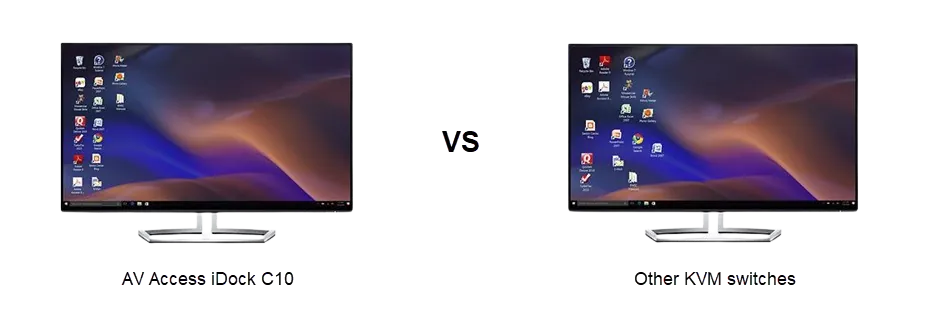
No More Desktop Reshuffling
iDock C10 supports EDID emulation, which means your monitor will be mocked and think that they have been connected to your PCs all the time. Therefore, when you switch between two computers, no reconnection is needed and your desktop will stay consistent as it never disconnects.
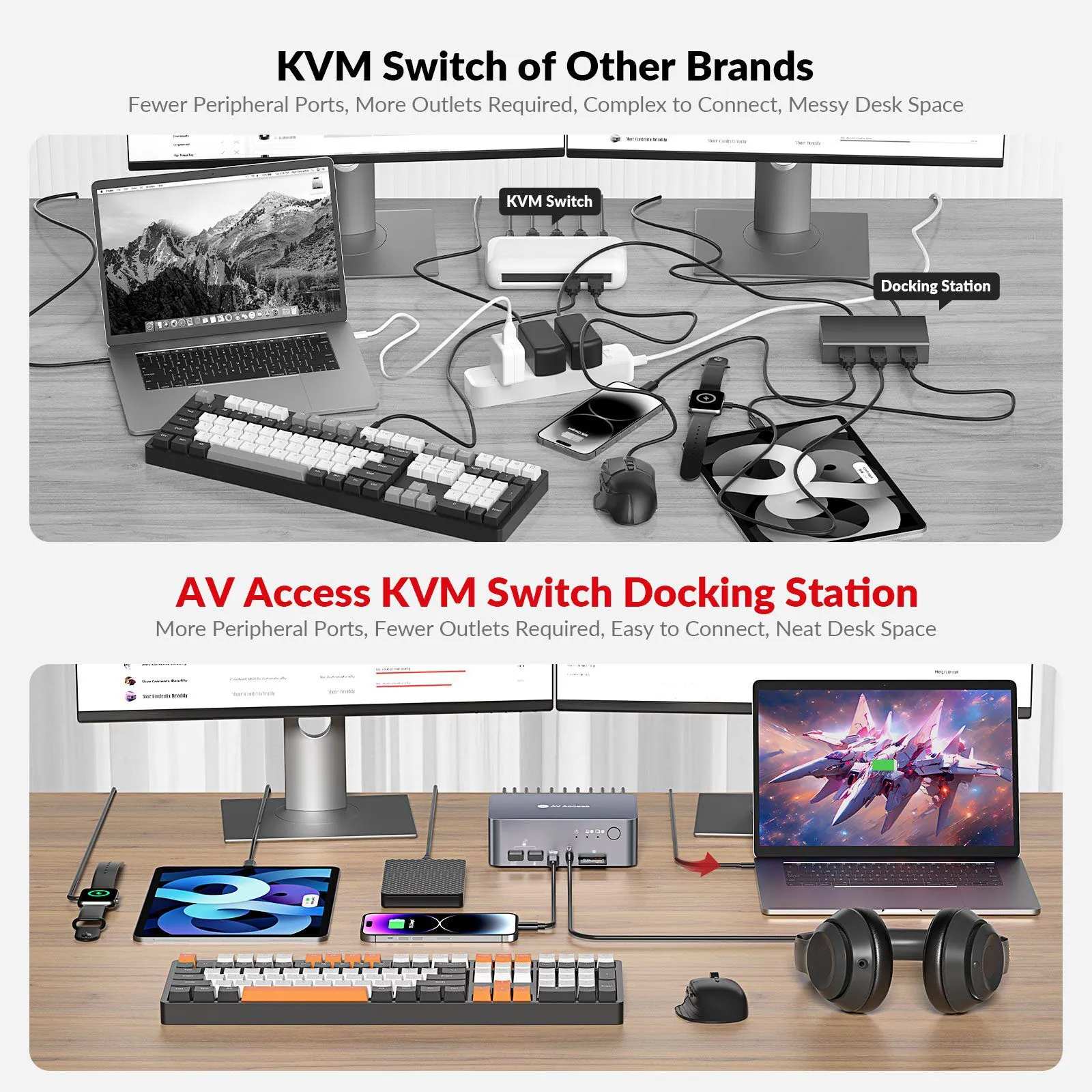
Declutter Your Desk Setup
With the sleek and compact design, it brings aesthetic to your desk setup, simplifies it, and keeps it organized.
Switch Everything at Once
You can switch both screens and all the peripherals from one computer to another in just 2-3 seconds.
Wake up Your Sleeping PC Effortlessly.
Your PC may fall into sleep mode because it stands by for a long time or you just close its lid. Don’t worry, with iDock C10 you can just wake it up in one tap or one click.
Your PC may fall into sleep mode because it stands by for a long time or you just close it lid. Don’t worry, with iDock C10 you can just wake it up in one tap or one click.
Empower Professionals from All Walks of Life.
Whether you are a hybrid worker, an IT professional, a game streamer, a graphic designer, video editor, or any other professional creator, iDock C10 makes a minimal but powerful desk setup possible for you.
Creator’s Picks
@GucksTV
@GadgetGuysSmartHome
@CamXPetra
@Stemarrtech
@MrStarTechh
Editor’s Picks on iDock C10
10 Frequently Asked Questions about iDock C10
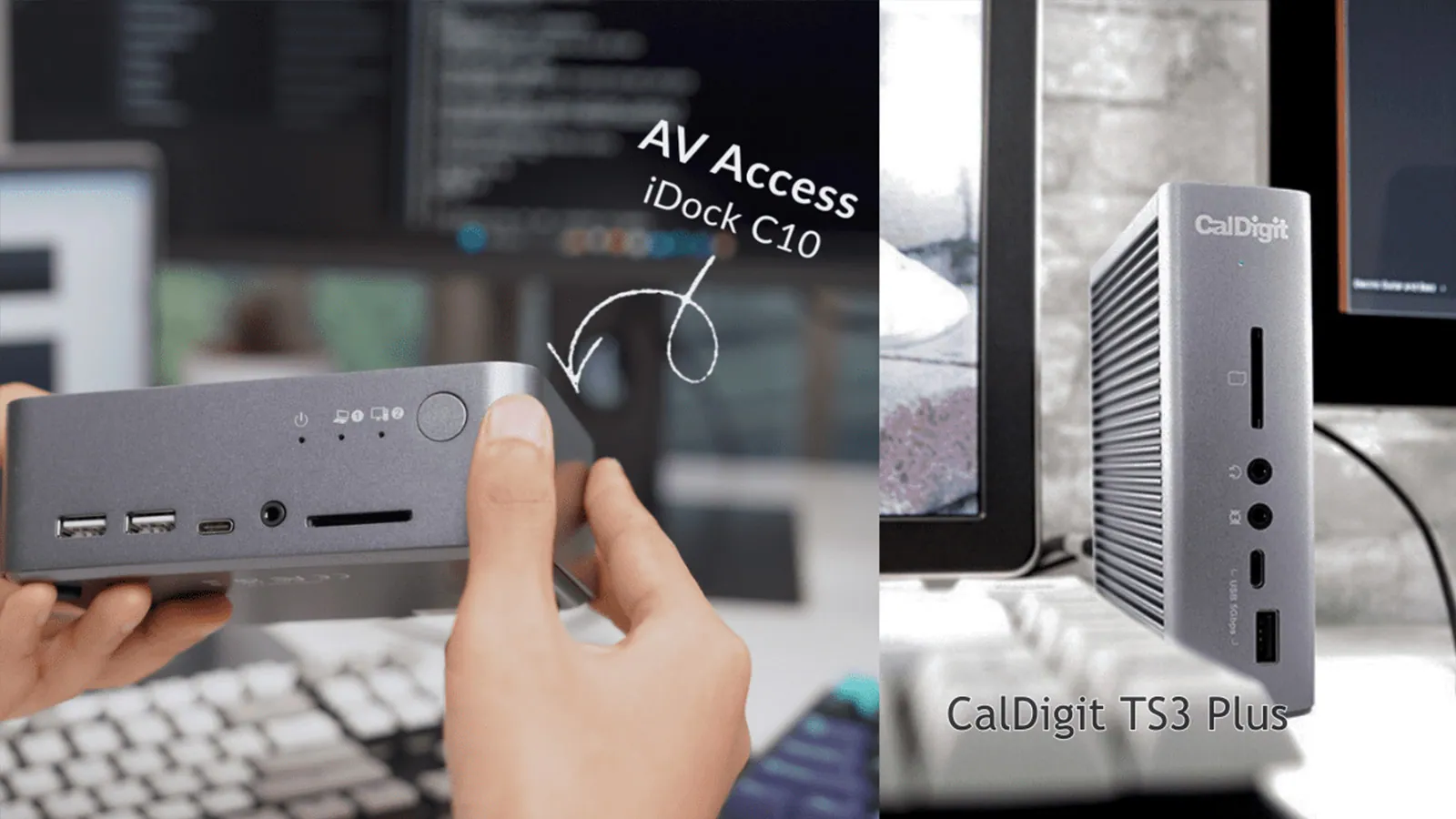
The Best USB-C Docking Station: Caldigit TS3 vs iDock C10
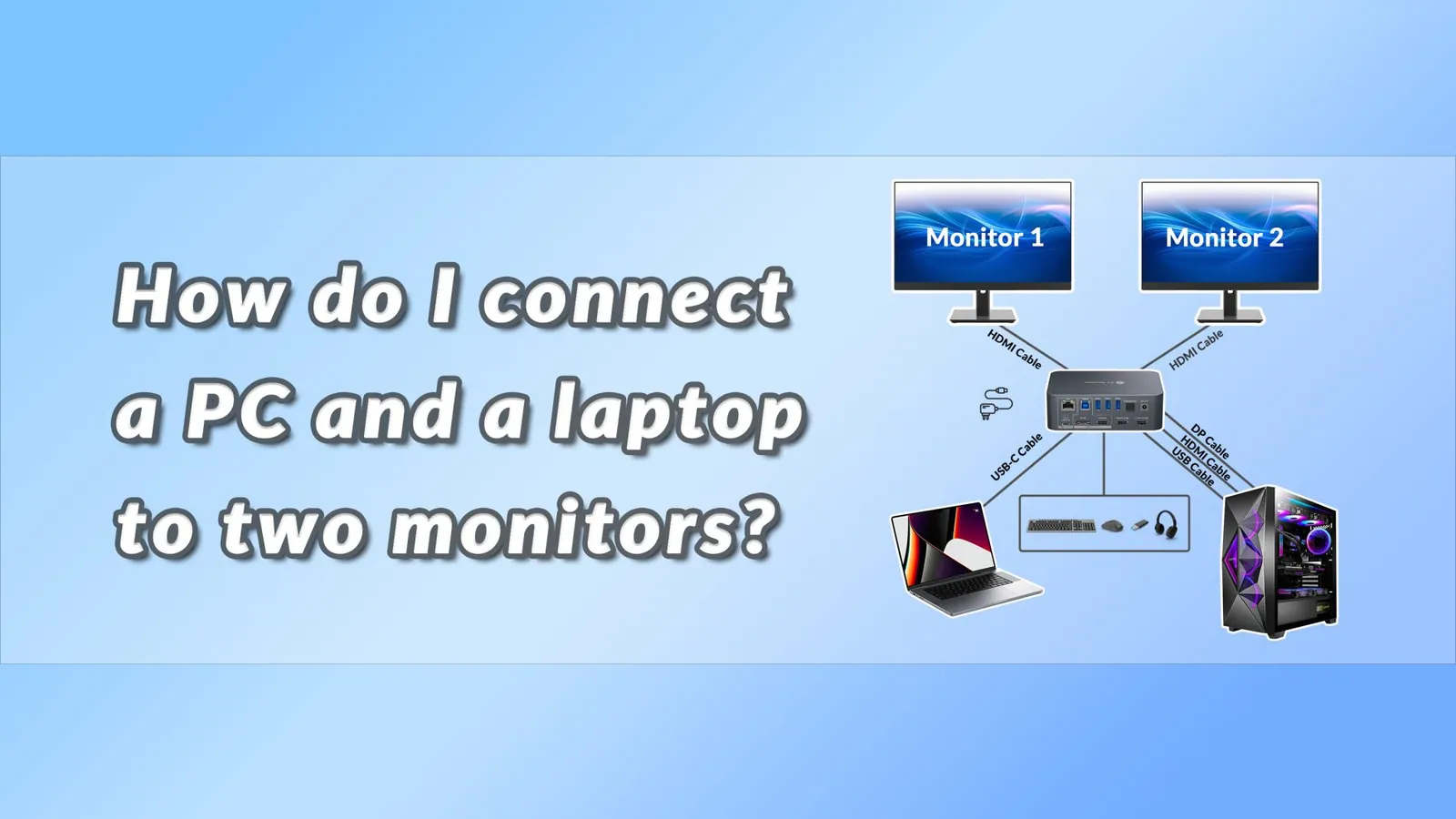
How Do I Connect a PC and a Laptop to 2 Monitors?
Choose the Model That’s Right for You
Check this chart and see if there is another model that fits your needs better. If you don’t find your model, take this quiz to find out which product we recommend for you.
03Documents3 files · 2.9 MB
Documents and files.
Datasheets, manuals, drawings and certificates as the manufacturer publishes them.
Datasheets and manuals01
Drawings01
04Related products
In the same range.
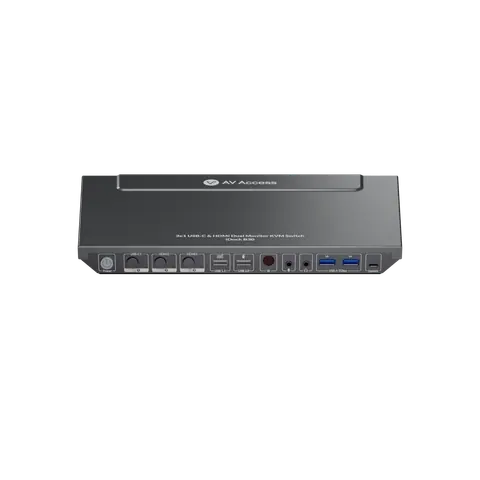 EQ-863AV AccessUSB-C KVM docking station, 3-port, dual monitor, 65 W PDiDock B30 · Switchers and KVM
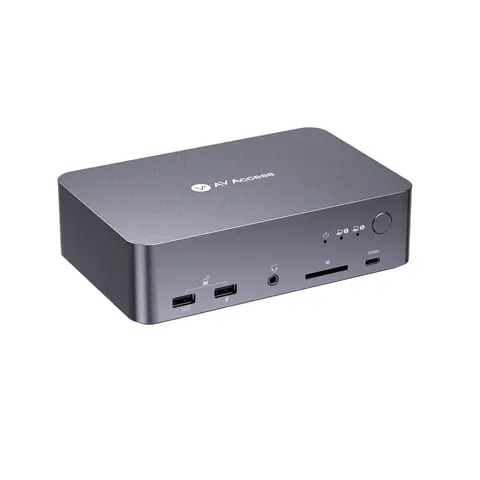 EQ-865AV AccessUSB-C KVM docking station, 2 laptops, 4K dual monitor, 60 W chargingiDock C20 · Switchers and KVM
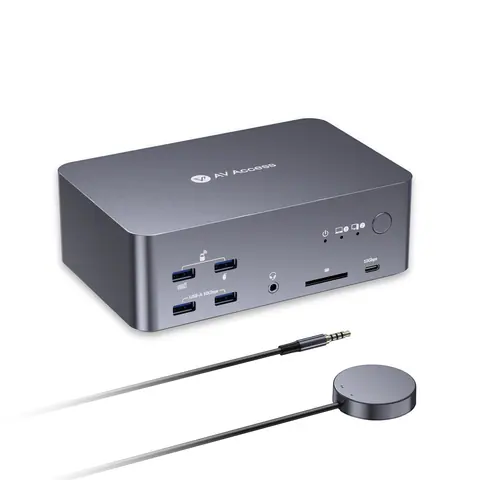 EQ-862AV Access8K triple-monitor KVM docking station, 100 W PD, 12-in-1iDock B23 · Switchers and KVM
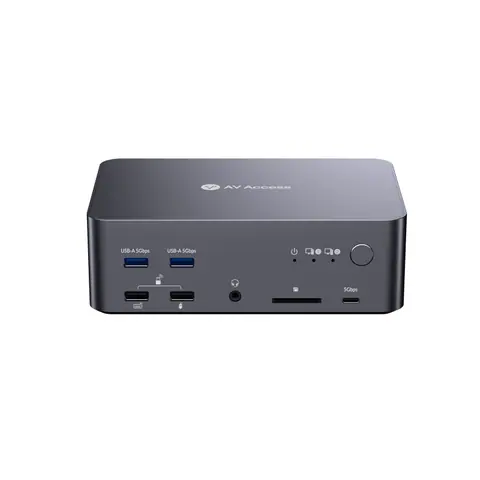 EQ-866AV Access8K DisplayPort KVM docking station, triple monitor, 2 PCsiDock D23 · Switchers and KVM
05Talk to us
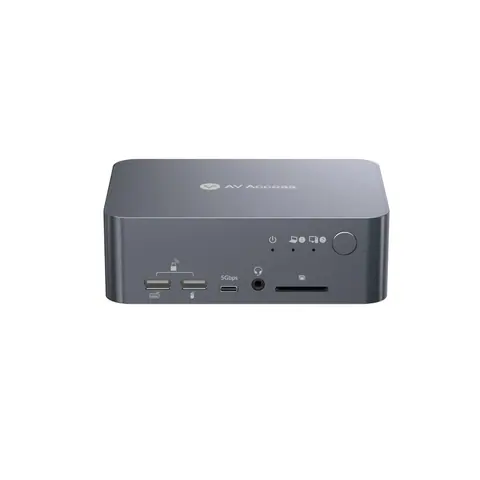 USB-C KVM docking station, 4K dual monitor, 60 W PDAV Access · EQ-864
Need this priced for your project?
- Quantity and site
- Configuration and interfaces
- Quotation