
















Sheet 05.4722
ChamSys · Control and signal
MagicDMX Basic
ModelMagicDMX Basic
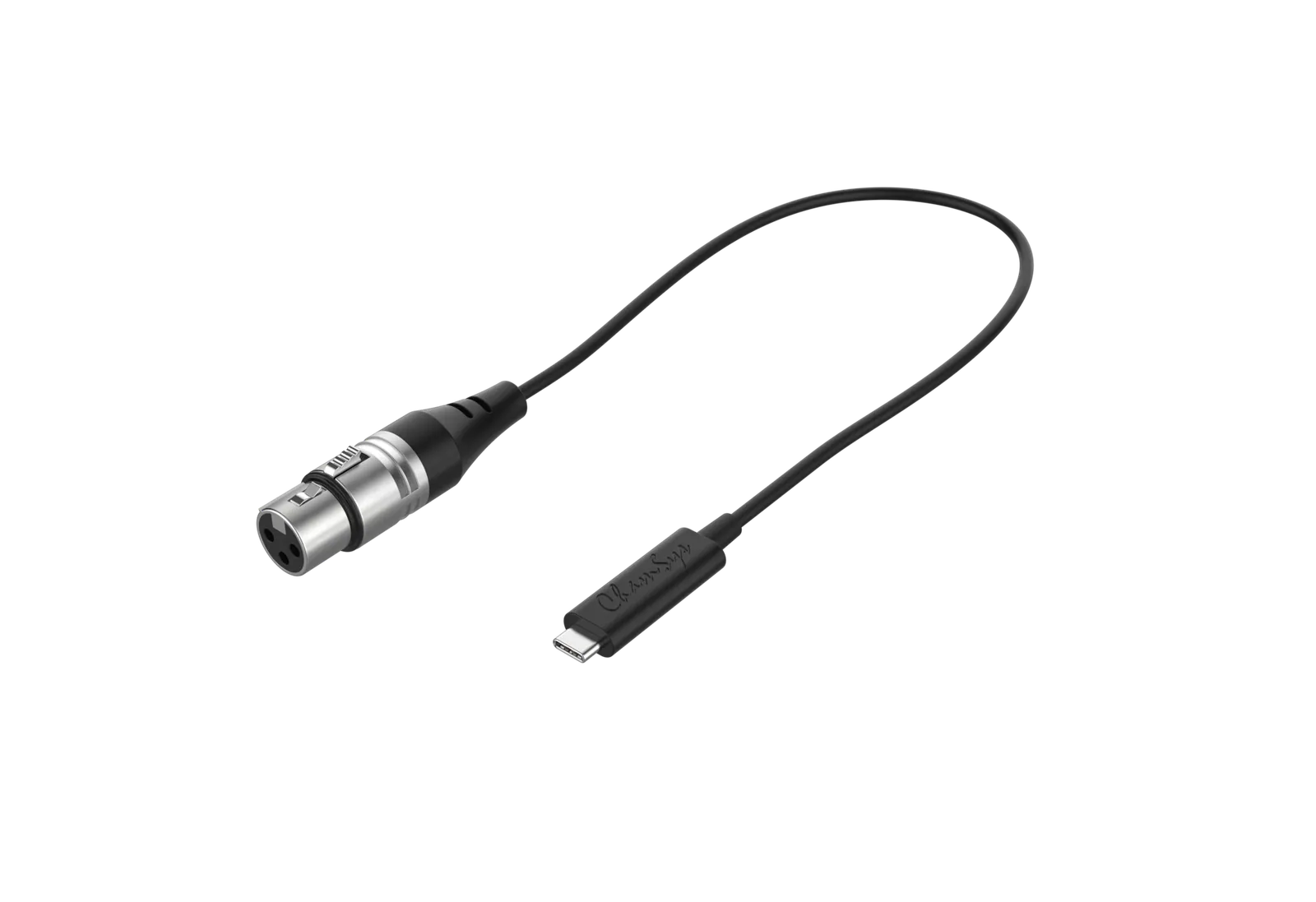
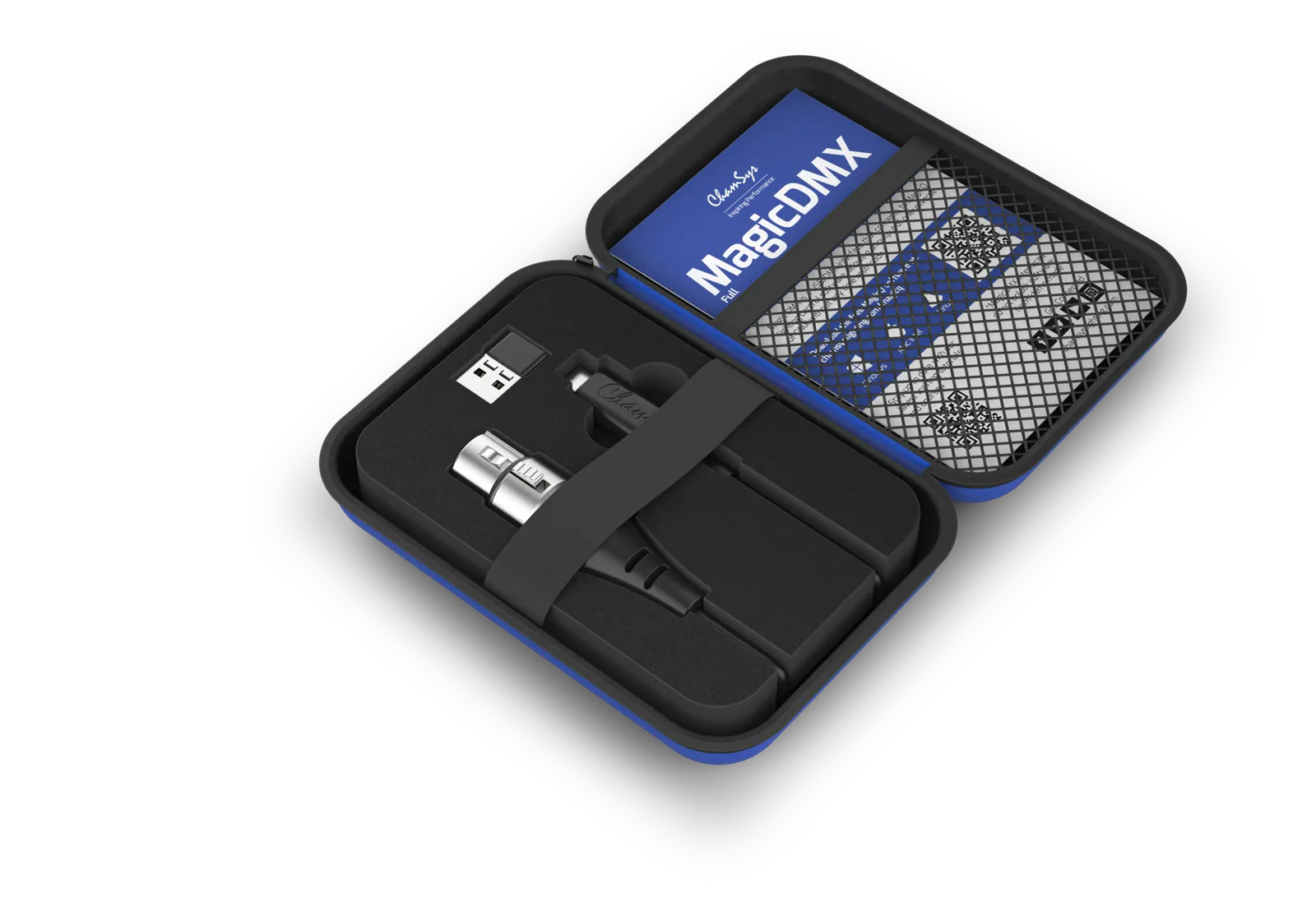
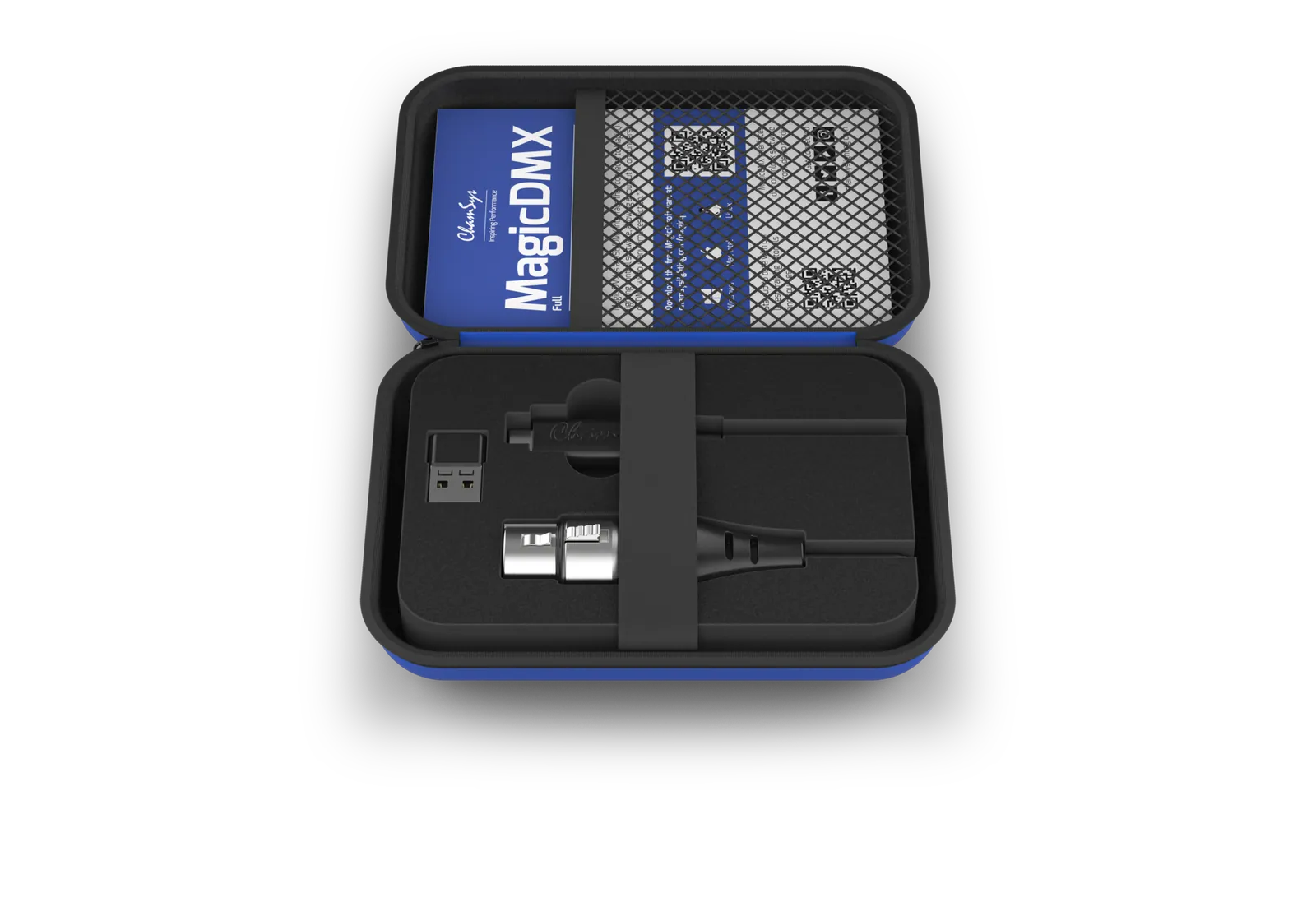
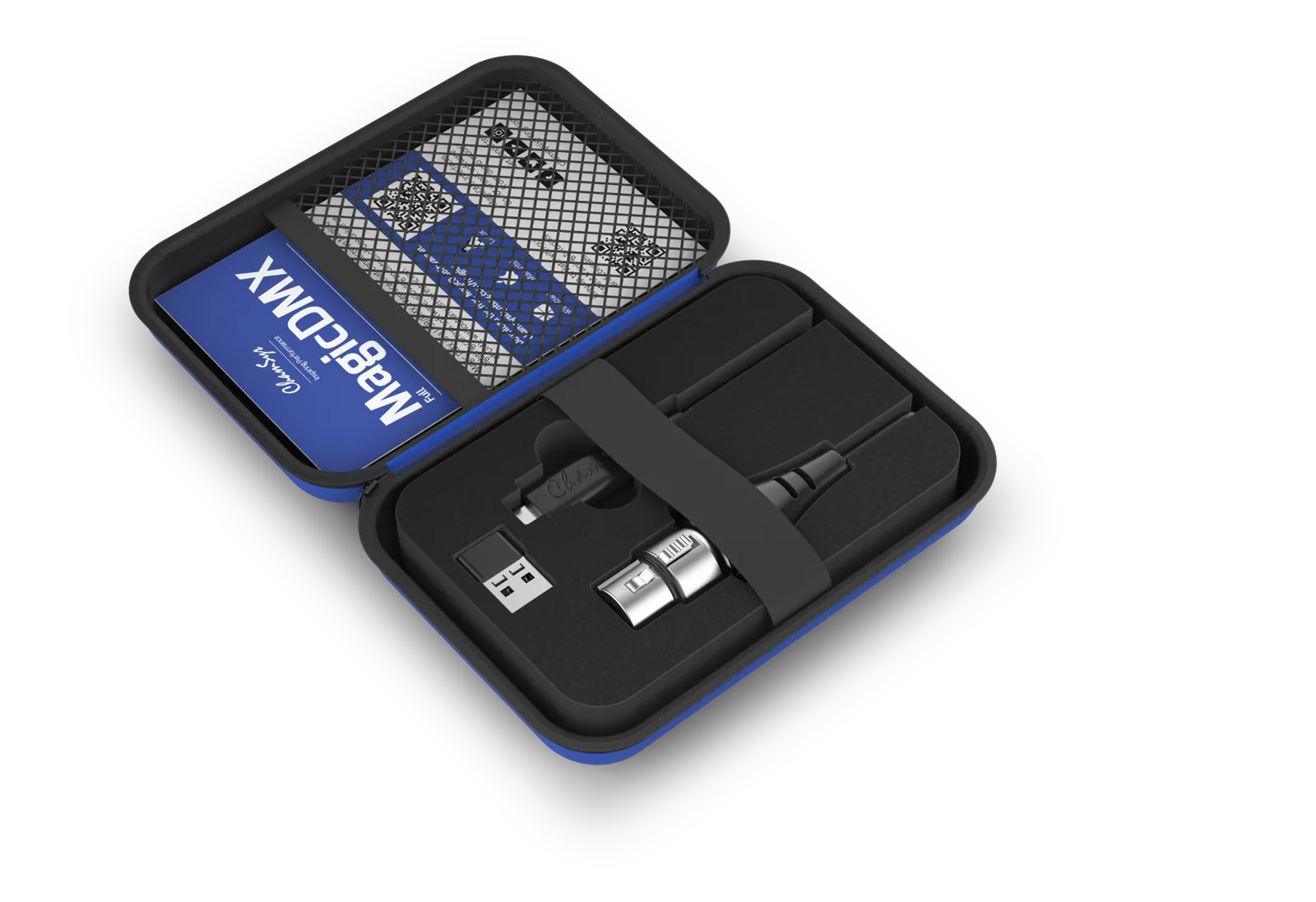
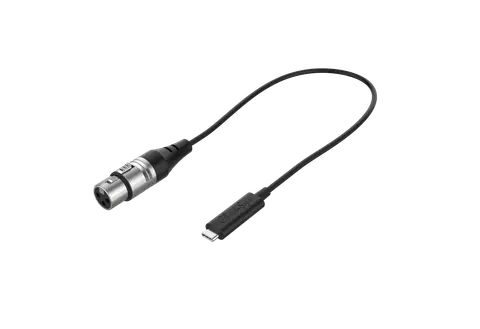
MagicDMX is an economic, single universe USB to DMX interface in two versions, Basic and Full.
MagicDMX BasicPrice on request Request a quotation
01SpecificationManufacturer's data · 4 groups · 18 values
What this product is, in numbers.
The manufacturer's published values. We confirm the configuration and the values that matter for your project before an order.
01Hardware Specifications5
- DMX Port(s)
- 1
- RDM Support
- No
- USB Port(s)
- 1 (USB-C)
- Unlocks ‘demo mode features
- No
- Time Restriction
- 5 hours per session
02Software Specifications8
- Universes
- 64
- Channels
- 32,768
- Number of fixtures
- upto 32,768
- Cues
- 5000
- Cue stacks
- 2000
- Palettes
- 4096
- Groups
- 5000
- Media server support
- 50 (each different content)
03Included Accessories1
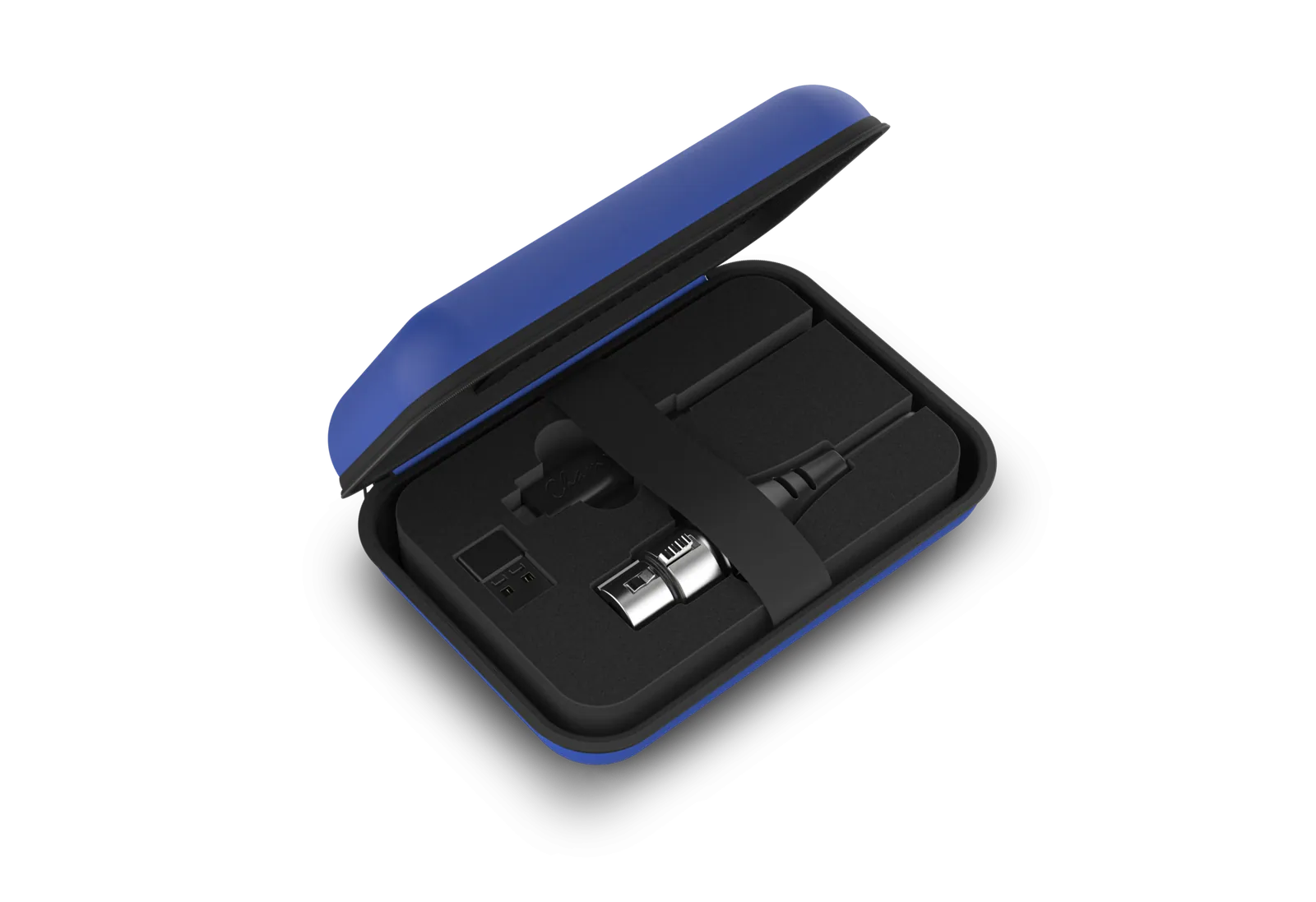
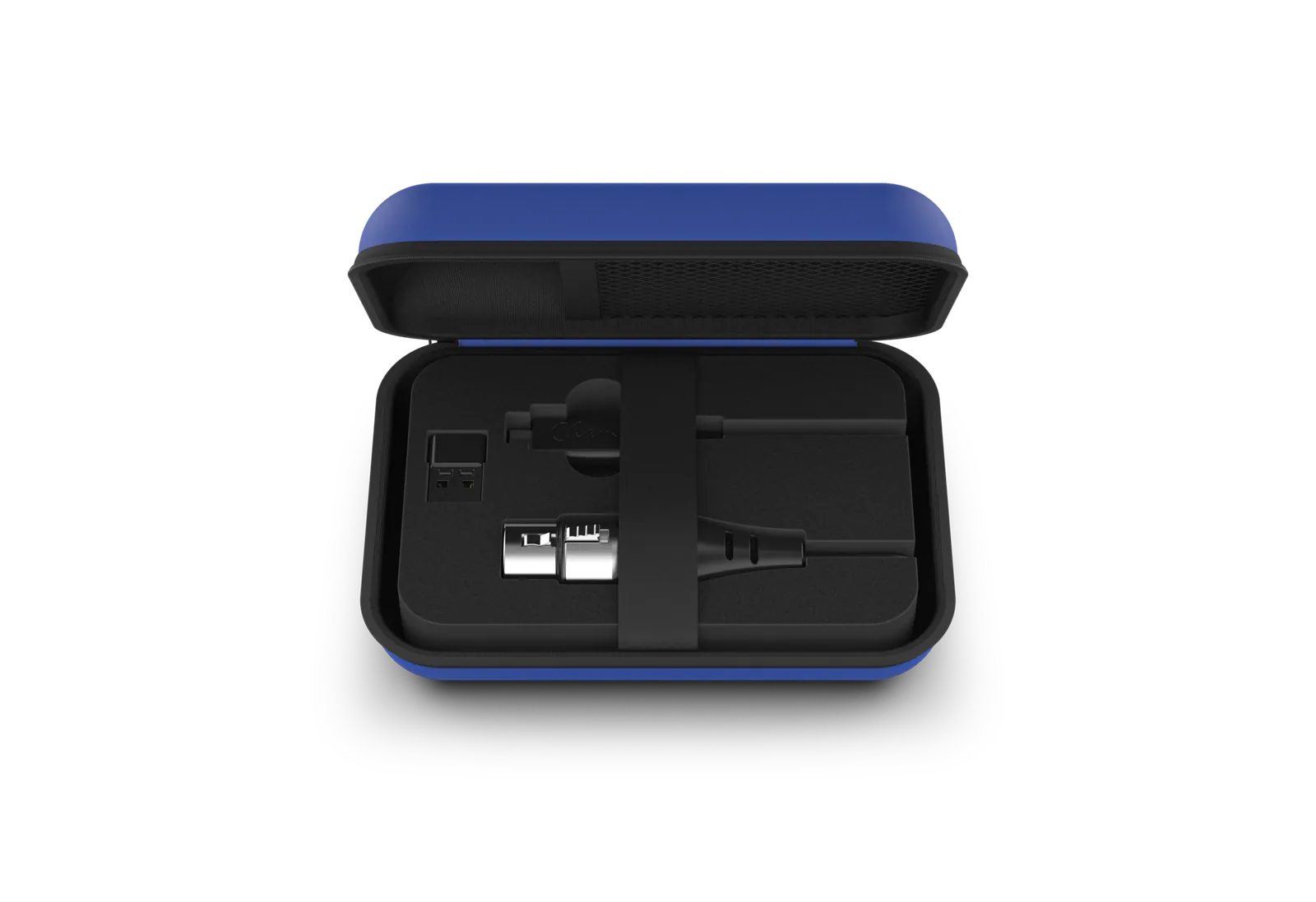
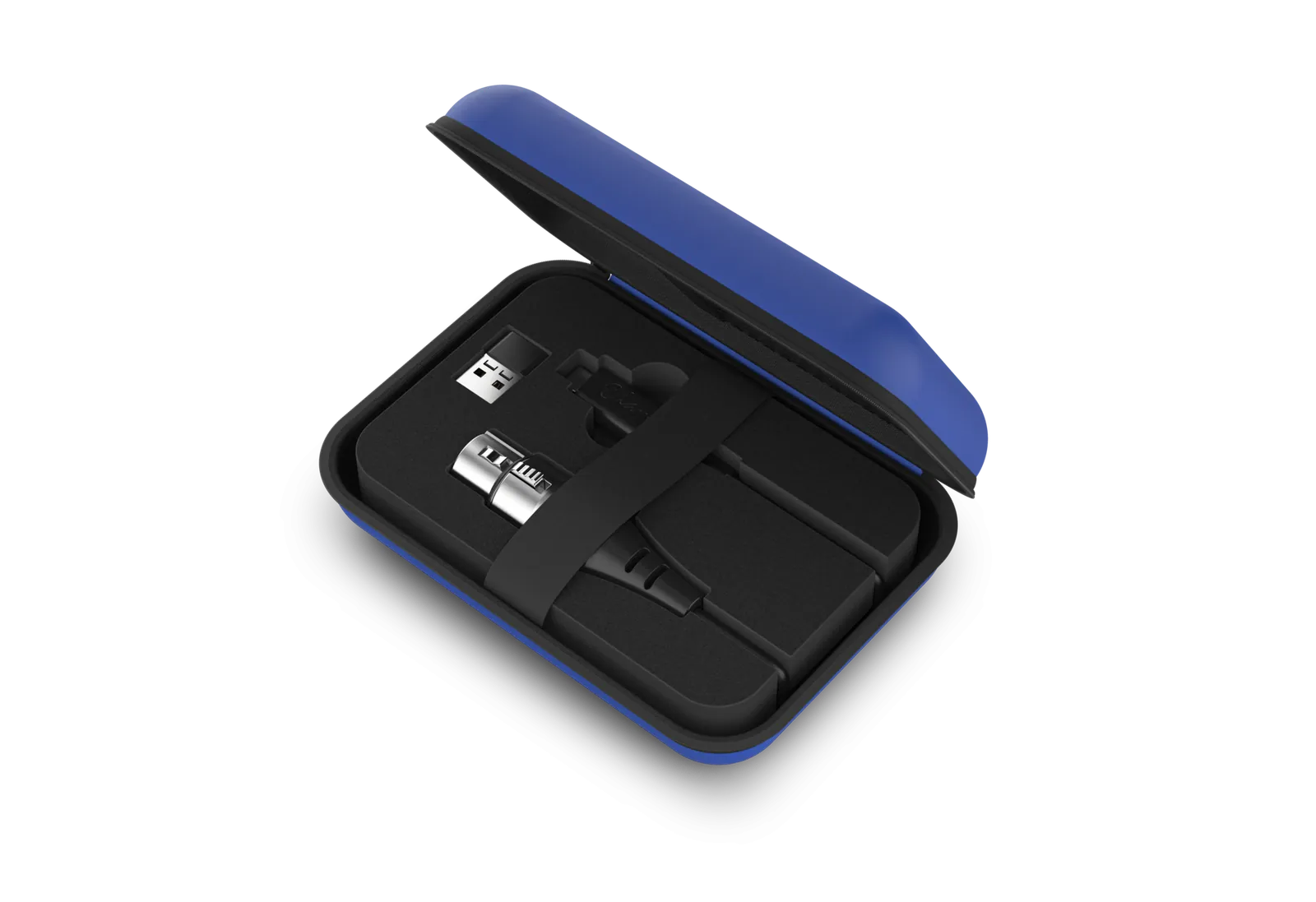
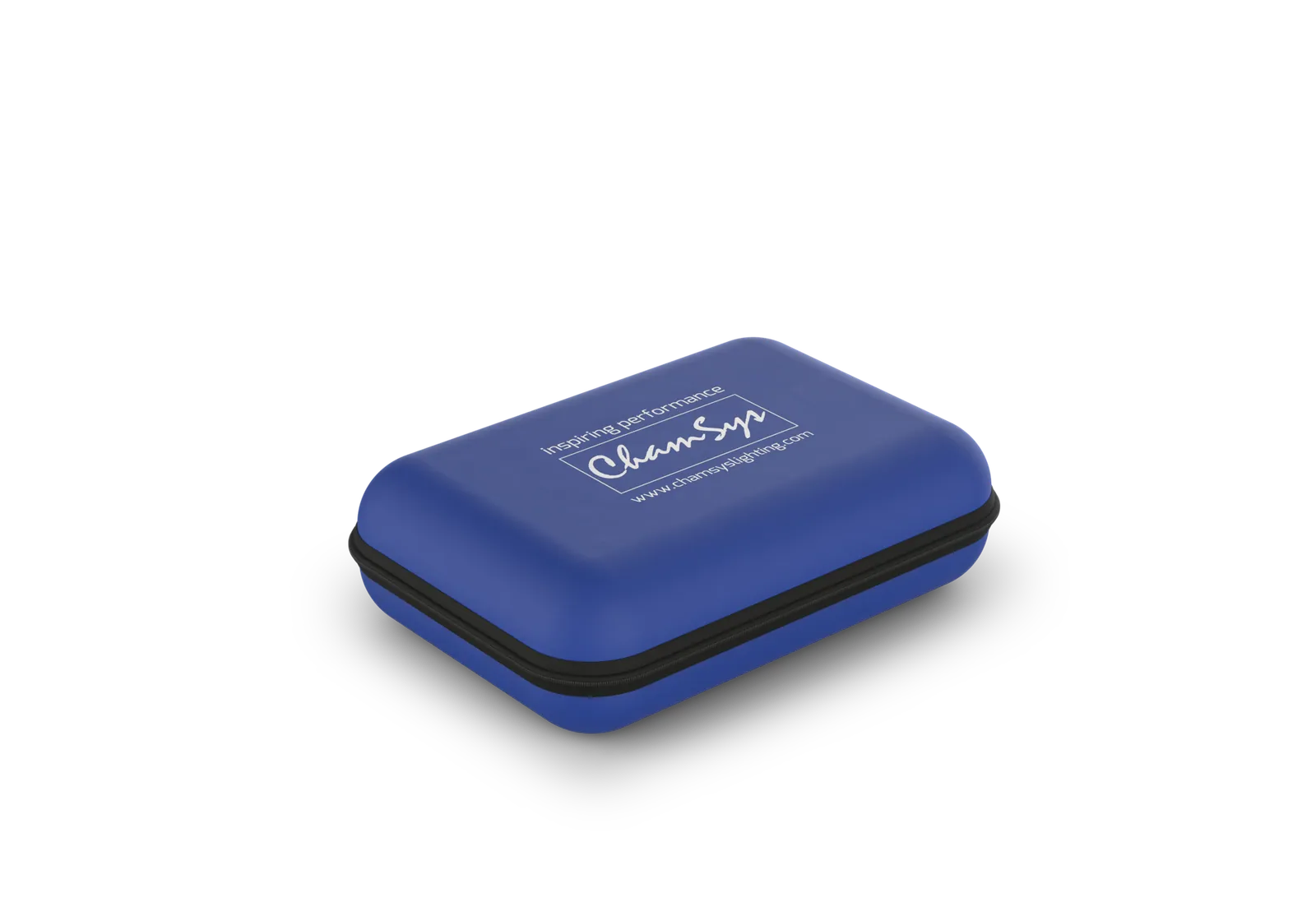
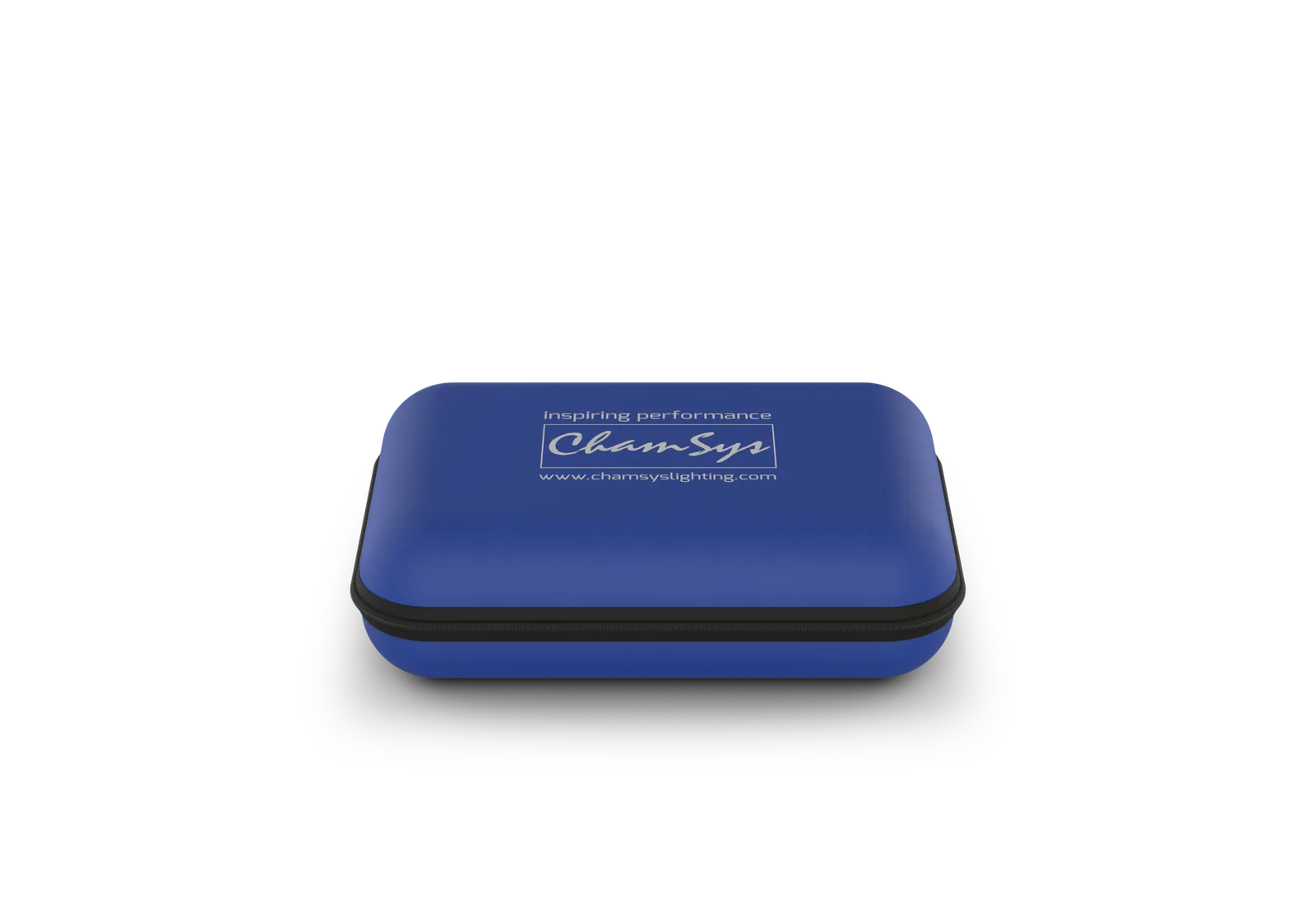
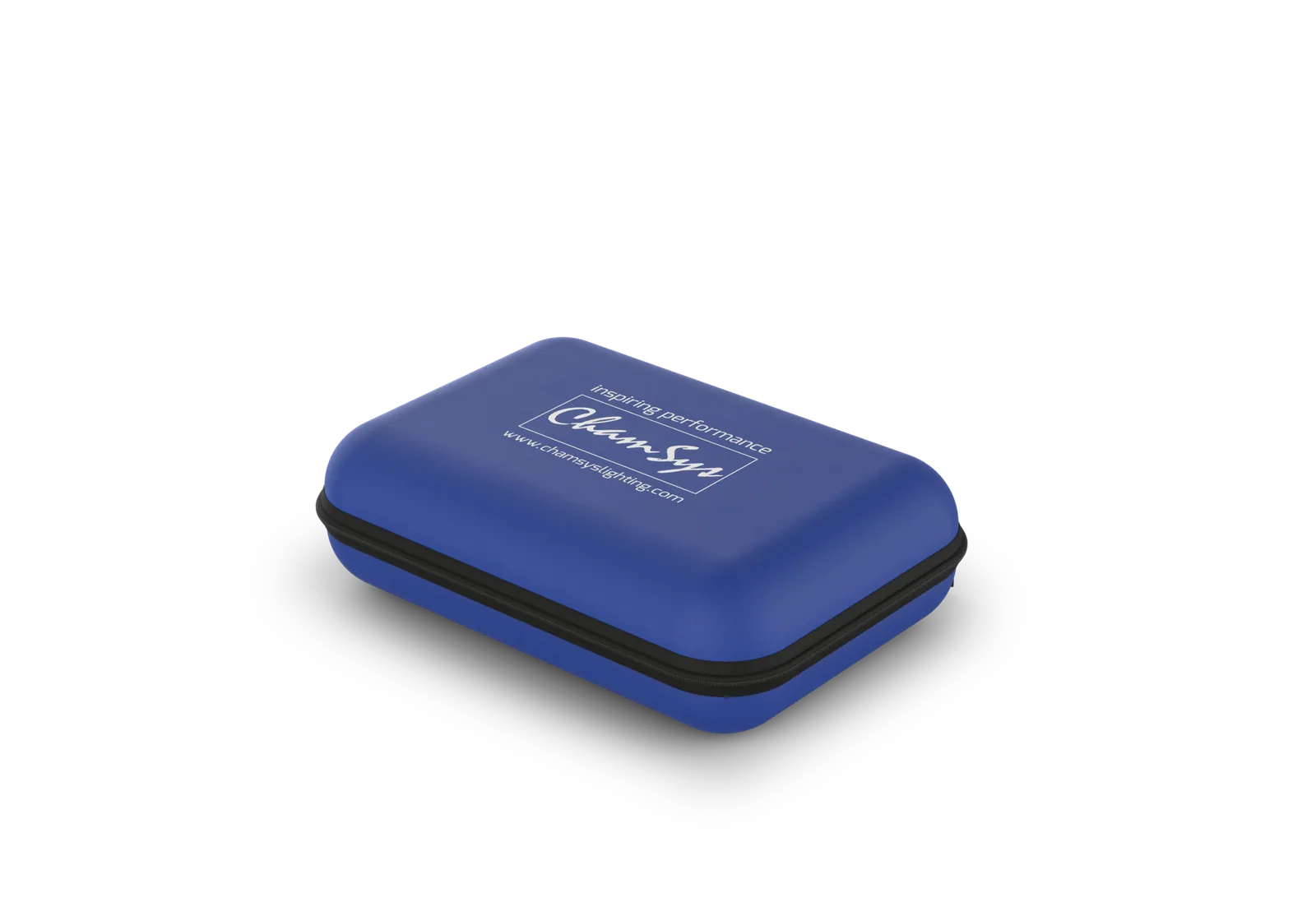
- Soft Shell Carry Case
- 1
04Cased Weights and Dimensions4
- Width
- 135 mm (5.3”)
- Depth
- 93 mm (3.6”)
- Height
- 38 mm (1.4”)
- Weight (MagicDMX Inside case)
- 0.1 kg (0.22lbs)
Show the full specificationHide the rest of the specification0 more groups · 0 values
02DescriptionManufacturer's description
What it is.
Overview
MagicDMX is an economic, single universe USB to DMX interface in two versions, Basic and Full. It is designed to be used with the free MagicQ software as a way to practice programming and demo the MagicQ software using actual moving lights.; Time limited to 5 hours session usage. After this time – replug the device and restart MagicQ software to enable another 5 hr max session.
Free MagicDMX for students on Lighting Design Courses
Colleges that run full time Lighting Design Courses where students are expected to have a professional career in lighting, can apply to be part of a program that provides free MagicDMX Basic interfaces to the students.
Please contact your local distributor or get your course teacher to fill out the MagicDMX Lighting Course Form
Completed MagicDMX Lighting Course Forms should be sent to: sales@chamsys.co.uk
Specifications
MagicQ features restricted when using MagicDMX Interfaces:
MagicQ Software
03Related products
In the same range.
04Talk to us
 MagicDMX BasicChamSys · EQ-4722
Need this priced for your project?
- Quantity and site
- Configuration and interfaces
- Quotation