
















Sheet 05.846

AV Access · Switchers and KVM
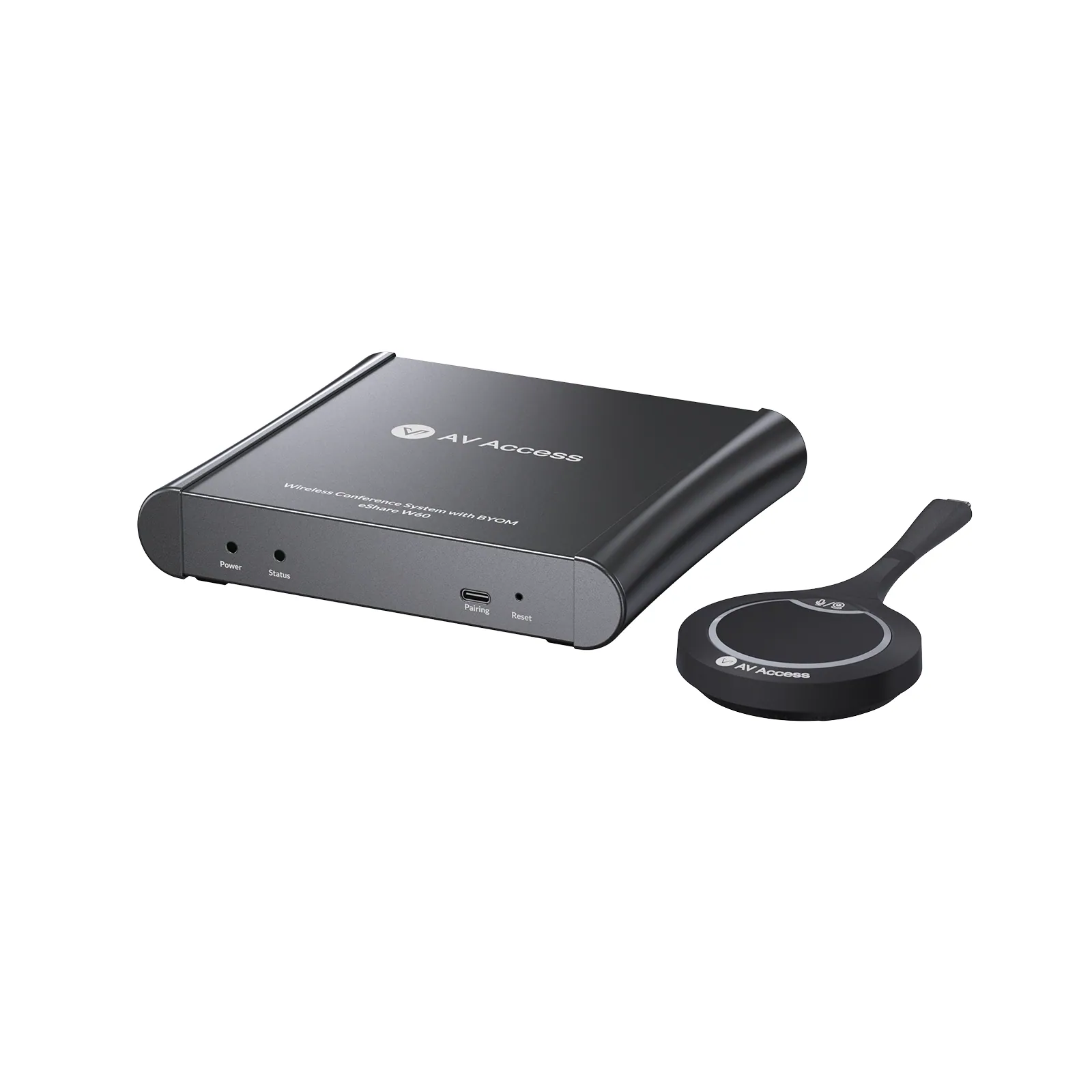
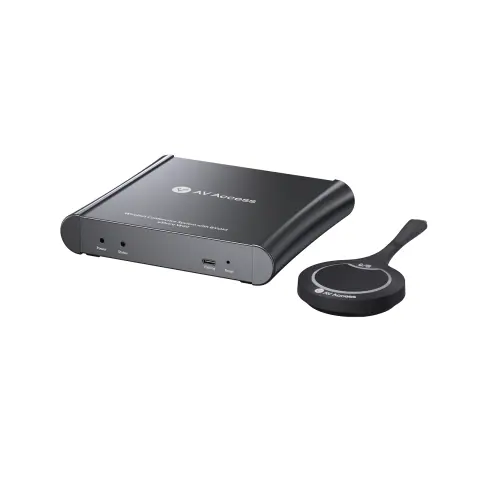
Wireless conferencing system, USB-C dongle
ModeleShare W60 Kit
eShare W60 delivers a seamless BYOD meeting experience with plug-and-play wireless screen sharing and video conferencing. Built for small-to-medium meeting rooms, it lets anyone connect from any device and start meetings instantly.
Wireless conferencing system, USB-C donglePrice on request Request a quotation
01SpecificationManufacturer's data · 5 groups · 11 values
What this product is, in numbers.
PDFeShare W60 User ManualEN · 31 pages · 1.7 MB
The manufacturer's published values. We confirm the configuration and the values that matter for your project before an order.
01Video3
- Wireless video
- Up to 4K@30 Hz via USB-C Dongle; up to 1080p@60 Hz via AirPlay / Miracast
- Video output
- 1 × HDMI, up to 4K@30 Hz
- Video standard
- HDMI 1.4, HDCP 1.4
02Audio2
- Audio output
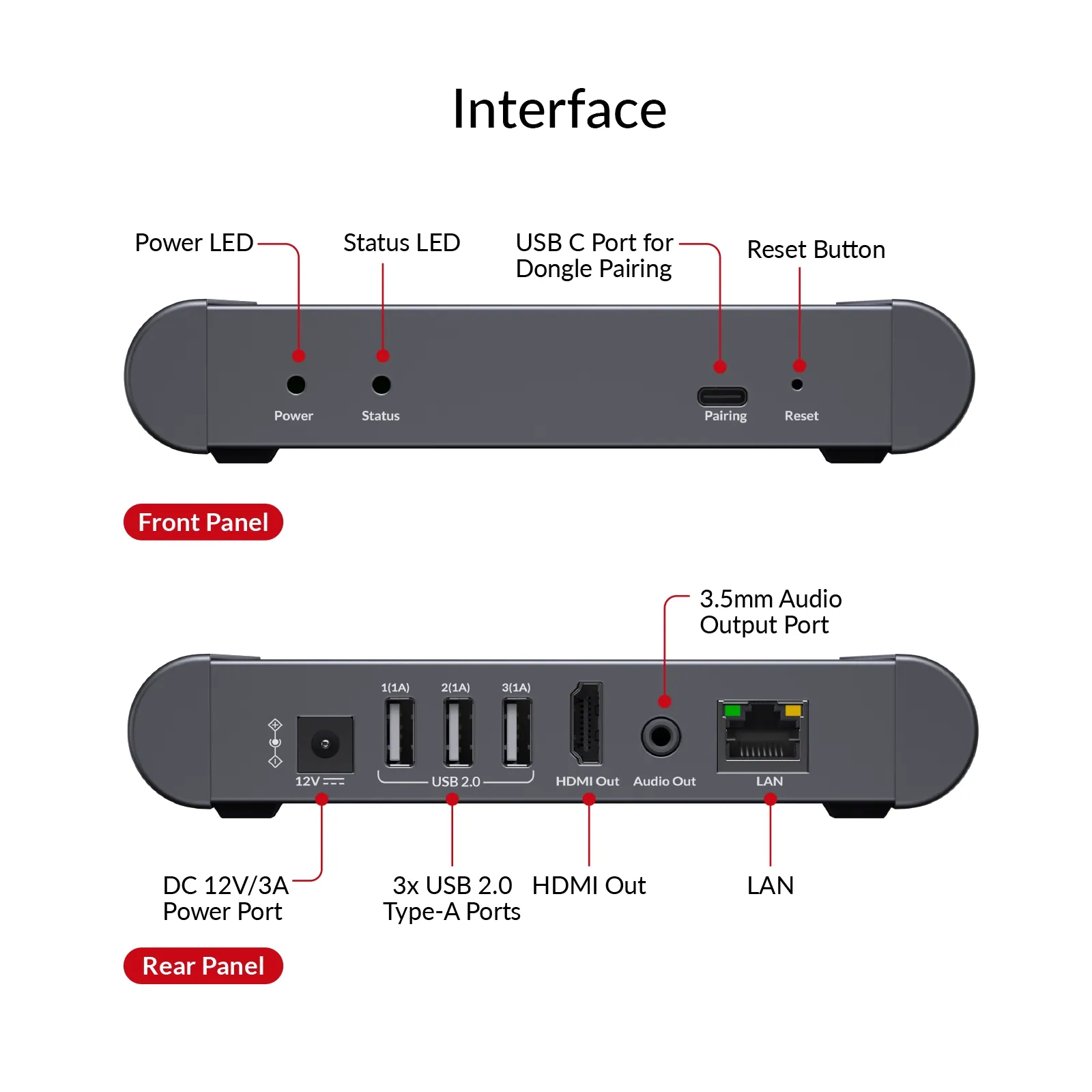
- 1 × HDMI; 1 × Analog Audio Out
- Audio format
- 2-Channel PCM
03Control and interfaces3
- Network
- 1 × Gigabit Ethernet (10 / 100 / 1000 Mbps)
- Wi-Fi
- Dual-band 2.4 GHz / 5 GHz, IEEE 802.11 a/b/g/n/ac
- Control
- Web UI via LAN
04Power1
- Power supply
- 20 V DC, 3 A
05Physical2
- Dimensions
- 160 × 29.1 × 142 mm / 6.30 × 1.15 × 5.59 in
- Net weight
- 1.36lbs/0.62 kg
Show the full specificationHide the rest of the specification0 more groups · 0 values
02DescriptionManufacturer's description
What it is.
Estimated Shipping Time
Late October
- 4K Wireless Screen Sharing delivers sharp, clear visuals for professional presentations.
- One-click Video Conferencing connects cameras and speakerphones instantly for seamless meetings.
- Dual-view Mode displays two sources simultaneously for easier comparison and collaboration.
- Auto Switching switches presenters automatically for smooth, uninterrupted meetings.
- Multi-platform Compatibility enables wireless sharing from Windows, macOS, iOS, and Android devices.
- Web UI and OSD Control simplify setup and device management.
- Plug-and-play Setup enables instant sharing with simple connection and zero configuration.
!PLEASE NOTE
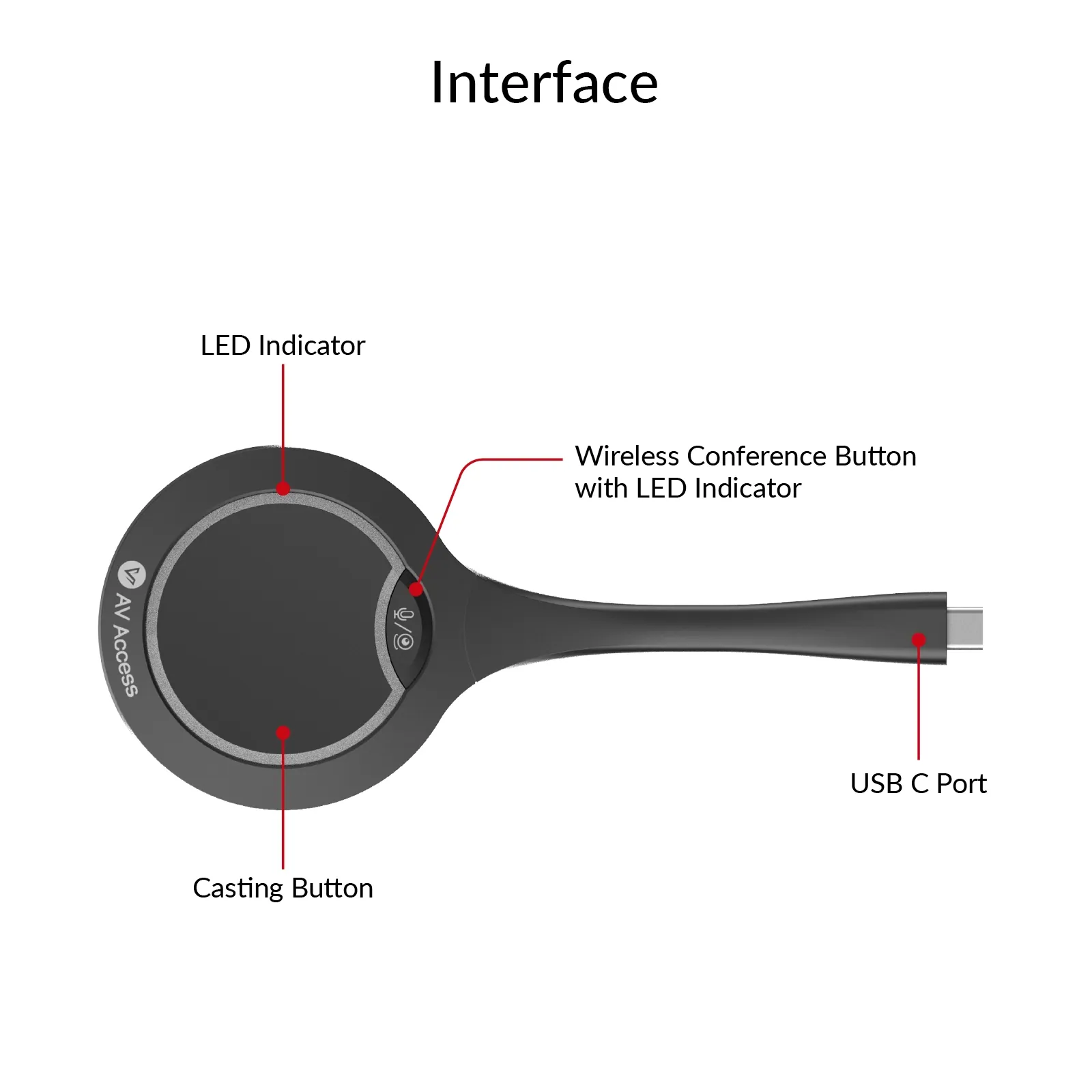
•The eShare W60 kit includes 1x eShare D30 for wireless conferencing and also supports the eShare D20 USB C dongle.
•Wireless casting is driver-free, while USB conferencing requires a one-time software installation.
WHY IT MATTERS
Less Setup. More Meeting.
eShare W60 removes the small setup tasks that slow meetings down — so anyone can walk in, connect, and collaborate without rebuilding the room around their laptop.
01 / START FASTER
Faster Meetings
Start meetings instantly with one-click wireless connection from any device—no cables, no setup delays.
02 / Collaborate Better
Seamless Collaboration
Collaborate effortlessly with dual-view display and auto switching for smoother content sharing.
03 / Keep It Clean
Cleaner Spaces
Keep meeting rooms clutter-free with wireless connectivity and simplified setups.
04 / Better Value
Better Value
Get a powerful wireless conference solution with essential features at an affordable cost.
MADE FOR REAL WORKSPACES
Designed for Every Collaboration Space
Open Space
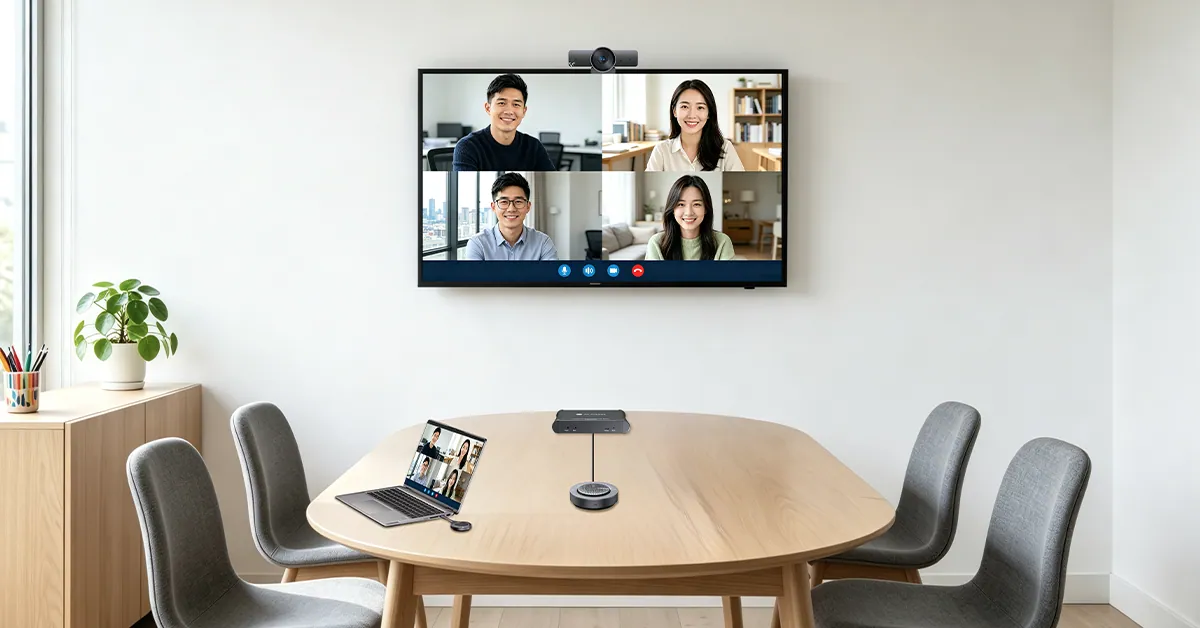
Huddle Room
Small Room
Medium Room
Classroom
Training Room
For 2–4 People | 8 m²
Share Ideas Effortlessly.
Keep eShare W60 installed at the display and allow users to share content instantly from their own devices. eShare D30 supports wireless casting while keeping the open workspace clean and flexible.
Explore this solution
For 2–6 People | 10 m²
Zero Meeting Friction.
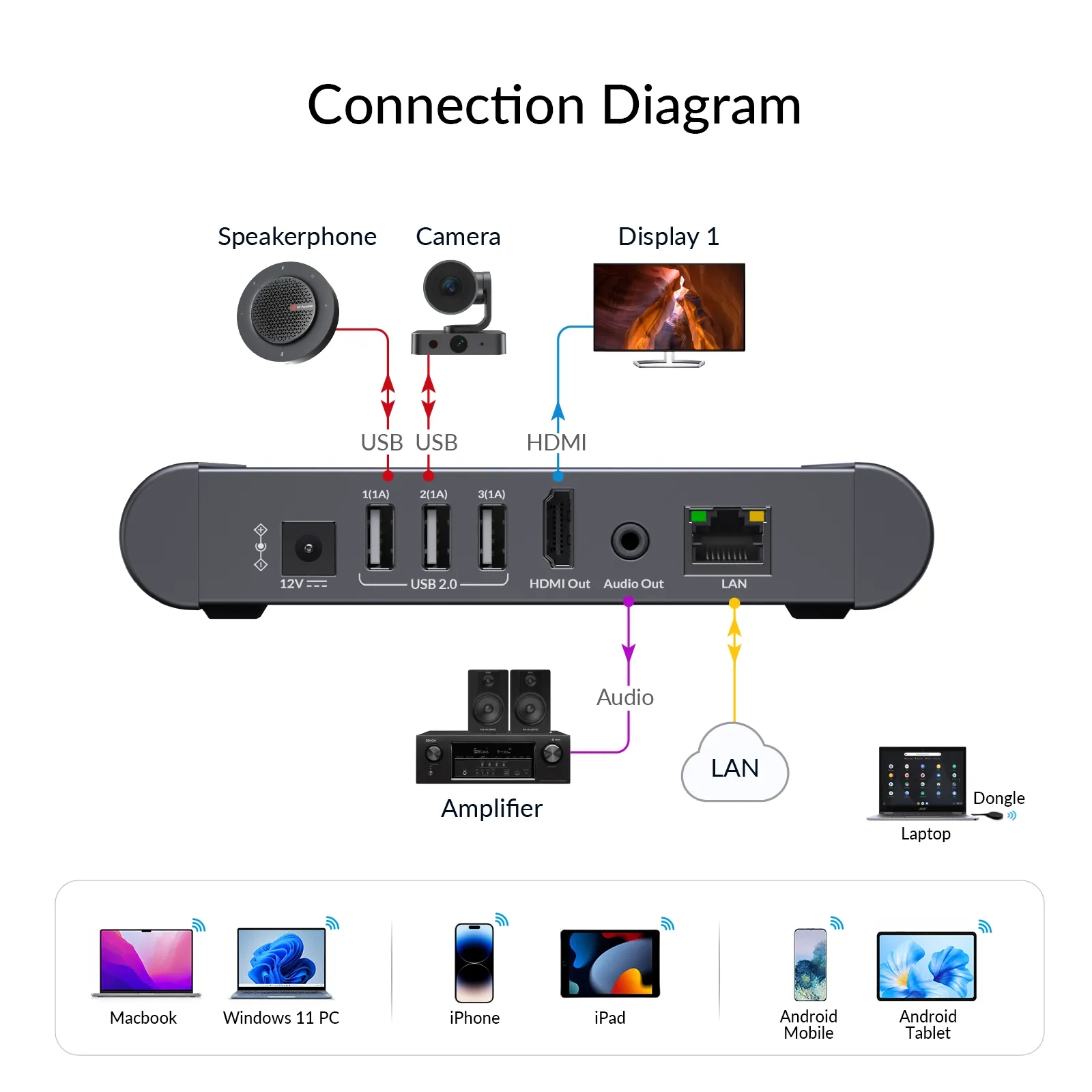
Give presenters a cable-free BYOD experience while keeping dedicated room video and audio installed. BizEye 90 keeps the table in view, and AnyCo A5 puts full-duplex audio close to the participants.
Connection Diagram
Click outside to close
For 4–10 People | 24 m²
Focused Meetings Made Simple.
Present wirelessly and start meetings from the user’s own laptop while AnyCo V8 handles front-of-room video and audio. AnyCo M1 extends microphone pickup farther along the table so more participants can speak naturally.
For 8–12 People | 33 m²
Built for Everyday Teamwork.
Keep wireless BYOD simple while adding stronger camera reach and distributed audio coverage. BizEye P30 provides flexible PTZ viewing, while two AnyCo A6 units bring microphone pickup closer to participants.
CLASSROOM
Make Every Lesson Easier to Share.
Let teachers present lessons, videos, and digital content wirelessly from laptops, tablets, or smartphones. No cables or adapters to manage—just connect and keep the class focused on learning.
TRAINING ROOM
Keep Training Moving, Presenter to Presenter
Let trainers and participants share presentations, demos, and materials wirelessly without passing cables around the room. Fast switching between presenters keeps sessions interactive and on schedule.
×
Start Meetings Instantly
The moment you walk in, the screen is in your turn via one click.
VIDEO CONFERENCING
Meet Wirelessly
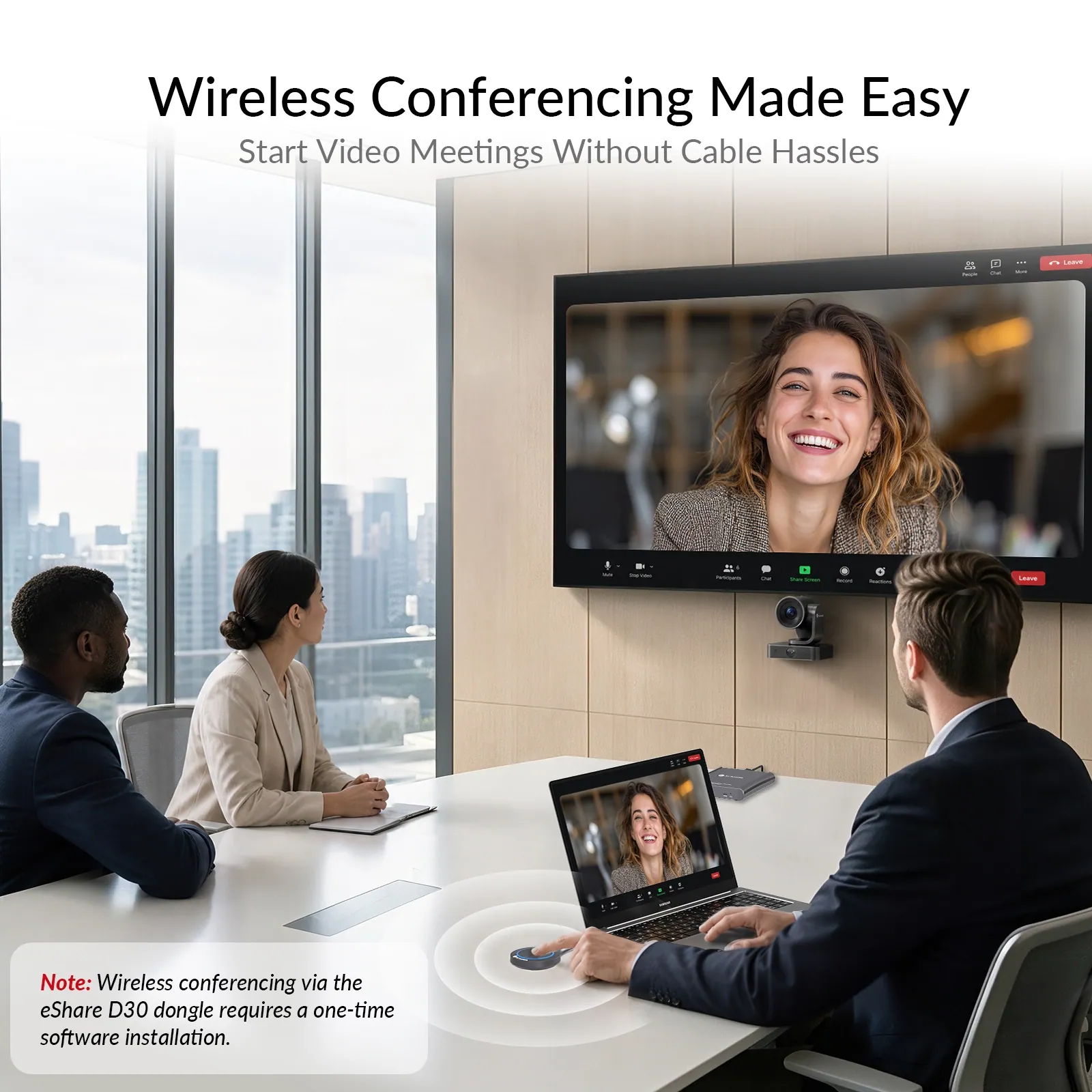
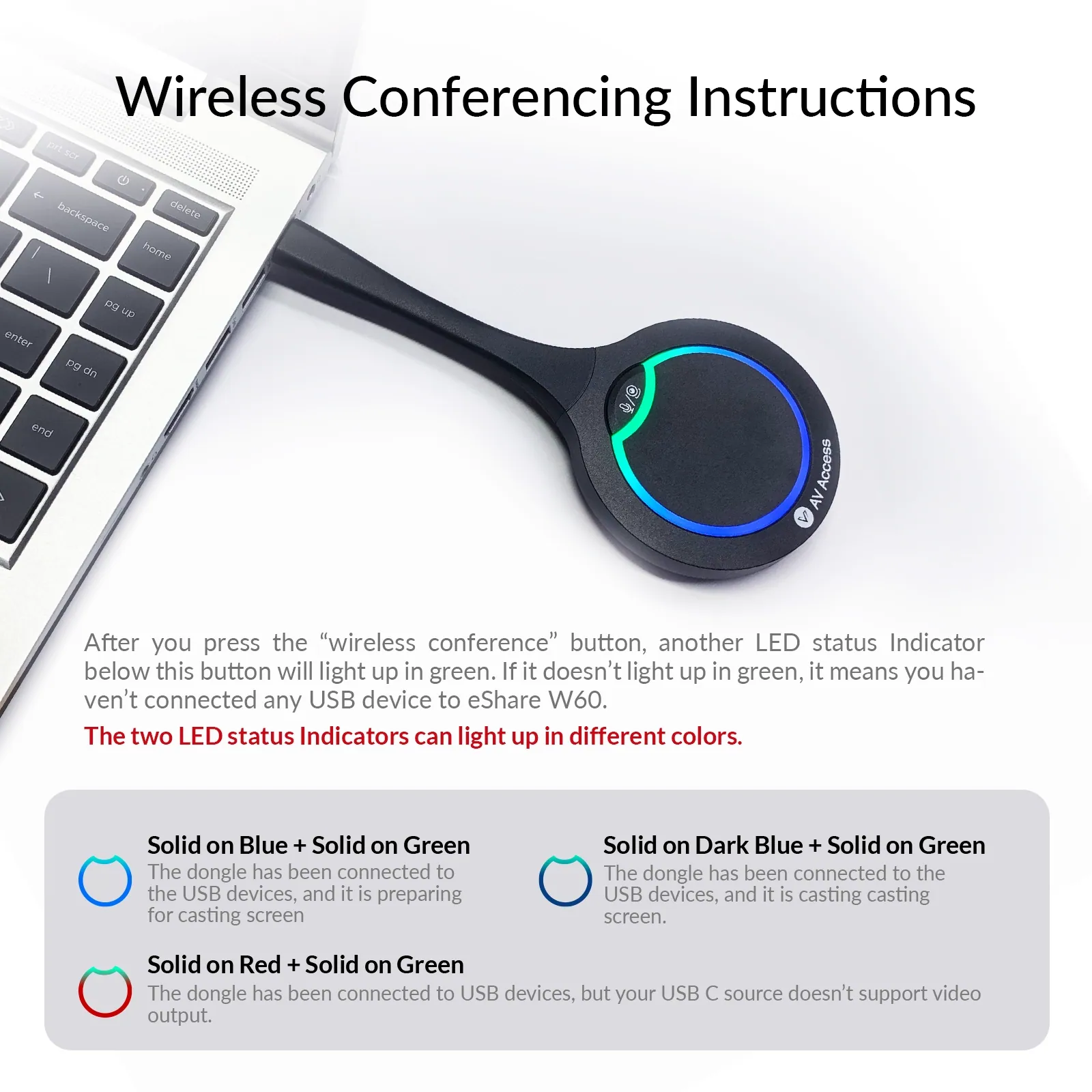
Start meetings in seconds without reconnecting cameras, microphones, or cables. Simply plug in the eShare D30 dongle and gain instant access to room USB devices for a smoother conferencing experience.
SCREEN SHARING
Share Freely
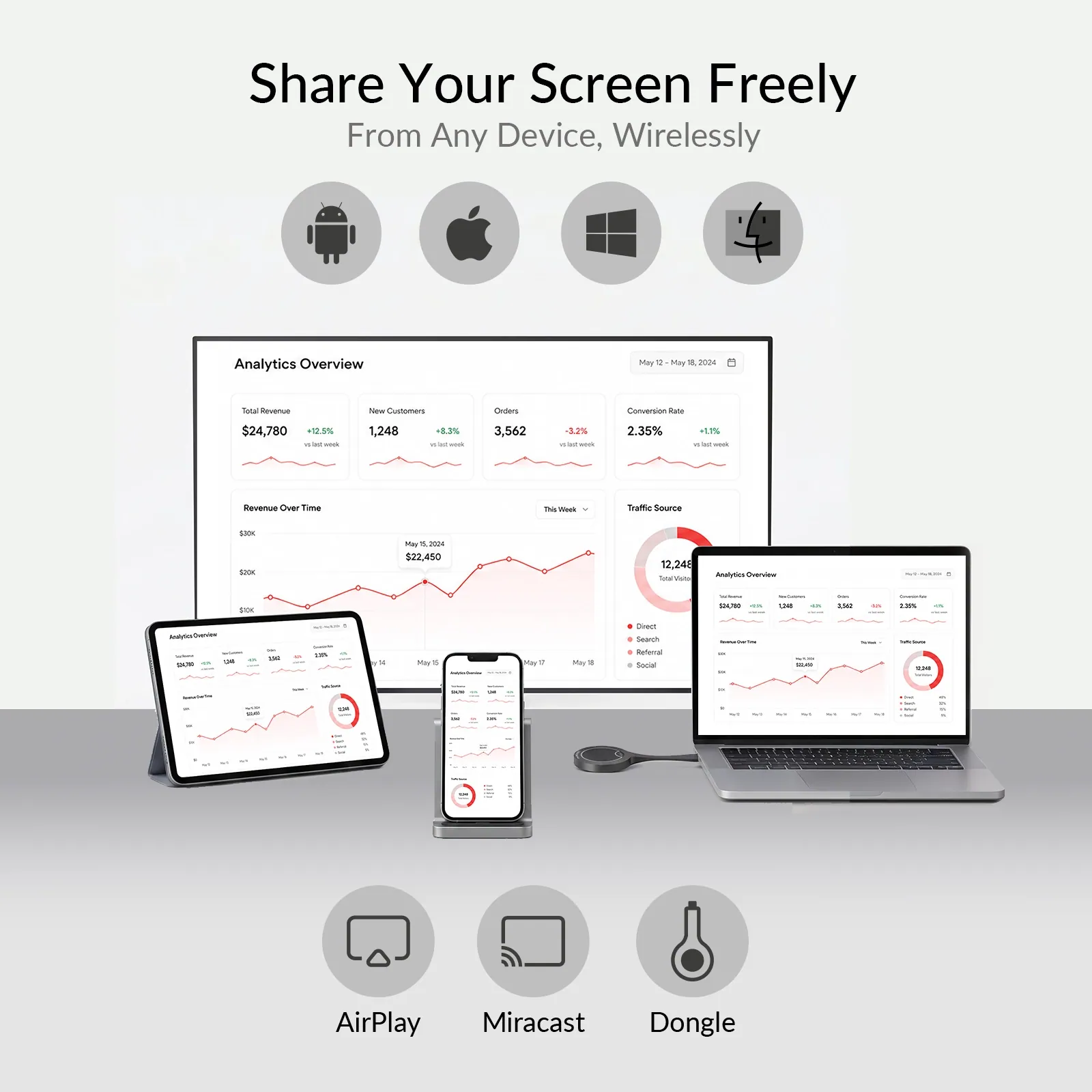
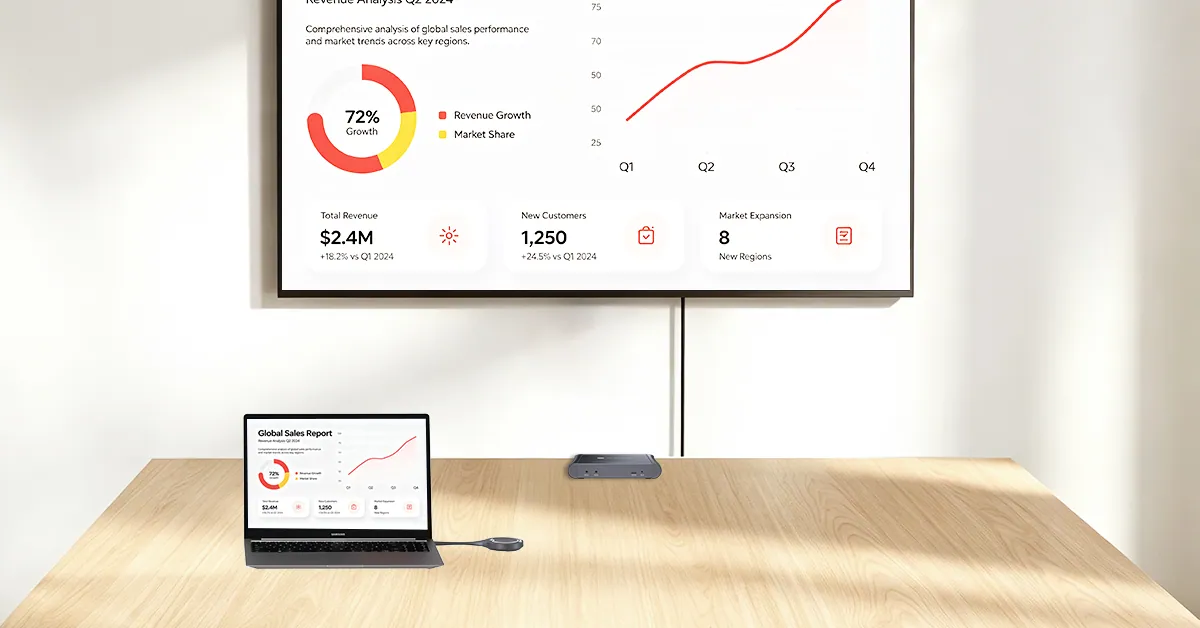
Share effortlessly in 4K@30Hz with one click using the eShare D30 dongle. With support for Miracast, AirPlay, Windows, macOS, iOS, and Android devices, everyone can connect and present wirelessly without adapters, drivers, or complicated setup.
Use your preferred meeting app
Microsoft Teams
Zoom
Google Meet
Webex
Wireless Collaboration Without Boundaries
No cables across the table. No searching for the right adapter. No need to stay in one spot.
Any Device
Laptop, smartphone, or tablet — connect via Miracast, AirPlay, or eShare D30 dongle.
Any Participant
No accounts, no IT support, no learning curve — employees, guests, and visitors join instantly.
Anywhere
No cable tying you to your seat — walk, stand, or move freely and keep presenting.
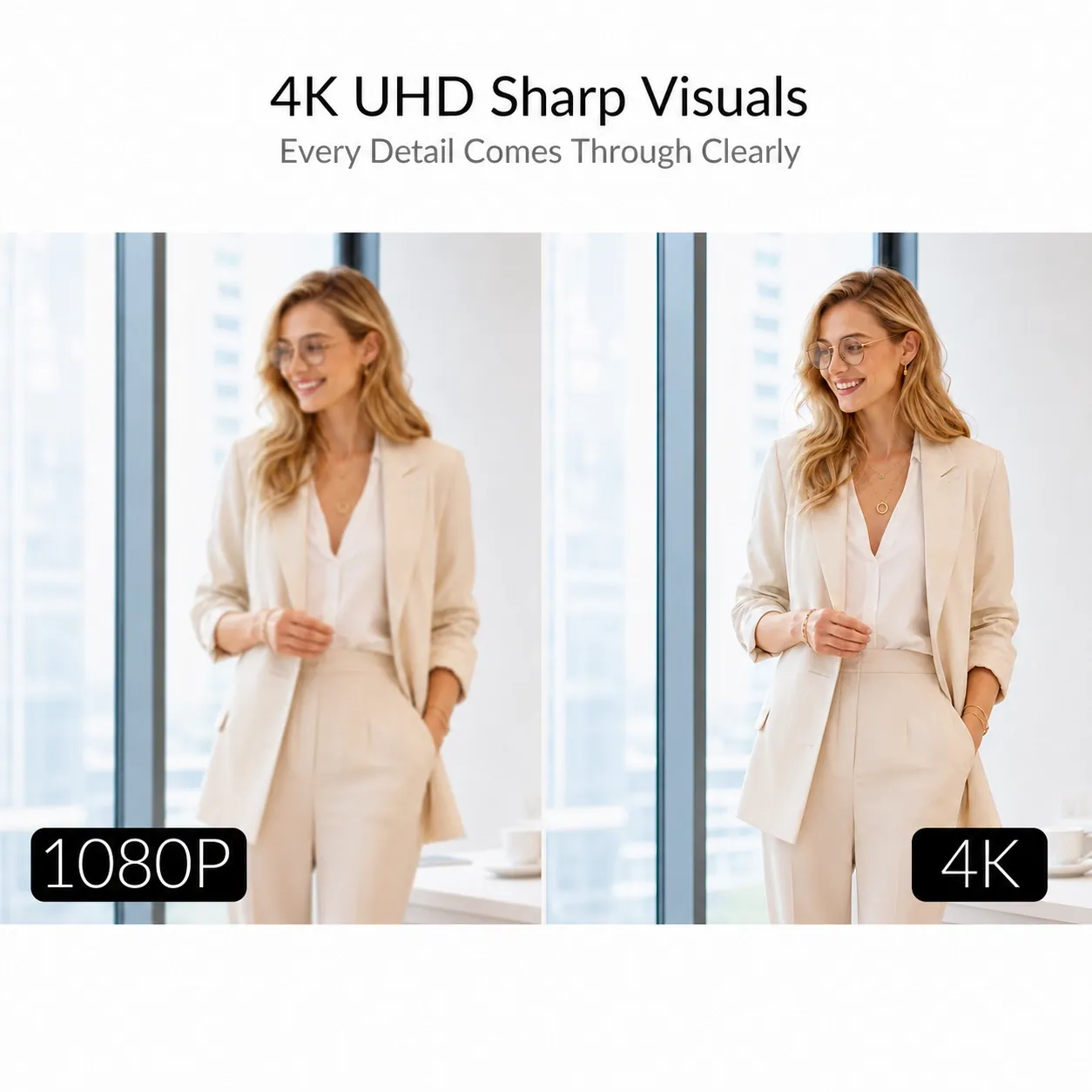
4K@30Hz 4:4:4
Present in Stunning Detail
The eShare W60 delivers up to 4K UHD output for crisp presentations, detailed documents, and vivid multimedia content on the big screen. Whether you’re presenting a deck or playing educational video clips, every detail comes through clearly.
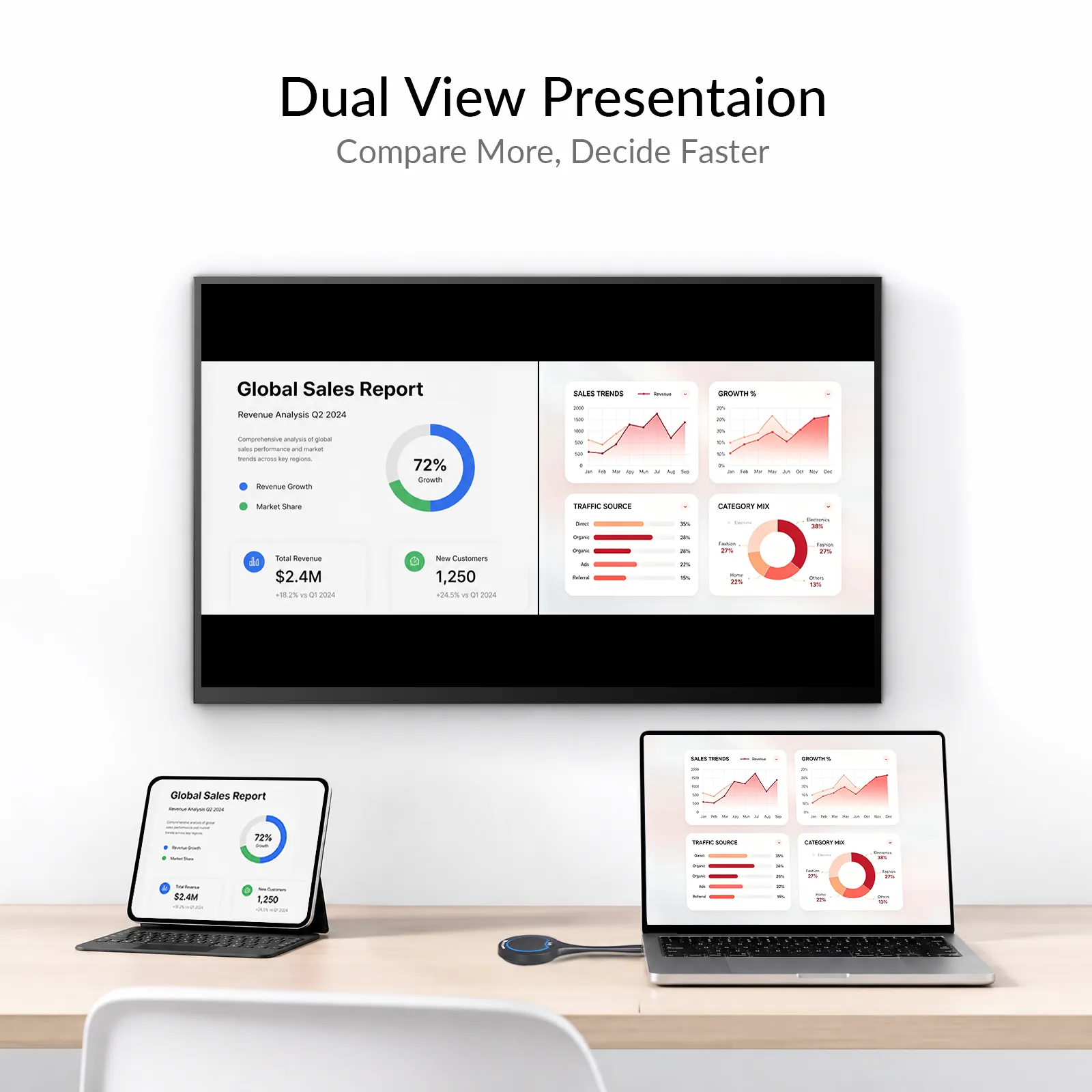
DUAL VIEW MODE
Side-by-Side for Smarter Decisions
Cast two sources simultaneously on one screen — compare data, review documents, or reference two presentations at once without switching back and forth. The eShare W60 keeps everything visible so your team stays aligned.
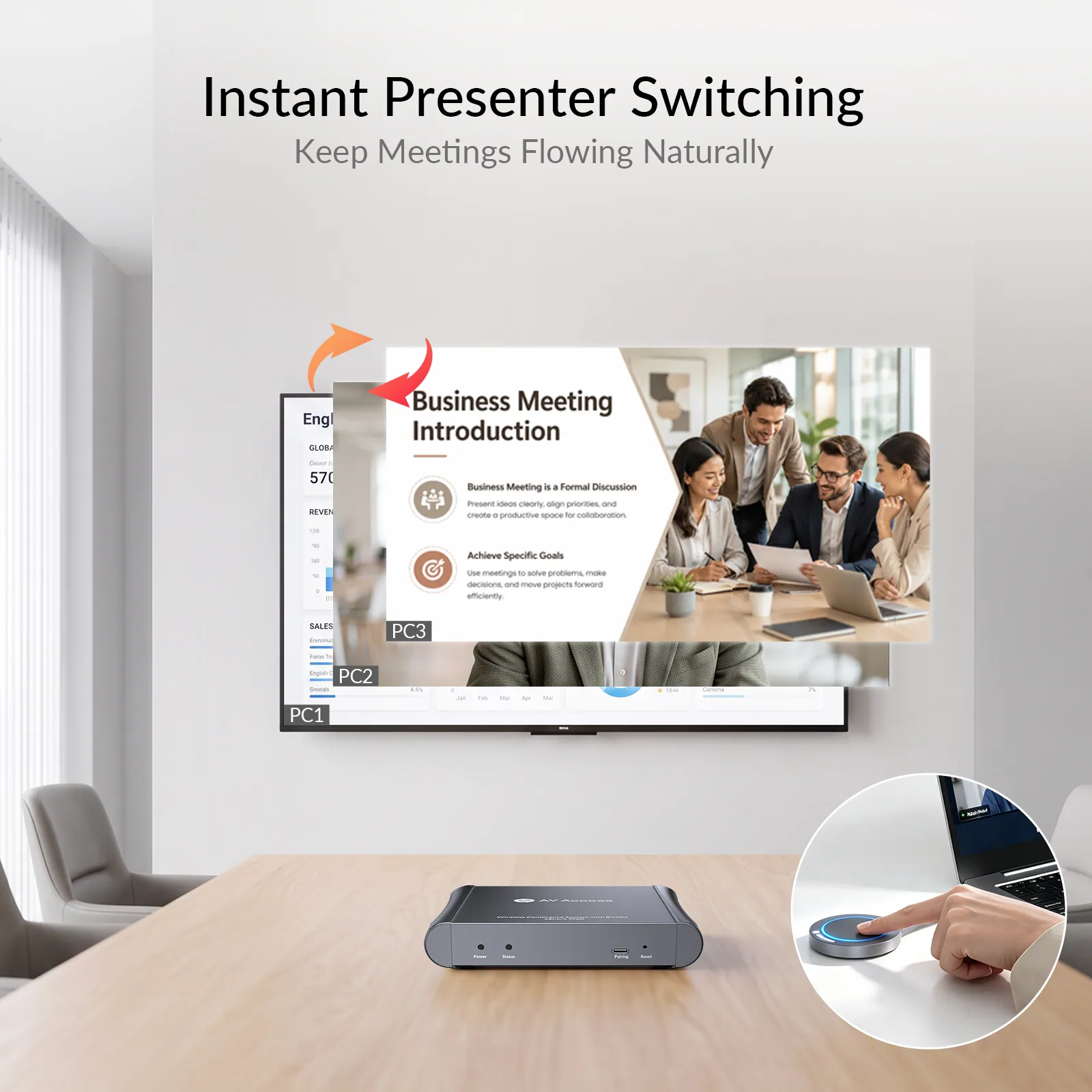
AUTO SWITCHING
Next Presenter, Instant Takeover
No more passing cables around the table — when the next presenter clicks to share, their screen automatically takes over. The meeting keeps moving at the pace of the conversation.
Cleaner Spaces. Easier Meetings.
A great meeting experience starts with a well-organized space. eShare W60 simplifies your meeting from connection to control, keeping your table clean and room ready for every collaboration.
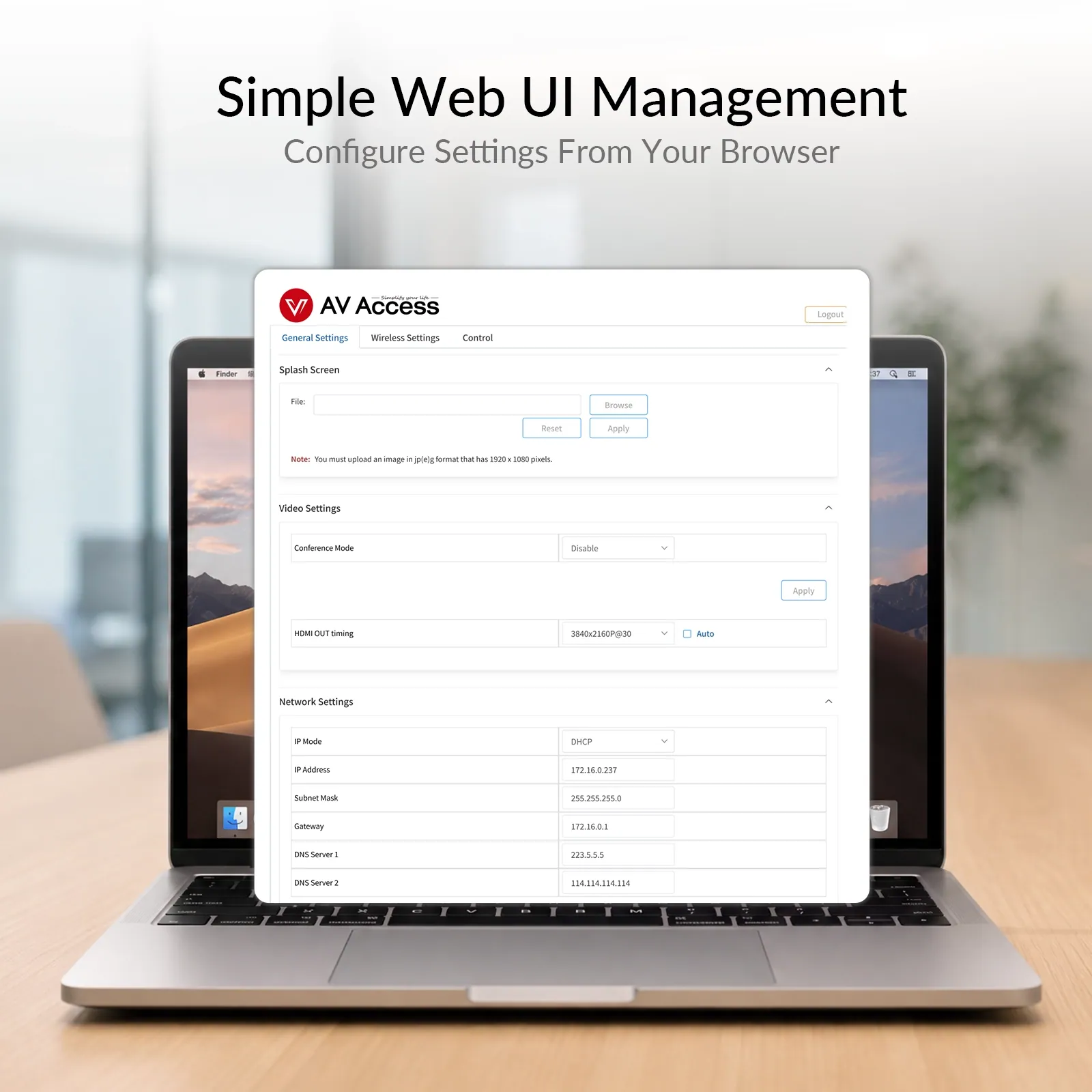
WEB UI & OSD
Stay in Control
Simplify meeting room management with an intuitive Web UI and on-screen display. Easily monitor status, adjust settings, and keep your collaboration system running smoothly.
HOW IT WORKS
One Simple Setup. Everything Connected.
Set up your meeting room in minutes. Connect the display, plug in the dongle, and start sharing instantly.
Connect
Connect the eShare W60 to your display with one HDMI cable and power it on.
Plug in
Connect the eShare D30 dongle to your laptop.
Note: Extra dongles require one-time pairing.
Share
After the LED animation completes, your screen appears automatically.
CHOOSE THE KIT
Build the Setup Your Room Needs.
Each kit starts with eShare W60 and eShare D30, then adds video and audio devices matched to the room size and coverage needs.
Open Space
Huddle Room
Small Room
Medium Room
BYOD Meeting Kit
eShare W60 + eShare D30
4K wireless presentation, Dual-View collaboration, and wireless BYOM conferencing.
Best choice when
The room already has compatible USB conferencing devices, or the priority is wireless presentation and BYOM conferencing without adding a complete camera-and-audio bundle.
Huddle Room Kit
eShare W60 + eShare D30 + BizEye 90 + AnyCo A5
120° 4K AI video with simple full-duplex tabletop audio.
A compact huddle room needs wireless BYOM plus a wide-angle camera and tabletop speakerphone for straightforward video and audio coverage.
Small Meeting Room Kit
eShare W60 + eShare D30 + AnyCo V8 + AnyCo M1 ×1
All-in-one video bar with additional microphone pickup.
The room benefits from an integrated front-of-room camera, microphones, and speakers, while one AnyCo M1 extends voice pickup farther along the table.
Medium Meeting Room Kit
eShare W60 + eShare D30 + BizEye P30 + AnyCo A6 ×2
Dual-lens PTZ video with distributed daisy-chain tabletop audio.
A medium room needs stronger camera reach, intelligent speaker tracking, full-room visual context, and more even audio coverage across the meeting table.
CHOOSE YOUR ESHARE
Find the Setup That Fits Your Room.
03Documents2 files · 3.0 MB
Documents and files.
Datasheets, manuals, drawings and certificates as the manufacturer publishes them.
Datasheets and manuals01
04Related products
In the same range.
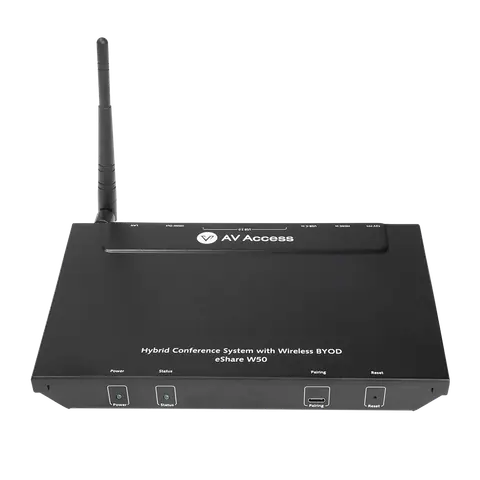 EQ-845AV Access4K wireless presentation systemeShare W50 · Switchers and KVM
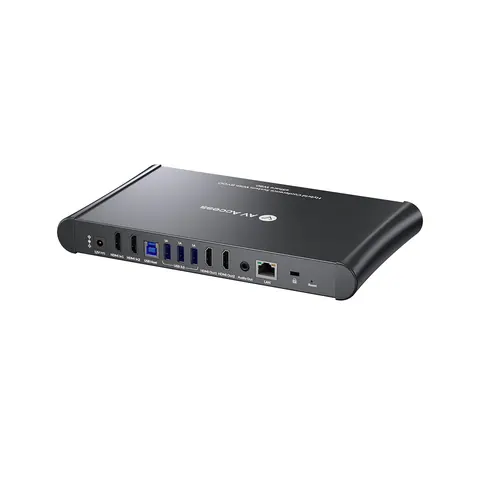 EQ-847AV Access4K wireless conferencing system, dual HDMI out, multivieweShare W80 · Switchers and KVM
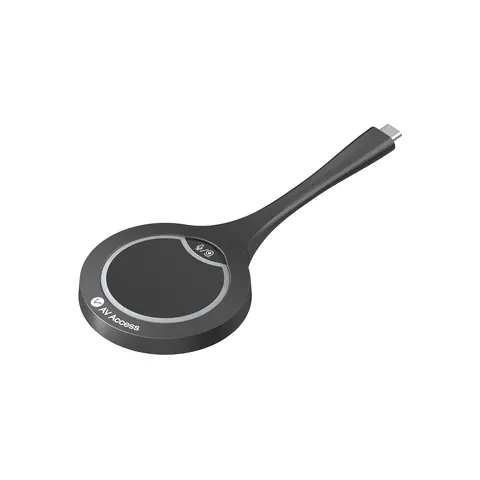 EQ-844AV AccessUSB-C casting dongle for wireless conferencing, 4KeShare D30 · Conferencing accessories
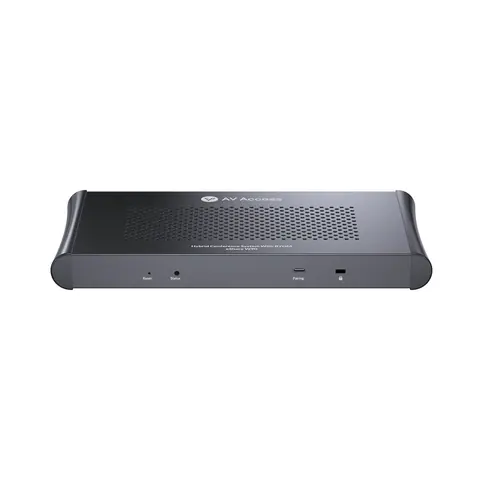 EQ-848AV AccessWireless presentation and conferencing system, dual 4K HDMI out, quad vieweShare W90 · Switchers and KVM
05Talk to us
 Wireless conferencing system, USB-C dongleAV Access · EQ-846
Need this priced for your project?
- Quantity and site
- Configuration and interfaces
- Quotation